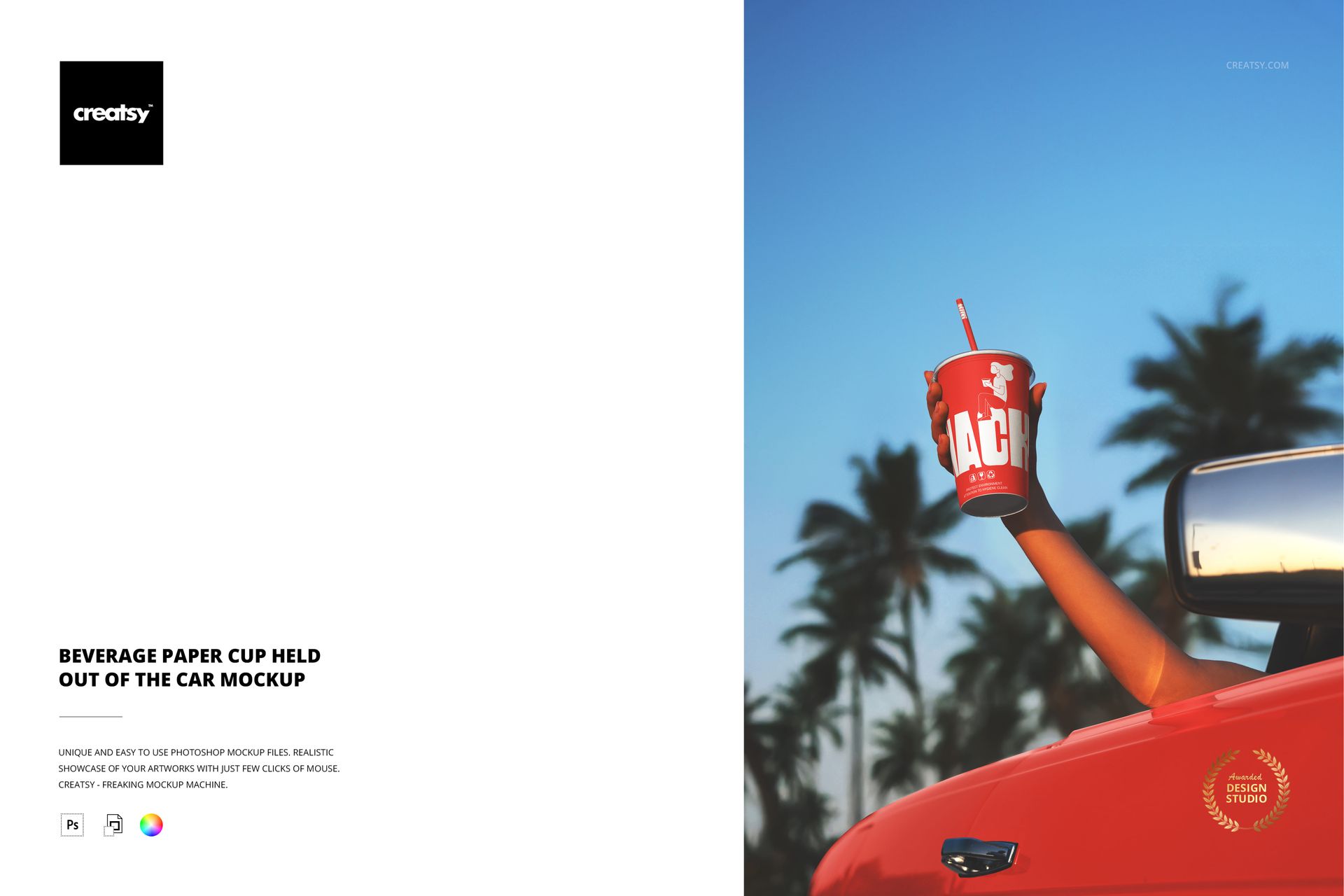
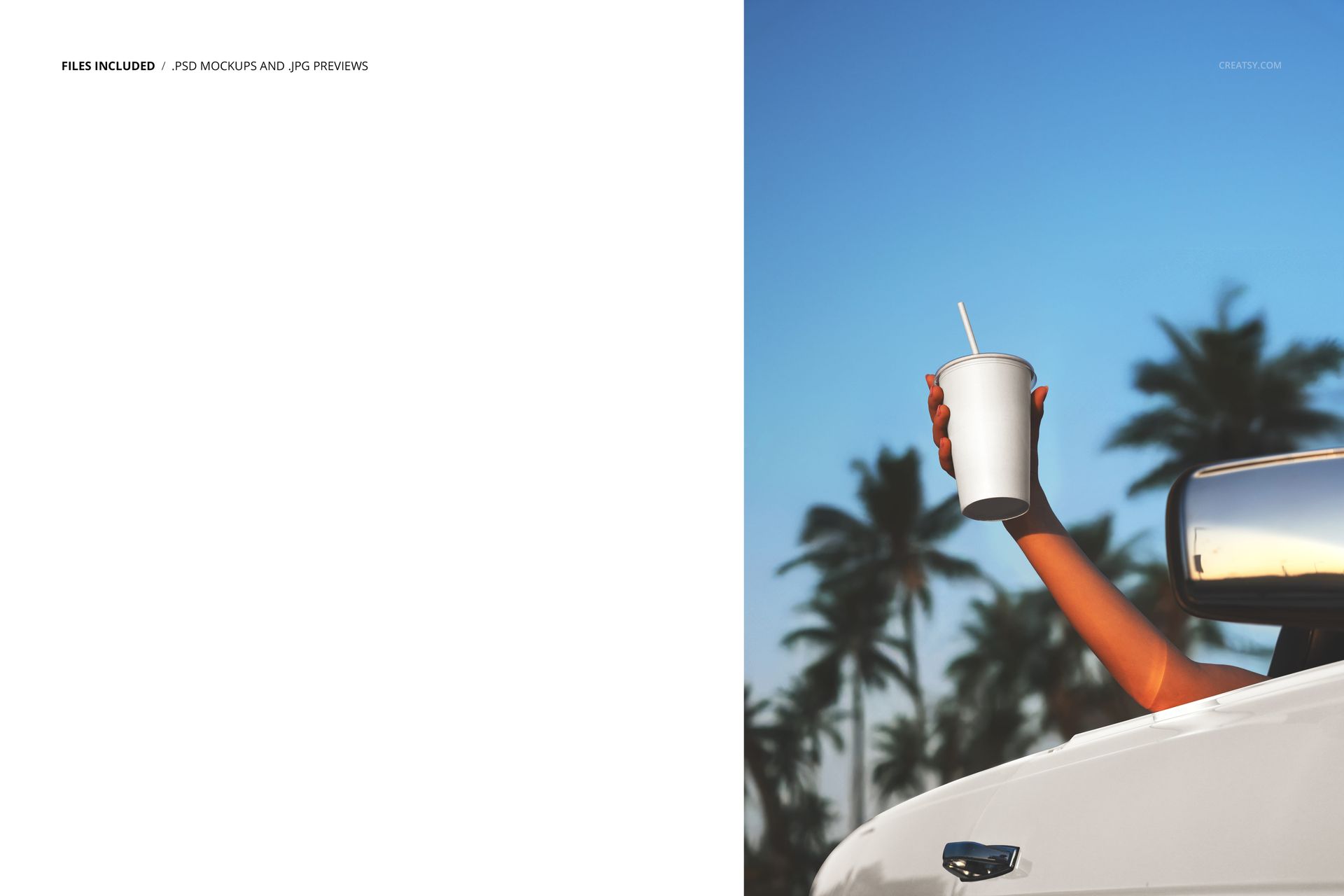
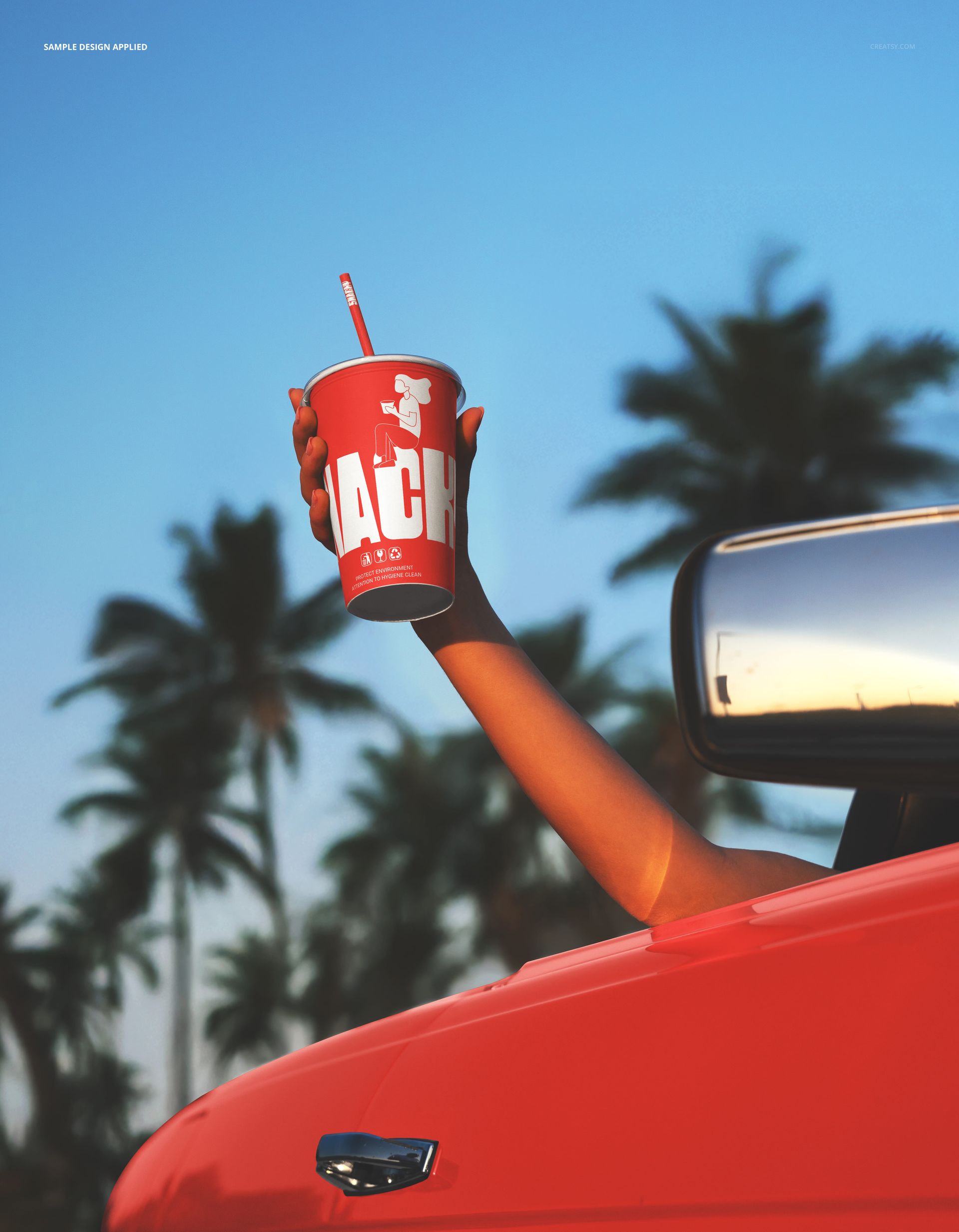
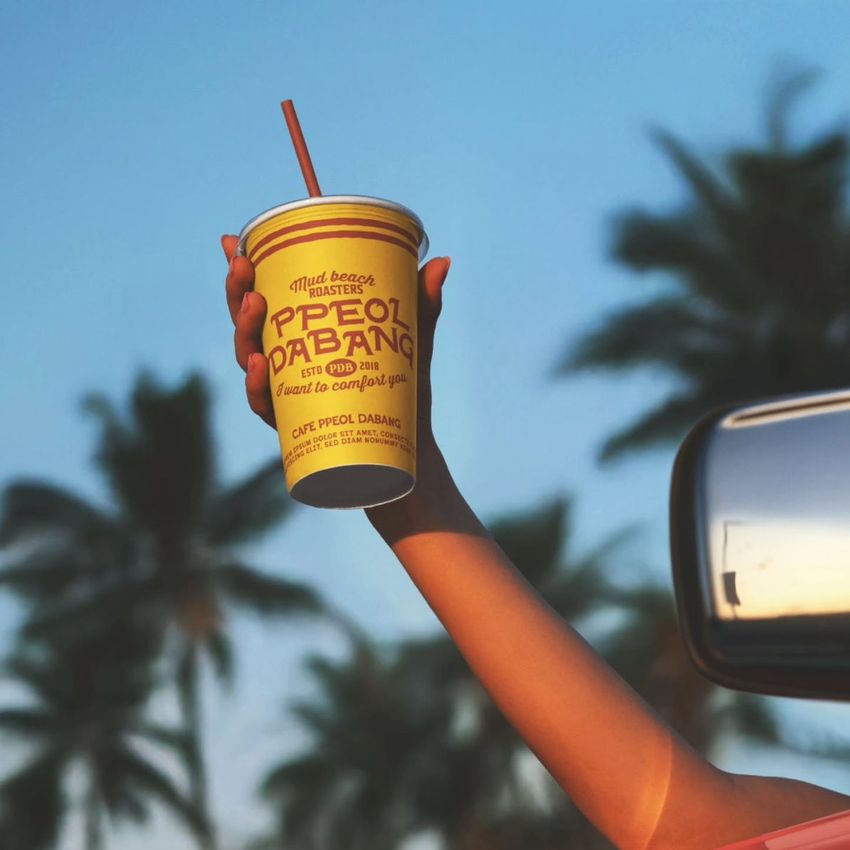
The Beverage Paper Cup Held Out Of the Car Mockup shows a branded paper cup with a lid and straw being held out of a car window against a sky with palm trees in the background. The scene captures the exact moment that defines summer beverage marketing: a cold drink in hand, windows down, palm trees overhead. The smart object layer lets you apply your cup design to the paper surface with accurate curvature, texture, and natural outdoor lighting, producing an image that looks like it was shot during a real drive-through run on a warm day. This is a lifestyle mockup that places your beverage brand in the aspirational context where customers picture themselves enjoying the product. The file measures 6000x4000px at 300 DPI with organized layers and works in Adobe Photoshop CC 2020 or newer and Photopea.
Why This Mockup Works
Beverage marketing that shows a cup on a table tells the viewer what the cup looks like. A cup held out of a car window with palm trees behind it tells the viewer how the drink makes them feel. That emotional context is what separates product photography from lifestyle marketing, and lifestyle marketing is what drives social media engagement, brand loyalty, and impulse purchases. This mockup provides the aspirational setting that turns a paper cup into a mood, a moment, and a reason to visit the drive-through. The natural outdoor lighting, the casual hand position, and the palm tree backdrop all work together to create an image that feels spontaneous and genuine rather than staged, which is the quality that performs best on Instagram, TikTok, and delivery platform banners.
What Is Included
The download contains 1 layered PSD file. The scene shows a hand holding a branded paper cup with a lid and straw out of a car window. Palm trees and sky are visible in the background, establishing a warm-weather outdoor setting. The smart object layer controls the design on the cup surface, and the natural outdoor lighting produces realistic paper texture, color accuracy, and shadow detail.
What You Can Customize
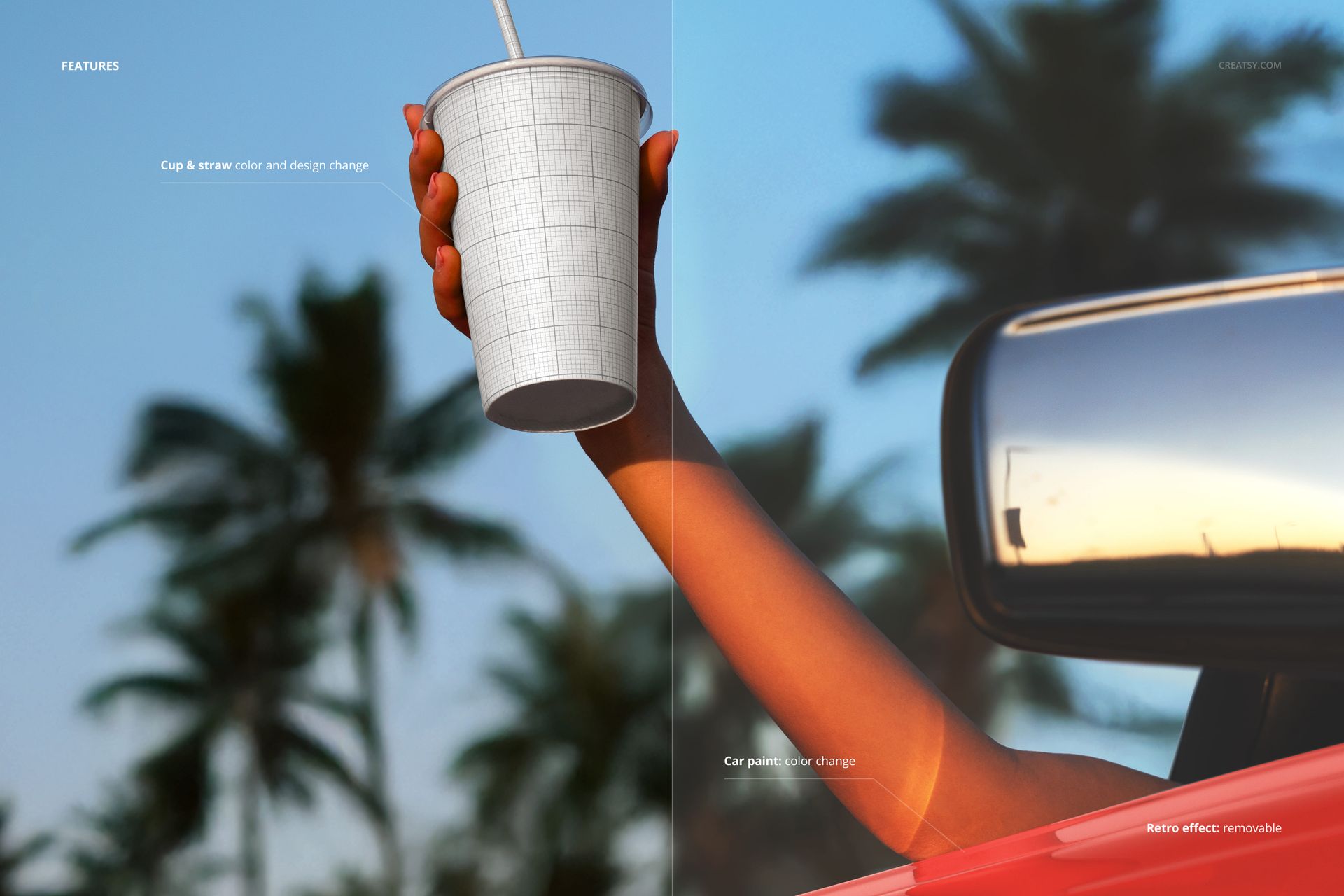
The smart object controls the design on the paper cup surface. Double-click the smart object layer to place your logo, brand pattern, menu item name, or promotional graphics. The design wraps around the cup with accurate paper curvature and natural lighting response. Adjustment layers let you modify overall brightness, contrast, and color temperature to match your brand aesthetic or emphasize the warm outdoor atmosphere. You can customize the cup design quickly to compare brand variations, test seasonal promotions, or create a series of social posts featuring different drink offerings in the same aspirational setting.
Who This Mockup Is For
Coffee shops, juice bars, smoothie brands, and beverage companies that need lifestyle marketing images showing their branded cup in a fun, aspirational outdoor setting rather than on a studio backdrop. Social media managers at beverage brands creating Instagram, TikTok, and Facebook content where lifestyle imagery drives significantly higher engagement than standard product shots. Marketing teams at drive-through restaurants and fast food chains creating seasonal campaign visuals, delivery app banners, and promotional materials where the outdoor summer setting communicates refreshment and enjoyment. Brand identity designers presenting cup and packaging concepts to beverage clients who need to see how the design looks in the real-world context where customers will actually hold and photograph the product.
File Specifications
Files: 1 PSD. Dimensions: 6000x4000 px. Resolution: 300 DPI. Color mode: RGB. File size: 135.44 MB. Compatibility: Adobe Photoshop CC 2020 or newer, Photopea.