 $1900
$1900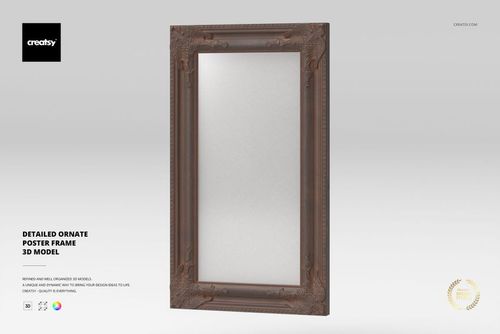
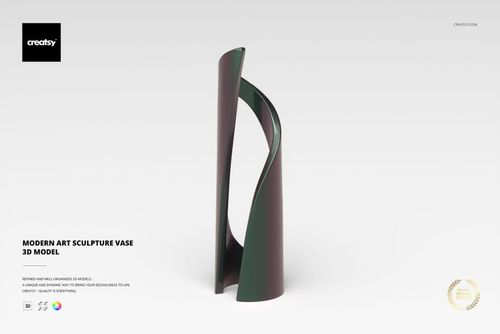
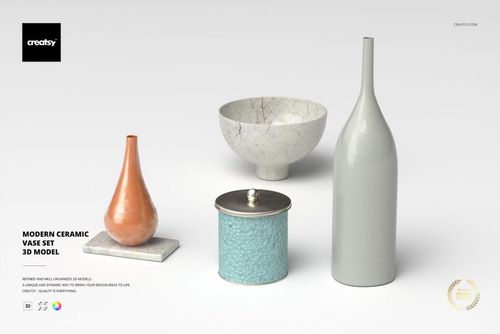
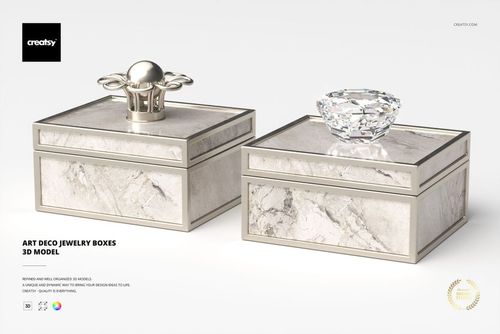
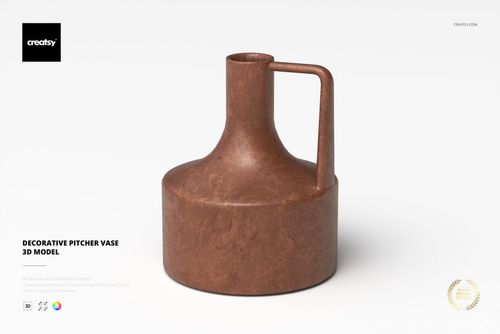
Decoration 3D Models
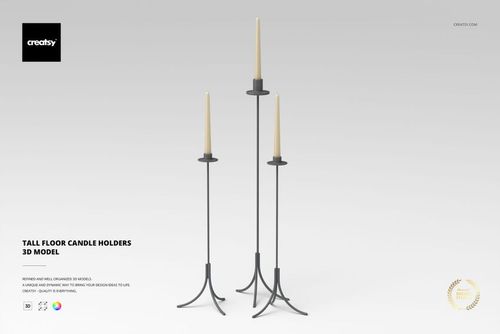
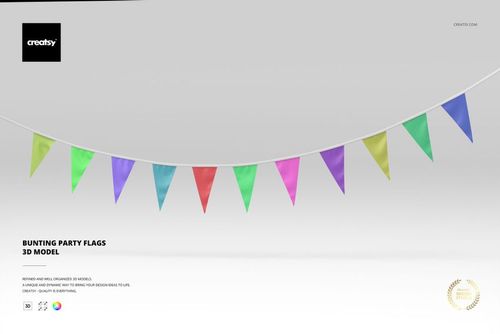
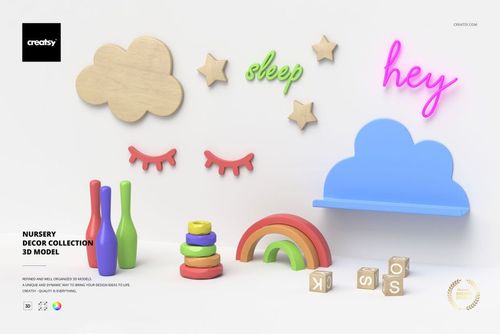
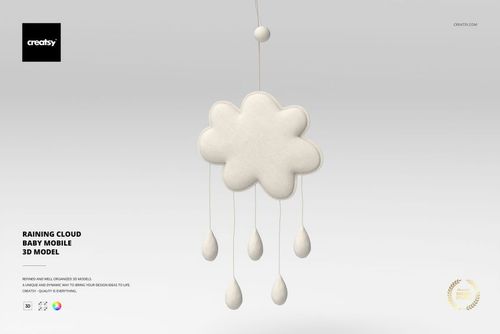
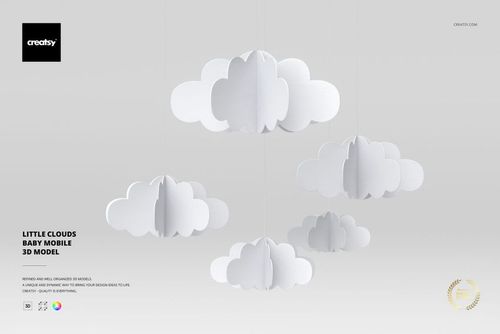
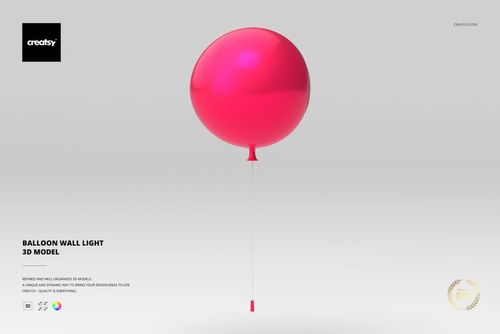
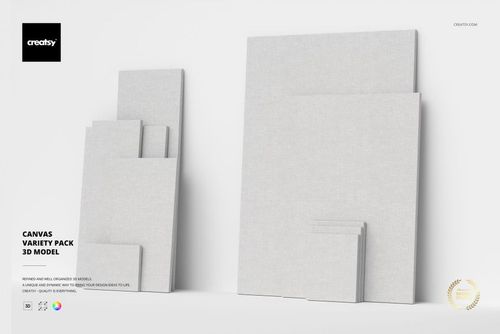
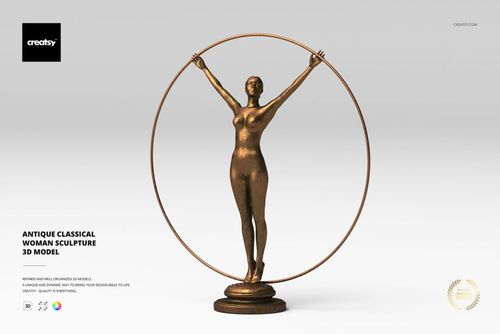
Decorations 3D models for interior visualization and product renders - sculptures, figurines, vases, candle sticks, mirrors, jewelry boxes, wall lights, party bunting and canvases. Native 3DS Max scenes plus .usd/.dae/.fbx/.obj, with V-Ray materials and clean topology.

Reviews
What 3D artists and studios say after rendering these models in their own scenes.
0
Sort by:
What you get
Render-ready 3D objects built native in 3ds Max with V-Ray, exported to open in any major 3D application.
Five Formats, Every Pipeline
Each model ships as an archive with .max (native, plus an earlier-version .max for older 3ds Max), .fbx, .obj, .usd, and .dae - so the geometry opens in 3ds Max, Blender, Maya, Cinema 4D, or any USD-based pipeline. No special plugin needed to open the scene.
- Native .max plus an earlier-version .max
- .fbx, .obj, .usd, and .dae exports
- Opens in any major DCC, no plugins required
Native V-Ray Materials
The .max and .fbx files carry V-Ray materials with links to the Chaos Cosmos V-Ray Material Library, ready to render in 3ds Max with V-Ray. A V-Ray license is required, and the materials work only in .max and .fbx - in other renderers you assign your own shaders to the UV-ready geometry.
- V-Ray materials load straight in 3ds Max
- Chaos Cosmos material library links included
- V-Ray license required; .max and .fbx only
Clean Topology, Unwrapped UVs
Geometry is built with optimized quad/tri topology and unwrapped UVs, with organized object names, layers, and groups. It imports clean and ready to texture or subdivide - no remeshing or UV repair before you can use it.
- Optimized quad/tri topology
- Unwrapped UVs ready for your own materials
- Organized object names, layers, and groups
Real-World Specs Listed
Every product page lists the polygon count, real-world dimensions in centimeters, and part count, so you know the scale and weight of what you are importing before it enters your scene.
- Polygon count per model
- Real-world dimensions in centimeters
- Part count for multi-piece objects
Who are these decoration 3D models for?
For archviz studios
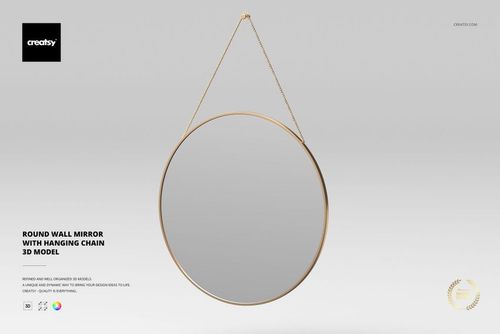
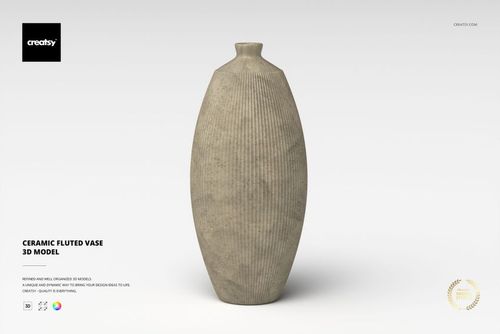
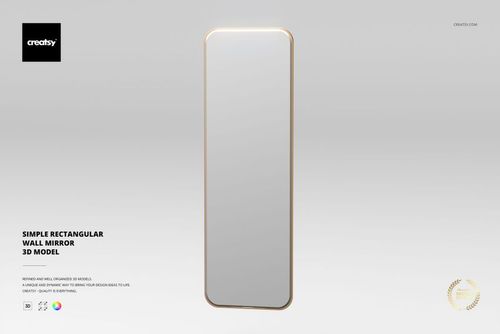
Set an Abstract Sculpture on a console, a Ceramic Fluted Vase on a shelf, and an Elegant Round Wall Mirror on the wall to fill out an empty interior render.
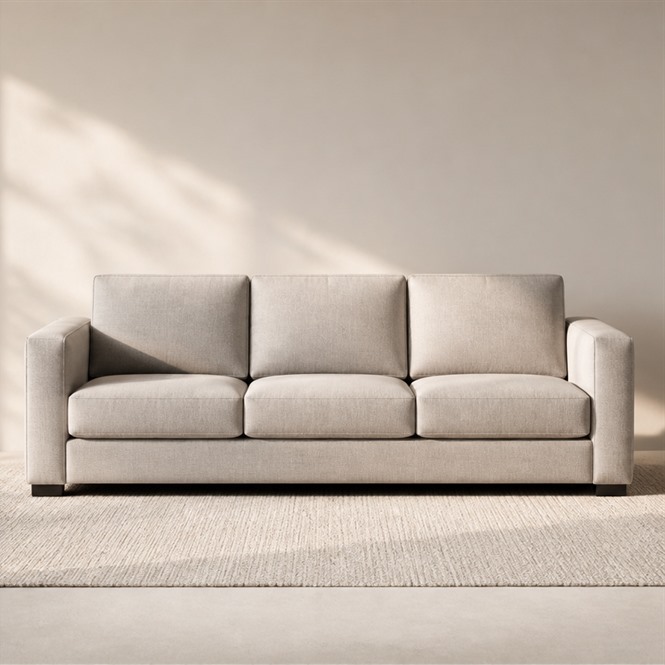
Furnishing the room? Browse furniture 3D models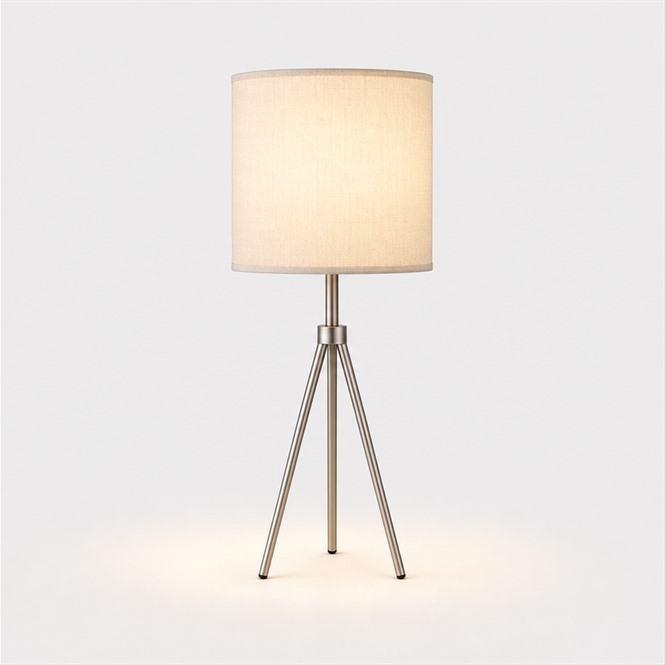
For interior designers & decorators
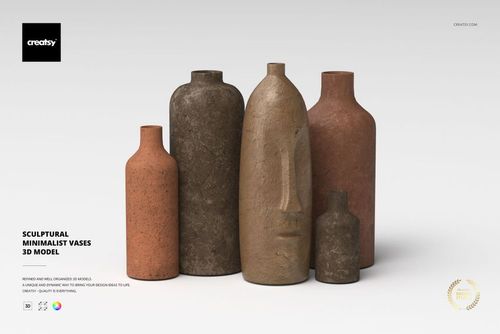
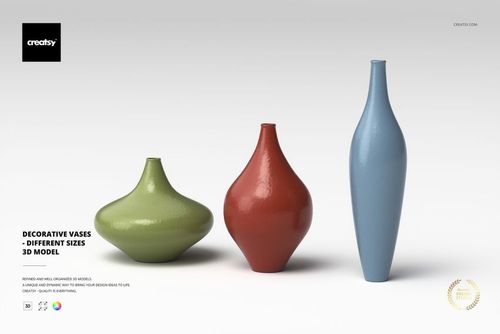
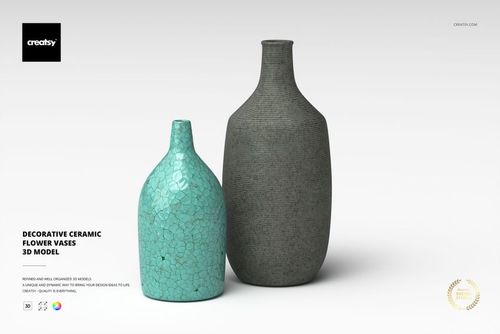
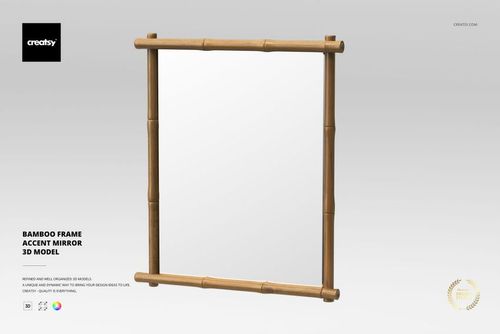
Style a concept render with a Bamboo Frame Accent Mirror and Decorative Vases, then drop in the lamps and fixtures that set the room's mood.
Lighting the scene? Browse lamp & lighting 3D models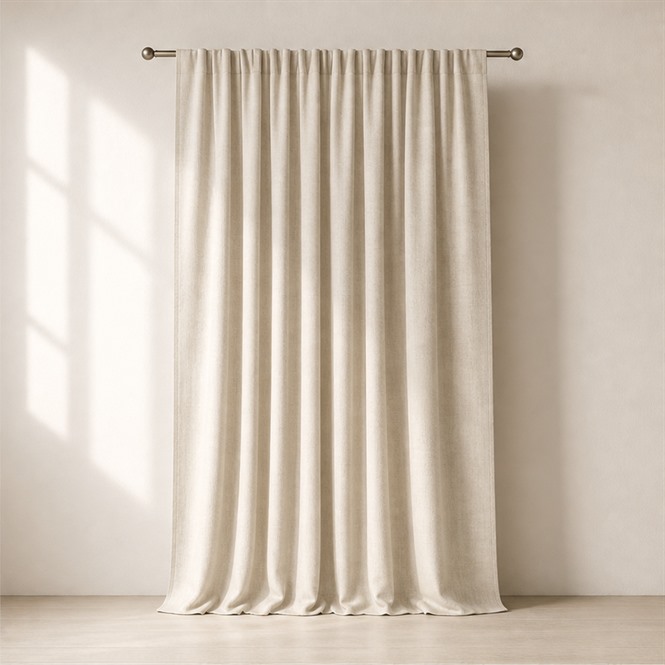
For homeware & decor e-commerce brands
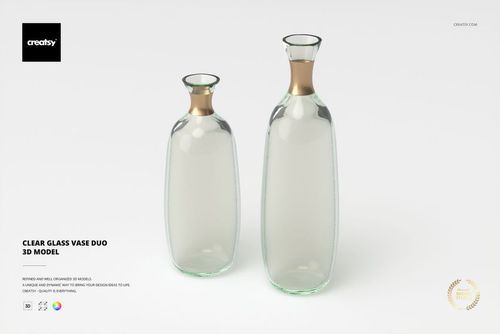
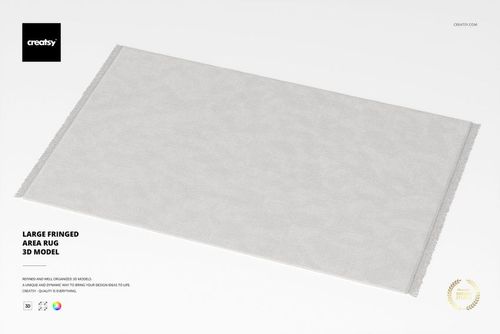
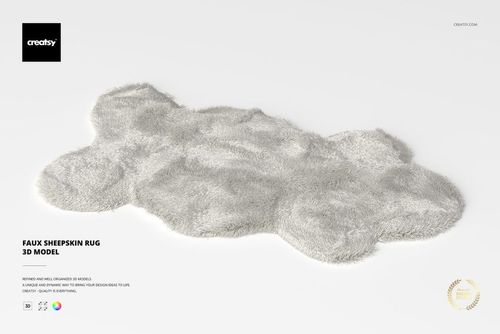
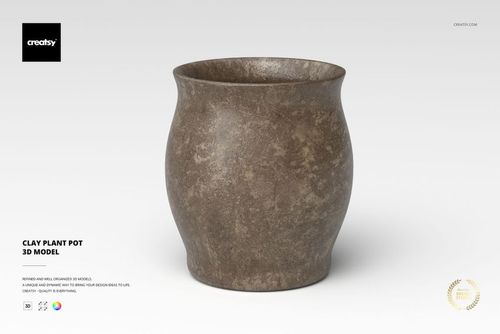
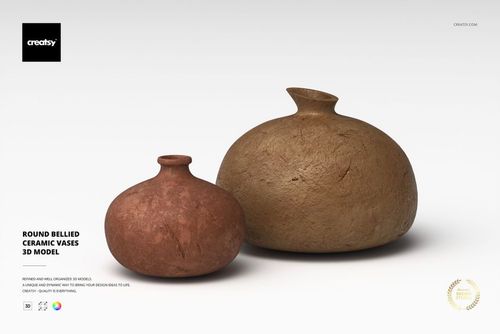
Render a Clear Glass Vase Duo or Clay Plant Pot for product pages, then add a Faux Sheepskin Rug to dress the catalog shot around it.
Building the catalog shot? Browse fabric 3D models
For ad & set builders
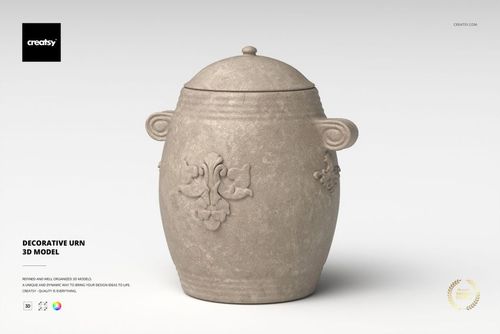
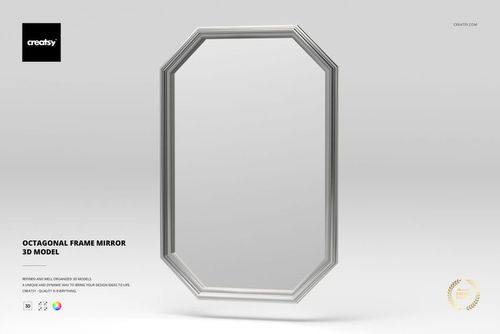
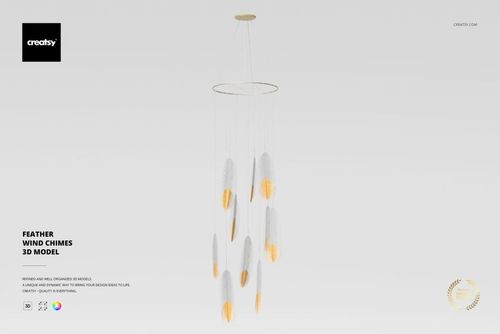
Build a scene around a Decorative Urn, Octagonal Frame Mirror, and Feather Wind Chimes, then show the styled room as a flat lifestyle mockup for the deck.
Showing the deck? Browse Home & Living mockups
FAQs
Models ship as native 3DS Max scenes, typically with an earlier-version .max file and .usd, .dae, .fbx and/or .obj exports. That lets you open the scene directly in 3DS Max or bring the geometry into another renderer or DCC tool through the interchange formats; check each product page for the exact formats included with a given model.
No. The native .max file includes V-Ray materials and links to the Chaos Cosmos V-Ray Material Library, and using those materials requires a V-Ray license. The interchange exports (.fbx, .obj, .usd and .dae) carry the geometry so the model opens in other 3D applications. Without V-Ray you can still use the model and apply your own materials in your renderer.
Models generally use a centimeter scale unit so they drop into a scene at real-world size, and the geometry is clean, optimized topology made of polygonal quads / tris. Per-model physical size in centimeters, polycount and part count are listed on each product page.
The decoration models are supplied without lights or cameras - their specs read "Light and camera: not included" - so you set up your own scene lighting and views. Check the individual product page to confirm exactly what each model includes.
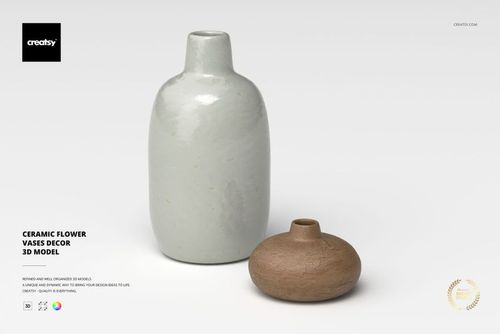
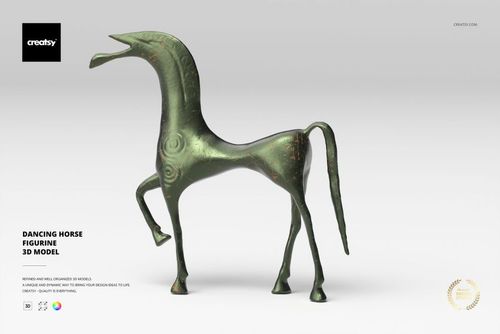
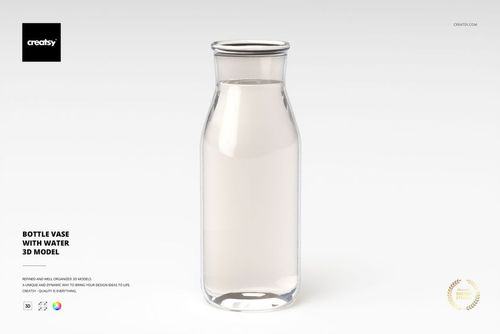
The set covers accent decor for interior and product scenes - sculptures and figurines, vases, candle sticks, mirrors, jewelry boxes, wall lights, party bunting and canvases. Examples include the Abstract Sculpture, Antique-Style Horse Figurine, Art Deco Jewelry Boxes, Bamboo Frame Accent Mirror, Bottle Vase with Water and Ceramic Flower Vases Decor.
Yes. A commercial license is available for these decoration models, so you can use the renders in client interior visualizations, product catalogs and marketing visuals; an Extended Commercial tier also exists for broader usage. See the individual product page for the full license details.
No special plugin is required to open the scene. You can open the native .max file in 3DS Max or use the .usd, .dae, .fbx or .obj exports in your own application; archives can be unpacked with the free 7-Zip archiver or software like WinRAR.
Why use decoration 3D models?
Decor accents are the pieces that make an interior or product render feel finished - a sculpture on a console, a vase on a shelf, a mirror on the wall, a candle stick on a dining table or bunting strung for an event scene. This set gives archviz and product-render artists ready-to-place accent geometry built to a real centimeter scale with clean quads / tris topology, so models drop into a scene at the correct size and subdivide cleanly when you need more detail. Because models ship in native 3DS Max plus exports such as .usd, .dae, .fbx and .obj, the geometry is portable across renderers and DCC tools even when the bundled V-Ray materials (included in the native .max file and needing a V-Ray license) are not part of your pipeline - without V-Ray you simply apply your own materials in your renderer. The Chaos Cosmos V-Ray Material Library links and included V-Ray materials give V-Ray users a fast path to a photoreal result, while the conservative format coverage keeps the same asset usable in non-V-Ray workflows. A commercial license is available, so the renders can go into client interior visualizations, product catalogs and marketing work; see each product page for the full license tiers.
Creatsy make the best Mockups on the market, no matter what you need to showcase. These mockups are highly customizable, and the lighting in them makes everything look very realistic. You can keep or turn off many of the Items in the mockup, also a great feature giving control over the look you want. They have the most friendly and very helpful support. I highly recommend these mockups!