 15$2550$30.00
 15$1870$22.00
 15$1615$19.00
 15$2040$24.00

 $2400
$2400
 $1900
$1900
 $1900
$1900



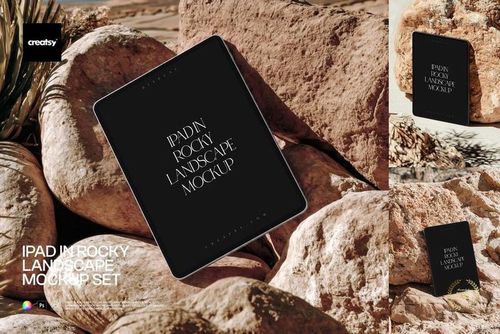
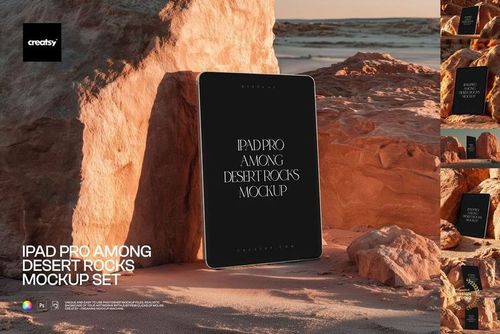
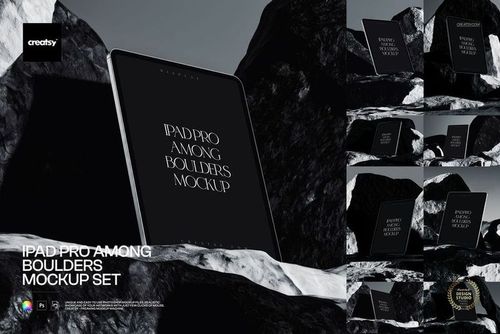
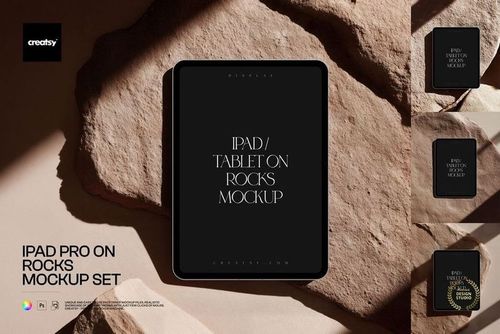
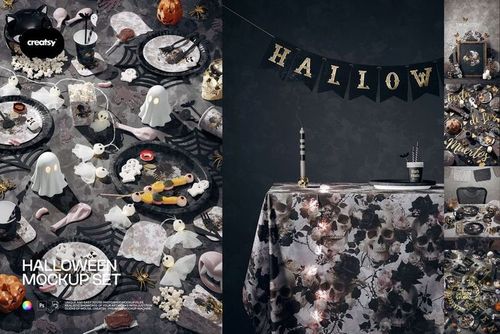 $2600
$2600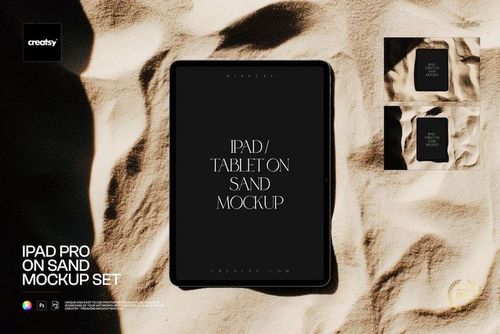
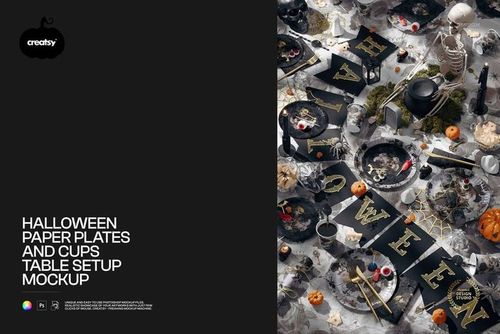


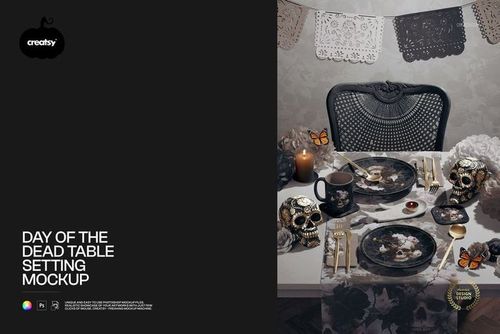


Premium Mockup Templates
Premium PSD mockups across product categories - editable layered Photoshop files with organized layers (many with smart objects and color layers) for photorealistic design previews.

Reviews
What designers and brand owners say after using these PSD mockups in real client work.
0
Sort by:


This bedroom mockup is so awesome! The entire file has modification capability. It's so well organized. When I opened this mockup file I jumped for joy! It is truly a beautifully created scene. And the possibilities are infinite! I still can't believe it was free! What an amazing opportunity! Thank you Creatsy!!!
 Free Casual Bedroom Bedding Set Interior PSD Mockup View product
This made our day! ❤️ We’re so happy you love the mockup. Thank you for such a lovely review, and have fun creating!


love this
 Free Angled Folded Tissue Paper Packaging PSD Mockup View product
 Thank you so much! We're so happy you love it! ❤️

This is good mock up. It's a beautiful and easy to use and pays attention. Making my product look even better and more attractive. I'm very grateful for the free mock up. thank you
 Free Leather Planner Calendar and Notebook Stationery PSD Mockup View product
 Thank you so much! We’re so glad you enjoyed the mockup. 😊
I'm really happy with these
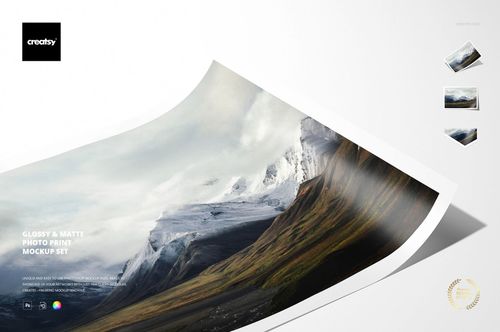 Glossy & Matte Photo Print Mockup Set View product
 That's lovely to hear! 😊 Hope you have lots of fun creating with them. Thanks for sharing!

Love all of Creatsy's mockups and this is no exception. Easy to use and looks beautiful.
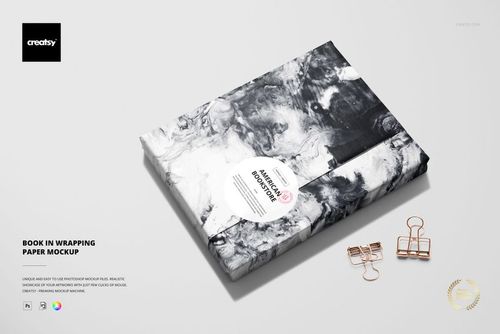 Book in Wrapping Paper Mockup View product
 Thank you Creatsy for this free mockup! I appreciate the photographic clarity, your attention to detail, and the wide variety of options offered to the designer. These combined options provide a way for applied patterns to look realistic on the product. As I applied my smart objects to the mockup, they came alive! Here's what I found especially appealing: • Instead of one large mask for an entire roll of fabric, each roll has multiple masks in which to repeatedly apply a smart object to various parts of it. • The smart objects conform to a modeled grid which matches the twists and turns of the fabric. • The lighting and shadows can be modified. • The background can be totally removed, allowing the mockup to be placed over a larger background behind it Good work Creatsy!
 Customizable Fabric Rolls Free Mockup View product
Thank you so much for taking the time to leave such a detailed and thoughtful review! We’re delighted that you appreciated the photographic clarity, the multiple Smart Object areas and the way the artwork follows the folds and curves of each fabric roll. It’s also wonderful to hear that the adjustable lighting, shadows and removable background gave you the flexibility you needed. Your feedback means a great deal to us, and we hope the mockup helps bring many more pattern collections to life!
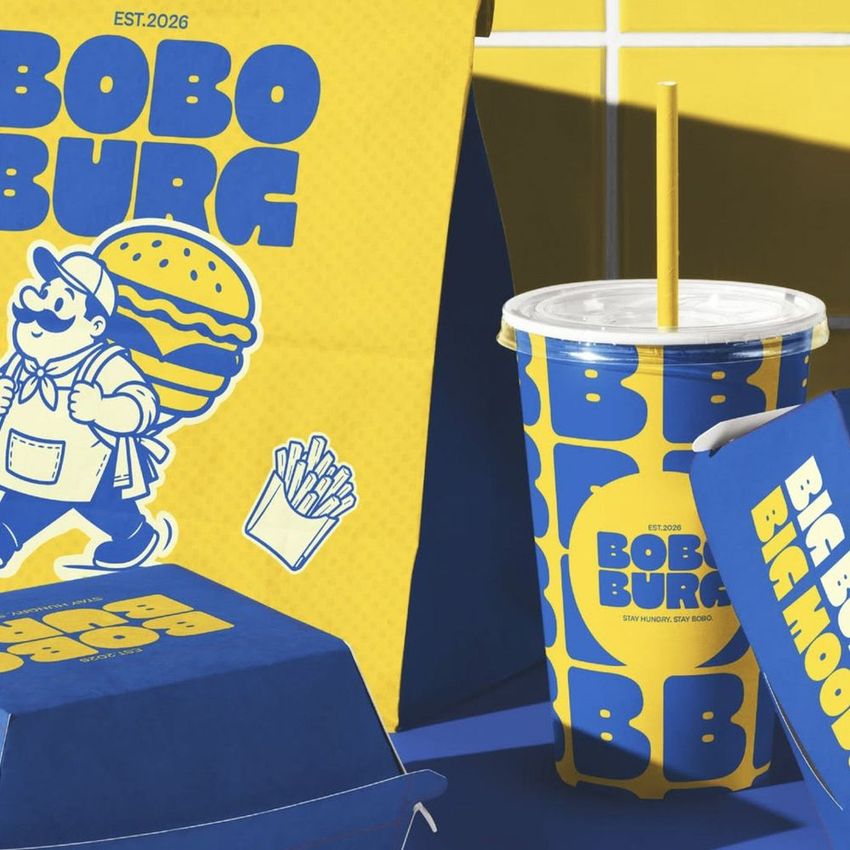
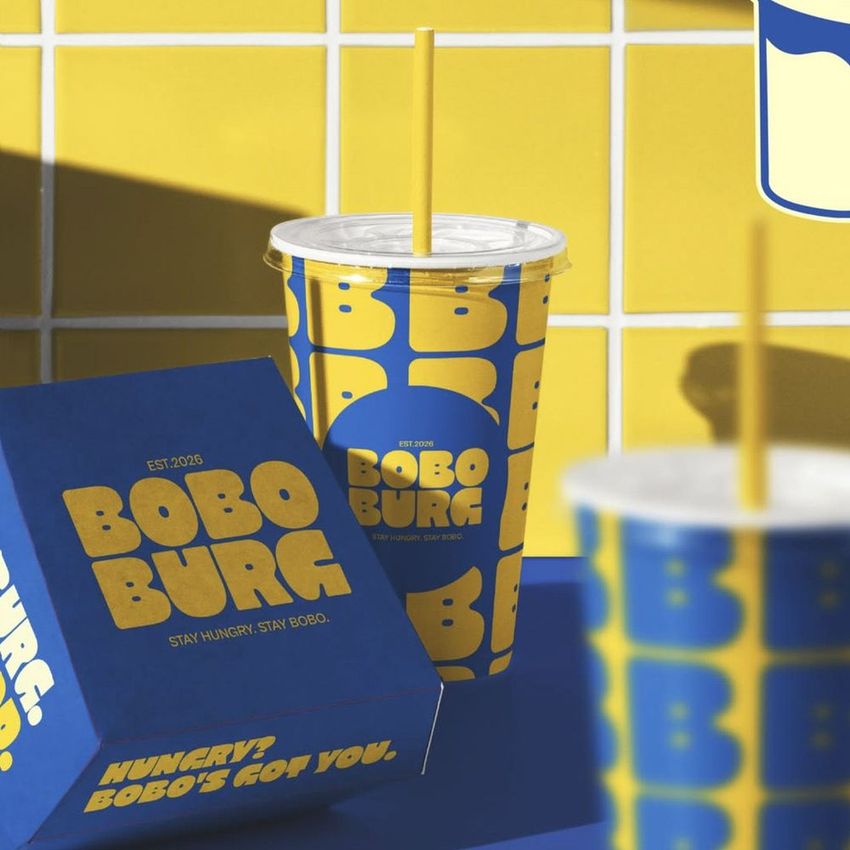
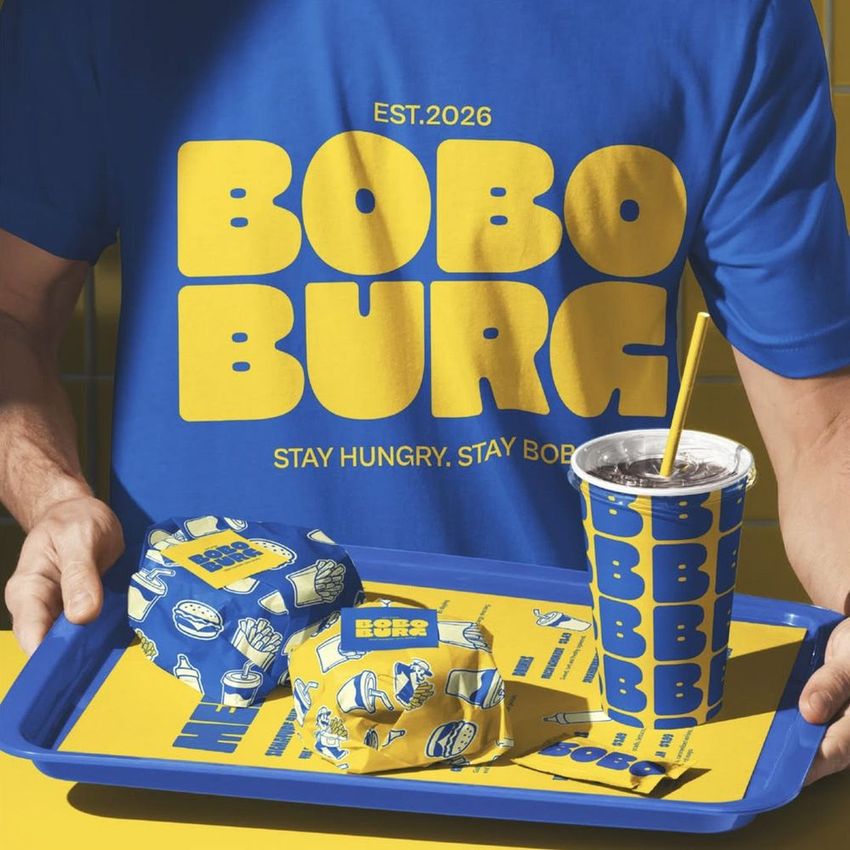
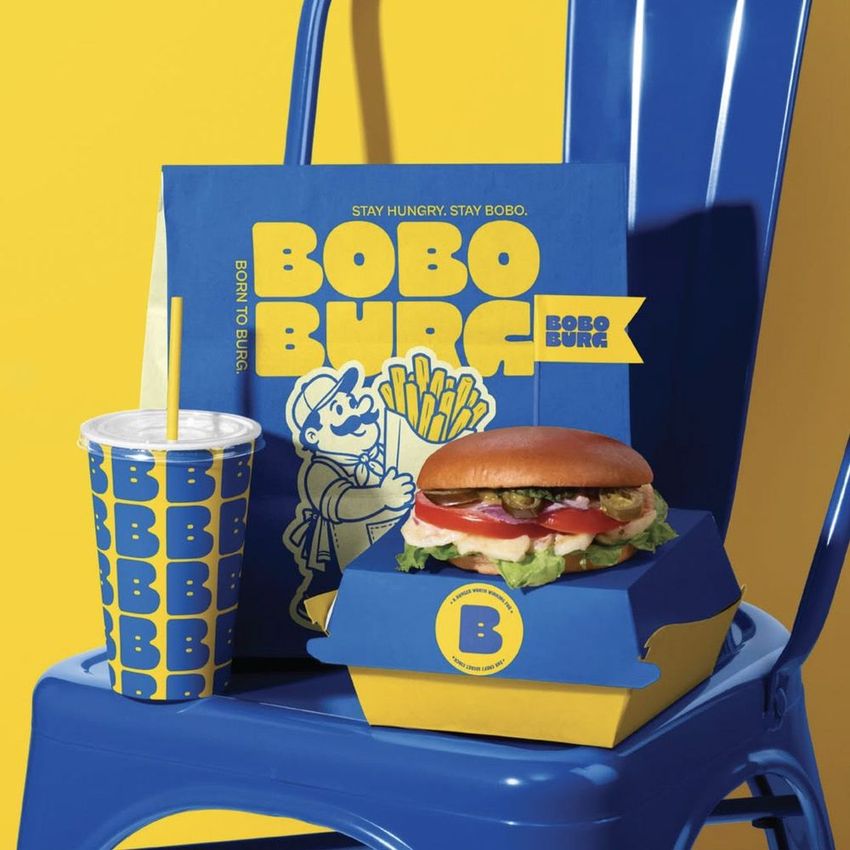
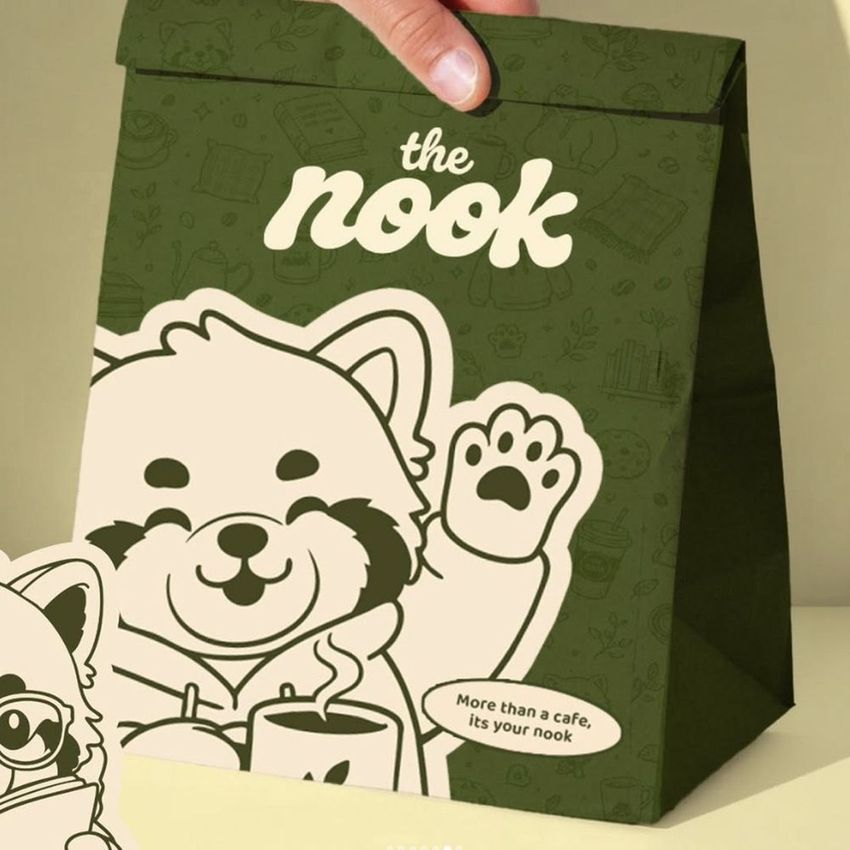
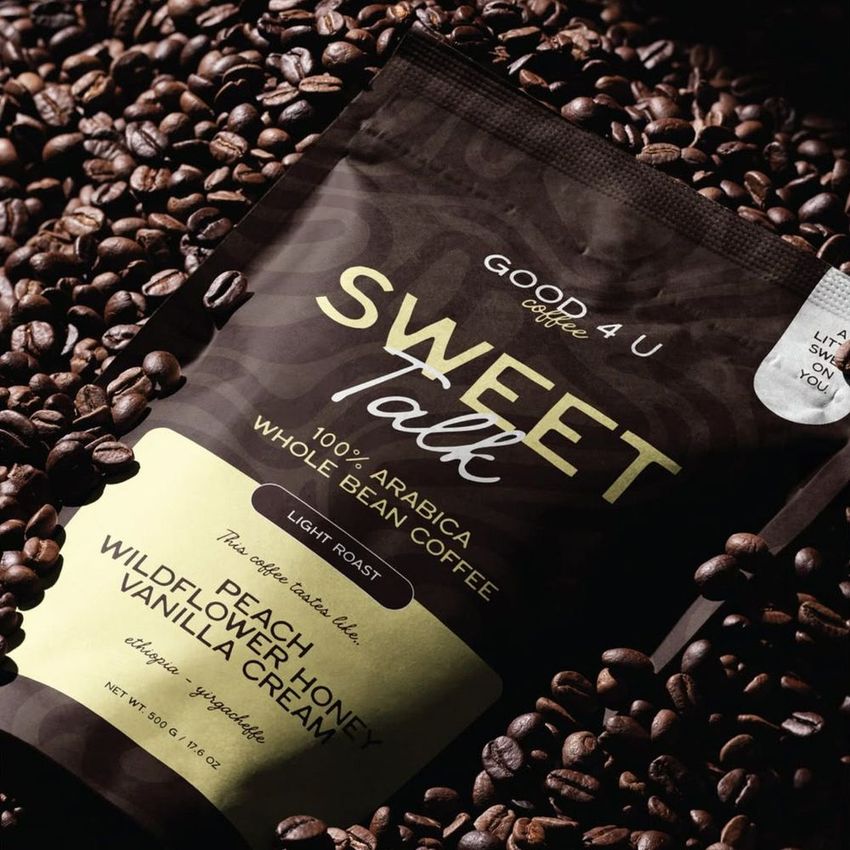
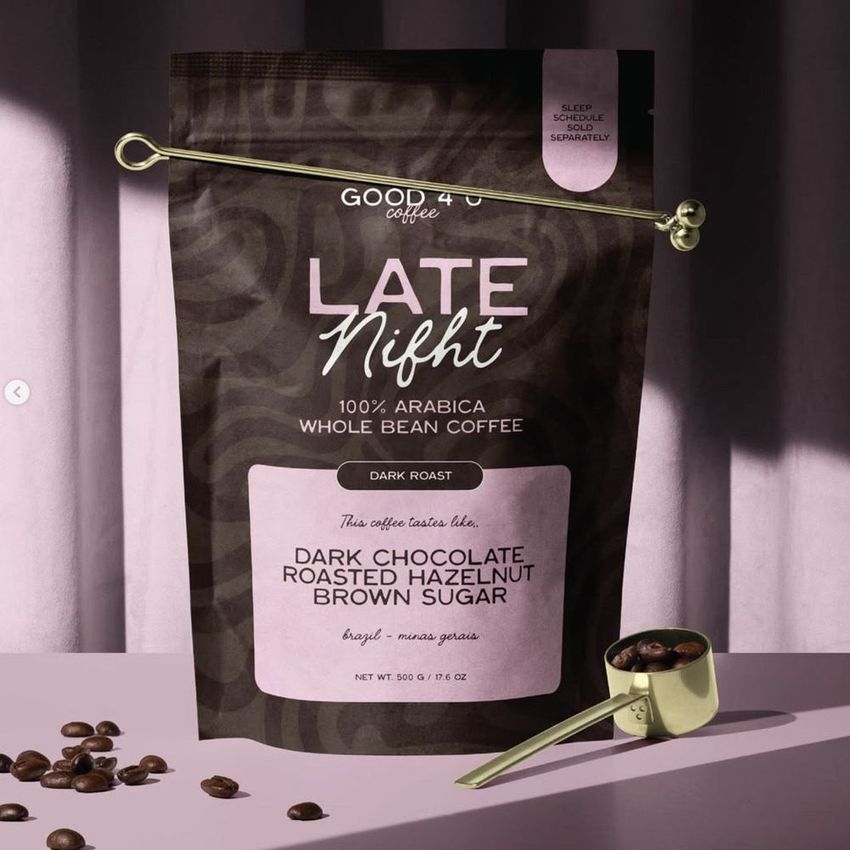
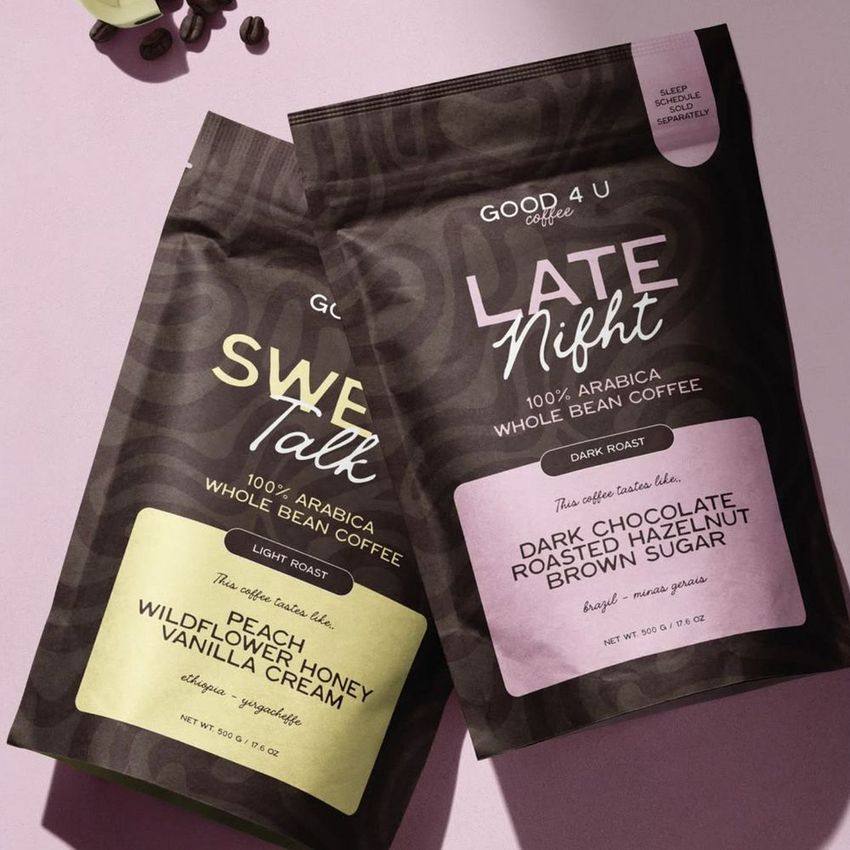
What you get
Professional PSD mockups built in-house - editable, realistic, high-resolution, and supported by real people.
Layered PSD Files
Creatsy mockups are delivered as fully layered Photoshop .psd files, with layers sorted into clearly named groups. Shadows, highlights, and the background each sit on their own editable layer, and nothing is flattened into a single image. Open it in Photoshop or the free browser editor Photopea and get to work.
- Clearly named, organized layer groups
- Shadows and highlights on separate layers
- Editable background, never flattened
- Works in Photoshop or free Photopea
Smart Objects
Open the smart object, paste your artwork, and save. The design lands on the product with the perspective, warp, and wrap already worked out. Scene lighting and shadows fall back on top, so it reads as a photograph, not a flat paste-in. Swapping a design takes seconds, so one file can carry a whole run of variants and colorways.
- Double-click, paste your design, save
- Perspective, warp, and wrap pre-built
- Scene lighting and shadows sit back on top
- One file covers many variants and colorways
High-Resolution Output
Many scenes are built from real product photography rather than 3D renders, so the fabric and surface read like a studio shot. Files export at high resolution and stay sharp at full zoom, with clean edges where the print sits. The same file works for a hero banner, a paid ad or a product listing.
- Real product photography in many scenes
- Exports ready for print
- Holds detail at full zoom
- Works for banners, ads and listings
Easy to Edit
Colors, backgrounds, and artwork sit on separate, clearly named layers, so you swap a color or background without disturbing the rest of the scene. There is no relighting or shadow work to redo, and the same file works for your next project.
- Edit color and background layers directly
- No relighting or shadow rework needed
- No masking or layer skills required
- One file reused across projects
Fast Support
There is a real in-house team behind every file, not a ticket bot. Before you buy, ask whether a specific mockup fits what you have in mind, and we will tell you. When a smart object or a layer group is tripping you up, send the question and you usually get a reply within 48 hours.
- Real in-house team behind every file
- Replies within 48 hours
- Pre-purchase help picking the right mockup
- Answers on smart objects and layer setup
Who are these mockups for?
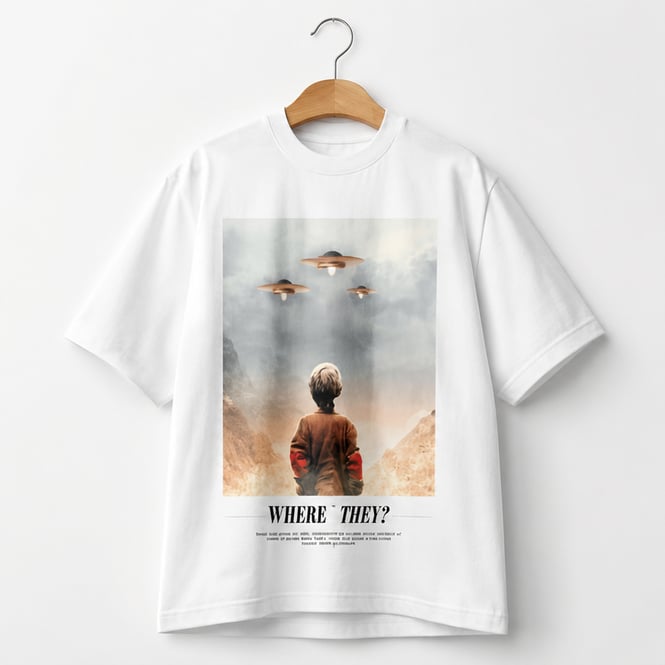
For apparel & merch brands
Place one graphic across tees, hoodies, and caps to read how it sits on each fabric before a print run.
Designing apparel? Browse apparel mockups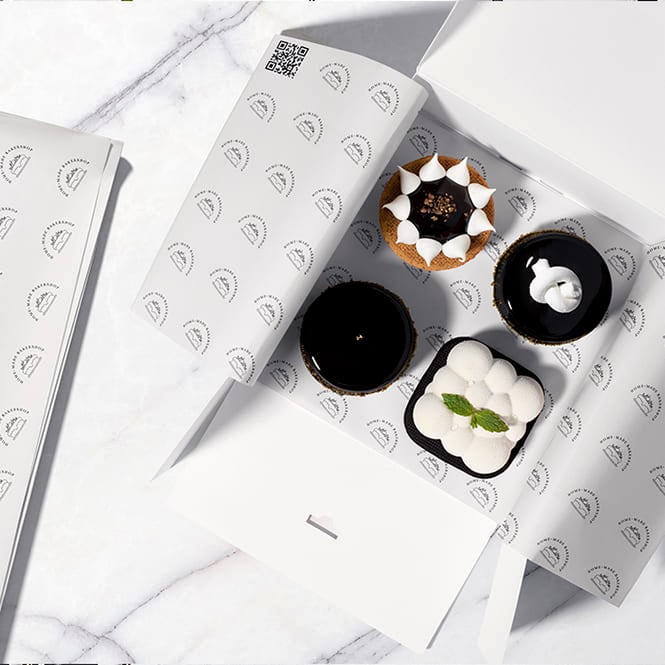
For packaging designers
Show a client the box, label, and pouch as one branded system in a single pitch deck.
Pitching packaging? Browse packaging mockups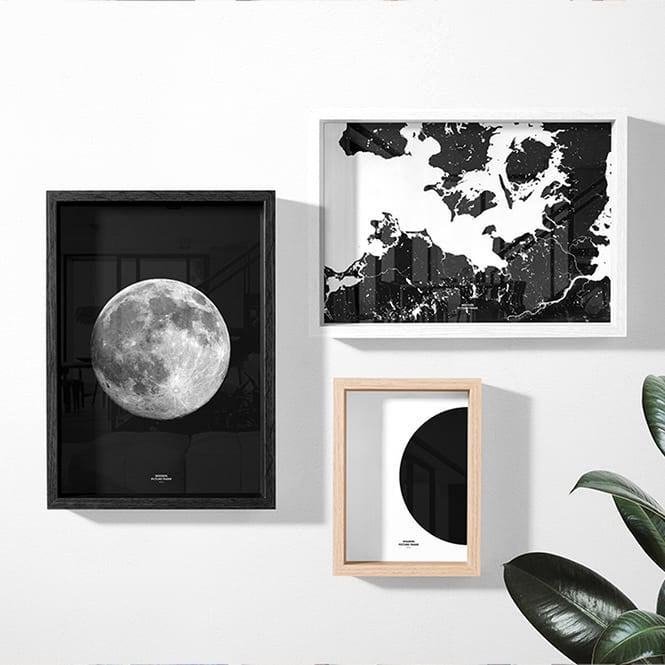
For artists & print sellers
Hang a canvas or poster in a room scene so buyers judge the scale, not a flat file.
Selling wall art? Browse prints & wall art mockups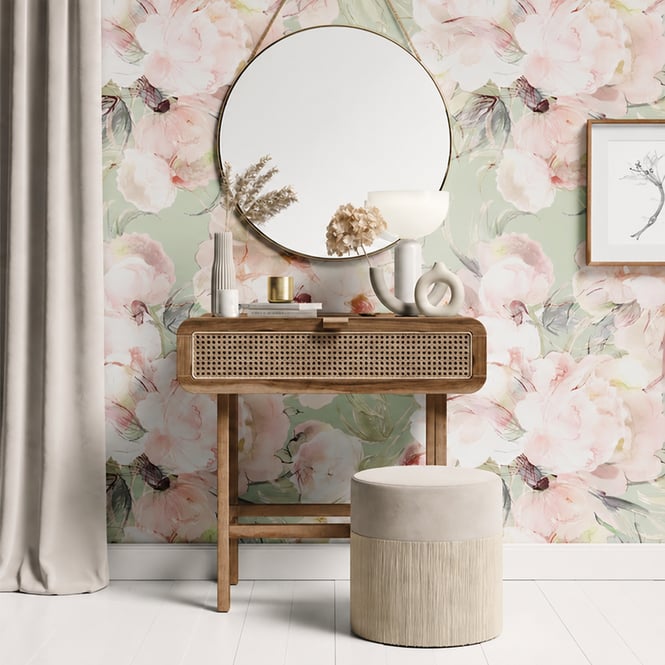
For homeware & decor brands
Drop a pattern onto cushions, bedding, and curtains in one room to pitch a coordinated collection.
Styling a collection? Browse home & living mockups
FAQs
Mockups are delivered as layered Adobe Photoshop (PSD) files. You edit them with smart objects and color layers and export a high-resolution preview. The minimum required Photoshop version is listed on each product page - it varies by product (for example, some require CS6 while others require CC or CC2015).
Open the PSD in Photoshop. Most sets use a smart object - double-click it, then paste or place your artwork inside and save, and the mockup updates automatically. On sets without a smart object, edit the design layer directly; the exact placement steps are on each product page. Many sets also include editable color layers so you can recolor the product or background to match your brand.
No. A mockup is a staging file for your own artwork - as the 11oz & 15 oz White Mug Mockup Set Bundle notes, patterns are not included and the product is intended for you to add your own designs.
The mockup library is organized into more than 30 hubs, including apparel, packaging and wrapping, drinkware, home and living, stationery, electronics and accessories, prints and wall art, cosmetics and beauty, holidays and seasonal, and more. Use the categories on this page to browse to the product type you need.
Yes. A commercial license is available on every mockup, so the previews you create can be used for product listings, ads, portfolios, and client work, and an Extended Commercial tier exists for broader usage. See each product page for the full license details.
Resolution varies by product and is listed on each product page - many mockups are 300 DPI, and pixel dimensions differ between sets (for example, 6000x4000 px or 3000x3000 px). Check the product page for the exact specs before purchase.
Why use mockups?
Mockups let you present artwork on a realistic product before anything is printed or manufactured - a faster, cheaper alternative to physical samples and studio photography. Because Creatsy mockups are layered PSD files - many with smart objects and editable color layers - you place a design once and export a polished preview in minutes, then reuse the same file to show colorways, variants, or new artwork. This page is the entry point to the whole mockup catalog. Instead of hunting through individual categories, you can start here and drill into the hub that matches your work - apparel, packaging, drinkware, home goods, stationery, electronics, prints, and beyond. A commercial license is available on every mockup, so previews can go straight into listings, ads, and client work, and an Extended Commercial tier exists for broader usage.
FreeCreatsy® Mockups
This is a lovely Halloween/Thanksgiving themed mock-up to use. Great details can be added or just coloured to suit. Very easy to showcase your own designs. Good quality.