T-shirt & Tank Top Mockups
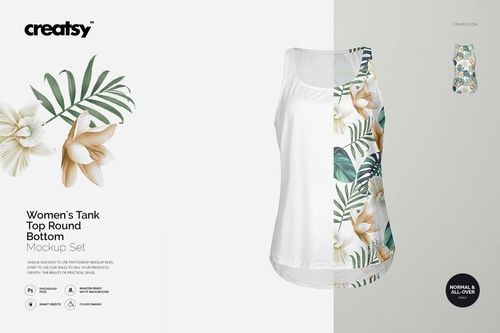
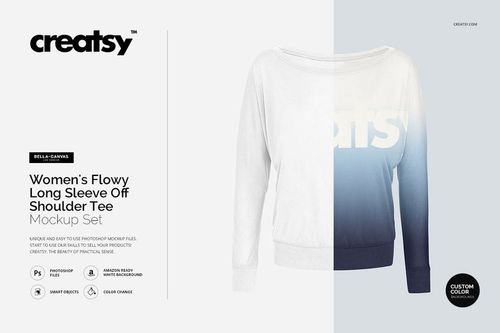
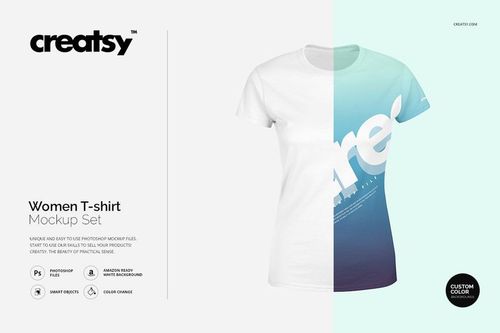
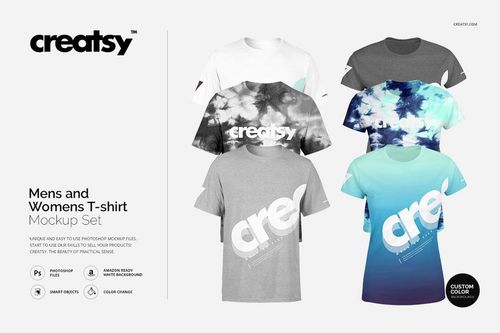
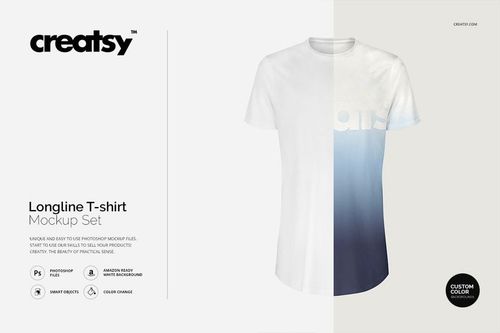
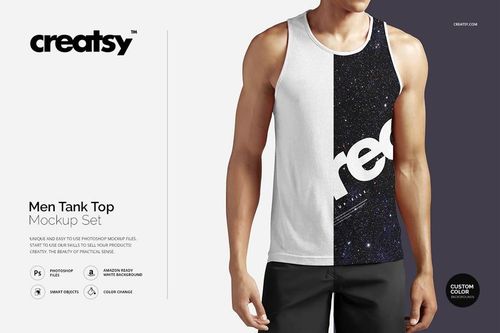
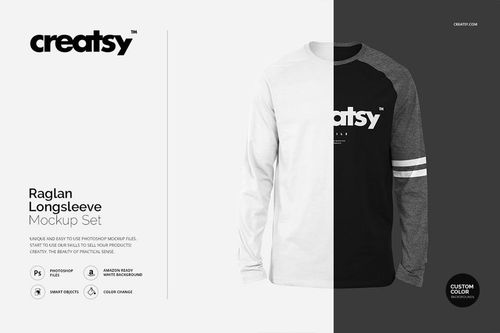
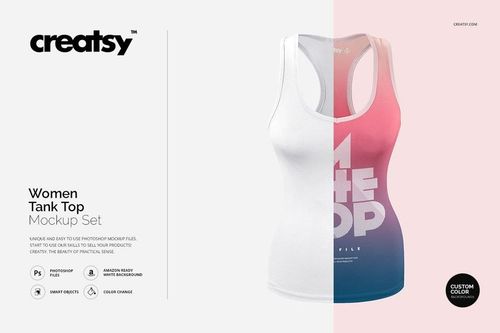
Show chest graphics, back prints and all-over artwork on named T-shirt blanks, tanks and fit-specific styles. Reuse the same mockups for new graphics and colorways to launch listings and merch campaigns faster.


Reviews
What designers and brand owners say after using these PSD mockups in real client work.
0
Sort by:


This is by far the best mockup I have purchased and used. Great resolution, wonderful shadows and folds creating that realistic look on the designs, easy to work with and modify, and just great overall. The only thing I wish was that they had this quality of mockups for a vast amount of different brands and garments. This is a must if you need a quality shirt mockup!
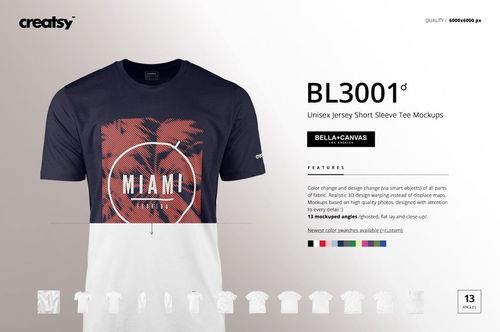
 Bella Canvas 3001 Unisex Jersey Short Sleeve Tee (men version) Mockup Set View product


This worked well however there's two things that bugged me. 1. The Bella Canvas Color Swatches are inaccurate. I have the physical product in hand and they just do not match up, but it would be so rad if they did. 2. There's not guide when inputting the design so it's incredibly difficult to place the design in the right place Lastly, we get our designs stolen all the time so the really wrinkled version has really helped with that, however angled mocks would help even more if you're ever making more!
Bella Canvas 3001 Unisex Jersey Short Sleeve Tee (men version) Mockup Set View product 
Thank you for your review! Regarding the color swatches, please note that colors can appear different under various lighting conditions. However, our swatches are not fixed; they can be modified and adjusted to suit your specific needs. You can even create completely custom colors :) You should find a PDF user manual inside the files, but I have also sent a short video guide on how to use this mockup via email :) Thank you again!


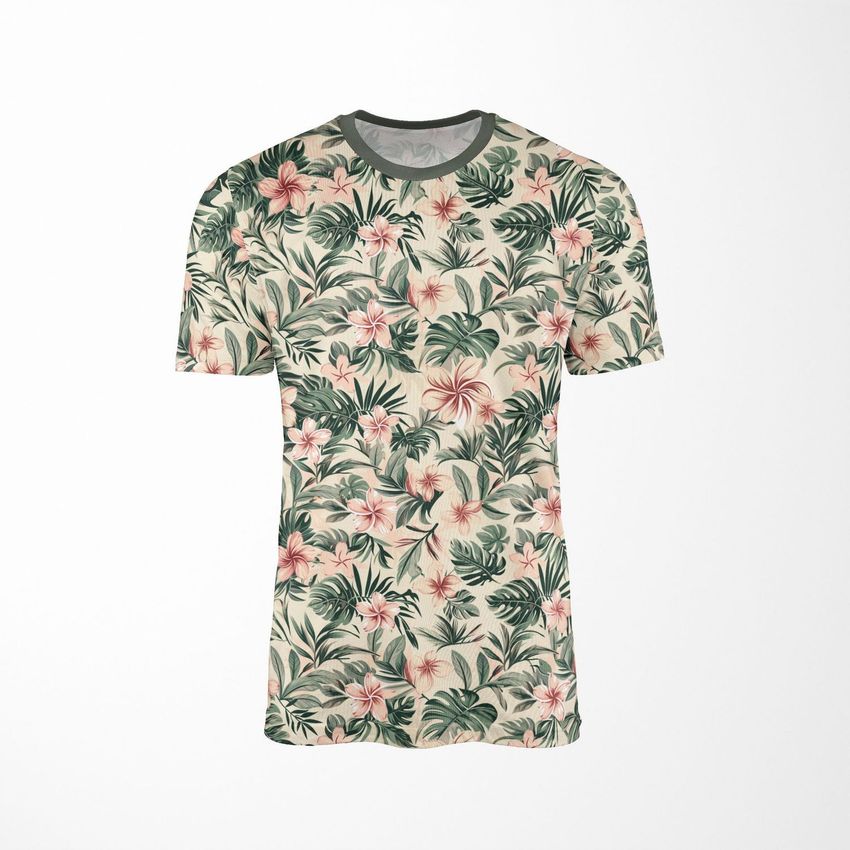

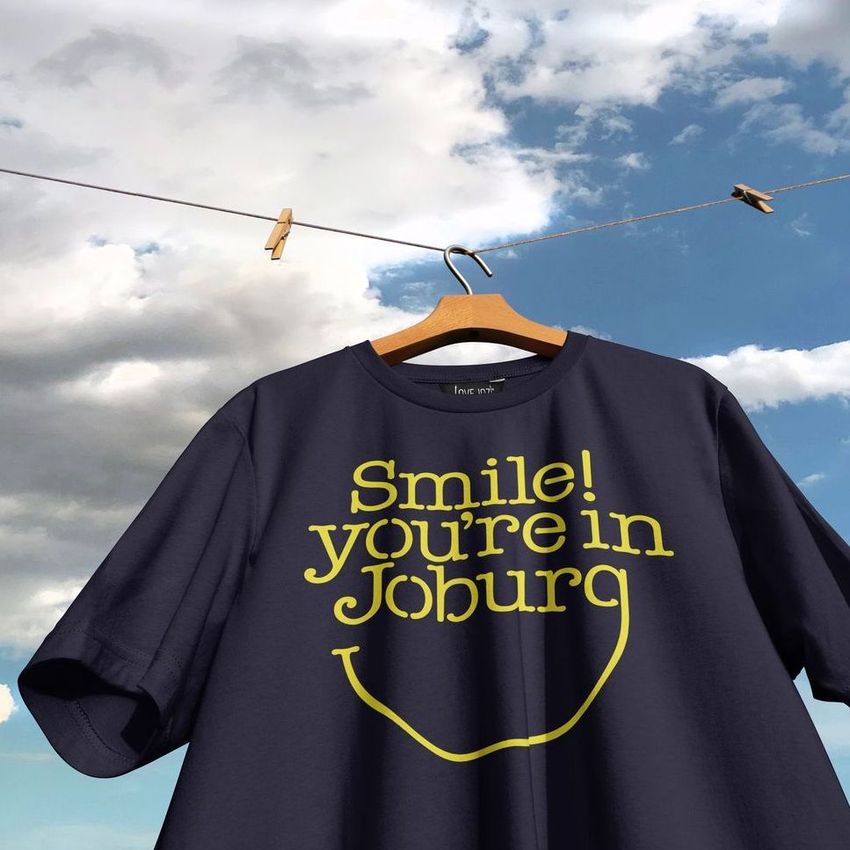
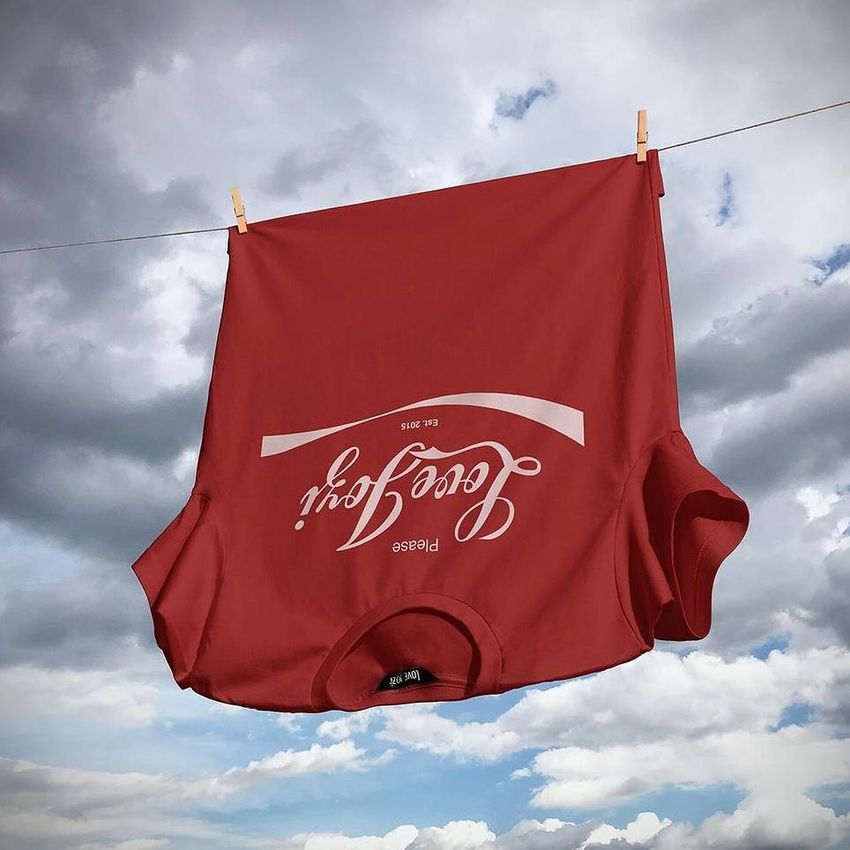
What you get
Professional PSD mockups built in-house - editable, realistic, high-resolution, and supported by real people.
Layered PSD Files
Creatsy mockups are delivered as fully layered Photoshop .psd files, with layers sorted into clearly named groups. Shadows, highlights, and the background each sit on their own editable layer, and nothing is flattened into a single image. Open it in Photoshop or the free browser editor Photopea and get to work.
- Clearly named, organized layer groups
- Shadows and highlights on separate layers
- Editable background, never flattened
- Works in Photoshop or free Photopea
Smart Objects
Open the smart object, paste your artwork, and save. The design lands on the product with the perspective, warp, and wrap already worked out. Scene lighting and shadows fall back on top, so it reads as a photograph, not a flat paste-in. Swapping a design takes seconds, so one file can carry a whole run of variants and colorways.
- Double-click, paste your design, save
- Perspective, warp, and wrap pre-built
- Scene lighting and shadows sit back on top
- One file covers many variants and colorways
High-Resolution Output
Many scenes are built from real product photography rather than 3D renders, so the fabric and surface read like a studio shot. Files export at high resolution and stay sharp at full zoom, with clean edges where the print sits. The same file works for a hero banner, a paid ad or a product listing.
- Real product photography in many scenes
- Exports ready for print
- Holds detail at full zoom
- Works for banners, ads and listings
Easy to Edit
Colors, backgrounds, and artwork sit on separate, clearly named layers, so you swap a color or background without disturbing the rest of the scene. There is no relighting or shadow work to redo, and the same file works for your next project.
- Edit color and background layers directly
- No relighting or shadow rework needed
- No masking or layer skills required
- One file reused across projects
Fast Support
There is a real in-house team behind every file, not a ticket bot. Before you buy, ask whether a specific mockup fits what you have in mind, and we will tell you. When a smart object or a layer group is tripping you up, send the question and you usually get a reply within 48 hours.
- Real in-house team behind every file
- Replies within 48 hours
- Pre-purchase help picking the right mockup
- Answers on smart objects and layer setup
Who are these mockups for?
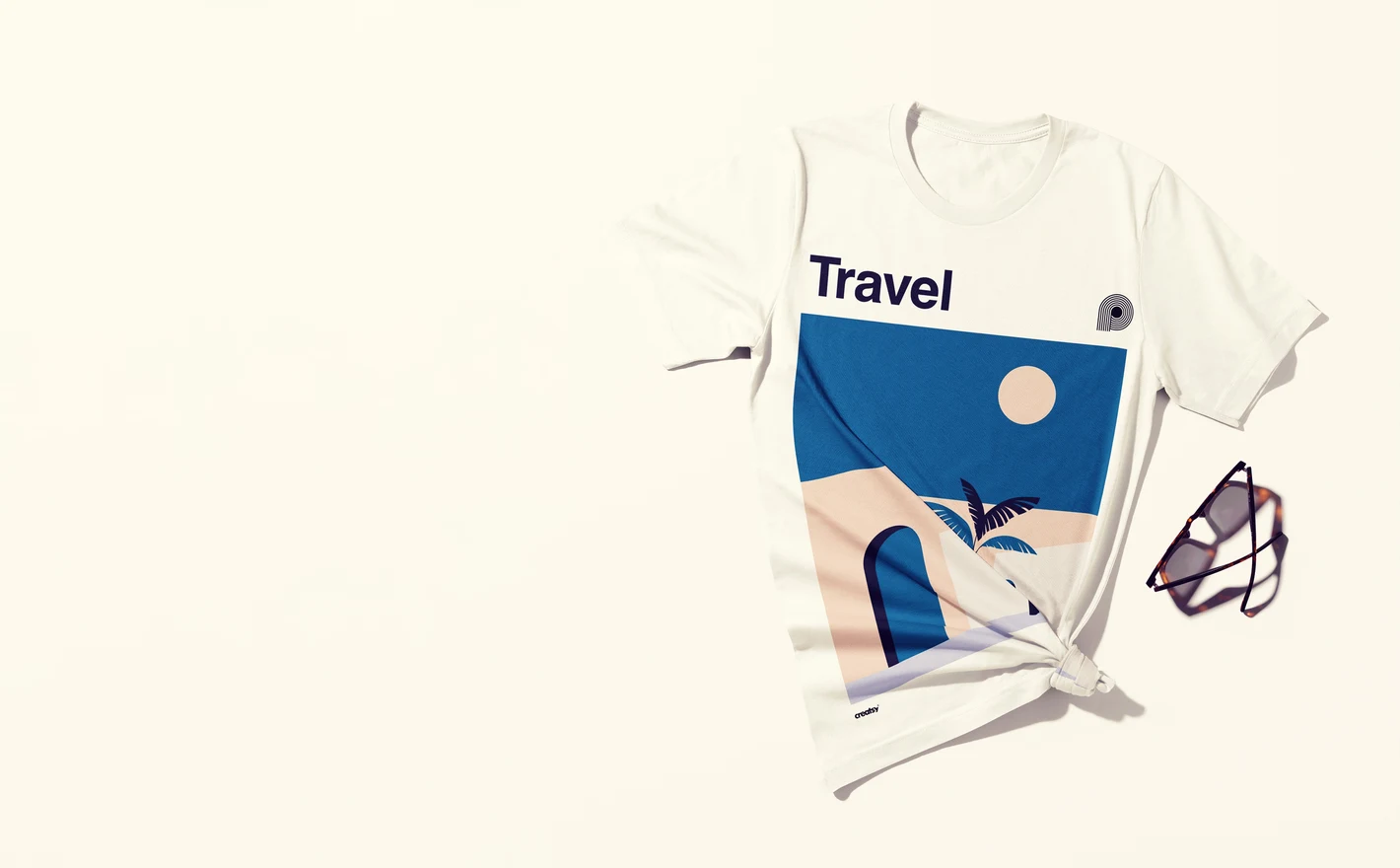
For illustrators and licensing studios
Show one illustration across fits, colorways and lifestyle scenes to prove it works as a merch line, not just a single print. Coordinated apparel visuals are the first thing licensing buyers ask to see.
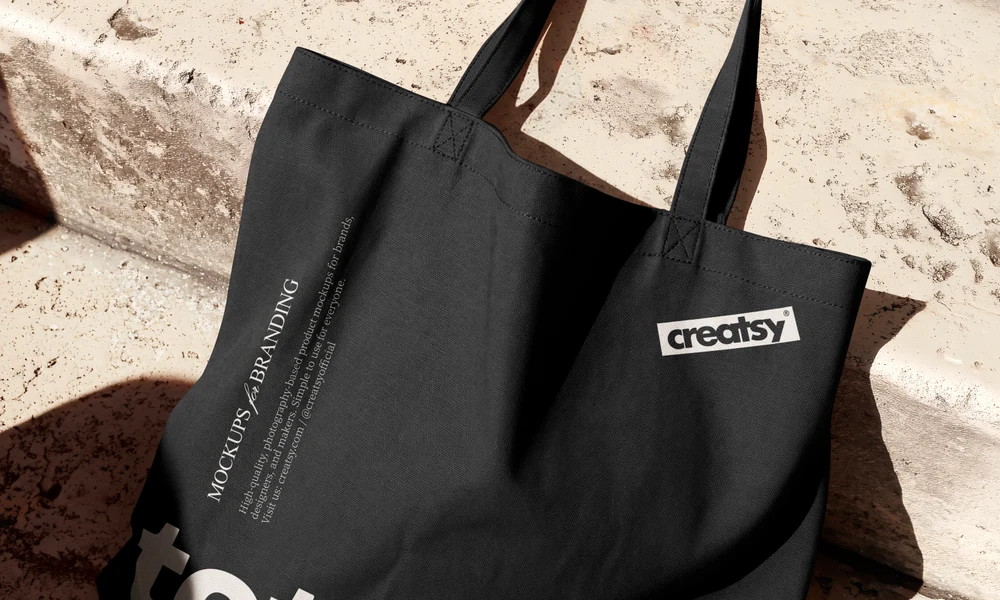
Taking your illustration onto bags? Browse tote bag mockups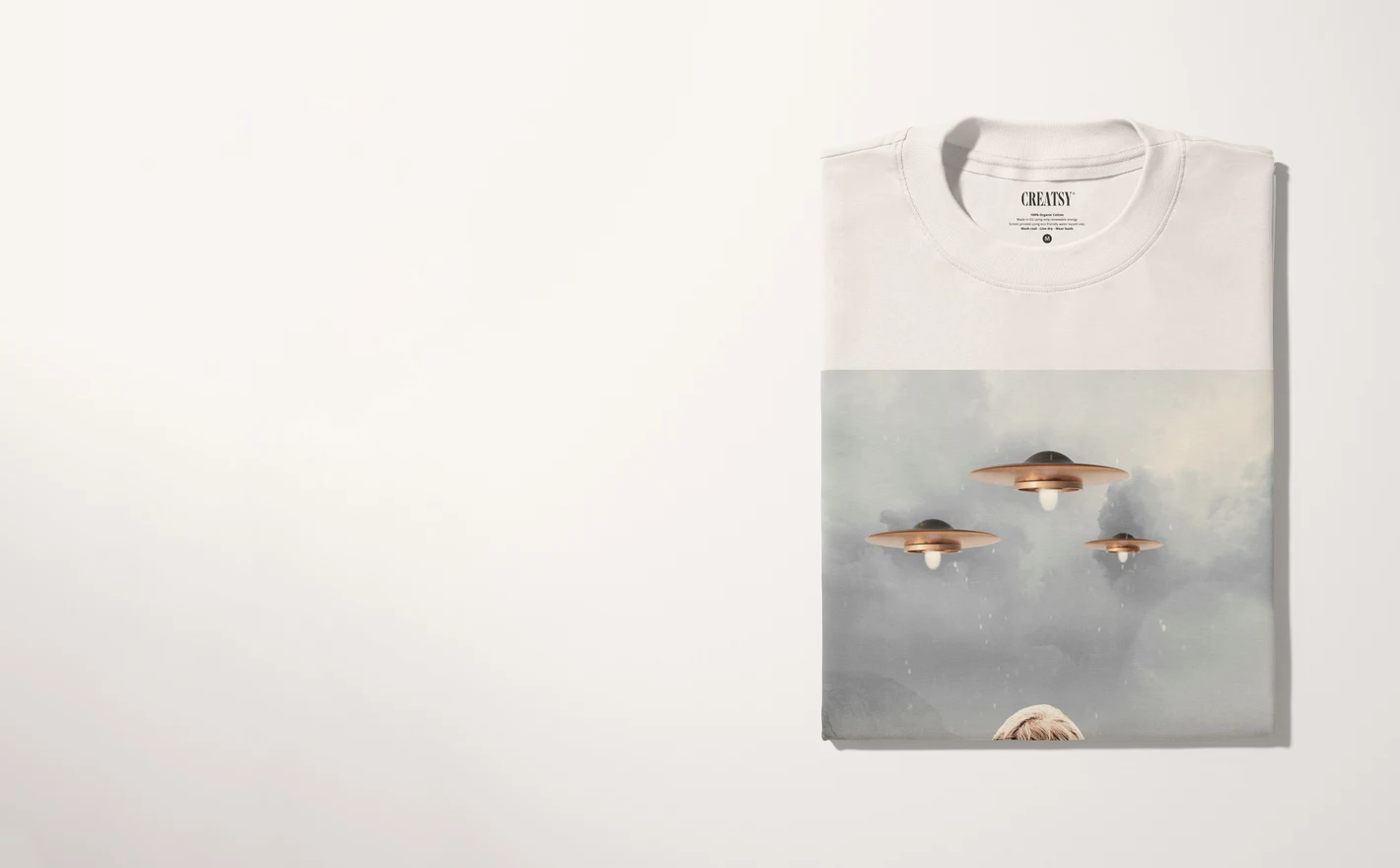
For independent apparel shops
Batch consistent listing images for personalized tees, seasonal collections and small runs: same blank, same crop, every design. The shop grid stays clean while the catalog grows past what a photoshoot budget could ever cover.
Branding your shipping bags? Browse mailer & shipping envelope mockups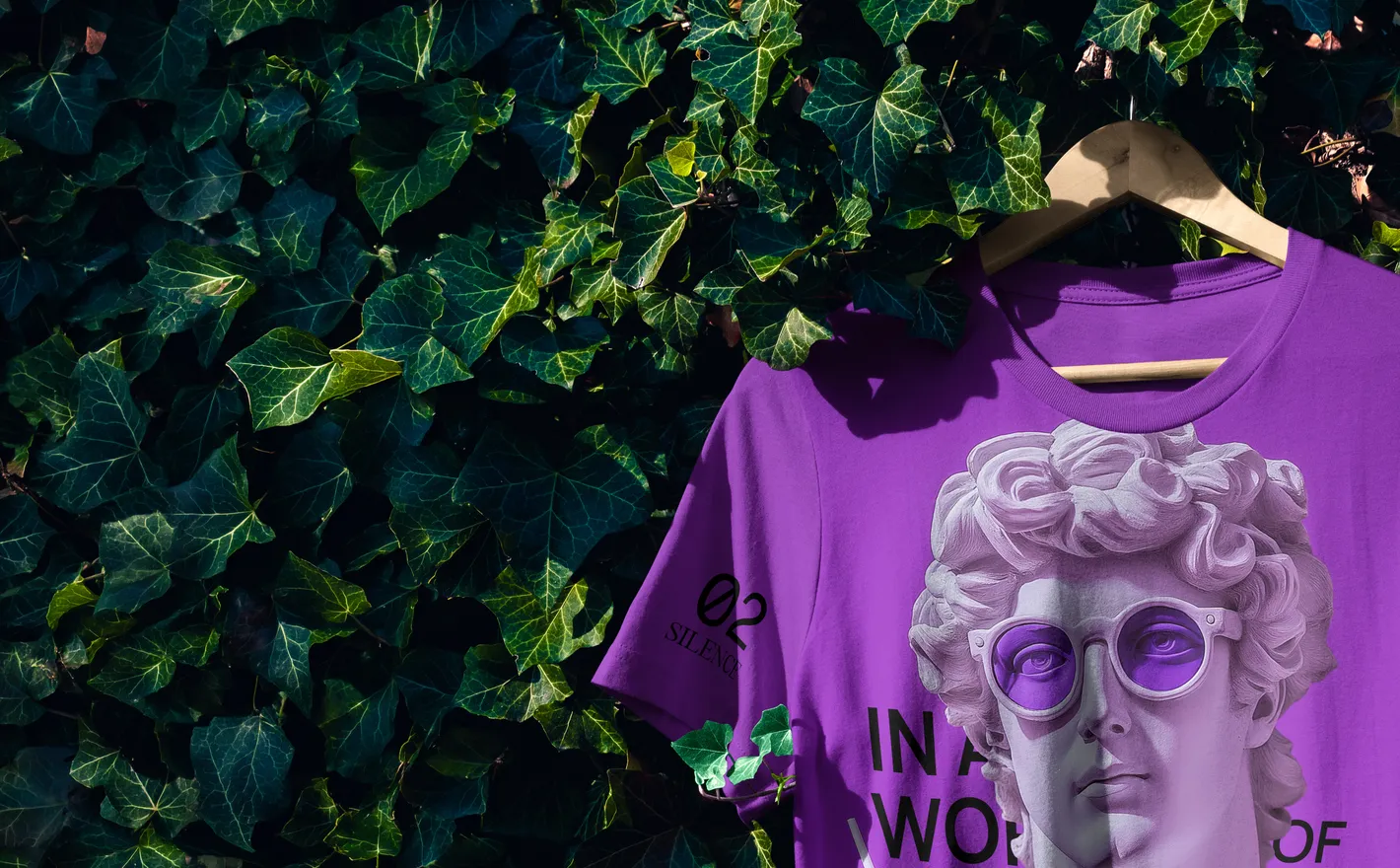
For merch and streetwear brands
Build a drop's visuals end to end: product-focused tee shots for the store, oversized fits in lifestyle scenes for the announcement. One set of layered PSDs keeps the whole release on one aesthetic.
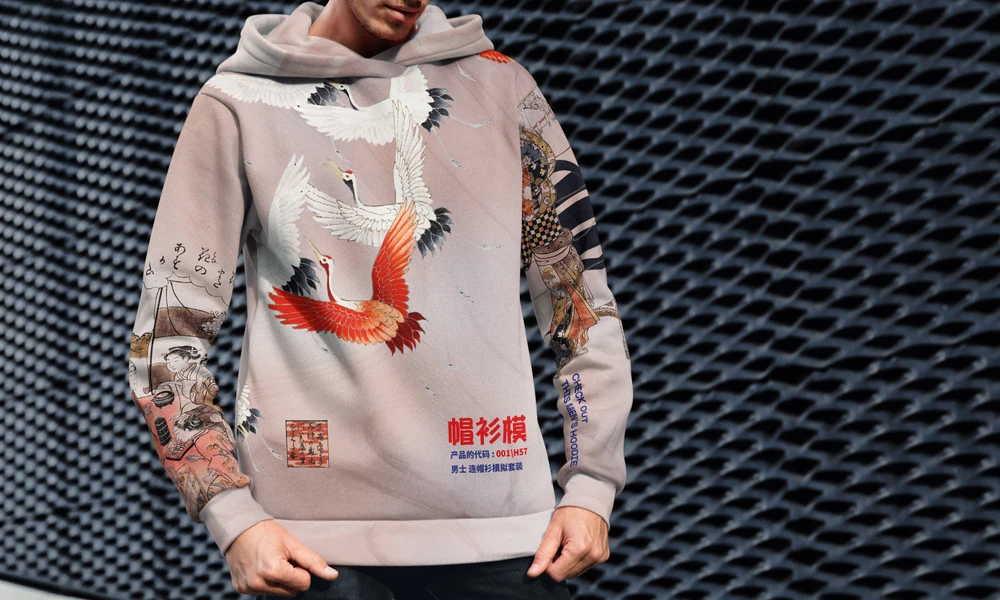
Adding a hoodie to the drop? Browse hoodie & sweatshirt mockups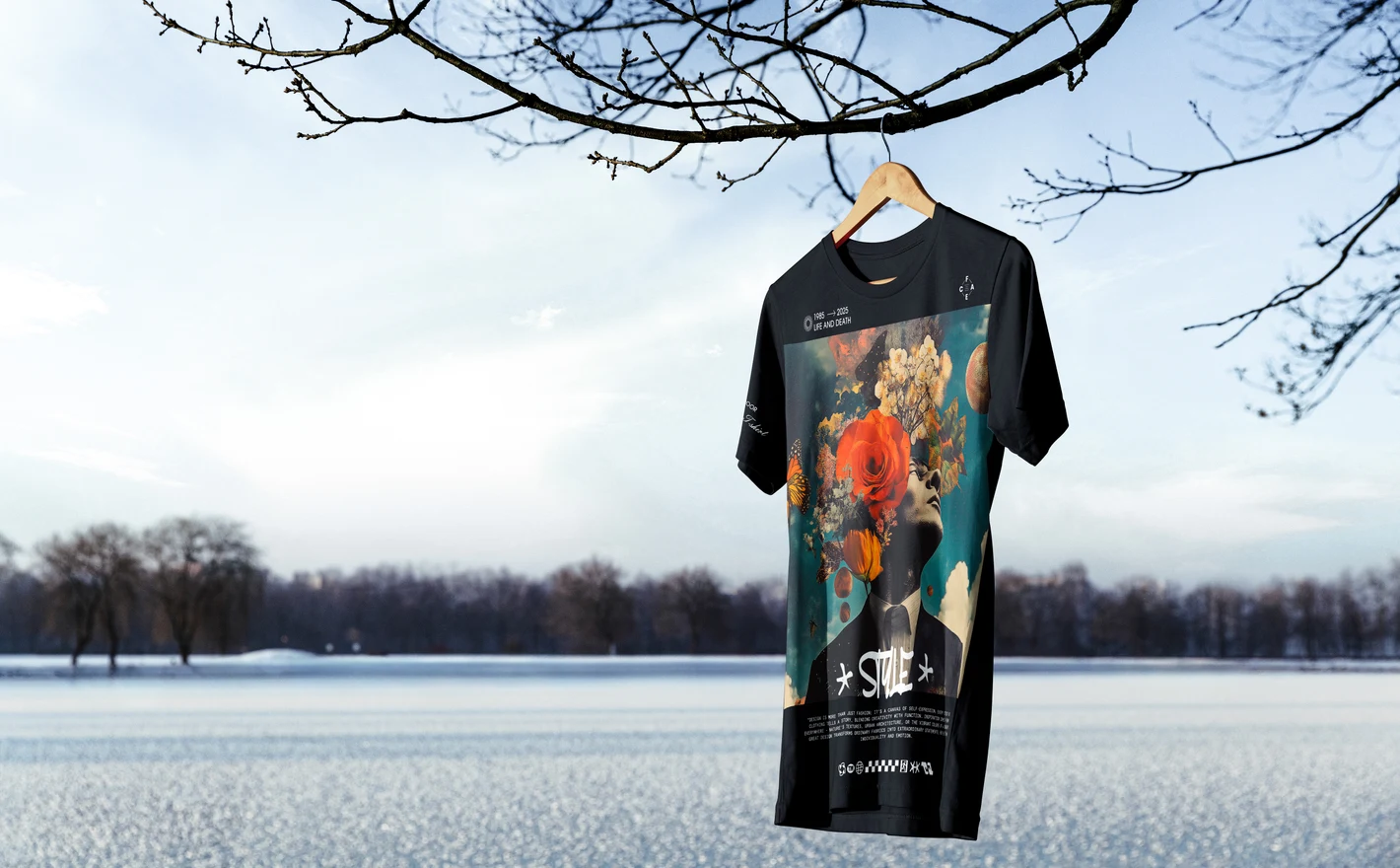
For print-on-demand sellers
Preview artwork on the exact blank, fit and scene you plan to sell before the listing goes live. Catching a mis-scaled chest print in a mockup costs nothing; catching it in customer reviews costs the listing.
FAQs
Yes. The category includes Bella Canvas 3001 sets with different presentations, including listings named men's and women's versions. Compare the available views and fabric finish with the shirt you sell. Use a front view for a chest print and a set with back views when your design also covers the back.
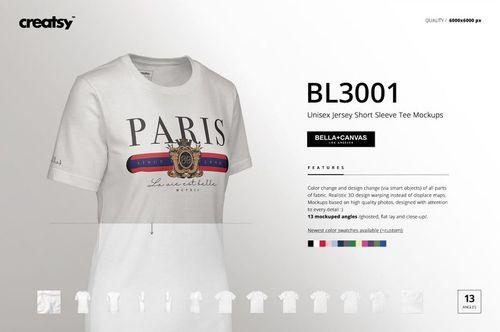
Check the individual listing. The Bella Canvas 3001 Unisex Jersey Short Sleeve Tee men's set, for example, includes 13 PSDs at 6000 × 6000 px and 4500 × 4500 px. Other sets differ in both file count and views, so compare the gallery rather than assuming every set has the same contents.
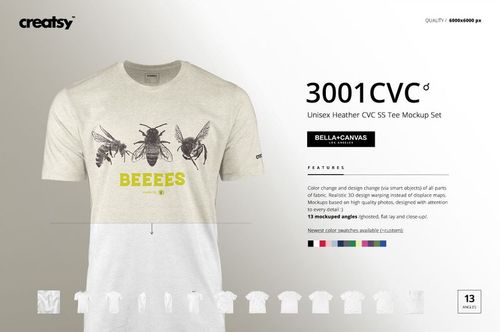
Keep the artwork in its Smart Object and change the available garment color controls, then export each version. Use the shirt finish that matches your product. A plain fabric recolored gray does not become heather fabric, and on-screen color values are not a substitute for checking a real garment sample.
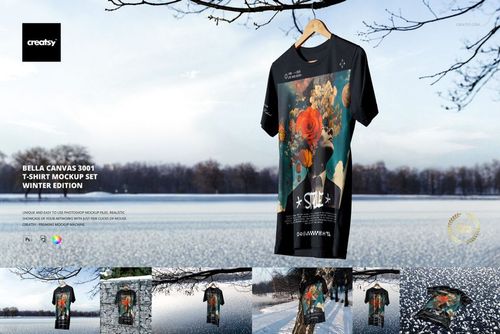
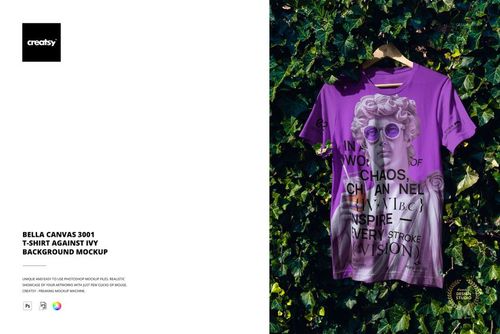
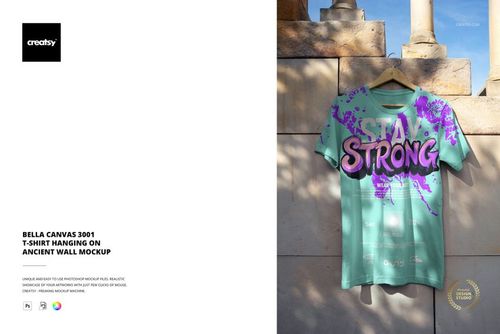
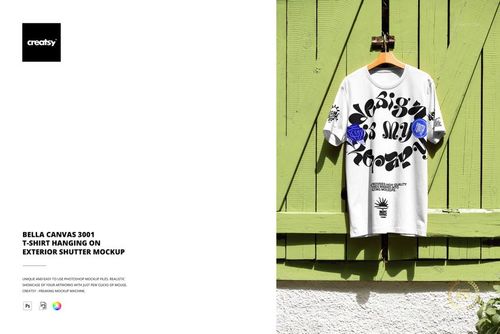
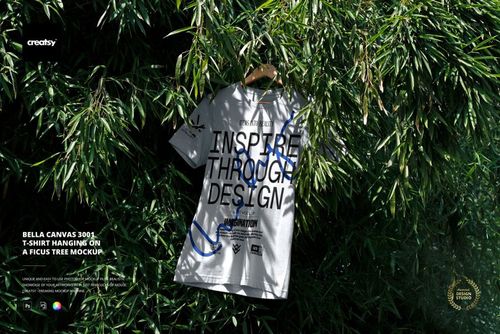
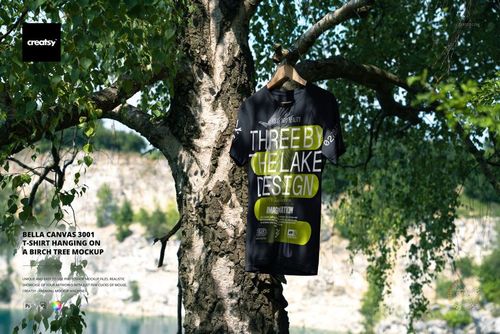
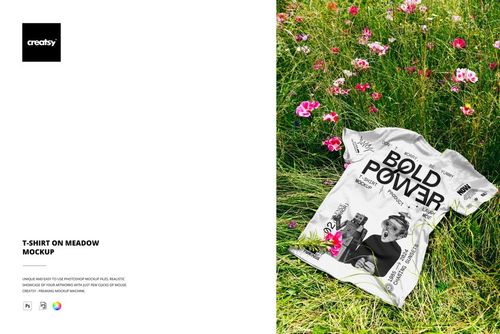
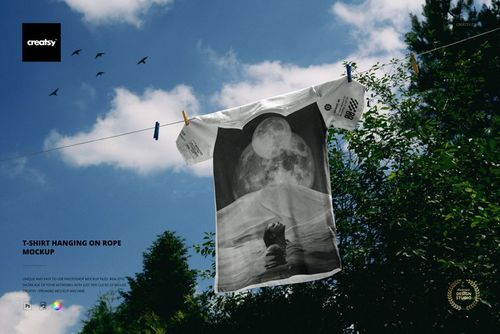
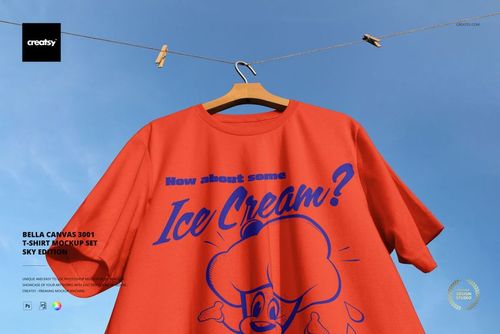
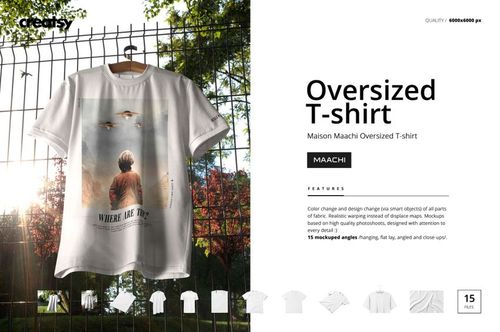
Yes. There are clean garment presentations as well as scenes with shirts hanging outdoors, including tree, wall and meadow settings. Choose a view that clearly shows the print for your main product image, then add another setting when it helps explain the garment or collection.
Yes. The free T-shirt Hanging on a Tree by the Lake mockup is available in Free Mockups with a free account. It provides a layered outdoor scene for your own design. It does not include every view from the paid multi-view sets.
Why use T-shirt & Tank Top mockups?
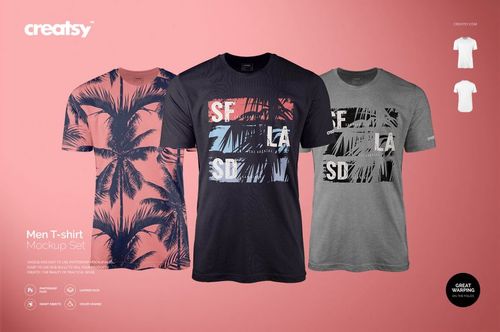
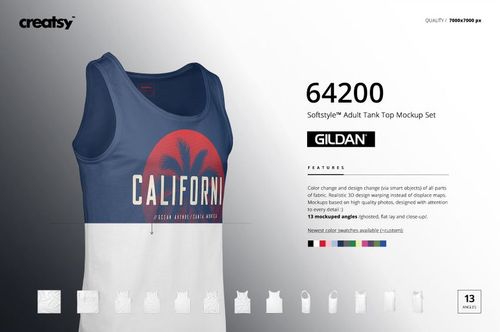
The cut of a shirt affects how large a graphic appears and where it sits. Necklines, body length and drape vary between fitted, regular and oversized styles, and tank tops offer a narrower front. Mockups help you compare these proportions before choosing the images for a collection. The category includes Bella Canvas 3001, Gildan 64200 and other men's, women's, unisex, oversized, tied, long-sleeve and tank styles. Use studio views to review print size, vertical placement, front and back artwork, and garment colors. Lifestyle and seasonal scenes provide additional settings for the same designs. When using a named blank, compare the model and product gallery with the shirt your supplier provides. Smart Objects keep the garment's folds and perspective in place while you add illustrations, slogans, names or team graphics. Separate views are edited individually. Export images for shop listings, preorders, family shirts, event merchandise, client reviews and campaigns. Trying the artwork on several cuts can help you decide where to resize or reposition it. Reuse those views for new designs to keep the collection's product images consistent.
FreeCreatsy® Mockups
High Resolution