
 15$1615$19.00
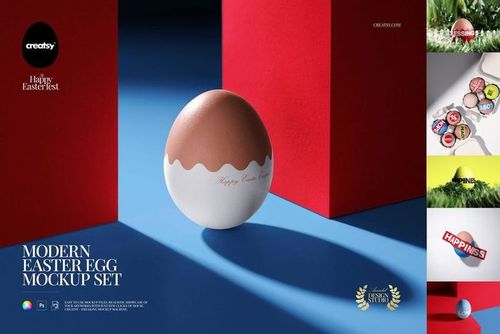 $2400
$2400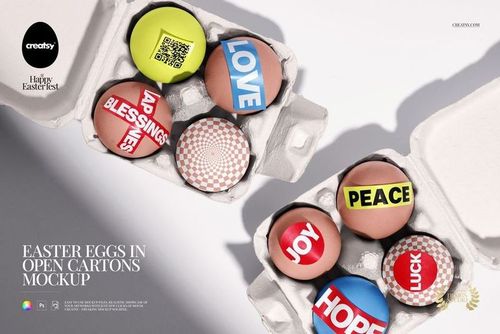
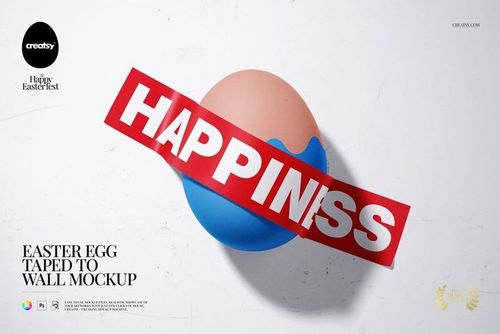 $1900
$1900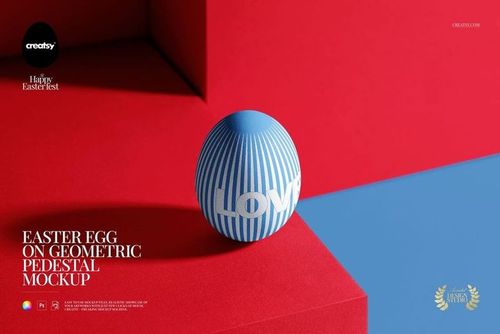
 $1900
$1900
 $2600
$2600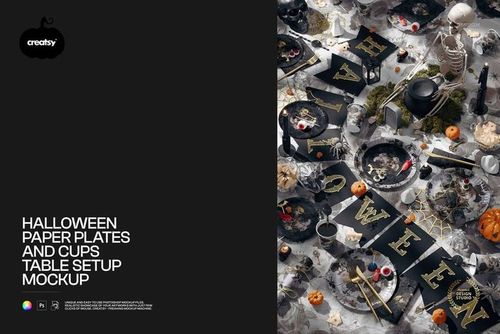
 $1900
$1900
 $1900
$1900 $1900
$1900


 $1900
$1900


 $3200
$3200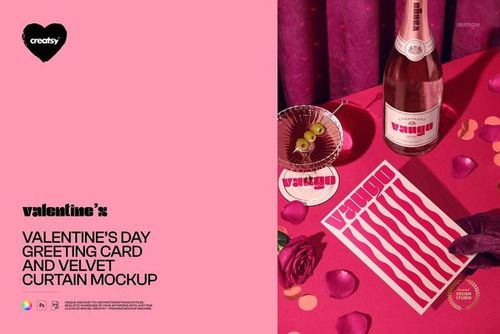
Holiday & Seasonal Mockups
Plan Christmas, Easter, Halloween and Valentine's Day collections with seasonal mockups for cards, gift packaging and home decor. Choose scenes styled for each occasion and prepare your product listings, client previews and campaign images.

Reviews
What designers and brand owners say after using these PSD mockups in real client work.
0
Sort by:


Nice
 Christmas Ribbon Mockup View product
Thank you, Jac.h! We’re glad you like the Christmas Ribbon Mockup.

Loved this mock up, easy to use and my designs looked perfect on it
 Easter Eggs with White Flowers Mockup View product
 That’s exactly what we love to hear - thank you! 🧡

Gorgeous template, super easy to use, and what I love most is how flexible it is! You can really make it your own and adjust every detail to match your vision.
 Easter Egg in Picture Frame Mockup View product
 Flexibility is everything - so glad it worked for your vision! 🧡

Loved using this to show off my pattern collection!
Easter Egg in Picture Frame Mockup View product That’s what it’s made for - thank you! 🧡
Nice mockup. 🩷
 Three Easter Eggs in Carton Packaging Mockup View product
 Thank you so much! We’re so happy you like the mockup. Your support truly means a lot to us. Happy creating ✨

Amazing! I love all of Creatsy's mock ups!
 Wrapping Paper Rolls in Tote Bag with Tulips Mockup View product
 Thank you so much - that means a lot! 🧡
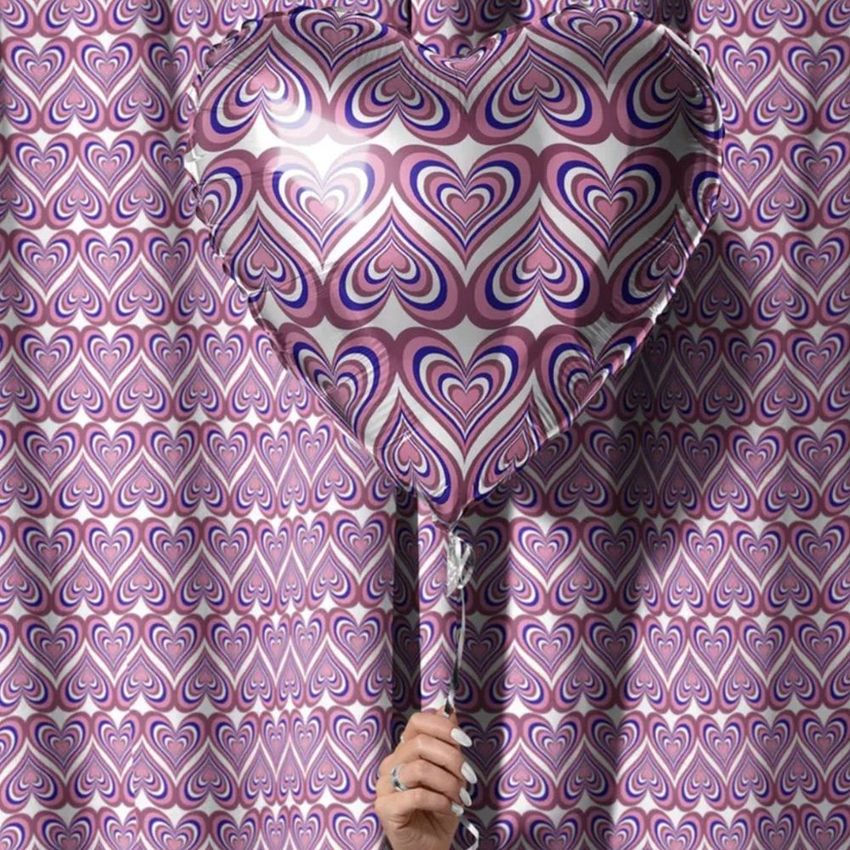


What you get
Professional PSD mockups built in-house - editable, realistic, high-resolution, and supported by real people.
Layered PSD Files
Creatsy mockups are delivered as fully layered Photoshop .psd files, with layers sorted into clearly named groups. Shadows, highlights, and the background each sit on their own editable layer, and nothing is flattened into a single image. Open it in Photoshop or the free browser editor Photopea and get to work.
- Clearly named, organized layer groups
- Shadows and highlights on separate layers
- Editable background, never flattened
- Works in Photoshop or free Photopea
Smart Objects
Open the smart object, paste your artwork, and save. The design lands on the product with the perspective, warp, and wrap already worked out. Scene lighting and shadows fall back on top, so it reads as a photograph, not a flat paste-in. Swapping a design takes seconds, so one file can carry a whole run of variants and colorways.
- Double-click, paste your design, save
- Perspective, warp, and wrap pre-built
- Scene lighting and shadows sit back on top
- One file covers many variants and colorways
High-Resolution Output
Many scenes are built from real product photography rather than 3D renders, so the fabric and surface read like a studio shot. Files export at high resolution and stay sharp at full zoom, with clean edges where the print sits. The same file works for a hero banner, a paid ad or a product listing.
- Real product photography in many scenes
- Exports ready for print
- Holds detail at full zoom
- Works for banners, ads and listings
Easy to Edit
Colors, backgrounds, and artwork sit on separate, clearly named layers, so you swap a color or background without disturbing the rest of the scene. There is no relighting or shadow work to redo, and the same file works for your next project.
- Edit color and background layers directly
- No relighting or shadow rework needed
- No masking or layer skills required
- One file reused across projects
Fast Support
There is a real in-house team behind every file, not a ticket bot. Before you buy, ask whether a specific mockup fits what you have in mind, and we will tell you. When a smart object or a layer group is tripping you up, send the question and you usually get a reply within 48 hours.
- Real in-house team behind every file
- Replies within 48 hours
- Pre-purchase help picking the right mockup
- Answers on smart objects and layer setup
Who are these mockups for?
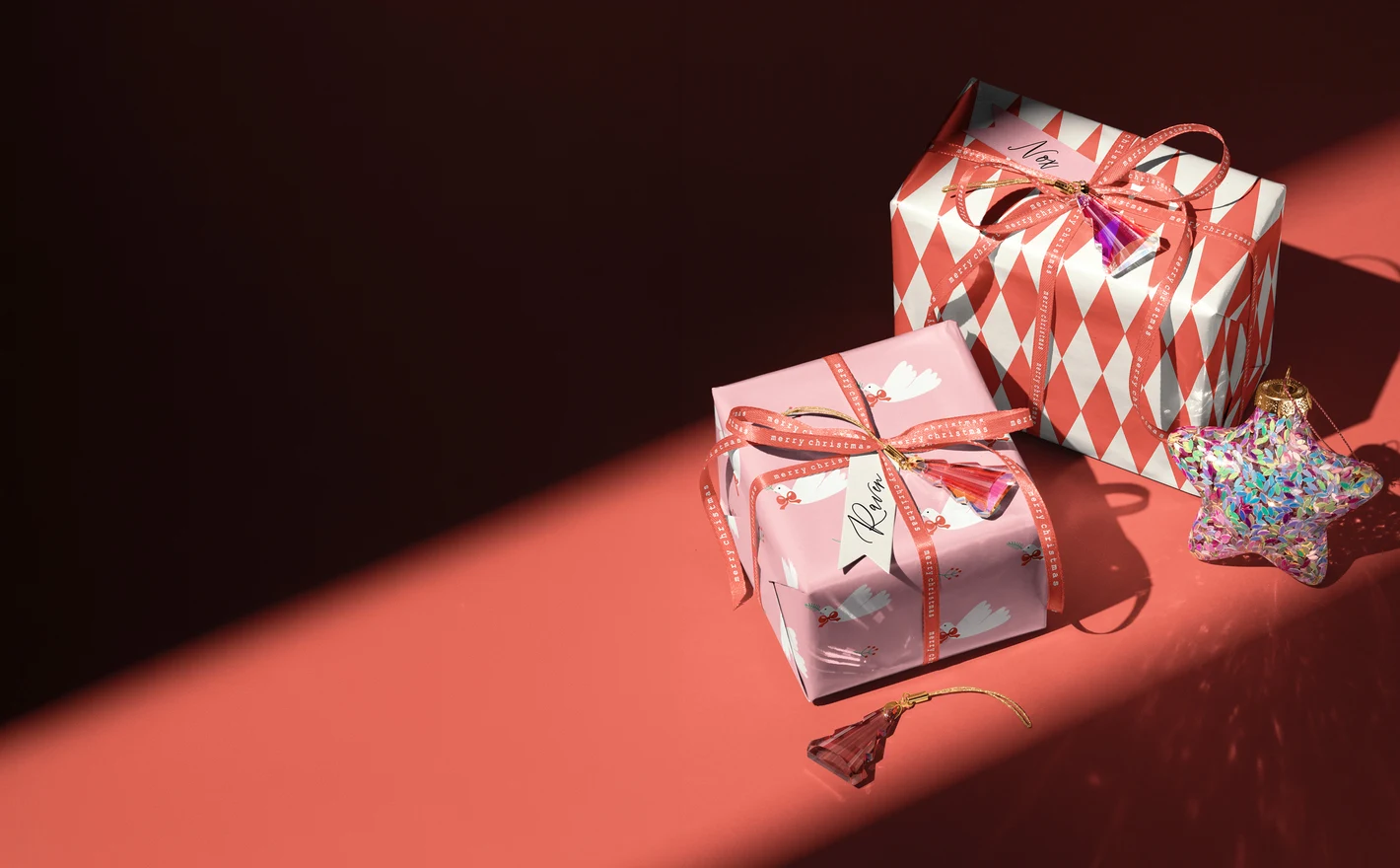
For Christmas packaging & DTC brands
Drop one pattern into the Christmas Gift Boxes with Ribbons and Ornaments Mockup and the Velvet Christmas Stocking Mockup Set and the holiday line is shot in July, listing images and email graphics included. When the collection changes, the scenes stay and only the artwork swaps.
Building a holiday line? Browse Christmas mockups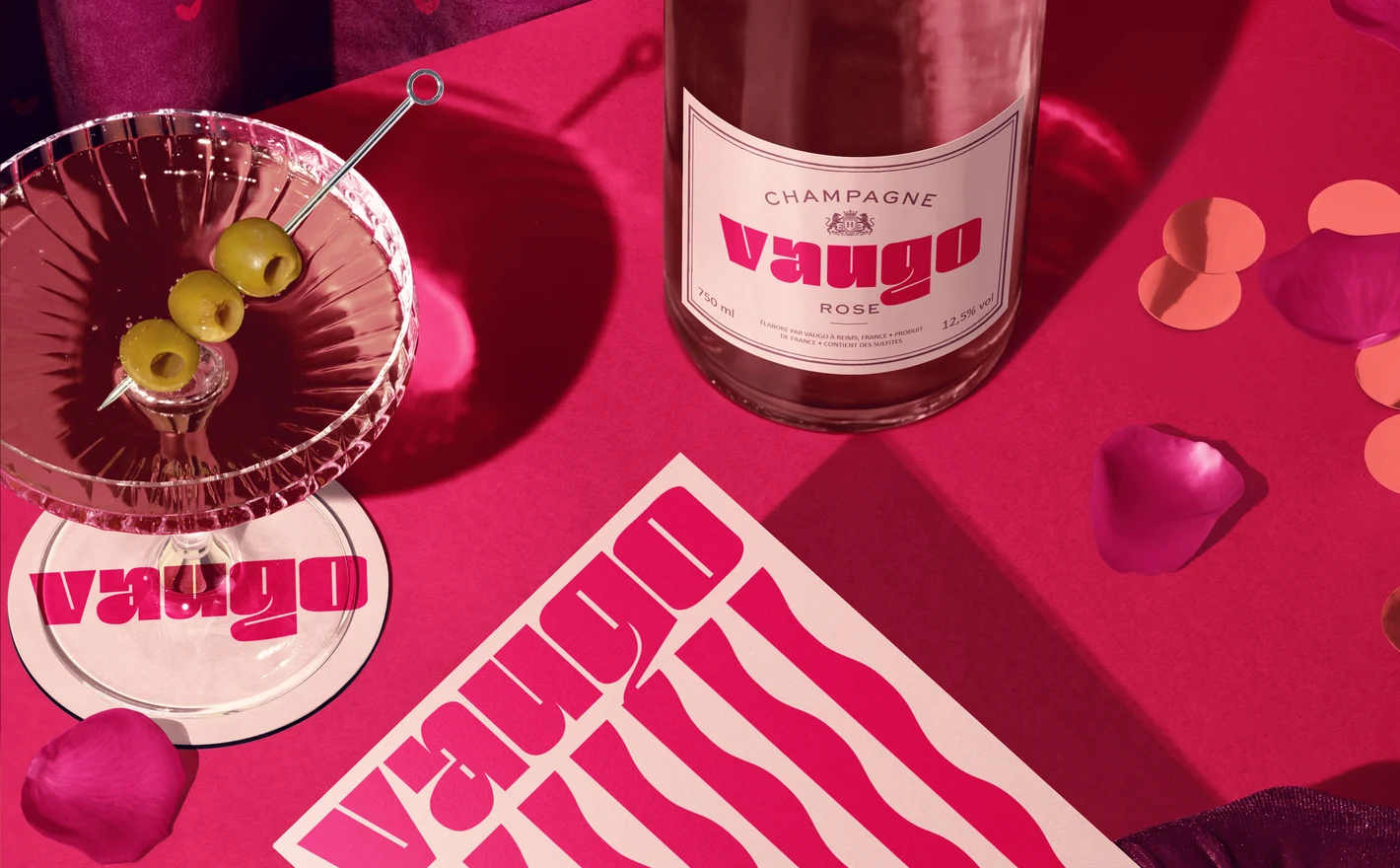
For Valentine's card makers & bakeries
Stand the card in the Valentine's Day Greeting Card and Velvet Curtain Mockup and put the bakery branding on the Heart Shaped Cakes in Pastry Box Mockup, and both products sit in the mood they sell on. That's the February ordering page and the social countdown from two files.
Selling for Valentine's? Browse Valentine's Day mockups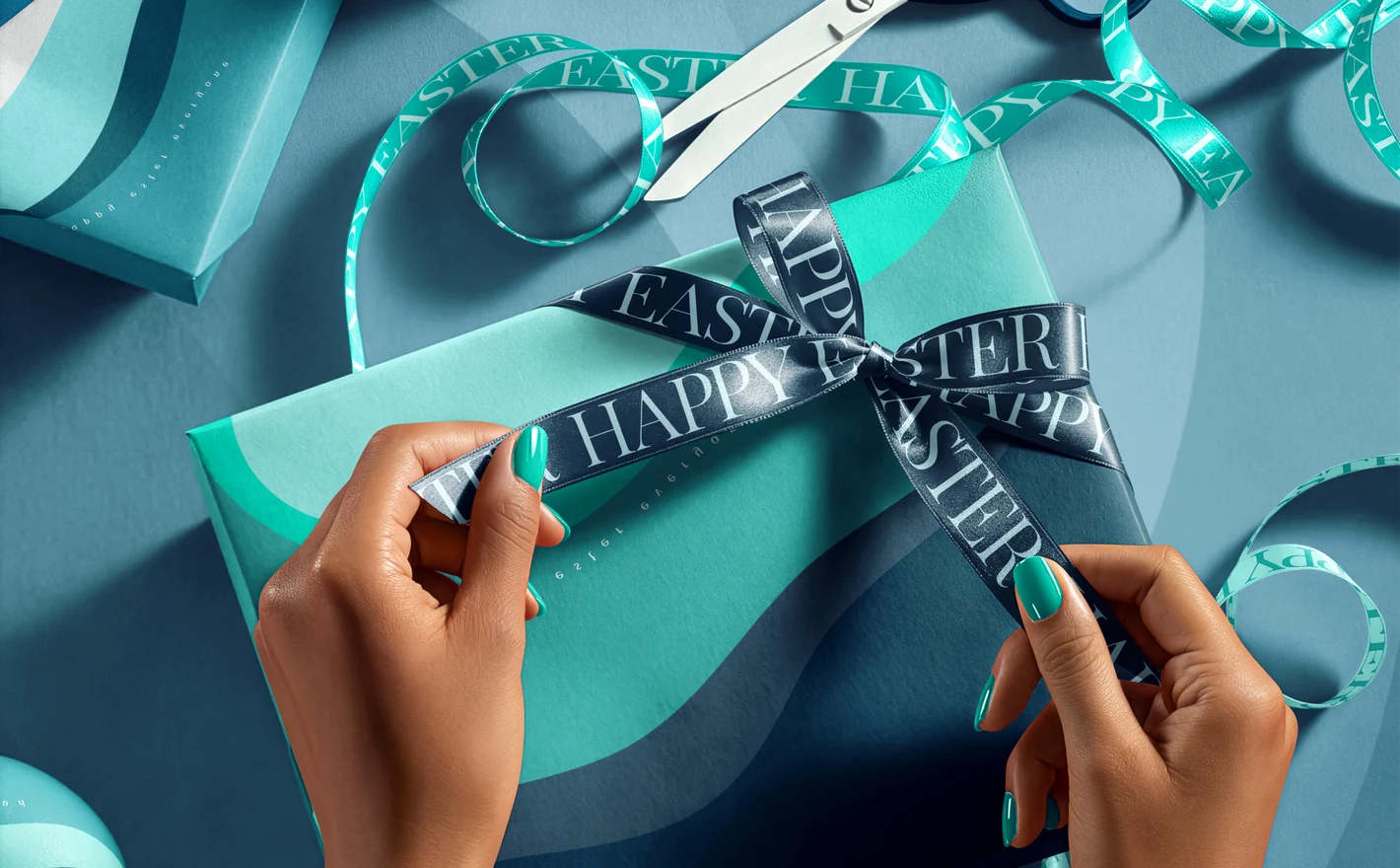
For spring & Easter pattern designers
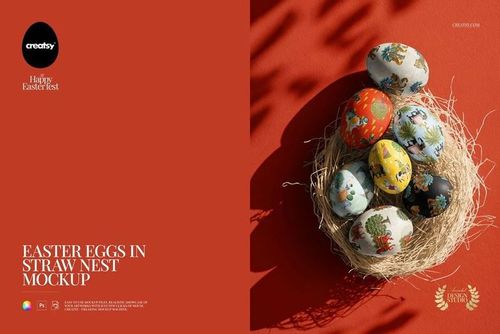
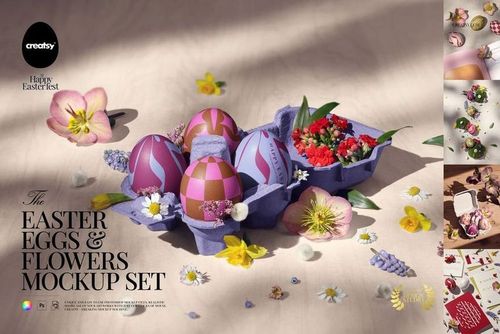
Wrap the repeat around the Easter Eggs in Nest Mockup and see it on a curved, irregular surface, then put the same file on the Easter Present Wrapping Mockup for the folds. A motif that survives an egg and a wrapped gift is ready for the licensing deck.
Designing for spring? Browse Easter mockups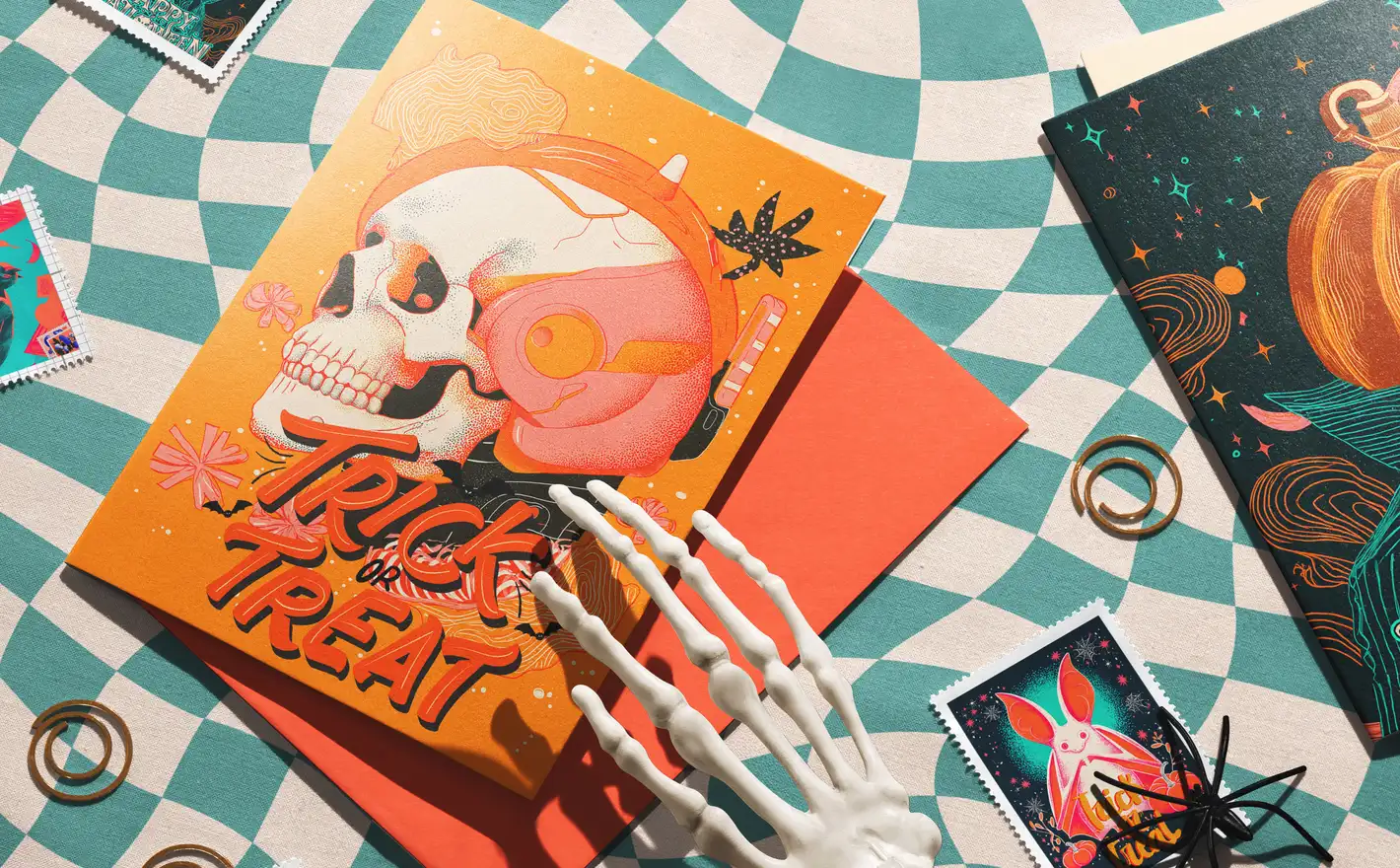
For Halloween illustrators & textile brands
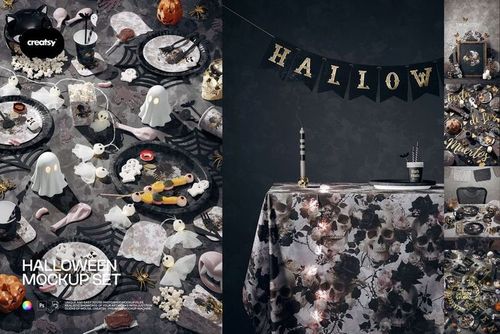
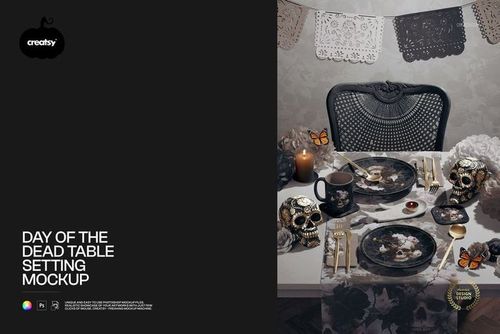
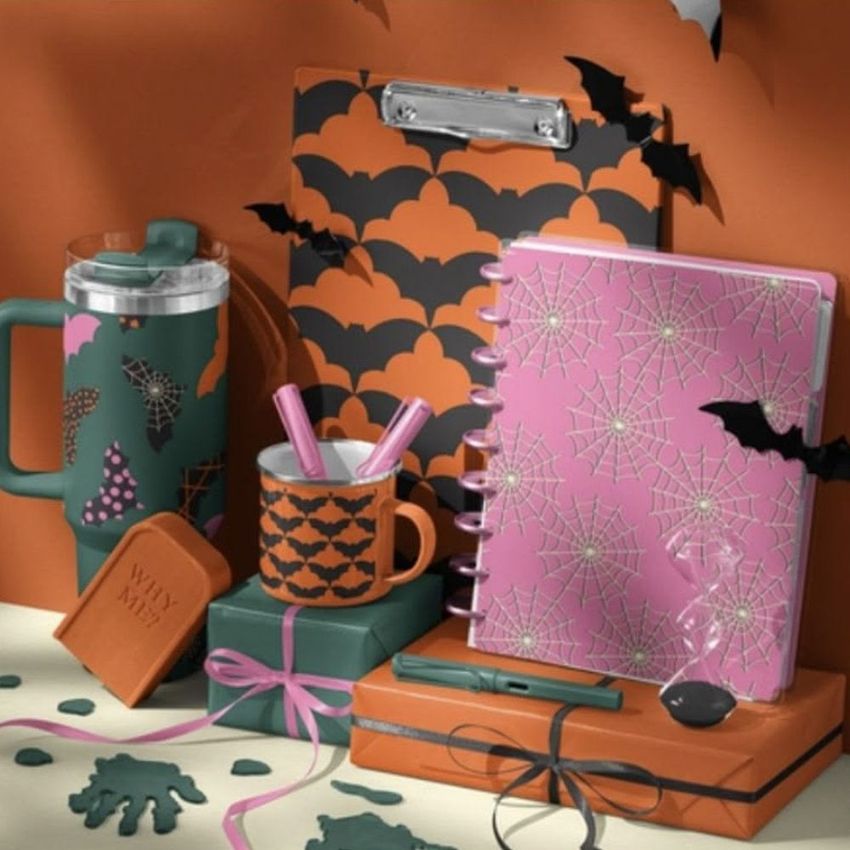
Put the illustration into the Skeleton Hands Halloween Greeting Card & Envelope Mockup for the card and into the Glow in the Dark Halloween Duvet Cover Set Bedroom Mockup for the bedding, and the artwork gets judged with the atmosphere it was made for. A white background flattens Halloween work; these scenes keep it.
Drawing for October? Browse Halloween mockups
FAQs
There are separate categories for Christmas, Easter, Halloween and Valentines. They include packaging, cards, decor and other seasonal scenes. Some festive products also appear in their regular product categories, such as mugs in Drinkware, so browsing by product can help when you already know what you need.
Yes. Add your artwork to a suitable scene and export the images whenever you need them. Check that the product, decoration and any visible dates fit the collection you plan to launch. Keep an editable working copy so names, offers or artwork can be updated before publication.
The license is not limited to one holiday season. You can reuse the asset within its permitted scope, provided you continue to meet the license terms. Keep a local backup of your purchase; a perpetual license is not the same as a promise of permanent download access or every future update.
Only when the file includes those controls. Many styled scenes have fixed compositions, while products such as Halloween Scene Creator are intended for arranging a scene. Check the feature images for the objects you need to change; editable wrapping paper does not automatically make the surrounding decorations movable.
Check the product-specific requirements for Photoshop and any listed Photopea support. Requirements can differ between older sets, newer scenes and bundles. When the description, badges or included file formats disagree, ask Creatsy to confirm the current package before buying.
Why use Holiday & Seasonal mockups?
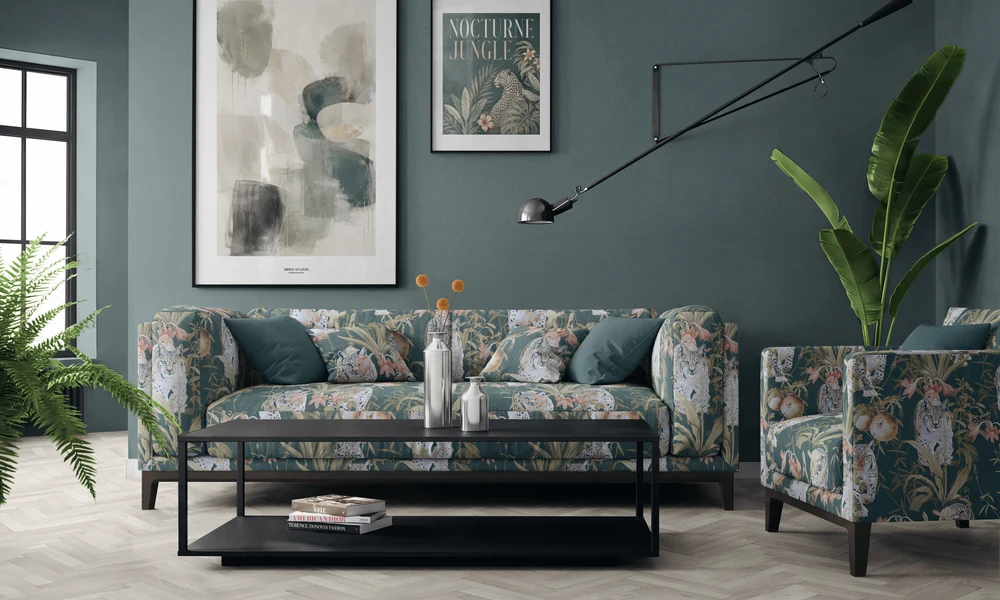
The seasonal range brings together Christmas, Valentine's Day, Easter and Halloween scenes. It includes wrapping paper, gift packaging, cards, eggs, ornaments, textiles, decorations, room settings and table arrangements, with bundles for larger projects. Each listing gives the file contents, editable areas, software requirements and licensing options. Prepared seasonal settings let you work ahead of the calendar. You can make Christmas product images in summer or prepare Valentine's designs before the new year. The props and lighting are already in the scene, so you can concentrate on how the artwork and colors look within that setting. Smart Objects fit the design to the relevant product surfaces. Use related artwork on wrapping paper, cards, decorations and textiles to present a seasonal collection. Export the images for shop listings, launch campaigns, social posts and client reviews, then reuse the views for future designs. Each separate scene needs its own edits, including those in a bundle. Check the package contents and download sizes before choosing the files for a wider campaign, so you have the views needed for each product.
FreeCreatsy® Mockups
Perfect!
Thank you! ❤️