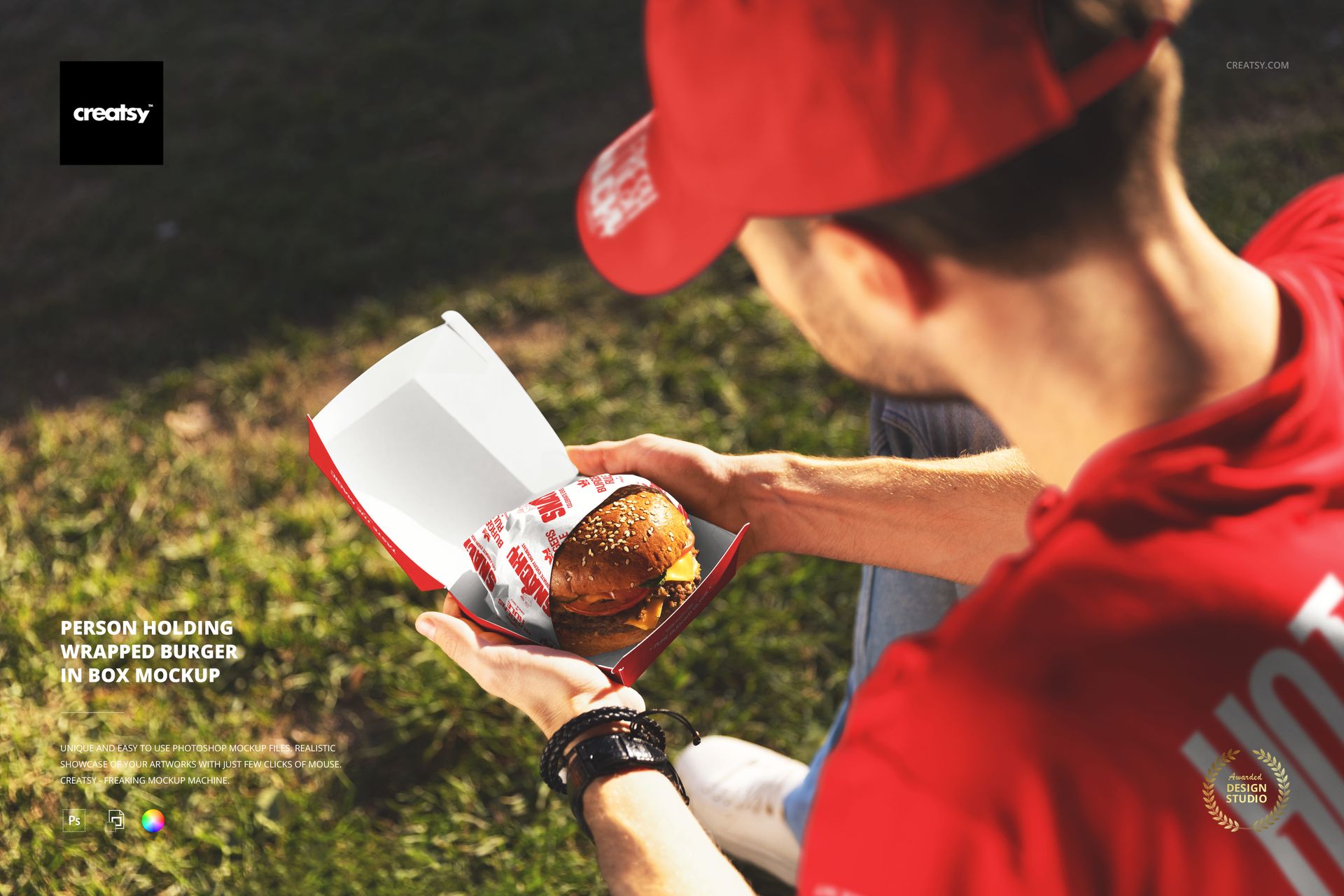
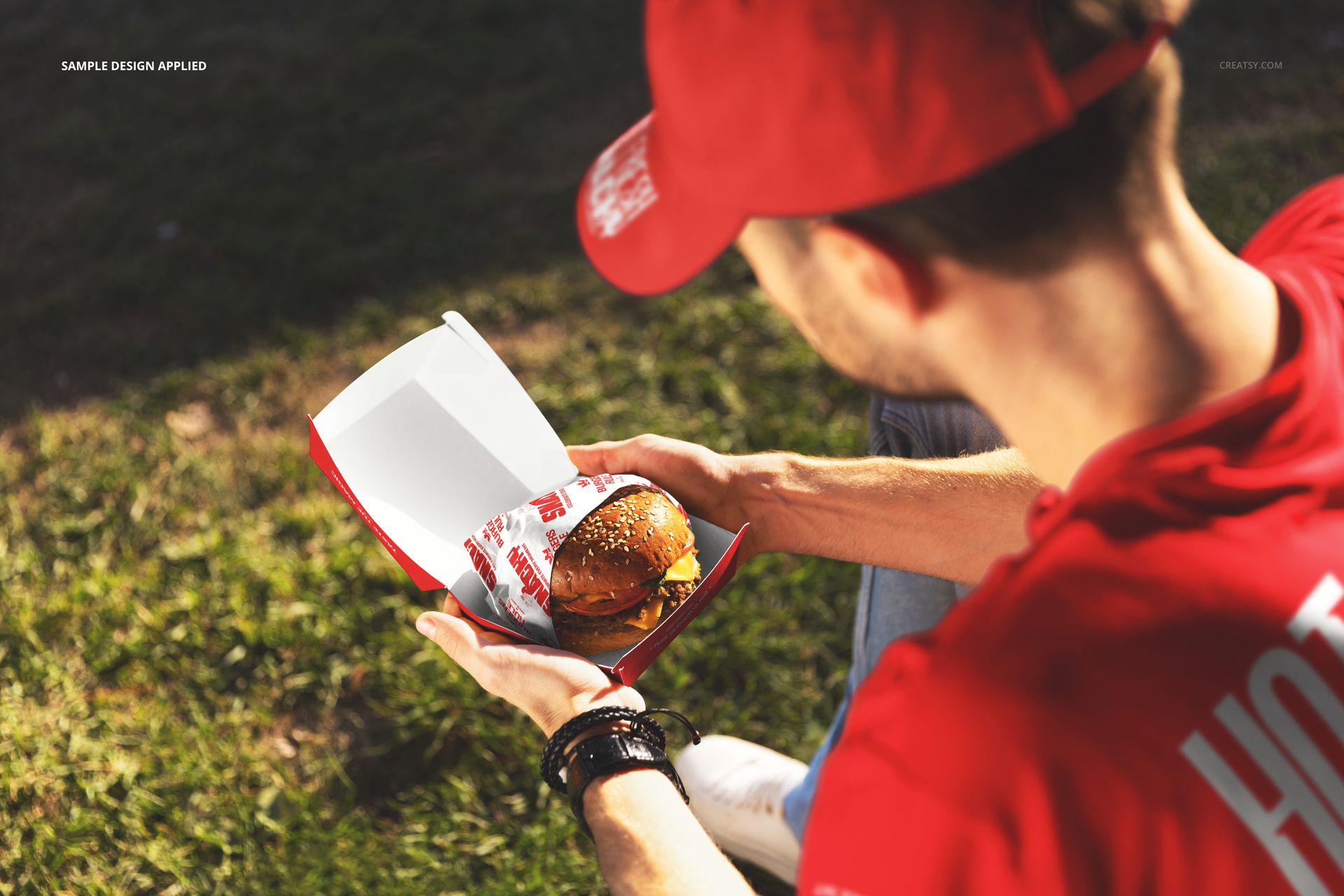
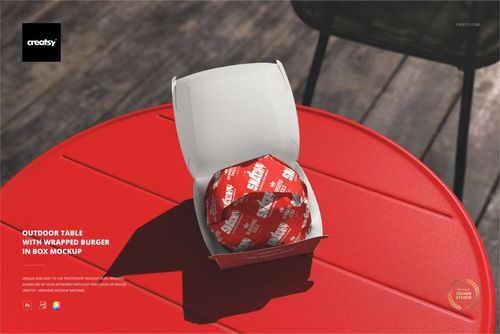
Packaging design gets tested three times. First when a customer spots it on a menu board or delivery app listing. Second when the order arrives and they pick it up. Third, when someone sits down, opens the box, and holds the food. This is the test most designers skip in their presentations, and it is exactly the moment this PSD captures. A person outdoors on grass, burger in hand, sunlight catching every wrinkle and crease in the wrapper.
That third moment matters because the wrapper becomes the most intimate point of contact between your brand and the person eating. No counter separating them, no delivery bag obscuring the view. Just hands, paper, and whatever pattern or logo you printed on it. Color blocks, brand marks, typographic details, illustrative patterns - they all behave differently when slightly crumpled around a warm burger. This file lets you see how your design handles that crumpled reality before committing to a print run.
Scene Composition
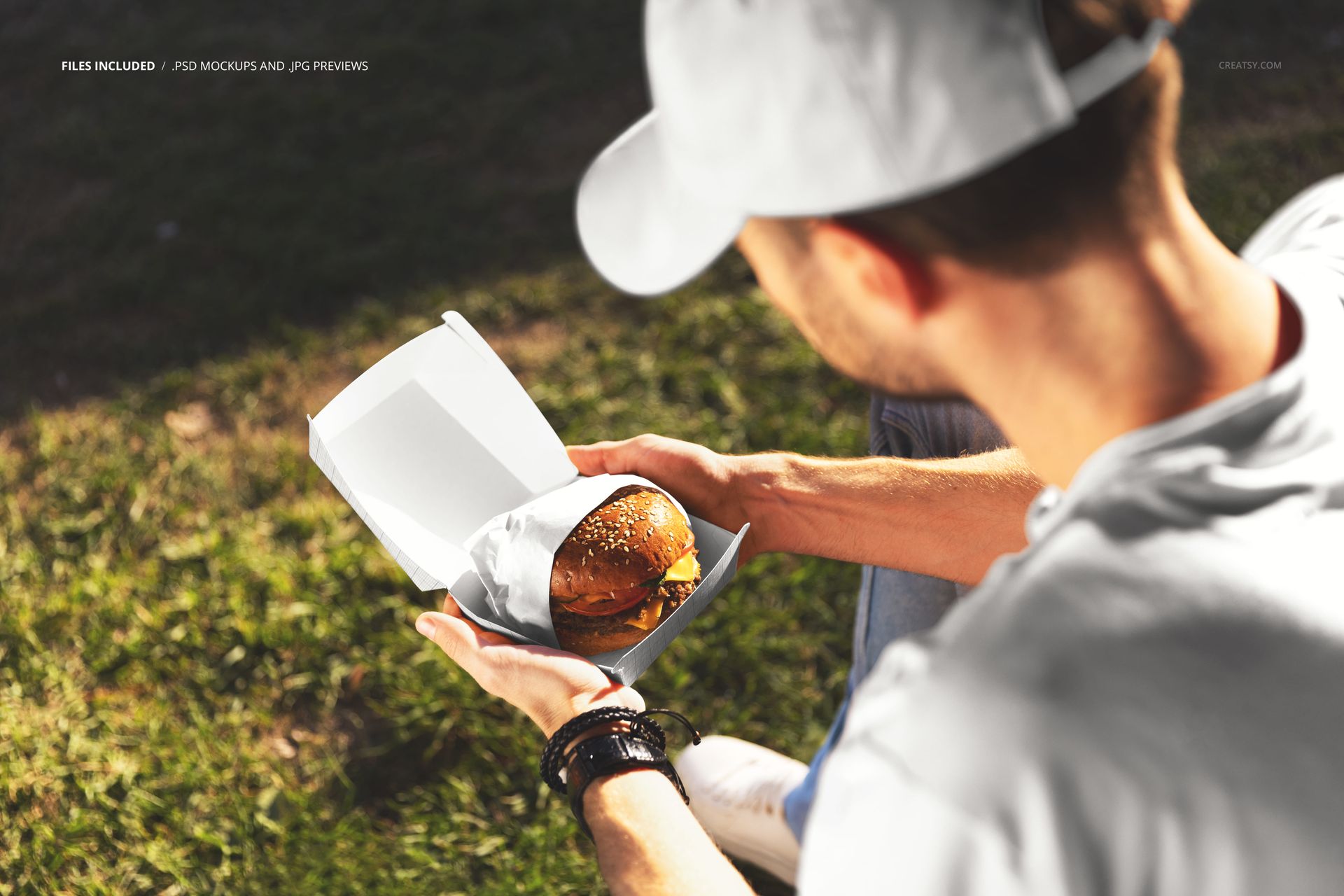
The photograph frames a person wearing a red top, holding a wrapped burger inside an open cardboard box, seated casually on grass in natural afternoon light. The camera angle presents the wrapper face-on while the open box lid provides a secondary branded surface behind it. A shallow depth of field blurs the green background, keeping attention locked on the packaging. Warm, directional sunlight produces soft highlights and gentle shadows across the paper surface, which means your design renders as it would on an actual sunny day rather than under controlled studio lighting.
Smart Object Layers
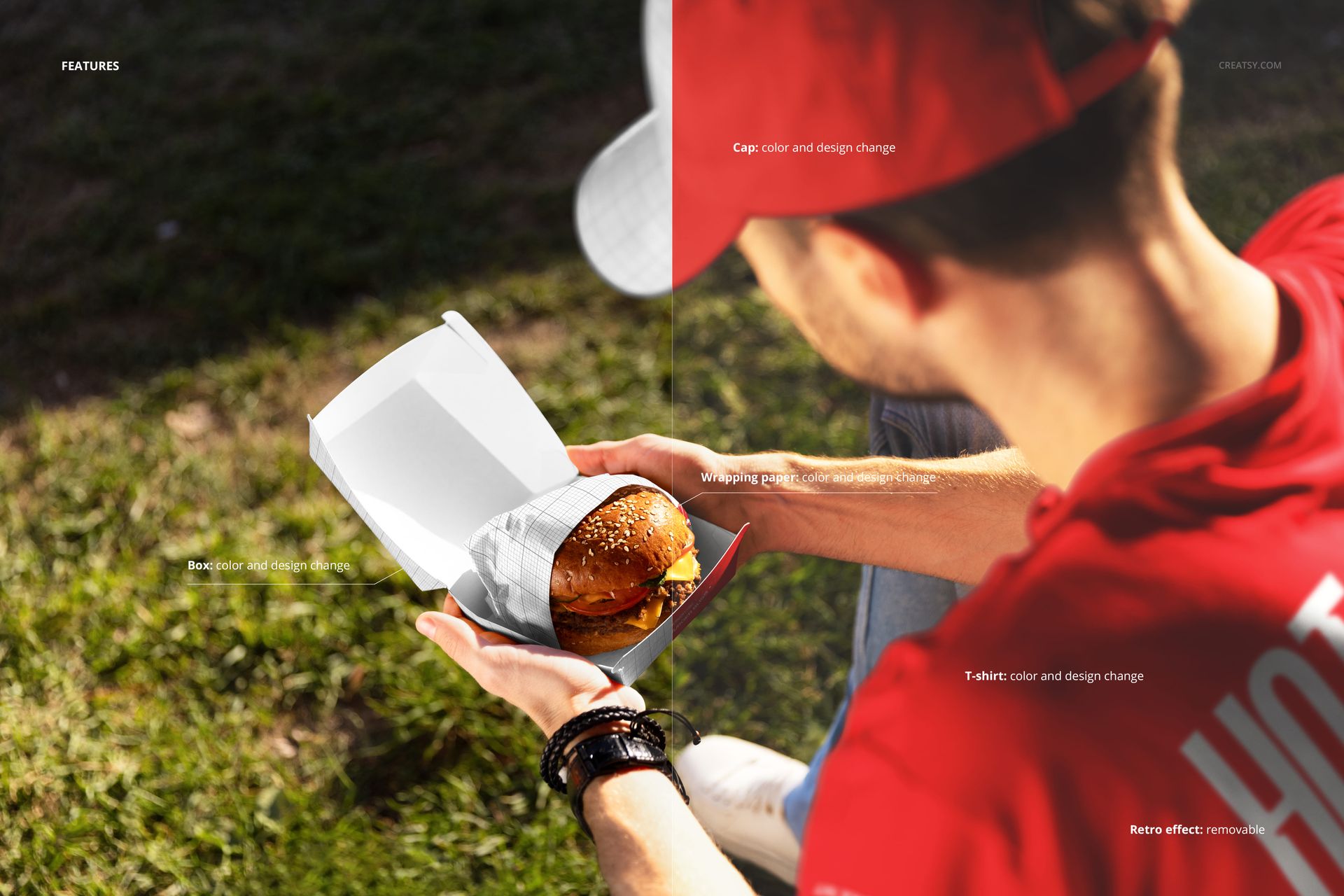
The wrapper and box surfaces are fully editable through organized smart object layers. Place your artwork, save, and the PSD applies correct perspective warping, paper texture interaction, and realistic light response automatically. Layer groups are named and logically structured, so you spend time designing rather than navigating a messy file tree. Compatible with Adobe Photoshop CC 2020 or newer. Also opens and edits cleanly in the free online editor Photopea at photopea.com, making it accessible to designers who do not have a Photoshop subscription.
File Specifications
One PSD file at 6000 x 4000 pixels, 300 DPI. That resolution supports full-bleed print at roughly 20 x 13 inches, and comfortably crops to any standard web or social media ratio without losing clarity. Well-organized layers. Download size approximately 219 MB.
Designed for Real Client Work
Fast food and quick-service restaurant brand identity packages. Independent burger restaurant visual systems. Food truck branding where outdoor casual eating is the default scenario. Delivery-focused restaurant pitch decks that need to show packaging beyond a flat dieline. Packaging design portfolios where context sells better than isolated product shots. Social media launch assets for new menu items, seasonal promotions, or rebranding announcements.
The outdoor setting adds credibility that white-background studio shots cannot replicate. When a client sees a person casually eating outside with their branded wrapper visible, the design stops being a concept and starts looking like something already on the market. For portfolio work and agency presentations, that perceived reality is often what tips a client from considering to approving.
Color Behavior in Natural Light
Studio-lit mockups tend to flatten subtle color differences, making every palette look acceptable. Outdoor daylight is less forgiving - it exposes whether your brand red carries enough saturation, whether low-contrast type stays legible on textured paper, and whether kraft-and-white combinations hold their intended warmth. This file captures honest sunlight, which translates to fewer discrepancies between your presentation mockup and the final printed piece. What you show the client is closer to what they will hold in their own hands.