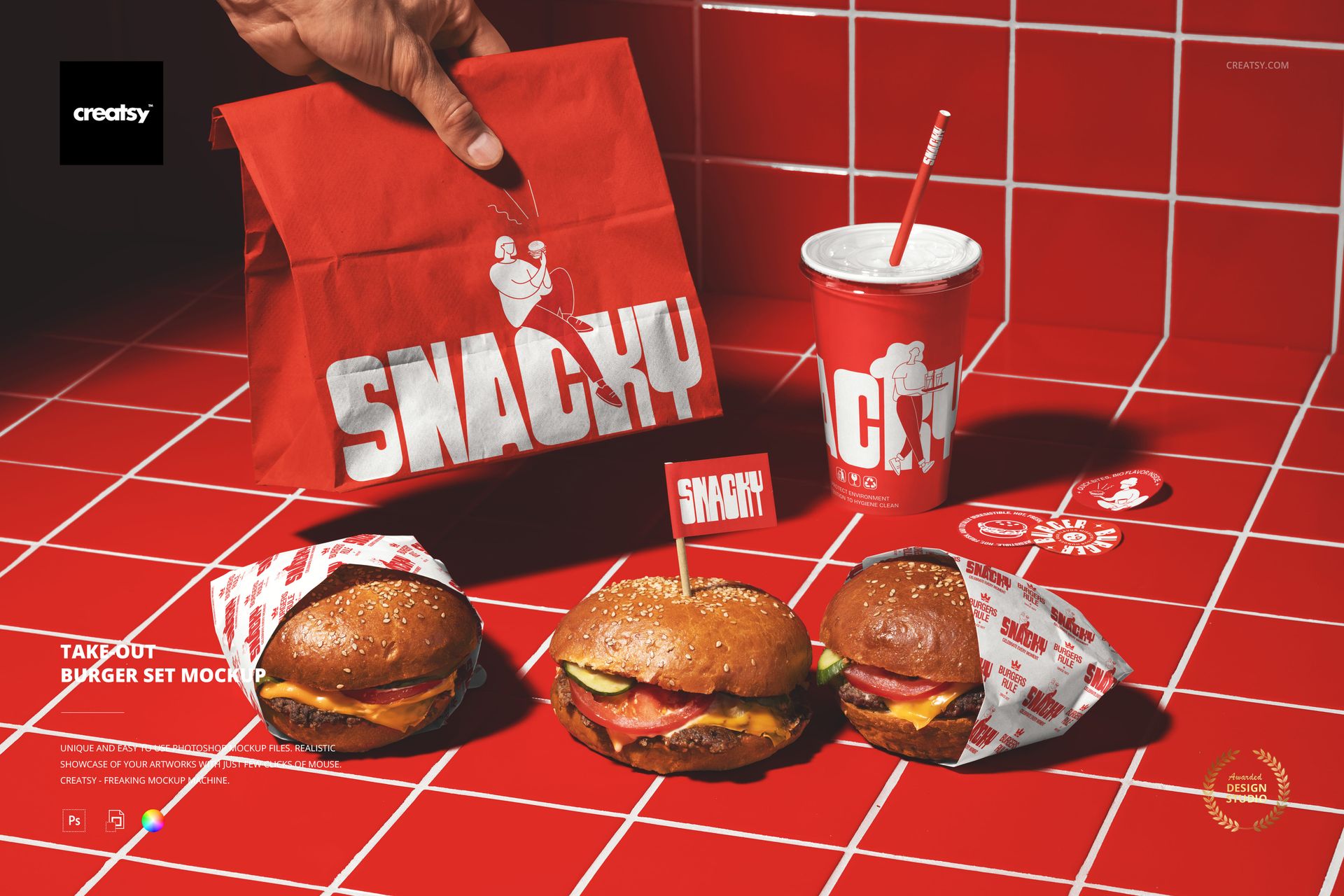
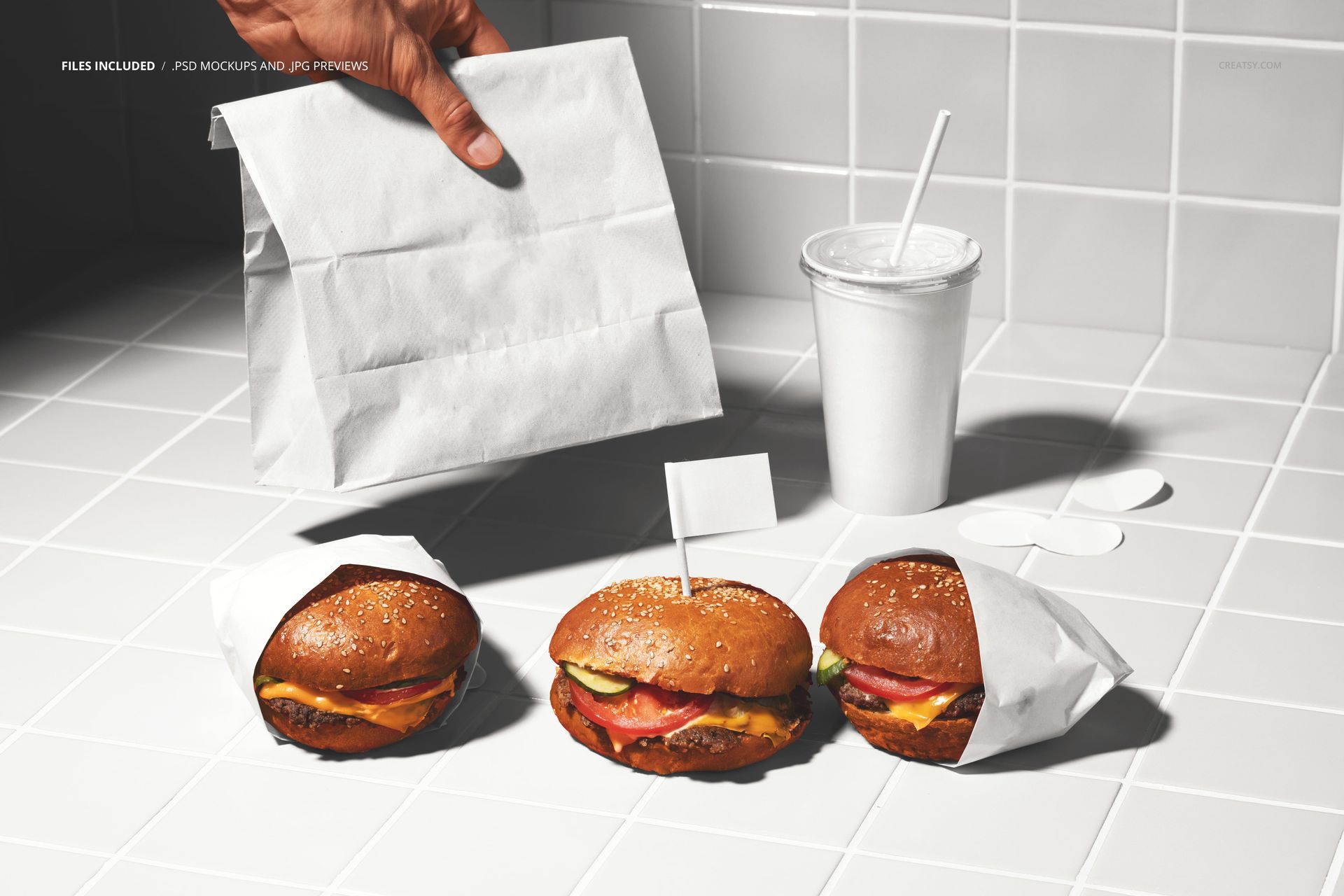
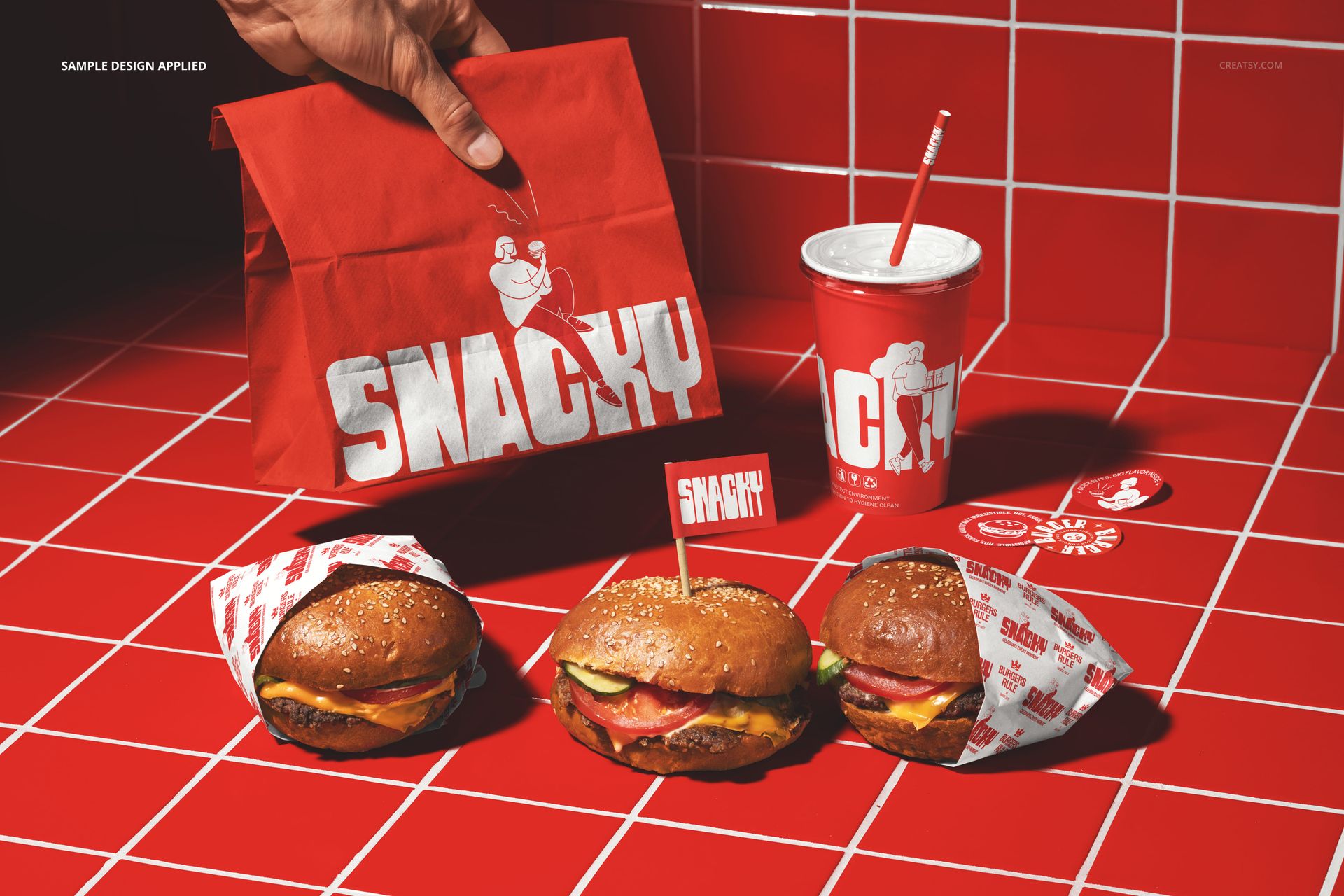
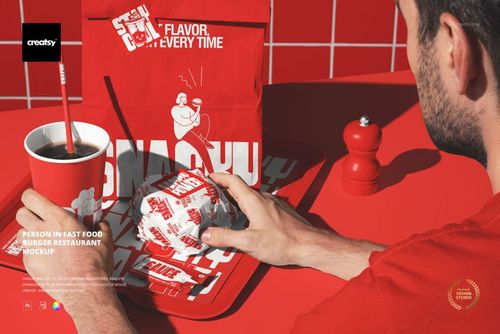
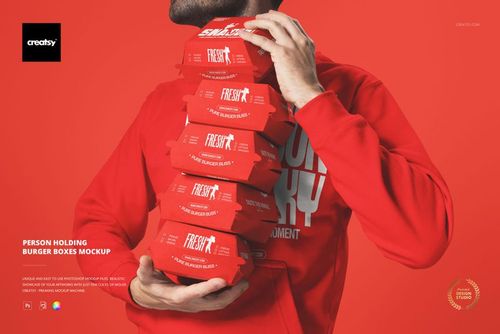
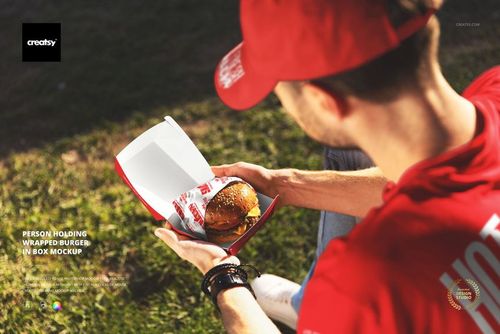
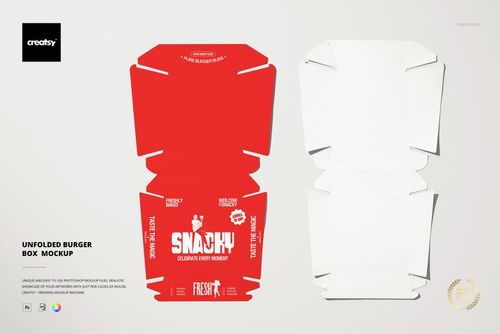
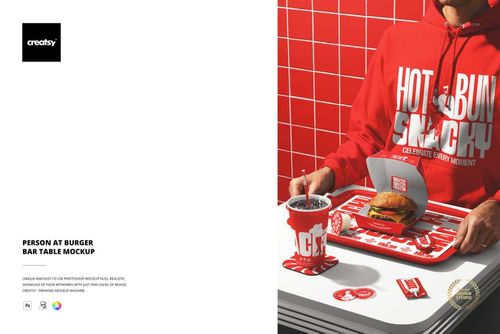
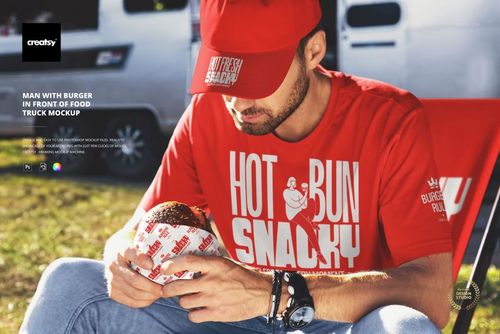
The Take-Out Burger Set Mockup presents a complete takeout order spread across a table in a restaurant setting: burgers, branded packaging, cups, and wrapping paper all visible together in a single frame. The composition captures the moment a customer opens their takeout bag and sees the full order laid out, with every packaging item carrying the brand identity alongside the food itself. Each branded element has its own smart object layer, letting you apply your restaurant design to the packaging while the food provides the context and appetite appeal that makes the image work for marketing. This is a food-and-packaging mockup that shows branding in the most persuasive context possible: right next to the product it represents. The file measures 6000x4000px at 300 DPI with organized smart object layers and works in Adobe Photoshop CC 2020 or newer and Photopea.
Why This Mockup Works
The most effective restaurant marketing images show food and packaging together, because the packaging tells the brand story while the food triggers the appetite response. This mockup combines both elements in a single scene, creating an image that works on two levels simultaneously: the burgers make the viewer hungry, and the branded packaging tells them where to satisfy that hunger. The red tile restaurant background grounds the scene in an authentic fast food environment, and the spread of multiple items communicates abundance and value. For marketing purposes, this combination of food and branded packaging is significantly more powerful than either element alone, because it connects the emotional response to the food directly to the brand that produces it.
What Is Included
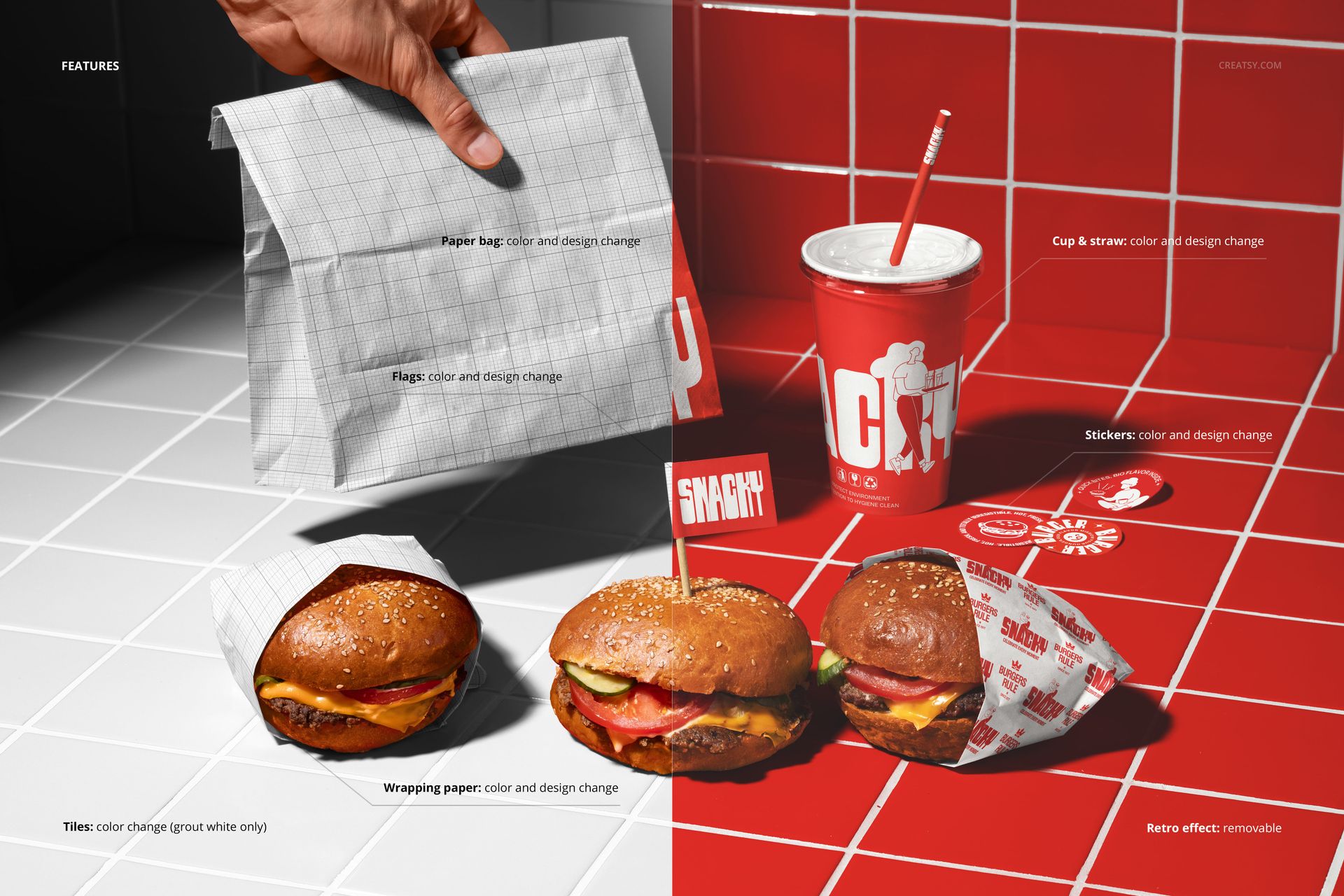
The download contains 1 layered PSD file. The scene shows a complete takeout order with burgers, branded cups, packaging, and wrapping paper arranged on a surface with red tile visible in the background. The smart object layers control the design on the packaging items, allowing you to apply your brand artwork while the food elements remain fixed in the scene. The lighting simulates a restaurant environment, capturing paper texture and print quality clearly across all branded items.
What You Can Customize
The smart objects control the design on the packaging elements in the scene. Double-click the smart object layers to place your logo, restaurant name, pattern, or graphic on the cups, wrapping paper, and packaging surfaces. Each branded element updates independently with accurate paper texture and lighting response. The adjustment layers let you modify overall brightness, contrast, and color temperature to match your brand aesthetic. You can swap designs quickly to compare branding concepts, test color variations across the full packaging set, or create seasonal versions where the packaging carries different promotional messaging while the food remains the same.
Who This Mockup Is For
Fast food restaurants and burger chains that need marketing visuals showing their branded packaging alongside actual food to create appetite-driven content that also communicates brand identity. Marketing teams at restaurant brands creating social media content, delivery app imagery, menu photography, and promotional materials where the combination of food and branded packaging tells a complete brand story. Brand identity designers presenting packaging concepts in the context of the food they will actually accompany, giving clients a realistic preview of the complete customer experience. Food photographers and content creators who need a customizable base image for restaurant clients. Franchise developers documenting brand standards with imagery that shows how packaging and food presentation should work together across locations.
File Specifications
Files: 1 PSD. Dimensions: 6000x4000 px. Resolution: 300 DPI. Color mode: RGB. File size: 328.59 MB. Compatibility: Adobe Photoshop CC 2020 or newer, Photopea.