 $1900
$1900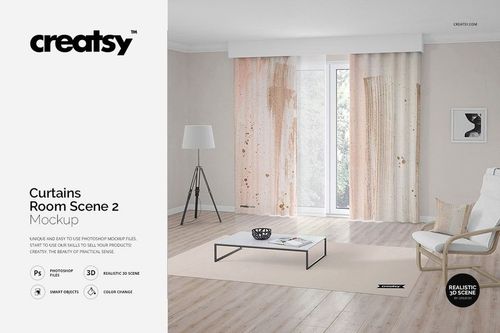
Curtain & Blind Mockups
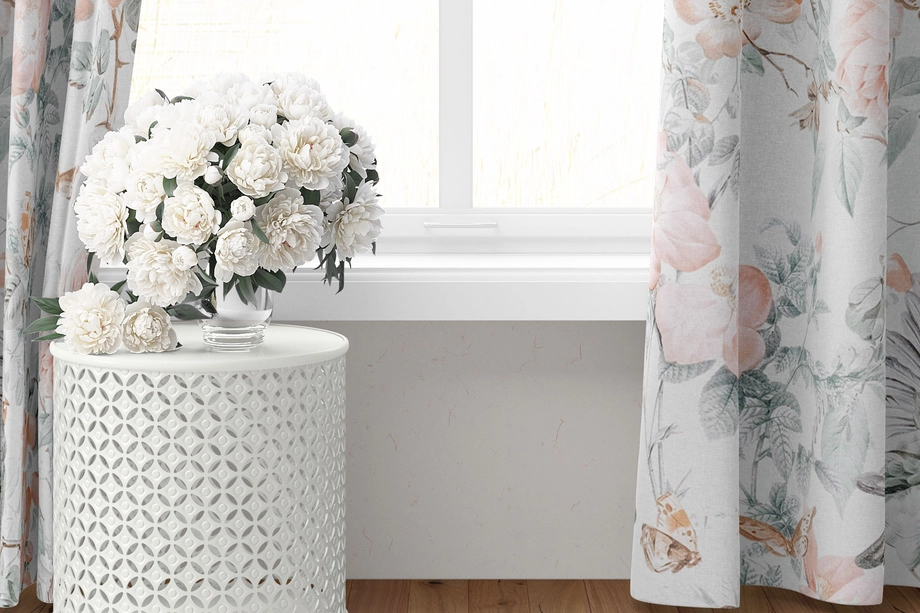
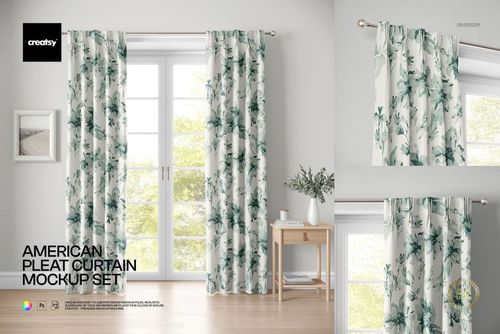
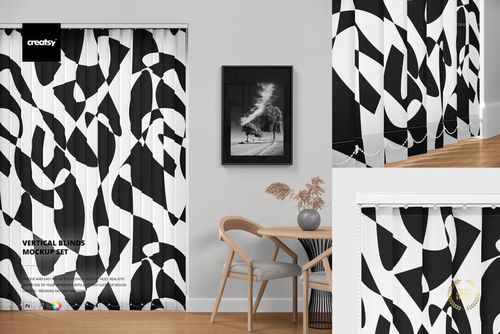
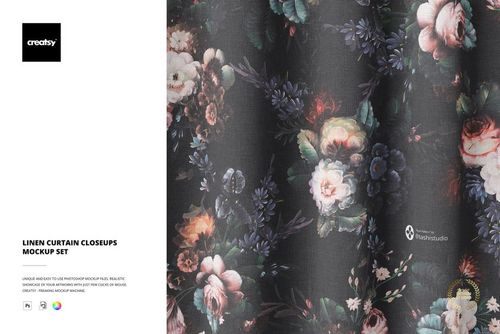
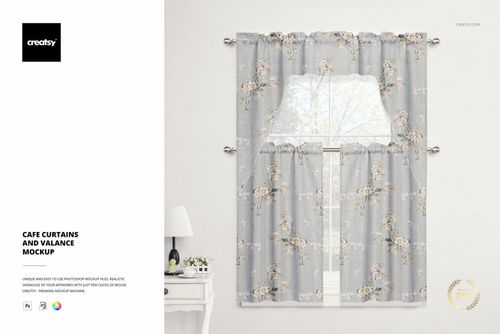
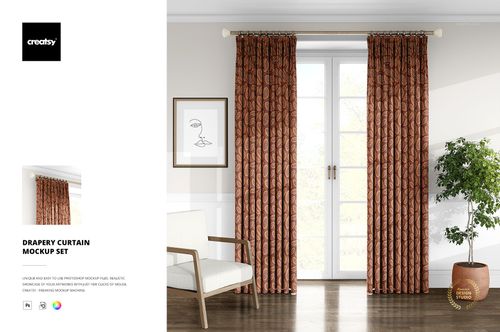
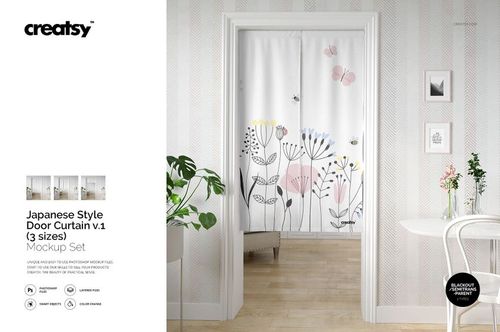
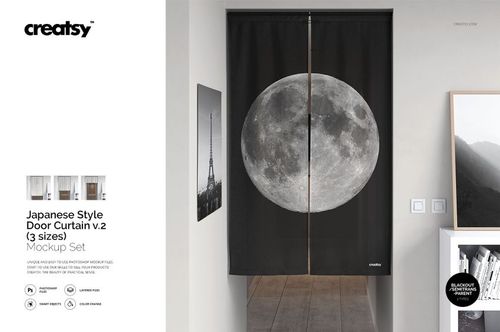
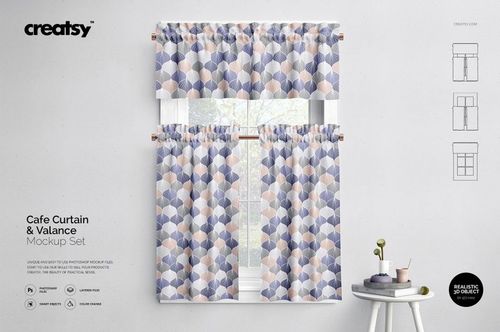
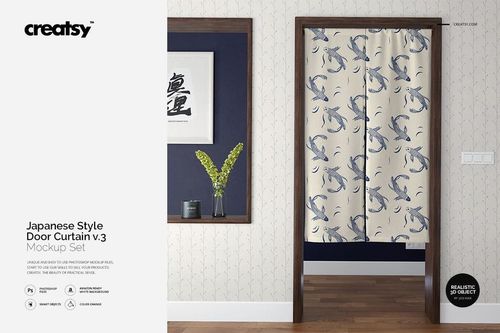
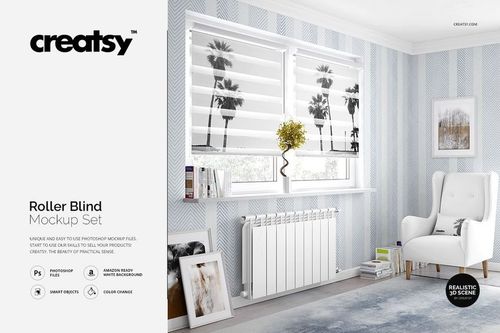
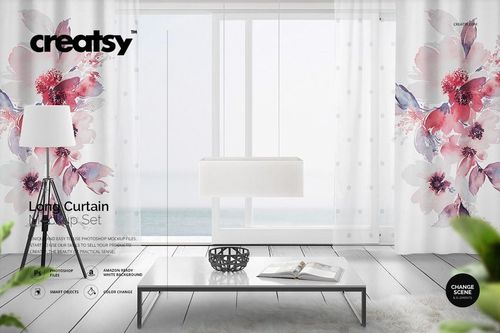
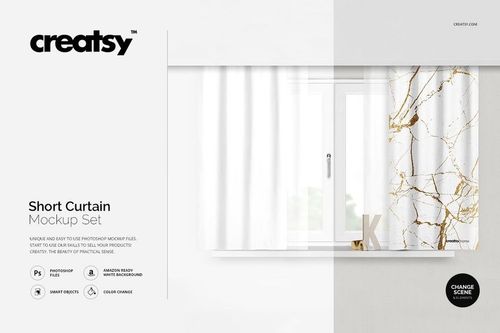
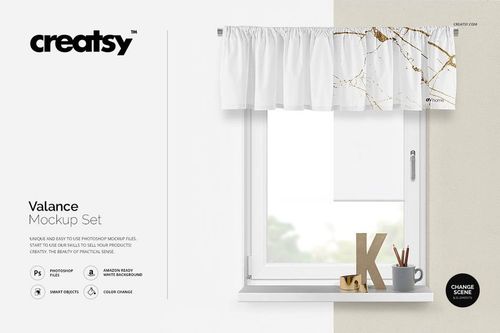
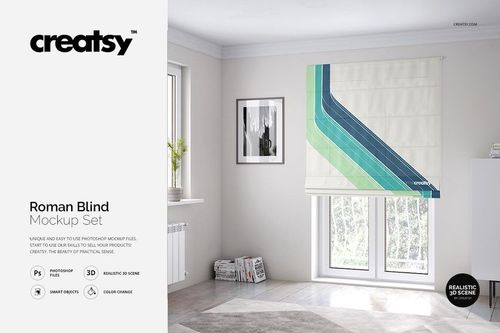
Explore editable curtain and blind mockups for American and pinch pleats, pencil pleats, eyelet and grommet curtains, linen drapery, cafe curtains, valances, long and short panels, Japanese-style door curtains, roller blinds, Roman blinds, and vertical blinds. Present patterns, illustrations, and colorways in close-ups, window views, room scenes, and full-length textile compositions. Use layered Photoshop files and Smart Objects to create realistic visuals for product listings, licensing decks, client presentations, catalogs, advertising, and social media.

Reviews
What designers and brand owners say after using these PSD mockups in real client work.
0
Sort by:


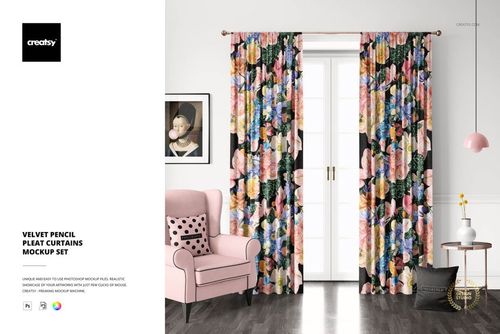
This is such a great mockup with so many elements that you can turn on and off. All elements work together so well to really help showcase your designs. The file itself is well organized and easy to use.
 Velvet Pencil Pleat Curtains Mockup Set View product
Thank you so much for your kind review! We’re really happy to hear that you found the mockup easy to use and well organized. It’s great to know the customizable elements helped you showcase your designs beautifully! ✨

Another amazing Creatsy mockup. I only kind of wish it provided different types of curtains, like the type that lets the rod go through a pocket. Either way, love this mockup.
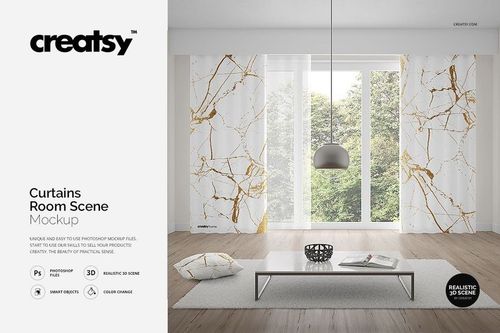
 Curtains Room Scene Mockup View product
Thank you so much for your lovely review! We’re really happy to hear you love the mockup. And thank you as well for your suggestion about additional curtain styles - we truly appreciate the feedback.
Another amazing Creatsy mockup. I only kind of wish it provided different types of curtains, like the type that lets the rod go through a pocket. Either way, love this mockup.
 Curtains Room Scene 2 Mockup View product
 Thank you so much for your kind words! We’re so glad you’re enjoying the mockup, and we really appreciate your note about pocket-style curtains as well. Feedback like this is always very helpful.


What you get
Professional PSD mockups built in-house - editable, realistic, high-resolution, and supported by real people.
Layered PSD Files
Creatsy mockups are delivered as fully layered Photoshop .psd files, with layers sorted into clearly named groups. Shadows, highlights, and the background each sit on their own editable layer, and nothing is flattened into a single image. Open it in Photoshop or the free browser editor Photopea and get to work.
- Clearly named, organized layer groups
- Shadows and highlights on separate layers
- Editable background, never flattened
- Works in Photoshop or free Photopea
Smart Objects
Open the smart object, paste your artwork, and save. The design lands on the product with the perspective, warp, and wrap already worked out. Scene lighting and shadows fall back on top, so it reads as a photograph, not a flat paste-in. Swapping a design takes seconds, so one file can carry a whole run of variants and colorways.
- Double-click, paste your design, save
- Perspective, warp, and wrap pre-built
- Scene lighting and shadows sit back on top
- One file covers many variants and colorways
High-Resolution Output
Many scenes are built from real product photography rather than 3D renders, so the fabric and surface read like a studio shot. Files export at high resolution and stay sharp at full zoom, with clean edges where the print sits. The same file works for a hero banner, a paid ad or a product listing.
- Real product photography in many scenes
- Exports ready for print
- Holds detail at full zoom
- Works for banners, ads and listings
Easy to Edit
Colors, backgrounds, and artwork sit on separate, clearly named layers, so you swap a color or background without disturbing the rest of the scene. There is no relighting or shadow work to redo, and the same file works for your next project.
- Edit color and background layers directly
- No relighting or shadow rework needed
- No masking or layer skills required
- One file reused across projects
Fast Support
There is a real in-house team behind every file, not a ticket bot. Before you buy, ask whether a specific mockup fits what you have in mind, and we will tell you. When a smart object or a layer group is tripping you up, send the question and you usually get a reply within 48 hours.
- Real in-house team behind every file
- Replies within 48 hours
- Pre-purchase help picking the right mockup
- Answers on smart objects and layer setup
Who are these mockups for?
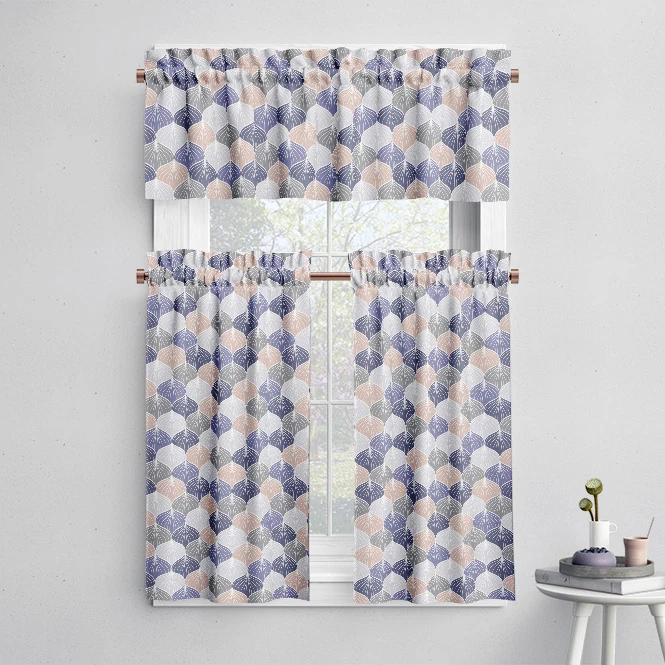
For curtain, blind & window-treatment brands
Present artwork across pleated curtains, eyelet panels, cafe curtains, valances, roller blinds, Roman blinds, and vertical blinds. Use close-ups and full-room scenes for product pages, retailer presentations, catalogs, and launches.
Building a wider interior collection? Browse Home & Living mockups.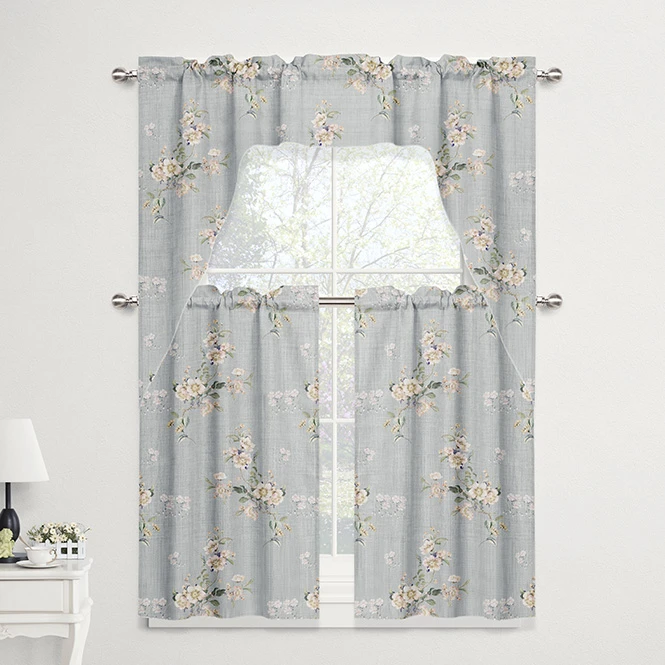
For hospitality & commercial textile designers
Present window-treatment concepts for hotels, cafes, restaurants, lounges, offices, and other commercial interiors. Use visual mockups in client pitches, material presentations, hospitality concepts, and campaigns.
Designing venue interiors? Browse Commercial & Hospitality Spaces.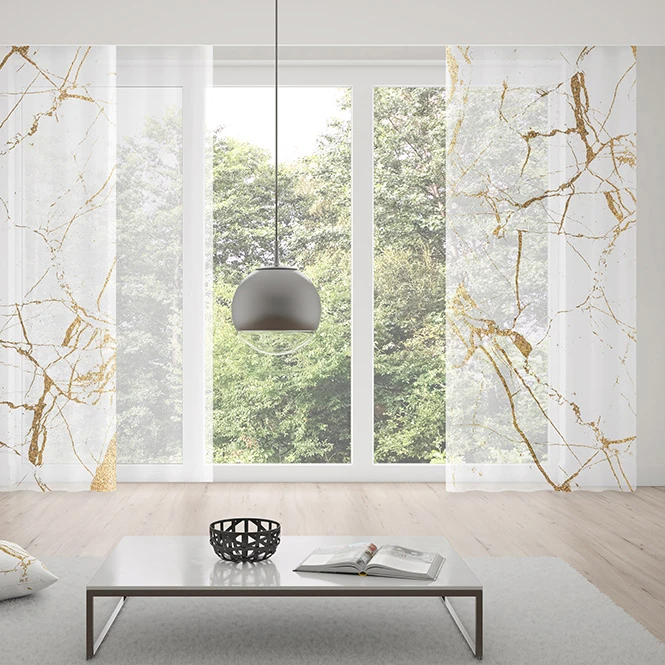
For interior & home decor studios
Coordinate curtains and blinds with wallpaper, upholstery, pillows, rugs, bedding, and lampshades across separately edited scenes. Build client proposals, lookbooks, mood boards, and room concepts.
Need more complete interiors? Browse Living Room & Decor Scenes.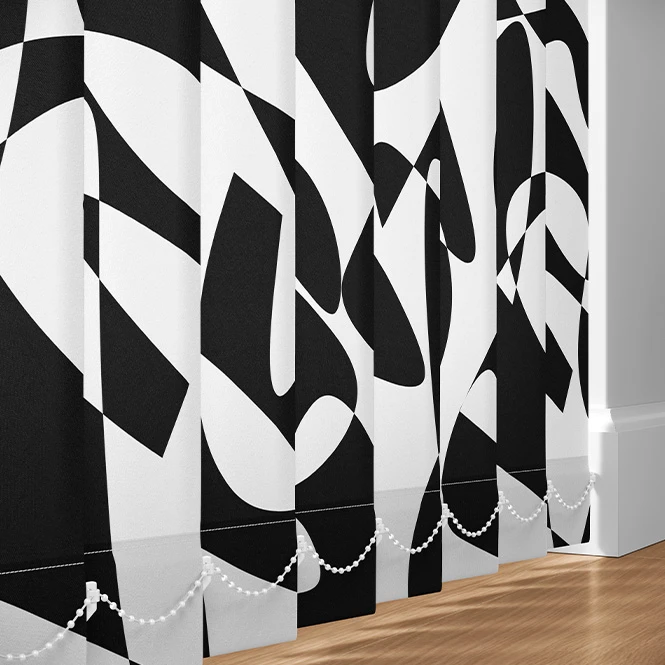
For surface pattern designers & licensing studios
Show repeating patterns at full curtain height and across different folds, gathers, panel divisions, and blind formats. Use the finished visuals in licensing decks, buyer presentations, portfolios, and trade-show materials.
Presenting repeat patterns separately? Browse Fabric mockups.
FAQs
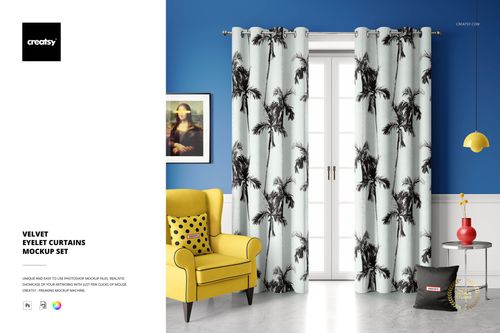
The current collection includes American or pinch-pleat curtains, velvet pencil pleats, velvet eyelet curtains, grommet curtains, linen close-ups, drapery panels, cafe curtains, valances, long and short curtains, Japanese-style door curtains, roller blinds, Roman blinds, vertical blinds, and selected room scenes.
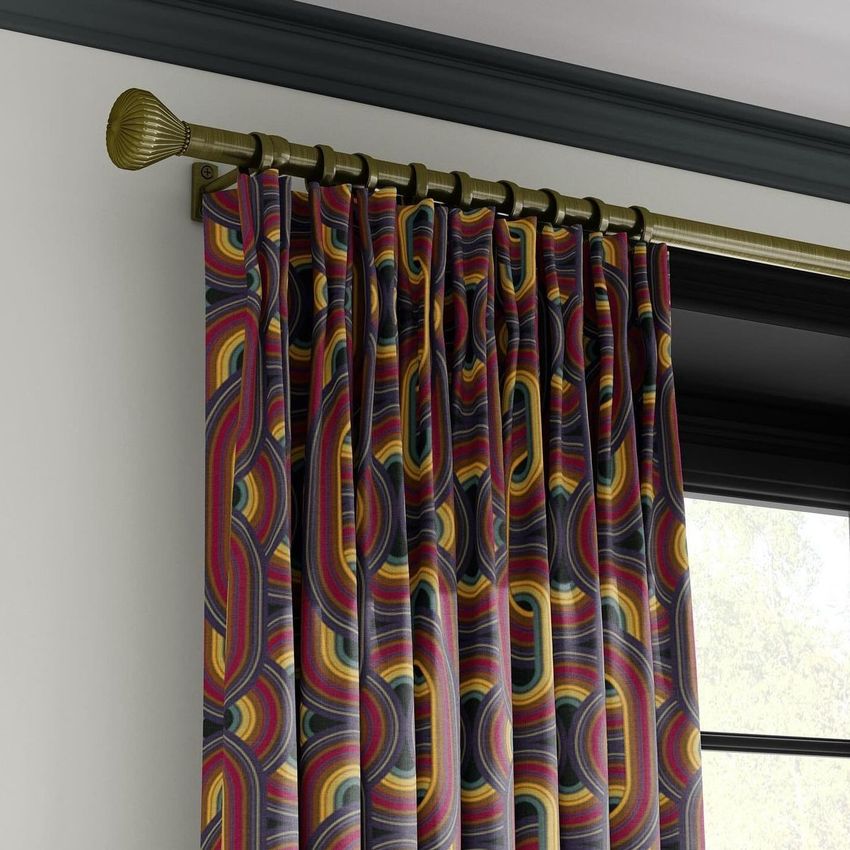
Pleated curtains use gathered folds formed near the top of the panel. Pencil pleats use narrower repeated gathers, while eyelet or grommet curtains hang from rings built into the upper edge. Cafe curtains cover the lower part of a window, and valances are shorter decorative treatments placed near the top. The mockups visualize these prepared constructions but do not replace the supplier's sewing pattern, heading tape, ring dimensions, fullness ratio, or finished panel measurements.
The current grid focuses on residential and decorative window treatments. Shower and bath curtains are available in Bathroom Textiles & Accessories. The Roman Blind Kids Room Mockup Set is listed in Nursery & Kids Room. They may be connected through internal links but should not be presented as products currently visible in this category.
Editable surfaces may include curtain panels, blind slats, head rails, chains, valances, wall art, furniture upholstery, walls, floors, tables, backgrounds, and selected room details. The exact options vary by product. Sets contain separate PSD files, while room scenes may use several independent Smart Objects. Changes do not automatically synchronize between different curtains, blinds, or documents.
The files are designed for Adobe Photoshop. Selected products may also work in Photopea, but compatibility varies by file. They do not verify window measurements, curtain fullness, repeat placement, fabric width, hem allowances, blind mechanisms, rail systems, light transmission, fire requirements, installation, or final printed color. Use the manufacturer's specifications and physical samples for production.
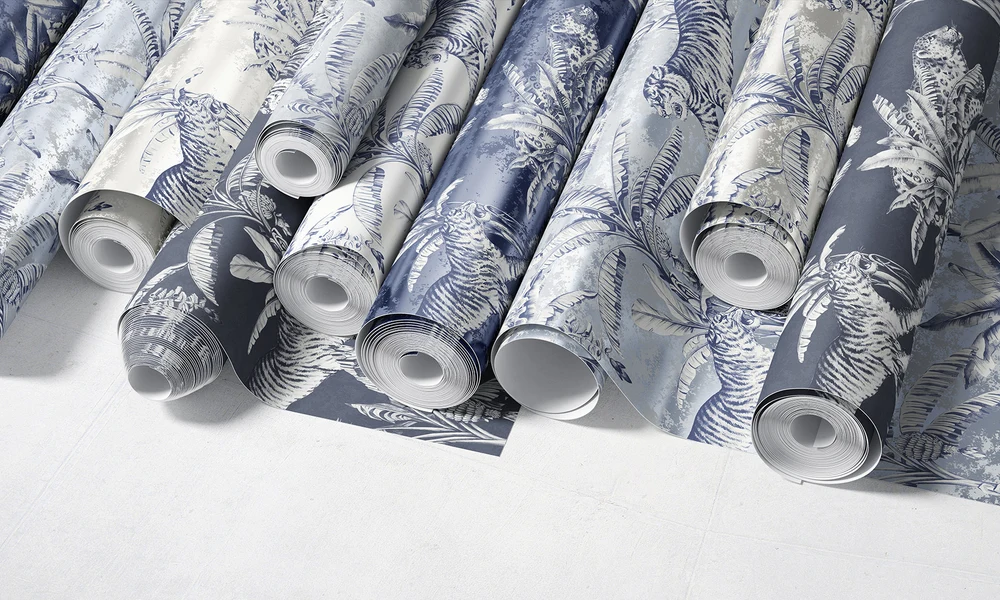
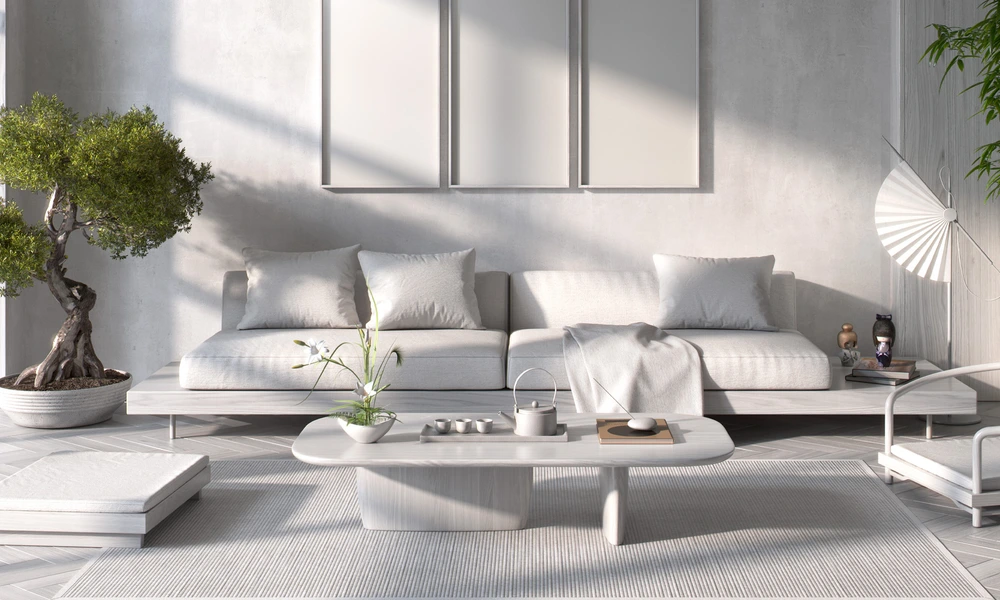
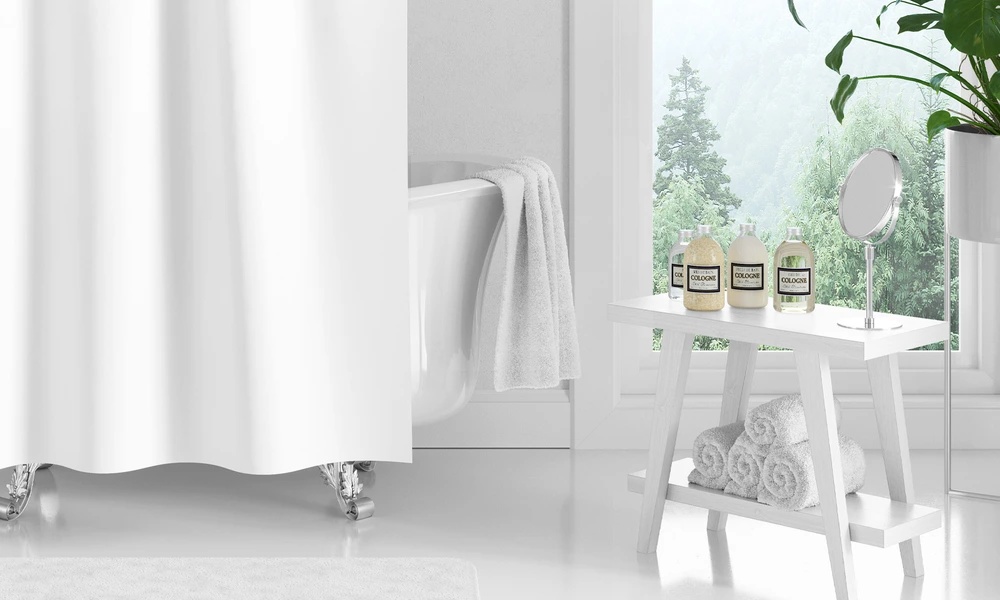
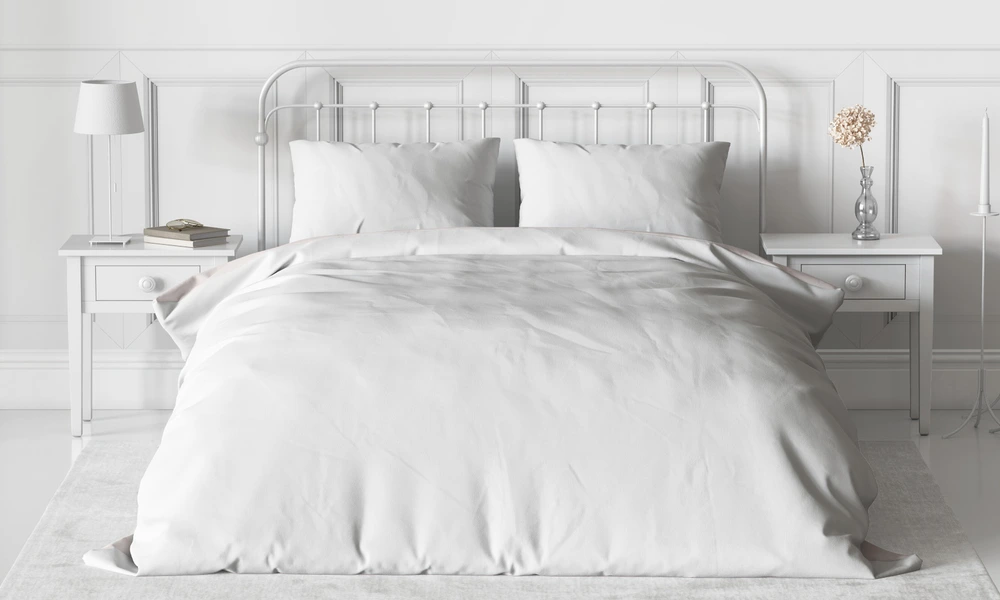
Why use Curtain & Blind mockups?
Curtains and blinds place artwork on long textile surfaces shaped by pleats, folds, gathers, rings, valances, slats, and window light. A flat swatch does not show how the pattern will appear once the material hangs vertically, gathers around a rod, or is divided across individual blind panels. Use full-length curtain scenes to compare pattern direction, perceived scale, vertical repeats, colorways, and artwork placement. Close-ups help communicate fabric texture, pleat construction, trim details, and the relationship between the artwork and curtain hardware. Roller, Roman, and vertical blind mockups provide flatter or segmented window-treatment formats, while cafe curtains, valances, and Japanese-style door curtains extend the collection to shorter and doorway-based products. Room scenes add interior context for product launches and client presentations. Layered Photoshop files and Smart Objects preserve the prepared folds, pleats, slats, lighting, shadows, and window perspective while the sample artwork is replaced. Depending on the selected file, you may also be able to adjust rails, chains, walls, floors, furniture, wall art, and other scene elements. Export the finished visuals for product listings, licensing presentations, client approvals, hospitality concepts, catalogs, portfolios, advertising, and social media. For final production and installation, rely on exact window measurements, fabric specifications, sewing patterns, mechanisms, fullness calculations, samples, and proofs.
FreeCreatsy® Mockups
This is a good mockup. It's easy to use and pays attention to detail in the visual elements. Making my product look even better and more attractive. I'm very grateful for the free mock up. thank you
Thank you so much, nongnuch_l! We’re thrilled that you appreciated the visual details and found the Grommet Curtain Mockup easy to use. We hope it helps you present your curtain patterns in a realistic and professional interior setting. Thank you for your support and 5-star review!