Fashion Accessory Mockups
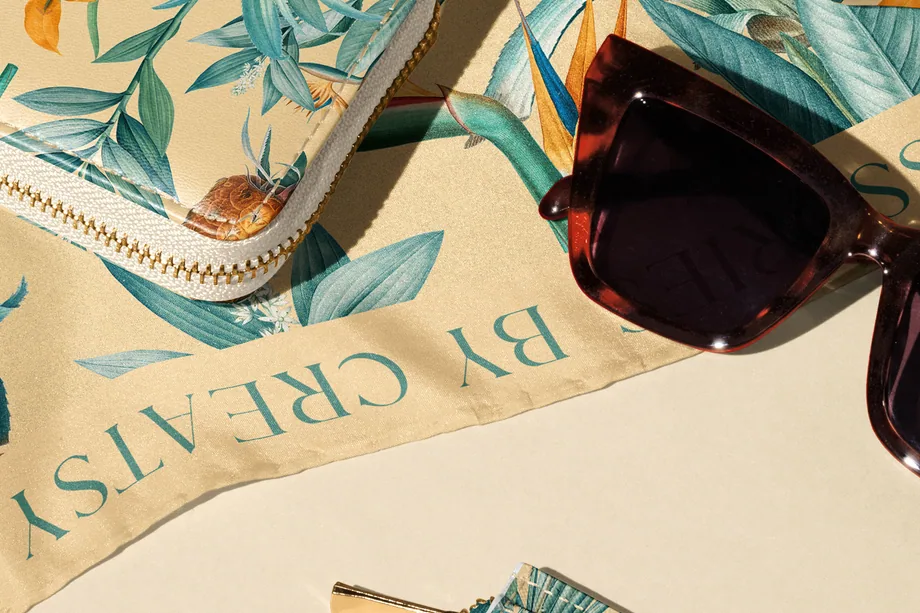
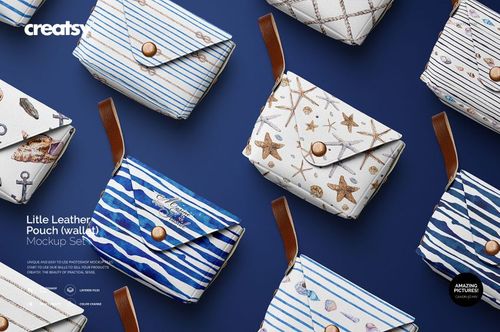
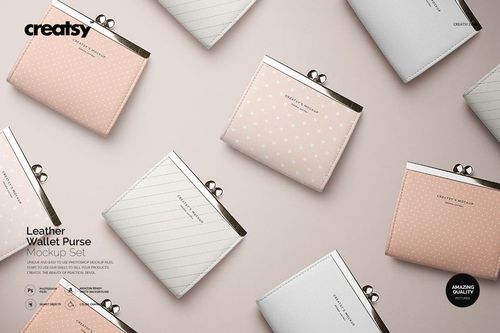
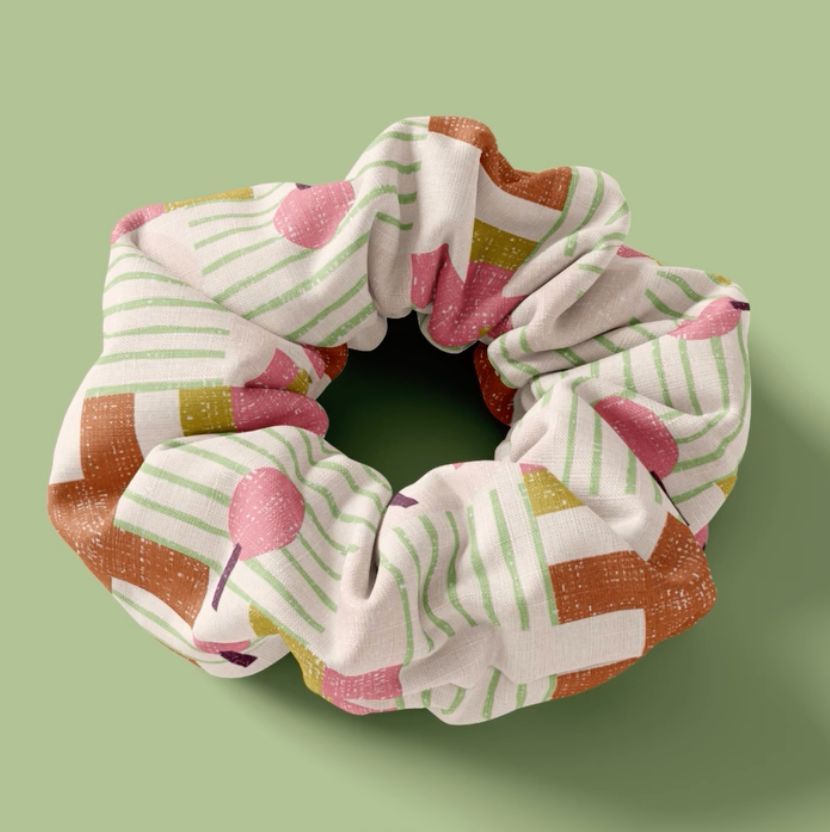
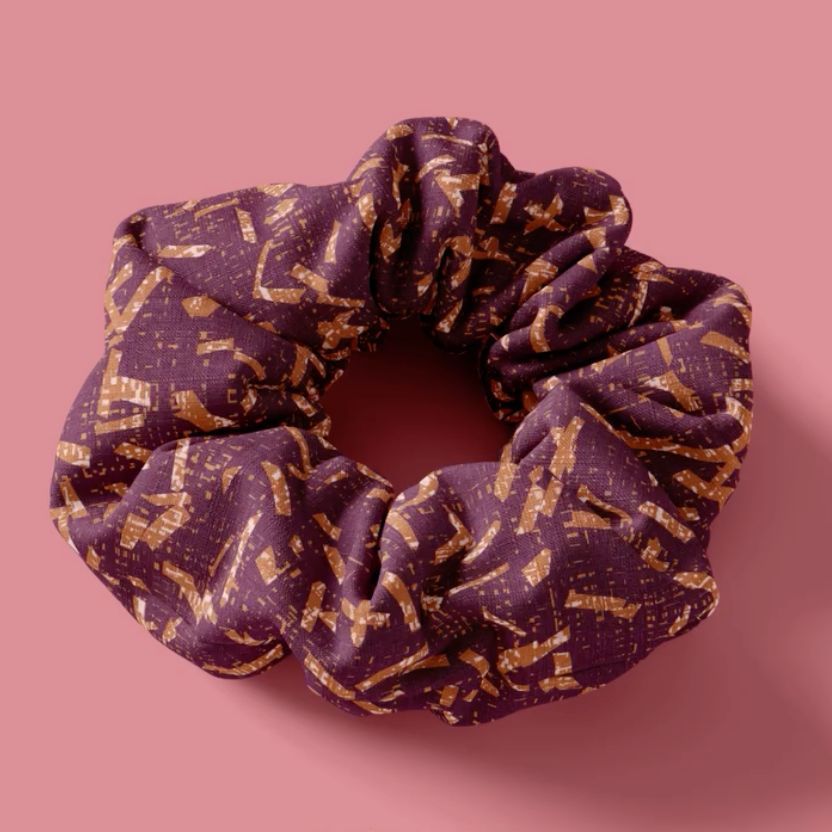
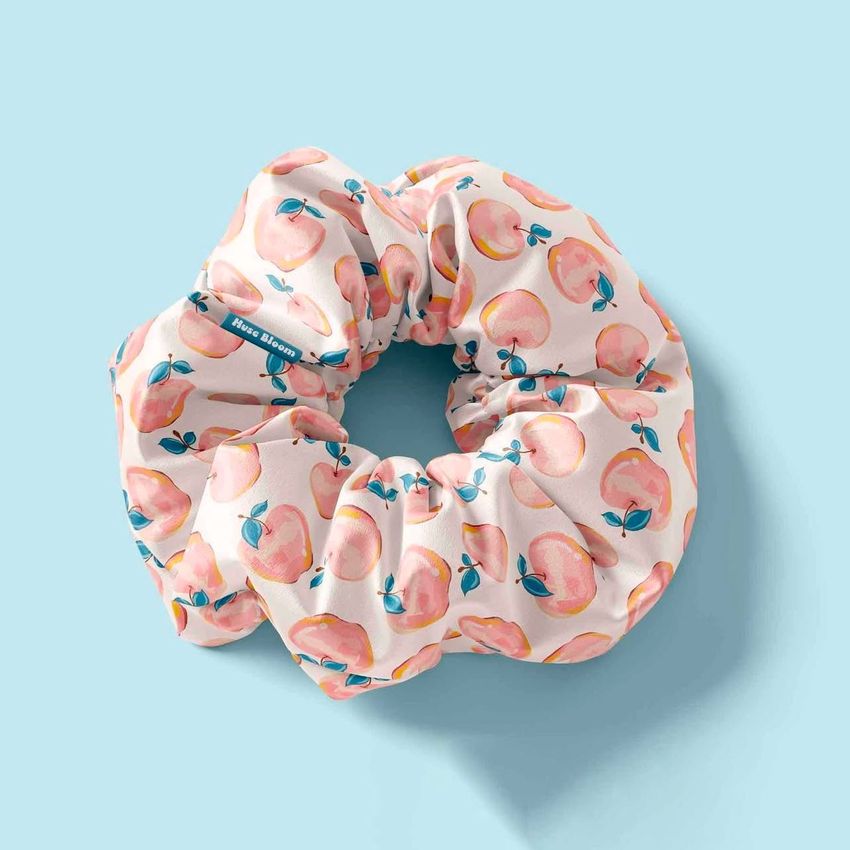
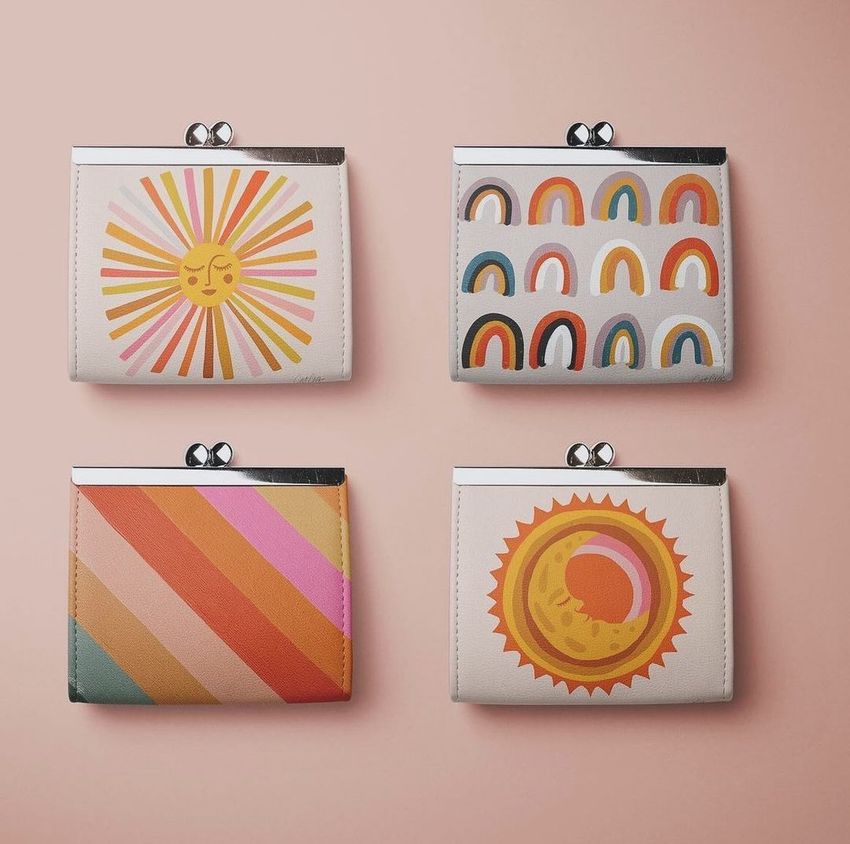
Bring patterns and branding to life on scarves, umbrellas, labels, leather goods and hair accessories. Reuse polished mockups for cohesive ecommerce images, identity presentations and campaigns across a collection.



Reviews
What designers and brand owners say after using these PSD mockups in real client work.
0
Sort by:


Subject: Exceptional Support and Seamless Experience Dear Creatsy Team, I wanted to express my sincere appreciation for the exceptional support and service I received during a recent experience with your team. In particular, I'd like to extend my gratitude to Jacob for going above and beyond to ensure a seamless resolution. When I encountered difficulties with the initial download and unzipping process, Jacob promptly provided a WeTransfer link as an alternative delivery method. This proactive and customer-focused approach truly impressed me. The files were successfully downloaded and unzipped without a hitch, thanks to his clear instructions and swift assistance. The level of professionalism and commitment demonstrated by the Creatsy Team, especially Jacob, reflects a genuine dedication to customer satisfaction. It's experiences like these that make a significant impact and foster trust in a brand. I am genuinely pleased with the outcome and would not hesitate to recommend Creatsy to others. Thank you for your outstanding service, and I look forward to future interactions. Best regards, Alejandra
 Fabric Hand Fan Mockup Set View product
Edit: Thank you! :) Hi Alejandra, I apologize for this issue. We have tested all of these files, and they appear to be working properly. It seems that the issue may be related to incomplete downloads or incorrect extraction of the files. Please ensure that you fully download the files and extract them correctly. https://creatsy.com/help-center/troubleshooting-downloading-and-unzipping-issues This problem may also be caused by an error in the default zip file extraction tool. Please check this article for troubleshooting zip file extraction issues on a Mac: https://creatsy.com/help-center/troubleshooting-unzipping-ZIP-files-mac or Windows here: https://creatsy.com/help-center/troubleshooting-unzipping-ZIP-files-windows As a workaround, I'm also sending these files via WeTransfer to provide an alternative delivery method. Please let me know if this resolves the problem for you. Thank you for your patience.
not work
Fabric Hand Fan Mockup Set View product Hi there, Can you please provide more details about the issue? Is it related to downloading the file or using it in Photoshop? We've tested these files, and they appear to be working correctly. These files utilize smart object layers. Which version of Photoshop are you using? I'm also sending these files directly via email. Please let me know if that helps.
What you get
Professional PSD mockups built in-house - editable, realistic, high-resolution, and supported by real people.
Layered PSD Files
Creatsy mockups are delivered as fully layered Photoshop .psd files, with layers sorted into clearly named groups. Shadows, highlights, and the background each sit on their own editable layer, and nothing is flattened into a single image. Open it in Photoshop or the free browser editor Photopea and get to work.
- Clearly named, organized layer groups
- Shadows and highlights on separate layers
- Editable background, never flattened
- Works in Photoshop or free Photopea
Smart Objects
Open the smart object, paste your artwork, and save. The design lands on the product with the perspective, warp, and wrap already worked out. Scene lighting and shadows fall back on top, so it reads as a photograph, not a flat paste-in. Swapping a design takes seconds, so one file can carry a whole run of variants and colorways.
- Double-click, paste your design, save
- Perspective, warp, and wrap pre-built
- Scene lighting and shadows sit back on top
- One file covers many variants and colorways
High-Resolution Output
Many scenes are built from real product photography rather than 3D renders, so the fabric and surface read like a studio shot. Files export at high resolution and stay sharp at full zoom, with clean edges where the print sits. The same file works for a hero banner, a paid ad or a product listing.
- Real product photography in many scenes
- Exports ready for print
- Holds detail at full zoom
- Works for banners, ads and listings
Easy to Edit
Colors, backgrounds, and artwork sit on separate, clearly named layers, so you swap a color or background without disturbing the rest of the scene. There is no relighting or shadow work to redo, and the same file works for your next project.
- Edit color and background layers directly
- No relighting or shadow rework needed
- No masking or layer skills required
- One file reused across projects
Fast Support
There is a real in-house team behind every file, not a ticket bot. Before you buy, ask whether a specific mockup fits what you have in mind, and we will tell you. When a smart object or a layer group is tripping you up, send the question and you usually get a reply within 48 hours.
- Real in-house team behind every file
- Replies within 48 hours
- Pre-purchase help picking the right mockup
- Answers on smart objects and layer setup
Who are these mockups for?
For apparel label designers
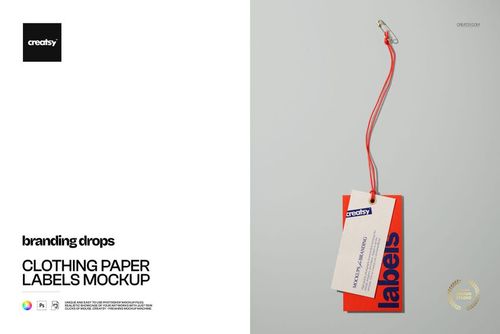
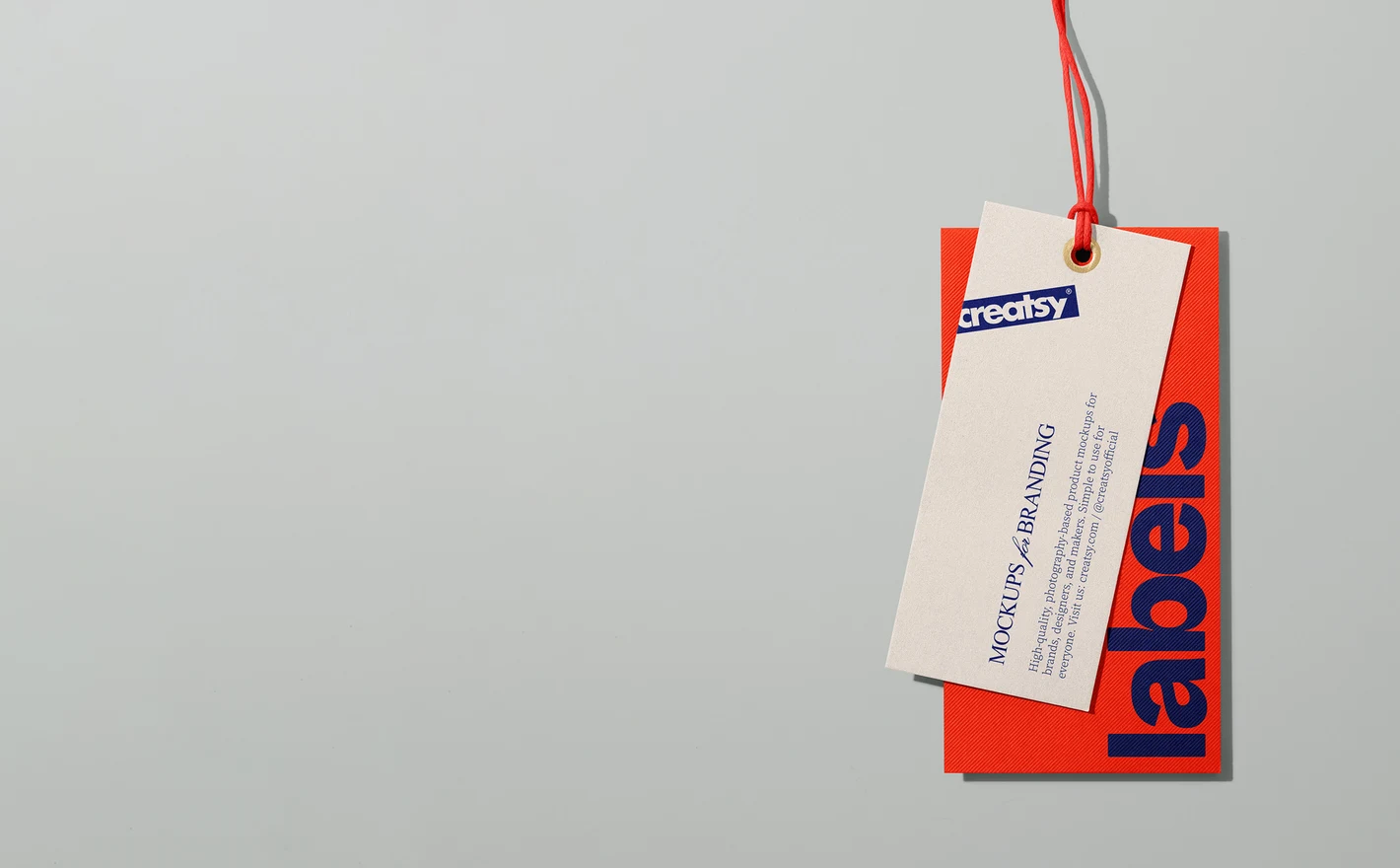
Test typography, logo lockups and care-label systems on realistic paper labels, with fabric texture and stitching around them for context. What looks clean in a vector file often reads differently at hangtag size - this is where you catch it.
Extending the label design to packaging? Browse packaging & wrapping mockups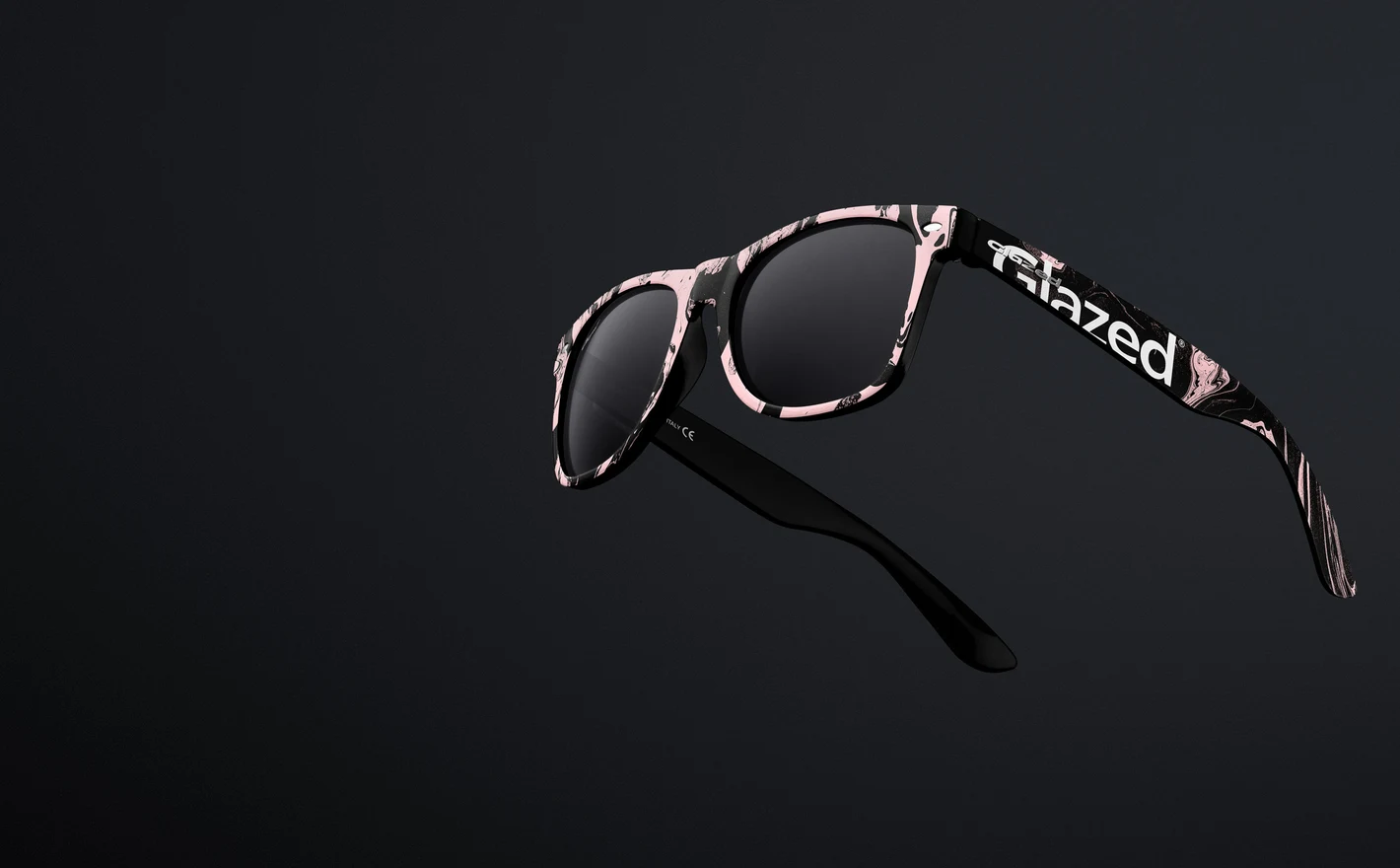
For ecommerce and launch teams
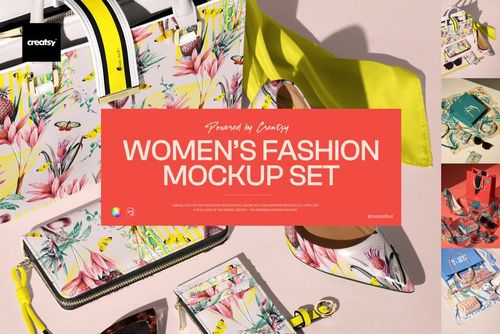
Produce a full accessory drop - product images, collection previews, social teasers - from layered PSDs instead of a studio day. Keep every listing in the same light and styling so the category page looks curated, then reuse the same scenes for each seasonal refresh.
Adding the shopping bag? Browse retail bag & reusable shopper mockups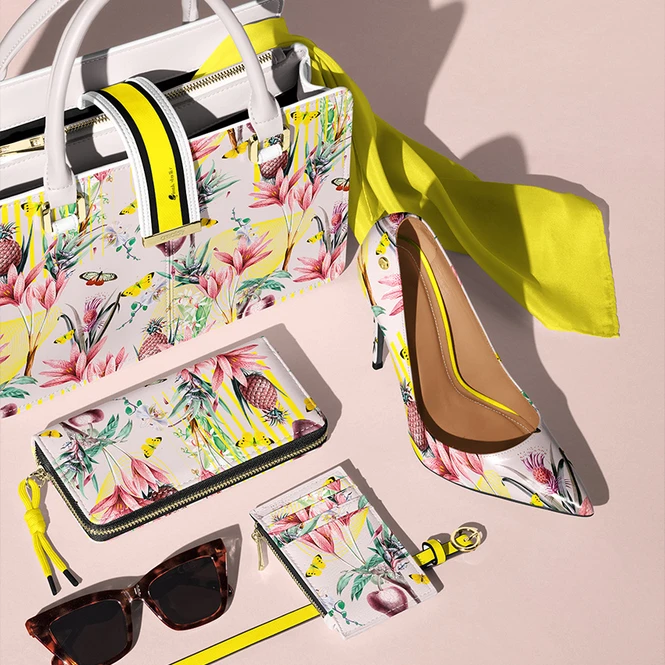
For fashion accessory studios
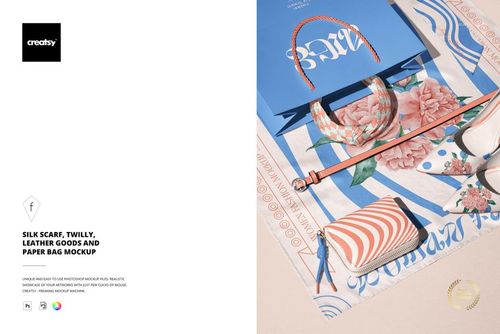
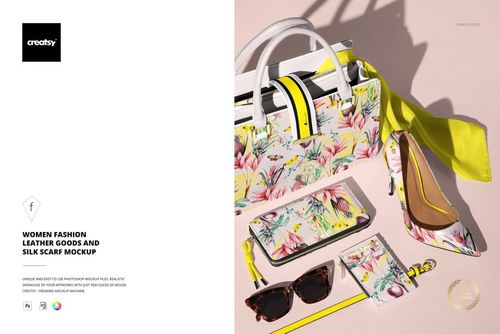
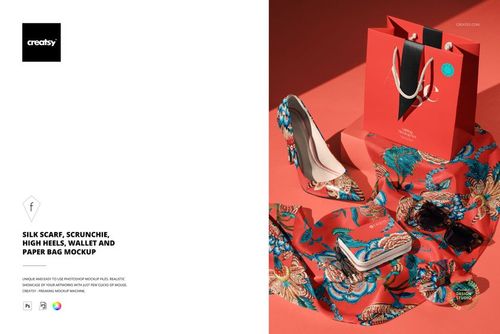
Show one pattern or brand story across a styled arrangement of silk scarves, leather goods, heels and paper bags. A single coordinated scene tells buyers more about the brand world than ten isolated product shots.
For surface pattern designers
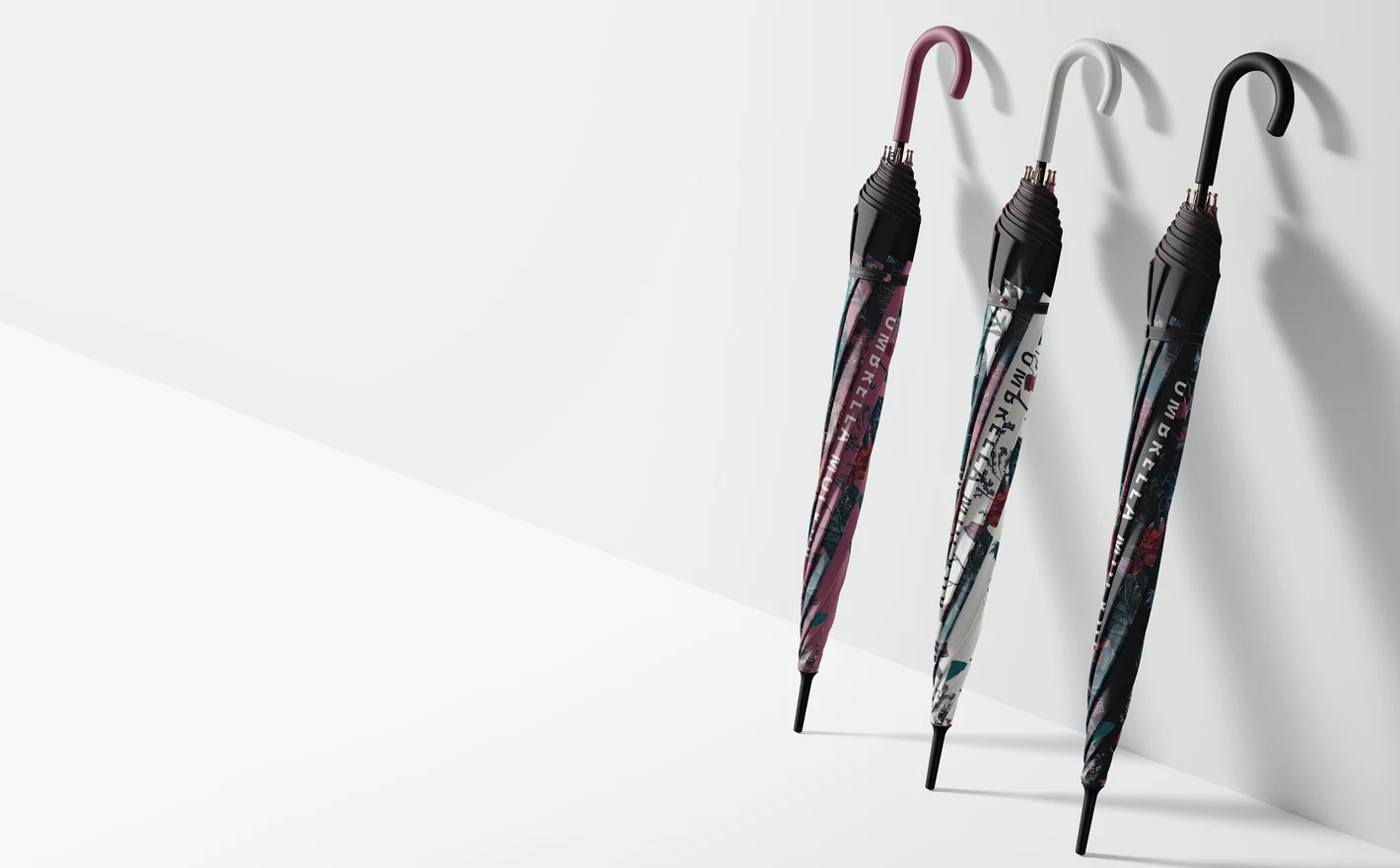
Curved and draped surfaces are the honest test of a repeat: scarves fold across motifs, umbrellas stretch them over panels. Preview artwork on these shapes for licensing pitches and portfolio pages that show the pattern in use, not as a flat swatch.
Trying your print on silk? Browse silk scarf & accessory mockups
FAQs
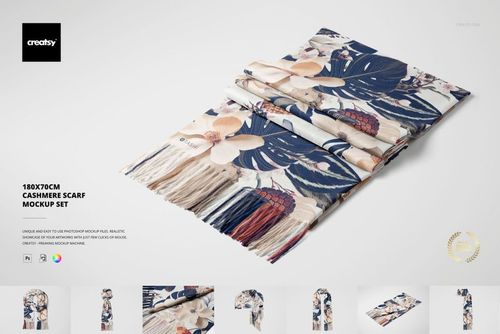
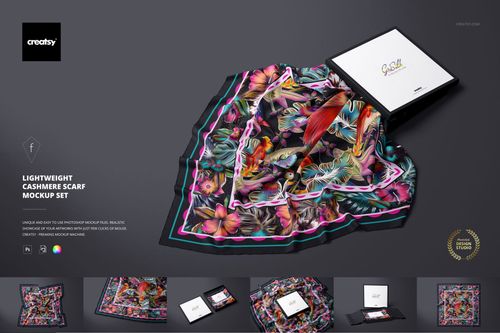
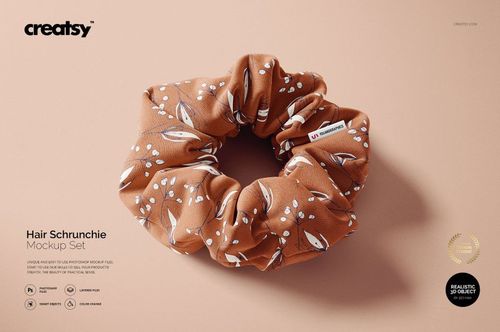
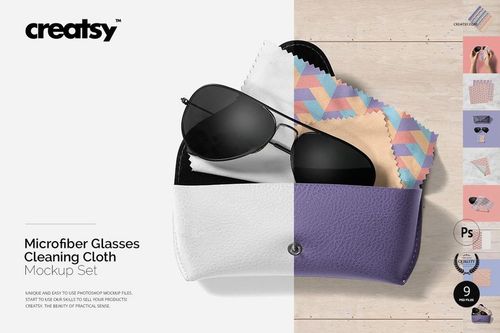
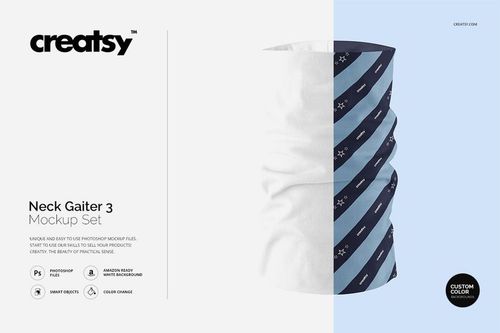
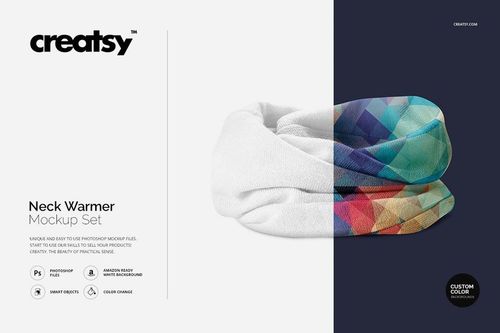
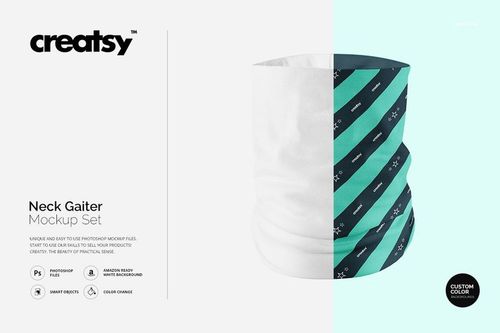
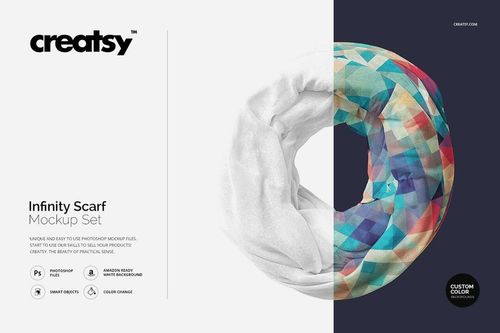
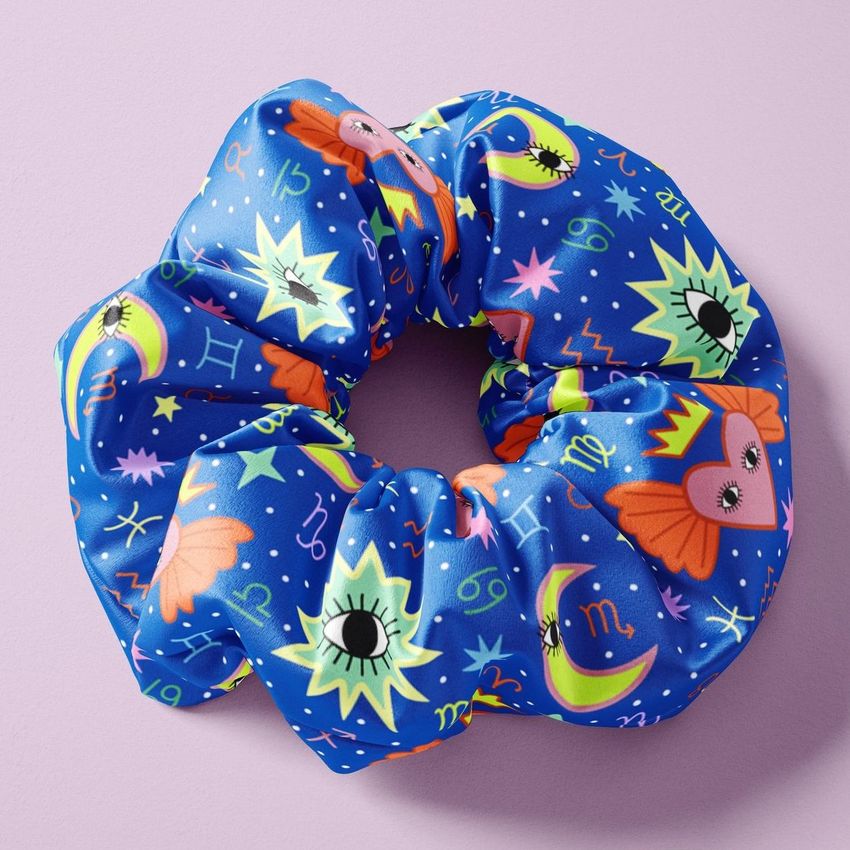
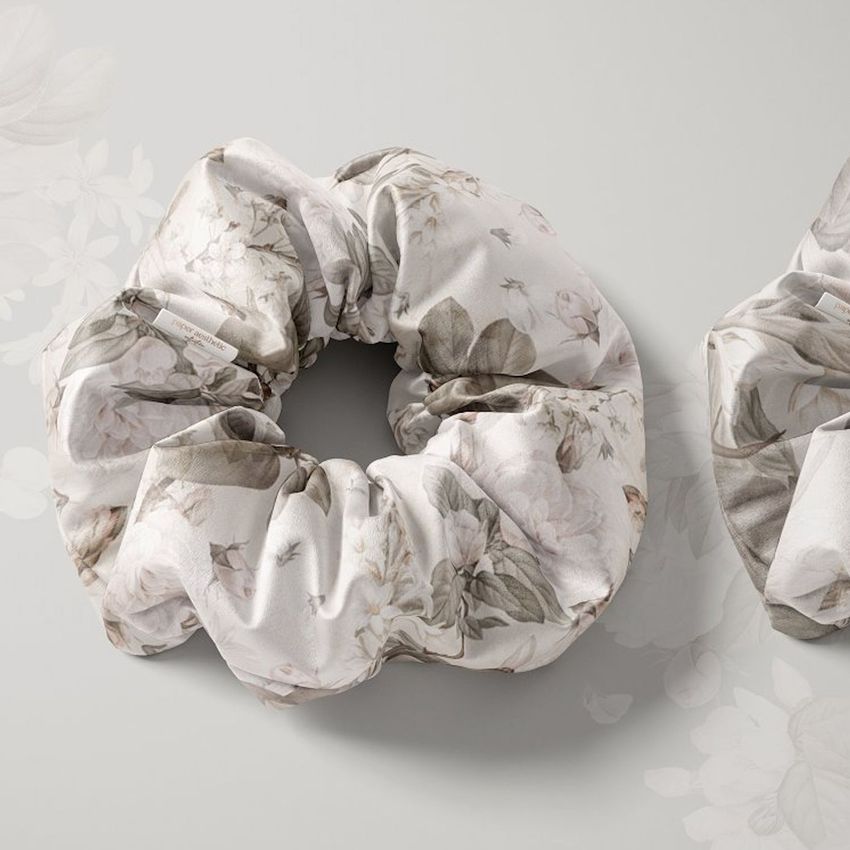
You will find umbrellas, scarves, neck gaiters, sunglasses, scrunchies, wallets and other small accessories, including clothing labels and glasses cloths. Silk scarves have their own category, while woven and cashmere scarf mockups are included here.
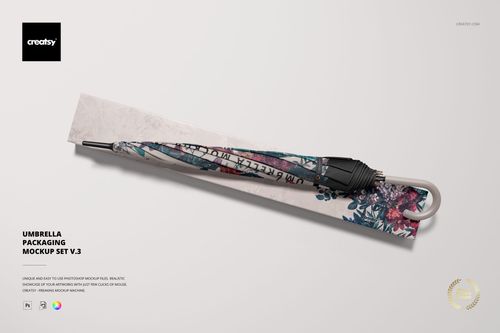
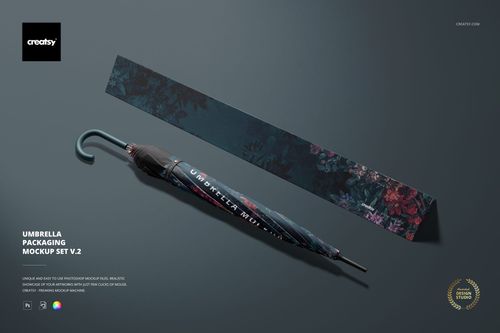
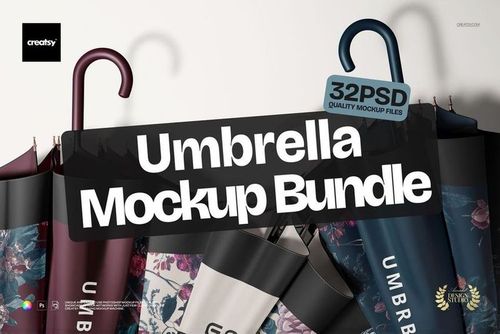
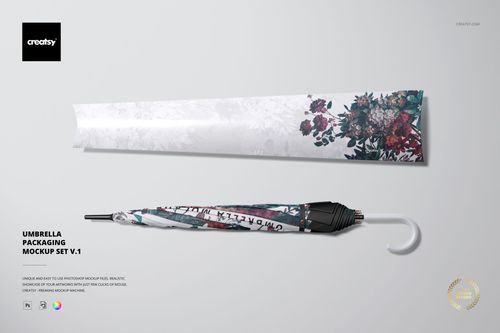
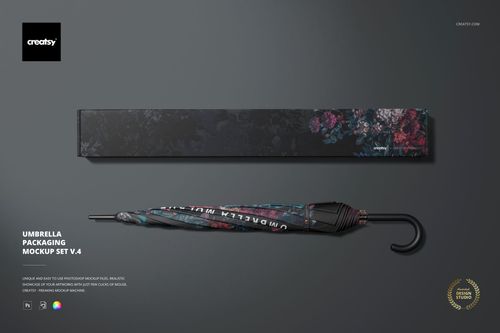
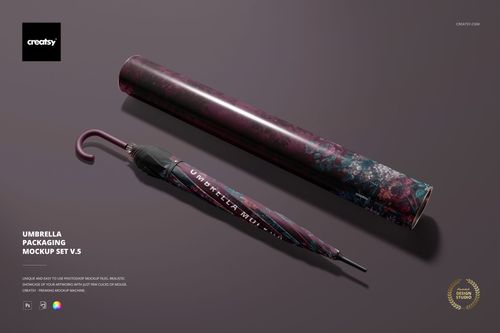
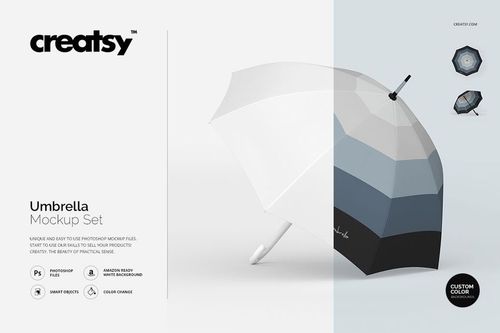
Choose an open-canopy scene to show the pattern across the umbrella panels, and the Closed Umbrella Mockup Set for a folded presentation. There are also umbrella packaging mockups. Compare the included views before buying a set or bundle so you have the product and packaging shots you need.
Yes. The Clothing Paper Labels Mockup lets you present artwork for a paper label or hang tag. Add your logo and any text you want to show, then check the export at its intended display size. It is a presentation file, not a care-label specification or print-ready production template.
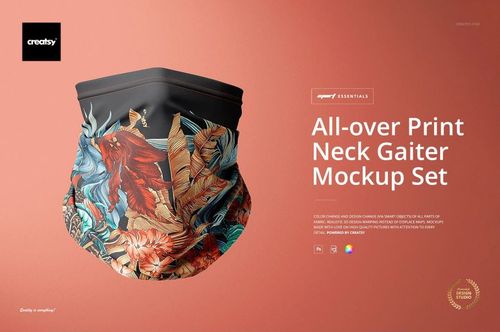
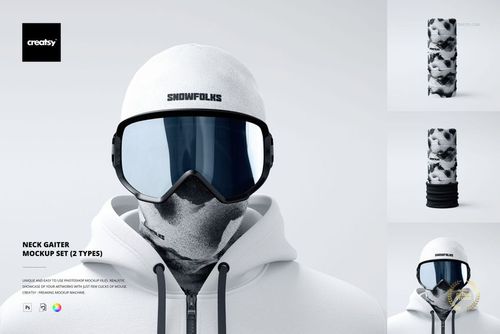
The visible area changes as the fabric curves and folds. A neck gaiter can hide or compress parts of a motif that remain visible on a flat scarf. Use the mockup to compare the overall appearance, not to predict the exact stretch of a particular fabric on every wearer.
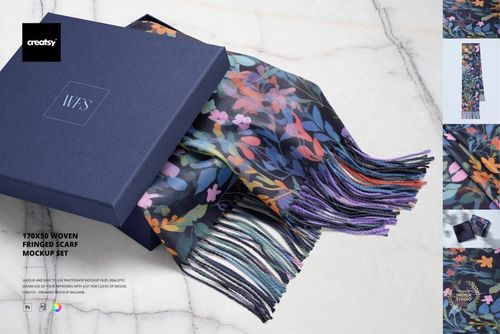
Choose the material that most closely resembles your product. The woven and cashmere options show a different surface and drape from the silk scarves in Silk Scarves & Accessories. Compare the close-ups as well as the full scene, especially when texture is an important part of the design.
Why use Fashion Accessory mockups?
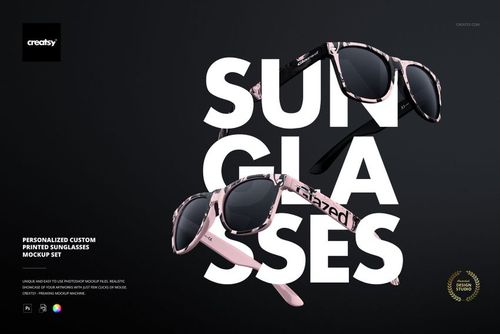
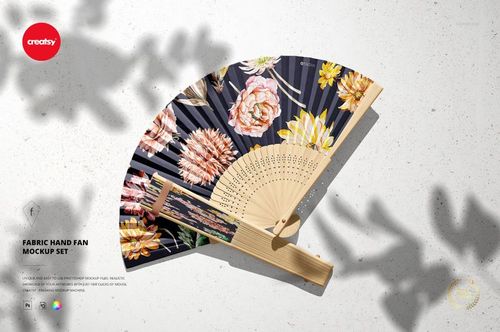
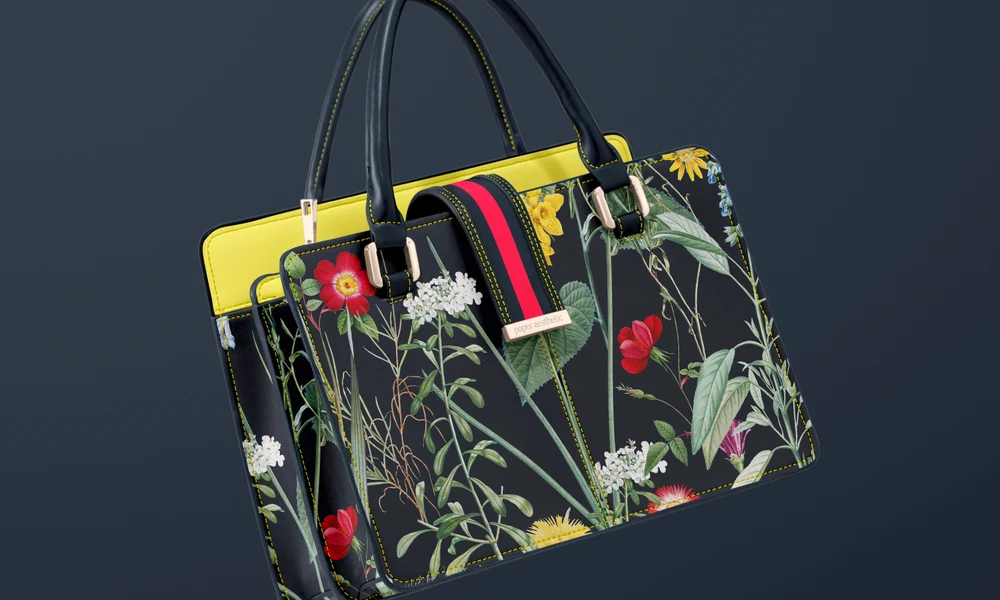
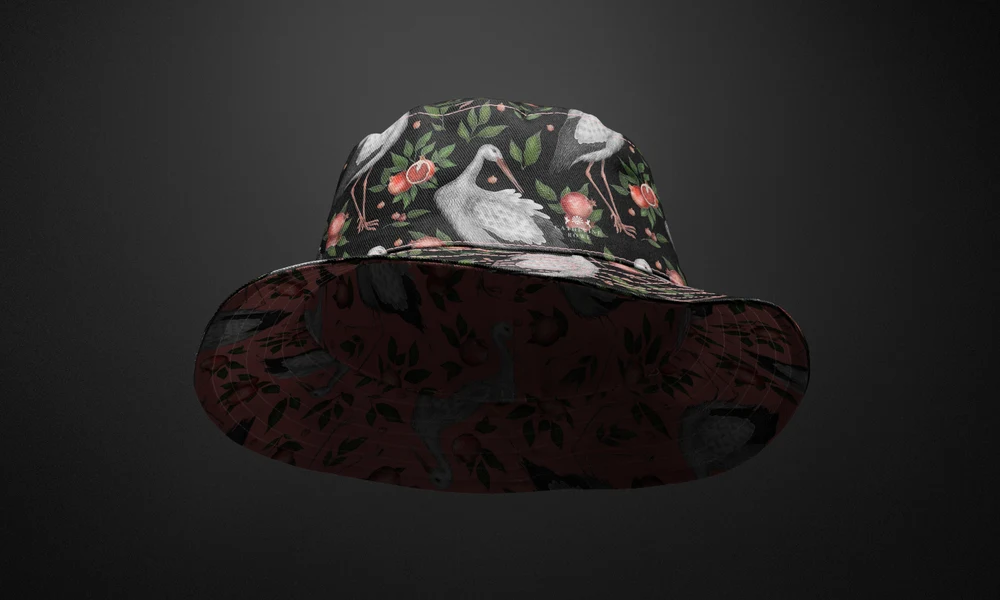
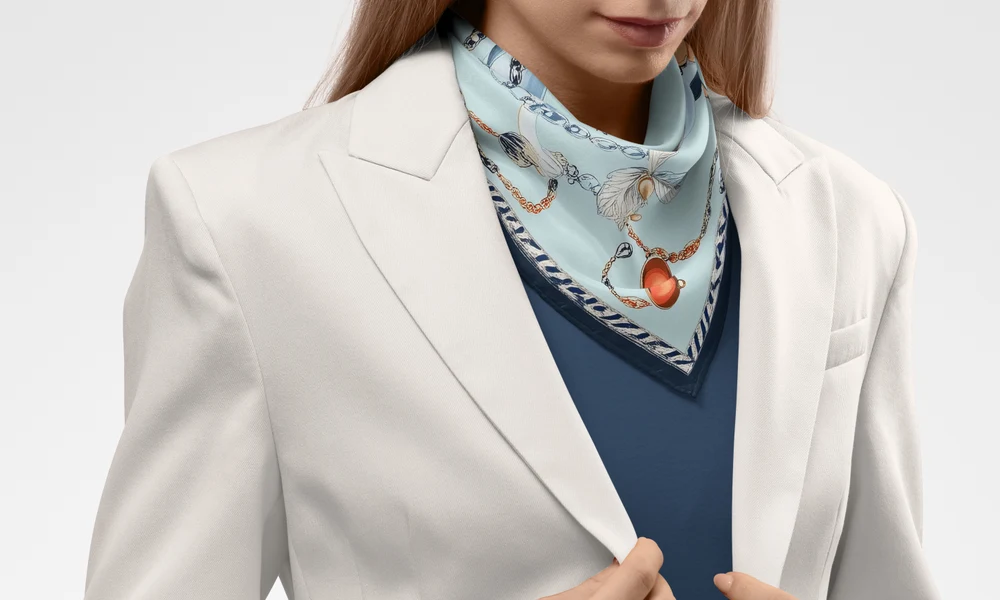
A clothing label needs readable small type, while an umbrella gives a pattern much more room. Sunglasses, scarves, fans and leather accessories each introduce different shapes and materials. Mockups help you check how your artwork fits these products before making a sample of every option. This category combines individual items with styled accessory sets. It includes printed sunglasses, woven and cashmere scarves, umbrellas and their packaging, fabric fans, clothing labels, hair accessories and leather goods. Fashion labels, pattern designers and branding studios can use them to explore a product range or present one design in detail. Compare logo sizes, borders, repeats and colors across the product and its packaging. The prepared Smart Objects place your artwork within the scene's folds, reflections and surface texture. Check the product gallery for the parts you can edit in each file. The images can be used in online shops, lookbooks, buyer presentations, licensing portfolios and client proposals. Keep the same compositions for later collections or color variations, so you can update the artwork without arranging another accessory shoot.
FreeCreatsy® Mockups
Hi, I love this mock, simple to use. Thank you
Hi Kelly, I apologize for this issue. We have tested all of these files, and they appear to be working properly. It seems that the issue may be related to incomplete downloads or incorrect extraction of the files. Please ensure that you fully download the files and extract them correctly. https://creatsy.com/help-center/troubleshooting-downloading-and-unzipping-issues This problem may also be caused by an error in the default zip file extraction tool. Please check this article for troubleshooting zip file extraction issues on a Windows here: https://creatsy.com/help-center/troubleshooting-unzipping-ZIP-files-windows or Mac here: https://creatsy.com/help-center/troubleshooting-unzipping-ZIP-files-mac As a workaround, I'm also sending these files unzipped via WeTransfer to provide an alternative delivery method. Please let me know if this resolves the problem for you. Thank you for your patience.