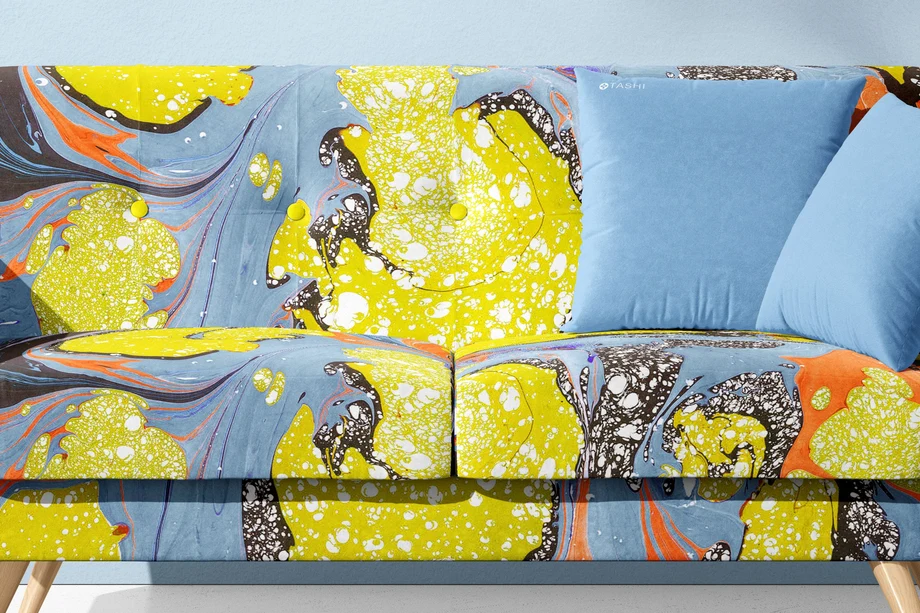
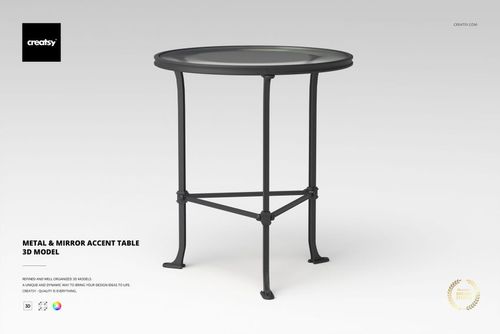
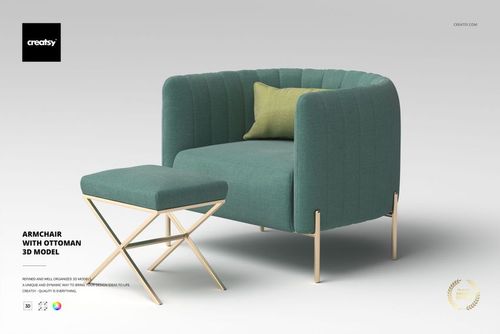
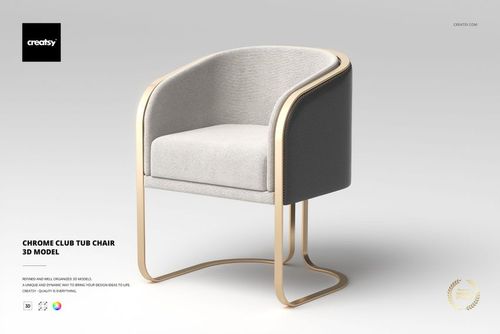
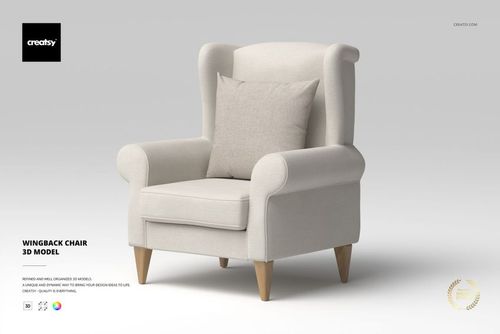
 $2900
$2900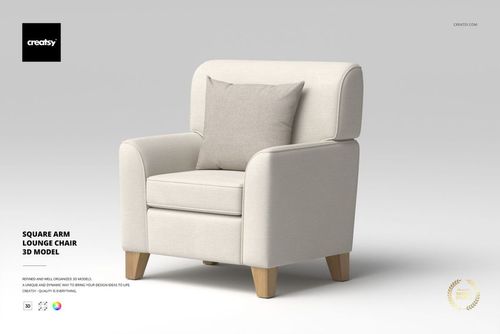
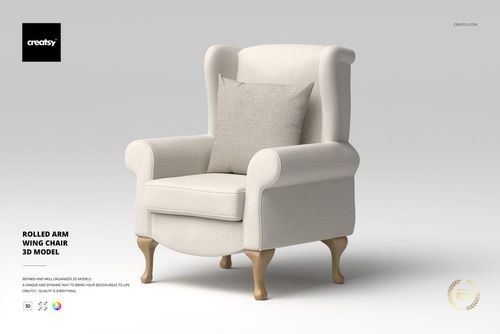
 $1900
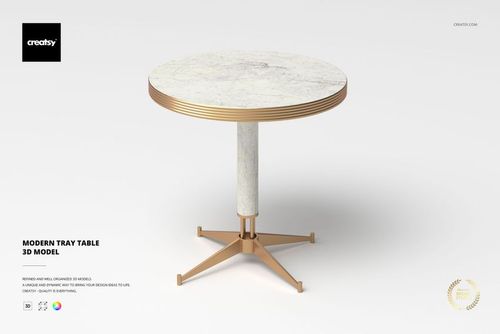
$1900
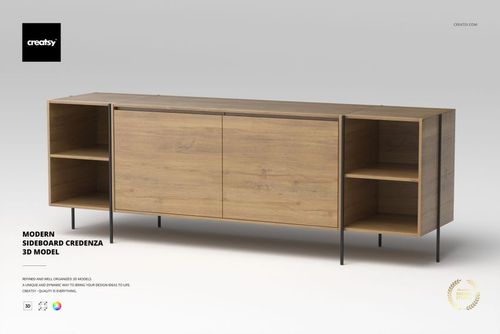
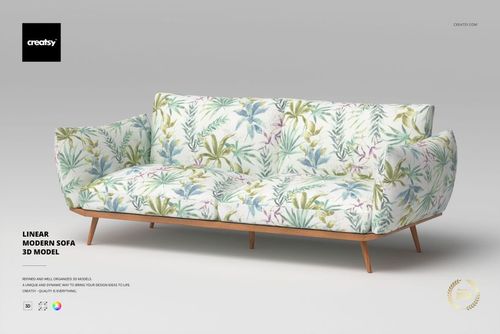
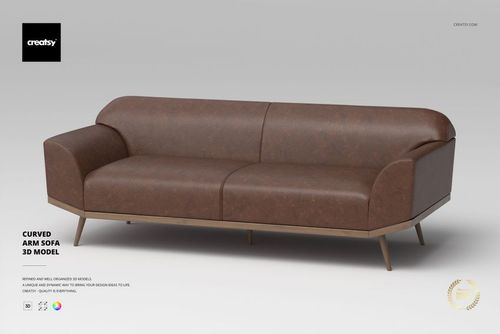 $2900
$2900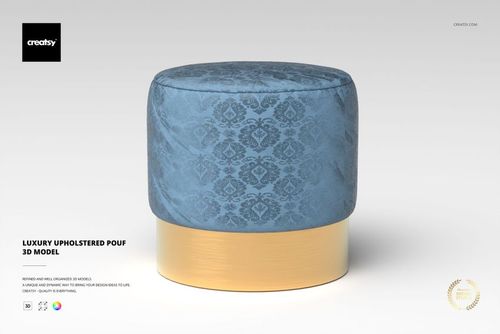
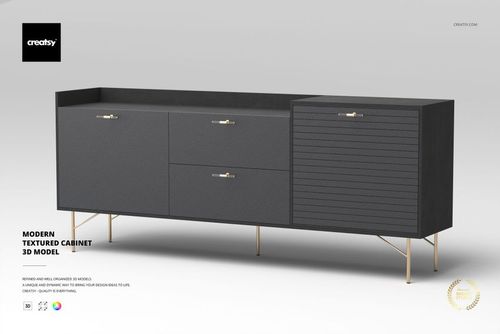
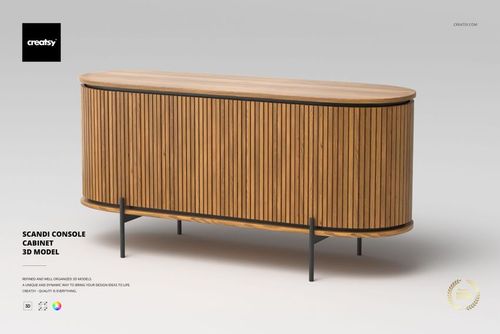
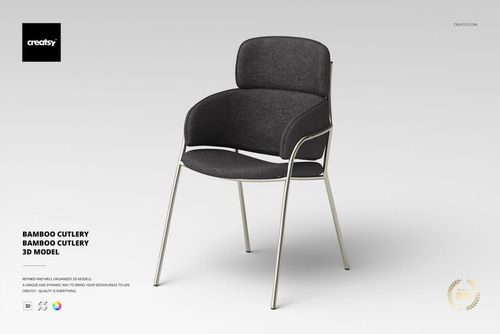
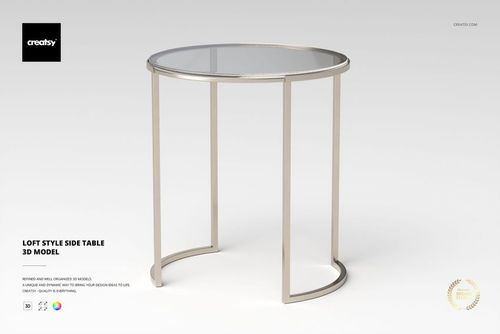
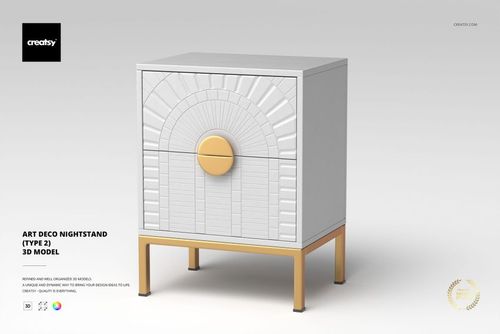
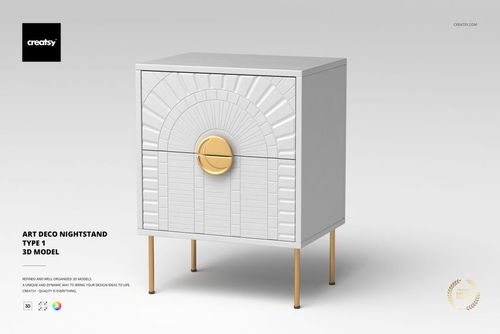
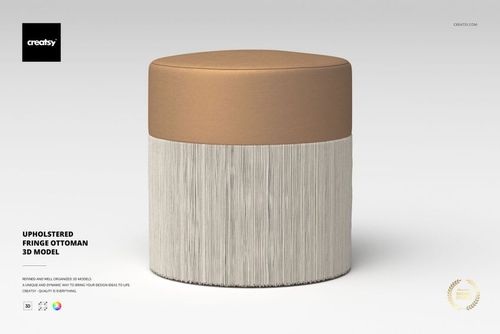
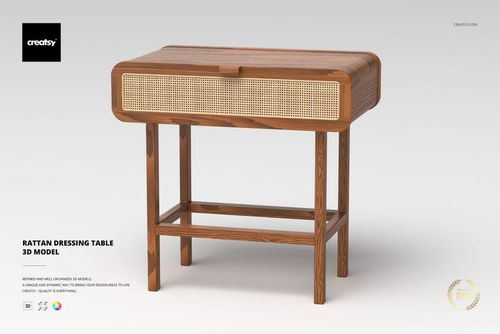
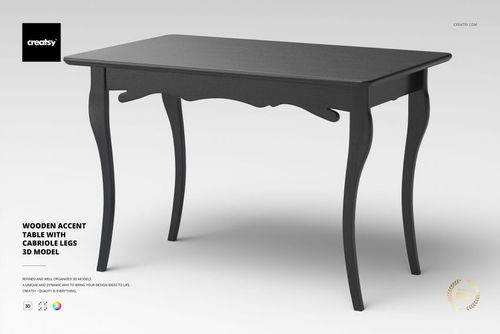
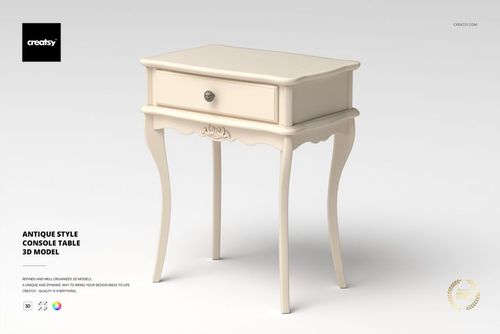
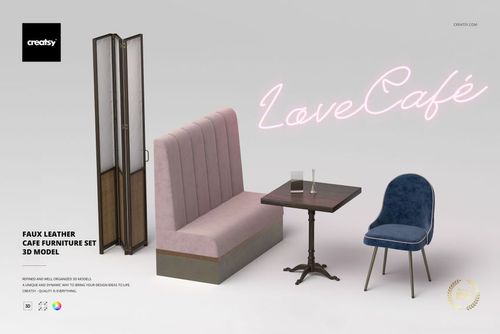
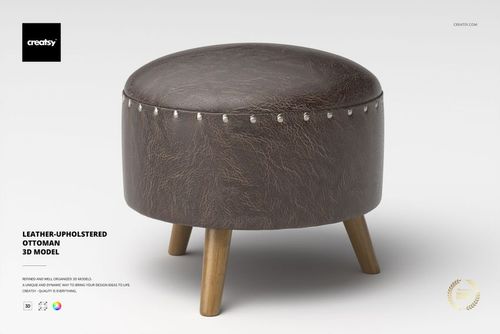
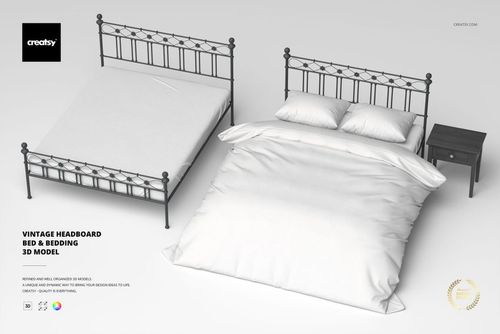
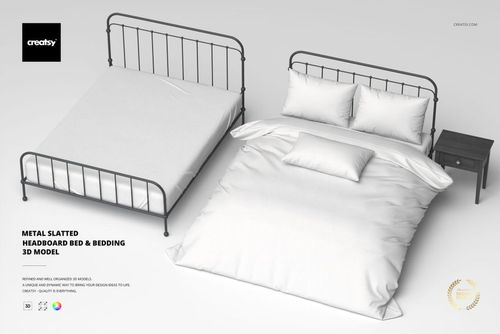
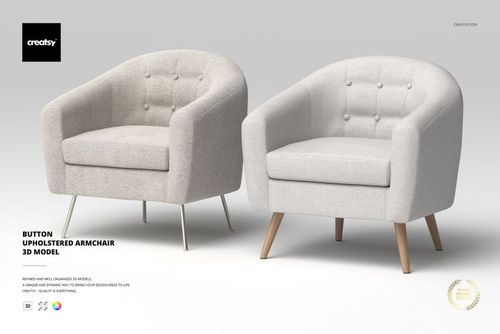
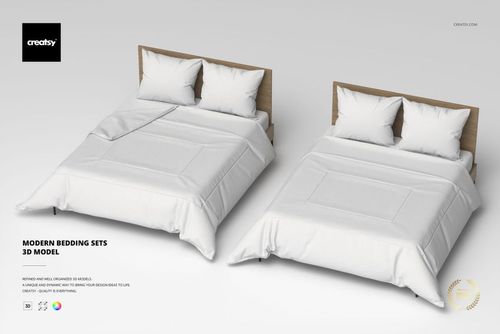
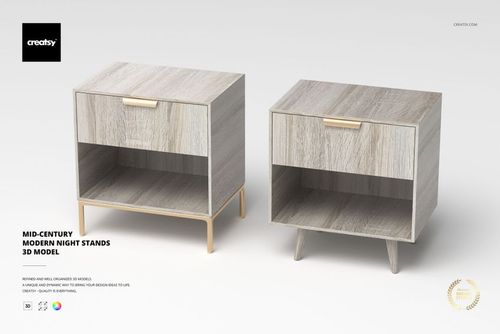
Furniture 3D Models
Furniture 3D models for interior renders and product visualization - sofas, armchairs, tables, nightstands and dressers in 3DS Max native format plus .usd, .dae, .fbx and .obj, with V-Ray materials.

What you get
Render-ready 3D objects built native in 3ds Max with V-Ray, exported to open in any major 3D application.
Five Formats, Every Pipeline
Each model ships as an archive with .max (native, plus an earlier-version .max for older 3ds Max), .fbx, .obj, .usd, and .dae - so the geometry opens in 3ds Max, Blender, Maya, Cinema 4D, or any USD-based pipeline. No special plugin needed to open the scene.
- Native .max plus an earlier-version .max
- .fbx, .obj, .usd, and .dae exports
- Opens in any major DCC, no plugins required
Native V-Ray Materials
The .max and .fbx files carry V-Ray materials with links to the Chaos Cosmos V-Ray Material Library, ready to render in 3ds Max with V-Ray. A V-Ray license is required, and the materials work only in .max and .fbx - in other renderers you assign your own shaders to the UV-ready geometry.
- V-Ray materials load straight in 3ds Max
- Chaos Cosmos material library links included
- V-Ray license required; .max and .fbx only
Clean Topology, Unwrapped UVs
Geometry is built with optimized quad/tri topology and unwrapped UVs, with organized object names, layers, and groups. It imports clean and ready to texture or subdivide - no remeshing or UV repair before you can use it.
- Optimized quad/tri topology
- Unwrapped UVs ready for your own materials
- Organized object names, layers, and groups
Real-World Specs Listed
Every product page lists the polygon count, real-world dimensions in centimeters, and part count, so you know the scale and weight of what you are importing before it enters your scene.
- Polygon count per model
- Real-world dimensions in centimeters
- Part count for multi-piece objects
Who are these furniture 3D models for?
For interior designers & decorators
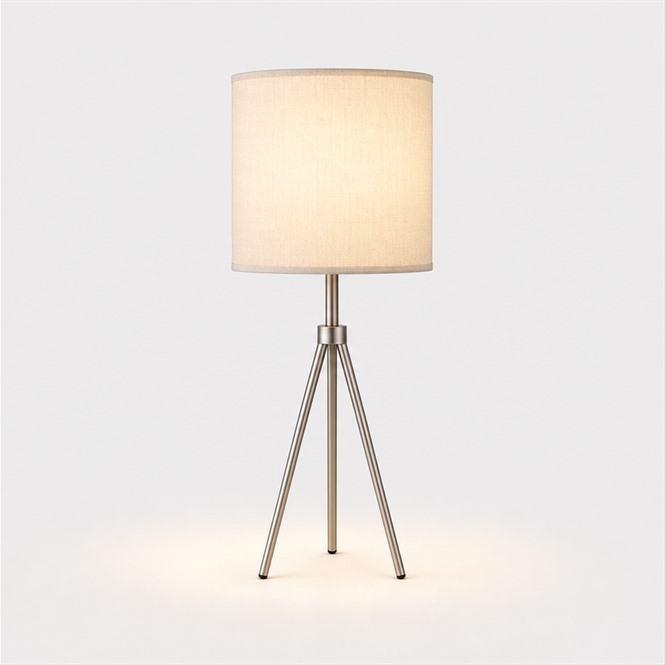
Drop a 3 seater sofa or console table into a room render to show a client the layout, then add a floor lamp to light the corner.
Lighting the room? Browse lamp & lighting 3D models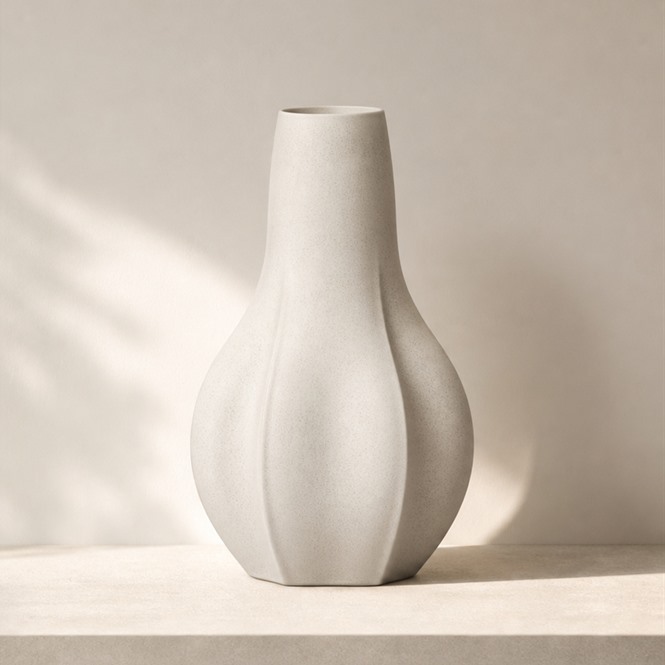
For archviz artists
Stage an Art Deco sideboard or coffee table in a visualization, then set vases and objects on top so the surfaces do not read as empty.
Dressing a scene? Browse decoration 3D models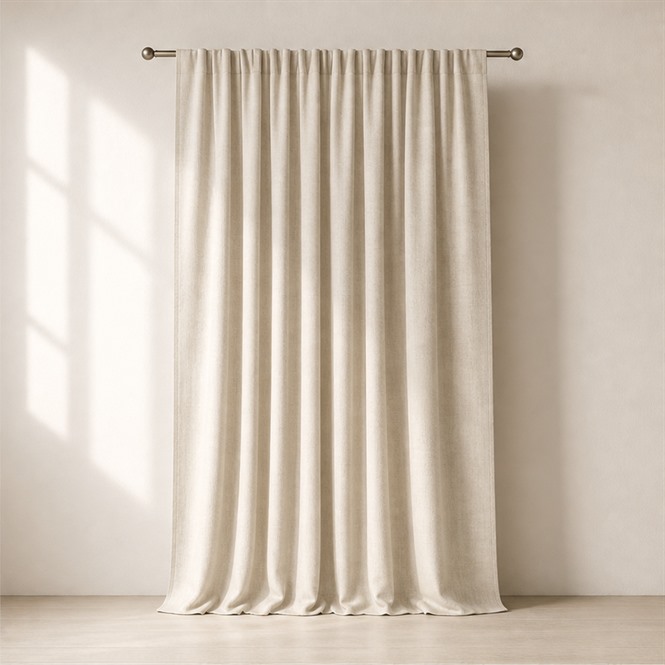
For furniture & homeware e-commerce brands
Render a button upholstered armchair or arched-headboard bed for a product page, swapping fabric materials to show every cover option in one shoot.
Re-covering upholstery? Browse fabric 3D models
For set & scene builders
Once a bedroom set or nesting tables sit in your render, present the finished concept as a styled flat scene for the brief.
Showing the concept? Browse home & living mockups
FAQs
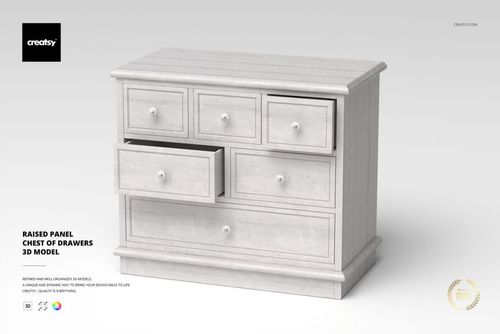
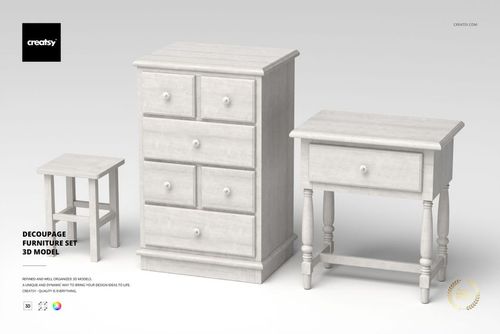
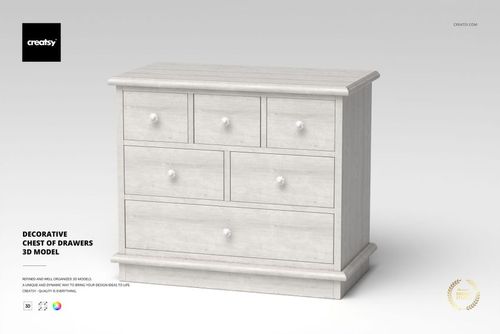
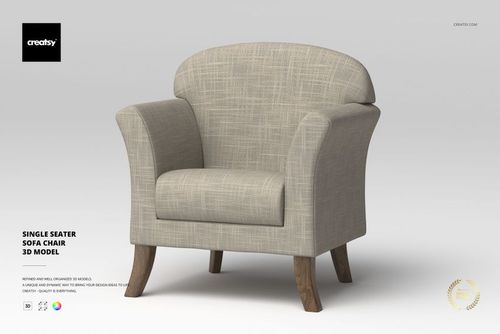
It is the furniture subcategory of the 3D Models catalog, covering sofas, armchairs and ottomans, coffee/console/nesting tables, nightstands, sideboards and dressers, plus period pieces. Examples include the 3 Seater Sofa with Ottoman, 2-Piece Round Nesting Table, Antique Style Console Table, Art Deco Round Coffee Table, Art Deco Sideboard, Art Deco Nightstand, Art Nouveau Sofa and the Baby Boy / Baby Girl Nursery Dresser.
Each model ships as a native 3DS Max scene (.max) plus an earlier-version .max for older 3DS Max installs, along with .usd, .dae, .fbx and .obj interchange files so the geometry can be used in most other 3D software. The exact authoring version varies per model and is listed on each product page.
No. The .usd, .dae, .fbx and .obj formats carry the geometry so you can import the model into most other 3D applications. The native .max file includes the V-Ray materials and Chaos Cosmos V-Ray Material Library links, and a V-Ray license is required to use them. If you do not use V-Ray, you can still use the model and apply your own materials in your renderer.
For furniture, lights and cameras are not included in the scene - the focus is the furniture geometry and materials. Check the individual product page for the exact contents, since setup details can differ between models.
Models use a centimeter scale unit and clean, optimized topology (polygonal quads / tris geometry) with well-organized names, layers and groups, and no special plugin is required to open the scene. Each product page lists the polycount, physical size in centimeters and the number of parts.
Yes. A commercial license is available, and an Extended Commercial tier also exists for broader usage, so the furniture models can be used in client interior renders, product catalogs and marketing visuals. Check each product page for the exact license terms and pricing before purchase.
Why use furniture 3D models?
Furniture is one of the most demanding subjects in 3D - upholstery seams, leg and frame joinery, drawer fronts and period detailing all have to read correctly under render lighting before a piece earns a place in an interior scene. These furniture models are delivered as native 3DS Max scenes with clean, optimized quad/tri topology and a centimeter scale unit, so they drop into real-world-scaled rooms without rescaling guesswork. Because every model also ships in .usd, .dae, .fbx and .obj, the geometry is portable to most other 3D pipelines even if you are not a 3DS Max user. V-Ray materials and Chaos Cosmos library links give 3DS Max + V-Ray users a ready-to-render starting point, while everyone else can reassign materials in their own renderer. The mix of contemporary sofas, armchairs and tables with Art Deco, Art Nouveau and nursery pieces makes the set useful for both modern and period interior work. A commercial license is available so finished renders can go into client interior visualizations, furniture catalogs and marketing work, with the exact terms on each product page.