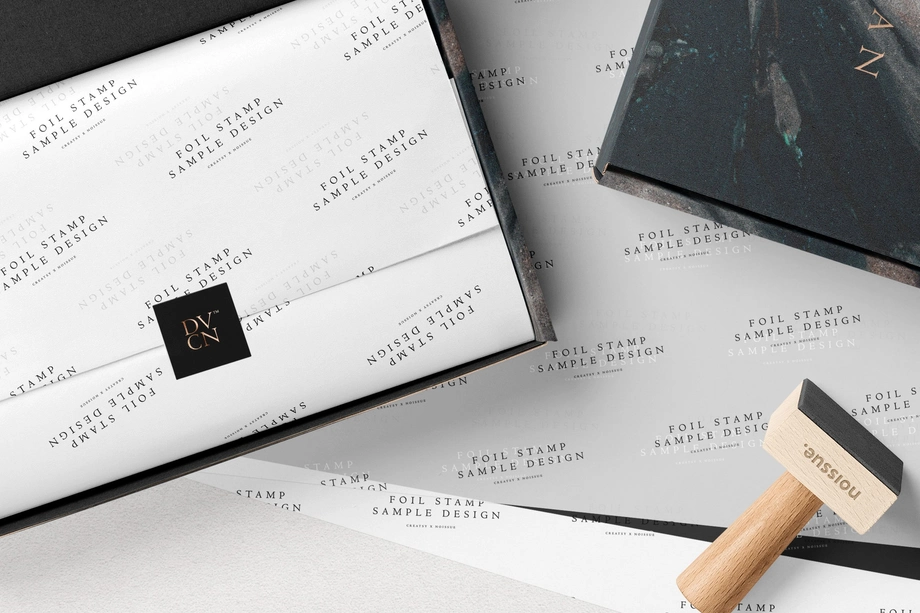
Packaging & Wrapping Mockups
Explore editable packaging mockups for boxes and tubes, food and beverage packaging, stand-up pouches, gift wrapping, flower and bouquet packaging, mailers, shipping labels, packaging tapes, paper cups, retail bags, and reusable shoppers. Add logos, labels, patterns, and coordinated artwork to layered Photoshop files, then create realistic visuals for product listings, client presentations, portfolios, advertising, and pre-launch campaigns.











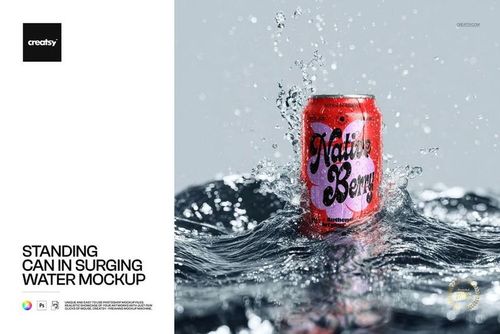
Reviews
What designers and brand owners say after using these PSD mockups in real client work.
0
Sort by:


Love all of Creatsy's mockups and this is no exception. Easy to use and looks beautiful.
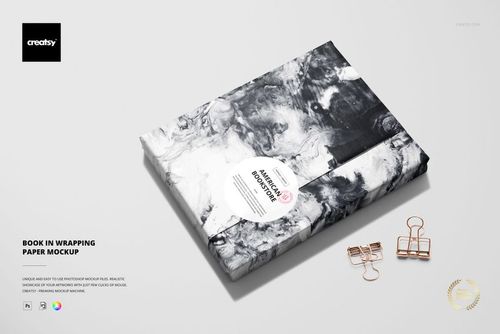 Book in Wrapping Paper Mockup View product

This is a good mockup. It's easy to use and pays attention. Making my product look even better and more attractive. I'm very grateful for the free mock up. thank you
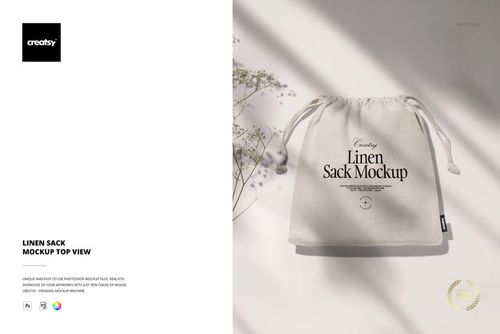 Linen Sack Mockup Top View View product
Thank you again, nongnuch_l! We’re delighted that the Linen Sack Mockup was easy to customize and helped your design look more polished and appealing. We’re glad our free mockups can support your creative work, and we truly appreciate your lovely review!
This is a good mockup. It's easy to use and pays attention. Making my product look even better and more attractive. I'm very grateful for the free mock up. thank you
Book in Wrapping Paper Mockup View product Thank you so much, nongnuch_l! We’re very happy that you found the mockup easy to use and that it helped make your product presentation more attractive. We truly appreciate your kind words and hope you enjoy creating with more of our free mockups!
This is a great mockup, easy to use, and looks very classy. It makes the product look expensive and beautiful. I like it very much and thank you very much for providing it for free.
 Free Shopping Bag with Tissue Paper on Ledge Packaging PSD Mockup View product
 Thank you so much, nongnuch_l! We’re very happy that you found the mockup easy to use and that it gave your packaging a classy, premium look. We truly appreciate your kind words and hope you enjoy creating with more of our free mockups!

Perfect!
 Free Angled Folded Tissue Paper Packaging PSD Mockup View product
 Thank you so much, lizadesignco! We’re so happy to hear that the Angled Folded Tissue Paper Packaging Mockup was perfect for you. We hope it helps you create beautiful and realistic packaging presentations. Thank you for your 5-star review!

Creatsy continue to supply great mockup files.
 Free Disco Party Champagne Bottle and Wine Glass PSD Mockup View product
Thank you so much, Lisa! We’re so happy to hear you’re enjoying our mockup files! 😊
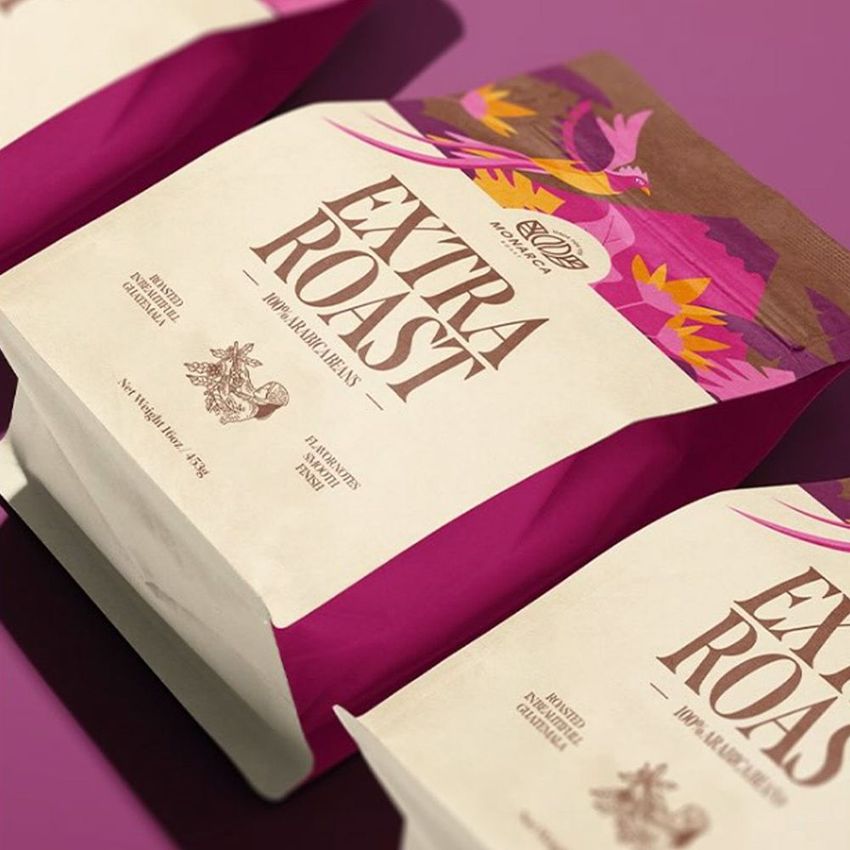
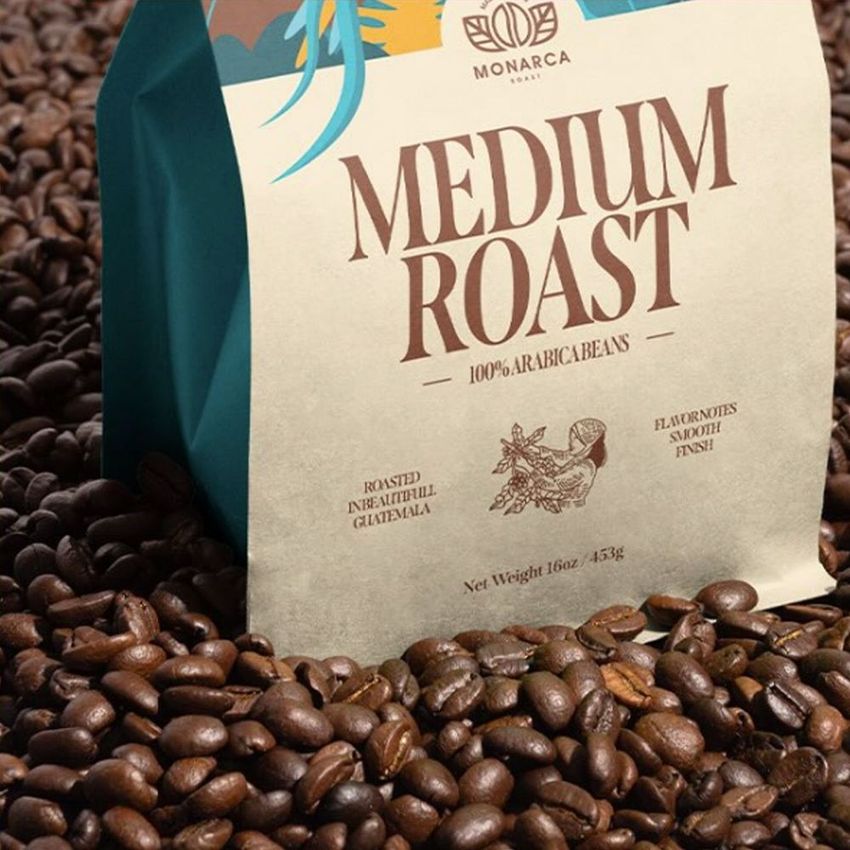
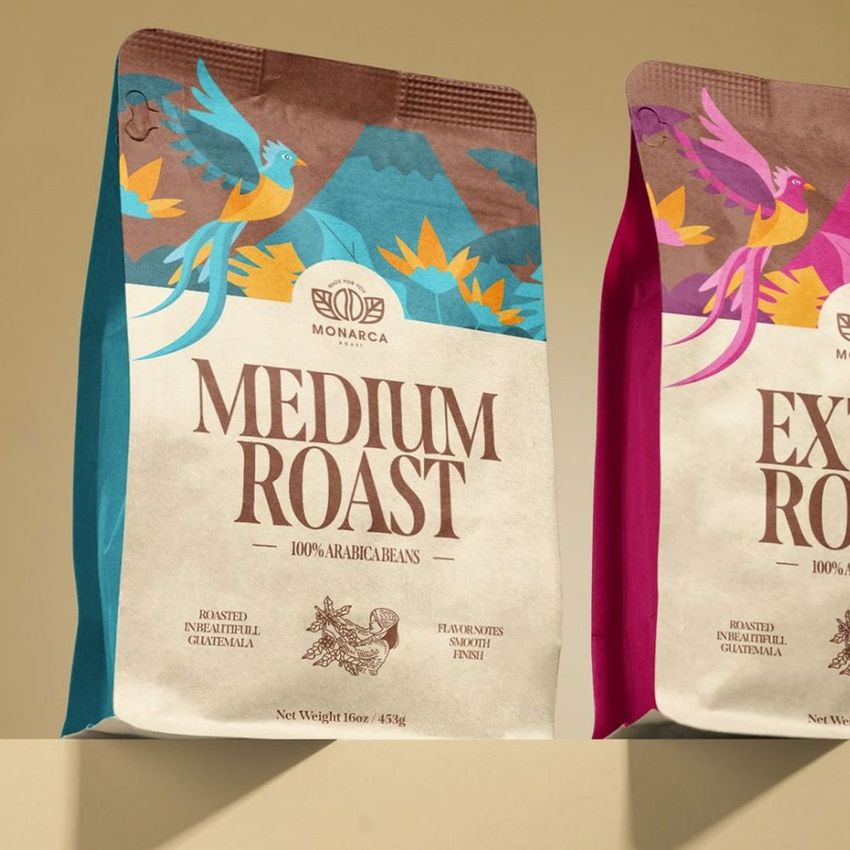
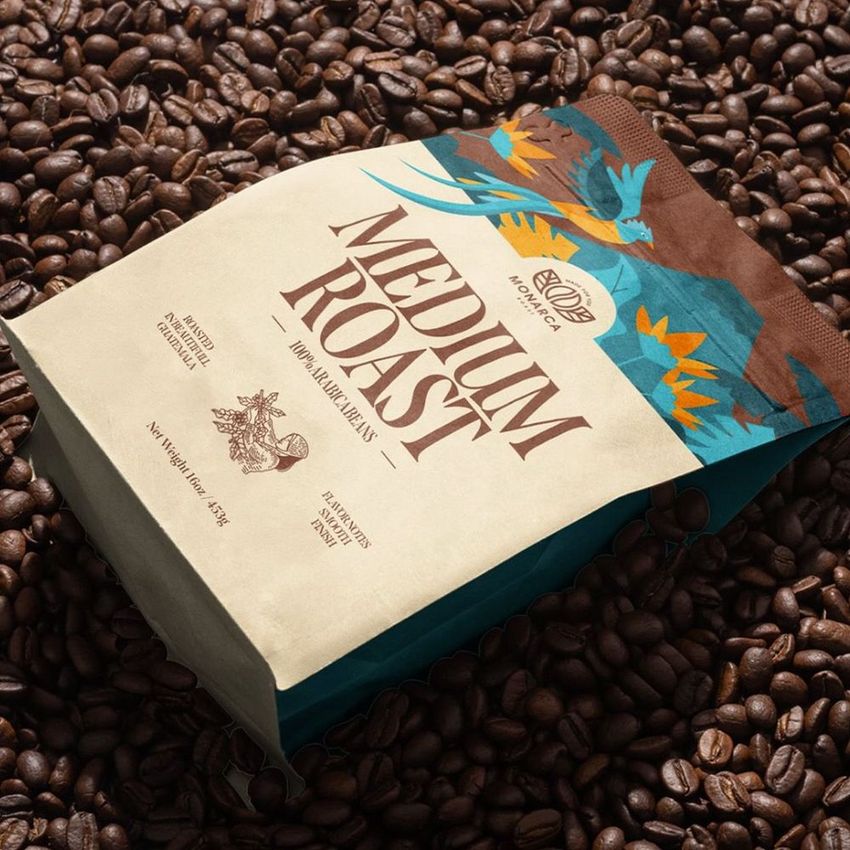
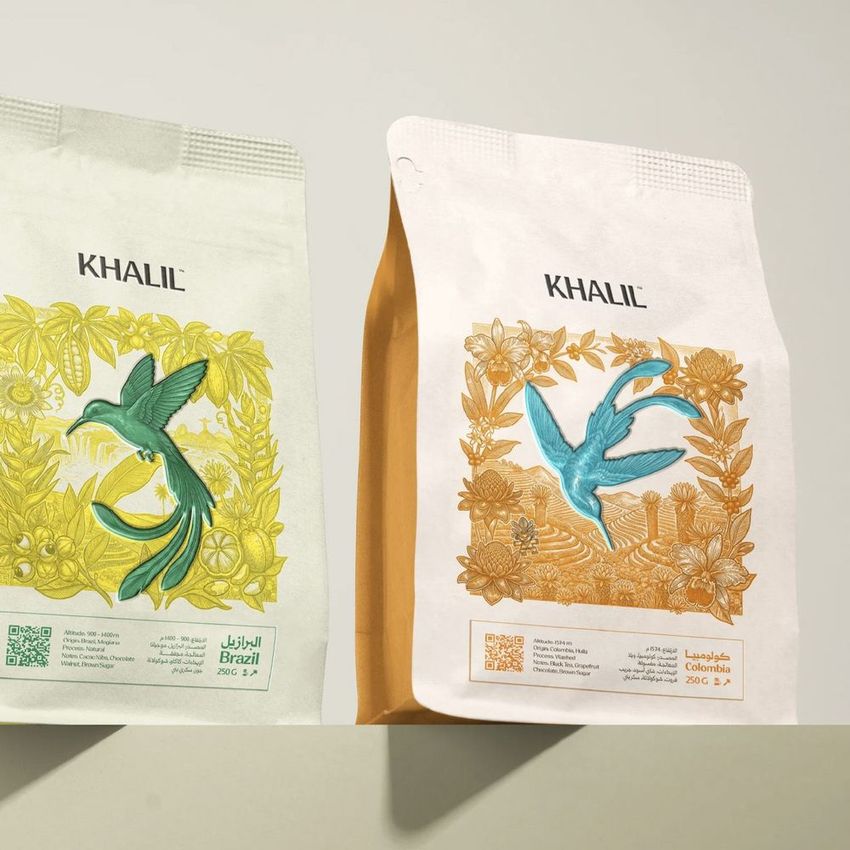
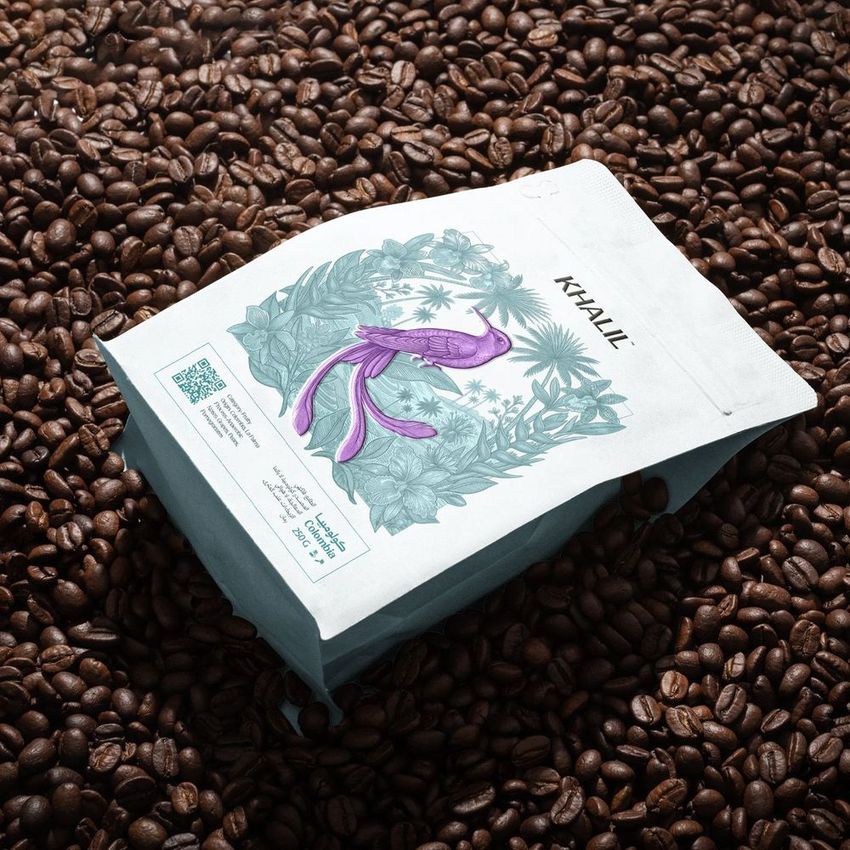
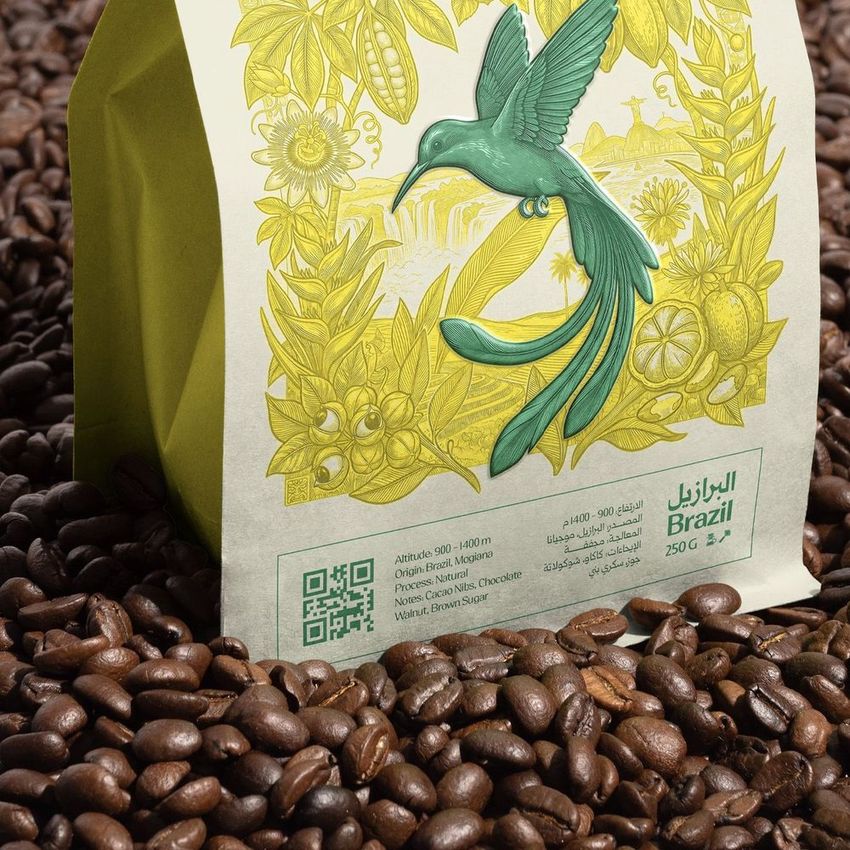
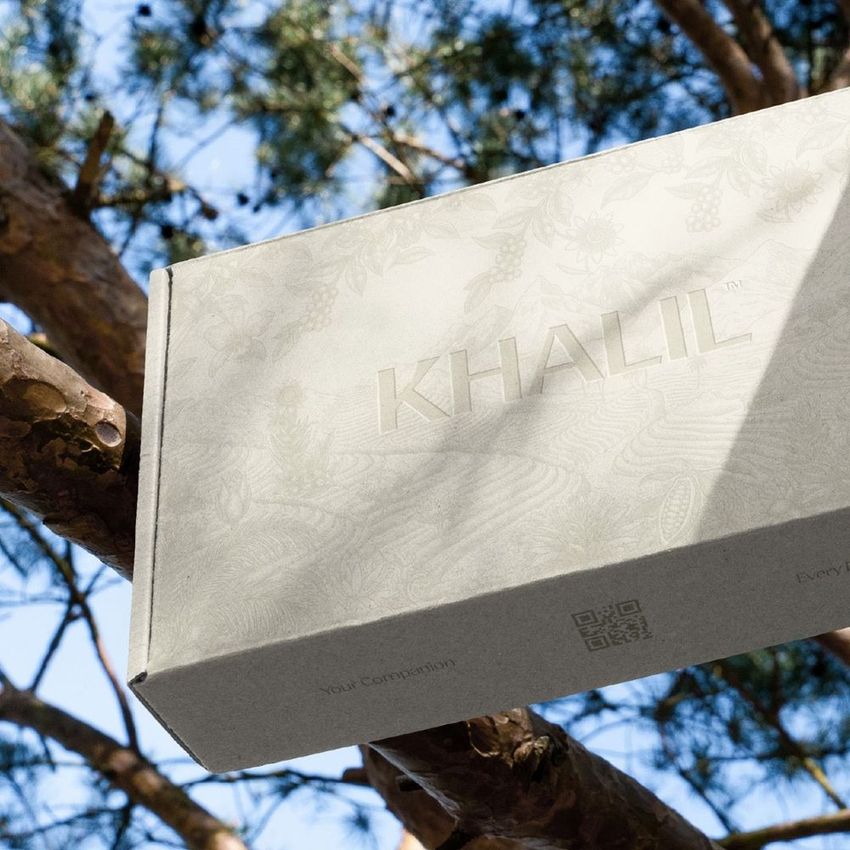
What you get
Professional PSD mockups built in-house - editable, realistic, high-resolution, and supported by real people.
Layered PSD Files
Creatsy mockups are delivered as fully layered Photoshop .psd files, with layers sorted into clearly named groups. Shadows, highlights, and the background each sit on their own editable layer, and nothing is flattened into a single image. Open it in Photoshop or the free browser editor Photopea and get to work.
- Clearly named, organized layer groups
- Shadows and highlights on separate layers
- Editable background, never flattened
- Works in Photoshop or free Photopea
Smart Objects
Open the smart object, paste your artwork, and save. The design lands on the product with the perspective, warp, and wrap already worked out. Scene lighting and shadows fall back on top, so it reads as a photograph, not a flat paste-in. Swapping a design takes seconds, so one file can carry a whole run of variants and colorways.
- Double-click, paste your design, save
- Perspective, warp, and wrap pre-built
- Scene lighting and shadows sit back on top
- One file covers many variants and colorways
High-Resolution Output
Many scenes are built from real product photography rather than 3D renders, so the fabric and surface read like a studio shot. Files export at high resolution and stay sharp at full zoom, with clean edges where the print sits. The same file works for a hero banner, a paid ad or a product listing.
- Real product photography in many scenes
- Exports ready for print
- Holds detail at full zoom
- Works for banners, ads and listings
Easy to Edit
Colors, backgrounds, and artwork sit on separate, clearly named layers, so you swap a color or background without disturbing the rest of the scene. There is no relighting or shadow work to redo, and the same file works for your next project.
- Edit color and background layers directly
- No relighting or shadow rework needed
- No masking or layer skills required
- One file reused across projects
Fast Support
There is a real in-house team behind every file, not a ticket bot. Before you buy, ask whether a specific mockup fits what you have in mind, and we will tell you. When a smart object or a layer group is tripping you up, send the question and you usually get a reply within 48 hours.
- Real in-house team behind every file
- Replies within 48 hours
- Pre-purchase help picking the right mockup
- Answers on smart objects and layer setup
Who are these mockups for?
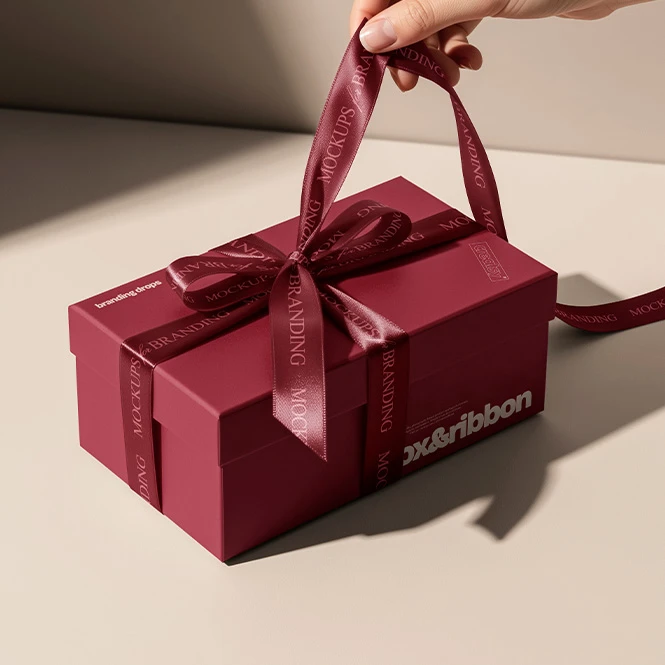
For e-commerce, subscription-box & retail brands
Preview branded mailers, shipping boxes, envelopes, labels, tissue paper, packaging tape, shopping bags, and reusable shoppers as one coordinated customer experience. Use clean product views and lifestyle scenes for unboxing concepts, online shops, catalogs, social media, and launch campaigns.
Planning an unboxing experience? Browse Mailing Boxes & Shipping Labels mockups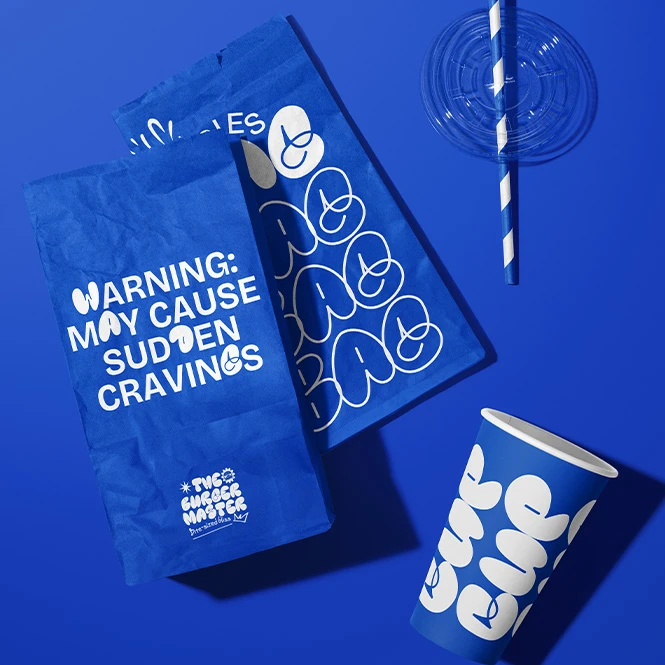
For food, beverage & hospitality brands
Show artwork on coffee bags, food pouches, bottles, jars, cans, takeaway packaging, confectionery boxes, paper cups, and printed food wraps. Create visuals for retailer presentations, menus, product launches, online listings, advertising, and restaurant branding concepts.
Launching a food or drink product? Browse Food & Beverage Packaging mockups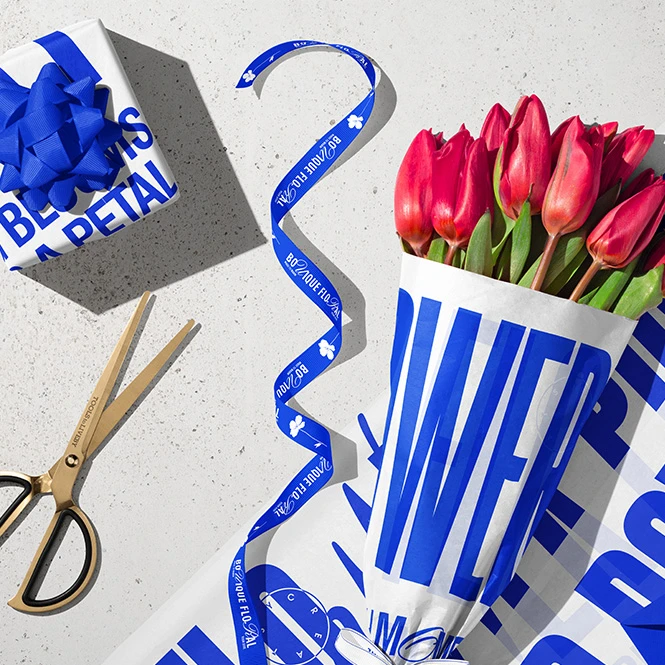
For gift, floral & surface pattern brands
Apply patterns, illustrations, typography, and seasonal artwork to wrapping paper, gift boxes, ribbons, tissue paper, bouquet cones, flower sleeves, gift bags, and decorative packaging. Present complete collections without producing and photographing every design variation.
Creating a gift collection? Browse Gift Packaging & Wrapping Paper mockups
For packaging designers & branding studios
Present logos, typography, labels, patterns, and coordinated visual systems across boxes, tubes, pouches, bags, cups, tapes, and other packaging formats. Use realistic product scenes in client pitches, identity guidelines, portfolio projects, and packaging concept presentations before final production files are prepared.
Developing a box or tube design? Browse Boxes & Tubes mockups
FAQs
This category includes boxes and tubes, flower and bouquet packaging, food and beverage packaging, gift packaging and wrapping paper, mailers and shipping envelopes, mailing boxes and shipping labels, packaging tapes, paper cups, retail bags, and reusable shoppers. Use the subcategory links and filters to narrow the collection to the required product type.
Customization varies by product. You can generally replace the sample artwork through Smart Objects and adjust selected product colors. Depending on the mockup, additional editable elements may include labels, individual packaging panels, interiors, handles, ribbons, tissue paper, tape, caps, backgrounds, shadows, props, metallic effects, or transparent materials. Check the screenshots and product details for the exact options included in each file.
Not always in one scene. A single mockup shows only the surfaces visible from its camera angle. Some sets include several views or separate Smart Objects for the front, back, sides, top, bottom, or interior, while other products focus on one main label or panel. Check the preview gallery and editable-features list to confirm which parts of the package are shown. Use the manufacturer's official dieline and physical or digital production proof to review every panel, fold, cut line, and safe area before printing.
No. Bundles usually contain several separate Photoshop files, and multi-item scenes may include individual Smart Objects for different products or surfaces. Add the required artwork to each selected file and editable area separately, then export each scene. Changes do not automatically synchronize across independent PSD or PSB files unless a product explicitly states otherwise.
Yes. The collection includes individual mailer scenes, shipping boxes, labels, envelopes, kraft packaging, branded tape, and the Noissue Mailing Box Mockup Bundle. You can find clean studio views, open and closed boxes, interior designs, hand-held scenes, and selected outdoor compositions. Individual products may appear in related subcategories when a scene also focuses on tape, wrapping, or another packaging element.
Yes. Food and beverage options include coffee bags, stand-up pouches, bottles, jars, cans, chocolate and confectionery packaging, burger and pizza boxes, takeaway paper bags, printed food wraps, paper cups, and coordinated restaurant-branding scenes. Exact product formats, dimensions, and editable areas vary, so check the individual product page before purchasing.
No. A mockup only visualizes artwork on a representation of food wrapping or packaging. It does not certify the final paper, ink, adhesive, coating, printing process, or finished product for direct or indirect food contact. Confirm all food-safety, labeling, migration, and production requirements with the selected packaging manufacturer and the regulations applicable to your market.
The editable mockups are supplied as layered Adobe Photoshop files. Most products use PSD format, while selected larger documents may use Photoshop's PSB format. Many newer products also work in Photopea, the free browser-based editor, but compatibility varies between files. Check the Compatibility and File Details sections on the individual product page before purchasing. These products are not Canva or Figma templates.
No. A packaging mockup is a presentation file used to visualize artwork on a finished product. It does not replace the manufacturer's dieline, cut and fold lines, bleed, safe areas, dimensions, panel layout, color requirements, barcode specifications, legal labeling, material requirements, or production proof. Prepare the final artwork separately using the packaging supplier's official files and instructions.
No. A mockup can help visualize the general color direction, artwork scale, reflections, transparency, texture, and surface character. The final result depends on the substrate, ink, printer, color profile, coating, laminate, foil, varnish, lighting, and production tolerances. Use the packaging supplier's color requirements and a physical proof for color-critical or finish-critical projects.
Yes. Use the Free filter or browse the Free Mockups collection to see the packaging files currently available. Free examples may include boxes, shopping bags, pouches, tissue paper, tape, bottles, cans, food packaging, or wrapping-paper scenes. Availability may change as the catalog is updated.
Yes, subject to the selected license. Exported mockup images can be used for permitted product listings, brand presentations, client pitches, portfolios, advertising, catalogs, packaging concepts, and social media. Standard Commercial and Extended Commercial licenses have different limits for end products, social media accounts, and physical advertising. Source Photoshop files may not be resold, transferred, sublicensed, or made available for independent customer customization. Review the current license terms before publication or delivery to a client.
Why use Packaging & Wrapping mockups?
Packaging artwork is applied to products with very different proportions, edges, folds, seams, materials, and surface shapes. A flat design file does not show how a logo will read around a curved jar, how a pattern will continue across two visible box panels, how typography will sit on a flexible pouch, or how a printed tape design will repeat along a package. Mockups turn the original artwork into a realistic product presentation. Use box, tube, mailer, and shipping mockups to compare visual hierarchy, artwork scale, interior and exterior branding, labels, tape, tissue paper, and coordinated unboxing concepts. Individual views are useful for focused product listings, while multi-scene sets help present one packaging direction from several angles. Check each product to confirm which panels and components are editable. Food and beverage mockups help present designs on coffee bags, pouches, bottles, cans, jars, paper cups, food wraps, takeaway packaging, and confectionery boxes. Gift, floral, and retail mockups extend the same visual system to wrapping paper, ribbons, bouquet packaging, shopping bags, reusable shoppers, and seasonal collections. Layered Photoshop files and Smart Objects let you replace sample artwork while preserving the scene's perspective, lighting, shadows, reflections, folds, and surface texture. Depending on the selected product, you may also be able to adjust colors, materials, backgrounds, props, hardware, packaging panels, or finishing effects. Export the finished visuals for product listings, client presentations, retailer pitches, brand guidelines, portfolios, catalogs, advertising, launch campaigns, and social media. Use mockups to evaluate and communicate the visual direction. For final manufacturing, rely on the supplier's official dieline, dimensions, print specifications, material requirements, regulatory guidance, and production proo
FreeCreatsy® Mockups
love this
Thank you so much! We're so happy you love it! ❤️