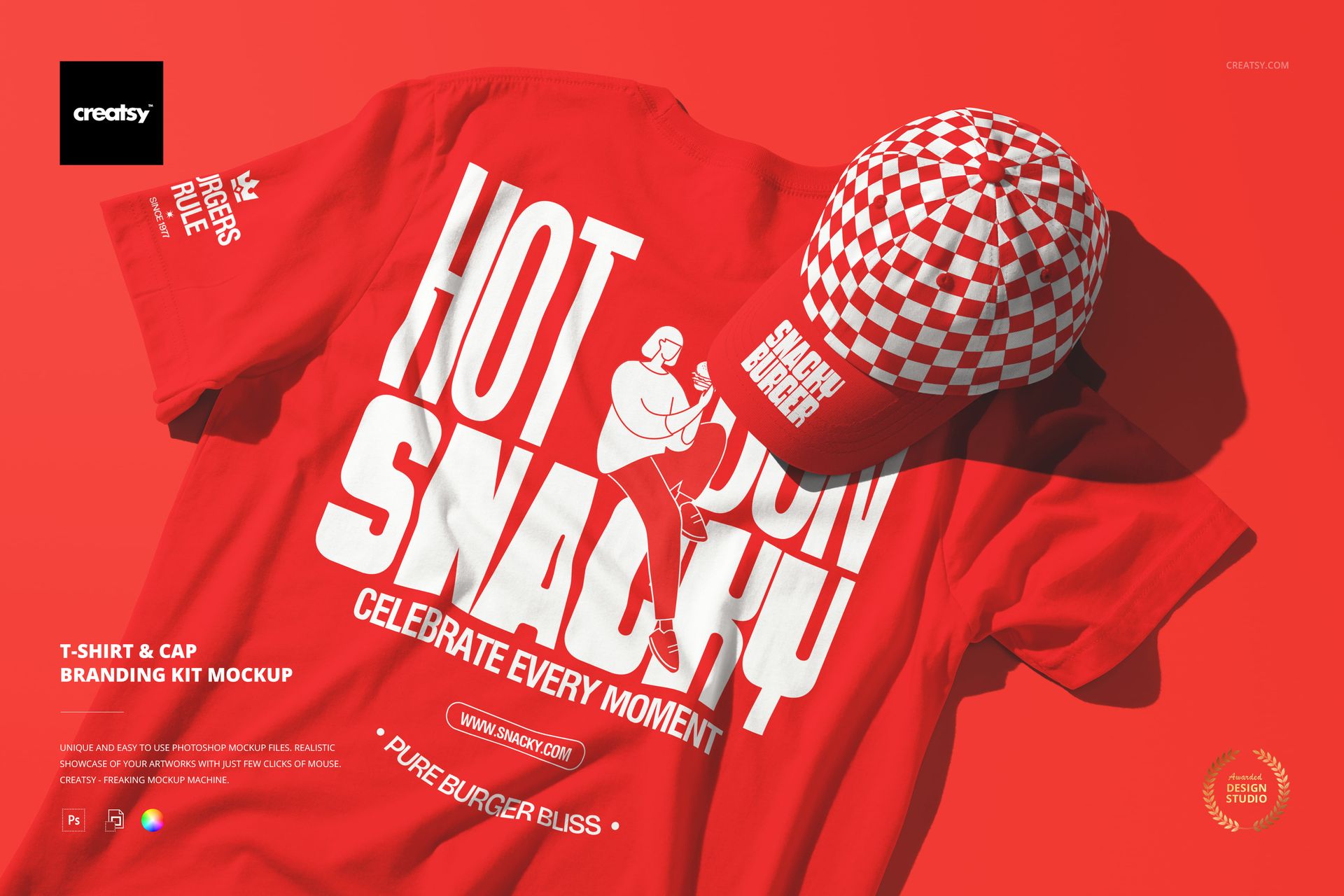
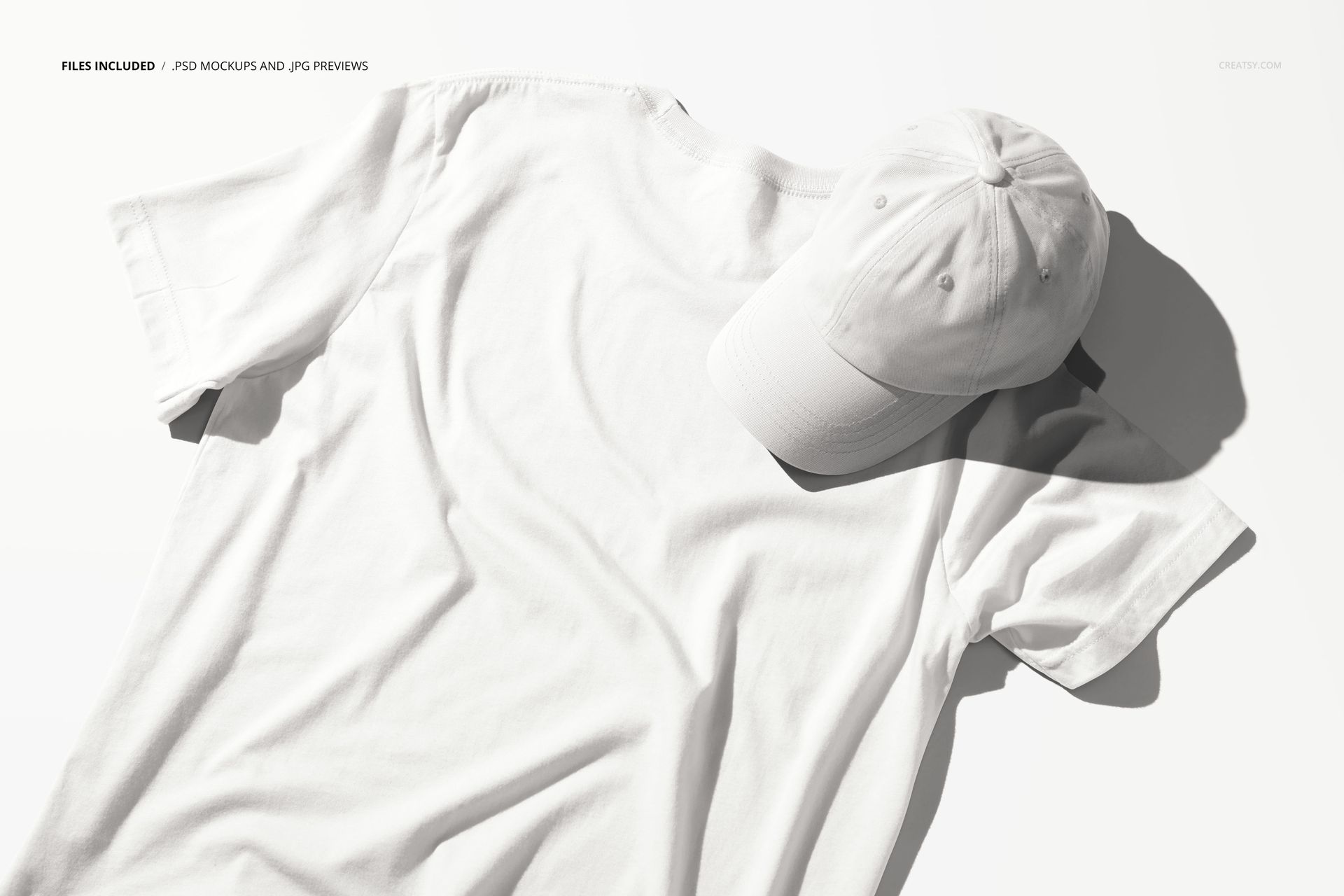
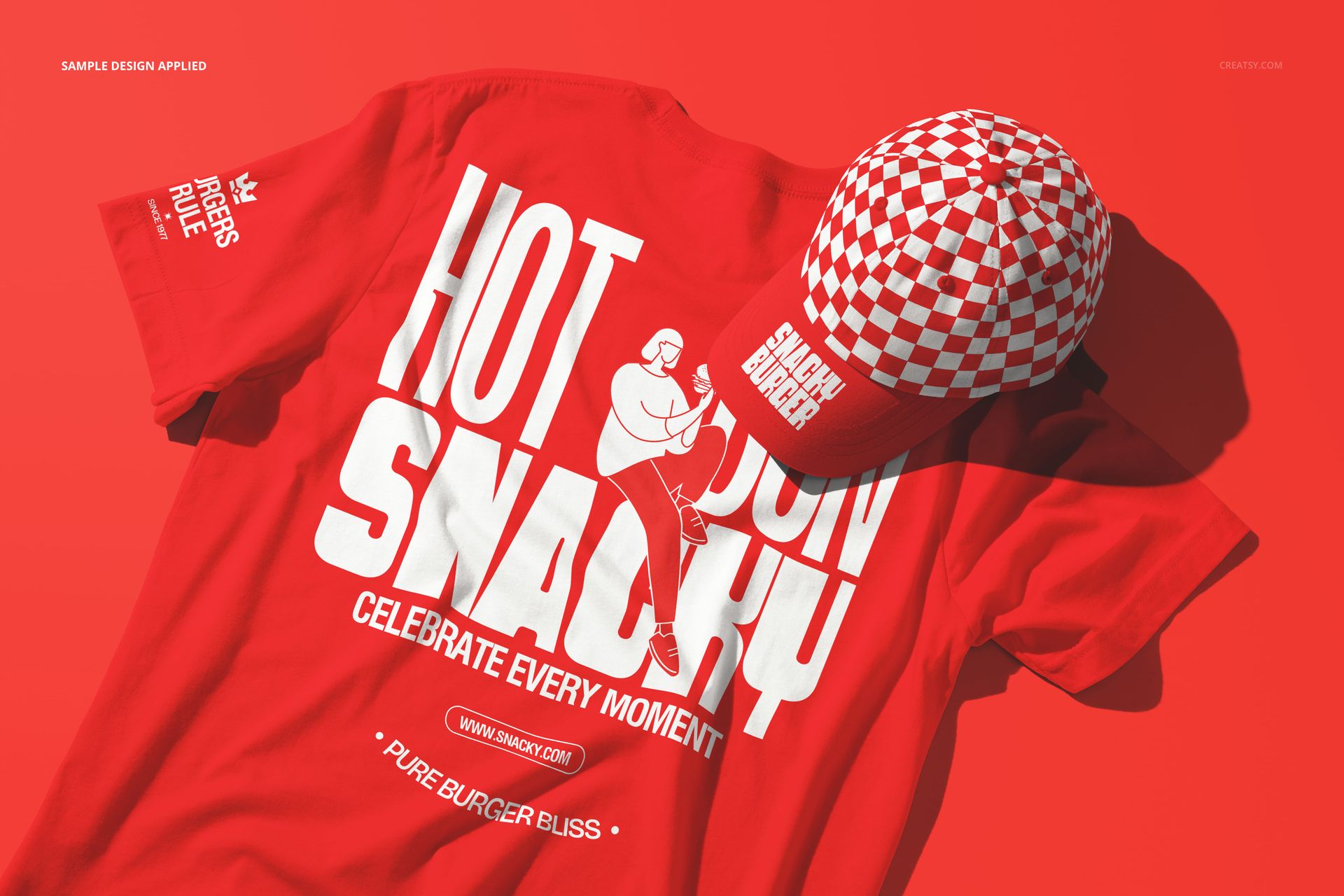
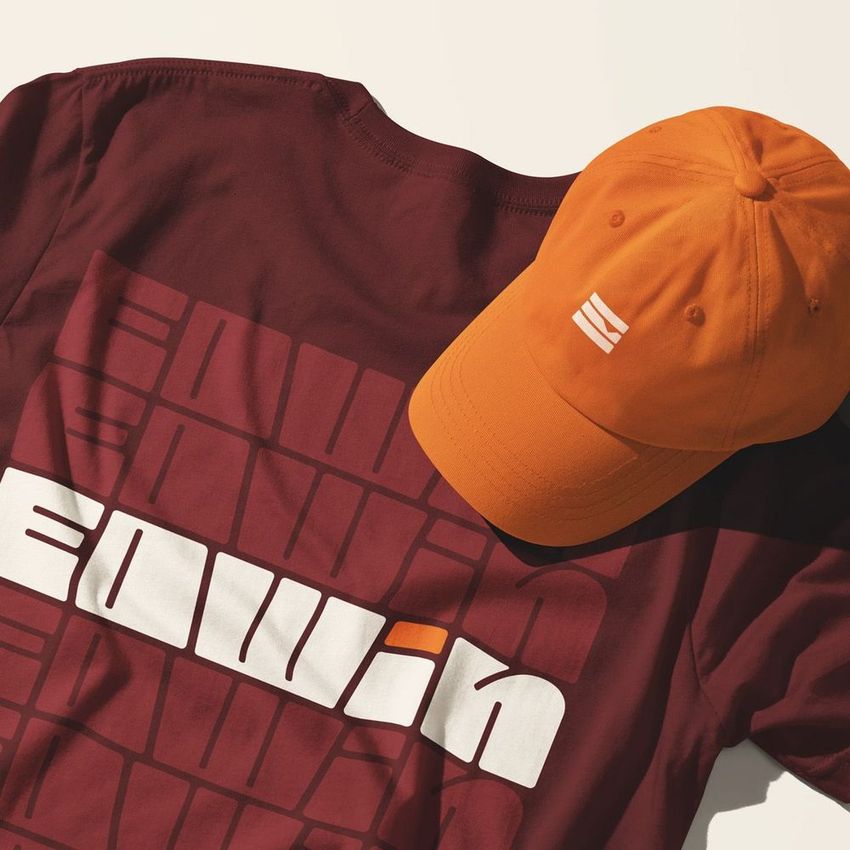
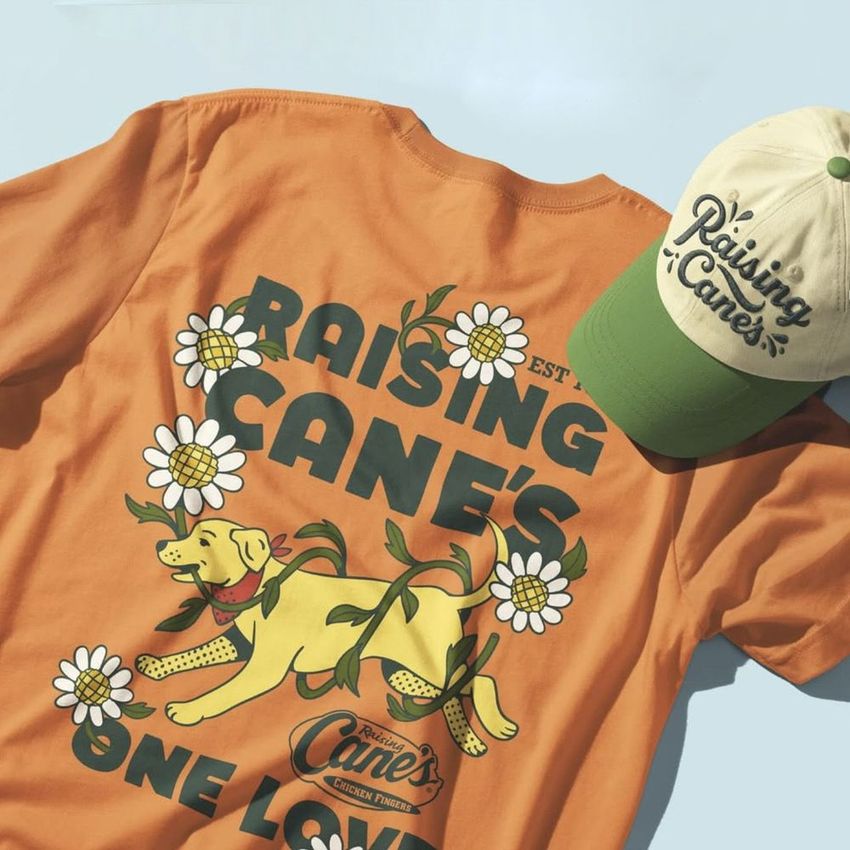
The T-shirt & Cap Branding Kit Mockup presents two core apparel items together in a single branding scene: a crew-neck t-shirt and a structured cap. The composition is designed for presentations where you need to show how a brand identity extends across wearable merchandise, with both items visible in the same frame under consistent lighting and perspective. Each piece has its own smart object layer, so you can apply different artwork to the shirt and cap independently while seeing how the two designs relate to each other as a coordinated set. This is the type of mockup that bridges the gap between logo design and real-world branded merchandise, giving clients and stakeholders a concrete preview of how their brand will look when people actually wear it. The file measures 6000x4000px at 300 DPI with organized smart object layers and works in Adobe Photoshop CC 2020 or newer and Photopea.
Why This Mockup Works
Branded apparel is one of the most visible expressions of a brand identity. A t-shirt and a cap are the two items most commonly produced as promotional merchandise, staff uniforms, event giveaways, and retail products. Presenting them together in a single mockup shows how the brand system translates from a flat design file to wearable items with fabric texture, structure, and dimension. Clients who see their logo on both a shirt and a cap in the same image can evaluate whether the design scales correctly, whether the colors work on different fabric types, and whether the overall brand impression is consistent across the two most common apparel items. That combined view is significantly more persuasive than showing each item in isolation, because it demonstrates that the brand works as a wearable system rather than a single printed application.
What Is Included
The download contains 1 layered PSD file. The scene shows a crew-neck t-shirt and a structured cap arranged together in a branding presentation layout. Each item has its own smart object layer for independent design placement. The lighting is even and controlled, designed to show fabric texture and print quality clearly on both items. The layer structure is organized and labeled for quick access to each smart object and the adjustment controls that let you fine-tune the overall appearance.
What You Can Customize
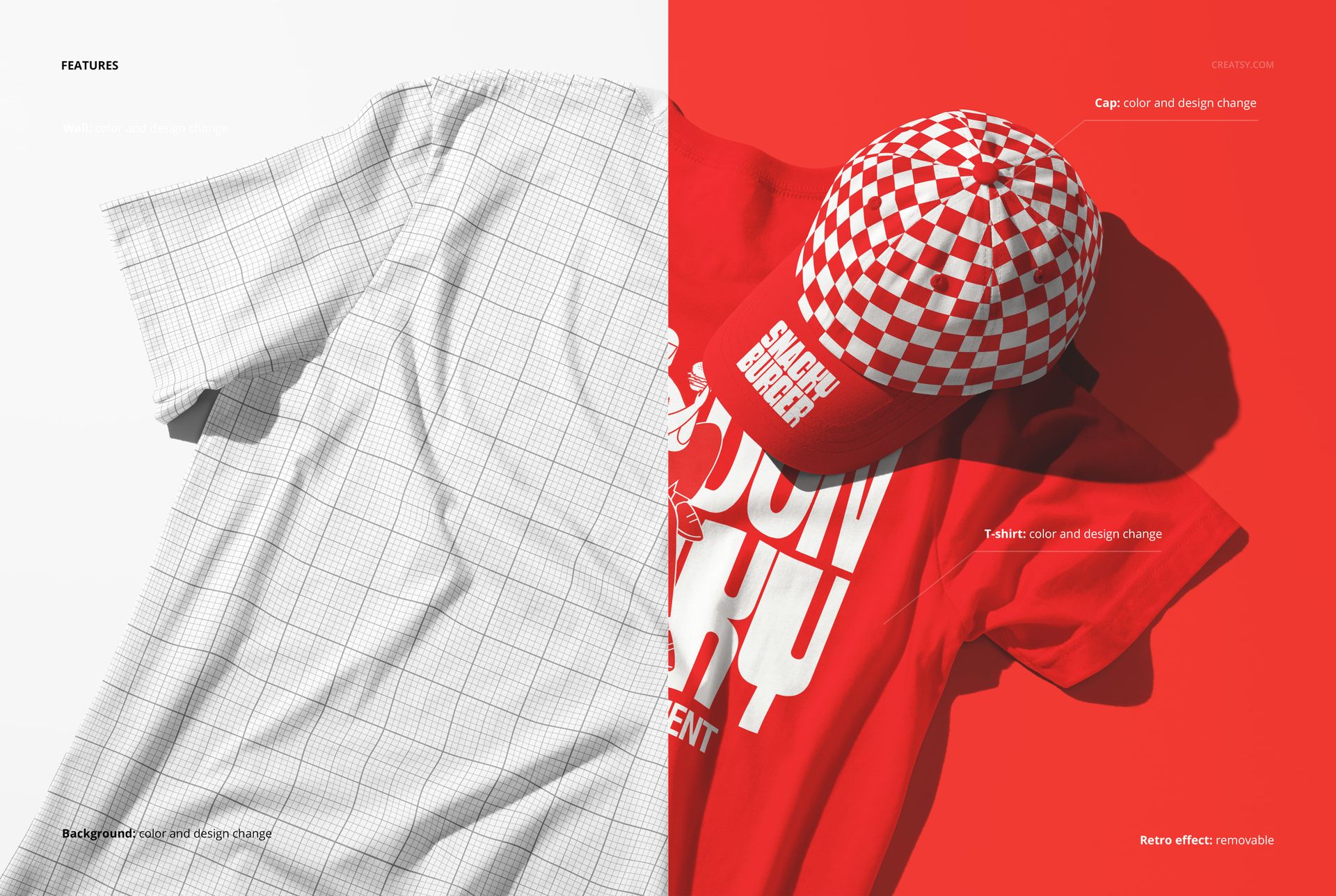
The smart objects control the design on each apparel item independently. Double-click the t-shirt smart object to place your logo, graphic, or typography on the shirt front. Open the cap smart object to apply your design to the cap panel. Each element updates with accurate fabric texture simulation and lighting response. The adjustment layers let you modify overall brightness, contrast, and color temperature to match your brand aesthetic or to simulate different fabric colors. You can present the same scene with different branding concepts to compare directions, test color combinations on fabric, or show a client multiple design options in rapid succession.
Who This Mockup Is For
Brand identity designers presenting apparel mockups to clients who need to see how their logo and brand elements translate from screen to fabric. Streetwear labels and clothing brands previewing new collections or capsule drops before committing to production. Restaurants, cafes, and hospitality businesses creating branded staff uniforms and promotional merchandise that needs to look cohesive across shirts and caps. Event organizers and conference planners designing branded merchandise for attendees, speakers, and volunteers. Promotional product companies building catalogs and client proposals that show branded apparel options in professional, presentation-ready scenes.
File Specifications
Files: 1 PSD. Dimensions: 6000x4000 px. Resolution: 300 DPI. Color mode: RGB. File size: 286.83 MB. Compatibility: Adobe Photoshop CC 2020 or newer, Photopea.