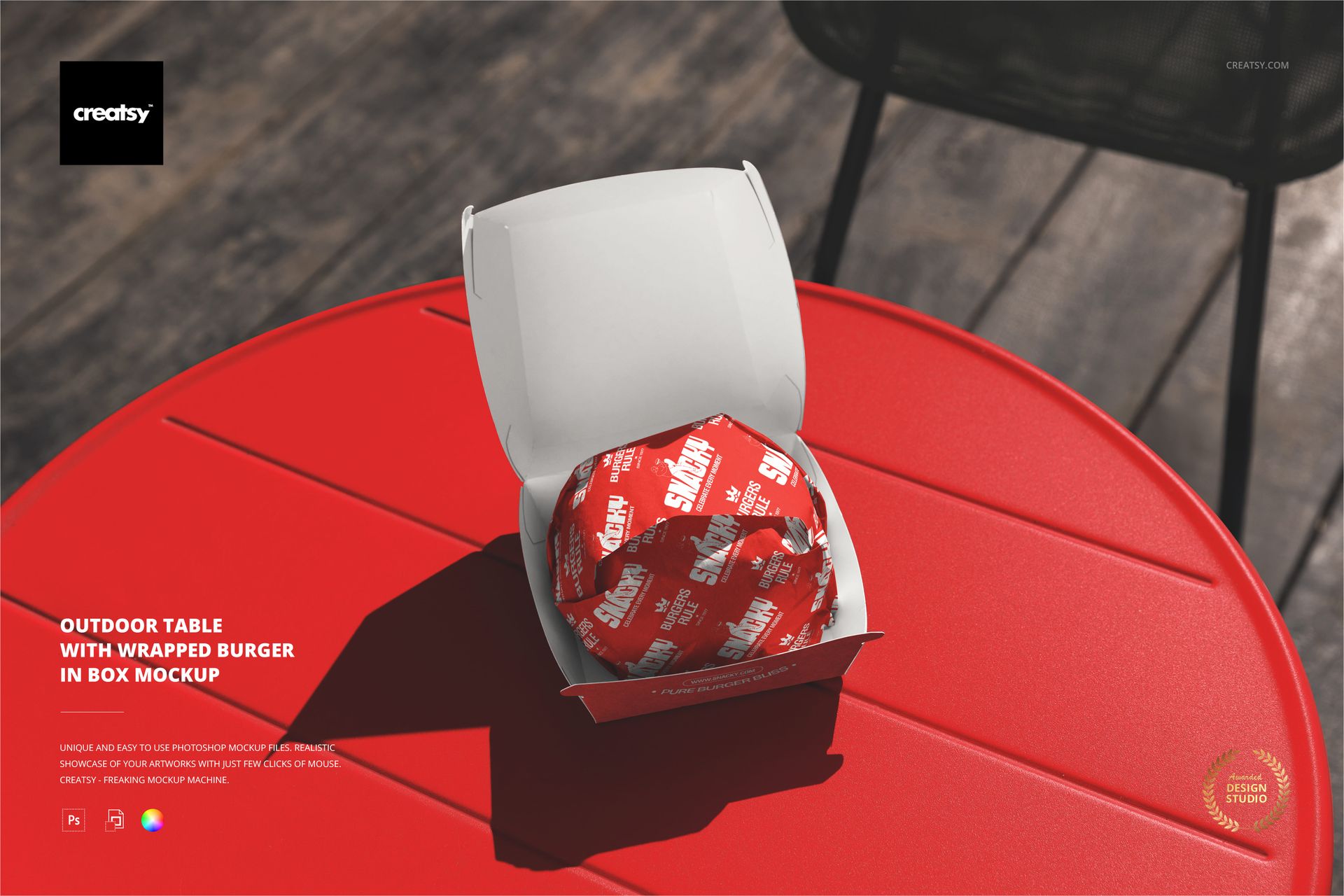
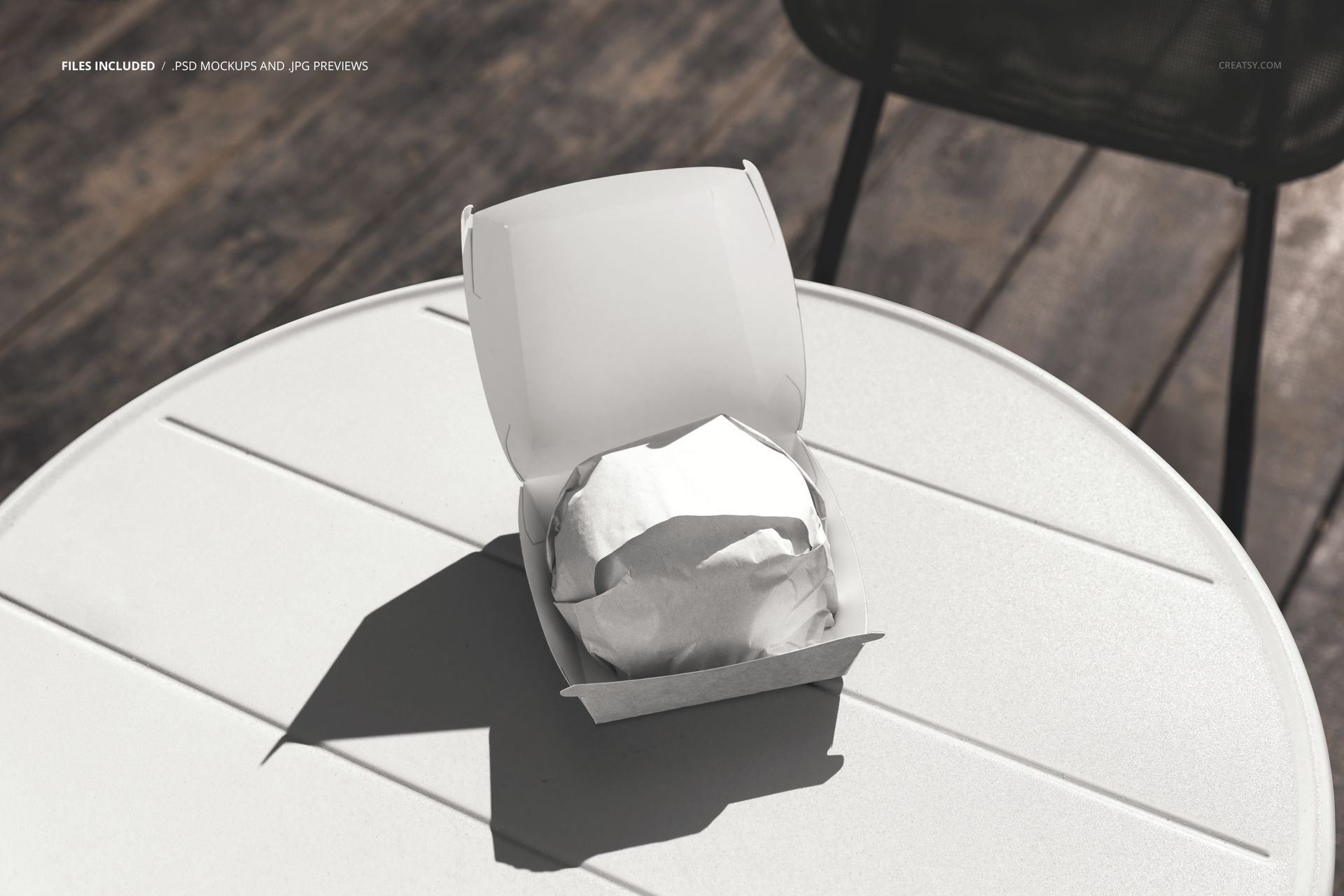
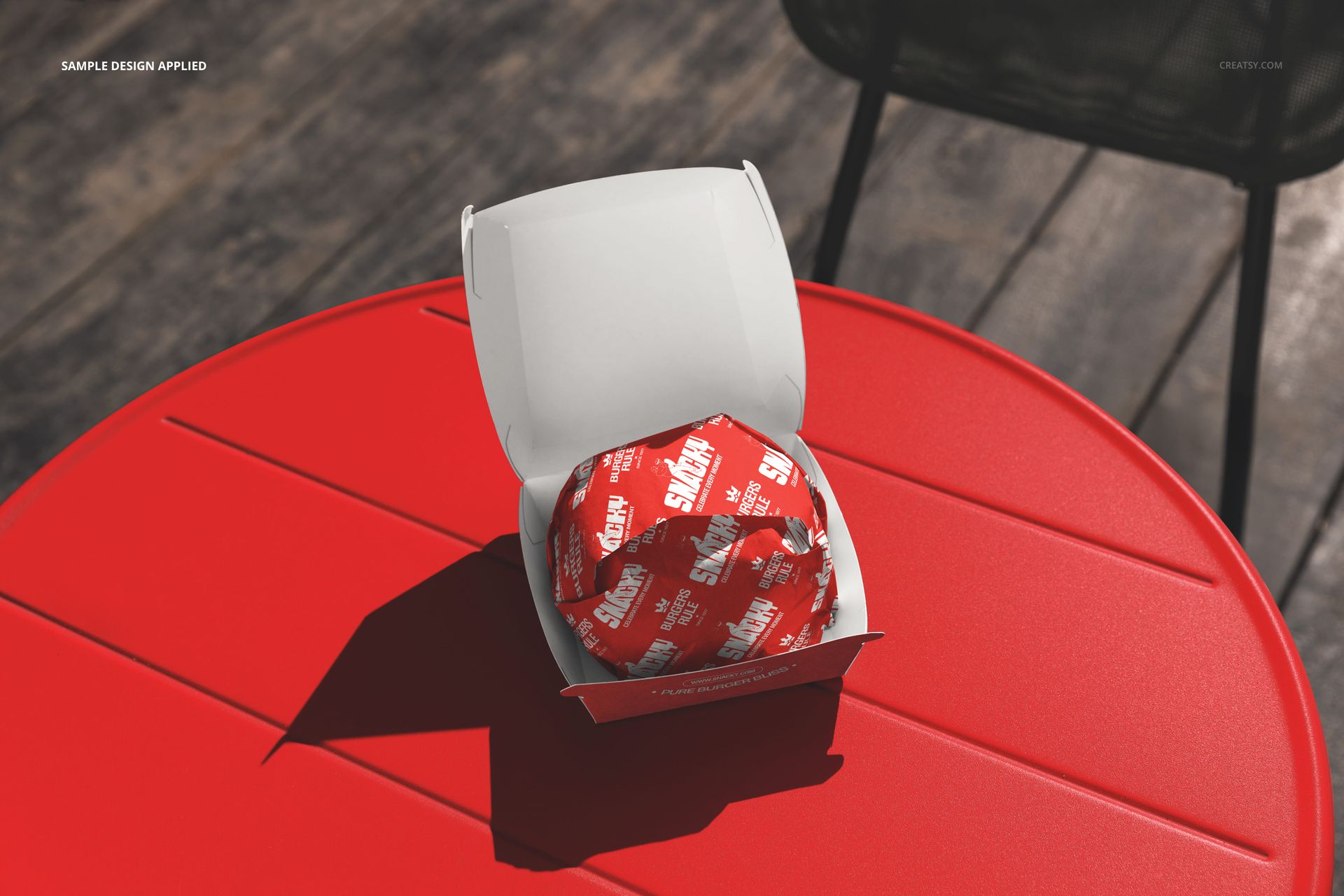
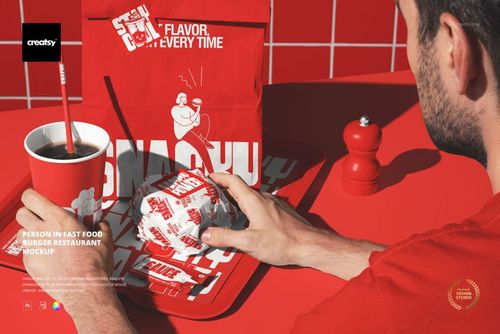
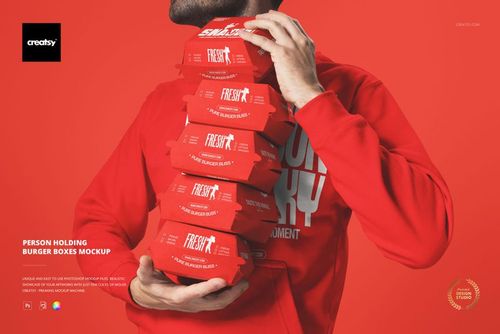
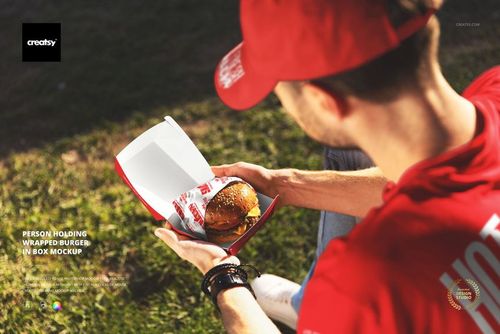
The Outdoor Table with Wrapped Burger in Box Mockup captures a single wrapped burger sitting in an open box on a round outdoor cafe table. The scene is photographed from above at a slight angle with natural outdoor lighting, creating an authentic street-level dining atmosphere that connects packaging design directly to the environment where customers actually use it. This is not a studio-flat product shot but a contextual scene that shows how branded burger packaging looks in the real world, on a table, outdoors, ready to be eaten. The file measures 6000x4000px at 300 DPI with smart object layers and works in Adobe Photoshop CC 2020 or newer and Photopea.
Why This Mockup Works
Most food packaging mockups isolate the box or wrapper against a clean studio backdrop. That approach shows the design clearly but strips away the context that makes a customer connect with the brand. This mockup puts the branded burger box on a real outdoor cafe table, which is the exact setting where many fast food and casual dining customers eat. When a potential investor, franchise partner, or social media follower sees the packaging in a recognizable environment, the brand feels tangible and operational rather than theoretical. The overhead angle emphasizes the open box presentation, making the wrapper design and box interior clearly visible while the outdoor table and surrounding atmosphere add depth and credibility to the scene.
What Is Included
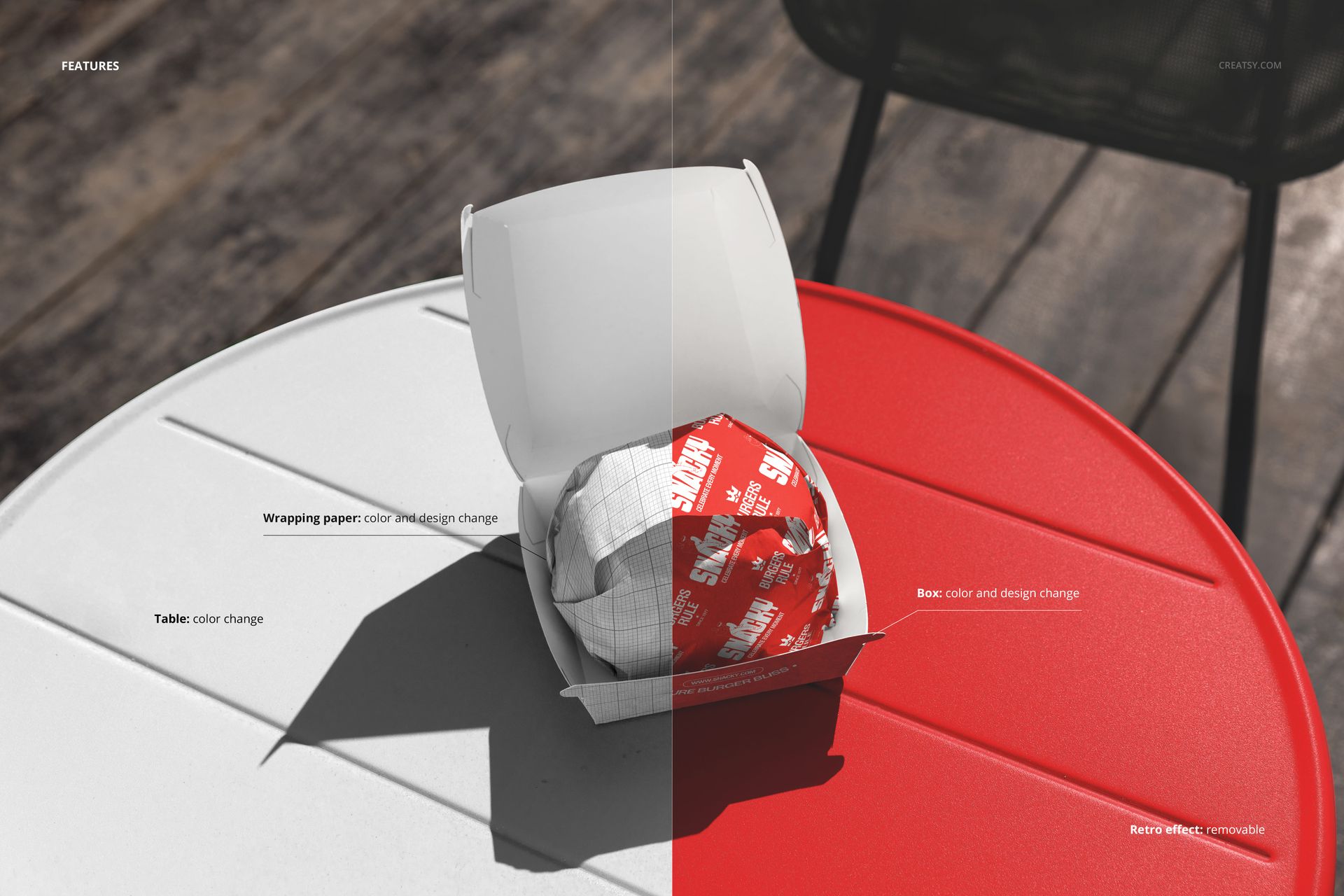
The download contains 1 layered PSD file. The scene shows a wrapped burger placed inside an open box sitting on a round outdoor table. The burger wrapper and the box each have dedicated smart object layers, allowing you to apply your branding to both surfaces independently. The natural outdoor lighting creates soft shadows and warm tones across the packaging, and the table surface provides a grounded, everyday context for the presentation. The layer structure is clean and labeled for quick navigation between the wrapper, box, and background elements.
What You Can Customize
The smart objects control the burger wrapper and the box surfaces separately. Double-click the wrapper smart object to place your paper wrapper artwork, then open the box smart object to apply your box design, logo, or interior print. Both surfaces update with accurate perspective, paper texture interaction, and natural lighting response. The adjustment layers let you shift the overall color temperature, brightness, and contrast to match your brand aesthetic or to align the image with a specific campaign mood. You can present the same scene with different wrapper and box combinations to compare design directions without re-shooting or re-rendering anything.
Who This Mockup Is For
Burger restaurants and fast casual dining brands developing outdoor-friendly packaging that needs to look good on a patio table, at a food market, or on a park bench. Packaging designers creating burger box and wrapper concepts for restaurant clients who want to see their designs in a realistic outdoor dining context rather than a blank studio setting. Food truck operators and pop-up restaurant owners who serve outdoors by default and need marketing visuals that reflect how customers actually interact with their packaging. Brand strategists and franchise developers building pitch decks where the packaging needs to feel real, placed in an environment that investors and partners can immediately relate to. Social media managers and content creators looking for lifestyle-quality food packaging images for Instagram, TikTok, and website hero sections.
File Specifications
Files: 1 PSD. Dimensions: 6000x4000 px. Resolution: 300 DPI. Color mode: RGB. File size: 284.3 MB. Compatibility: Adobe Photoshop CC 2020 or newer, Photopea.