 $5900
$5900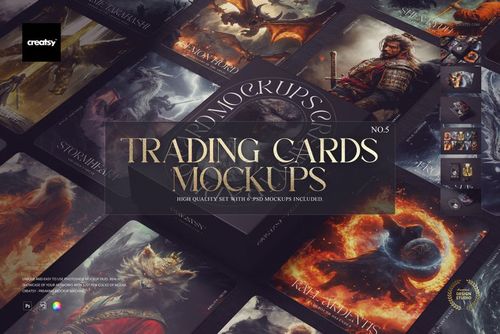
 $4500
$4500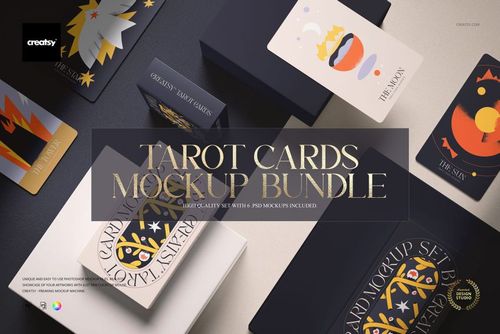 $5900
$5900 $2400
$2400 $2400
$2400 $2400
$2400 $2400
$2400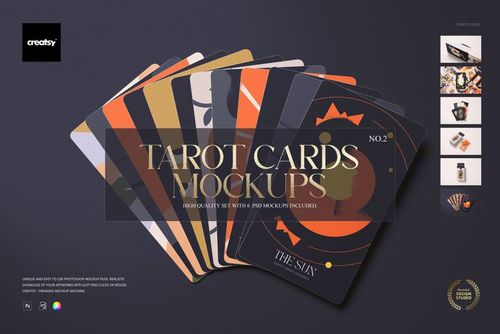 $2400
$2400 $2400
$2400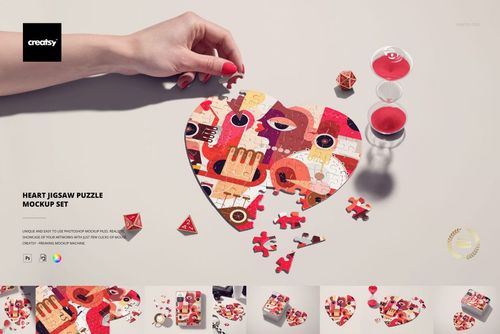 $2900
$2900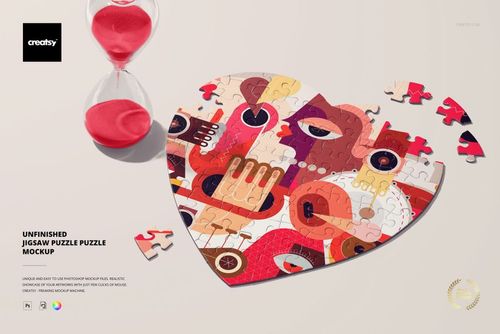
 $5900
$5900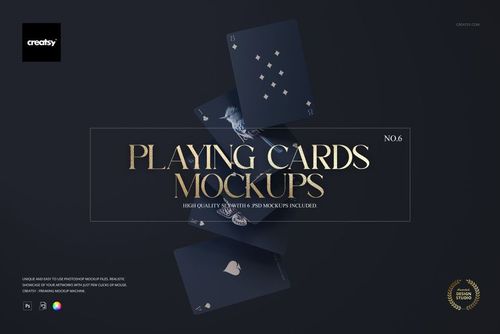

Game & Puzzle Mockups
Explore card deck and puzzle mockups for playing cards, tarot decks, trading cards, jigsaw artwork and packaging. Create cohesive visuals for launches, listings and publisher presentations.

Reviews
What designers and brand owners say after using these PSD mockups in real client work.
0
Sort by:


To be honest, your mockups are already among the best on the market. There's nothing I can suggest to improve them. But considering general use, not the quality of the mockup, there's one thing that would be a great help. The design community in general uses various available methods to activate the preview of PSD mockups, whether on Mac or Windows, as this helps us save a lot of time and improve organization. Your mockups are the only ones among Class A studios that don't yet send mockups with the same view as seen on the sales page. In other words, I see the design applied, but when I buy, it's a blank screen. This is the only point I would really like you to adjust, as it helps a lot, not only in organization but also in seeing the mockup more clearly. Thank you very much for this feedback opportunity. Cheers Sam
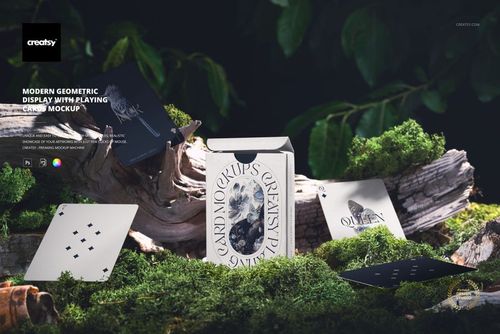
 Free Modern Geometric Playing Cards & Box Display PSD Mockup View product
 Creatsy make the best Mockups on the market, no matter what you need to showcase. These mockups are highly customizable, and the lighting in them makes everything look very realistic. You can keep or turn off many of the Items in the mockup, also a great feature giving control over the look you want. They have the most friendly and very helpful support. I highly recommend these mockups!
 Free Heart Jigsaw Puzzle Desk Scene PSD Mockup View product
Thank you so much, Annet! We are delighted that you enjoy the realistic lighting, customization options, and flexibility of our mockups. Your kind words about our support mean a lot to us. Thank you for recommending Creatsy!
I love these mockups! They're unique and so easy to use.
 Playing Cards Mockup Set v.2 View product
 Thank you so much, designerbb! We are delighted that you find the mockups unique and easy to use. Your feedback means a lot to us, and we hope the set helps you create many beautiful card presentations!


Really horrible. Doesn't download.
 Tarot Cards Mockup Set v.2 View product
Hi Nandini, I’m really sorry for the trouble. We’ve re-tested the files on our side and they’re working, so this is most likely due to an incomplete download or the ZIP not being extracted correctly. Please make sure the files finish downloading fully and are extracted per our guide: https://creatsy.com/help-center/troubleshooting-downloading-and-unzipping-issues Sometimes the default unzip tool causes errors. Here are quick fixes: Windows: https://creatsy.com/help-center/troubleshooting-unzipping-ZIP-files-windows Mac: https://creatsy.com/help-center/troubleshooting-unzipping-ZIP-files-mac To get you working immediately, I’m also sending the assets as individual, unzipped files via WeTransfer, please check your inbox for the link. If anything still misbehaves, tell me which file name is failing and I’ll resend another way right away. Thanks for your patience!
What you get
Professional PSD mockups built in-house - editable, realistic, high-resolution, and supported by real people.
Layered PSD Files
Creatsy mockups are delivered as fully layered Photoshop .psd files, with layers sorted into clearly named groups. Shadows, highlights, and the background each sit on their own editable layer, and nothing is flattened into a single image. Open it in Photoshop or the free browser editor Photopea and get to work.
- Clearly named, organized layer groups
- Shadows and highlights on separate layers
- Editable background, never flattened
- Works in Photoshop or free Photopea
Smart Objects
Open the smart object, paste your artwork, and save. The design lands on the product with the perspective, warp, and wrap already worked out. Scene lighting and shadows fall back on top, so it reads as a photograph, not a flat paste-in. Swapping a design takes seconds, so one file can carry a whole run of variants and colorways.
- Double-click, paste your design, save
- Perspective, warp, and wrap pre-built
- Scene lighting and shadows sit back on top
- One file covers many variants and colorways
High-Resolution Output
Many scenes are built from real product photography rather than 3D renders, so the fabric and surface read like a studio shot. Files export at high resolution and stay sharp at full zoom, with clean edges where the print sits. The same file works for a hero banner, a paid ad or a product listing.
- Real product photography in many scenes
- Exports ready for print
- Holds detail at full zoom
- Works for banners, ads and listings
Easy to Edit
Colors, backgrounds, and artwork sit on separate, clearly named layers, so you swap a color or background without disturbing the rest of the scene. There is no relighting or shadow work to redo, and the same file works for your next project.
- Edit color and background layers directly
- No relighting or shadow rework needed
- No masking or layer skills required
- One file reused across projects
Fast Support
There is a real in-house team behind every file, not a ticket bot. Before you buy, ask whether a specific mockup fits what you have in mind, and we will tell you. When a smart object or a layer group is tripping you up, send the question and you usually get a reply within 48 hours.
- Real in-house team behind every file
- Replies within 48 hours
- Pre-purchase help picking the right mockup
- Answers on smart objects and layer setup
Who are these mockups for?
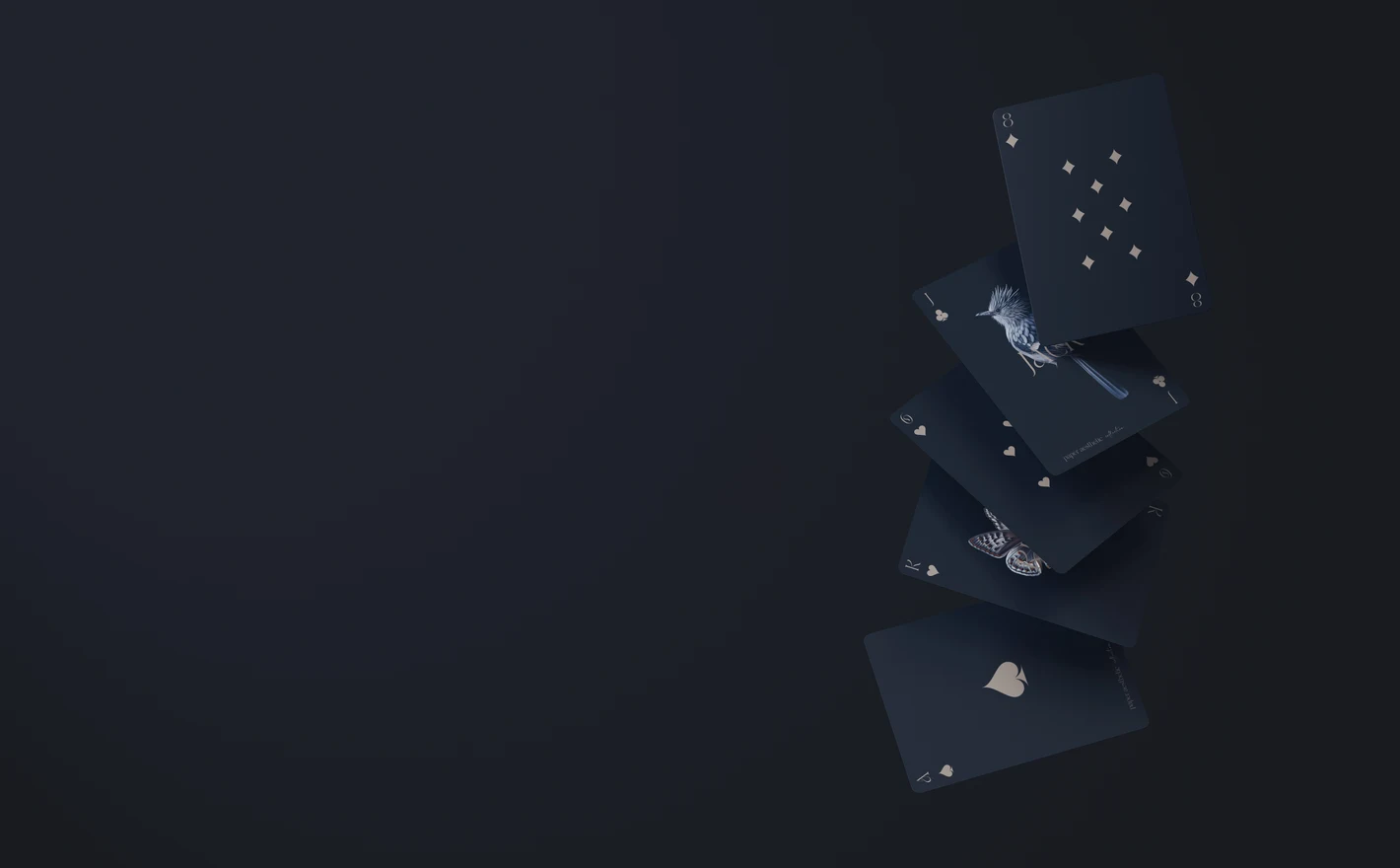
For playing card & tarot deck publishers
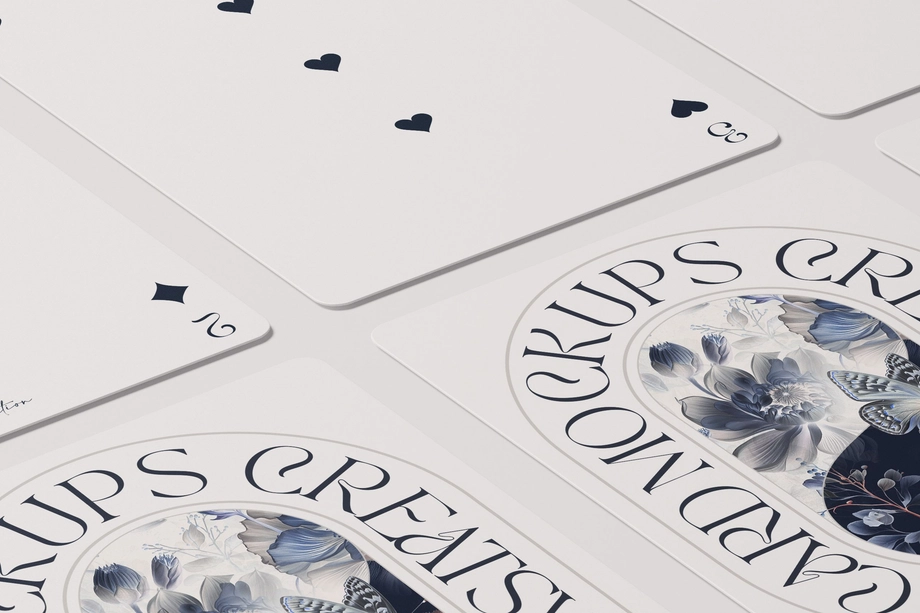
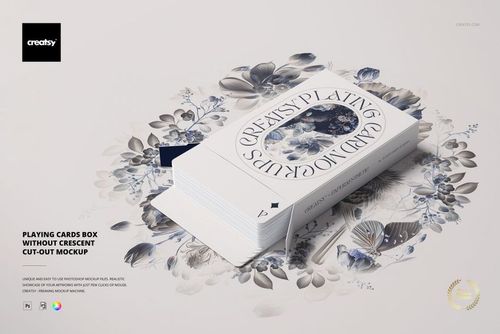
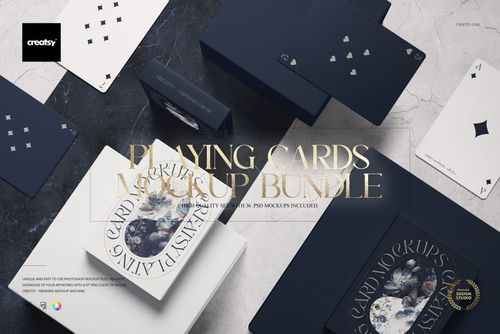
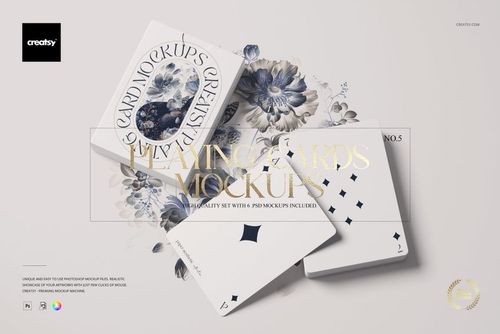
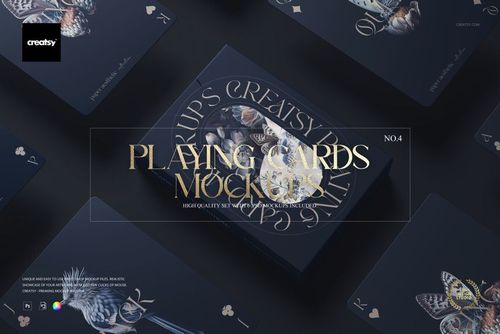
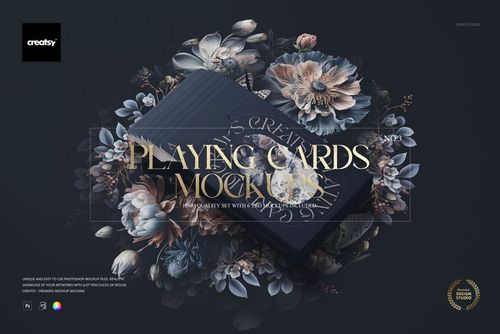
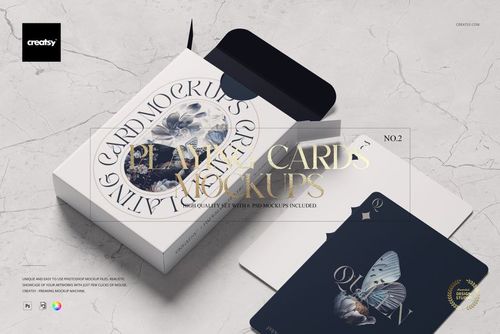
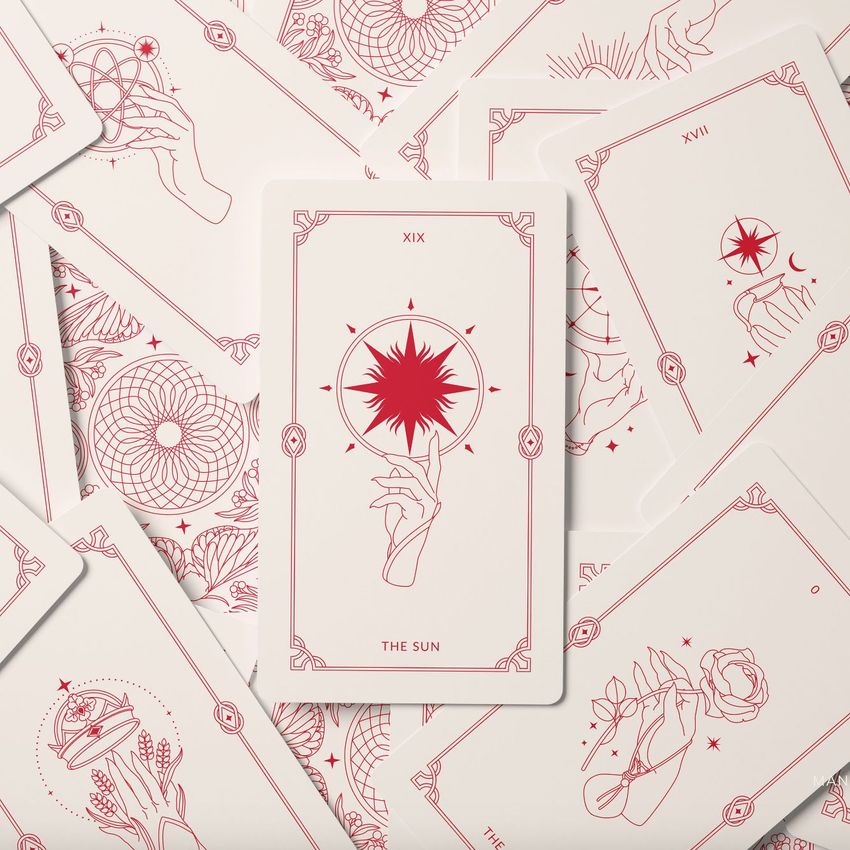
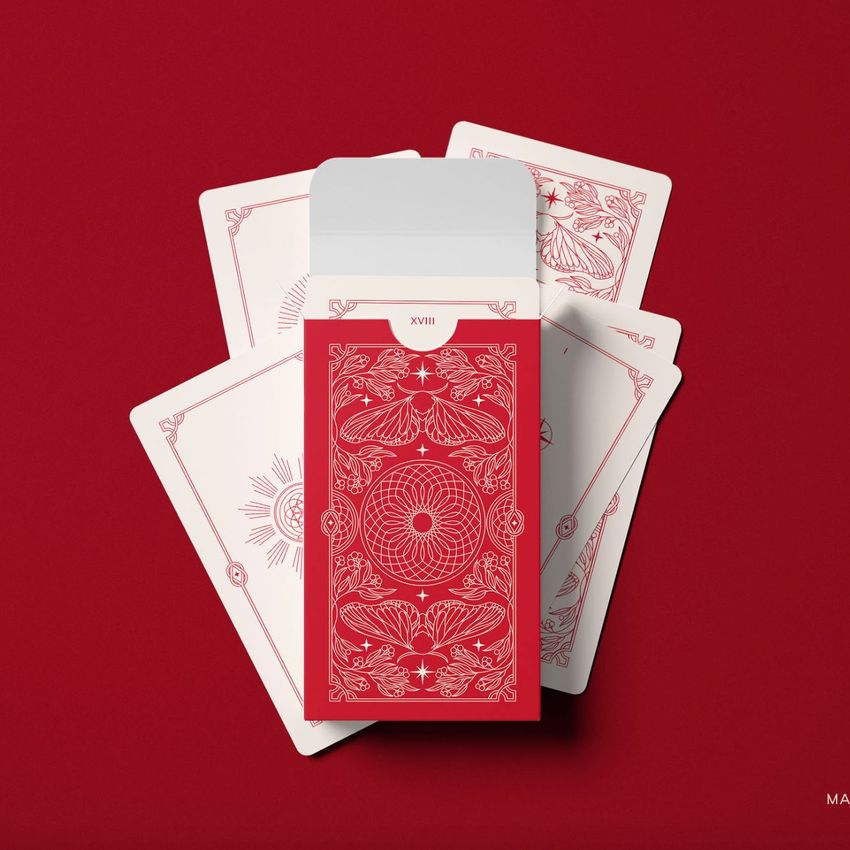
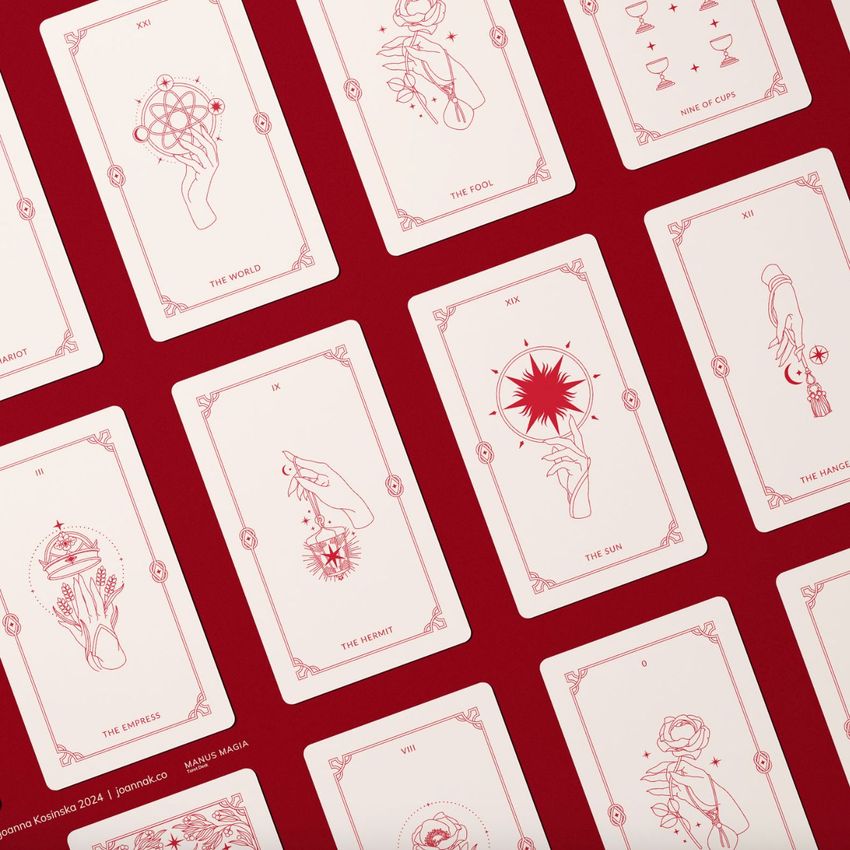
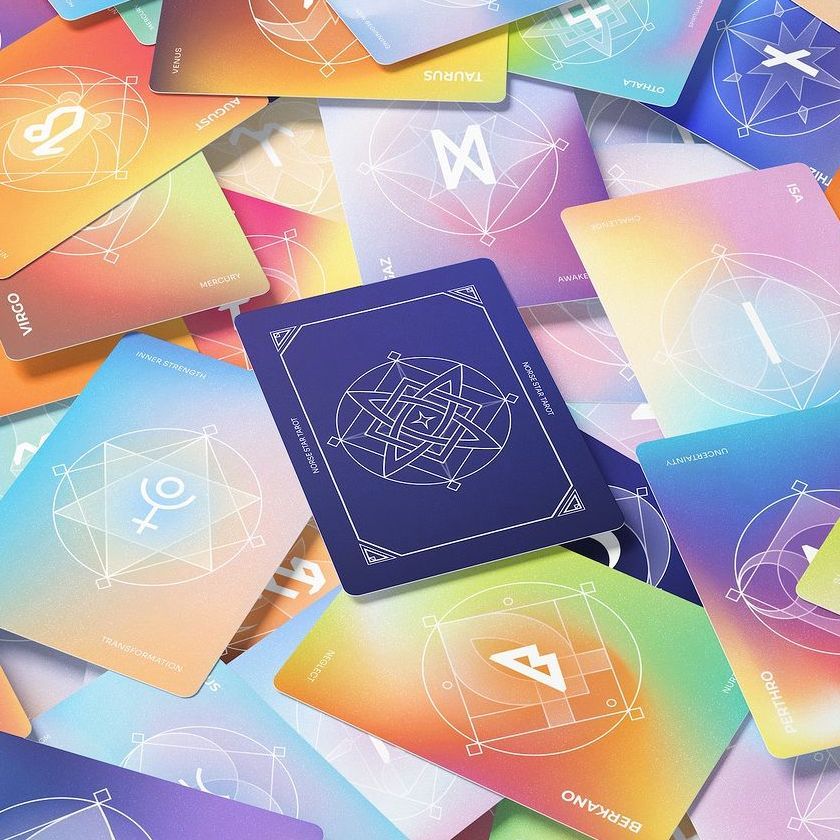
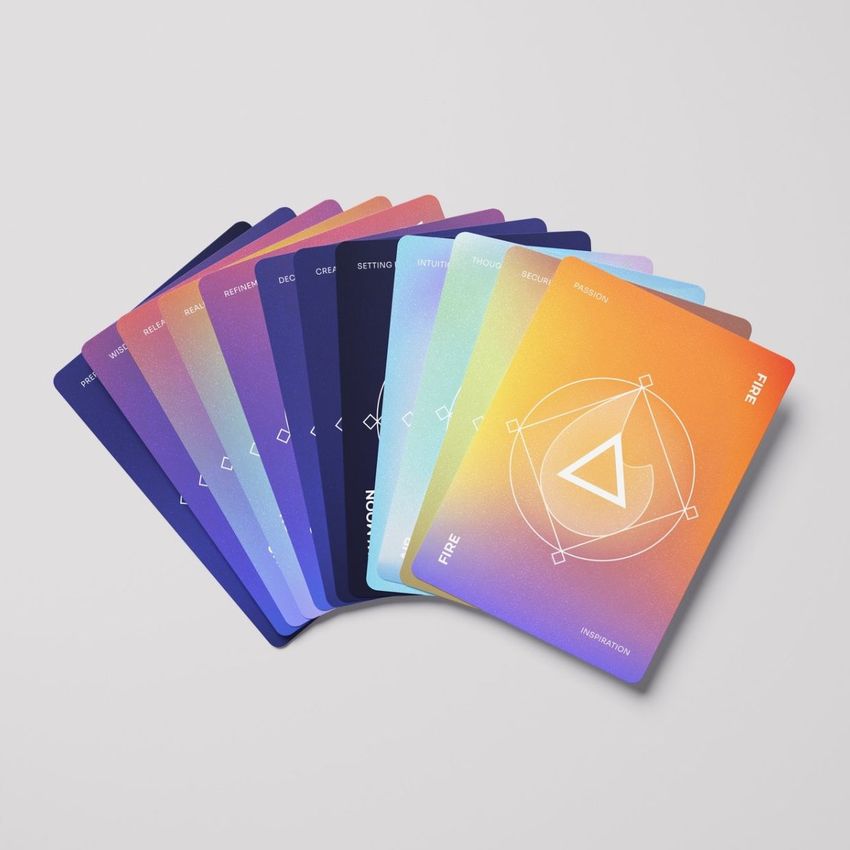
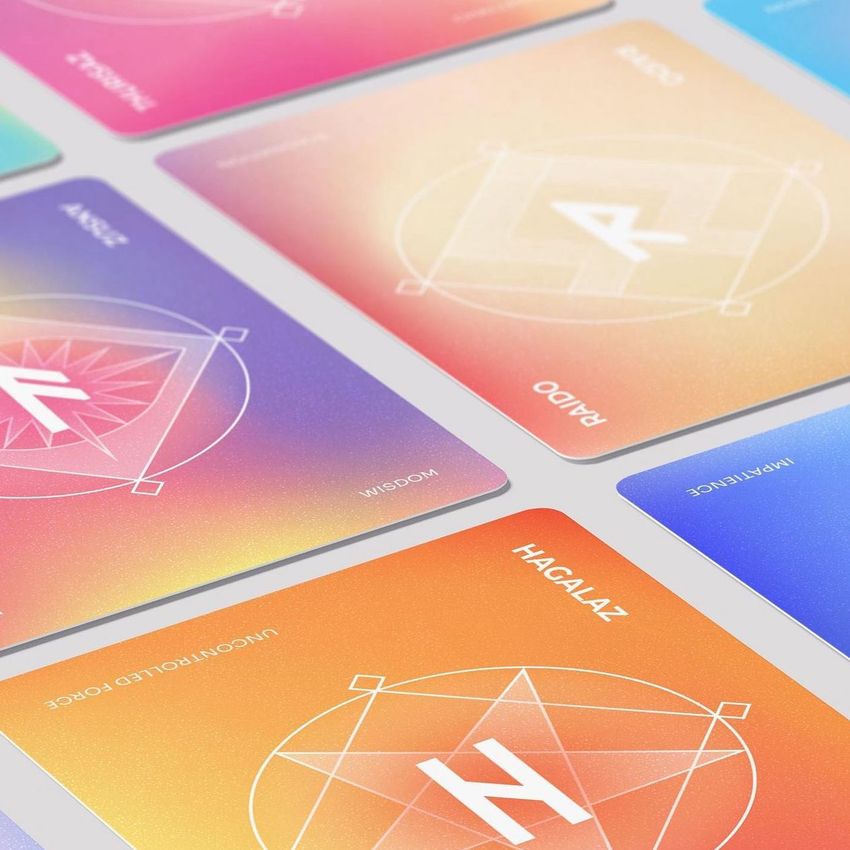
Drop the faces, the back and the tuck-box artwork into the Playing Cards Mockup Bundle and the deck shows fanned, stacked and boxed; tarot decks get the same from the Tarot Cards Mockup Bundle, lid open and a card in hand. That's the Kickstarter page and the retail listing from one artwork set.
Publishing a deck? Browse card decks mockups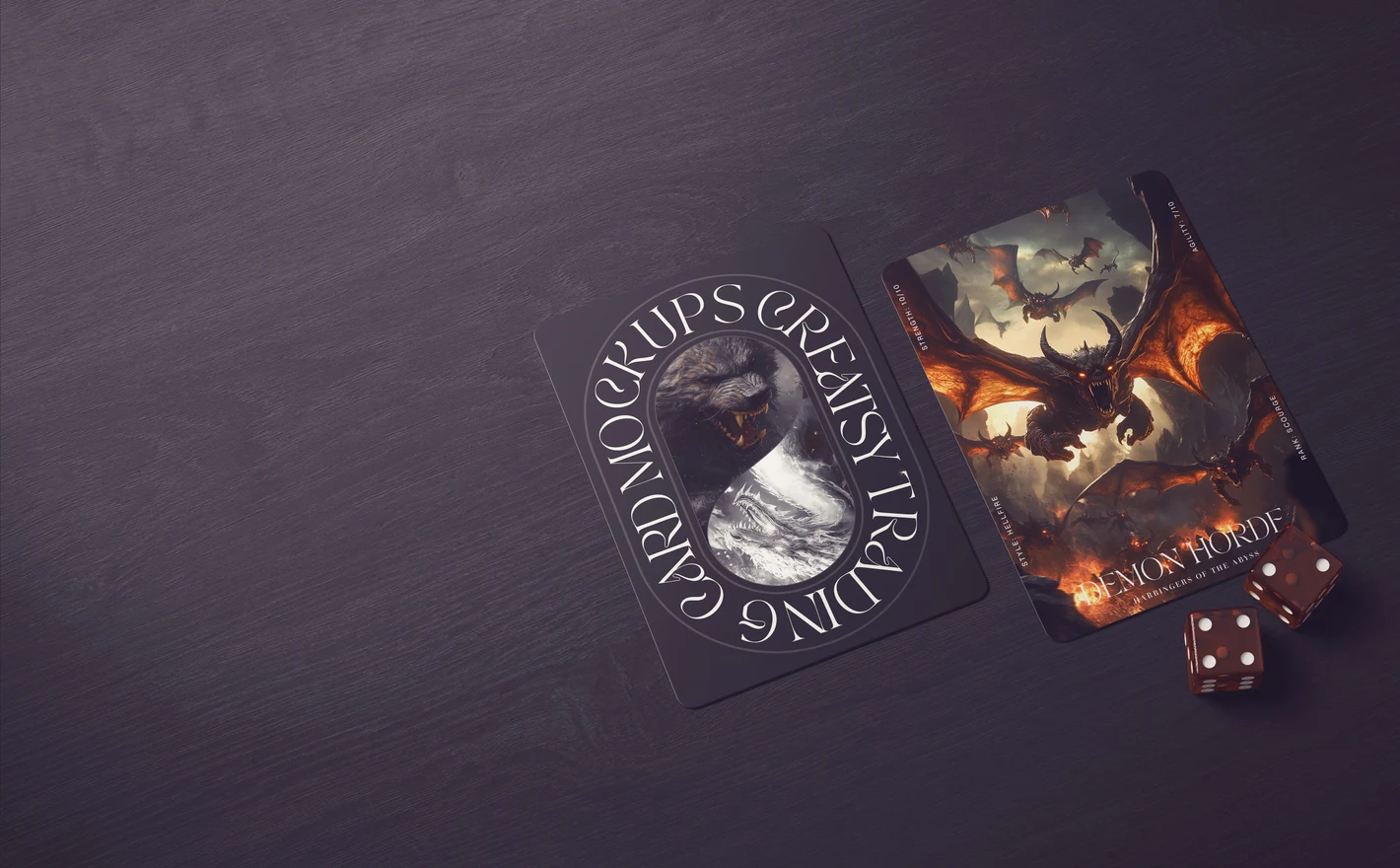
For trading card game studios & crowdfunding creators
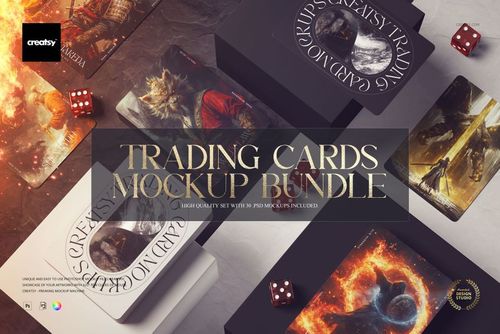
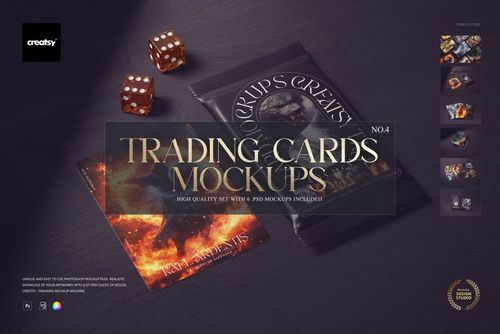
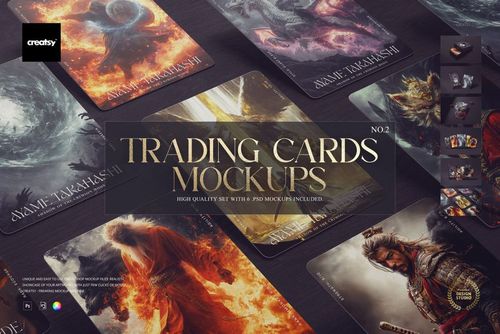
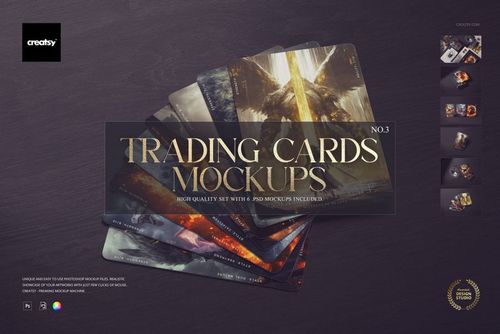
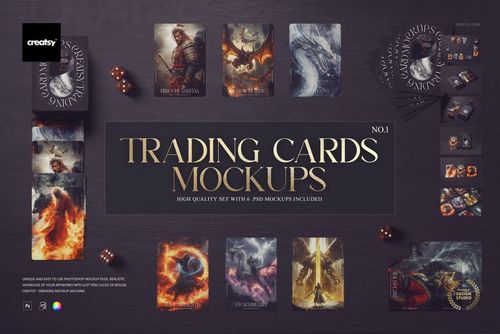
Put the card art into the Trading Cards Mockup Bundle and it comes back as single cards, sealed packs and card boxes on a tabletop with dice, the shot a backer expects to see before pledging. The same file does the tournament poster and the launch social.
Launching a TCG? View the Trading Cards Mockup Bundle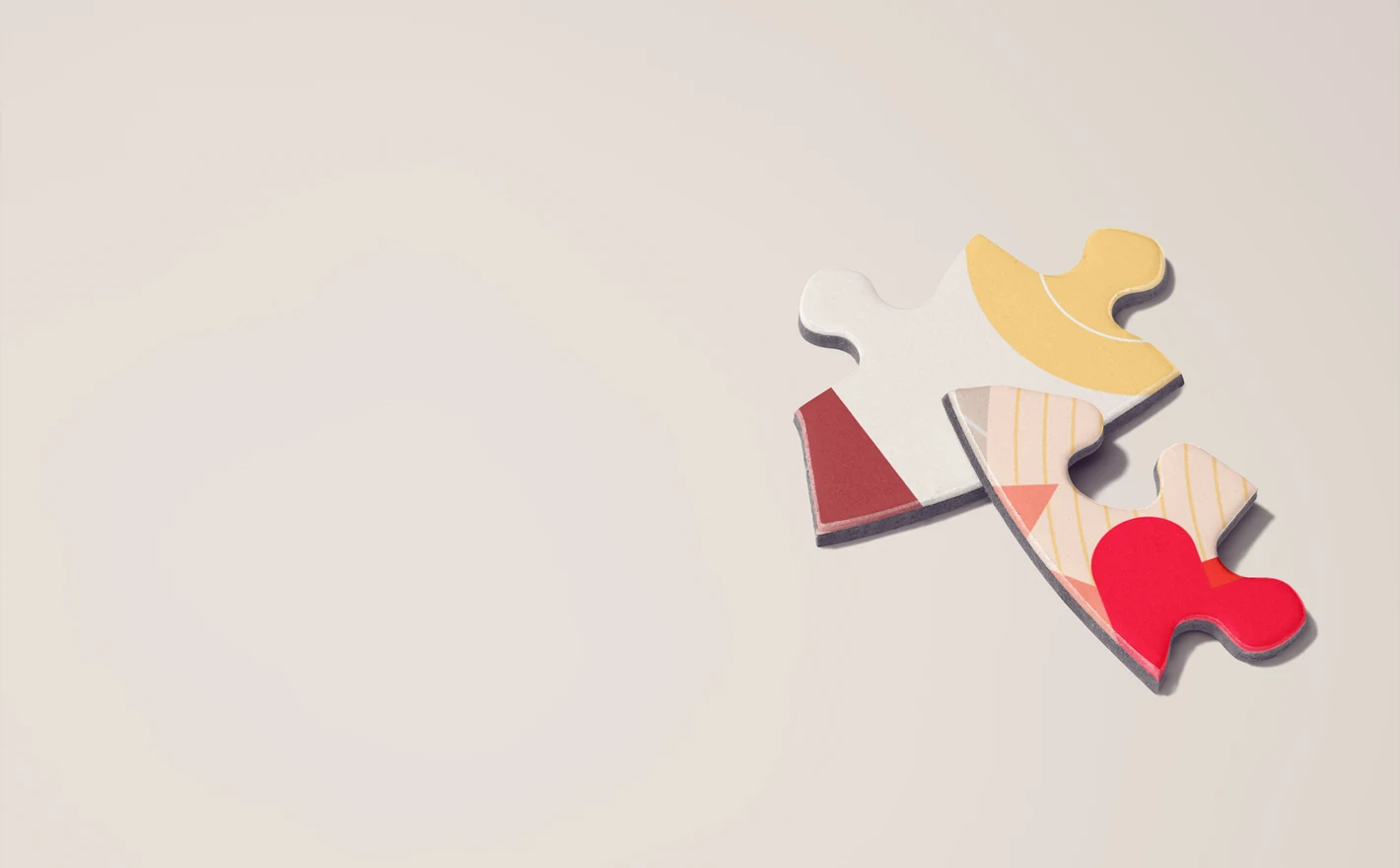
For puzzle brands & print-on-demand sellers
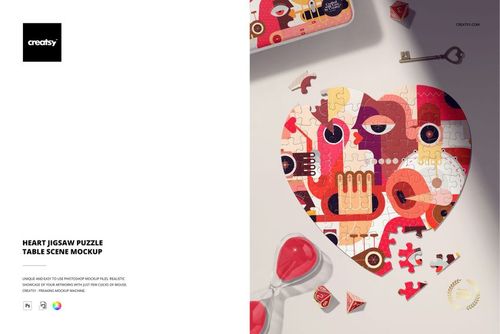
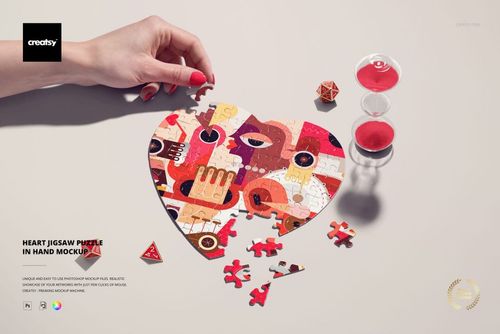
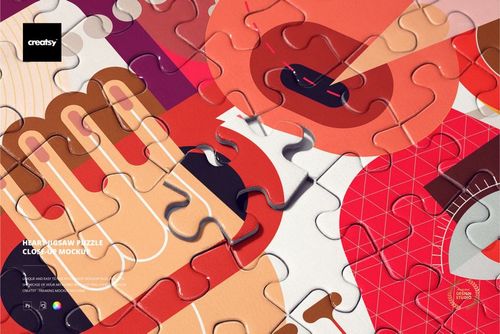
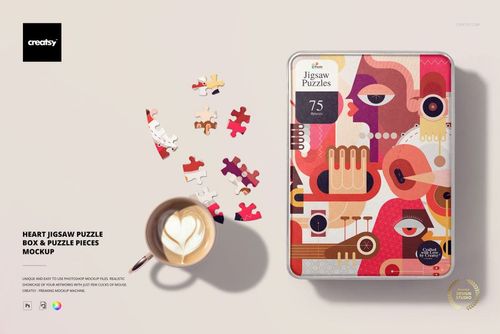
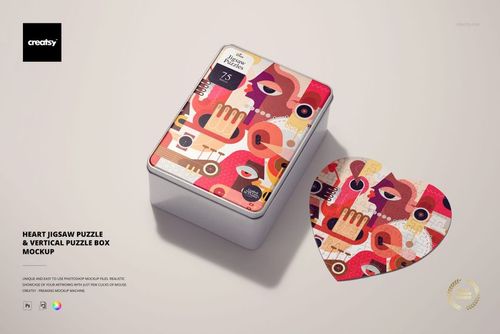
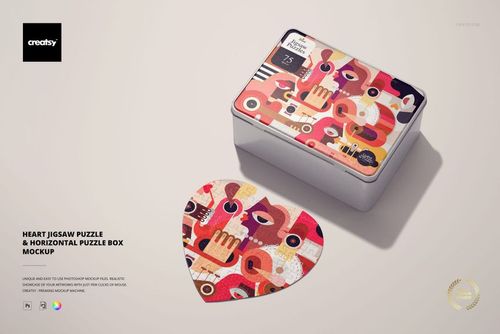
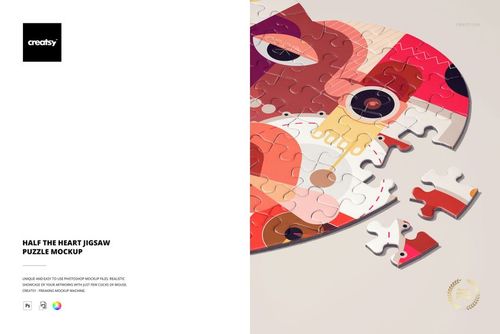
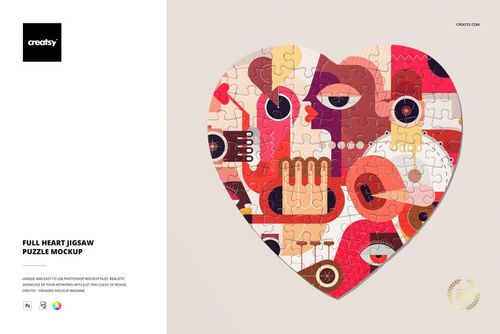
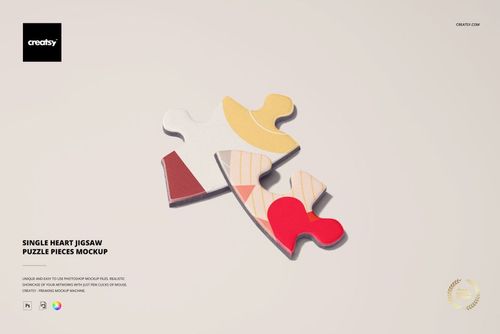
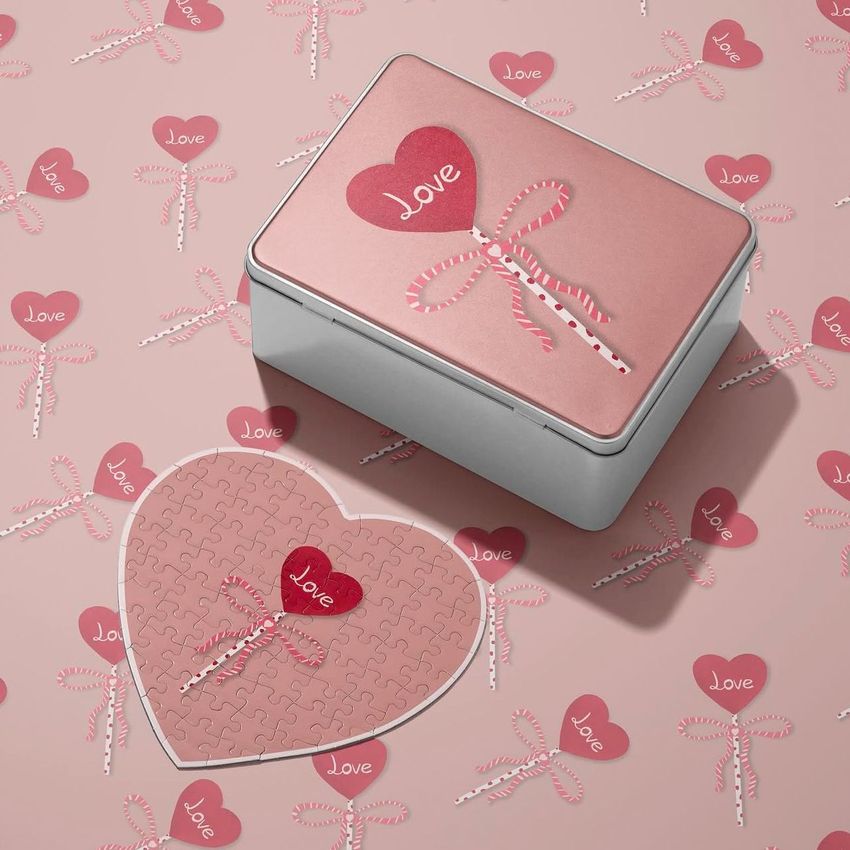
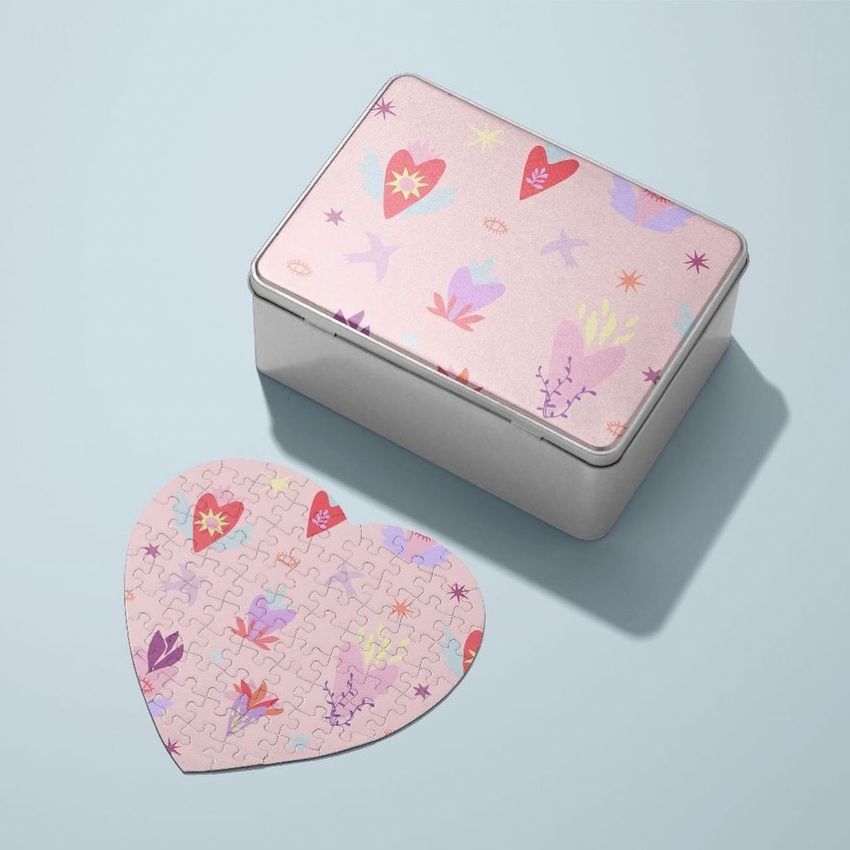
Drop the illustration into the Heart Jigsaw Puzzle Mockup Set and it shows assembled, half-done and in hand, with the cut running through it, then put the box art into the Puzzle Game Box Mockup Set. A listing with the puzzle and its box sells the picture twice.
Selling puzzles? Browse puzzles mockups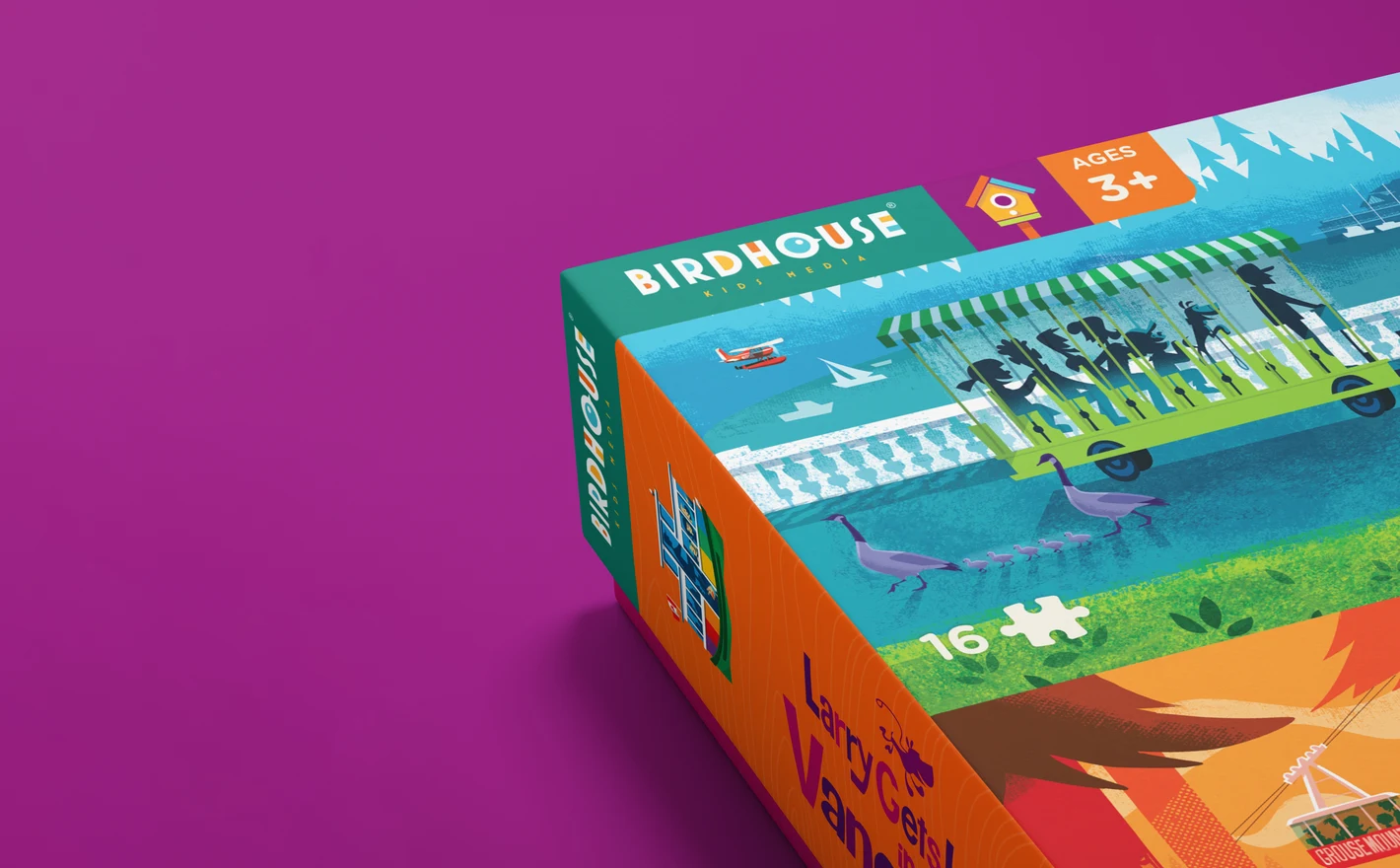
For board game designers & indie publishers
Put the box art into the Puzzle Game Box Mockup Set and the standard rectangular game box shows closed, open with pieces inside and from the back, with the illustrated scenes on the reverse. It's the box shot for the publisher pitch before a single prototype is printed.
Pitching a game box? View the Puzzle Game Box Mockup Set
FAQs
Card Decks contains playing, tarot and trading card mockups, including sets and bundles. Puzzles focuses on heart-shaped jigsaws and related packaging. Choose the card format or puzzle shape first, then decide whether you also need a box in the image.
This catalogue focuses on cards, heart-shaped puzzles and related boxes. A game-box mockup does not necessarily include a board, dice or tokens. For a wider concept, present suitable packaging alongside your own images of the other components.
Yes. Choose a scene with enough visible cards and separate controls for the designs you need. Prepare only the artwork that will appear in the image, and check whether any card areas share the same Smart Object source.
Choose a product that explicitly lists Photopea support. Requirements can differ between sets, including those grouped in a bundle. A compatible free file lets you test the editing workflow, but does not confirm compatibility for a different product.
Yes. Free Modern Geometric Playing Cards & Box Display PSD Mockup is available in Freebies with a free account. Try your artwork on the cards and packaging, and compare their proportions with the deck you plan to sell.
Why use Game & Puzzle mockups?
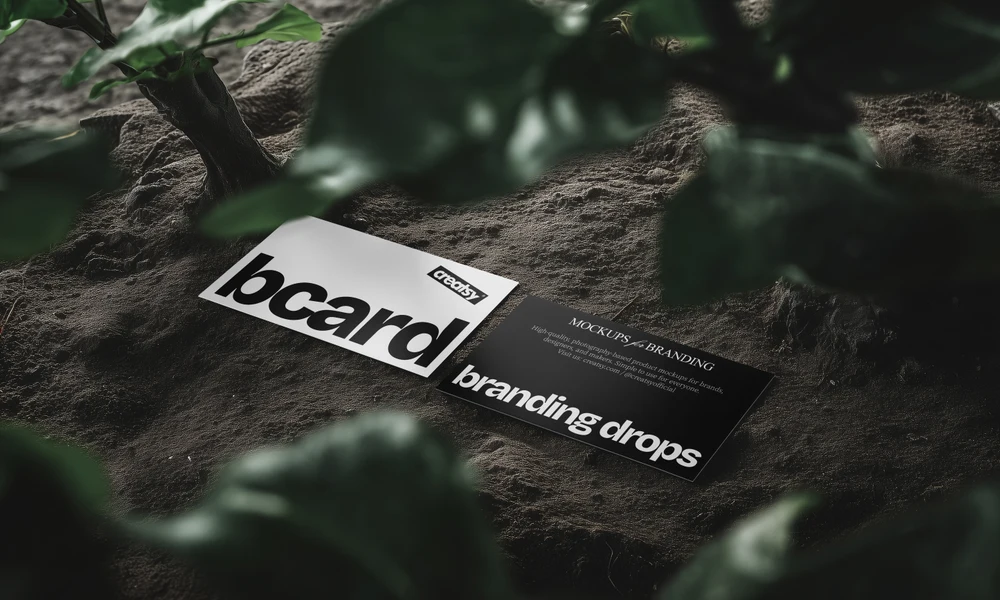
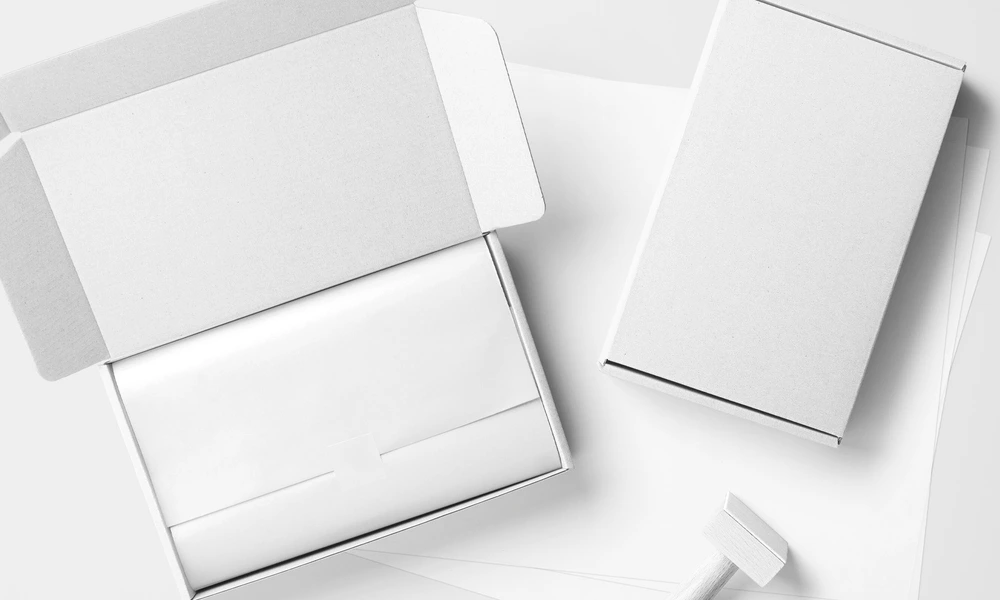
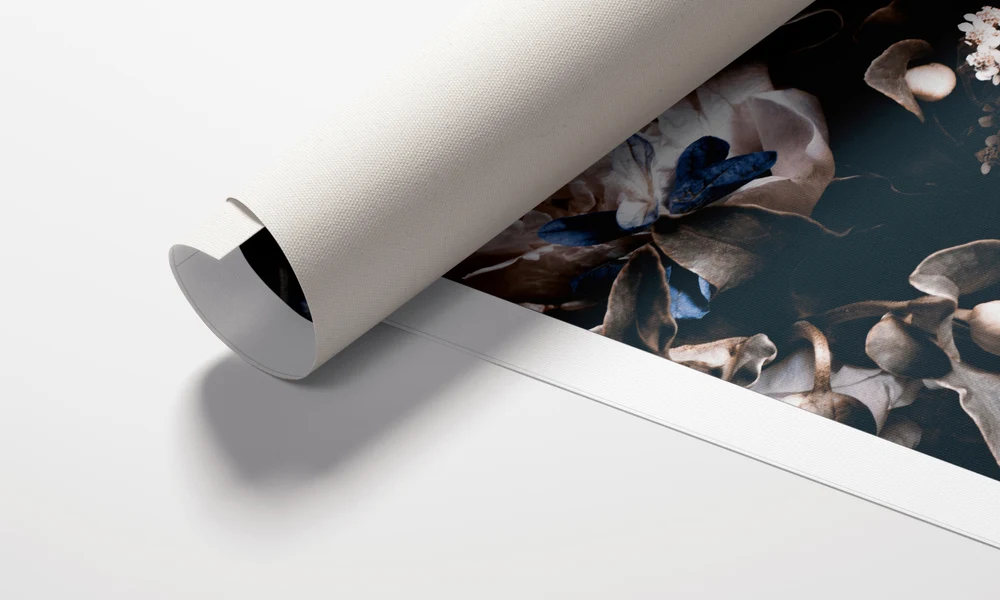
Game and puzzle scenes cover playing, tarot and trading cards with boxes or packs, plus jigsaw puzzles, loose pieces and game boxes. Layered PSD files let you add artwork through Smart Objects. The listings explain the included views, supported software, editable areas and licensing options. A fanned deck shows the relationship between card faces and backs, while a box view adds the packaging. Puzzle scenes show an illustration assembled or divided into pieces. Use these views to compare the artwork across the components and to give buyers, backers or a publisher an idea of the proposed product. You only need to prepare the surfaces visible in the scenes you choose. Export the images for crowdfunding pages, shop listings, publisher presentations and social campaigns. Reuse the compositions for another edition, theme or seasonal design, updating each file separately. Bundles collect several scenes and can be larger downloads, so check their contents before choosing a package. A small selection of useful views may cover the presentation; a wider collection provides additional angles and packaging details.
FreeCreatsy® Mockups
Loooved this mockup! My only recommendation is that you make MORE!!! And please rectangular puzzles! They're needed, and yours are amazing!
Thank you so much! We’re thrilled you loved the mockup, and we’ve definitely noted your request for more puzzle mockups, especially rectangular ones 😊