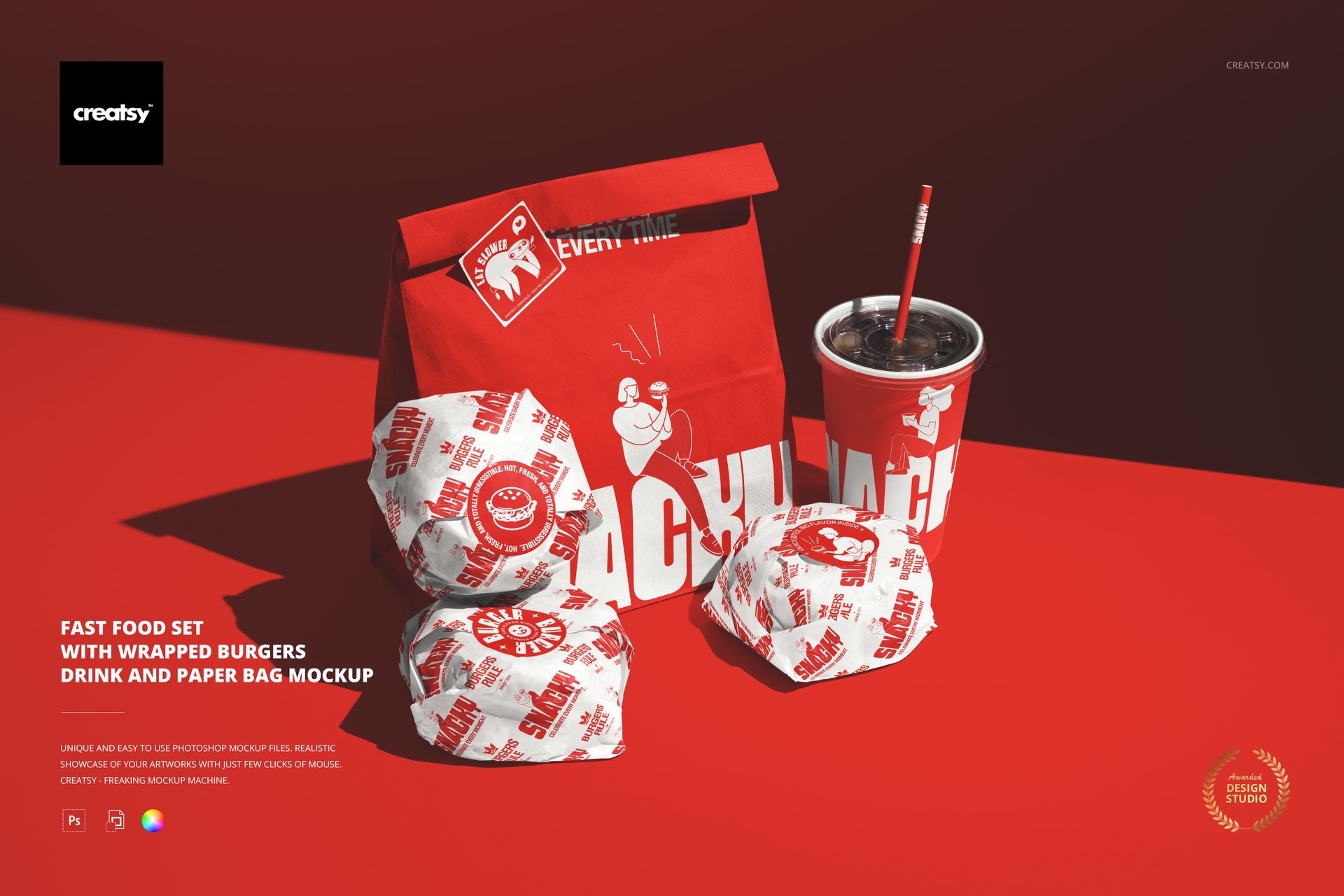
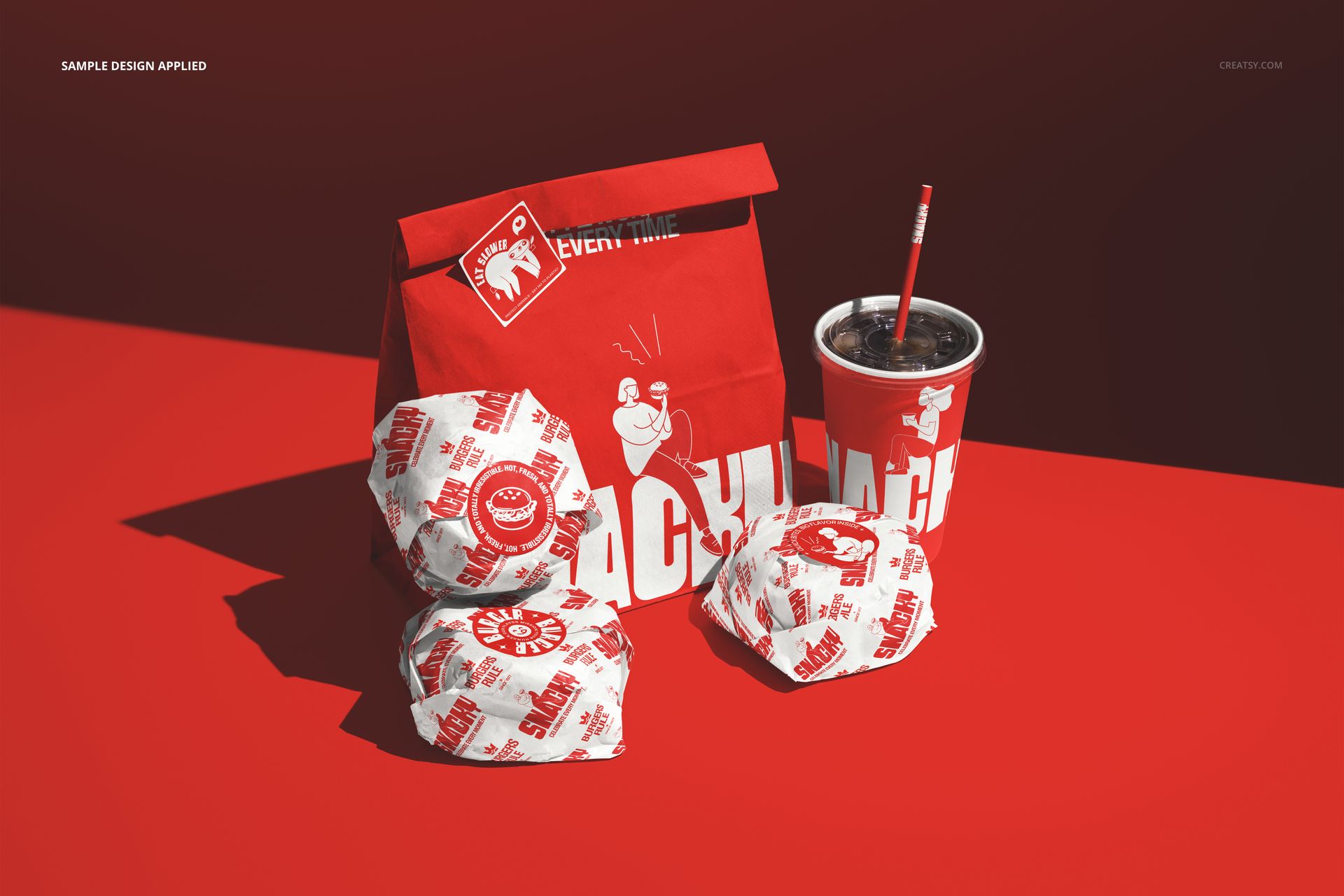
The Fast Food Set with Wrapped Burgers Drink and Paper Bag Mockup presents a complete takeout meal arrangement with wrapped burgers, a branded drink cup with straw, and a paper bag grouped together on a dark surface. This composition shows the full customer-facing packaging experience in a single scene, making it immediately useful for fast food brands, burger restaurants, and packaging designers who need to demonstrate how all the branding elements work together when a customer picks up an order. The file measures 6000x4000px at 300 DPI with smart object layers for each packaging item and works in Adobe Photoshop CC 2020 or newer and Photopea.
Why This Mockup Works
Individual packaging mockups show one item at a time. This scene shows the complete meal experience: the bag, the wrapped burgers, and the drink arranged as they would appear on a counter or tray at pickup. That context matters because restaurant branding is judged as a system, not as isolated pieces. A logo that reads well on a cup might clash with the pattern on the burger wrapper, and a bag design that looks strong alone might compete with the other items when everything sits together. This mockup catches those issues before anything goes to print. The dark background and moody lighting give the composition a premium, editorial quality that works equally well for investor pitch decks and social media campaigns.
What Is Included
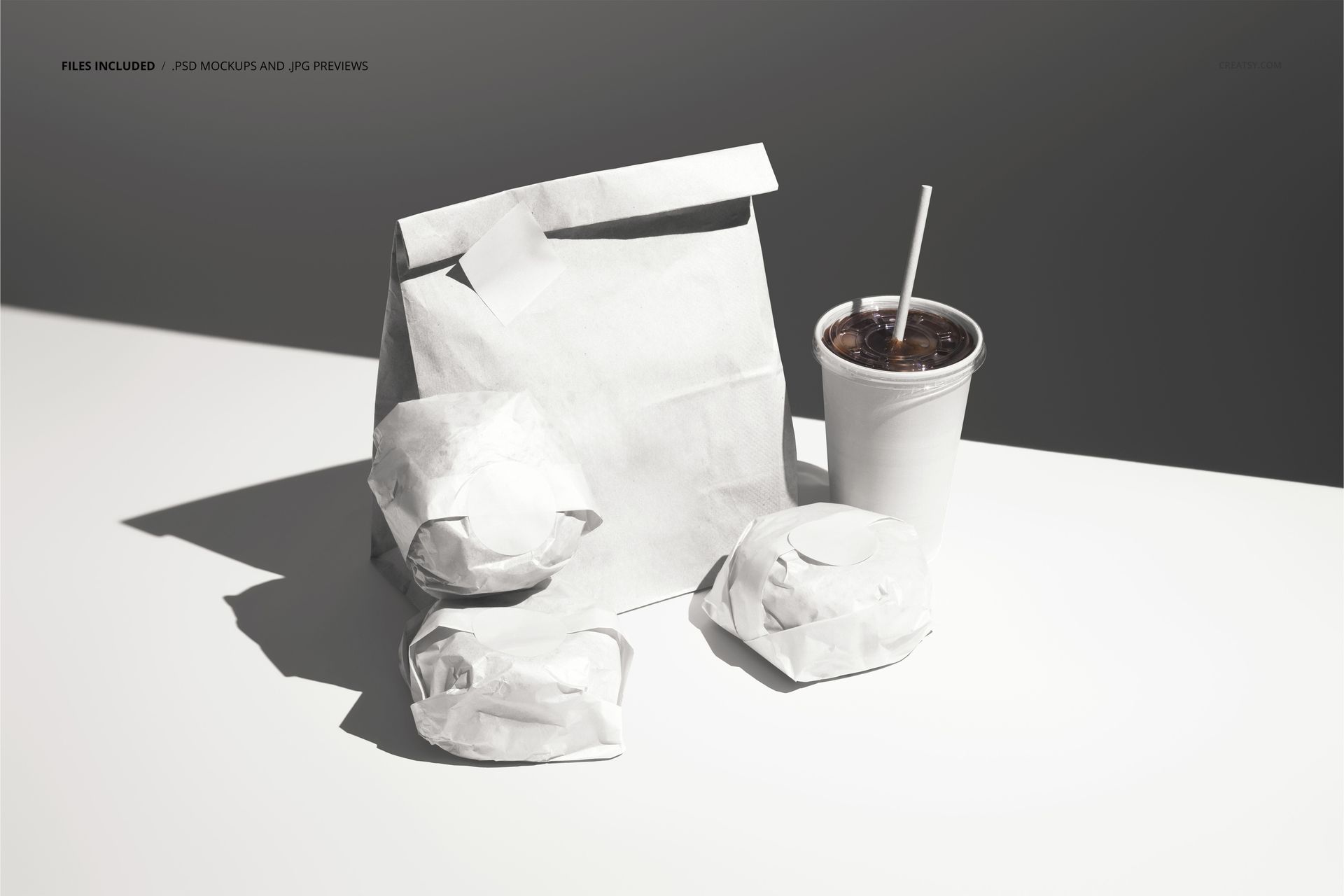
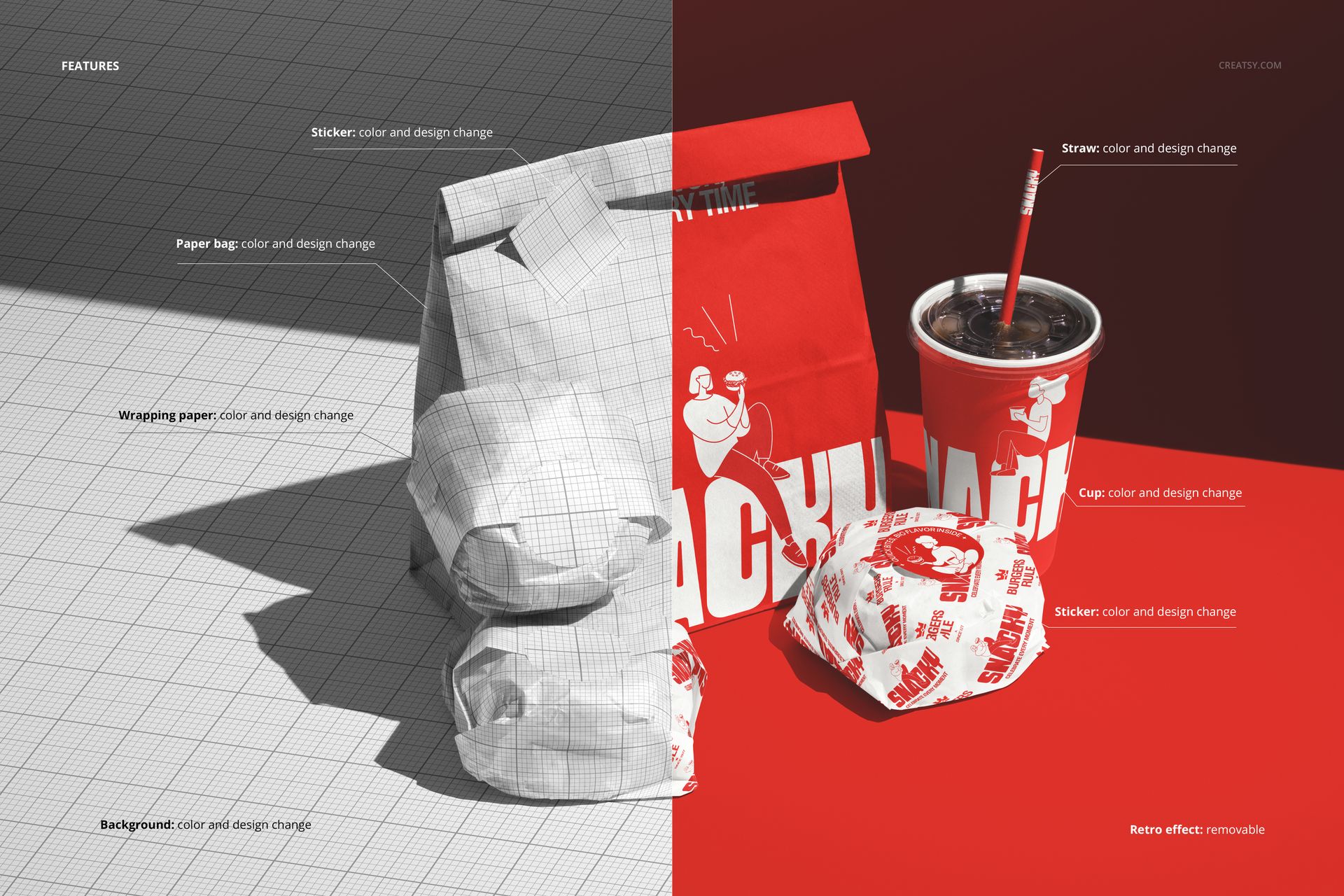
The download contains 1 layered PSD file. The scene includes two wrapped burgers in branded paper wrapping, a drink cup with a straw, and a paper takeout bag, all arranged in a natural grouping on a dark surface. Each packaging item has its own smart object layer, allowing you to apply different designs to the burger wrappers, the cup, and the bag independently. The lighting is warm and directional, creating depth and shadow detail that makes each item feel solid and three-dimensional. The layer structure is organized and labeled for efficient navigation between the different smart object surfaces.
What You Can Customize
Each packaging element is controlled through a separate smart object. Double-click the smart object for the burger wrapper to place your wrapper artwork, then repeat for the cup and bag. The designs map onto each surface with accurate perspective, paper texture, and lighting interaction. You can build a complete branded meal presentation by applying your logo, color palette, and pattern system across all items in the scene. The adjustment layers let you modify overall brightness, contrast, and color temperature to match your brand aesthetic or to adapt the image for different marketing channels. The independence of each smart object means you can present multiple design options for one item while keeping the others consistent.
Who This Mockup Is For
Fast food chains and burger restaurants developing new packaging systems or refreshing their brand identity across all customer-facing materials. Packaging design agencies presenting complete meal packaging suites to restaurant clients who need to evaluate how all the pieces look together. Cloud kitchen operators and delivery-first brands creating branded unboxing experiences for customers who only interact with the brand through packaging. Food truck owners and independent restaurant operators building professional marketing visuals on a limited budget. Graphic designers and branding studios assembling restaurant identity case studies that show the full packaging system in a realistic presentation context.
File Specifications
Files: 1 PSD. Dimensions: 6000x4000 px. Resolution: 300 DPI. Color mode: RGB. File size: 238.53 MB. Compatibility: Adobe Photoshop CC 2020 or newer, Photopea.