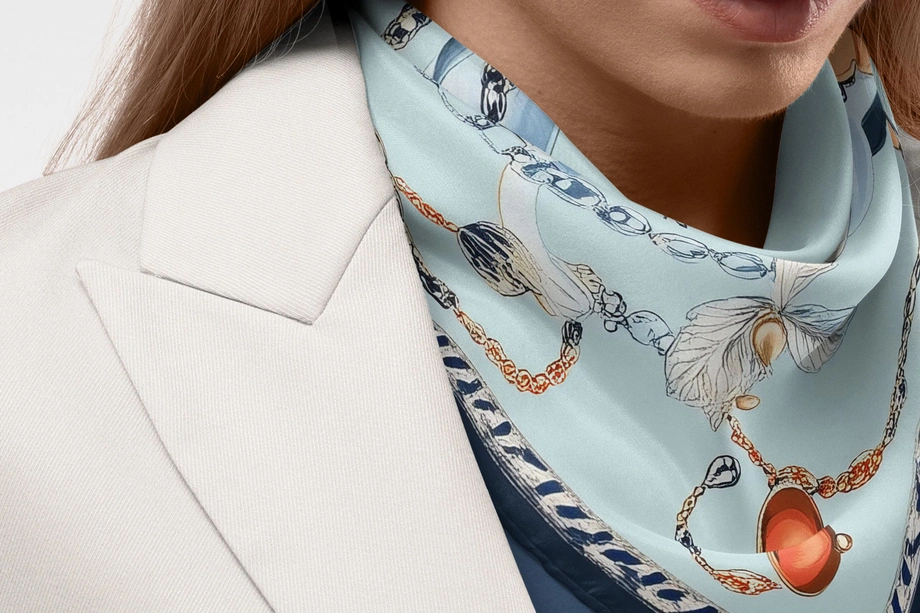
Silk Scarf & Accessory Mockups
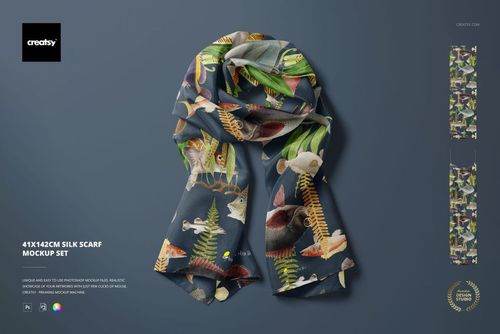
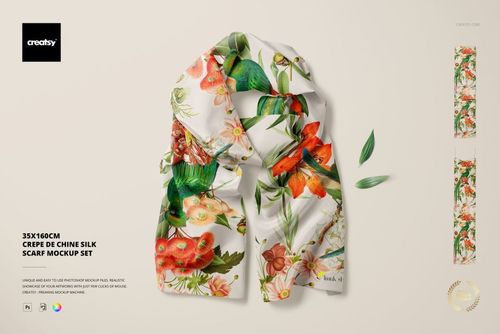
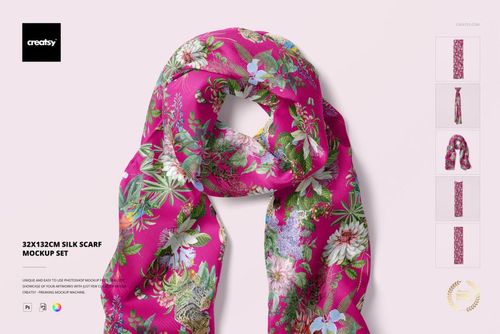
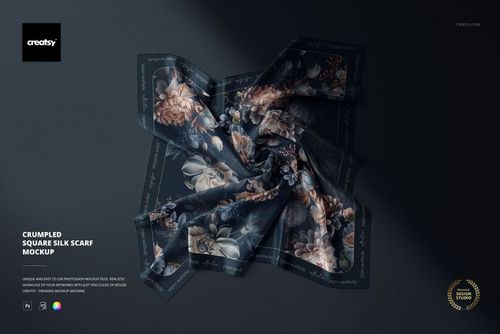
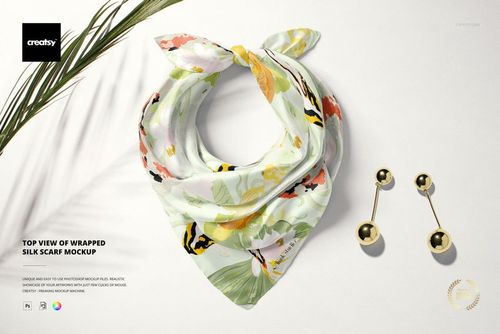
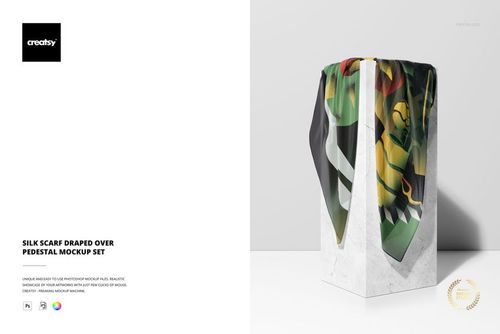
Present repeat patterns, borders and illustrations on square, narrow and styled silk scarves with realistic folds and sheen. Reusable mockups turn new colorways into polished licensing, ecommerce and campaign visuals.






Reviews
What designers and brand owners say after using these PSD mockups in real client work.
0
Sort by:


I love Creatsy's mockups! They are clean, easy to use and display my art in a professional manner.
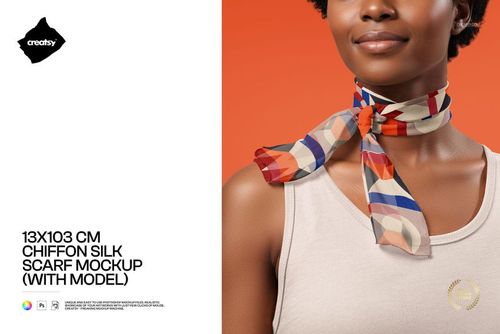
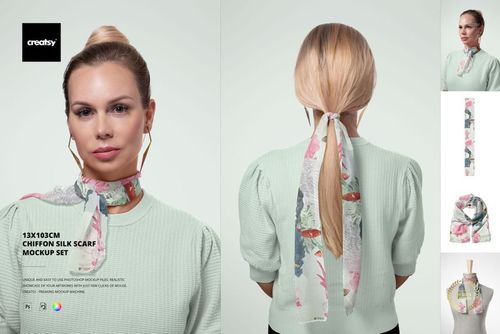
 Free 13x103 cm Chiffon Silk Neck Scarf On-Model PSD Mockup View product
That’s exactly what we’re going for - thank you so much! 🧡
I love working with creatsy mockups. They are easy to work with and of high quality. This mockup in particularly compliments my designs on many levels.
Free 13x103 cm Chiffon Silk Neck Scarf On-Model PSD Mockup View product So happy to hear it complements your designs! Thank you 🧡
Creatsy make the best Mockups on the market, no matter what you need to showcase. These mockups are highly customizable, and the lighting in them makes everything look very realistic. You can keep or turn off many of the Items in the mockup, also a great feature giving control over the look you want. They have the most friendly and very helpful support. I highly recommend these mockups!
Free 13x103 cm Chiffon Silk Neck Scarf On-Model PSD Mockup View product Thank you for such a kind and detailed review - it really means a lot! 🧡
Creatsy make the best Mockups on the market, no matter what you need to showcase. These mockups are highly customizable, and the lighting in them makes everything look very realistic. You can keep or turn off many of the Items in the mockup, also a great feature giving control over the look you want. They have the most friendly and very helpful support. I highly recommend these mockups!
 Free Silk Scarf Headband Leather Goods and Shopping Bag PSD Mockup View product
 I love all the mock-ups of Creatsy; the light and the structure of the fabric are accurate. There is one thing I don't like and that is the size of the habotai scarves. It is not suitable for square scarves, while all scarves in shops are square or small long sized. All scarf designers sell these sizes scarves and not the 2x square size. Except the designer Creatsy is working with. So it would be nice Creatsy uses a common size for the habotai silk mock ups.
 Habotai Silk Scarf with Handbag Mockup View product



What you get
Professional PSD mockups built in-house - editable, realistic, high-resolution, and supported by real people.
Layered PSD Files
Creatsy mockups are delivered as fully layered Photoshop .psd files, with layers sorted into clearly named groups. Shadows, highlights, and the background each sit on their own editable layer, and nothing is flattened into a single image. Open it in Photoshop or the free browser editor Photopea and get to work.
- Clearly named, organized layer groups
- Shadows and highlights on separate layers
- Editable background, never flattened
- Works in Photoshop or free Photopea
Smart Objects
Open the smart object, paste your artwork, and save. The design lands on the product with the perspective, warp, and wrap already worked out. Scene lighting and shadows fall back on top, so it reads as a photograph, not a flat paste-in. Swapping a design takes seconds, so one file can carry a whole run of variants and colorways.
- Double-click, paste your design, save
- Perspective, warp, and wrap pre-built
- Scene lighting and shadows sit back on top
- One file covers many variants and colorways
High-Resolution Output
Many scenes are built from real product photography rather than 3D renders, so the fabric and surface read like a studio shot. Files export at high resolution and stay sharp at full zoom, with clean edges where the print sits. The same file works for a hero banner, a paid ad or a product listing.
- Real product photography in many scenes
- Exports ready for print
- Holds detail at full zoom
- Works for banners, ads and listings
Easy to Edit
Colors, backgrounds, and artwork sit on separate, clearly named layers, so you swap a color or background without disturbing the rest of the scene. There is no relighting or shadow work to redo, and the same file works for your next project.
- Edit color and background layers directly
- No relighting or shadow rework needed
- No masking or layer skills required
- One file reused across projects
Fast Support
There is a real in-house team behind every file, not a ticket bot. Before you buy, ask whether a specific mockup fits what you have in mind, and we will tell you. When a smart object or a layer group is tripping you up, send the question and you usually get a reply within 48 hours.
- Real in-house team behind every file
- Replies within 48 hours
- Pre-purchase help picking the right mockup
- Answers on smart objects and layer setup
Who are these mockups for?
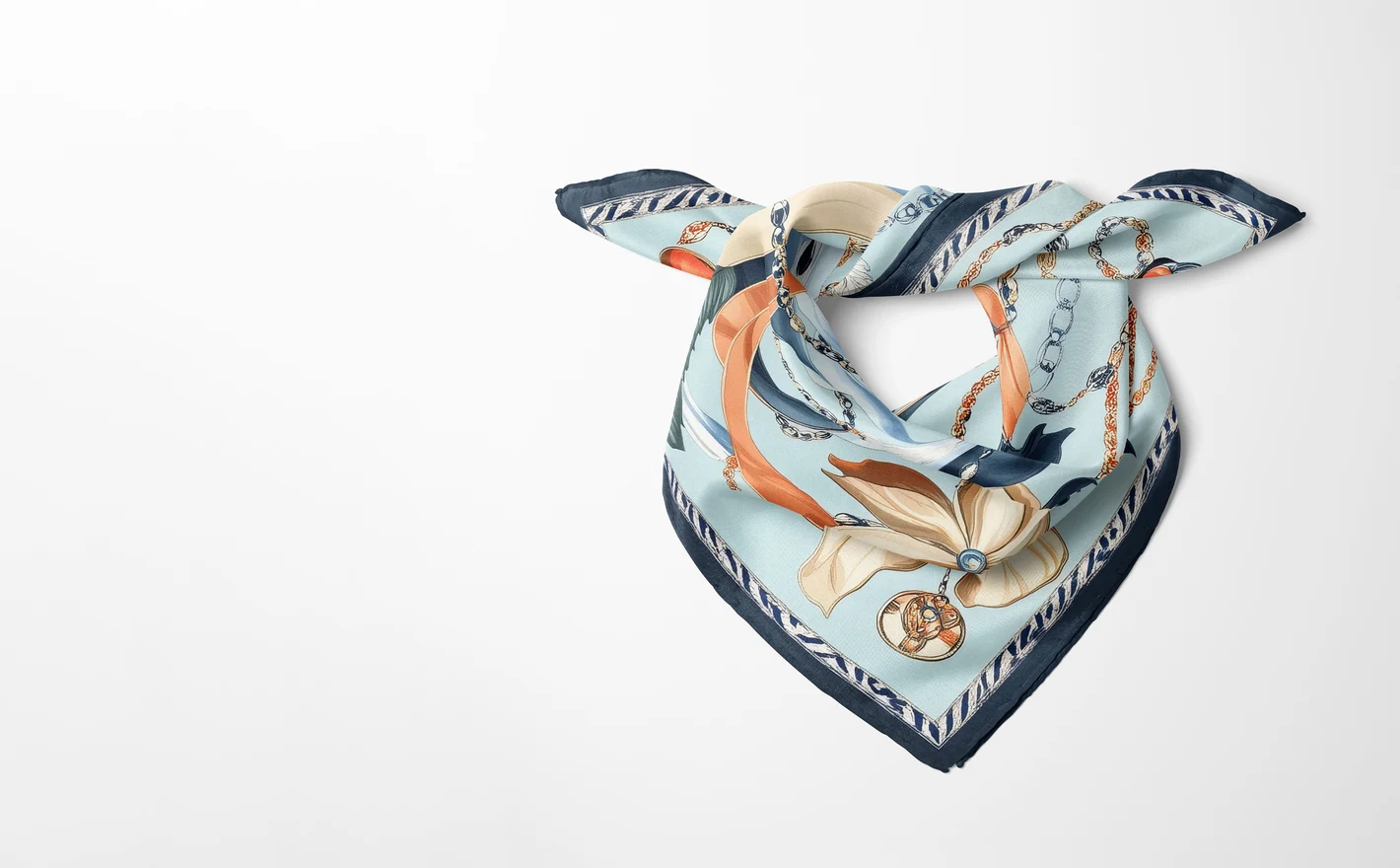
For fashion and accessory labels
Present a scarf collection across folds, drapes and styled flat lays that show how silk actually catches light. One artwork, several presentations - enough to fill a collection page without a photoshoot.
Pairing your scarf with a bag? Browse handbag mockups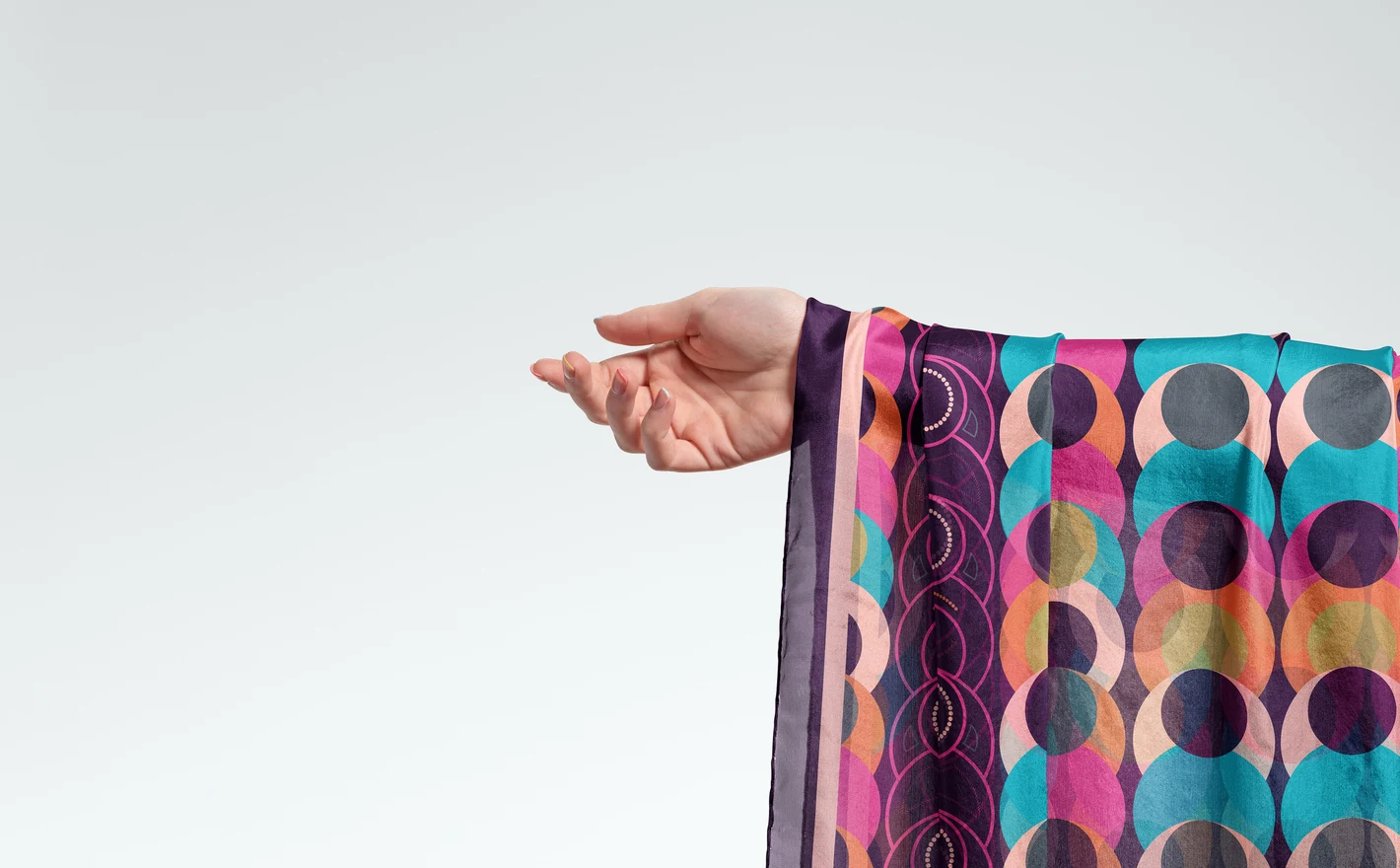
For luxury ecommerce and campaign teams
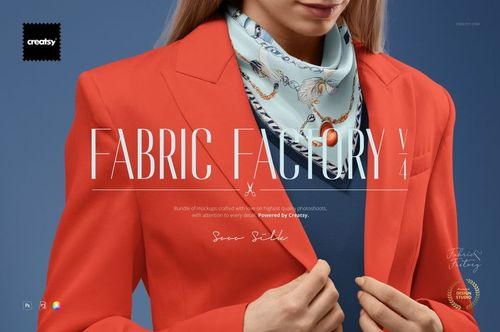
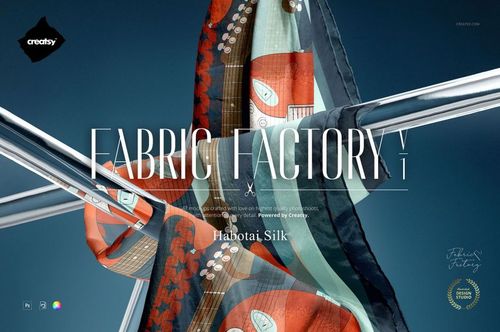
Produce product images, campaign visuals and collection previews with consistent, luxury-grade lighting. The Fabric Factory bundles cover entire silk ranges in one purchase, so a full seasonal refresh is an afternoon of artwork swaps.
Wrapping the collection for gifting? Browse gift packaging & wrapping paper mockups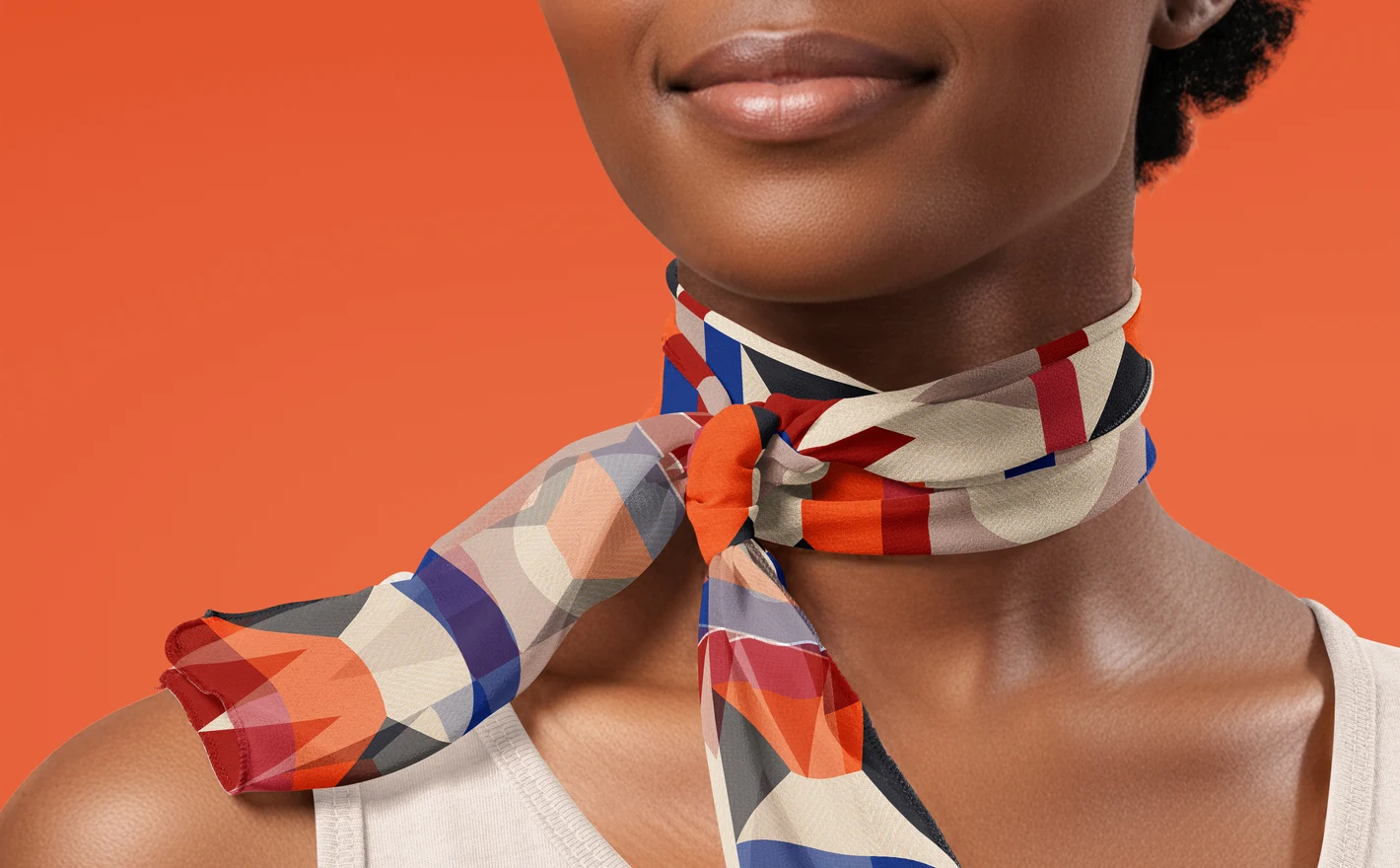
For silk scarf designers
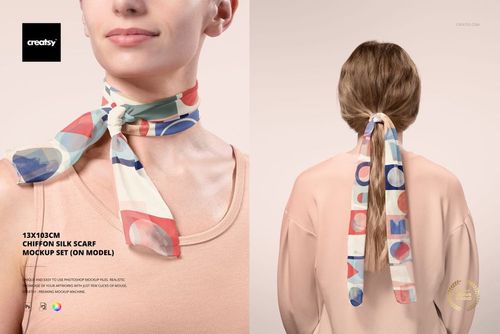
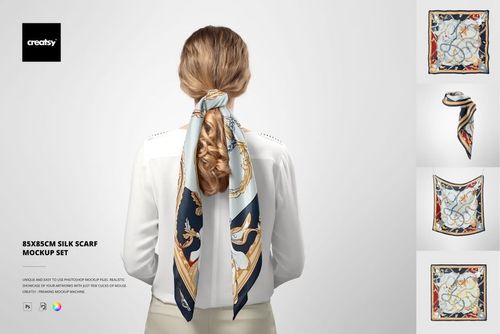
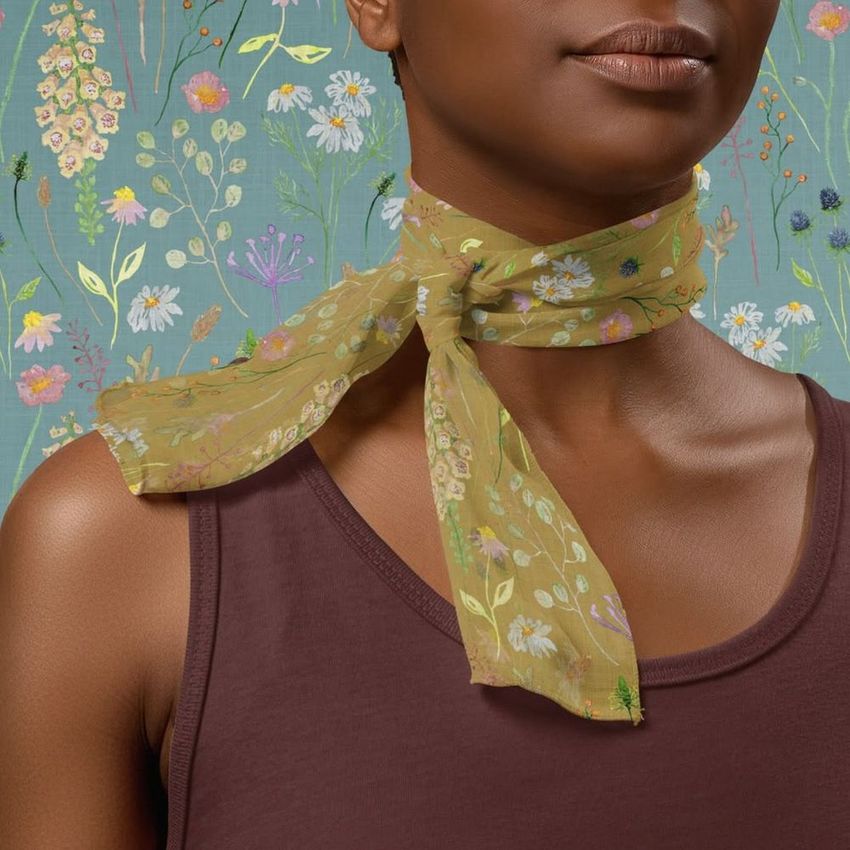
Check how a repeat reads on a narrow 13x103 cm chiffon format - worn, knotted and in motion on a model. Long skinny scarves crop artwork aggressively; seeing it on-model first saves a misjudged print run.
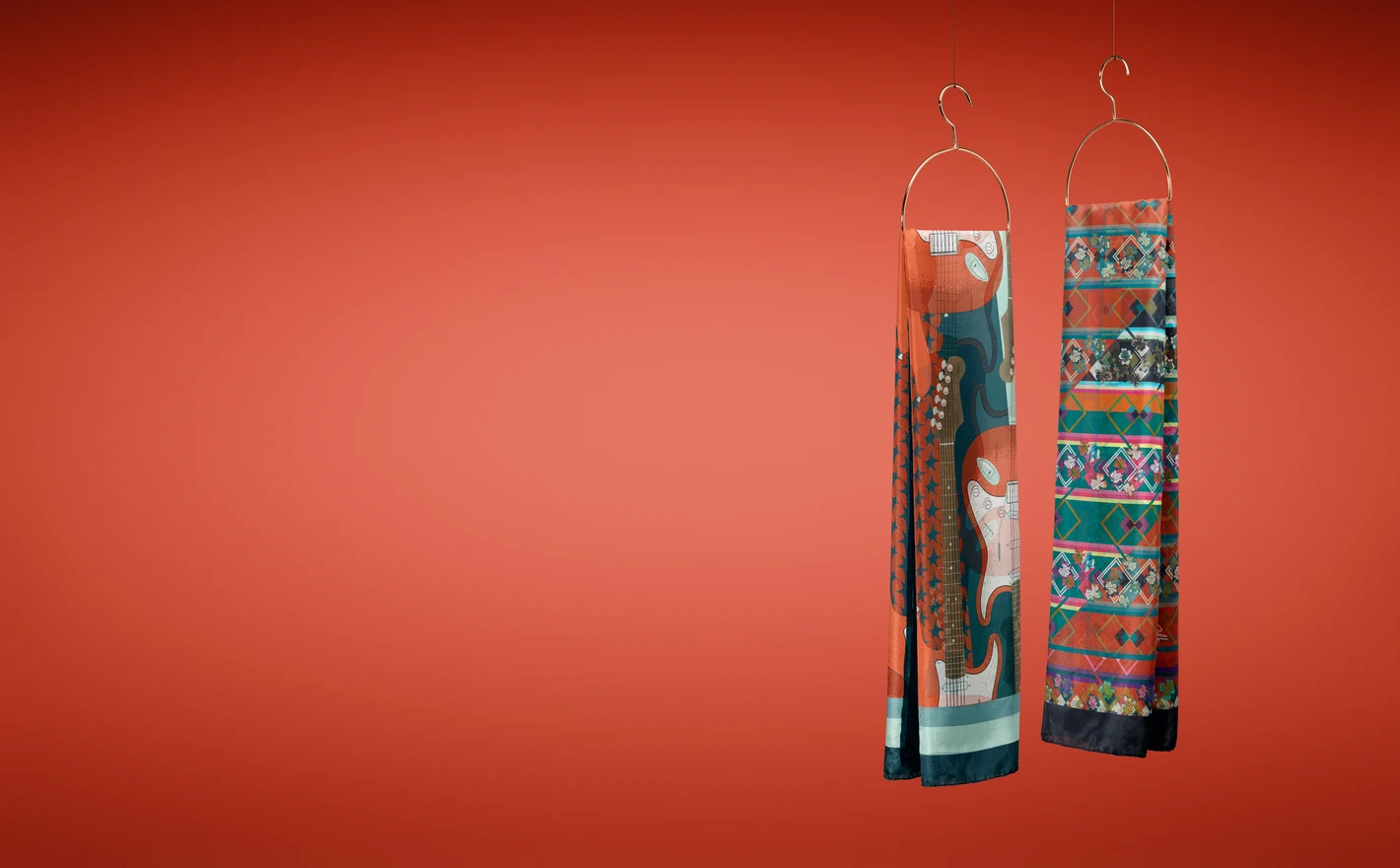
For surface pattern and licensing studios
Turn repeats and placement prints into finished scarf visuals for portfolios, trend boards and client pitches. A pattern shown as a draped silk product carries more conviction in a licensing meeting than any flat swatch.
Taking the print onto garments? Browse womenswear mockups
FAQs
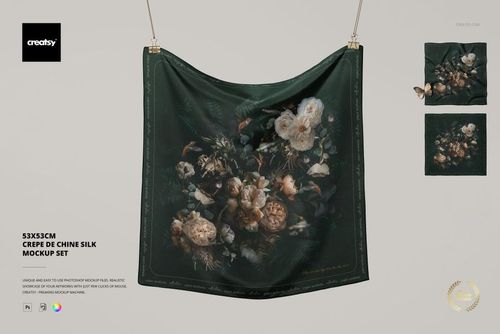
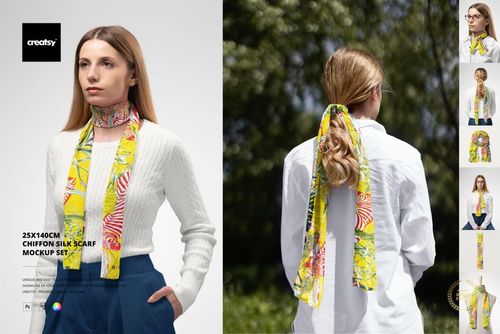
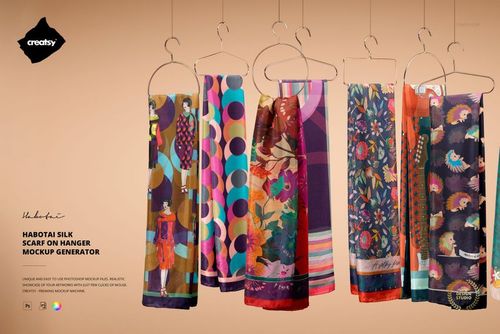
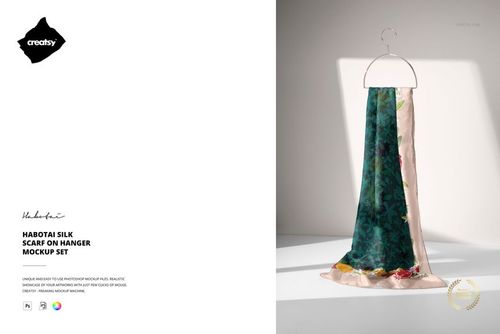
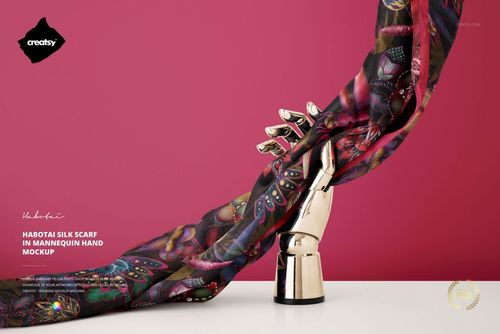
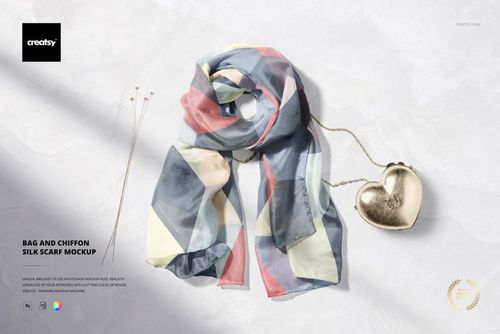
You can choose square scarves, long scarves and narrow neck scarves in materials including Habotai silk, chiffon and crepe de Chine. The scenes range from flat and hanging views to tied and on-model presentations. Select the size and fabric first, then choose views that show the parts of your design you need.
Start with a view that exposes most of the scarf, such as a flat or hanging scene. Check the border against the visible edges, then use a folded or tied view to see which details remain visible. Keep the production artwork separate and allow the hem required by your scarf maker.
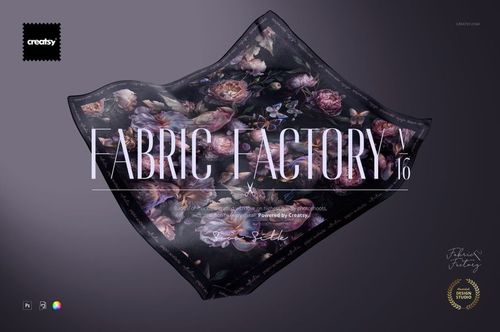
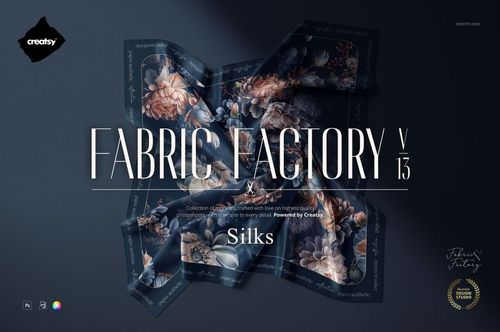
Each bundle combines a specific selection of scarf or fabric mockups. Fabric Factory v.16, for example, lists 64 PSD files with scarf, twilly, pocket square and fabric-detail presentations. Compare the included products with the views you actually need, and check for overlap with sets you already own.
The mockup combines your artwork with its existing surface effects, folds and lighting. Use the intended Smart Object and keep the effect layers in place. If a dark design loses detail, check the file's instructions before changing blending settings; lowering artwork opacity also changes the design's appearance and is not a universal fix.
Yes. The Free 13×103 cm Chiffon Silk Neck Scarf On-Model PSD Mockup is available in Free Mockups. Download it with a free Creatsy account and try your own artwork. It lets you test a chiffon scene, but other scarf sets may use different files and controls.
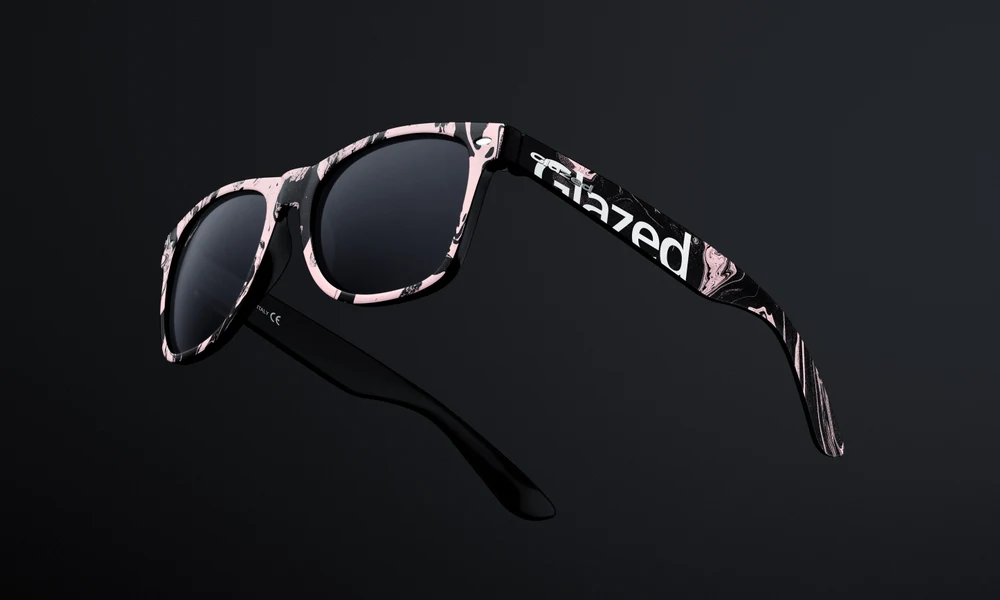
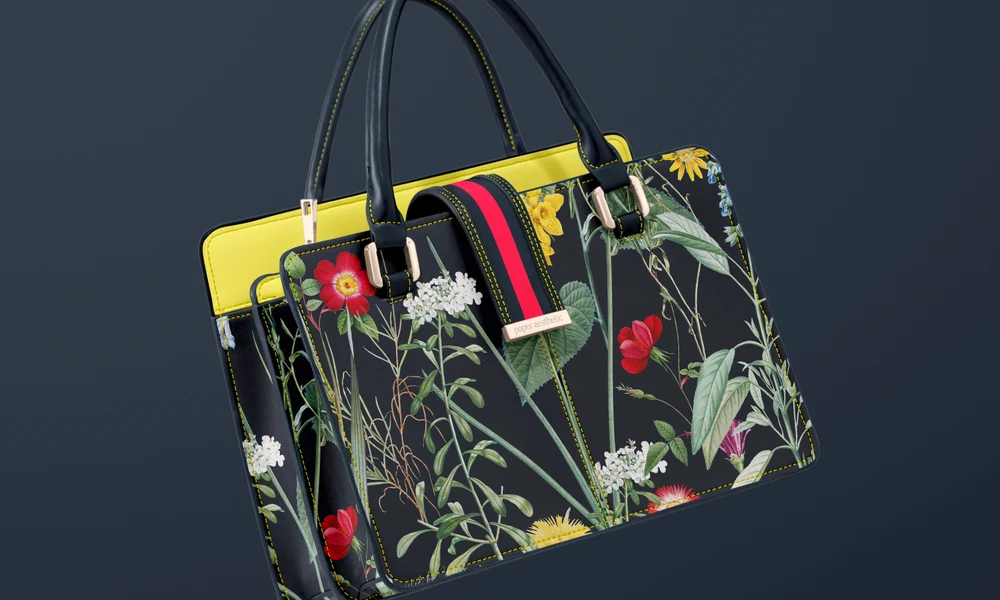
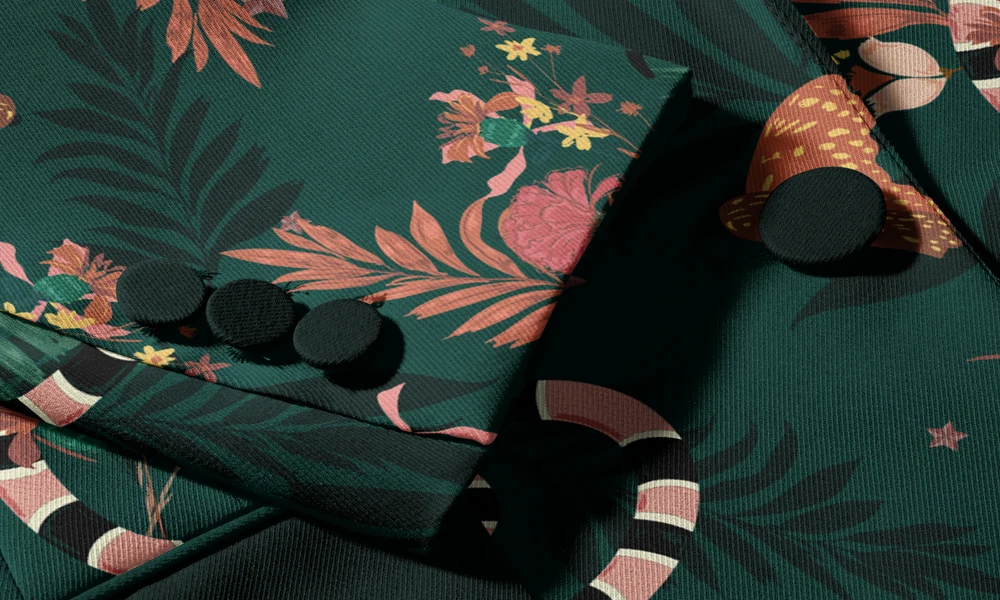
Why use Silk Scarf & Accessory mockups?
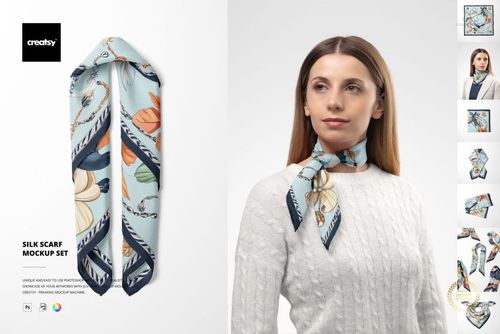
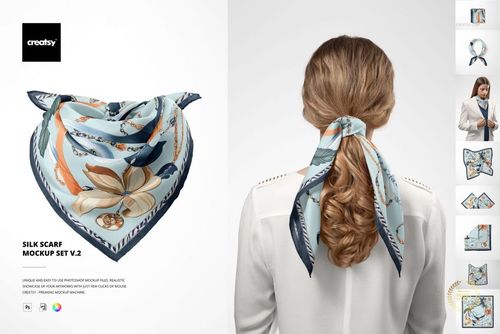
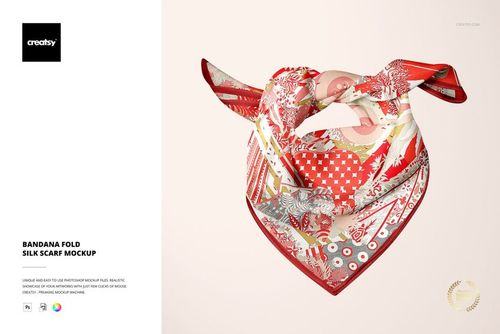
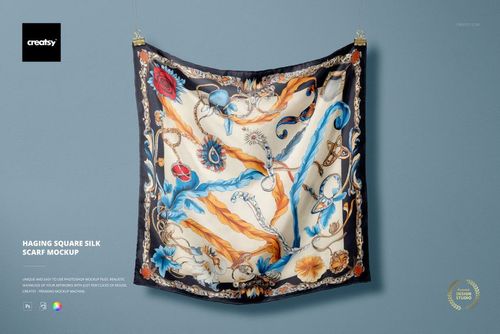
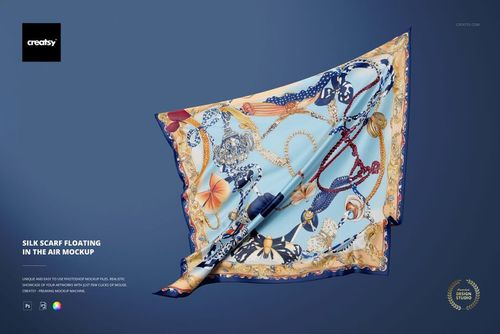
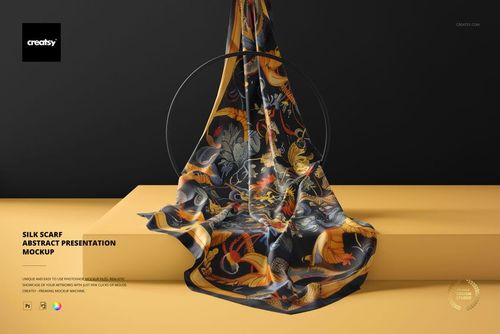
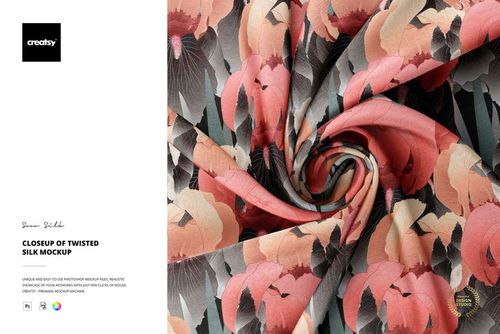
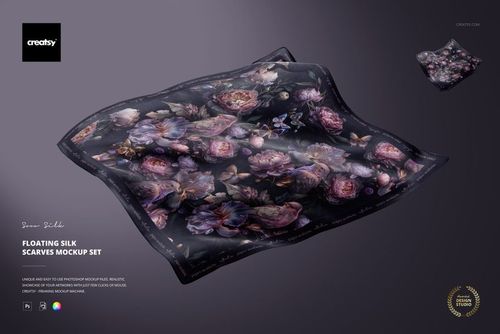
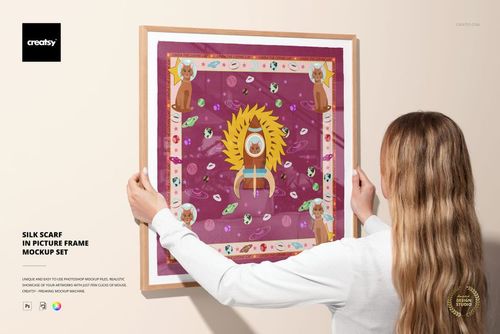
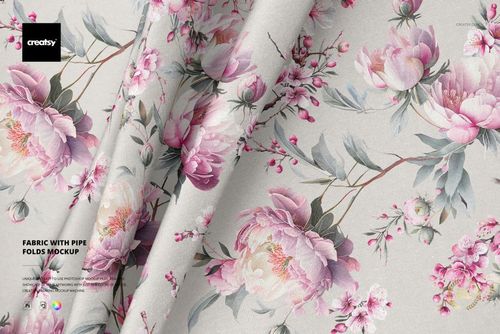
A scarf design looks different spread flat and tied around a neck. Borders fold out of view, corners become prominent, and light changes the appearance of the fabric. Mockups let you review the complete artwork alongside the parts that remain visible when the scarf is worn. The range includes square, narrow and long formats in Habotai silk, chiffon and crepe de Chine. Choose from hanging, folded, crumpled, floating, draped, framed, mannequin and on-model views. Start with a view that shows the border and corners, then compare it with a knot or draped arrangement. Different dimensions and fabric textures can change the balance of an illustration or repeat. Close-ups show the surface and sheen, while wider views show the overall proportions. The Smart Objects retain these details as you try new artwork or color variations. Use the images for licensing portfolios, buyer presentations, shop listings, preorders, client reviews and lookbooks. Combining a full scarf view with a worn scene gives buyers a view of both the design and its styling. Reuse the same compositions when presenting the next collection.
FreeCreatsy® Mockups
Very easy to use and it looks great!
Thank you so much! We’re glad you found it easy to use and love the result! 😊