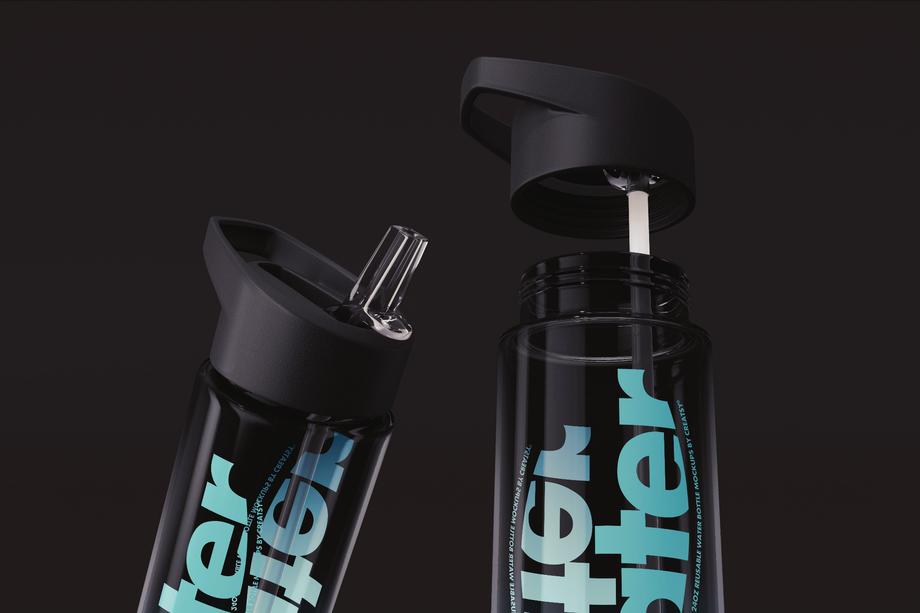
Other 3D Models
A small catch-all of miscellaneous 3D models that do not fit the furniture, lamp, decor, or fabric subcategories - built native in 3ds Max with V-Ray and exported to OBJ, FBX, USD, and DAE.

What you get
Render-ready 3D objects built native in 3ds Max with V-Ray, exported to open in any major 3D application.
Five Formats, Every Pipeline
Each model ships as an archive with .max (native, plus an earlier-version .max for older 3ds Max), .fbx, .obj, .usd, and .dae - so the geometry opens in 3ds Max, Blender, Maya, Cinema 4D, or any USD-based pipeline. No special plugin needed to open the scene.
- Native .max plus an earlier-version .max
- .fbx, .obj, .usd, and .dae exports
- Opens in any major DCC, no plugins required
Native V-Ray Materials
The .max and .fbx files carry V-Ray materials with links to the Chaos Cosmos V-Ray Material Library, ready to render in 3ds Max with V-Ray. A V-Ray license is required, and the materials work only in .max and .fbx - in other renderers you assign your own shaders to the UV-ready geometry.
- V-Ray materials load straight in 3ds Max
- Chaos Cosmos material library links included
- V-Ray license required; .max and .fbx only
Clean Topology, Unwrapped UVs
Geometry is built with optimized quad/tri topology and unwrapped UVs, with organized object names, layers, and groups. It imports clean and ready to texture or subdivide - no remeshing or UV repair before you can use it.
- Optimized quad/tri topology
- Unwrapped UVs ready for your own materials
- Organized object names, layers, and groups
Real-World Specs Listed
Every product page lists the polygon count, real-world dimensions in centimeters, and part count, so you know the scale and weight of what you are importing before it enters your scene.
- Polygon count per model
- Real-world dimensions in centimeters
- Part count for multi-piece objects
Who are these 3D models for?
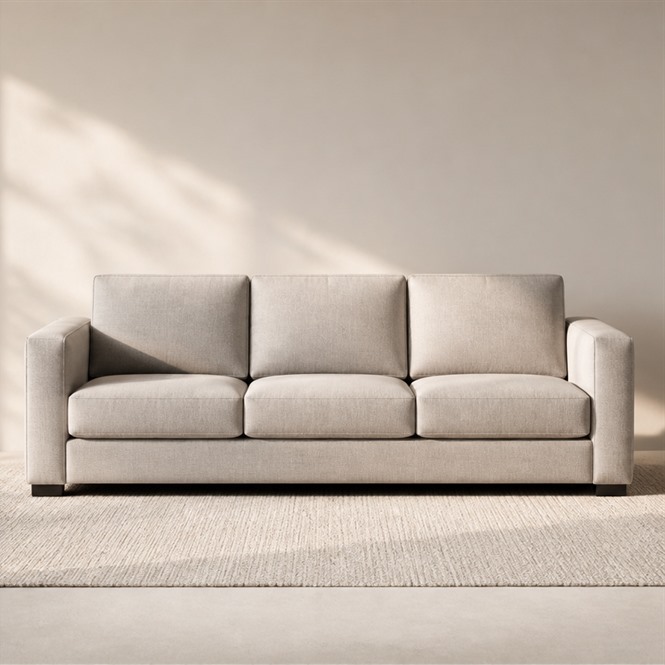
For nursery archviz artists
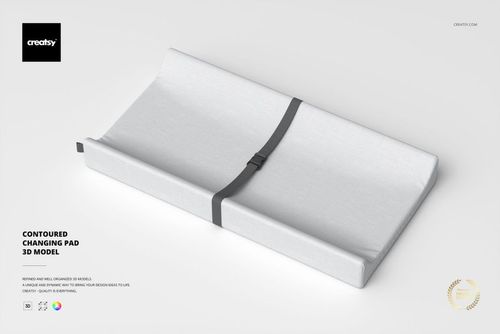
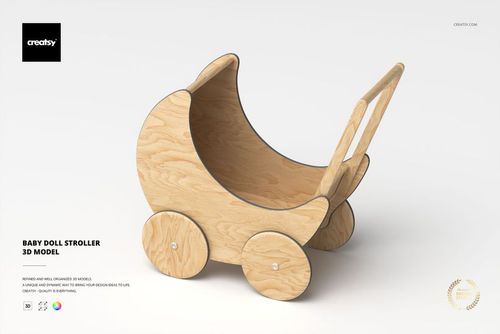
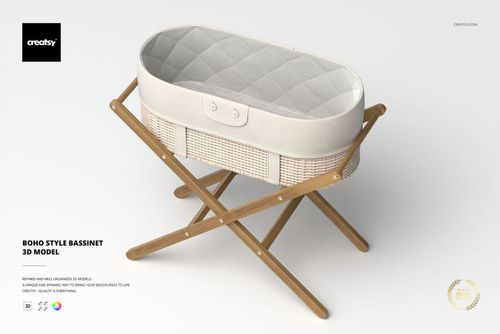
Drop the boho bassinet, baby doll stroller, and changing pad into a room render, then pull in a matching nursery dresser to fill out the scene.
Building a nursery? Browse furniture 3D models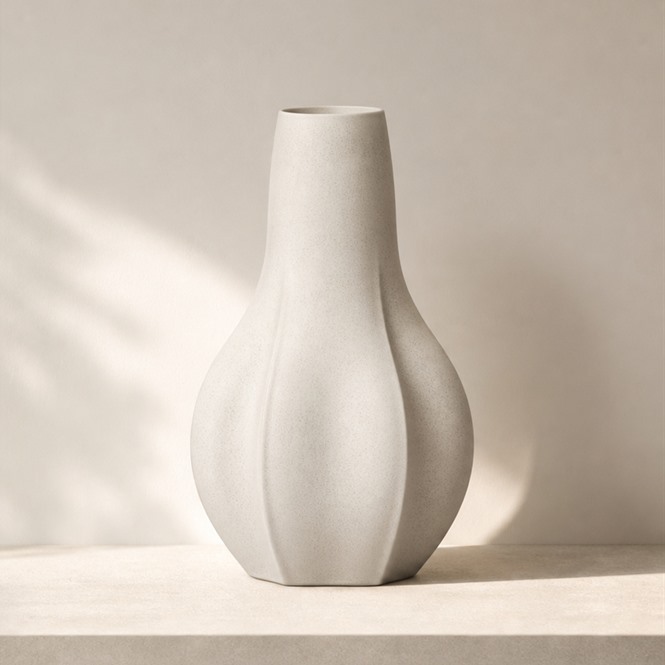
For interior stylists dressing a scene
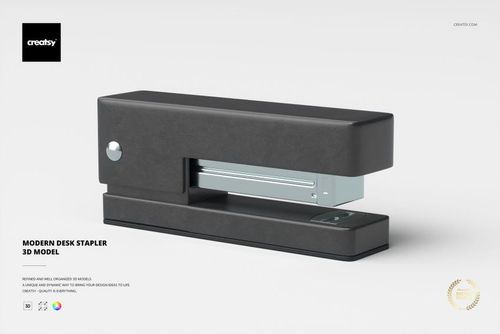
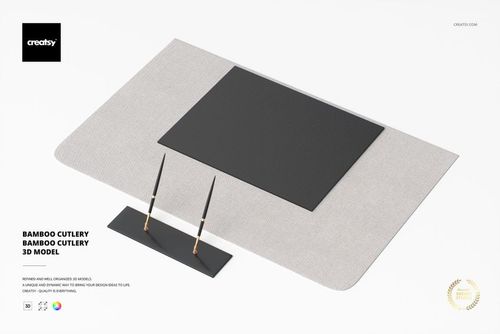
Set the desk pad set and modern stapler on a rendered desk, then add a vase or sculpture so the shot reads finished, not bare.
Finishing a room? Browse decoration 3D modelsFor homeware e-commerce render teams
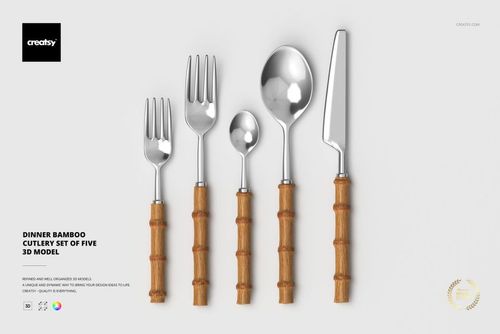
Render the bamboo cutlery set on a clean tabletop scene, then dress the surface with matching decor props so the shot reads finished, not staged thin.
Shooting products? Browse decoration 3D models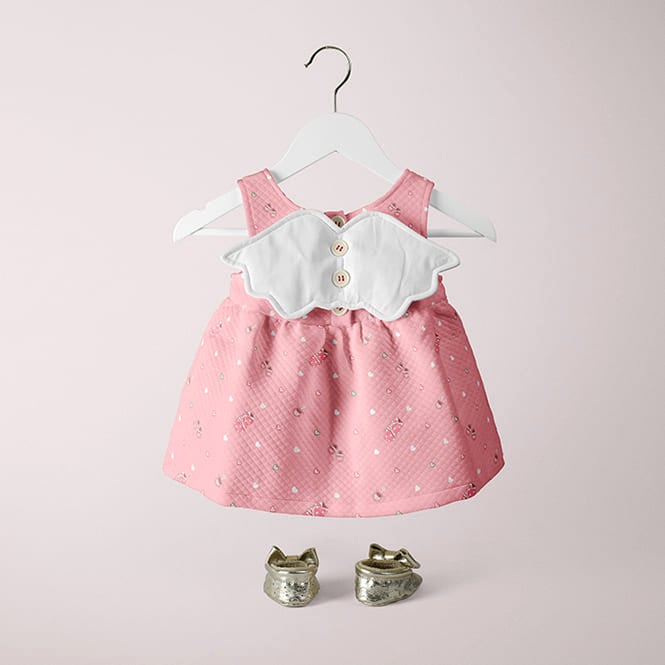
For baby-brand concept designers
Once the stroller and bassinet render is set, show the finished nursery idea as a flat scene mockup buyers and stakeholders read at a glance.
Pitching a concept? Browse Kids & Babies mockups
FAQs
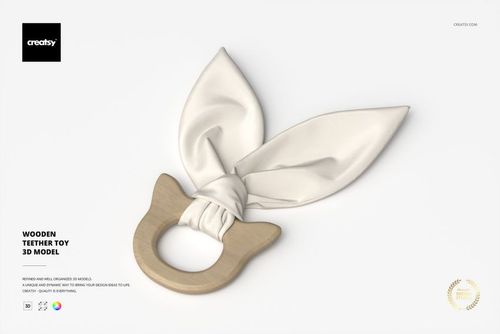
This is a small catch-all group for miscellaneous models that do not fit the furniture, lamps, decor, or fabric subcategories - for example a baby doll stroller, a boho-style bassinet, a contoured changing pad, a bamboo cutlery set, a modern desk stapler, an office desk pad set, and a wooden teether toy. It is a modest overflow shelf, not a broad library, so check the listing for the current items.
Each download is typically an archive containing the model in .max (native, plus an earlier-version .max for older 3ds Max), .fbx, .obj, .usd, and .dae. The native software is Autodesk 3ds Max and the native renderer is V-Ray. Check the individual product page for the exact formats in that archive.
Yes. The .fbx, .obj, .usd, and .dae exports open the geometry in Blender, Maya, Cinema 4D, and other DCC apps, with clean optimized topology ready for your own materials. The V-Ray materials are included in the native .max file and need a V-Ray license; without V-Ray you apply your own materials to the geometry in your renderer.
The native .max file includes the V-Ray materials, with links to content from the Chaos Cosmos V-Ray Material Library (a V-Ray license is required to use them). The interchange formats (.fbx, .obj, .usd, .dae) carry the geometry so the model opens in other 3D apps. Without V-Ray you can still use the model and apply your own materials in your renderer.
The models in this subcategory do not include lights or cameras, so you keep full control over lighting, camera angles, and backgrounds in your own scene. Rigging and animation are not stated on these models either; check the individual product page for what each archive contains.
Yes. A commercial license is available for these models, so they can be used in client archviz, interior, and product visualization work; an Extended Commercial tier also exists for broader usage. See each product page for the exact license terms and pricing.
Why use 3D models?
This is a small catch-all subcategory - a handful of miscellaneous objects (nursery and baby items, tableware, and desk accessories) that do not belong in the furniture, lamp, decor, or fabric groups but still need a home for archviz and product visualization work. If you are styling a nursery scene, a dining table, or a desk shot and need a stroller, bassinet, changing pad, cutlery set, stapler, desk pad, or teether to fill it out, these drop in clean. They carry the same 3D build as the rest of the 3D Models catalog: native in 3ds Max with V-Ray, exported to .fbx, .obj, .usd, and .dae so the geometry opens in Blender, Maya, Cinema 4D, or any USD pipeline. Be clear on one point - the V-Ray materials live in the native .max file and need a V-Ray license. Without V-Ray you can still use the model and apply your own materials in your renderer, working from the correct geometry the interchange formats deliver. The models in this subcategory do not include lights or cameras, so you control lighting, camera angles, and backgrounds in your own scene (check the product page for exact contents). Each product page lists its polygon count, real-world dimensions in centimeters, and part count, so you know exactly what you are placing. This is a modest set, not a broad library - it is the overflow shelf for the items that do not fit the named subcategories.