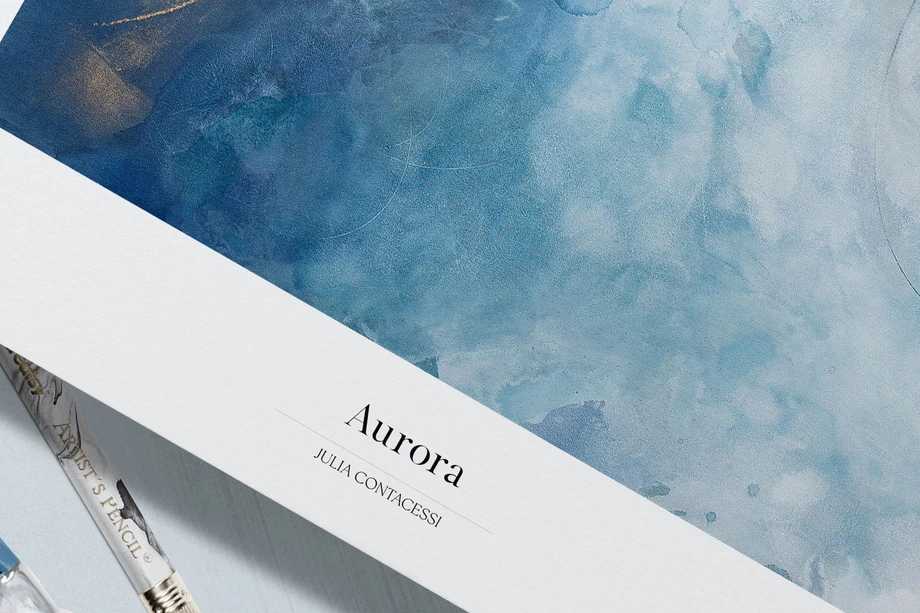
Art & Craft Supply Mockups
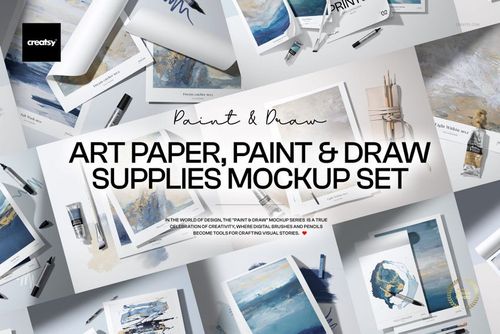
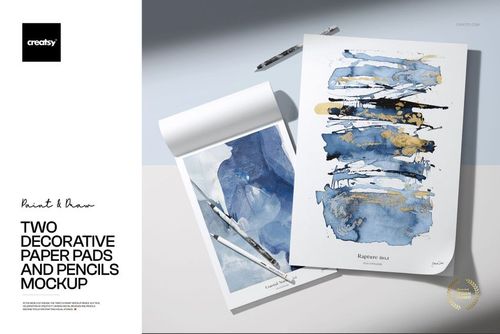
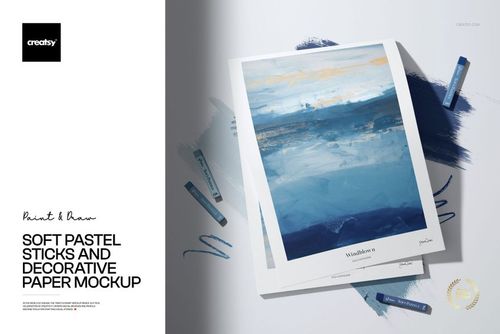
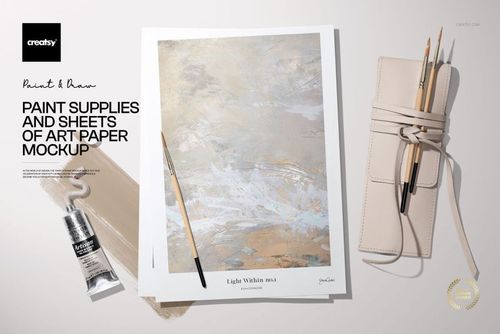
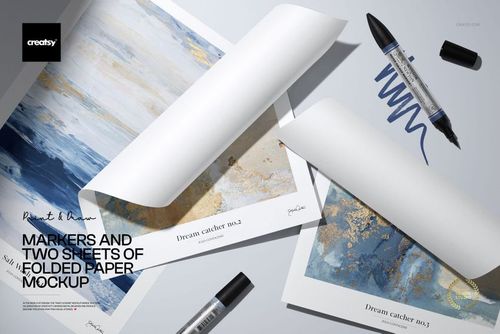
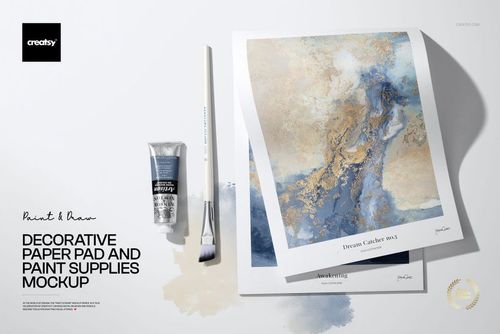
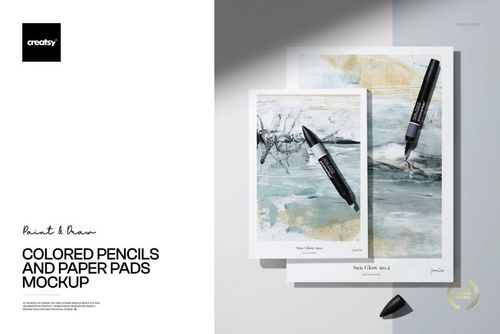
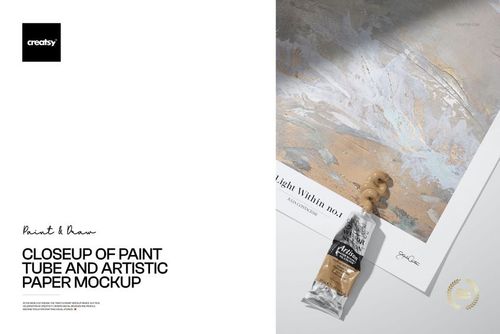
Present illustrations, patterns and lettering on paper pads, textured art paper, watercolor sheets, poster prints and calligraphy paper. Smart Objects keep the scene's perspective, texture, light and shadows intact.




Reviews
What designers and brand owners say after using these PSD mockups in real client work.
0
Sort by:



What you get
Professional PSD mockups built in-house - editable, realistic, high-resolution, and supported by real people.
Layered PSD Files
Creatsy mockups are delivered as fully layered Photoshop .psd files, with layers sorted into clearly named groups. Shadows, highlights, and the background each sit on their own editable layer, and nothing is flattened into a single image. Open it in Photoshop or the free browser editor Photopea and get to work.
- Clearly named, organized layer groups
- Shadows and highlights on separate layers
- Editable background, never flattened
- Works in Photoshop or free Photopea
Smart Objects
Open the smart object, paste your artwork, and save. The design lands on the product with the perspective, warp, and wrap already worked out. Scene lighting and shadows fall back on top, so it reads as a photograph, not a flat paste-in. Swapping a design takes seconds, so one file can carry a whole run of variants and colorways.
- Double-click, paste your design, save
- Perspective, warp, and wrap pre-built
- Scene lighting and shadows sit back on top
- One file covers many variants and colorways
High-Resolution Output
Many scenes are built from real product photography rather than 3D renders, so the fabric and surface read like a studio shot. Files export at high resolution and stay sharp at full zoom, with clean edges where the print sits. The same file works for a hero banner, a paid ad or a product listing.
- Real product photography in many scenes
- Exports ready for print
- Holds detail at full zoom
- Works for banners, ads and listings
Easy to Edit
Colors, backgrounds, and artwork sit on separate, clearly named layers, so you swap a color or background without disturbing the rest of the scene. There is no relighting or shadow work to redo, and the same file works for your next project.
- Edit color and background layers directly
- No relighting or shadow rework needed
- No masking or layer skills required
- One file reused across projects
Fast Support
There is a real in-house team behind every file, not a ticket bot. Before you buy, ask whether a specific mockup fits what you have in mind, and we will tell you. When a smart object or a layer group is tripping you up, send the question and you usually get a reply within 48 hours.
- Real in-house team behind every file
- Replies within 48 hours
- Pre-purchase help picking the right mockup
- Answers on smart objects and layer setup
Who are these mockups for?
For Illustrators and Surface Pattern Designers
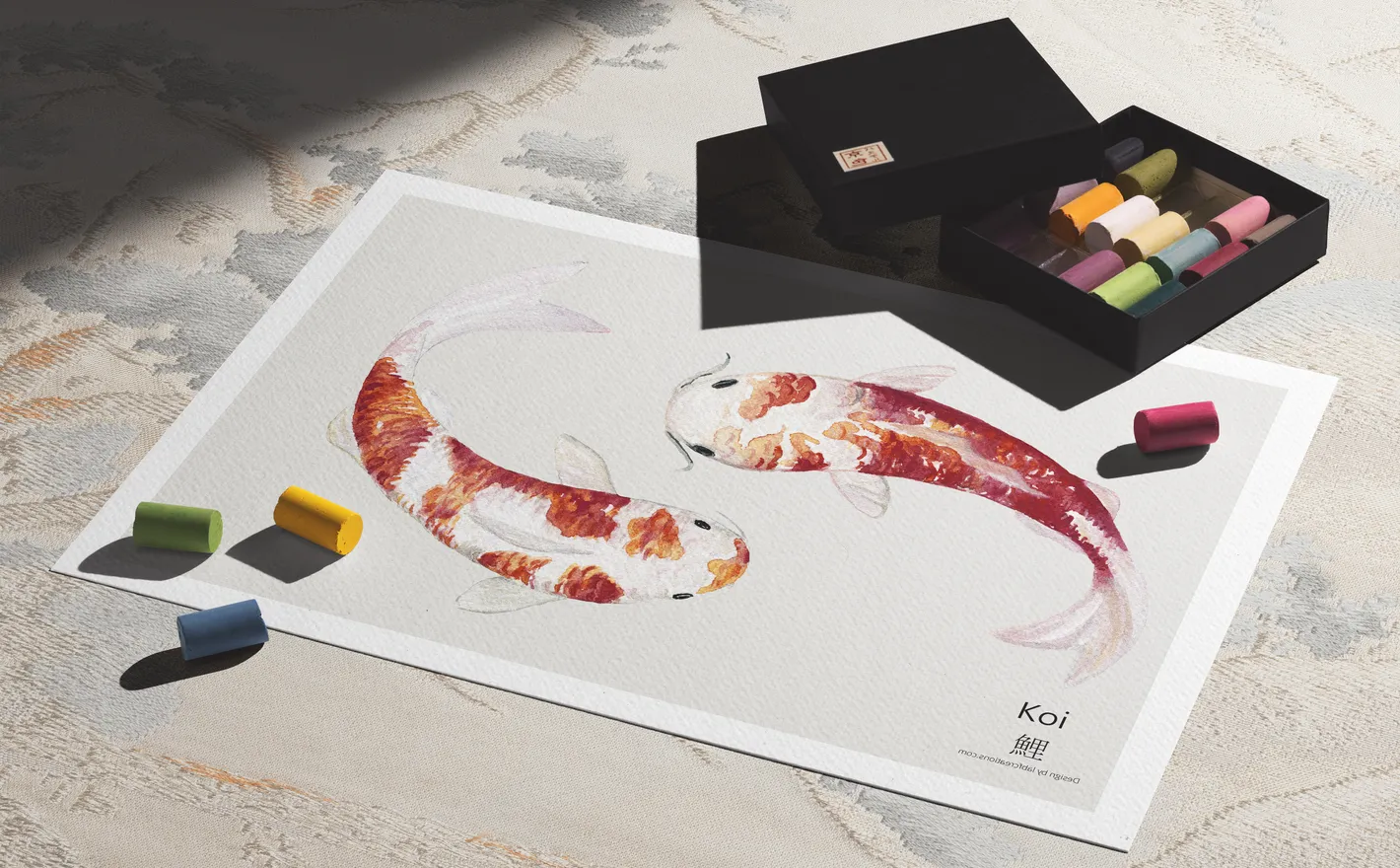
Place finished illustrations and repeat patterns on textured art paper, single sheets and layered paper stacks styled with markers, pencils and pastels. Build portfolio pages, licensing presentations and social content that keep one visual language across a whole collection.
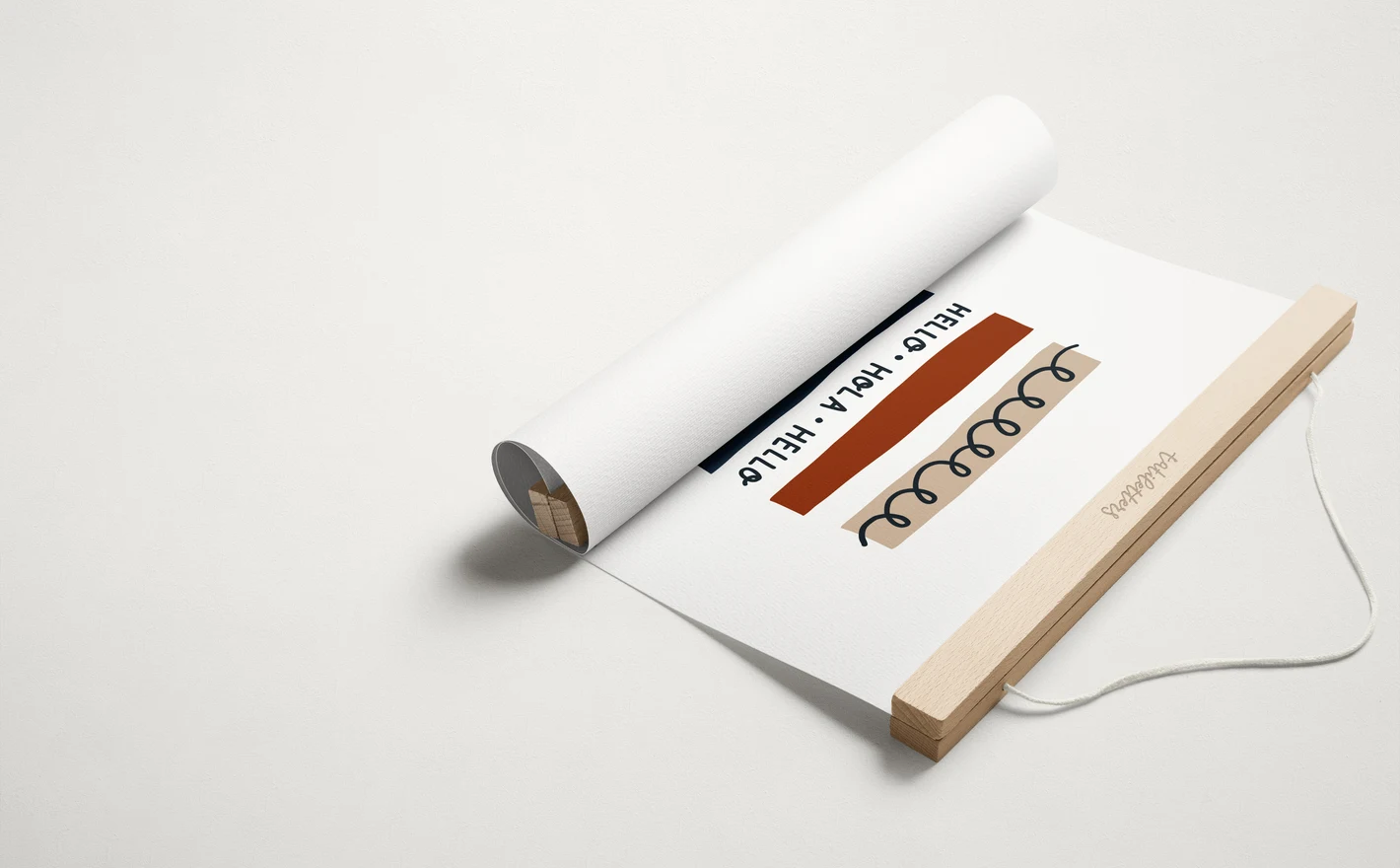
For Art Print and Poster Sellers
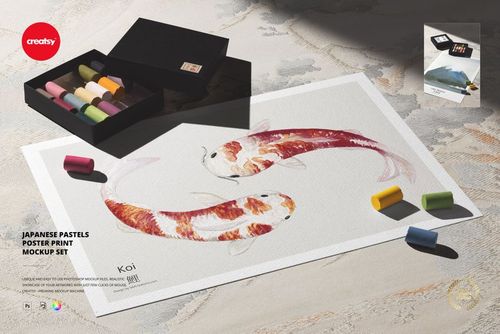
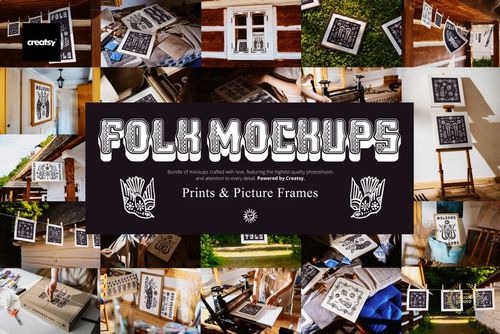
Show the same print clipped to a line, propped on an easel or paired with a box of pastels across folk, studio and poster scenes. Refresh a whole shop of listing images and social crops from one artwork file, without booking a photographer for each release.
Selling the same artwork framed? Browse Framed Print & Poster Hanger mockups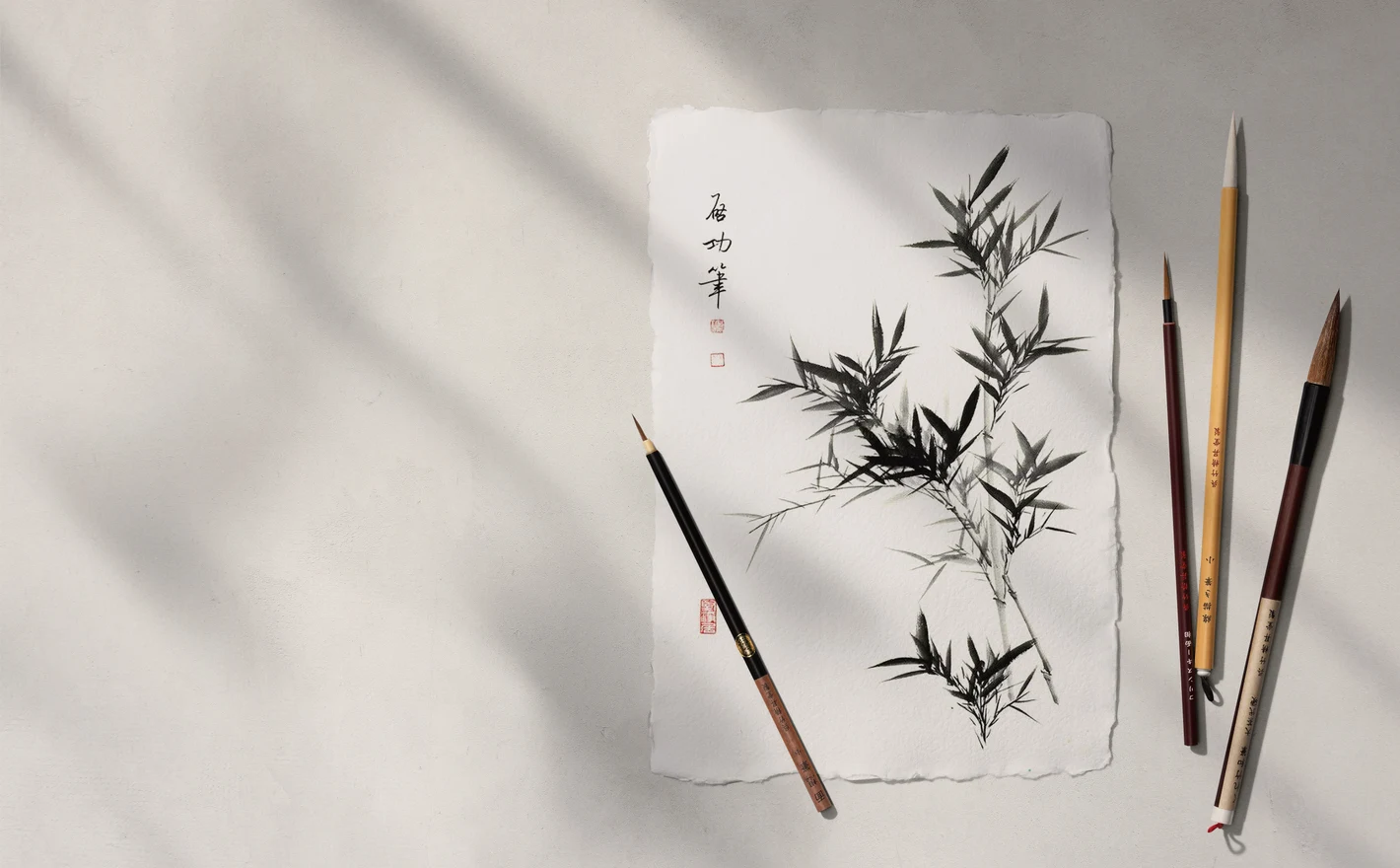
For Calligraphy, Lettering and Mixed-Media Artists
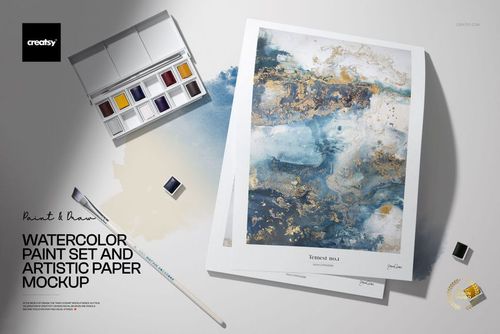
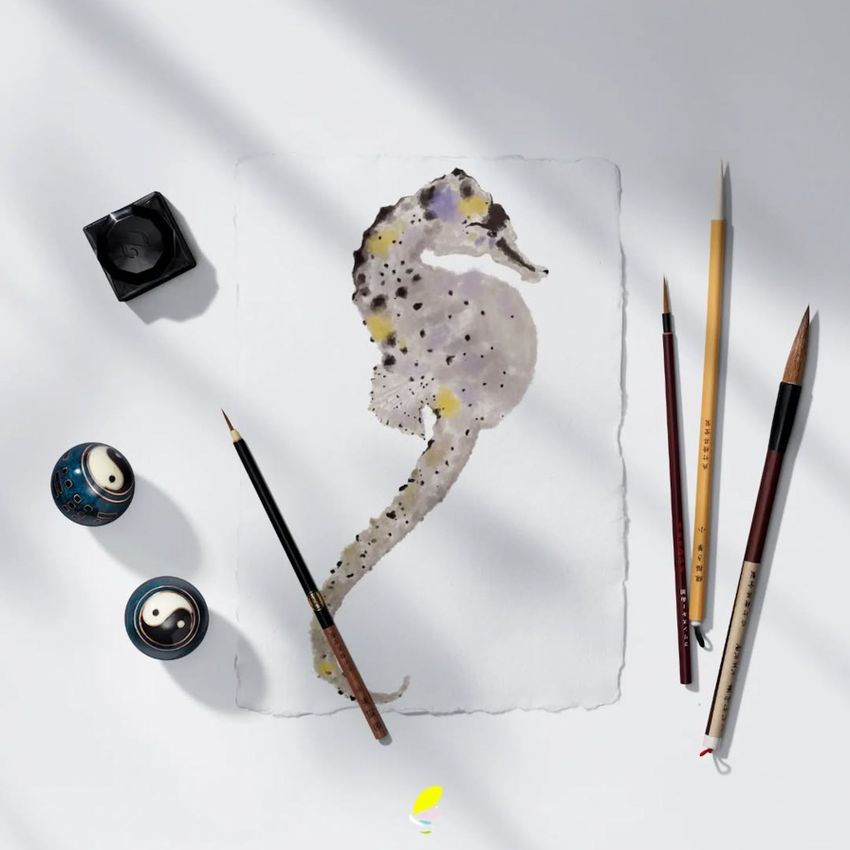
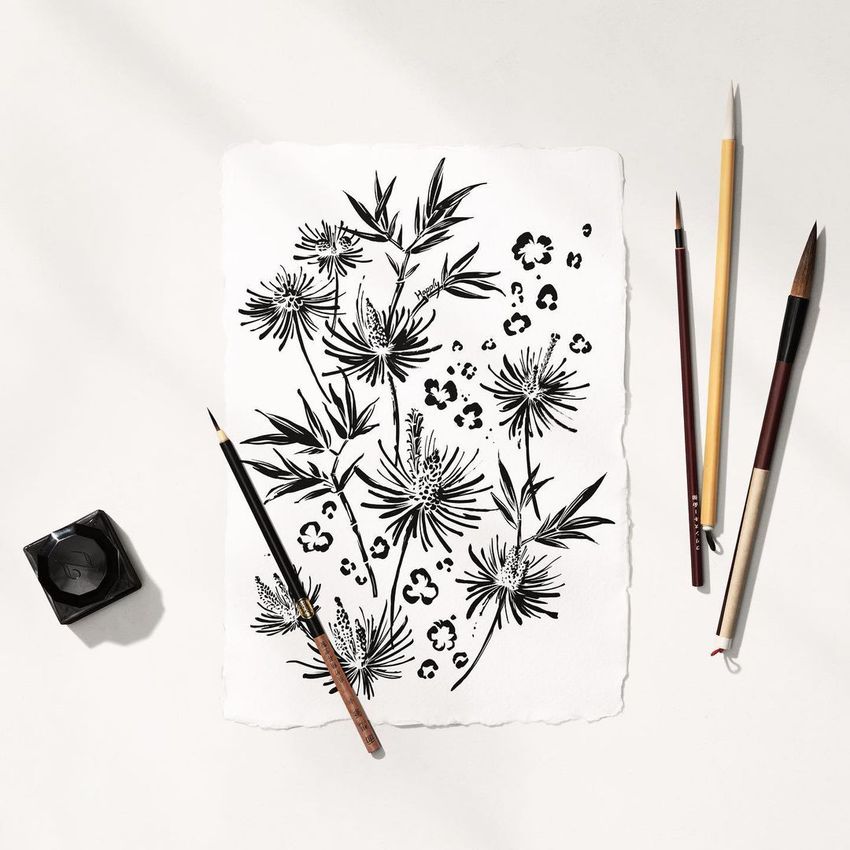
Present lettering, watercolor and mixed-media work in brush, ink and pastel scenes built for commission portfolios, workshop announcements and client presentations. Artwork drops into a Smart Object in every scene, while the paint-set case and pans can be moved but keep their premade colors.
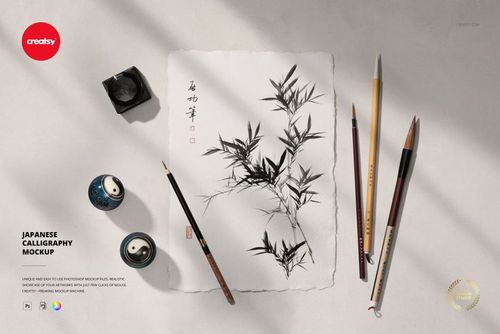
Working in brush and ink? View the Japanese Calligraphy Mockup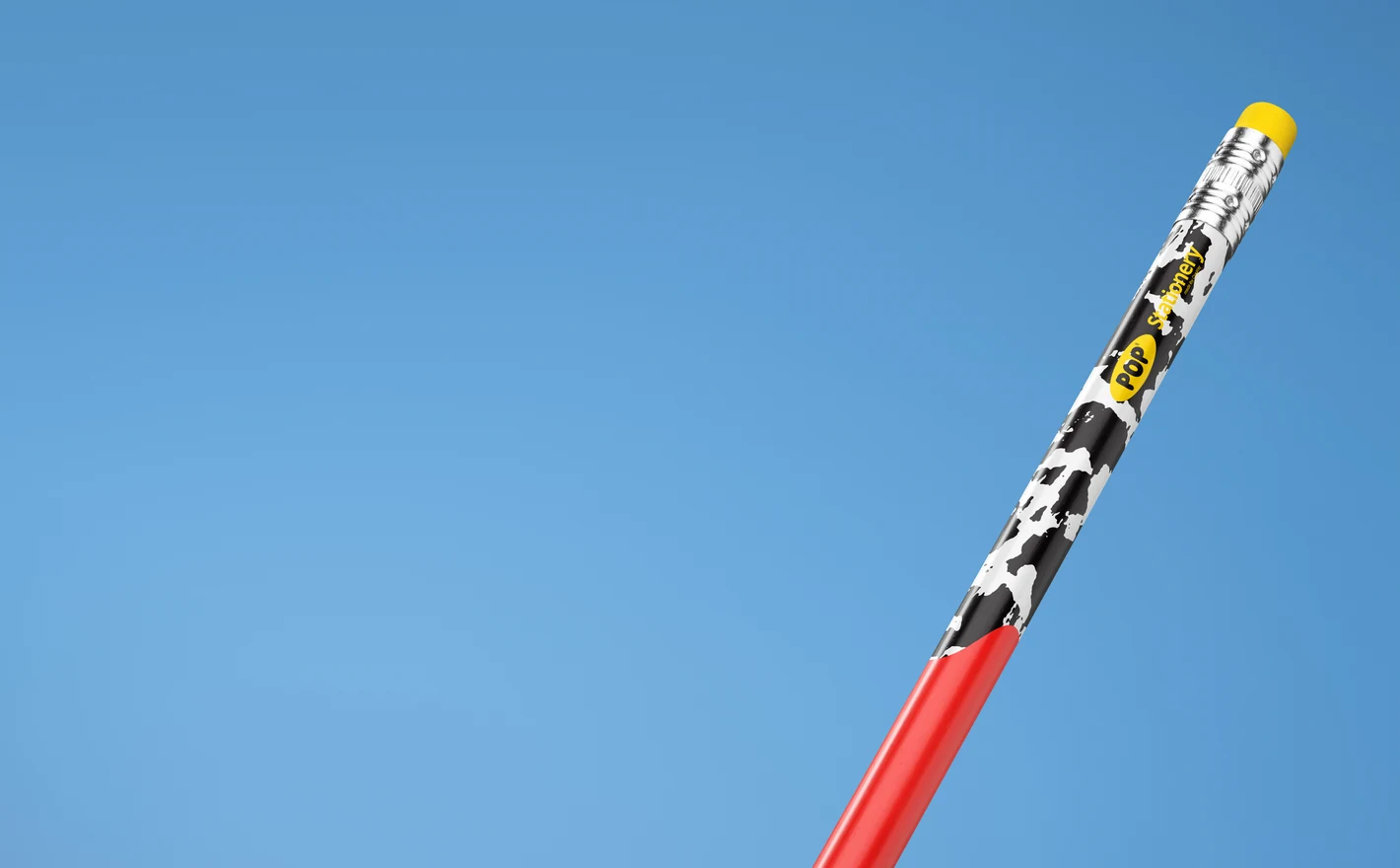
For Art Paper and Sketchbook Brands
Show cover artwork and colorways on paper pads, sketch pads and paper stacks, with editable backgrounds and removable shadow overlays for brighter or moodier product shots. Use them for listing images, catalog spreads and pre-production approval rounds before a single pad goes to print.
Branding the whole desk set? Browse Writing Instrument mockups
FAQs
The editable artwork areas include paper pad covers, loose sheets, art paper and framed prints, depending on the scene. Choose a pad for a cover design or a sheet or frame for an illustration. The surrounding art supplies help set the scene, but not every prop has an editable print area.
The controls vary by mockup. Some scenes let you change prop colors or rearrange objects; others have a fixed composition. Check the feature images for the particular scene before buying, especially when you need to remove a brush, marker or paint tube rather than just change its color.
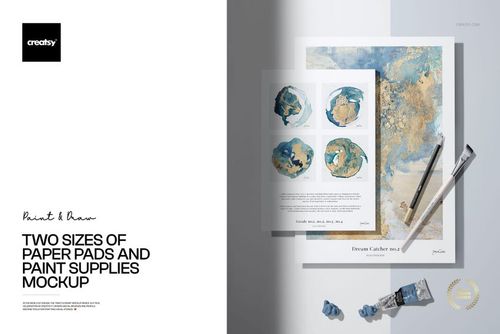
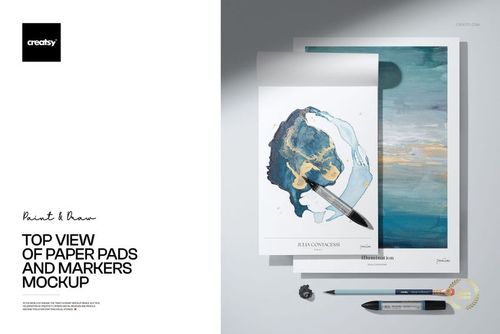
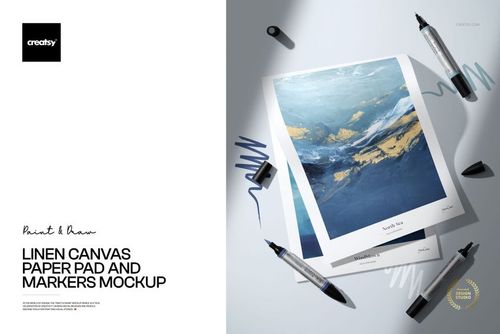
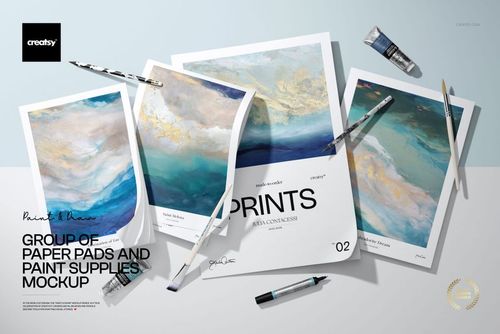
Two Sizes of Paper Pads and Paint Supplies, Linen Canvas Paper Pad and Markers, and Top View of Paper Pads and Markers all show pad covers. Choose the scene with the cover shape and viewing angle closest to your product. Apply a cover layout at the correct proportions rather than stretching it to fit.
Yes. Free Two Paper Sketch Pads with Markers PSD Mockup is available in Freebies. Sign in with a free Creatsy account to download it and try your cover artwork. It is a useful way to test that file's editing workflow before choosing other scenes.
Yes. Place your own illustration in the mockup and use the finished image to present your work in your shop or marketing, within the license terms. Do not sell the styled scene as stock photography or redistribute the editable mockup. The product you sell should be your artwork, not the mockup itself.
Why use Art & Craft Supply mockups?
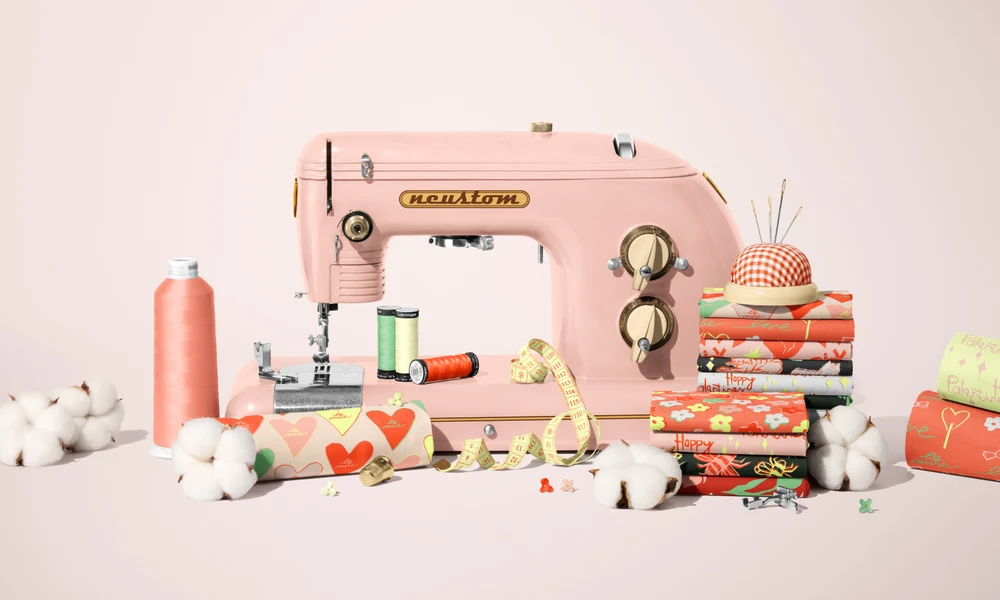
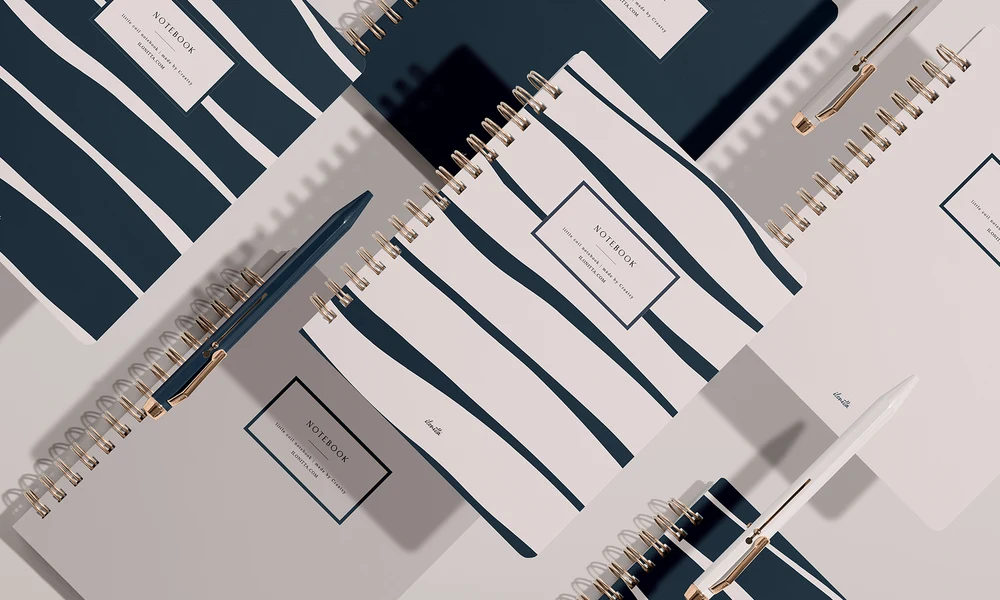
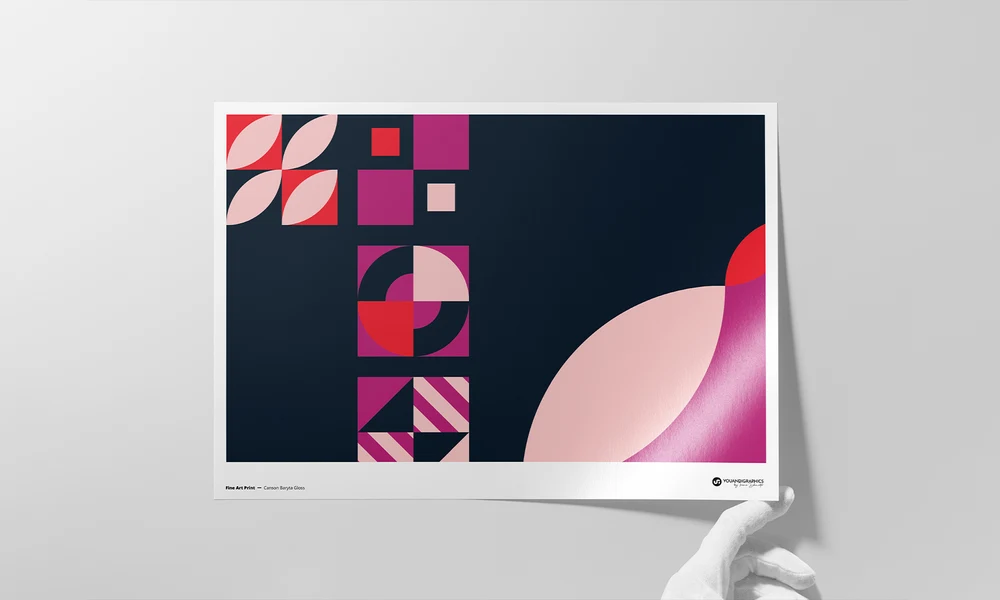
Art supply scenes give you a setting for illustrations, patterns, lettering and sketchbook covers. Place your artwork in a Smart Object and the file applies the prepared perspective, paper texture, lighting and shadows. You can show the design on a pad or sheet with drawing and painting supplies around it, then reuse the composition for another piece. Replace the artwork, save and export an image for your shop, portfolio, client presentation or social feed. Several cover designs or color variations can share the same setting, making them easier to compare. The scene stays consistent as you add new work, so you don't need to arrange and photograph the supplies again for each design or seasonal collection.
FreeCreatsy® Mockups
High Resolution