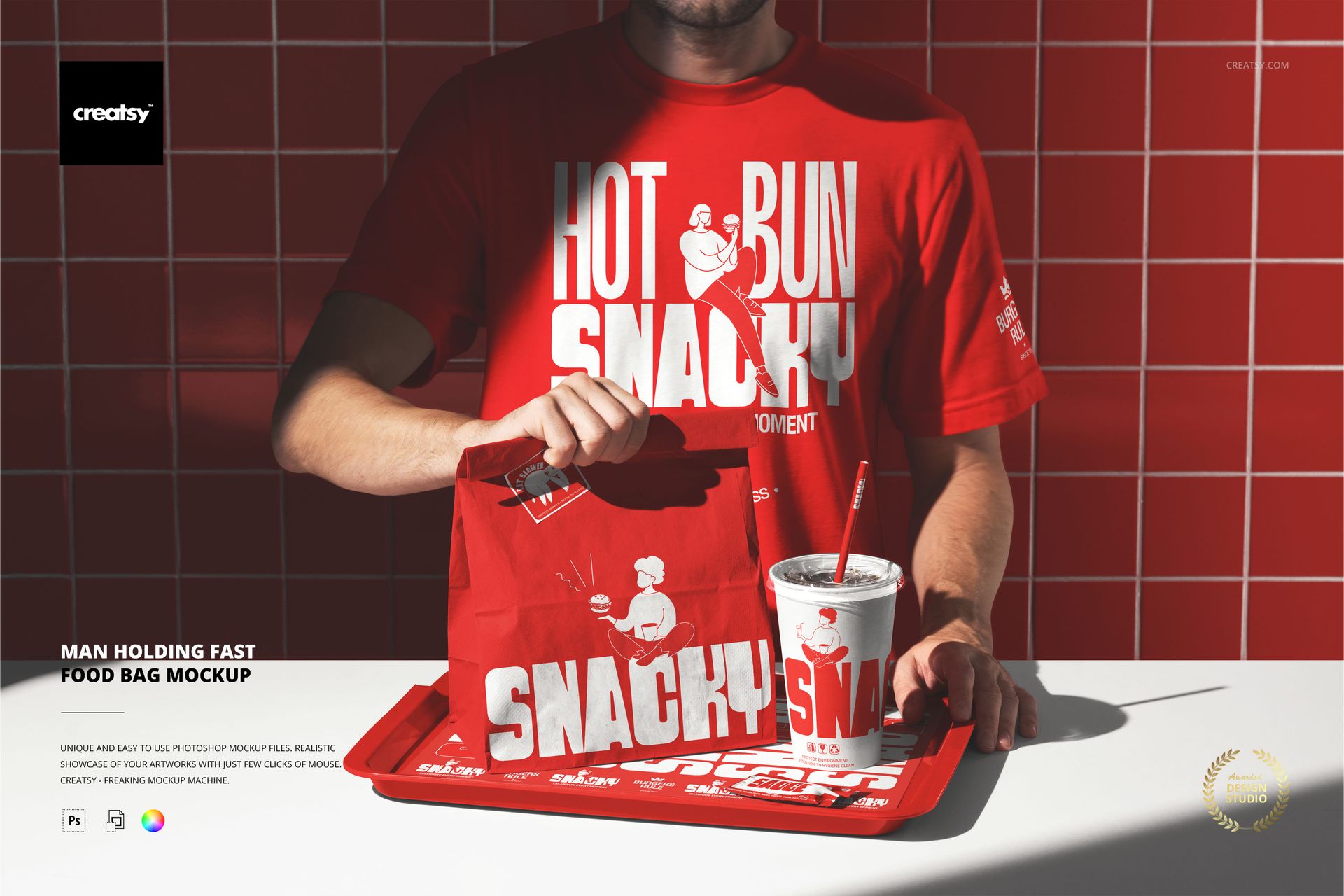
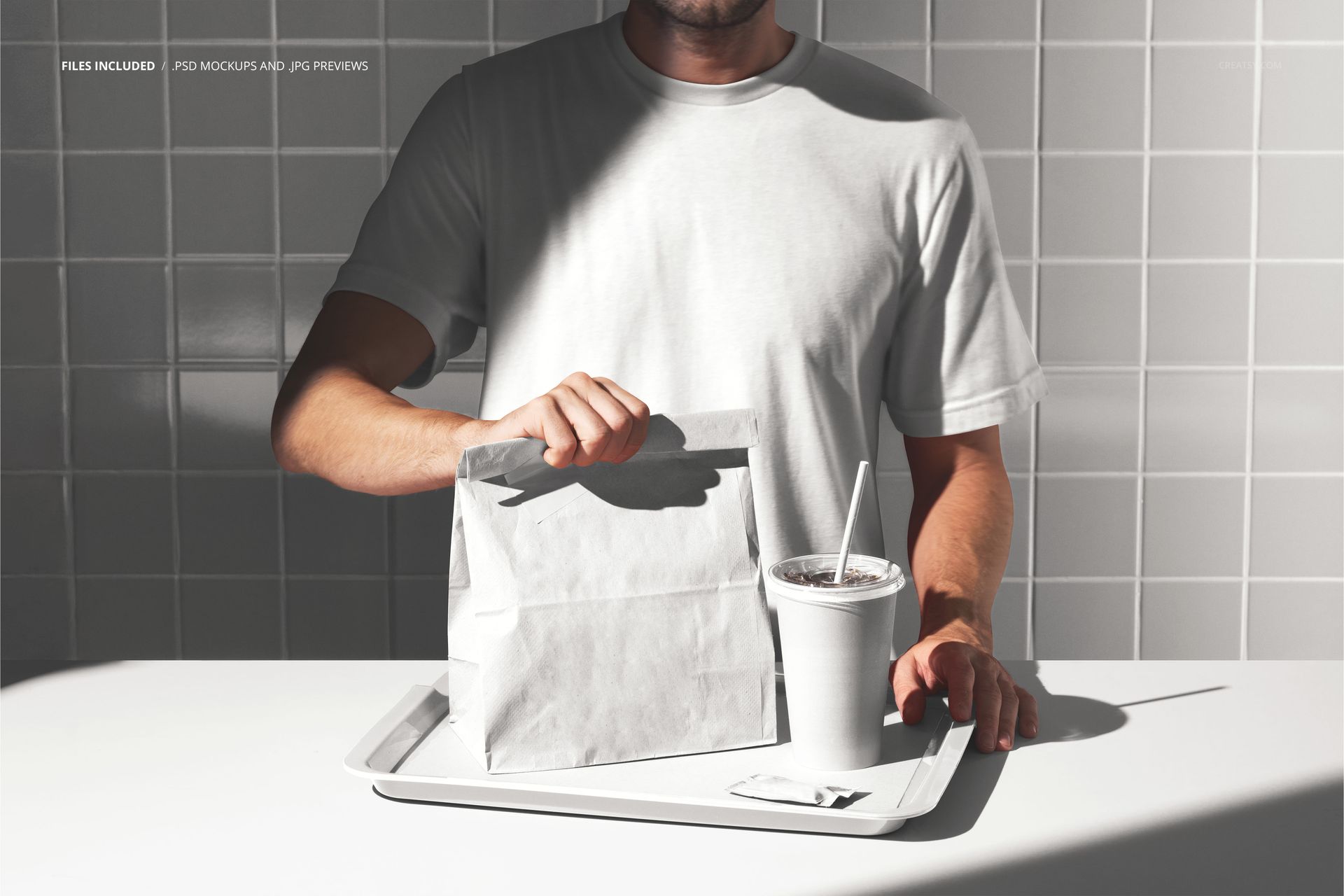
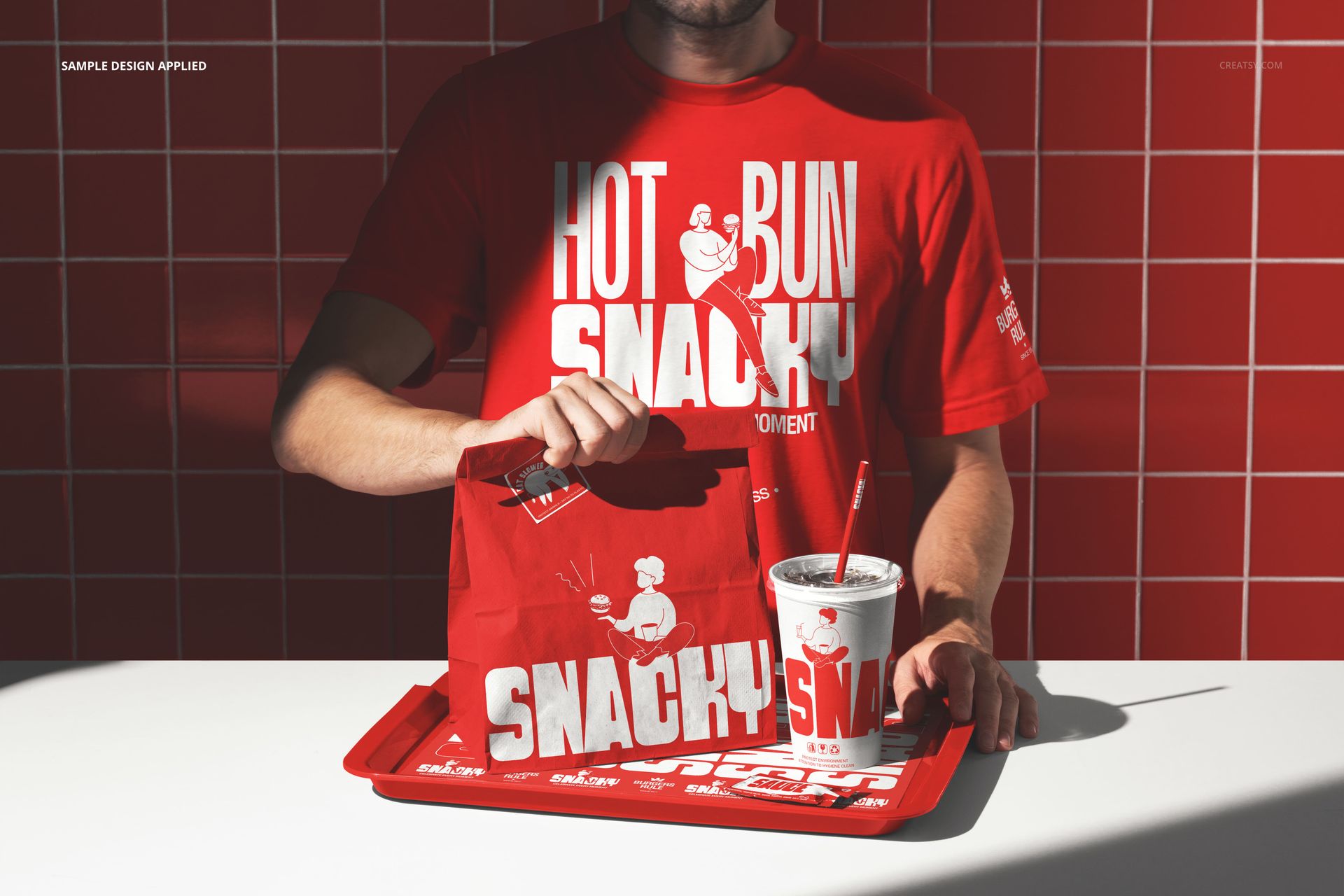
The Man Holding Fast Food Bag Mockup presents a takeout paper bag held in a realistic lifestyle context, with a person gripping the bag in front of their torso against a casual dining backdrop. This PSD template is built for fast food brands, restaurant chains, cloud kitchens, and packaging designers who need to show how a bag design looks when a customer actually carries it out of the shop. The photograph captures natural hand positioning on the bag and ambient restaurant lighting, making the final export immediately usable for marketing materials, investor presentations, and social media content. The file measures 6000x4000px at 300 DPI with organized smart object layers and works in Adobe Photoshop CC 2020 or newer and Photopea.
Why This Mockup Works
Most fast food bag mockups show the bag sitting on a surface or floating against a solid background. This scene adds a human element that immediately communicates scale, grip, and how the printed artwork faces the viewer when the bag is carried. The lifestyle setting with a table, cup, and casual clothing reads as an authentic quick-service restaurant environment rather than a sterile studio shot. That context helps clients, investors, and internal teams evaluate a packaging design the way an actual customer would encounter it - held at chest height, walking out of a restaurant.
What Is Included
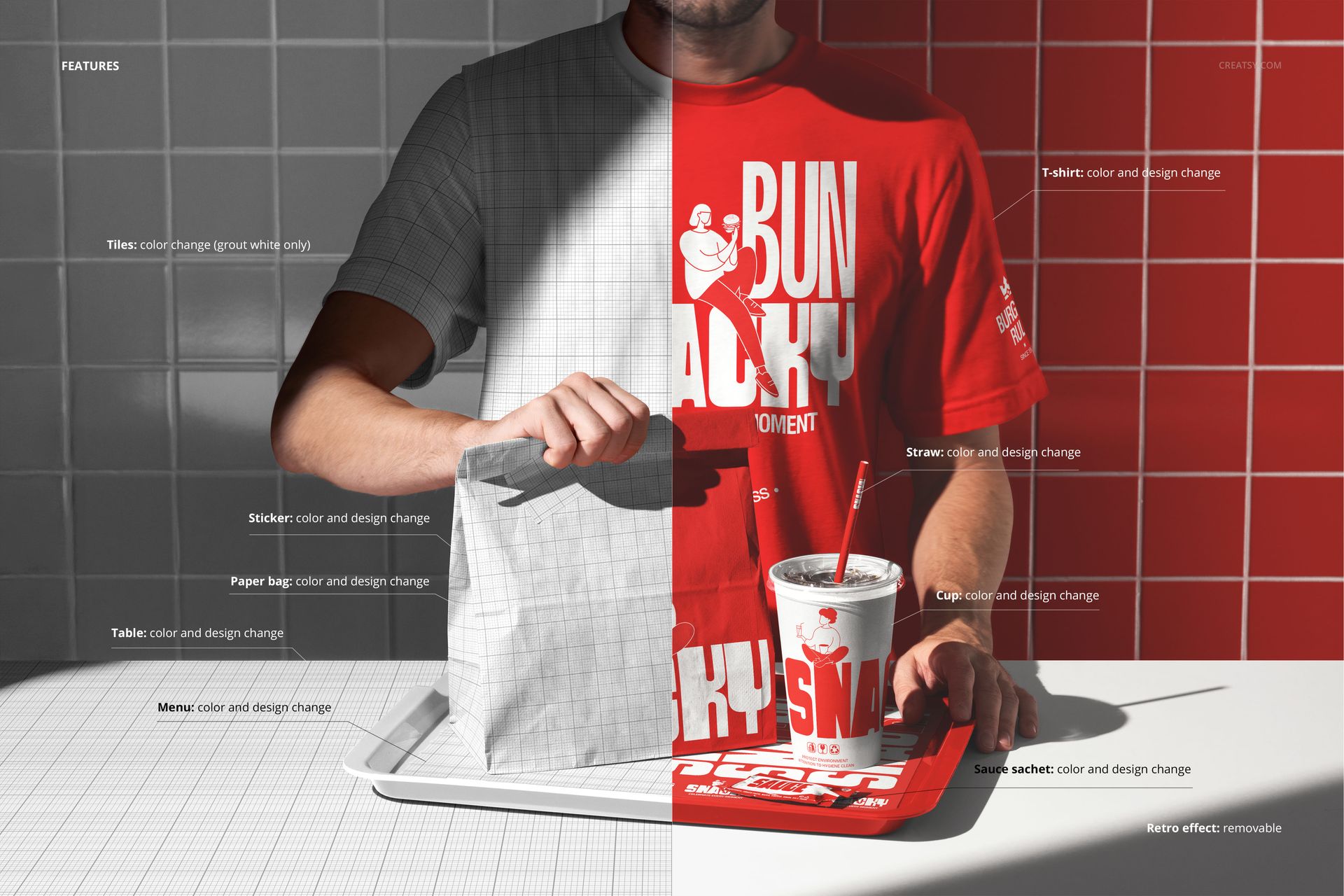
The download contains 1 layered PSD file. The smart object layer covers the front-facing panel of the paper bag, where your logo, wordmark, pattern, or full-bleed artwork wraps onto the surface with accurate perspective and paper texture. The scene includes a male figure in a white t-shirt holding the bag with both hands, a table surface with a beverage cup visible in the background, and warm ambient lighting that matches a typical fast food counter or pickup area. Layer organization is clean and labeled, so isolating specific elements for adjustment takes minimal effort.
What You Can Customize
Double-click the smart object layer to open the embedded canvas, place your bag artwork, save, and the design maps onto the paper bag surface with realistic wrinkles, folds, and lighting. The bag panel accepts logos, typographic layouts, illustrative graphics, and full-coverage patterns equally well. You can adjust color tones and lighting intensity through the existing adjustment layers to match your brand's visual identity or to simulate different restaurant lighting conditions. The background environment is part of the captured photograph, giving the final export a natural, unforced look that works in pitch decks, social media posts, and menu boards.
Who This Mockup Is For
Fast food chains and quick-service restaurant brands developing new packaging or refreshing existing bag designs for a rebrand or seasonal promotion. Packaging design agencies presenting takeout bag concepts to restaurant clients before committing to a print run. Cloud kitchen operators and virtual restaurant brands building visual identities for delivery-first businesses that exist primarily on food delivery platforms. Food truck owners and independent burger, taco, or sandwich shops creating branded takeout packaging on a budget. Graphic design students and freelancers assembling portfolio pieces that demonstrate packaging work in a realistic consumer context rather than a flat digital preview.
File Specifications
Files: 1 PSD. Dimensions: 6000x4000 px. Resolution: 300 DPI. Color mode: RGB. File size: 293.72 MB. Compatibility: Adobe Photoshop CC 2020 or newer, Photopea.