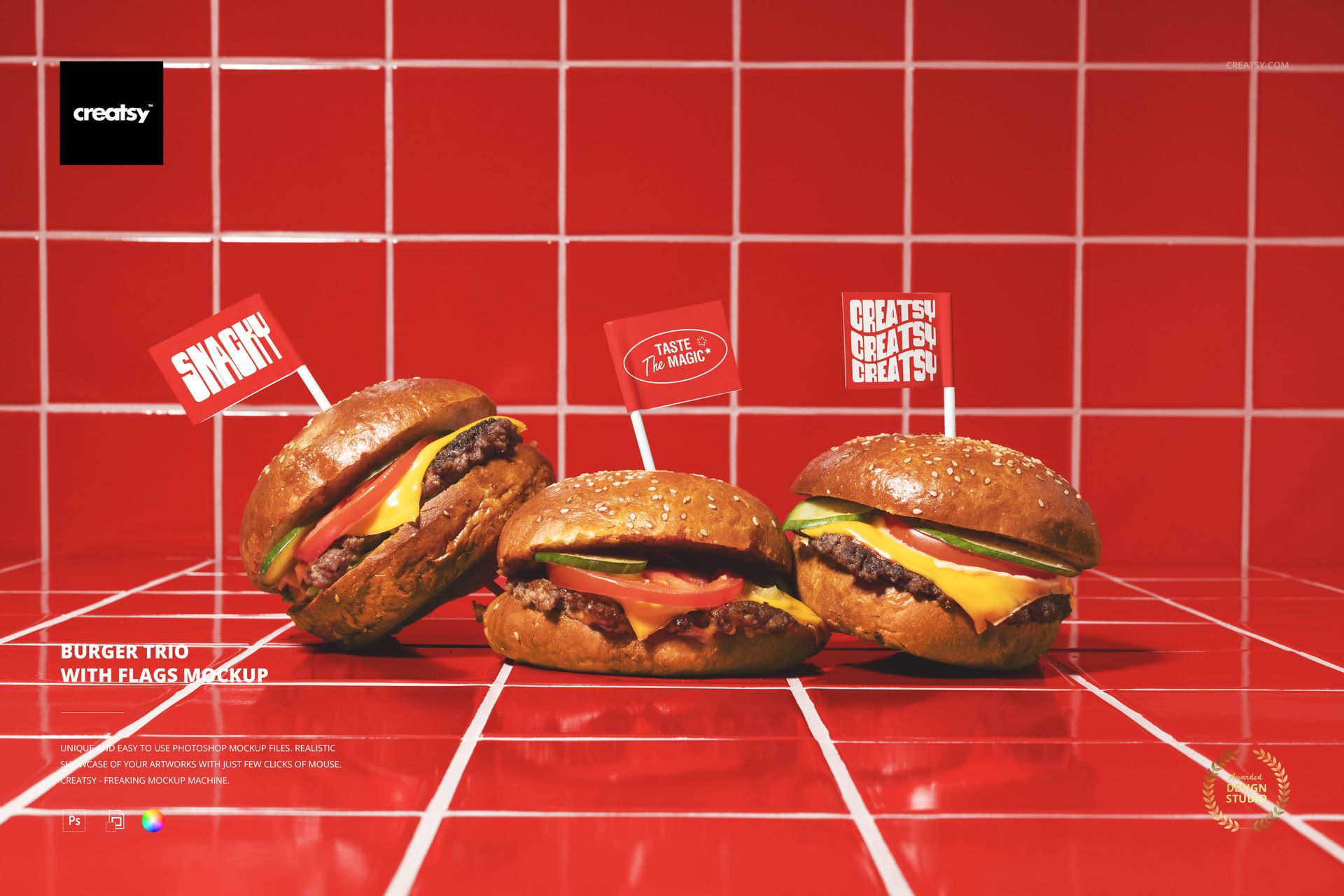
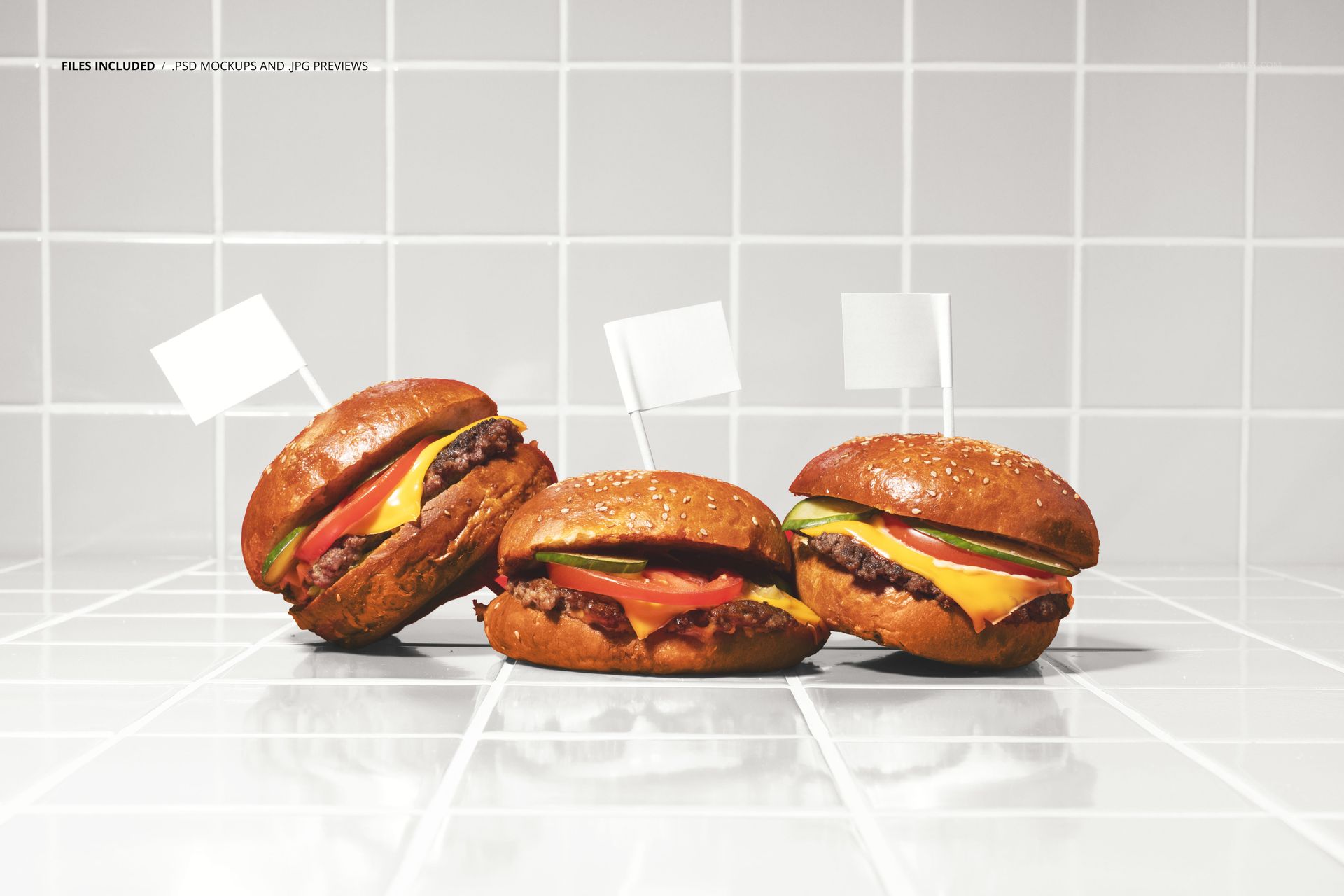
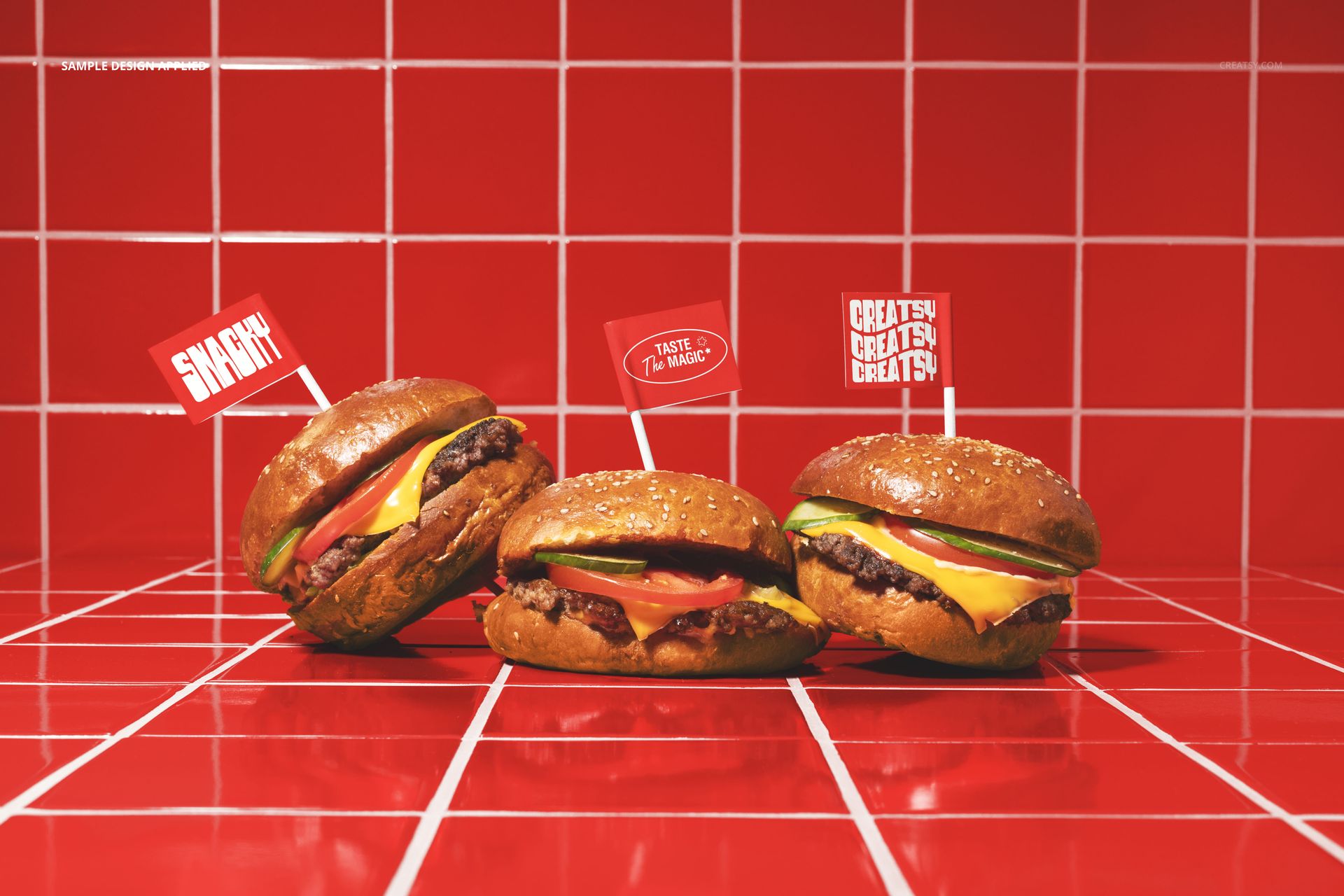
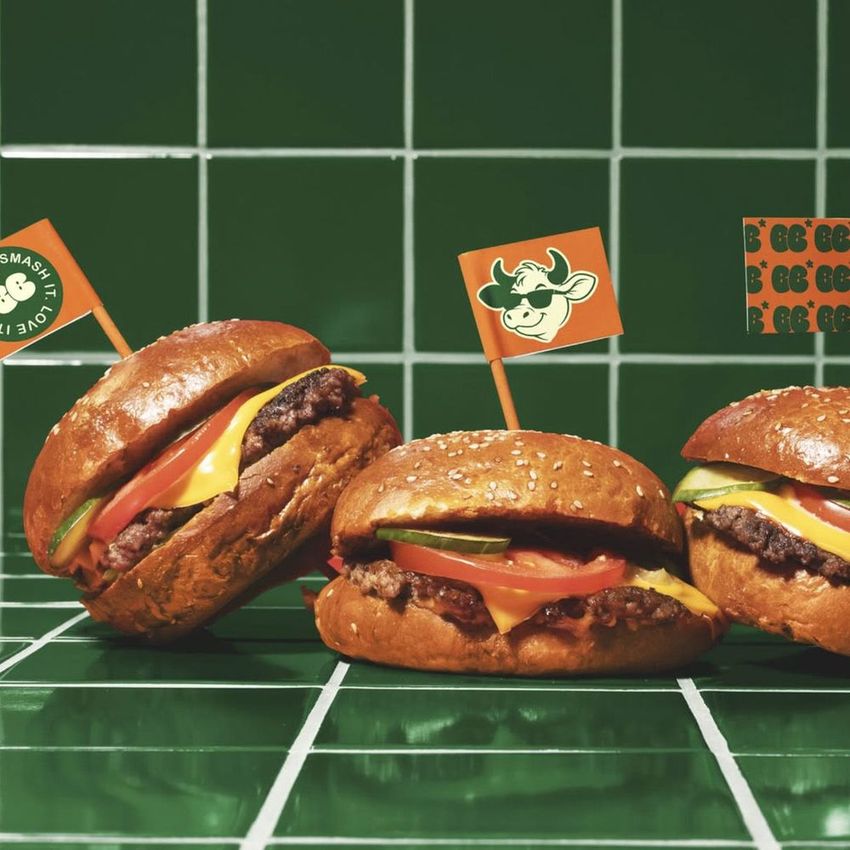
The Burger Trio with Flags Mockup presents three burgers arranged side by side, each topped with a small branded flag on a toothpick. The composition is built for menu presentation: three options lined up together, each marked with its own flag, ready to showcase different burger varieties or a signature lineup. The flags serve as miniature branding surfaces that label each burger while reinforcing the brand identity across the entire arrangement. This format is immediately useful for menu boards, social media posts, and marketing campaigns that need to display multiple burger options in a single, visually cohesive image. The file measures 6000x4000px at 300 DPI with smart object layers and works in Adobe Photoshop CC 2020 or newer and Photopea.
Why This Mockup Works
Single-burger mockups show one product at a time. This mockup shows three, which changes the entire marketing narrative from featuring a single item to presenting a range. The trio format is the visual language of menu boards, comparison layouts, and pick-your-favorite social media posts, all of which perform well because they give the viewer a choice rather than a single option. The flags on top add a layer of branding that most burger mockups lack entirely. Each flag is a small but visible surface that can carry a logo, a burger name, or a promotional icon, turning the toothpick from a functional item into a brand touchpoint. The arrangement also suggests variety, abundance, and a curated selection, which signals to potential customers that the restaurant has a thoughtful, well-developed menu.
What Is Included
The download contains 1 layered PSD file. The scene shows three burgers positioned in a row, each with a small flag on a toothpick inserted at the top. The flags and the surface beneath the burgers have dedicated smart object layers, allowing you to apply branding to each flag and the background surface independently. The lighting is even and warm, designed to make the burgers look appetizing while keeping the flag designs clearly legible. The layer structure is organized and labeled for quick access to each flag smart object, the surface smart object, and the adjustment controls.
What You Can Customize
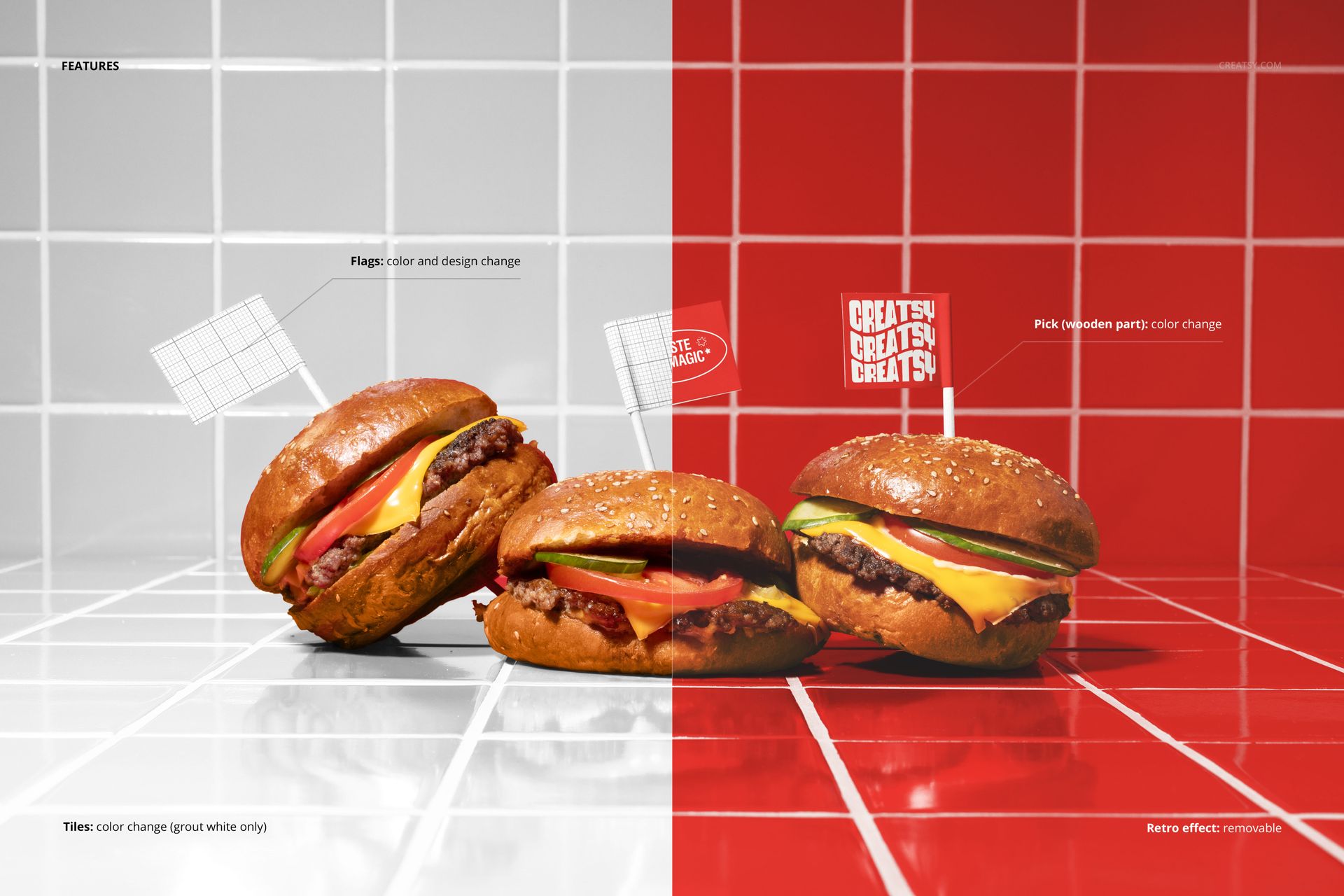
The smart objects control the flags and the surface beneath the burgers. Double-click each flag smart object to place your logo, burger name, or promotional icon on the individual flags. Open the surface smart object to apply your brand pattern, color, or tray design to the base of the composition. Each element updates independently with accurate perspective, paper texture, and lighting response. The adjustment layers let you modify overall brightness, contrast, and color temperature to match your brand aesthetic or to adapt the image for different marketing channels. You can present the same three burgers with different flag designs to compare branding options or seasonal menu variations.
Who This Mockup Is For
Burger restaurants and fast casual brands that offer multiple burger varieties and need a single image showing three options for menu boards, app listings, and promotional materials. Marketing agencies creating choose-your-burger or meet-the-lineup social media campaigns for restaurant clients where the trio format drives engagement through viewer choice. Packaging and branding designers who want to show how small touchpoints like toothpick flags carry the brand identity into the dining experience. Food delivery platform operators and aggregators who need standardized, professional burger lineup images for restaurant partner profiles. Franchise developers and brand consultants building pitch materials that demonstrate the breadth and visual consistency of a burger menu across multiple signature items.
File Specifications
Files: 1 PSD. Dimensions: 6000x4000 px. Resolution: 300 DPI. Color mode: RGB. File size: 382.9 MB. Compatibility: Adobe Photoshop CC 2020 or newer, Photopea.