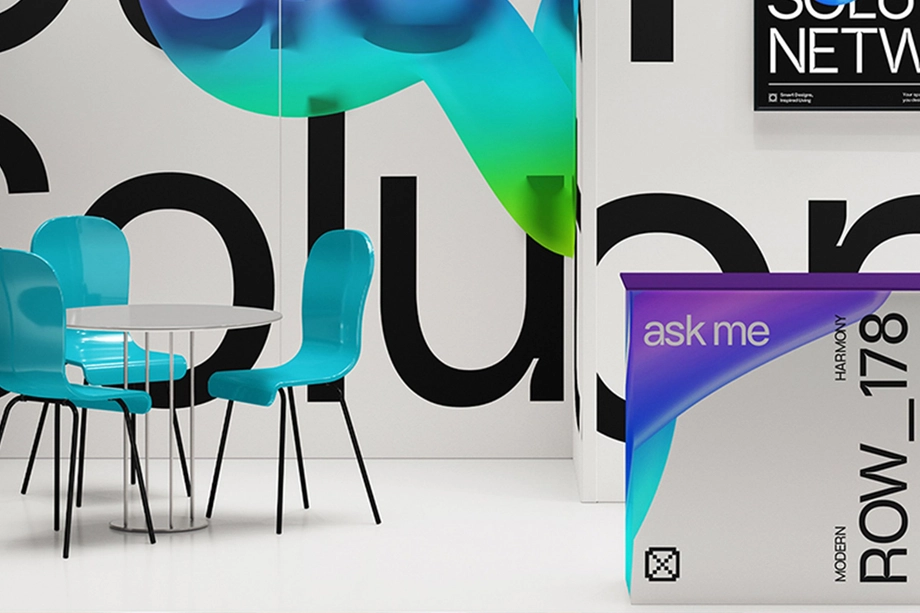
Event & Trade Show Mockups
Preview event branding on trade show booths, pop-up tents, counters and hanging displays. Use these mockups to check how graphics work across the setup and give clients or sponsors a view of the designs before the display goes into production.






Reviews
What designers and brand owners say after using these PSD mockups in real client work.
0
Sort by:
What you get
Professional PSD mockups built in-house - editable, realistic, high-resolution, and supported by real people.
Layered PSD Files
Creatsy mockups are delivered as fully layered Photoshop .psd files, with layers sorted into clearly named groups. Shadows, highlights, and the background each sit on their own editable layer, and nothing is flattened into a single image. Open it in Photoshop or the free browser editor Photopea and get to work.
- Clearly named, organized layer groups
- Shadows and highlights on separate layers
- Editable background, never flattened
- Works in Photoshop or free Photopea
Smart Objects
Open the smart object, paste your artwork, and save. The design lands on the product with the perspective, warp, and wrap already worked out. Scene lighting and shadows fall back on top, so it reads as a photograph, not a flat paste-in. Swapping a design takes seconds, so one file can carry a whole run of variants and colorways.
- Double-click, paste your design, save
- Perspective, warp, and wrap pre-built
- Scene lighting and shadows sit back on top
- One file covers many variants and colorways
High-Resolution Output
Many scenes are built from real product photography rather than 3D renders, so the fabric and surface read like a studio shot. Files export at high resolution and stay sharp at full zoom, with clean edges where the print sits. The same file works for a hero banner, a paid ad or a product listing.
- Real product photography in many scenes
- Exports ready for print
- Holds detail at full zoom
- Works for banners, ads and listings
Easy to Edit
Colors, backgrounds, and artwork sit on separate, clearly named layers, so you swap a color or background without disturbing the rest of the scene. There is no relighting or shadow work to redo, and the same file works for your next project.
- Edit color and background layers directly
- No relighting or shadow rework needed
- No masking or layer skills required
- One file reused across projects
Fast Support
There is a real in-house team behind every file, not a ticket bot. Before you buy, ask whether a specific mockup fits what you have in mind, and we will tell you. When a smart object or a layer group is tripping you up, send the question and you usually get a reply within 48 hours.
- Real in-house team behind every file
- Replies within 48 hours
- Pre-purchase help picking the right mockup
- Answers on smart objects and layer setup
Who are these mockups for?
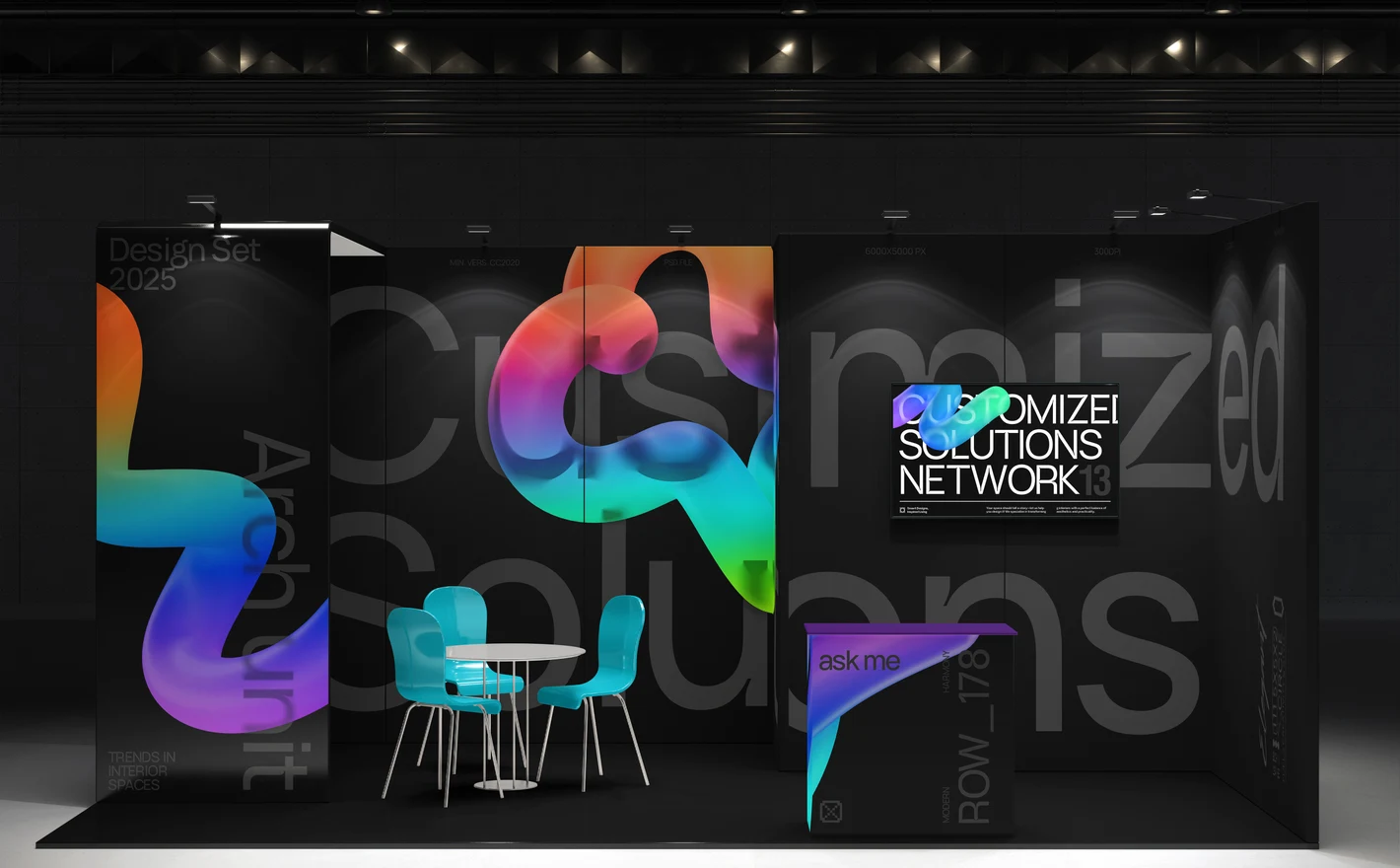
For exhibition & booth designers
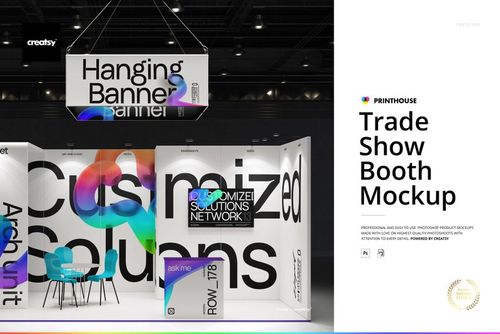
Drop the wall panels, the hanging sign and the counter graphic into the Trade Show Booth Mockup and whoever approves the stand sees it as a space. A folder of panel files never gives them that, and the panels get built somewhere else either way.
Approving a stand? View the Trade Show Booth Mockup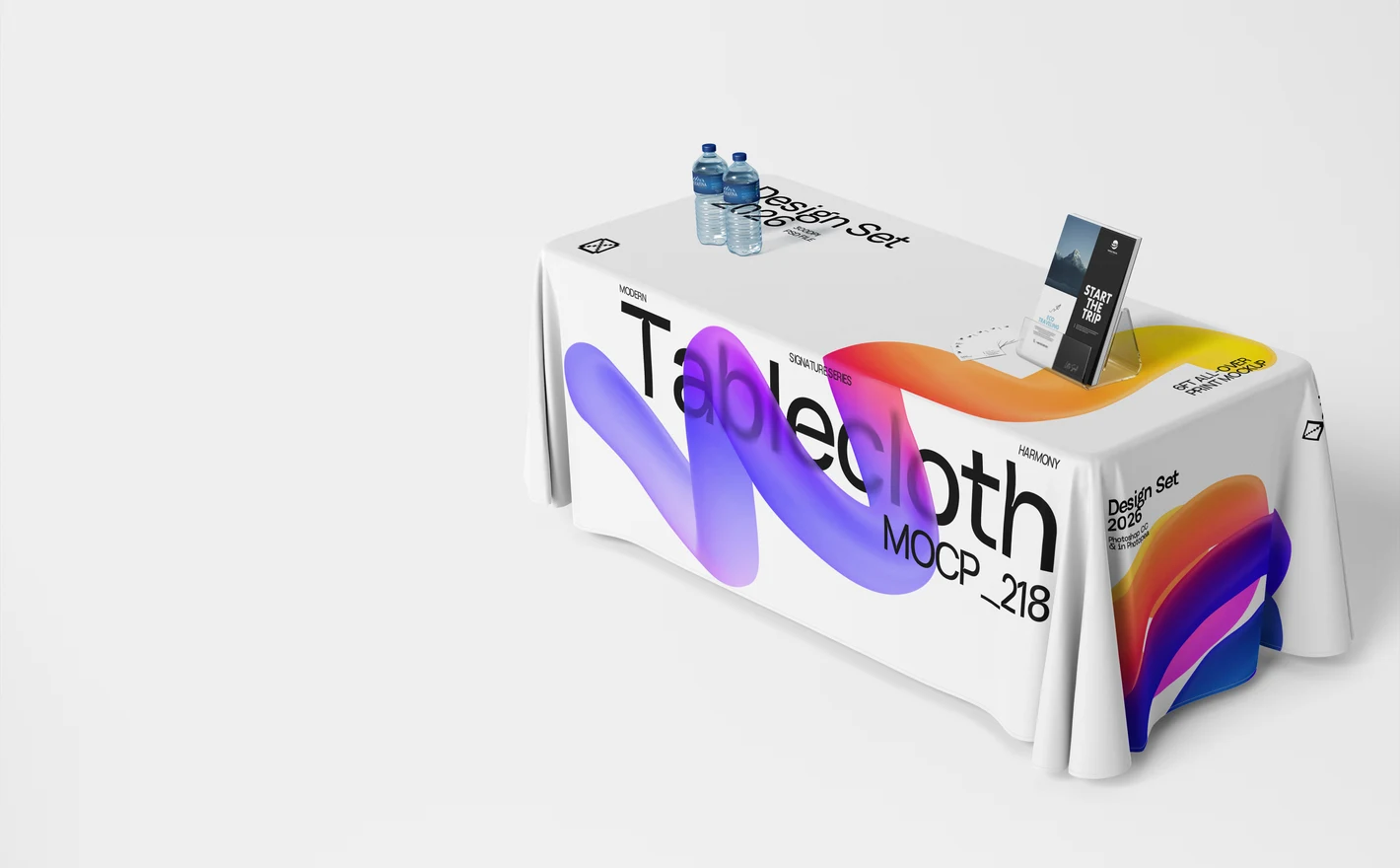
For sponsors & conference exhibitors
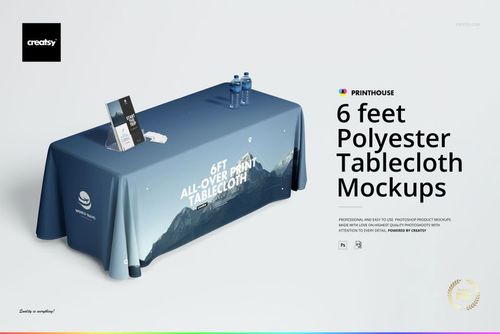
Put the sponsor artwork into the All-over Print 6ft Polyester Tablecloth Mockup Set and it drapes the way it'll hang on the day, with the logo on the front or halfway into a fold. Most exhibitors get a table and a cloth, so this is the stand.
Dressing a table? View the All-over Print 6ft Polyester Tablecloth Mockup Set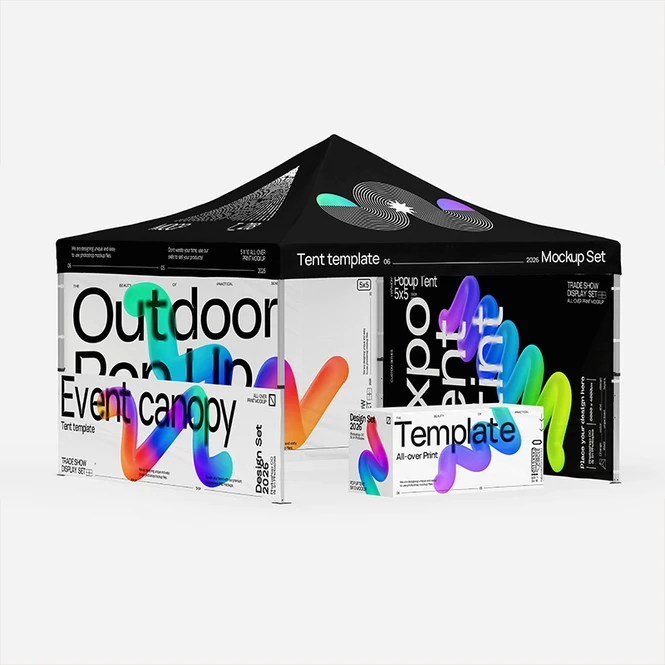
For event marketers choosing a tent size
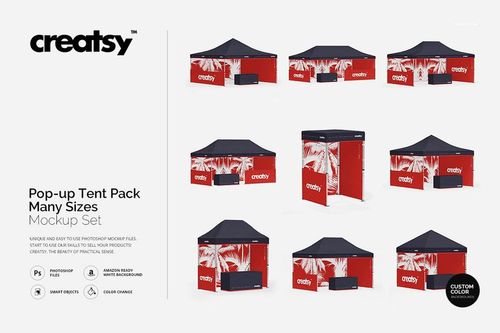
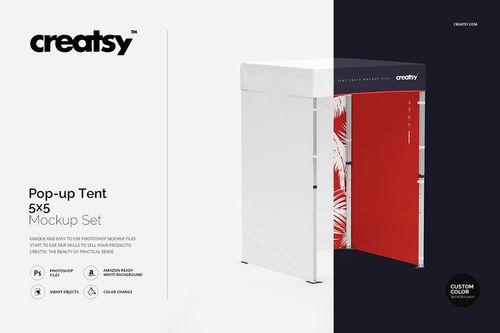
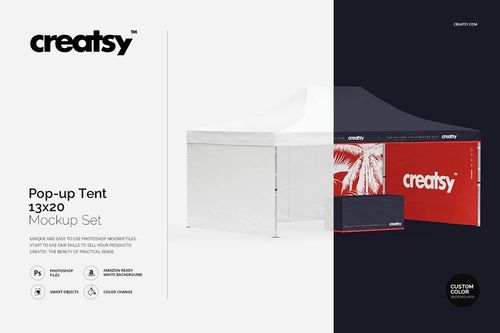
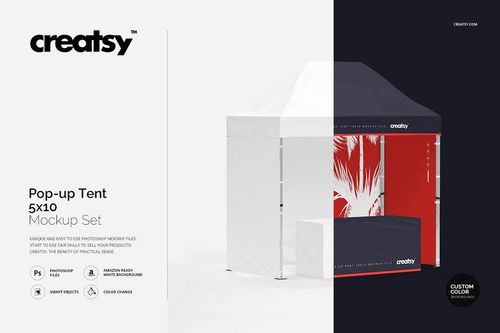
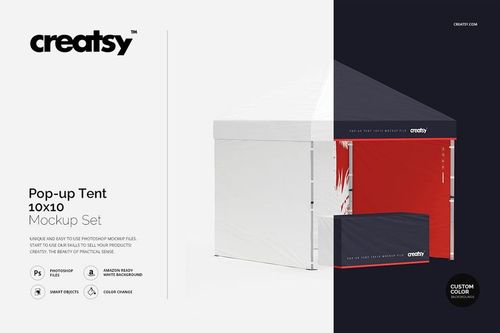
Put the graphic into the Pop Up Tent Pack Many Sizes Mockup and look at it on each tent size in the pack before you call the rental company. Artwork composed for a small square tent doesn't stretch to a long one, and this is where you find that out.
Picking a size? View the Pop Up Tent Pack Many Sizes Mockup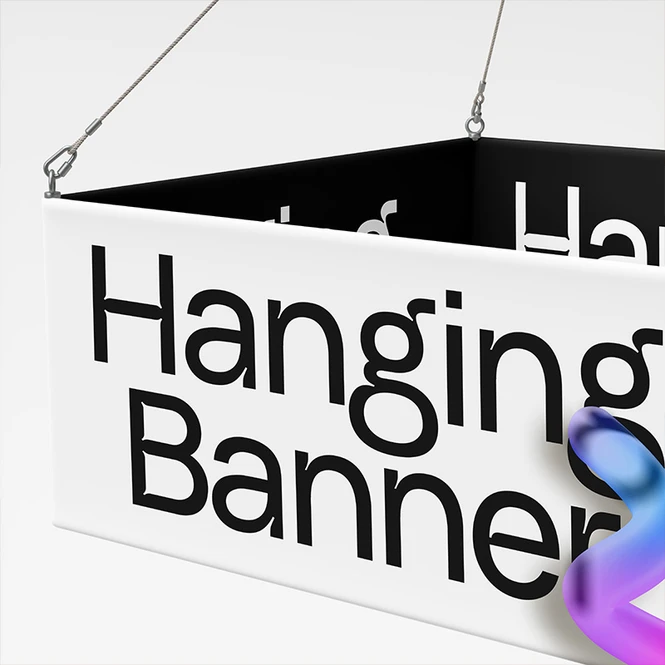
For display & large-format print producers
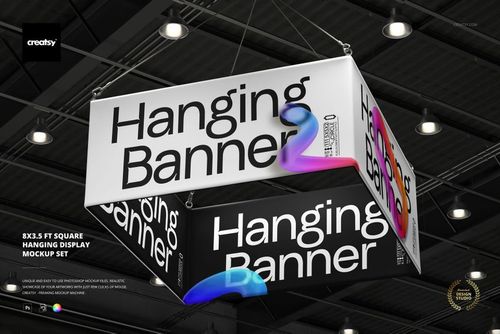
Drop the graphic into the 8x3.5 Ft Square Hanging Display Mockup Set and see it at rigging size while a badly placed seam is still free to move. Hanging displays print at a size no proofing table holds, so this is usually the first full look anyone gets.
Proofing at scale? View the 8x3.5 Ft Square Hanging Display Mockup Set
FAQs
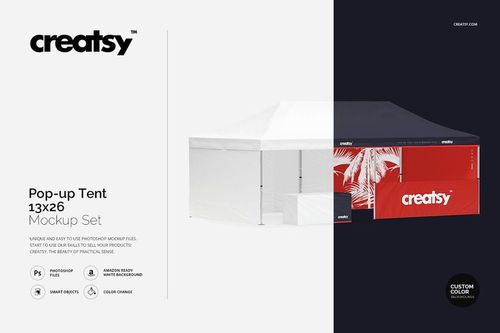
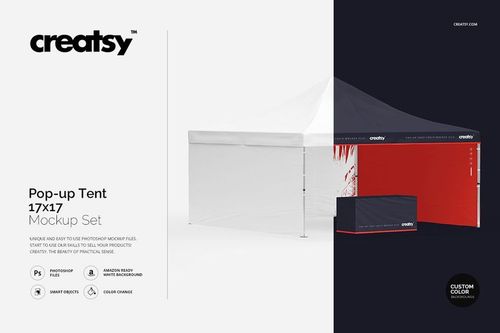
There are several sizes, including 5 × 5, 10 × 10, 10 × 20 and 13 × 26 ft, as well as a pack combining multiple sizes. Match the size in the product title to the tent you are presenting. Check the included views and editable panels too, since dimensions alone do not describe the setup.
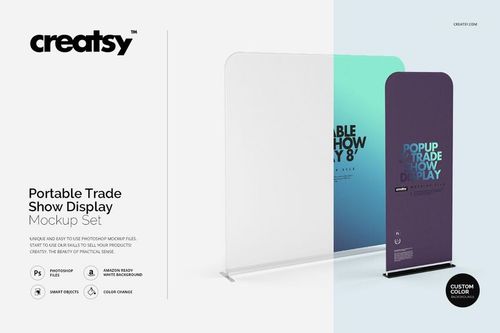
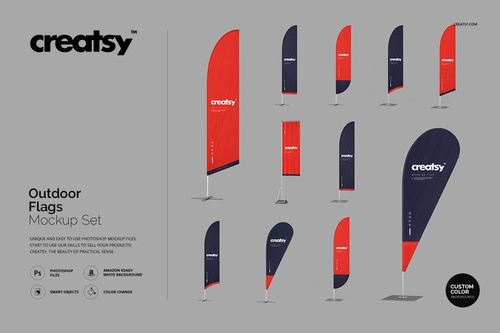
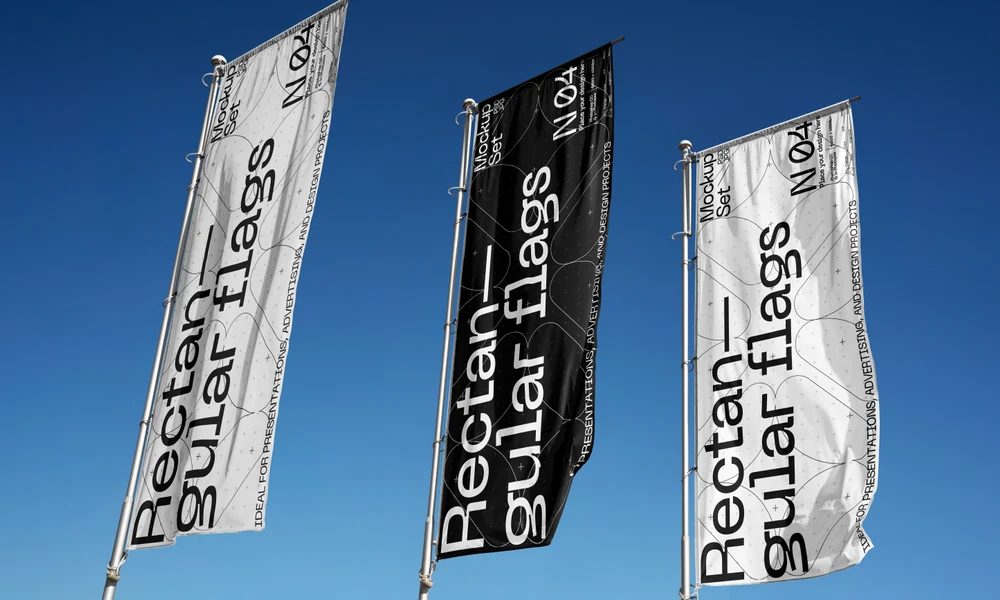
The category includes trade show booths, portable displays, counters, hanging banners, tablecloths and flags. These can be used for individual product previews or a coordinated event presentation. Check each item's dimensions and structure against the equipment your client plans to order.
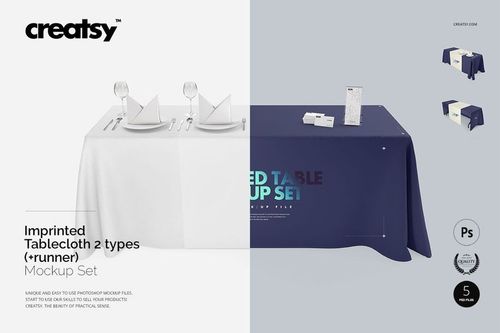
The All-over Print 6ft Polyester Tablecloth set is intended for a design covering the cloth. The Imprinted Tablecloth set with a runner and the Stretched Tablecloth set offer different table-cover styles. Compare both the shape and the editable artwork area; a small logo can also sit within a larger printable area.
Check the package size, file dimensions and software requirements on its product page. Leave space for the extracted files and your working copy. Download size alone does not predict how smoothly a large layered file will edit, especially in a browser; available memory also matters.
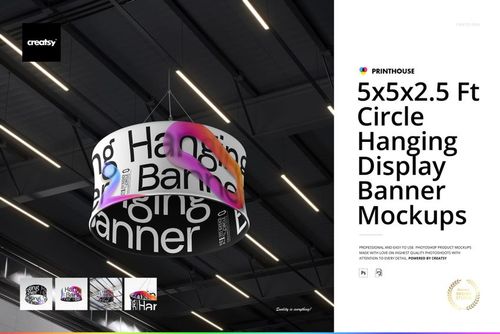
Use the 8x3.5 Ft Square Hanging Display set for a square structure or the 5x5x2.5 Ft Circle Hanging Display Banner set for a circular one. Match the mockup to the display you are ordering. Obtain the production template from the supplier rather than treating the mockup's editable panels as print-ready dimensions.
Why use Event & Trade Show mockups?
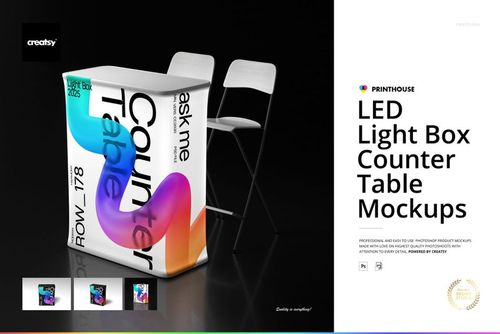
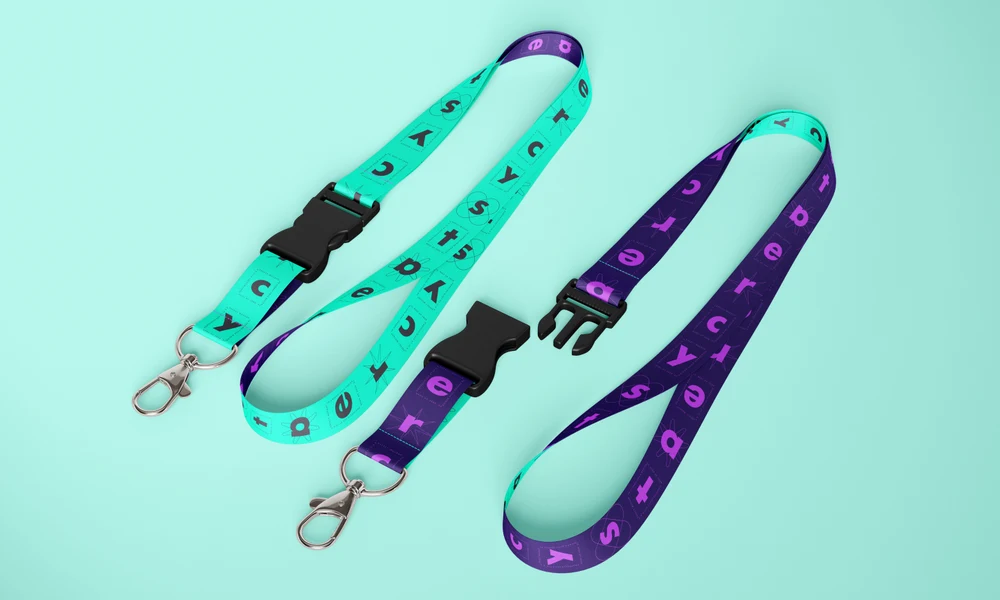
The event range includes booths, pop-up tents in several sizes, portable and LED counters, square and circular hanging displays, tablecloths, portable displays and flags. Each format places graphics at a different height and scale. Product pages list the file contents, editable areas, software requirements and license options. Mockups give you a view of the proposed stand before fabrication. Show how the main display, counter and overhead banner relate, or compare a full-print tablecloth with a simpler logo treatment. A client or sponsor can review the artwork in context before choosing a layout. Use the supplier's specifications for the final production files. The same scenes can be used for a new sponsor, another event or next year's graphics. Update the artwork in each chosen view and export it for the proposal or approval presentation. Separate files need separate edits, including those collected in a bundle. Check the download size and included views when planning a larger booth presentation, particularly for the hanging displays, so the package matches the images you need to prepare.
FreeCreatsy® Mockups
This saved me a TON of time! Thank you!