Music Mockups
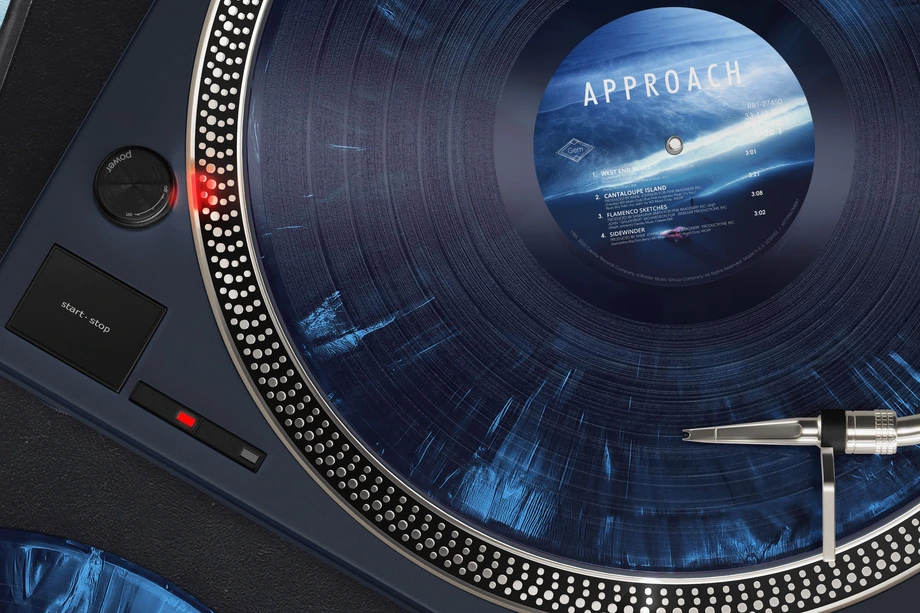
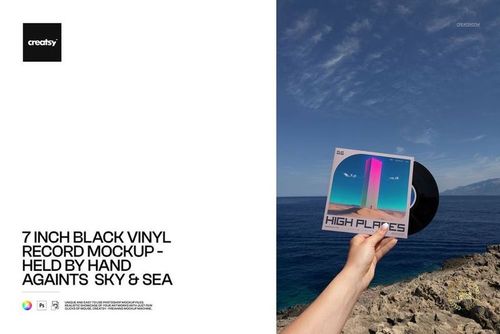
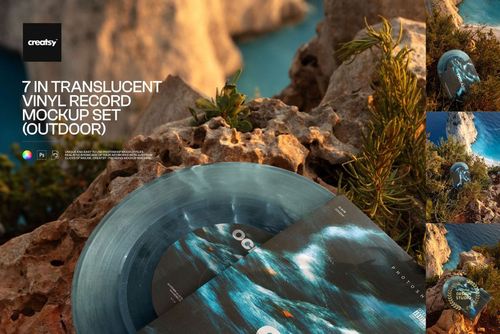
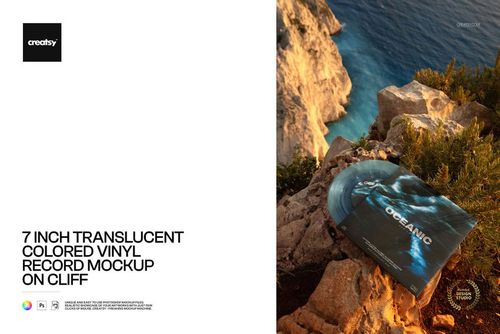
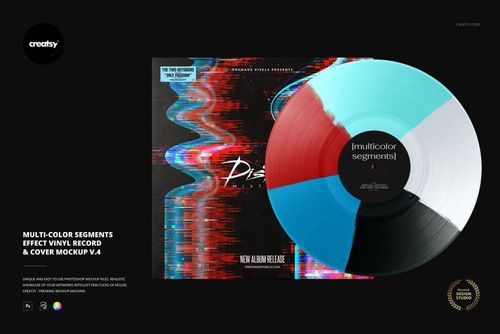
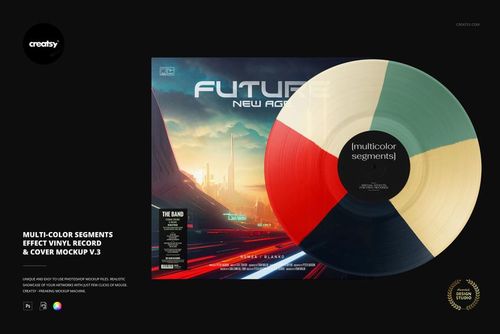
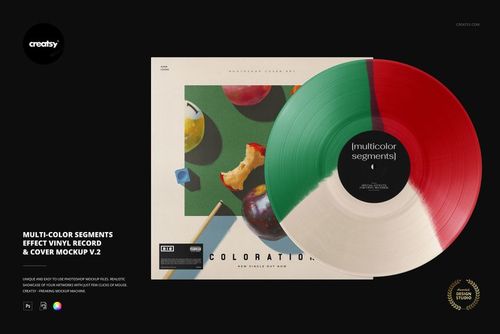
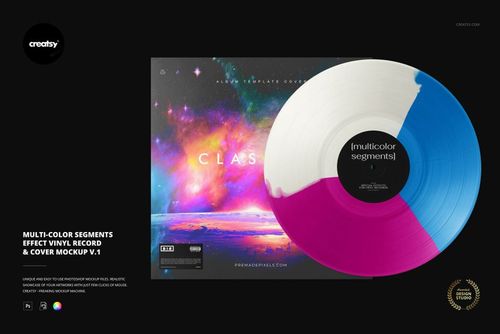
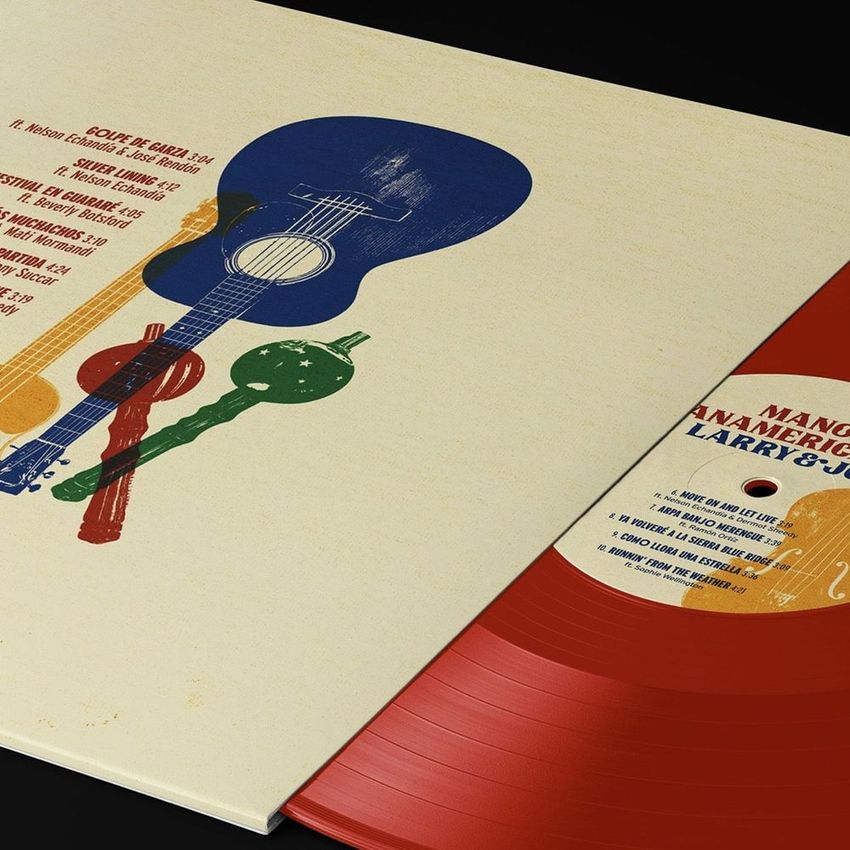
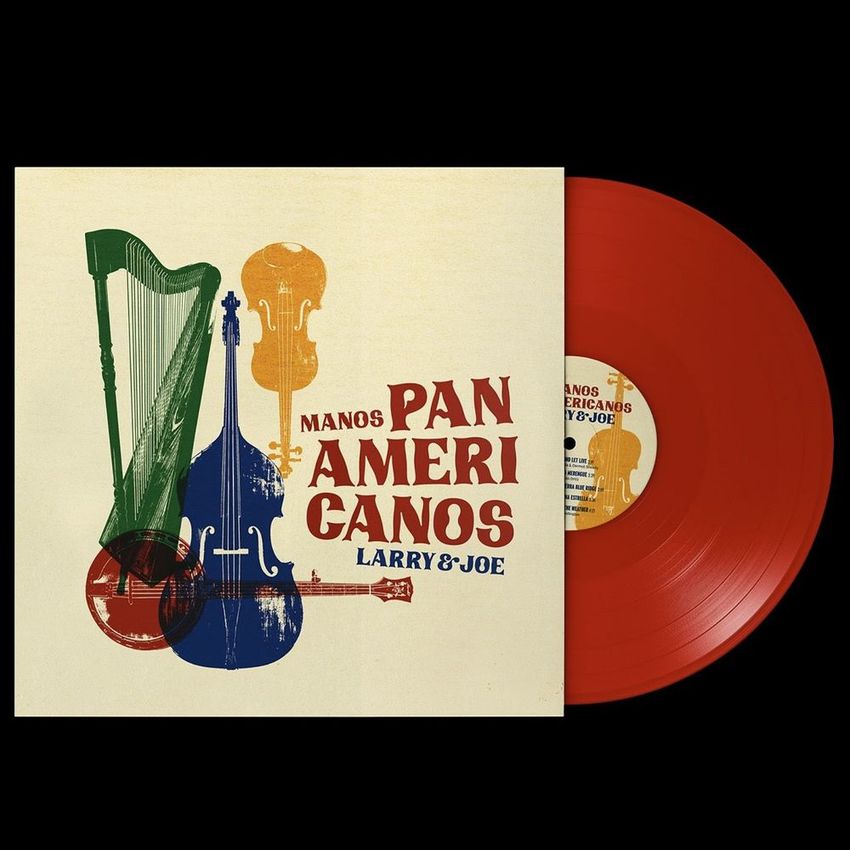
Explore editable music mockups for 7-inch singles, 12-inch LP records, album covers, sleeves, center labels, hype stickers, guitar picks, and an electric guitar. Choose from studio, turntable, hand-held, outdoor, black, clear, colored, translucent, and special-effect vinyl scenes. Add your artwork through layered Photoshop files and Smart Objects, then create realistic visuals for online stores, pre-order campaigns, press kits, portfolios, advertising, and social media.











Reviews
What designers and brand owners say after using these PSD mockups in real client work.
0
Sort by:
What you get
Professional PSD mockups built in-house - editable, realistic, high-resolution, and supported by real people.
Layered PSD Files
Creatsy mockups are delivered as fully layered Photoshop .psd files, with layers sorted into clearly named groups. Shadows, highlights, and the background each sit on their own editable layer, and nothing is flattened into a single image. Open it in Photoshop or the free browser editor Photopea and get to work.
- Clearly named, organized layer groups
- Shadows and highlights on separate layers
- Editable background, never flattened
- Works in Photoshop or free Photopea
Smart Objects
Open the smart object, paste your artwork, and save. The design lands on the product with the perspective, warp, and wrap already worked out. Scene lighting and shadows fall back on top, so it reads as a photograph, not a flat paste-in. Swapping a design takes seconds, so one file can carry a whole run of variants and colorways.
- Double-click, paste your design, save
- Perspective, warp, and wrap pre-built
- Scene lighting and shadows sit back on top
- One file covers many variants and colorways
High-Resolution Output
Many scenes are built from real product photography rather than 3D renders, so the fabric and surface read like a studio shot. Files export at high resolution and stay sharp at full zoom, with clean edges where the print sits. The same file works for a hero banner, a paid ad or a product listing.
- Real product photography in many scenes
- Exports ready for print
- Holds detail at full zoom
- Works for banners, ads and listings
Easy to Edit
Colors, backgrounds, and artwork sit on separate, clearly named layers, so you swap a color or background without disturbing the rest of the scene. There is no relighting or shadow work to redo, and the same file works for your next project.
- Edit color and background layers directly
- No relighting or shadow rework needed
- No masking or layer skills required
- One file reused across projects
Fast Support
There is a real in-house team behind every file, not a ticket bot. Before you buy, ask whether a specific mockup fits what you have in mind, and we will tell you. When a smart object or a layer group is tripping you up, send the question and you usually get a reply within 48 hours.
- Real in-house team behind every file
- Replies within 48 hours
- Pre-purchase help picking the right mockup
- Answers on smart objects and layer setup
Who are these mockups for?
For album cover designers & art directors
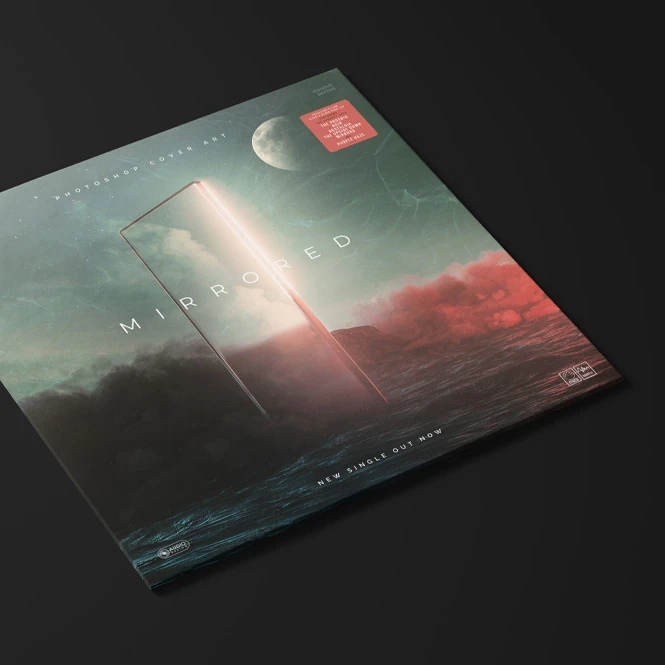
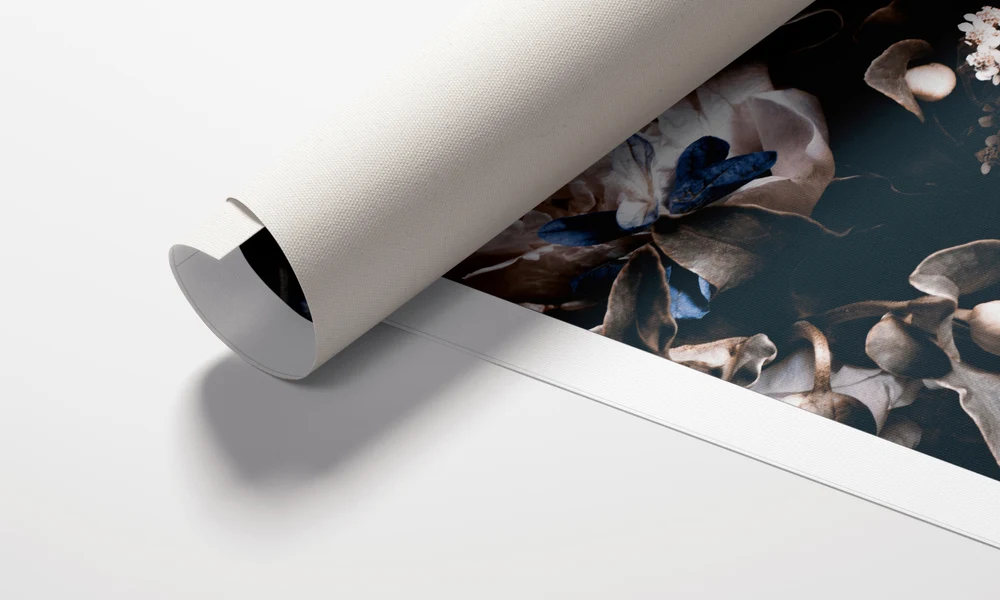
Show clients how album artwork works across the outer cover, center label, inner sleeve, clear packaging, hype stickers, and the visible vinyl disc. Use closeups, flat lays, turntable shots, and lifestyle scenes for approvals, portfolios, case studies, and release campaign presentations.
Creating wider campaign artwork? Browse Poster mockups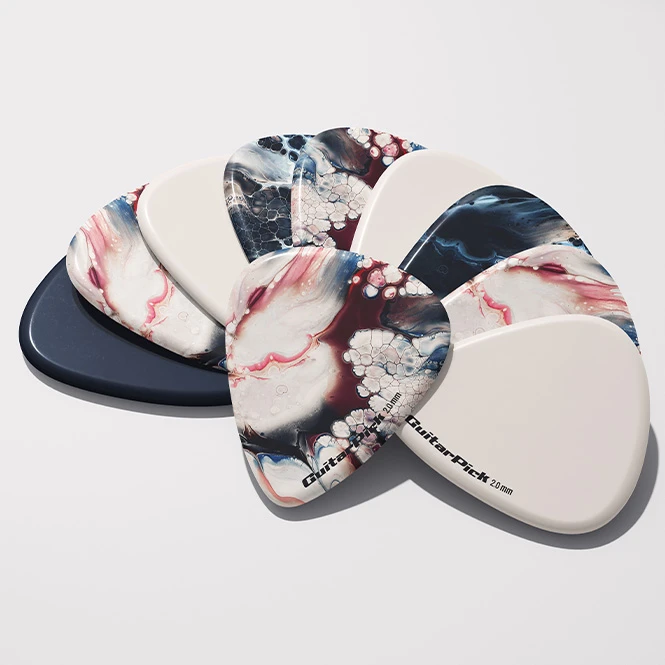
For guitar pick, instrument & merchandise brands
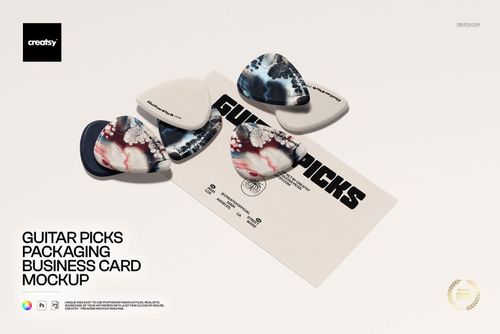
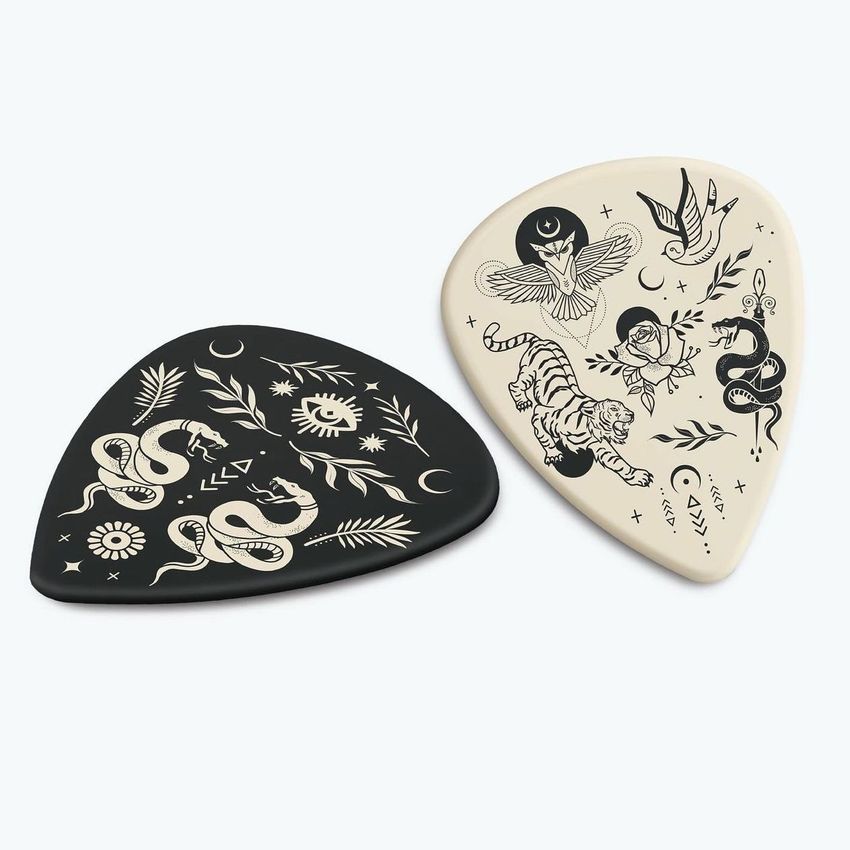
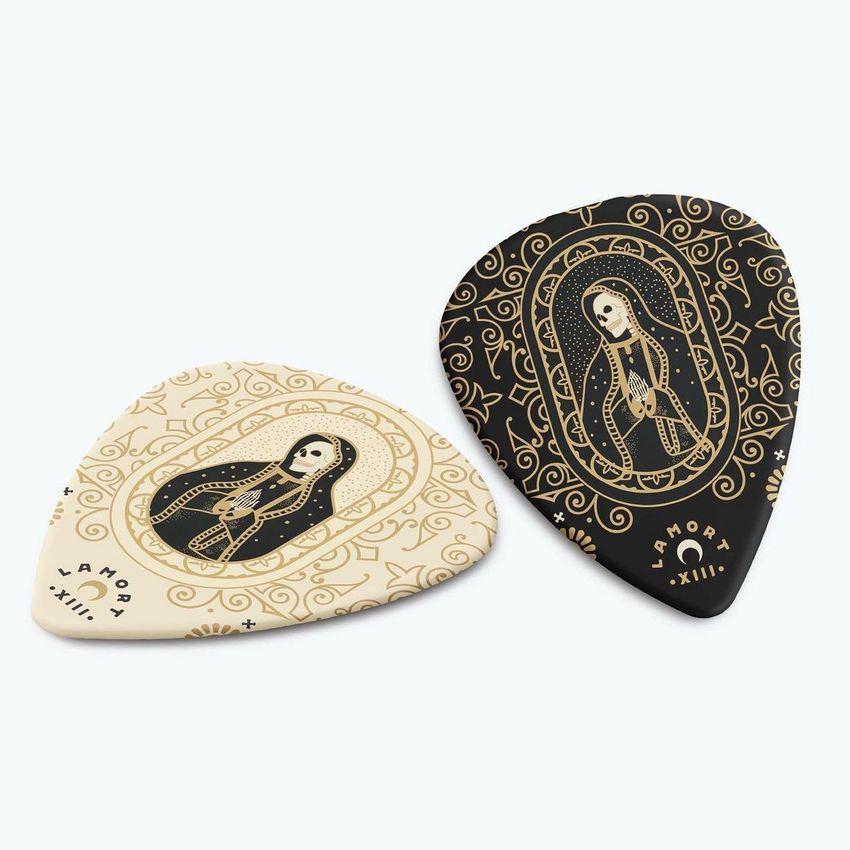
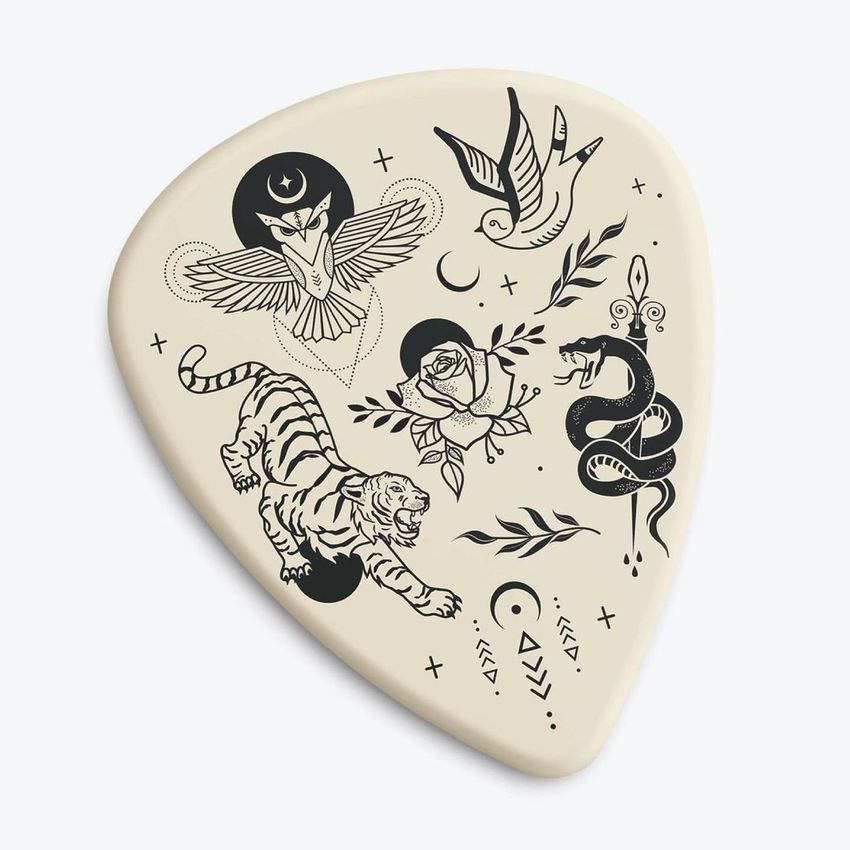
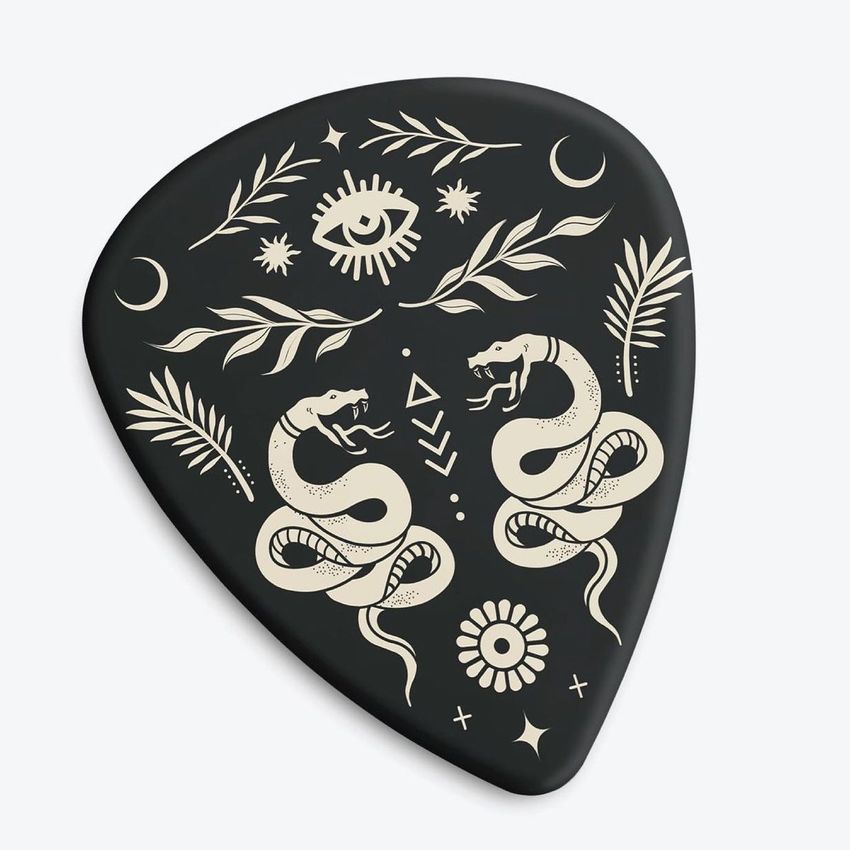
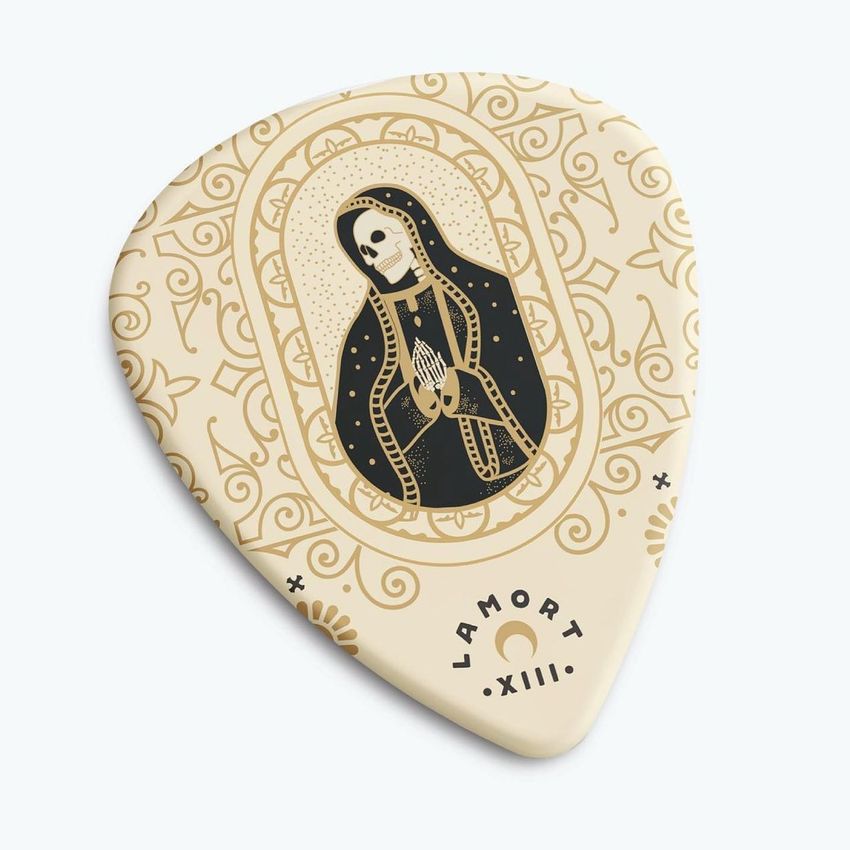
Present logos, illustrations, patterns, and colorways on individual guitar picks, multi-pick sets, packaging cards, picks shown on instruments, and a full electric guitar. Create realistic visuals for product listings, merch campaigns, client approvals, portfolios, and social media.
Designing custom picks or instrument graphics? Browse Guitars & Guitar Picks mockups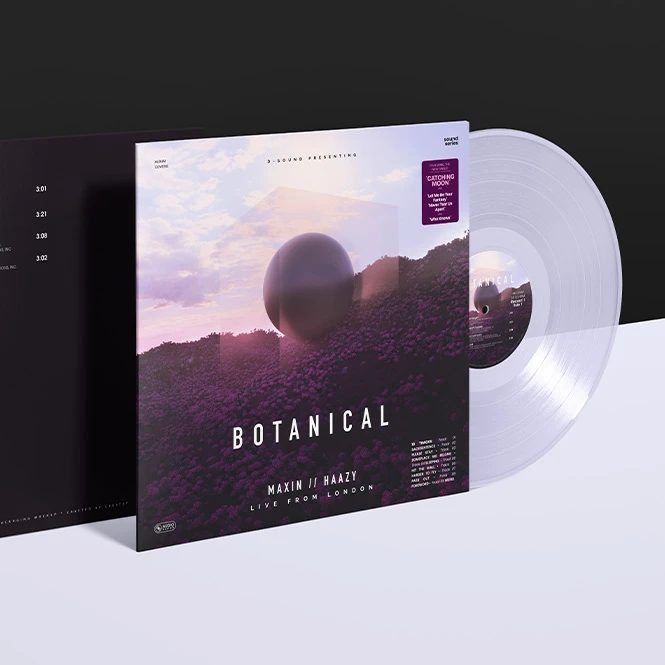
For independent artists, bands & record labels
Create coordinated release visuals before the physical records arrive. Present album covers, sleeves, center labels, black or colored vinyl concepts, and selected special-effect pressings across online stores, pre-order announcements, press kits, advertising, and social media.
Planning a vinyl release? Browse Vinyl Record mockups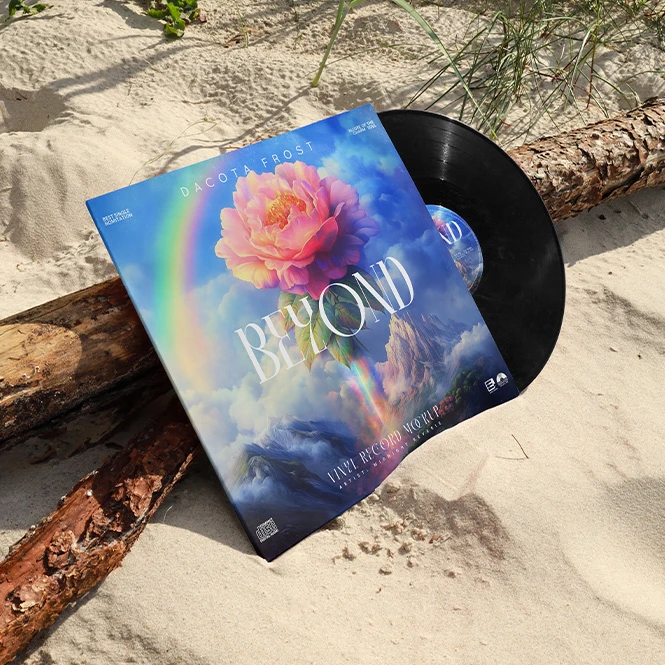
For record shops, distributors & release campaign teams
Prepare consistent product images for store listings, release announcements, collector editions, promotional emails, catalogs, and press materials. Compare the intended presentation of black, clear, translucent, colored, and special-effect variants without photographing every planned edition.
Need a wider product selection? Browse Vinyl Record Mockup Bundle
FAQs
This category focuses on vinyl records and guitar-related products. The vinyl collection includes 7-inch singles, 12-inch LP records, album covers, sleeves, center labels, hype stickers, turntable scenes, studio views, outdoor images, and black, clear, colored, translucent, or special-effect vinyl concepts. The guitar collection includes individual and grouped guitar picks, packaging and business-card scenes, picks shown on guitars, and a full electric guitar mockup set.
The collection includes mockups for 7-inch singles and 12-inch LP records. Exact cover, sleeve, label, and visible-disc proportions vary between products, so check the title, preview gallery, and Product Details section before purchasing. These mockups are presentation files, not standardized pressing templates. Use the dimensions and production files supplied by the selected pressing plant for the final artwork.
Customization varies by product. Editable elements may include the album cover, outer sleeve, inner sleeve, center label, vinyl color, selected special effects, packaging, hype stickers, and chosen background or scene elements. Some products focus on one visible surface, while larger sets provide several viewing angles and editable components. Check the screenshots and individual product details for the exact Smart Objects and color controls included in each file.
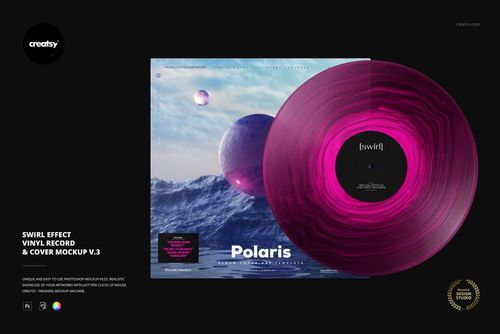
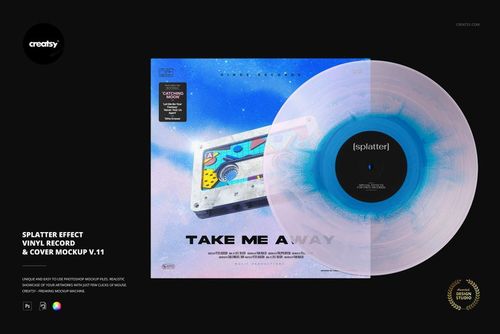
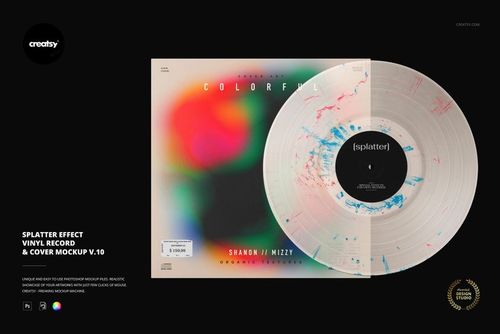
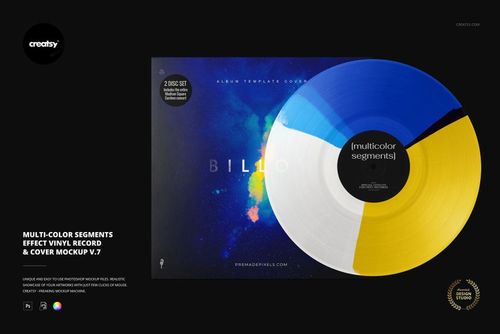
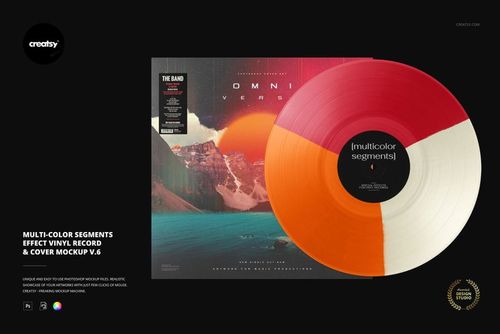
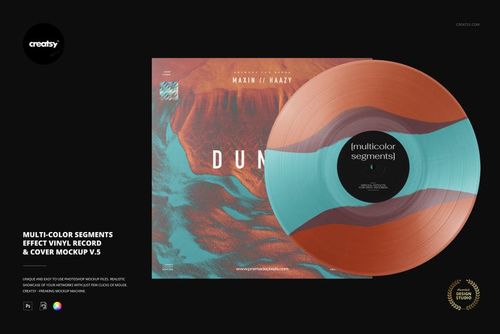
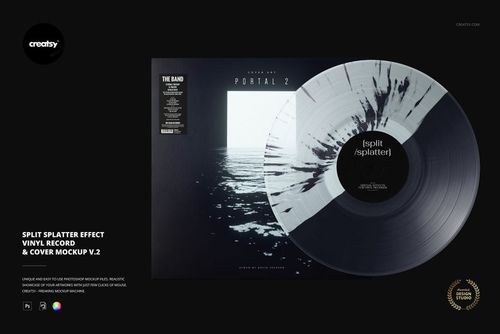
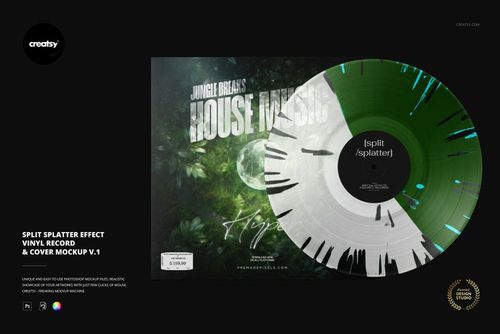
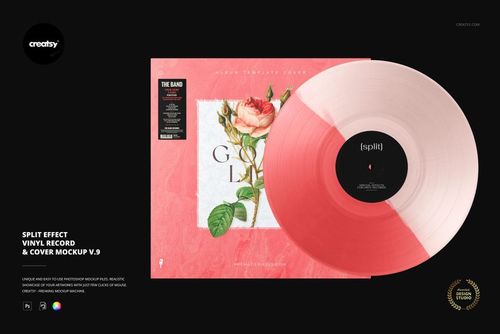
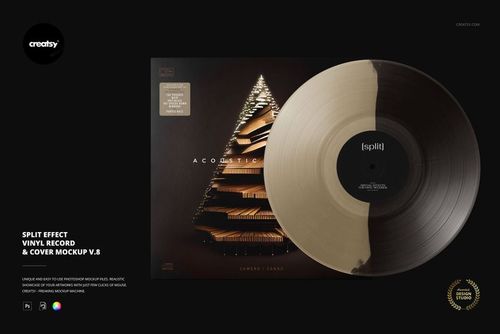
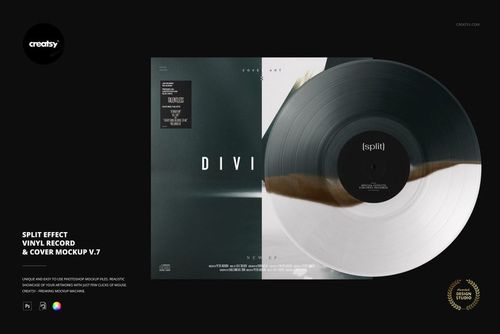
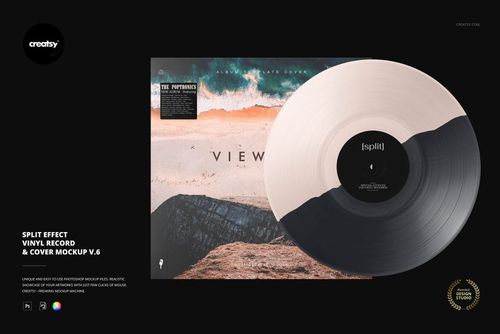
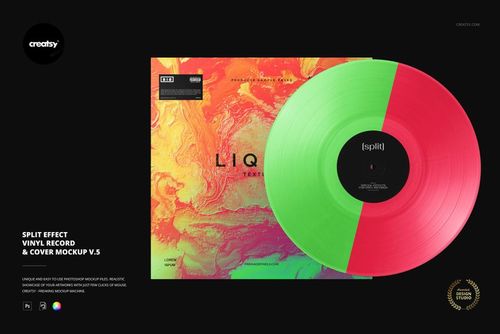
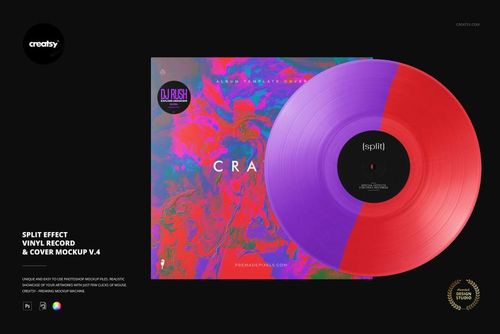
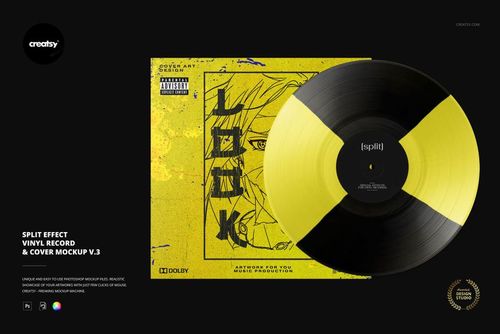
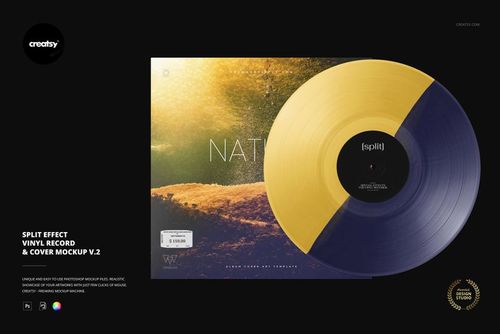
No. Some mockups include editable color controls or several vinyl variants inside one file, but many marbled, smoke, splatter, swirl, split, fade, and multi-color effects are supplied as separate PSD mockups. For example, the Special Effect Vinyl Record & Cover Mockup Set contains multiple individual PSD files. Changes do not automatically synchronize between separate files. Add the artwork to each selected PSD and export each required scene individually.
Yes, subject to the selected license. Finished mockup visuals can be used in permitted online stores, release pages, pre-order campaigns, press kits, advertising, portfolios, and social media. Exact limits for social media accounts, physical advertising, end products, and other commercial uses depend on the selected license. Source Photoshop files may not be resold, sublicensed, shared, or made available for independent customer customization.
No. A mockup communicates the intended color direction and general visual effect, but it cannot guarantee the exact appearance of a manufactured record. Splatter, swirl, smoke, marbled, random-color, and other manual effects may vary between individual copies and production runs. The printed center label may also change slightly during the production process. Ask the pressing plant about its available colors, visualizer, samples, proofs, and variation tolerances before approving the final pressing.
No. Mockups are used to visualize a release and create promotional images. They do not replace the pressing plant's templates for the center label, outer sleeve, inner sleeve, gatefold, spine, bleed, safe areas, folds, or glue zones. Prepare final production artwork separately using the official files and specifications supplied by the selected manufacturer.
Both are available. The collection focuses mainly on guitar pick mockups, including individual picks, multi-pick layouts, packaging scenes, and picks shown on acoustic or electric guitars. It also includes the Electric Guitar Mockup Set for presenting artwork on a full instrument. Software compatibility varies: the current Electric Guitar Mockup Set lists Adobe Photoshop CC2020 as its required editor.
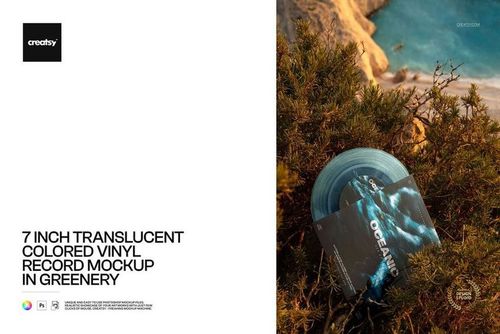
Yes. Selected products include clean studio scenes, flat lays, turntable closeups, hand-held compositions, urban locations, beach scenes, rocky coastlines, natural settings, and product-focused presentations. Background customization varies, and many photographed outdoor environments remain part of the original scene. Check the preview gallery to choose the required mood, camera angle, and editable elements.
The editable products are supplied as layered Photoshop files. Many products also work in Photopea, the free browser-based editor, while selected files may support Affinity Photo. Compatibility is not identical across the entire category, so check the Compatibility section on the individual product page before purchasing. These products are not Canva or Figma templates.
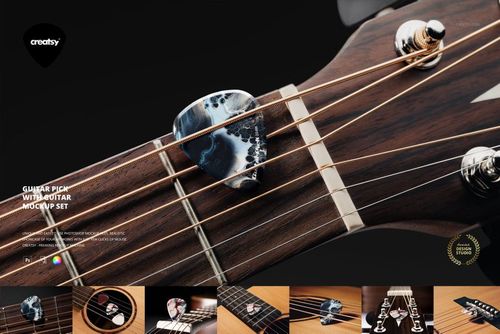
Yes. Current free examples include a vinyl record and album placed on sand, a special-effect vinyl and cover scene, and a guitar pick shown on an acoustic guitar bridge. Free product availability may change, so use the Free filter or browse the Free Mockups collection to see the current selection.
Yes. You can use the same cover and label artwork across different vinyl scenes and effects to build a coordinated release campaign. Each independent PSD must still be edited and exported separately unless the individual product explicitly provides several linked surfaces inside one file.
Why use Music mockups?
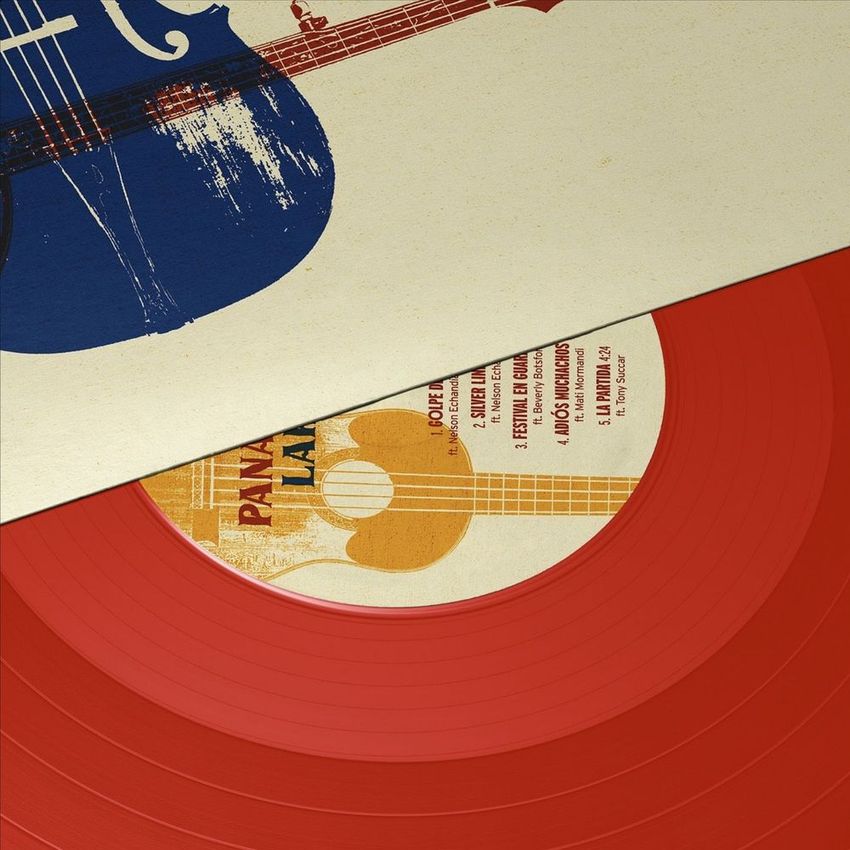
A flat album-cover file does not show the complete physical release. The artwork may also appear on a center label, inner sleeve, outer cover, hype sticker, clear sleeve, or visible vinyl disc. Music mockups bring those elements together and help artists, labels, and designers communicate how a release is intended to look as a finished product. Use vinyl record mockups to compare cover directions, center-label layouts, sleeve colors, and the intended presentation of black, clear, translucent, colored, or special-effect records. Clean studio scenes work well for online stores and catalogs, while turntable, hand-held, outdoor, and close-up images can add variety to launch campaigns, press kits, portfolios, and social media. Guitar pick mockups help show how logos, illustrations, patterns, and typography work at a small physical scale and across different pick shapes. Packaging and on-guitar scenes add context, while the full electric guitar set can be used to present larger instrument graphics and coordinated merchandise concepts. Layered Photoshop files and Smart Objects let you replace sample artwork while preserving the photographed perspective, lighting, shadows, reflections, grooves, surface texture, and product shape. Depending on the selected mockup, you may also be able to adjust vinyl colors, labels, sleeves, backgrounds, packaging elements, or selected special effects. Export the finished visuals for online stores, client approvals, release announcements, pre-order campaigns, press kits, portfolios, catalogs, advertising, and social media. Use the mockups to communicate the intended visual direction. For final manufacturing, rely on the pressing plant's official templates, color and effect options, proofs, technical requirements, and production tolerances.
FreeCreatsy® Mockups
Love this huge bundle of Vinyl record mockups. Working on artwork for albums every day, it’s nice to include a mockup for my customers ahead of the release day so they can use it on their social networks. There’s a huge selection in this bundle along with so many coloured vinyl and special effects. I’ll get a lot of use from these. Brilliant.
Thank you so much for this amazing review! We’re thrilled to hear the Vinyl Record Mockup Bundle fits so well into your album artwork workflow and helps your customers promote releases on social media. It means a lot to know you’re enjoying the huge variety of scenes, colored vinyl options, and special effects. We truly appreciate your support.