

 Early Access
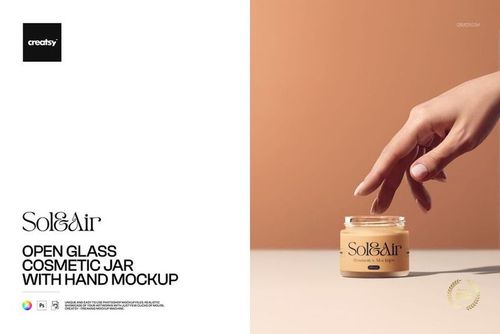
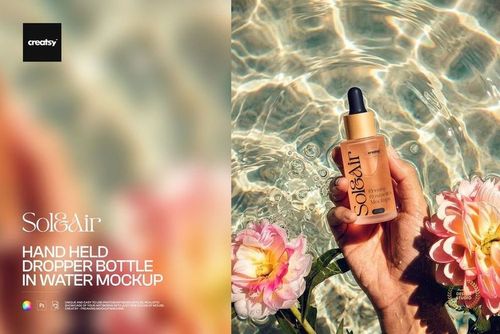
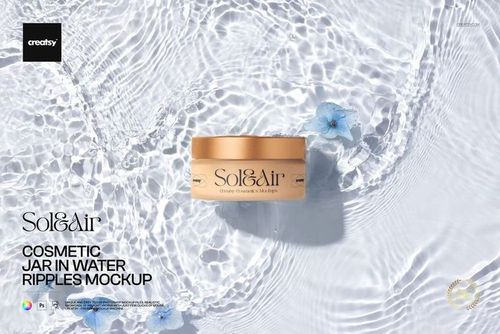
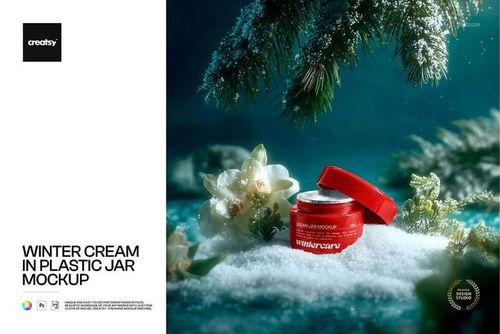
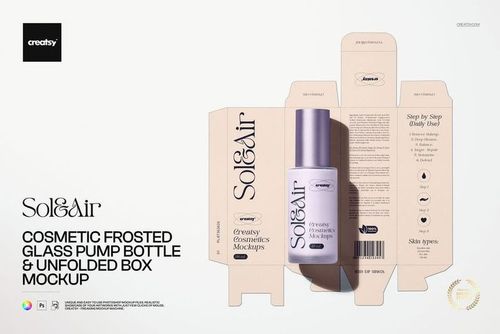
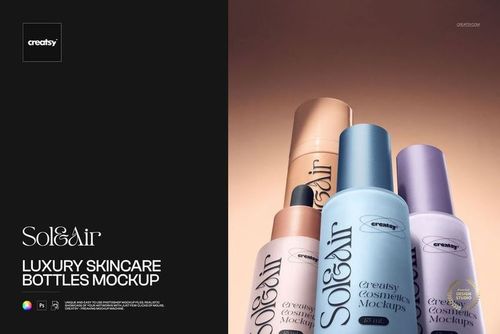
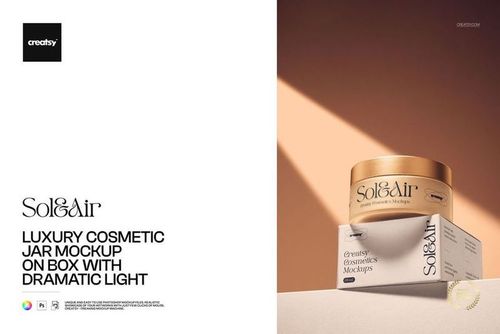
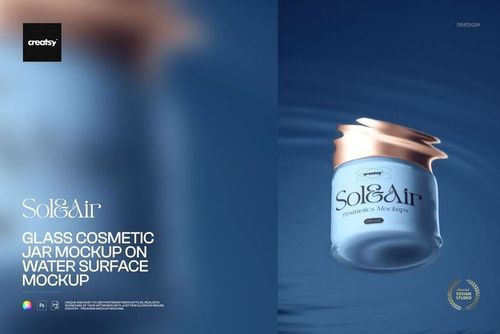
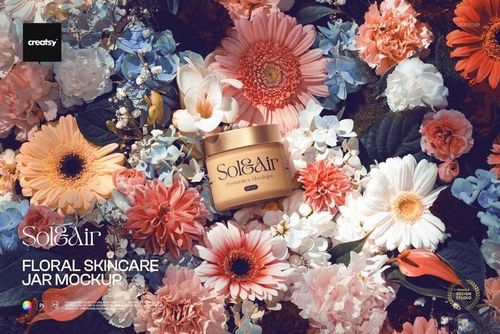
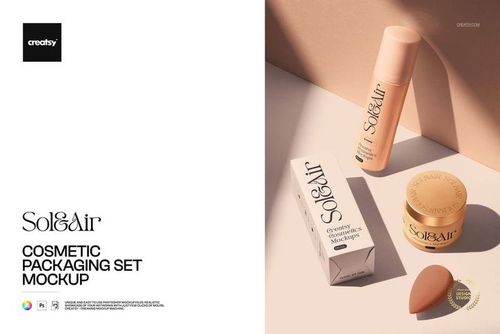
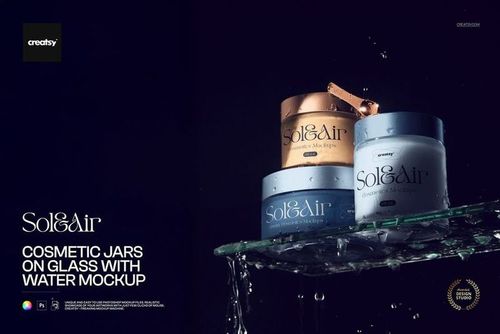
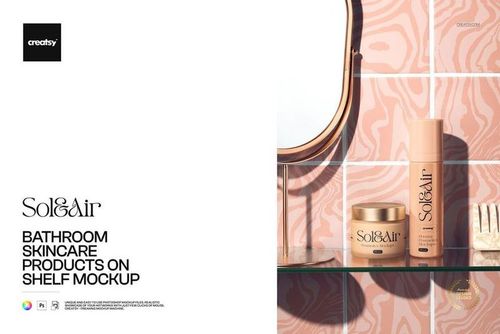
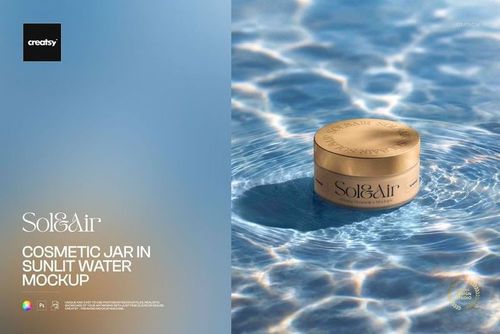
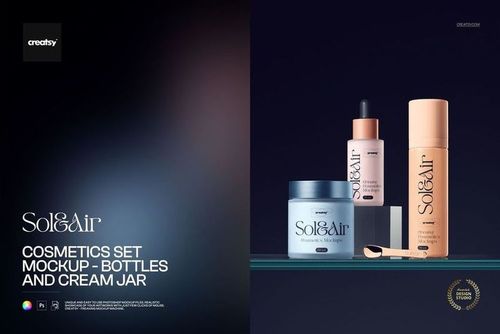
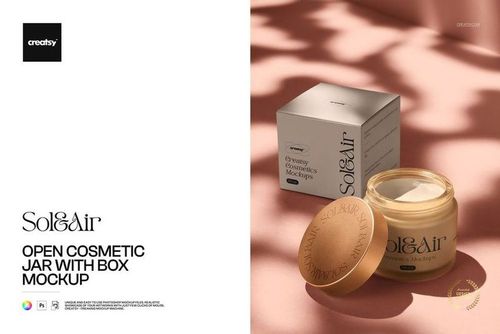
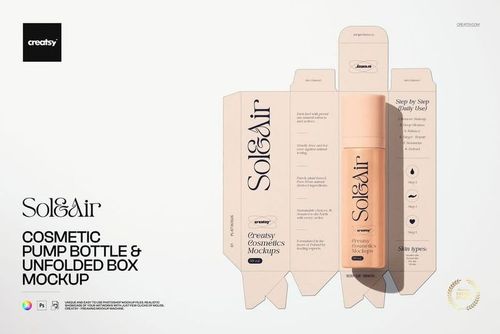
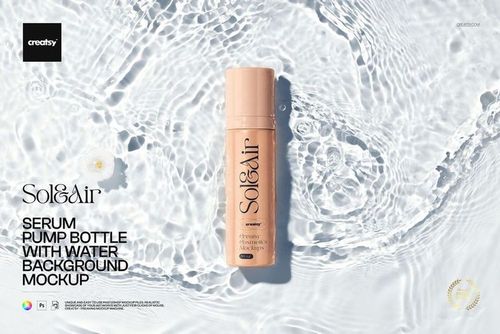
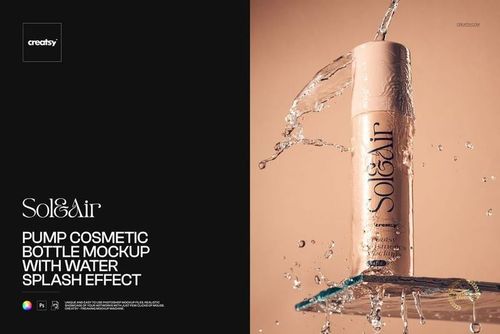
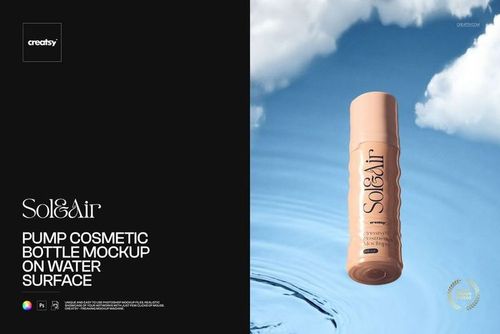
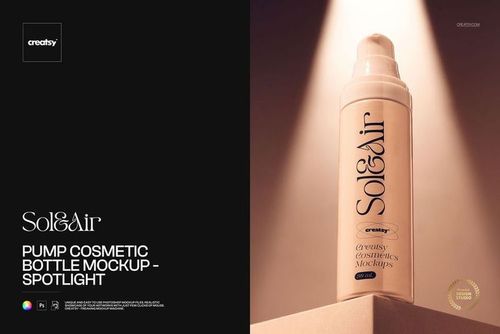
Cosmetics & Beauty Mockups
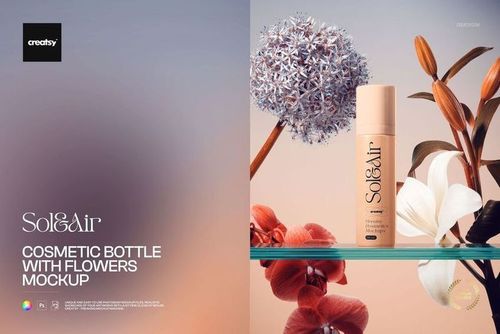
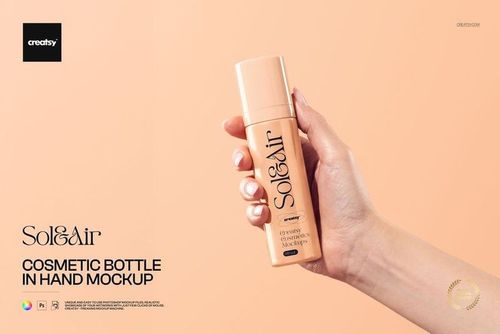
Explore realistic mockups for skincare packaging, makeup products and nail branding. Browse by category or view the full collection to find the product and scene that best fit your project.

Reviews
What designers and brand owners say after using these PSD mockups in real client work.
0
Sort by:


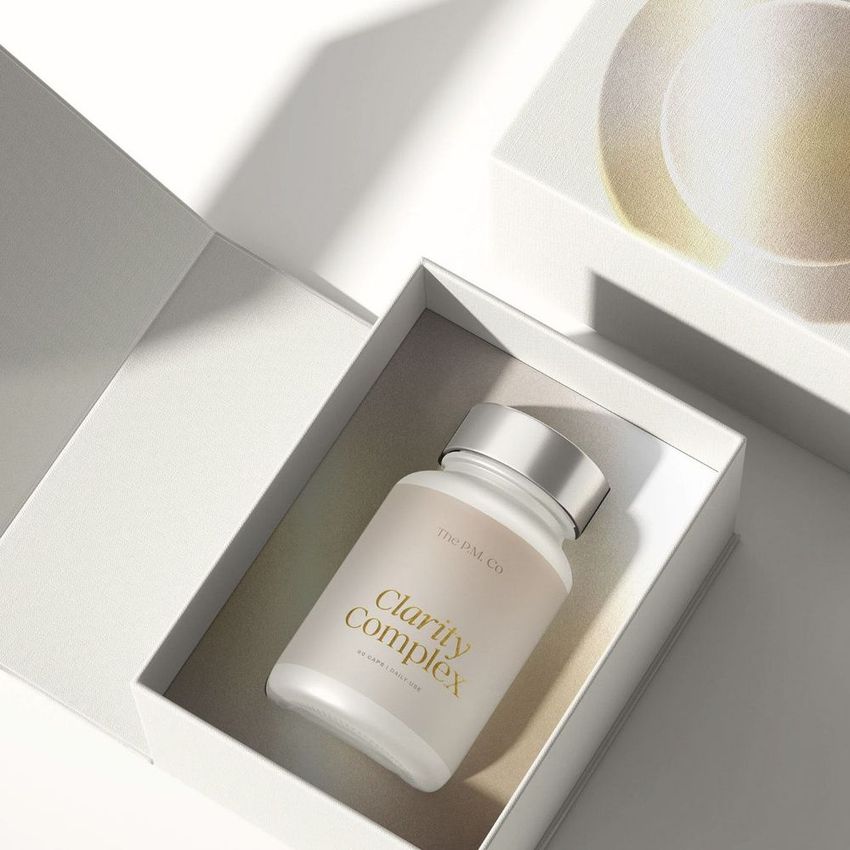
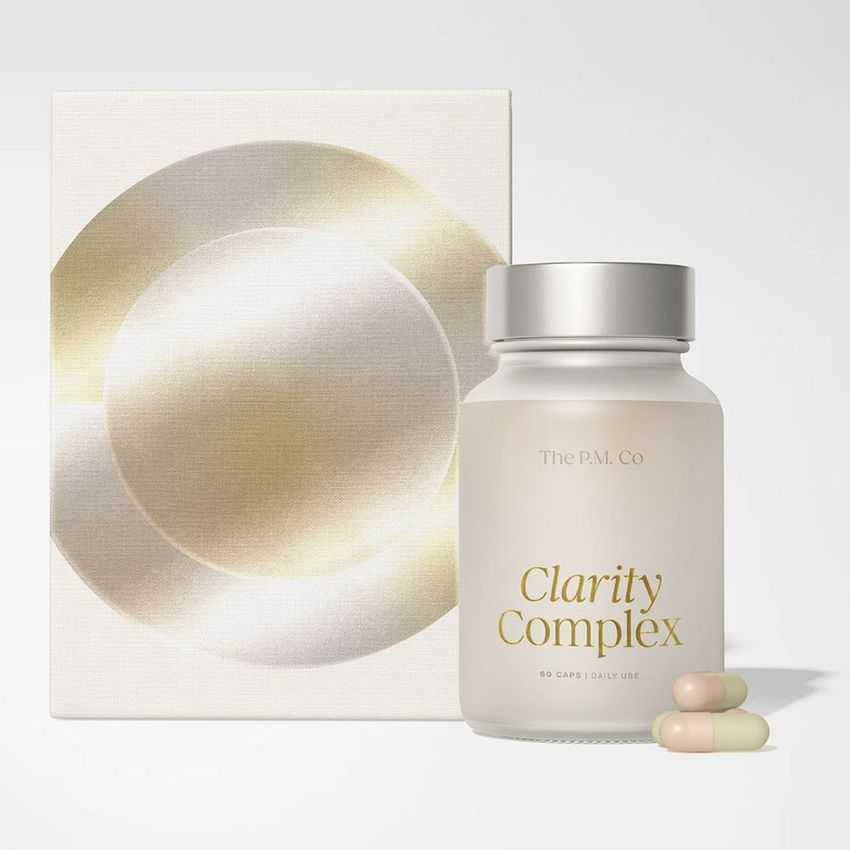
What you get
Professional PSD mockups built in-house - editable, realistic, high-resolution, and supported by real people.
Layered PSD Files
Creatsy mockups are delivered as fully layered Photoshop .psd files, with layers sorted into clearly named groups. Shadows, highlights, and the background each sit on their own editable layer, and nothing is flattened into a single image. Open it in Photoshop or the free browser editor Photopea and get to work.
- Clearly named, organized layer groups
- Shadows and highlights on separate layers
- Editable background, never flattened
- Works in Photoshop or free Photopea
Smart Objects
Open the smart object, paste your artwork, and save. The design lands on the product with the perspective, warp, and wrap already worked out. Scene lighting and shadows fall back on top, so it reads as a photograph, not a flat paste-in. Swapping a design takes seconds, so one file can carry a whole run of variants and colorways.
- Double-click, paste your design, save
- Perspective, warp, and wrap pre-built
- Scene lighting and shadows sit back on top
- One file covers many variants and colorways
High-Resolution Output
Many scenes are built from real product photography rather than 3D renders, so the fabric and surface read like a studio shot. Files export at high resolution and stay sharp at full zoom, with clean edges where the print sits. The same file works for a hero banner, a paid ad or a product listing.
- Real product photography in many scenes
- Exports ready for print
- Holds detail at full zoom
- Works for banners, ads and listings
Easy to Edit
Colors, backgrounds, and artwork sit on separate, clearly named layers, so you swap a color or background without disturbing the rest of the scene. There is no relighting or shadow work to redo, and the same file works for your next project.
- Edit color and background layers directly
- No relighting or shadow rework needed
- No masking or layer skills required
- One file reused across projects
Fast Support
There is a real in-house team behind every file, not a ticket bot. Before you buy, ask whether a specific mockup fits what you have in mind, and we will tell you. When a smart object or a layer group is tripping you up, send the question and you usually get a reply within 48 hours.
- Real in-house team behind every file
- Replies within 48 hours
- Pre-purchase help picking the right mockup
- Answers on smart objects and layer setup
Who are these mockups for?
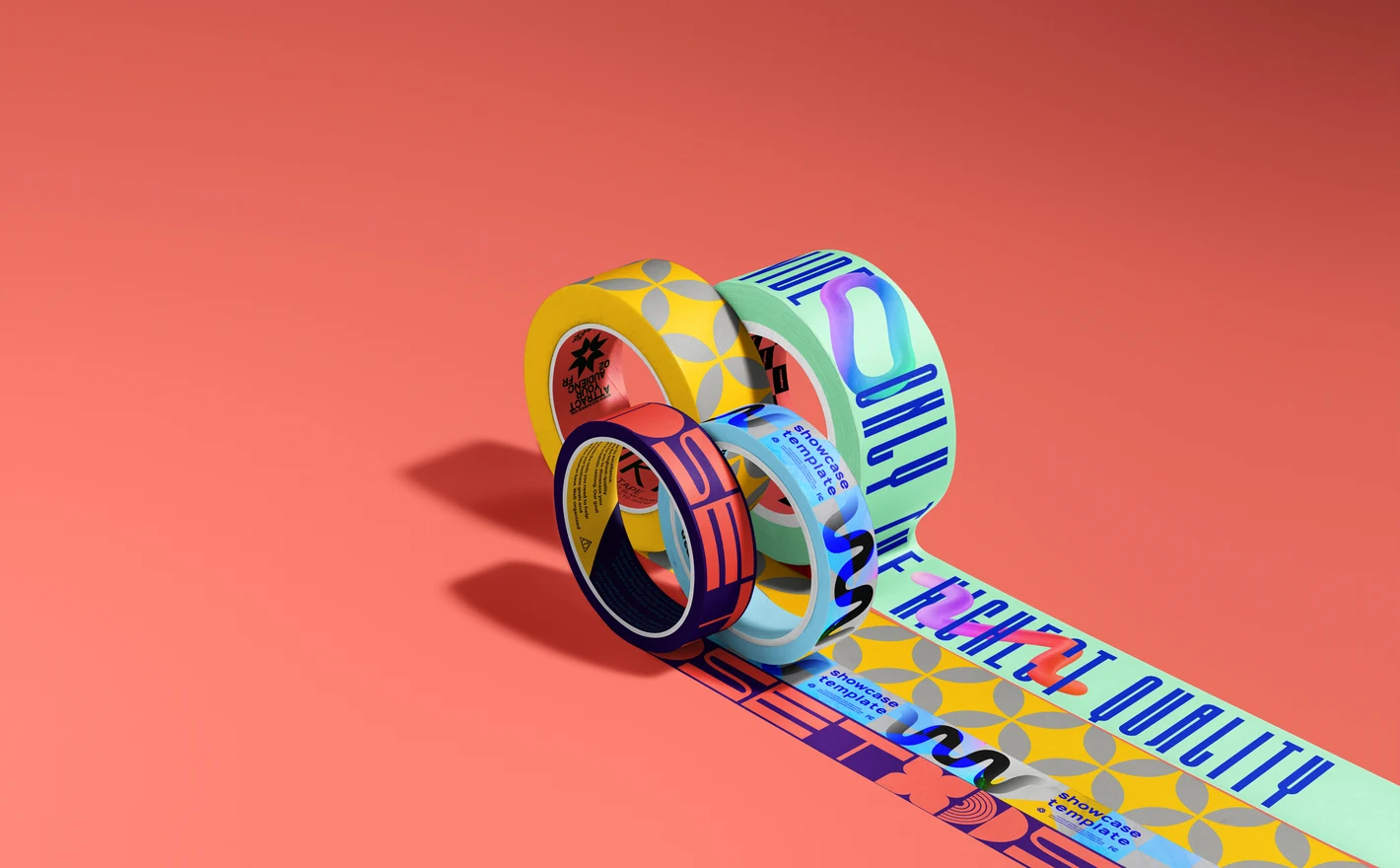
For beauty packaging & label designers
Drop one label system into the cream jar, dropper bottle and airless bottle smart objects in Skincare, then carry the same artwork onto a lipstick case in Make-up and a polish bottle in Nail Art. That's a full-range presentation for a client deck without a single sample being filled.
Starting with the boxes? Browse packaging & wrapping mockups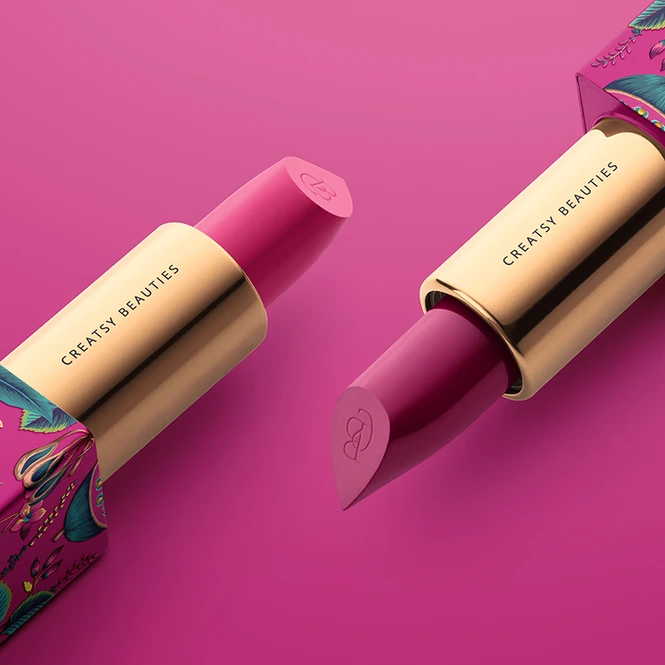
For makeup brands & launch teams
Preview a lipstick launch with the Lipstick Mockup Set and the Classic Lipstick set for the case and carton, then add the Female Hand with Swatches scene for the shade shot every campaign brief asks for. Palettes have their own set in the same category.
Launching a makeup line? Browse make-up mockups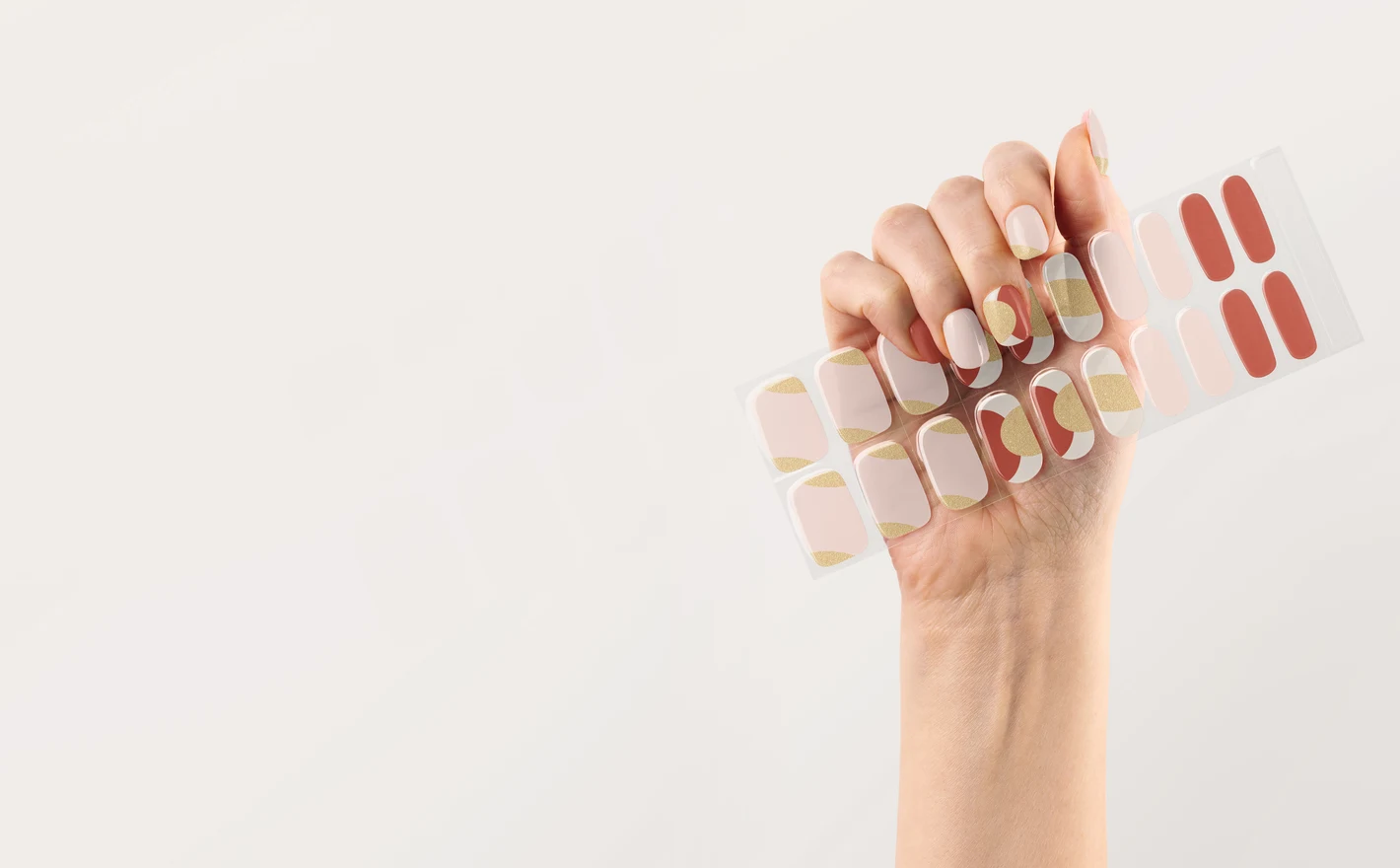
For nail polish, wrap & press-on brands
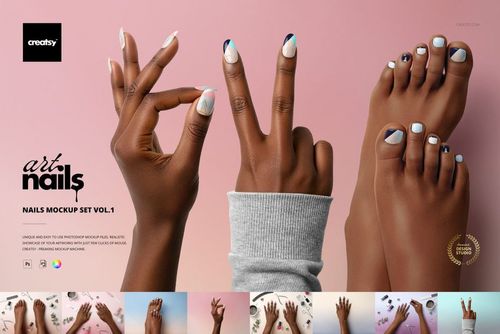
Show a collection on hands with the Nails Mockup Sets and the Stiletto and Squoval scenes, then put the same pattern on the UV Gel Nail Wraps and Nail Tips sets to see how it sells as a wrap and as a press-on. Bottle and cap branding sits in the Hybrid Nail Polish set.
Building a nail collection? Browse nail art & nail polish mockups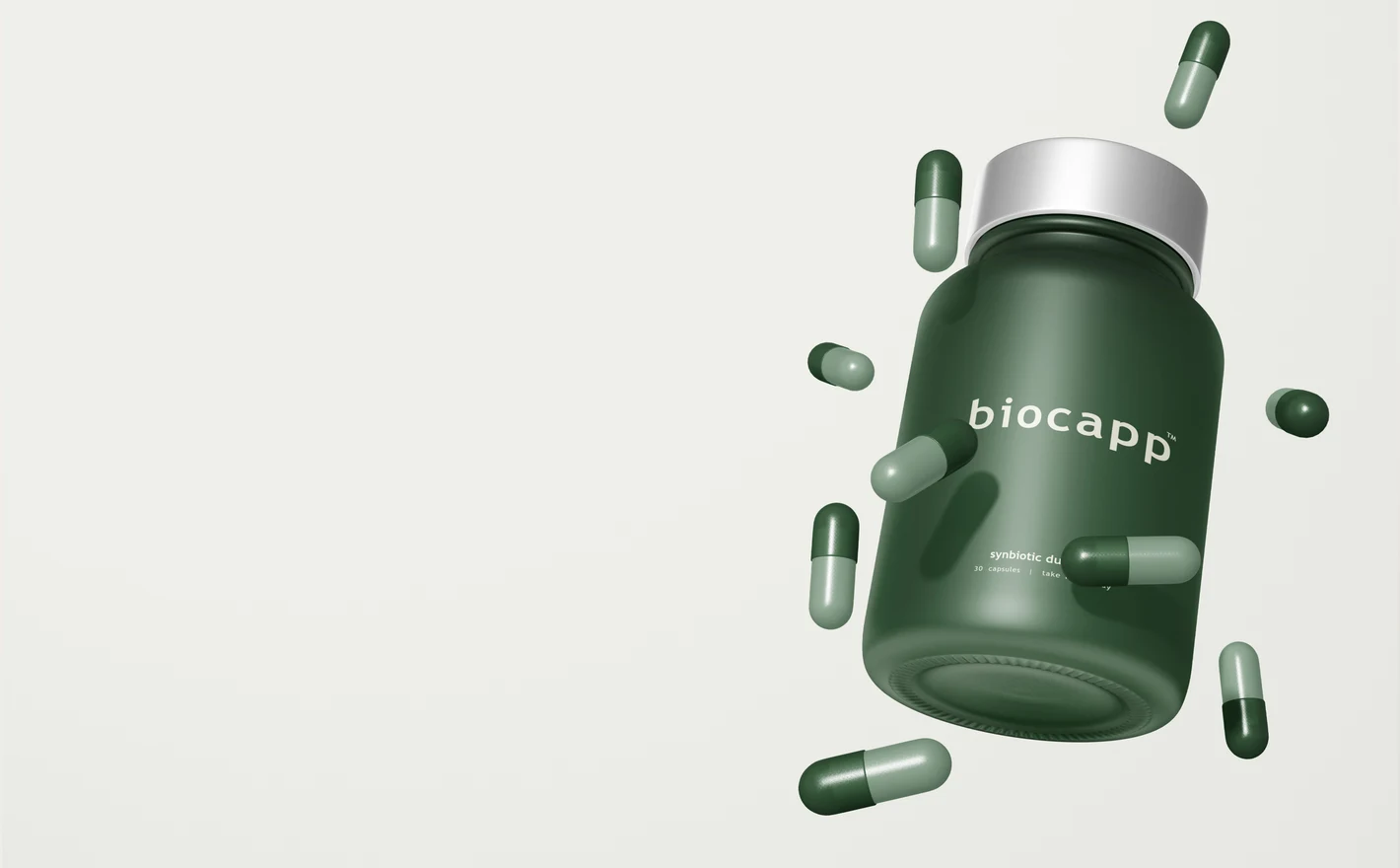
For skincare founders & indie beauty brands
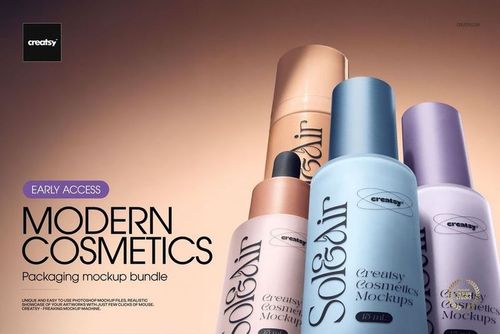
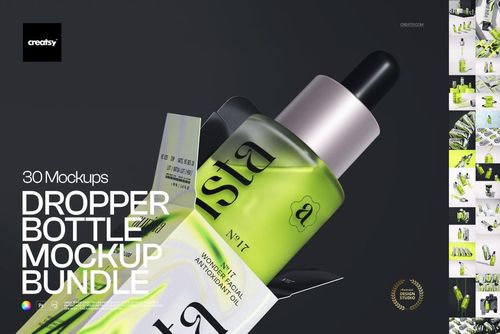
Build the range before it exists: the Modern Cosmetics Packaging Bundle for jars, pumps, tubes and boxes, the Dropper Bottle Bundle for a serum line, and the Cosmetic Mailing Box set for the unboxing. One layered PSD per product covers the listing, the wholesale sheet and the investor deck.
Building a skincare range? Browse skincare & body care mockups
FAQs
Skincare & Body Care covers bottles, jars and related packaging. Make-up includes lipstick, eyeshadow and swatch presentations. Nail Art & Nail Polish covers nail designs, wraps, polish packaging and nail files. For candles, diffusers or general-purpose boxes, use the relevant home or packaging categories.
Many files provide artwork and color controls for different parts of the packaging. Check which controls the chosen product includes, especially for caps, pumps and container bodies. A color change does not necessarily change the finish: clear, frosted and metallic packaging should be represented by a suitable mockup.
That depends on the artwork, the label's size in the scene and the final export. Use a sharp source file, then check the image at its intended display size. If ingredients or instructions need to be read, add a close-up or a separate label image rather than relying on a distant product shot.
Only when the file provides controls for them. Some styled scenes have a fixed composition, even though the packaging is editable. Check the feature images for movable or removable objects. For a clean product image, choose a scene that already has the background and arrangement you need.
Both Standard and Extended allow digital paid ads with unlimited impressions. Standard restricts physical advertising to local use and corporate social media use to one linked account per license; Extended allows wider use. Check the planned placements and account ownership against the full terms before choosing.
Yes. Free Lipstick on Pedestal Scene Cosmetic Branding PSD Mockup is available in Freebies. Sign in with a free account to download it and try the editable packaging areas. It is a lipstick scene, so it tests that product's workflow rather than every type of cosmetics mockup.
Why use Cosmetics & Beauty mockups?
The beauty range is divided into skincare and body care, makeup, and nail products. It includes jars, airless and dropper bottles, pumps, tubes and cartons, as well as lipsticks, eyeshadow palettes, swatches, nail shapes, wraps and polish packaging. You can choose a plain product view or a styled scene. Small labels and curved, reflective containers can make artwork difficult to judge as a flat layout. Smart Objects place your design on the selected surface while keeping the lighting and material details. Each listing gives the editable features, software requirements and license options. Use the previews to review the relative size of a brand name, the space between label elements and the balance of a product range. A jar and its carton may need different layouts even when they share the same colors and typography. Apply the identity to the products you need for your presentation, editing each scene individually. The resulting images can show the range in a shop, advertising campaign or client deck. Reuse the selected views as labels and colors change, without arranging a new shoot for every design option.
FreeCreatsy® Mockups
Creatsy make the best Mockups on the market, no matter what you need to showcase. These mockups are highly customizable, and the lighting in them makes everything look very realistic. You can keep or turn off many of the Items in the mockup, also a great feature giving control over the look you want. They have the most friendly and very helpful support. I highly recommend these mockups!