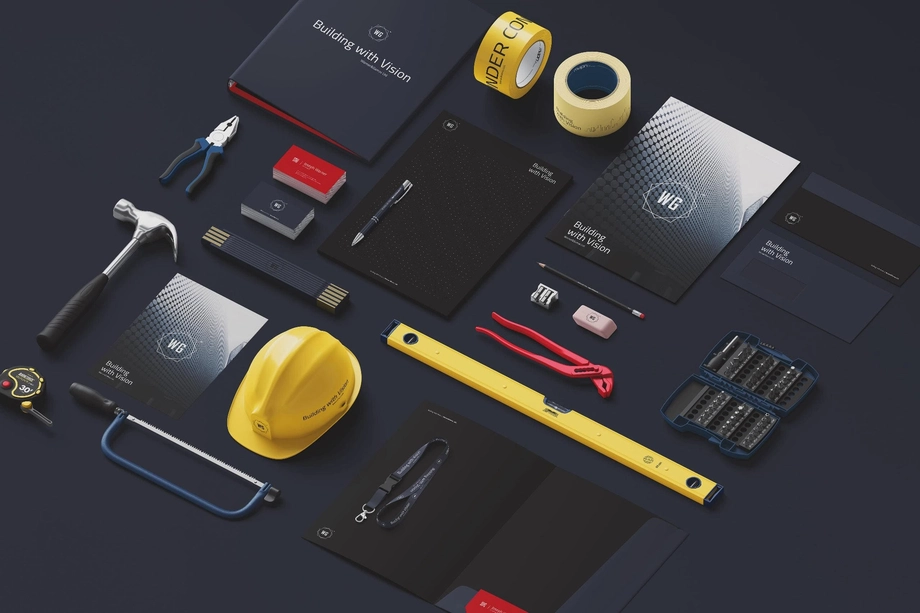
Construction Branding Mockups
Put a contractor's branding on hard hats, tape measures and paint buckets. These construction mockups help you compare logo placement and color options on site equipment, then share the designs in client presentations and product catalogs.

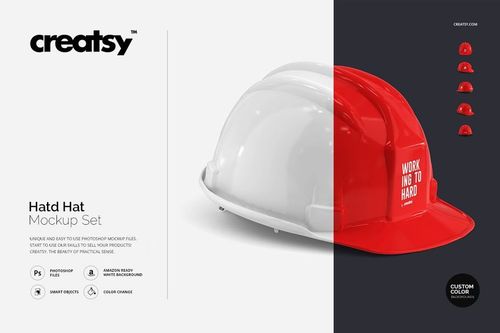
What you get
Professional PSD mockups built in-house - editable, realistic, high-resolution, and supported by real people.
Layered PSD Files
Creatsy mockups are delivered as fully layered Photoshop .psd files, with layers sorted into clearly named groups. Shadows, highlights, and the background each sit on their own editable layer, and nothing is flattened into a single image. Open it in Photoshop or the free browser editor Photopea and get to work.
- Clearly named, organized layer groups
- Shadows and highlights on separate layers
- Editable background, never flattened
- Works in Photoshop or free Photopea
Smart Objects
Open the smart object, paste your artwork, and save. The design lands on the product with the perspective, warp, and wrap already worked out. Scene lighting and shadows fall back on top, so it reads as a photograph, not a flat paste-in. Swapping a design takes seconds, so one file can carry a whole run of variants and colorways.
- Double-click, paste your design, save
- Perspective, warp, and wrap pre-built
- Scene lighting and shadows sit back on top
- One file covers many variants and colorways
High-Resolution Output
Many scenes are built from real product photography rather than 3D renders, so the fabric and surface read like a studio shot. Files export at high resolution and stay sharp at full zoom, with clean edges where the print sits. The same file works for a hero banner, a paid ad or a product listing.
- Real product photography in many scenes
- Exports ready for print
- Holds detail at full zoom
- Works for banners, ads and listings
Easy to Edit
Colors, backgrounds, and artwork sit on separate, clearly named layers, so you swap a color or background without disturbing the rest of the scene. There is no relighting or shadow work to redo, and the same file works for your next project.
- Edit color and background layers directly
- No relighting or shadow rework needed
- No masking or layer skills required
- One file reused across projects
Fast Support
There is a real in-house team behind every file, not a ticket bot. Before you buy, ask whether a specific mockup fits what you have in mind, and we will tell you. When a smart object or a layer group is tripping you up, send the question and you usually get a reply within 48 hours.
- Real in-house team behind every file
- Replies within 48 hours
- Pre-purchase help picking the right mockup
- Answers on smart objects and layer setup
Who are these mockups for?
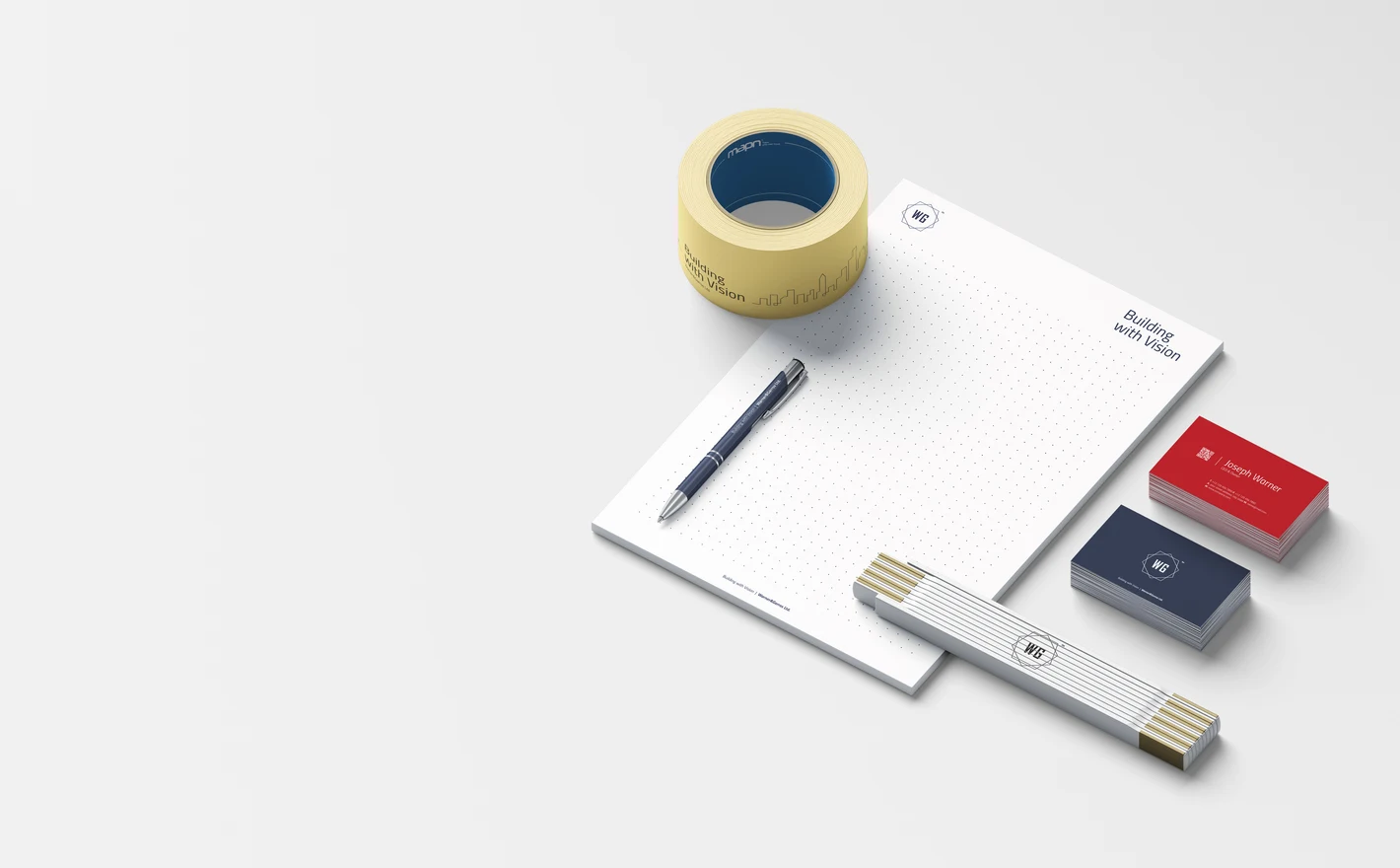
For agencies pitching construction clients
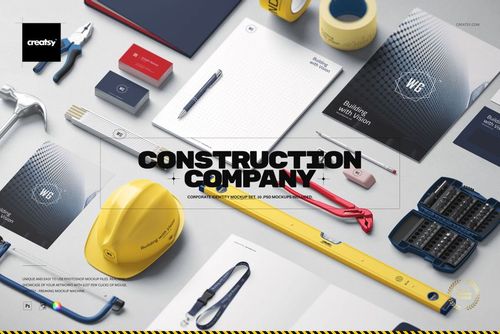
Drop the logo and the brand colors into the Construction Company Identity Mockup Set and the stationery, business cards, lanyard and helmet come out in one top-down scene, big enough to crop a whole tender deck from. It's Photoshop only, so keep that in mind if the client wants to edit it themselves.
Pitching a contractor? View the Construction Company Identity Mockup Set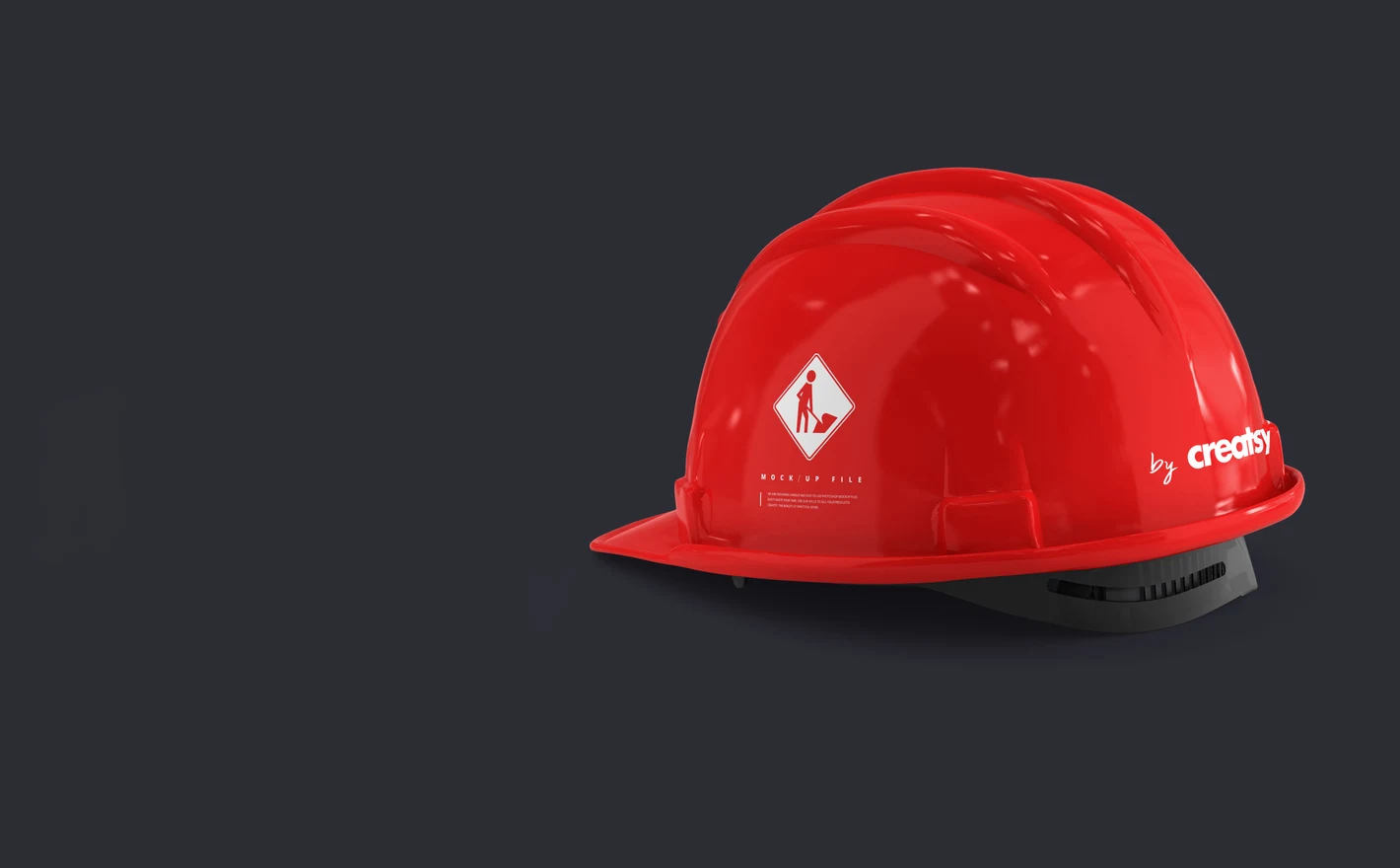
For contractors ordering branded safety gear
Put the logo into the Hard Hat Mockup Set and look at it on the curve from a few angles before the helmet supplier gets the file. A mark that reads fine flat can twist over the crown, and this is how you find out before the box arrives instead of after.
Ordering helmets? View the Hard Hat Mockup Set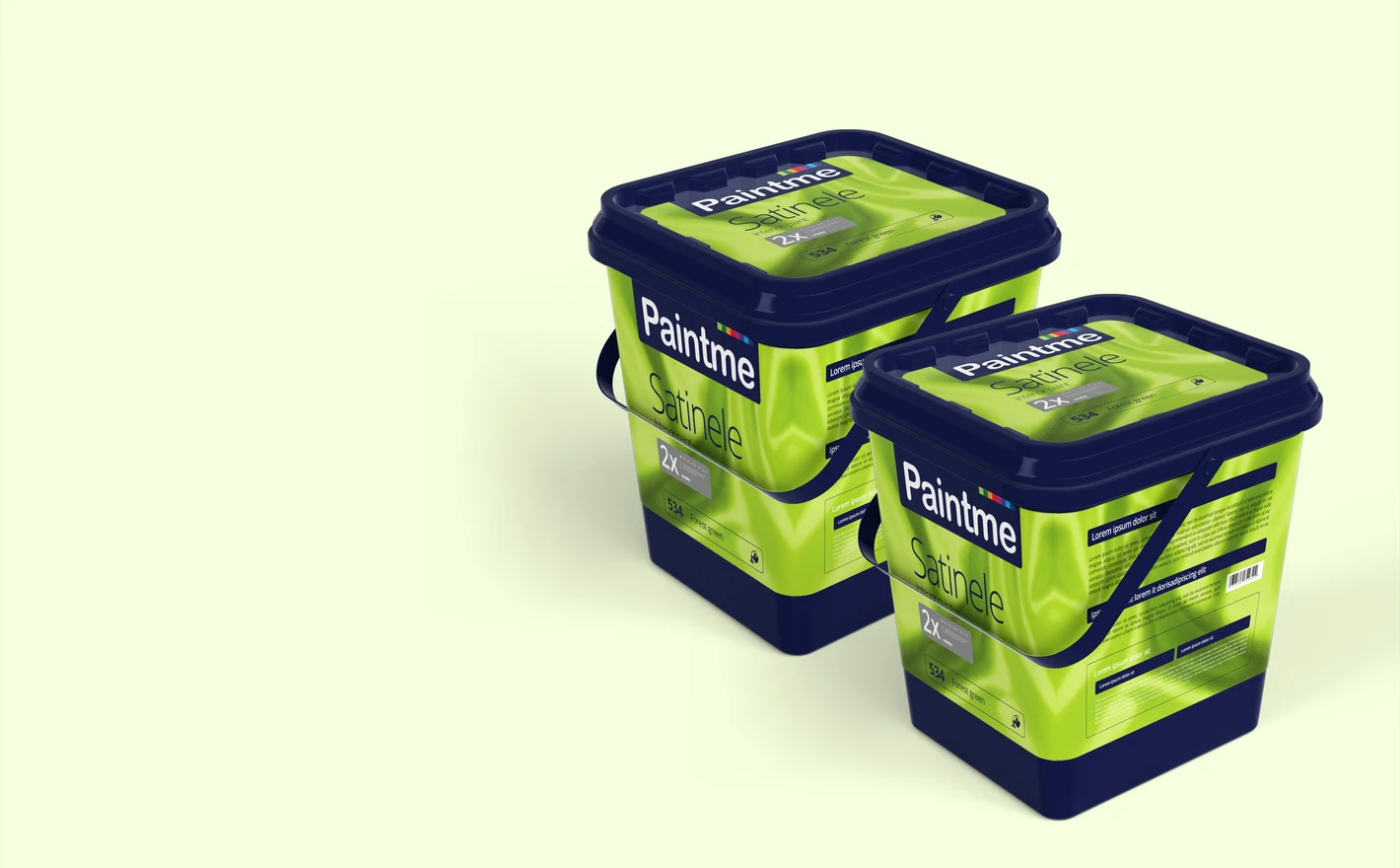
For paint & building-material brands
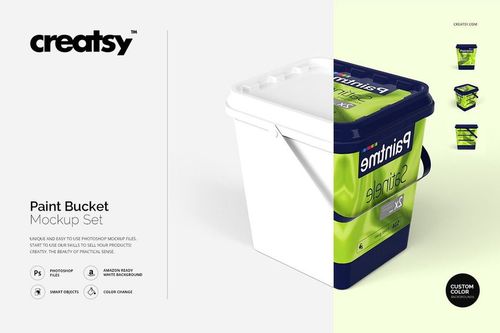
Drop the label artwork into the Paint Bucket Mockup Set, set the bucket color to match the range, and the distributor sheet and the retailer listing come from the same file. The can supplier prints a pallet at a time, so this is where the label gets settled.
Labeling a bucket? View the Paint Bucket Mockup Set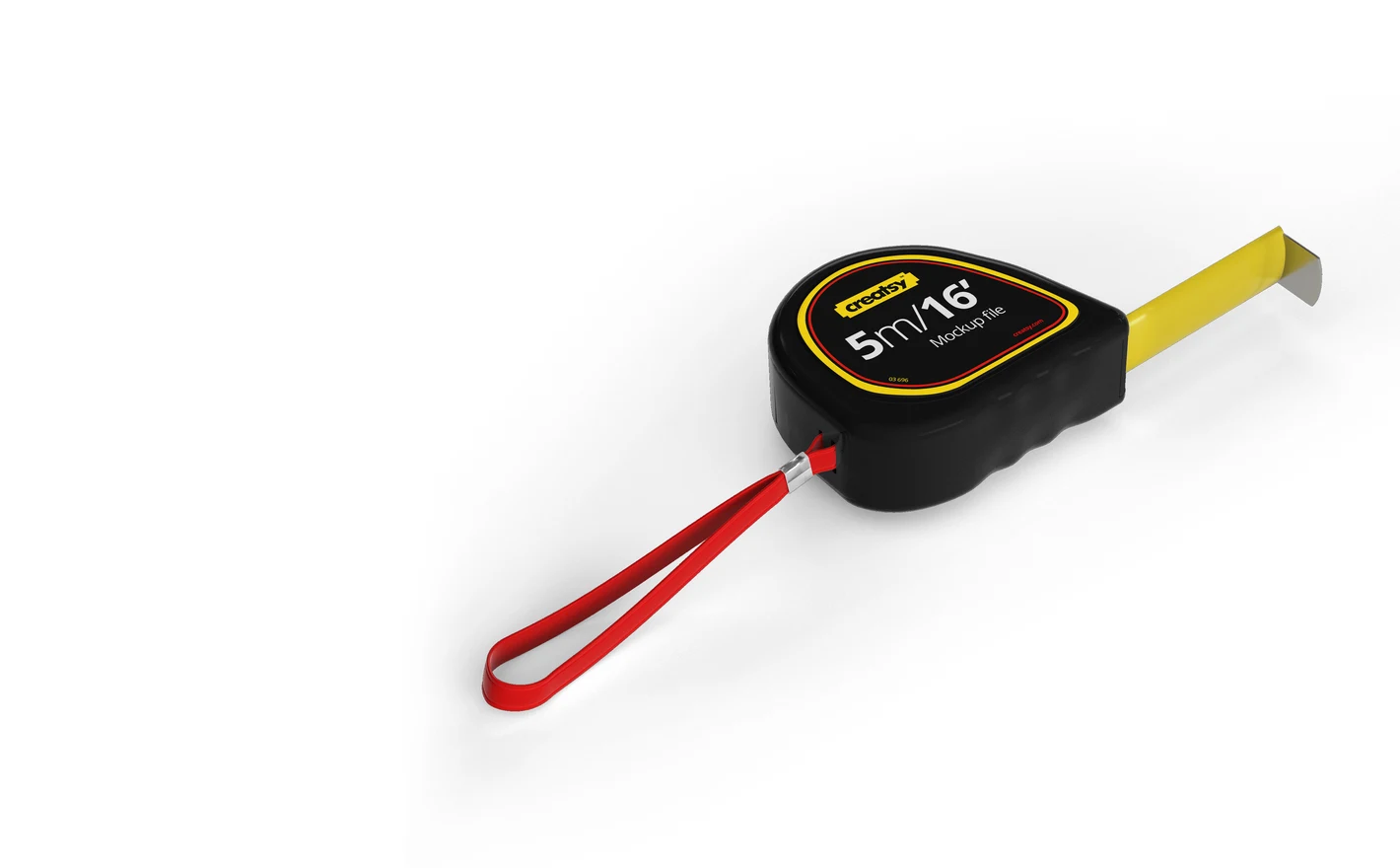
For trades & field-service brands
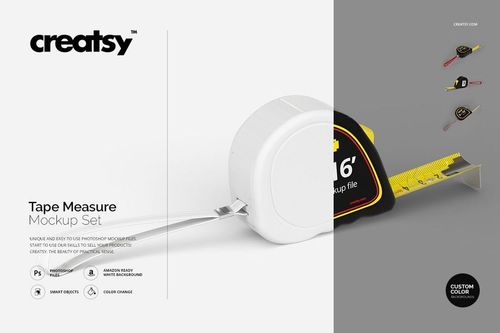
Put the logo on the case in the Tape Measure Mockup Set and the crew giveaway and the client thank-you box get approved from one file. A jobsite is about the only place a trade brand gets seen, and the tape measure is the thing that stays there.
Branding crew gear? View the Tape Measure Mockup Set
FAQs
It presents construction branding across stationery and work-related items, including a hard hat and tools. The current file list shows ten editable scene files: eight PSDs and two PSBs, plus previews and a PDF guide. Check that your editor supports the supplied formats as well as the listed Photoshop requirements.
The Hard Hat Mockup Set offers several views of a helmet. Use the gallery to check whether the front, side or other area you need is shown and editable. A visible surface is not necessarily a separate logo placement, so confirm the design controls before planning several branded positions.
Use the shell color control provided in the mockup, keeping the logo in the editable design area, then export the colors you need. Compare them with the actual product range before publishing. Changing the appearance in a mockup does not establish the helmet's material, safety rating or suitability for a job.
Browse Apparel & Fashion for garments such as T-shirts, hoodies and headwear. Choose a specific product that matches the garment you need; those categories are not a promise of specialist protective workwear. Construction Branding focuses on the construction-related items shown in its own catalogue.
It is for presenting branding on paint packaging, including a product name, label or coordinated range design. Compare the bucket's shape and editable surfaces with your packaging before choosing it. Use the supplier's label dimensions and artwork template for production; the mockup is for showing the proposed appearance.
Why use Construction Branding mockups?
The construction range includes a company identity set, hard hats, paint buckets and tape measures. Isometric and top-down compositions show the branding across several items, while individual sets give a specific product more space. Check each listing for the editable features, software requirements and license options. Curved plastic, metal parts and differently colored shells affect the appearance of a logo. Use the mockups to compare placement and contrast, or to show a contractor's identity across its equipment. The same scenes can be adapted for roofing, electrical or general construction businesses by changing the relevant artwork and colors. They provide visual references for discussion before a supplier prepares the production work. The larger identity set and the individual product files serve different presentation needs. An overall composition can introduce the project, with a hard hat or tape measure view alongside it for detail. Compare the pixel dimensions, file contents and download size before choosing. That helps you select suitable images for a proposal, poster or client review without assuming every package has the same resolution or editing requirements.
FreeCreatsy® Mockups