
 $1900
$1900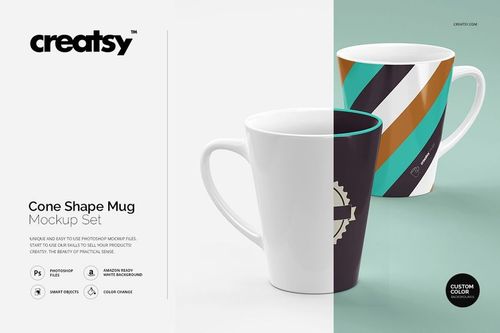
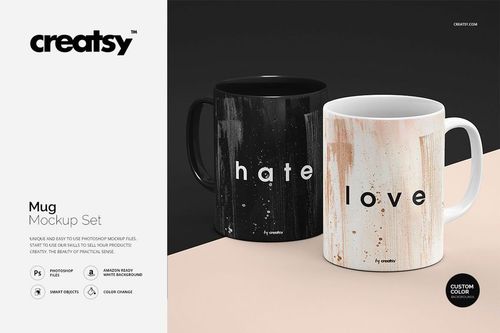 $1900
$1900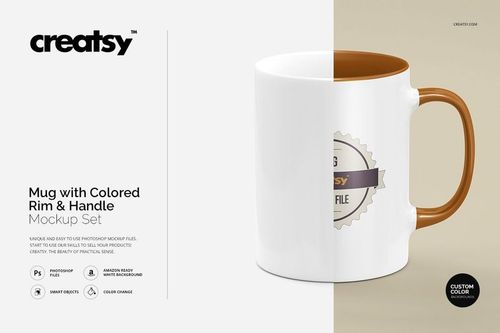
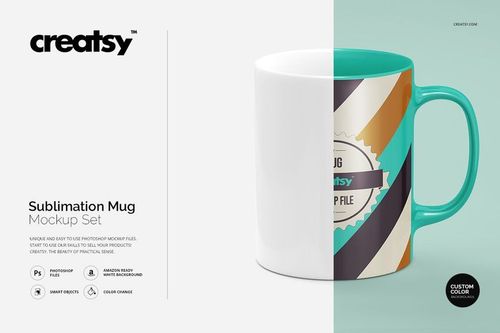
Mug & Coffee Cup Mockups
Explore realistic mug mockups for ceramic 11oz and 15oz, latte, sublimation and printed glass drinkware, plus cup-and-saucer scenes and Christmas snow setups for listings, cafe branding and client decks.

Reviews
What designers and brand owners say after using these PSD mockups in real client work.
0
Sort by:



Simply gorgeous!
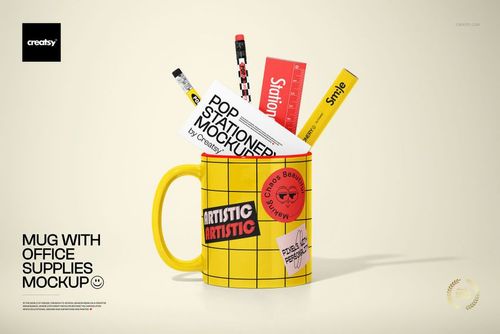
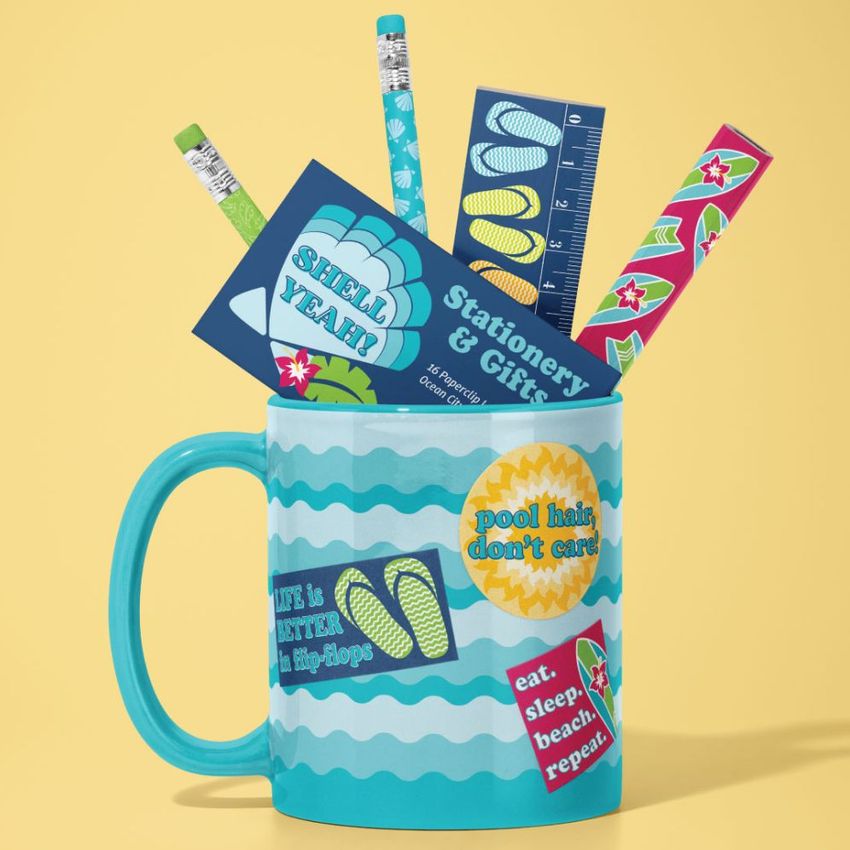
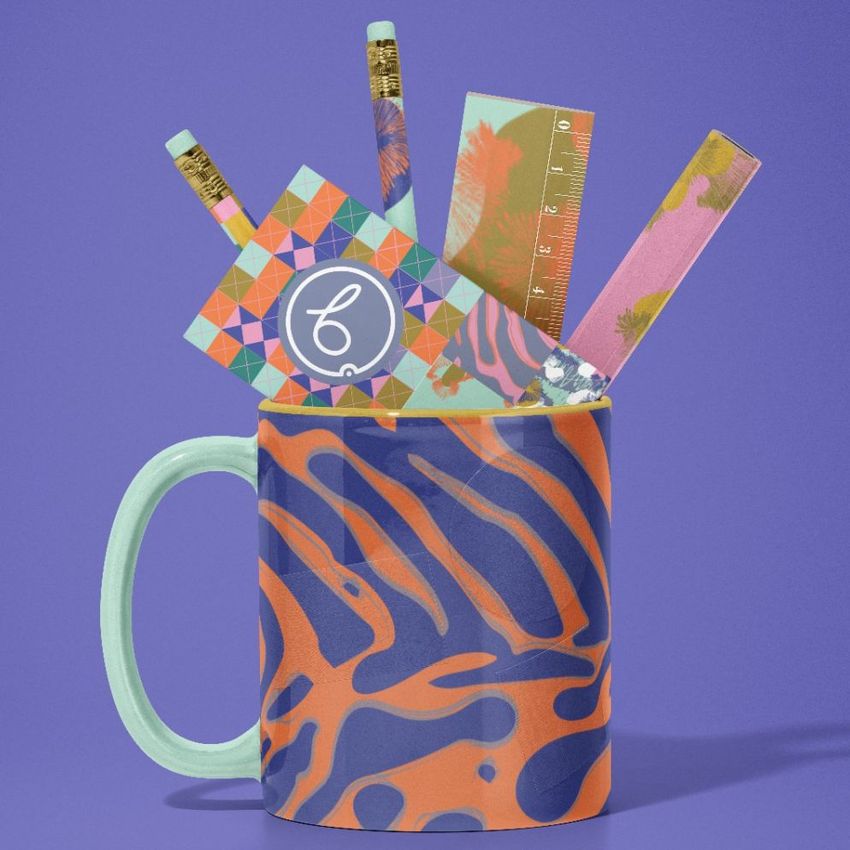
 Mug with Office Supplies Mockup View product
Thank you so much! We’re really happy you liked it! 😊

Very easy mock up to use
Mug with Office Supplies Mockup View product Thanks a lot, Paulene! We’re glad to hear it was easy to use. That’s exactly what we’re aiming for! 🙌


Great mockup. Easy to use. Realistic and High quality.
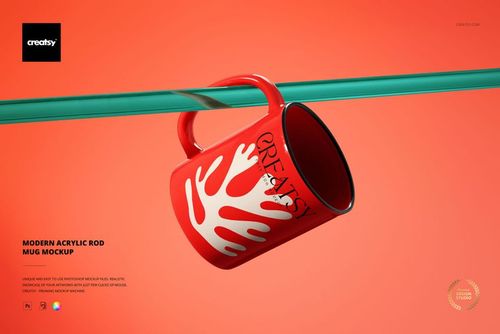
 Modern Acrylic Rod Mug Mockup View product
Thank you so much for your lovely review! We’re so happy to hear you found the mockup easy to use, realistic, and high quality. We truly appreciate your support. Happy creating ✨



What you get
Professional PSD mockups built in-house - editable, realistic, high-resolution, and supported by real people.
Layered PSD Files
Creatsy mockups are delivered as fully layered Photoshop .psd files, with layers sorted into clearly named groups. Shadows, highlights, and the background each sit on their own editable layer, and nothing is flattened into a single image. Open it in Photoshop or the free browser editor Photopea and get to work.
- Clearly named, organized layer groups
- Shadows and highlights on separate layers
- Editable background, never flattened
- Works in Photoshop or free Photopea
Smart Objects
Open the smart object, paste your artwork, and save. The design lands on the product with the perspective, warp, and wrap already worked out. Scene lighting and shadows fall back on top, so it reads as a photograph, not a flat paste-in. Swapping a design takes seconds, so one file can carry a whole run of variants and colorways.
- Double-click, paste your design, save
- Perspective, warp, and wrap pre-built
- Scene lighting and shadows sit back on top
- One file covers many variants and colorways
High-Resolution Output
Many scenes are built from real product photography rather than 3D renders, so the fabric and surface read like a studio shot. Files export at high resolution and stay sharp at full zoom, with clean edges where the print sits. The same file works for a hero banner, a paid ad or a product listing.
- Real product photography in many scenes
- Exports ready for print
- Holds detail at full zoom
- Works for banners, ads and listings
Easy to Edit
Colors, backgrounds, and artwork sit on separate, clearly named layers, so you swap a color or background without disturbing the rest of the scene. There is no relighting or shadow work to redo, and the same file works for your next project.
- Edit color and background layers directly
- No relighting or shadow rework needed
- No masking or layer skills required
- One file reused across projects
Fast Support
There is a real in-house team behind every file, not a ticket bot. Before you buy, ask whether a specific mockup fits what you have in mind, and we will tell you. When a smart object or a layer group is tripping you up, send the question and you usually get a reply within 48 hours.
- Real in-house team behind every file
- Replies within 48 hours
- Pre-purchase help picking the right mockup
- Answers on smart objects and layer setup
Who are these mockups for?
For Cafes, Roasters and Hospitality Brands
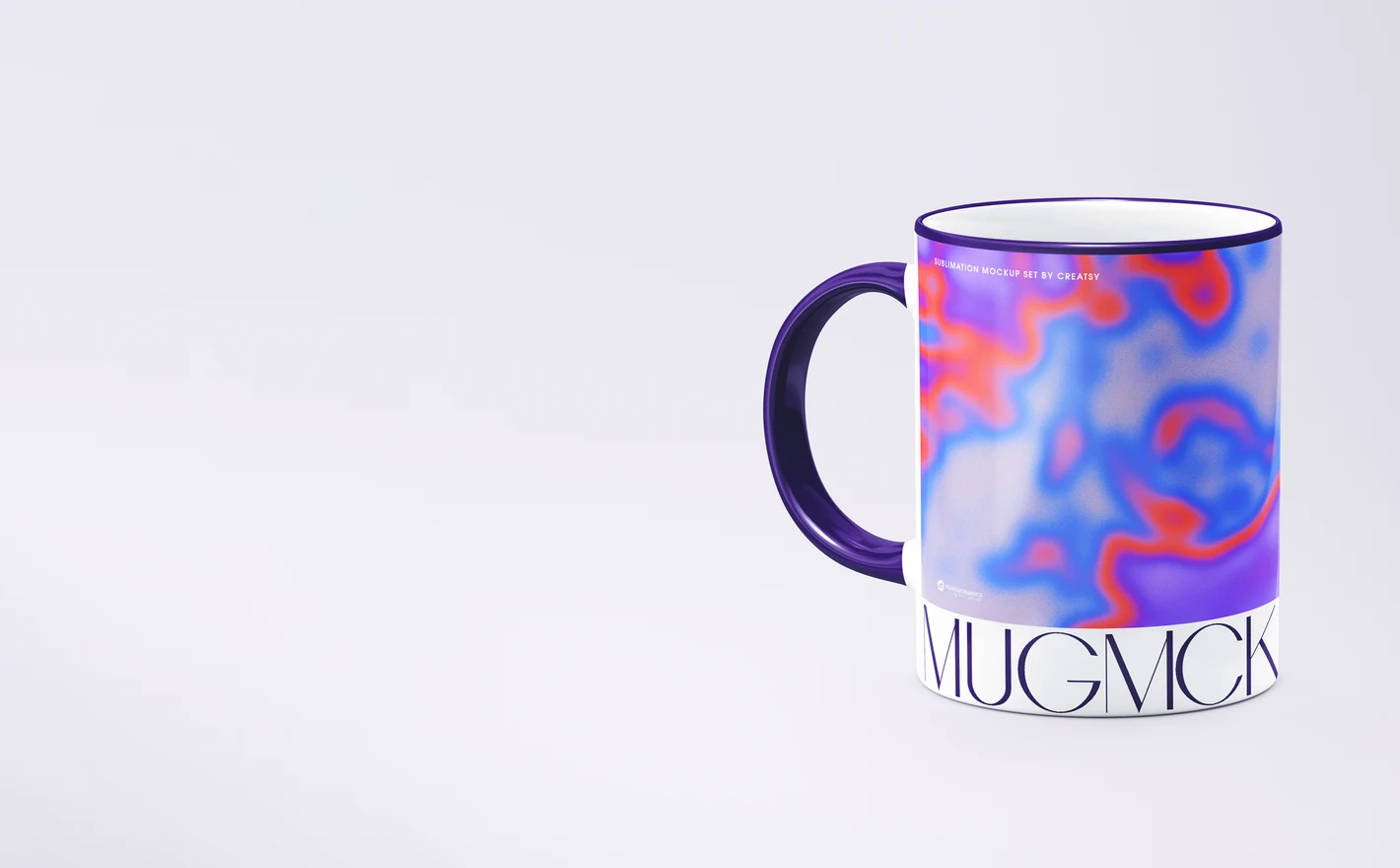
Put a cafe logo on an 11oz or 15oz mug and a glass mug in matching scenes - menu, counter and social content sorted from one artwork. Seasonal editions like the Christmas snow scenes cover the winter campaign without a photoshoot.
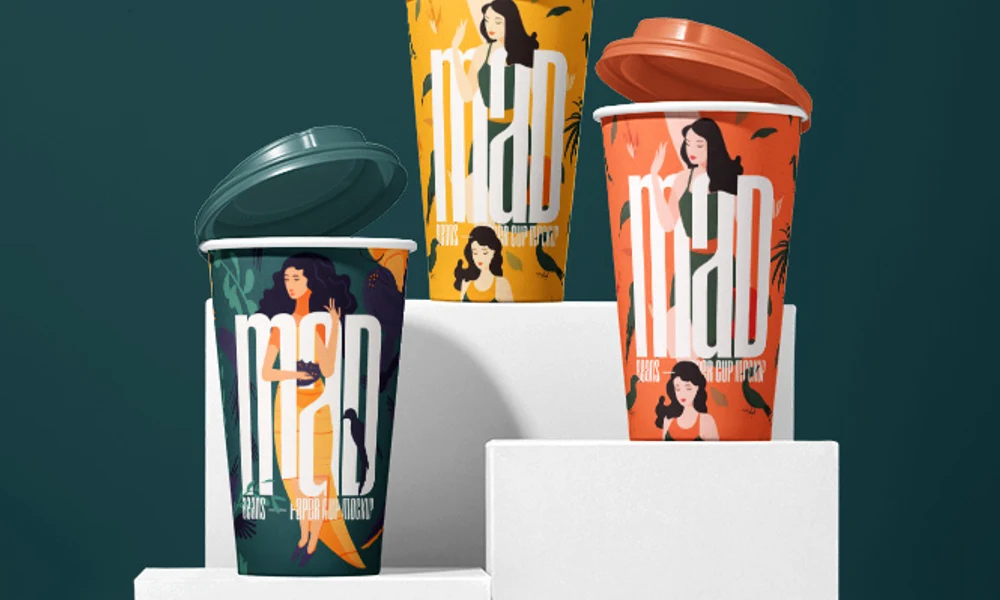
Designing for takeaway too? Browse paper cup mockups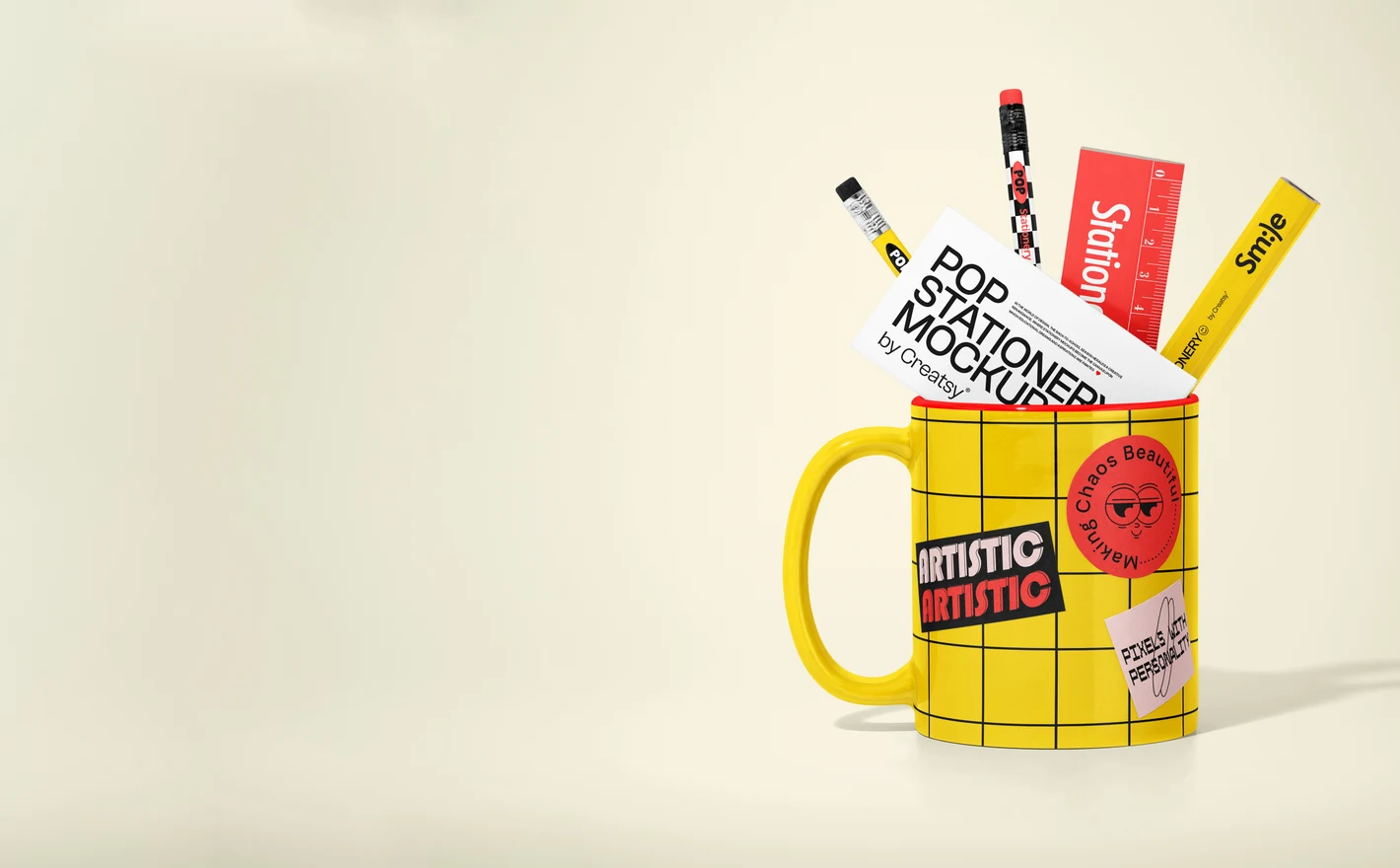
For Corporate Gifting and Client Presentation Teams
Present a personalized mug program with consistent, realistic visuals: many-view mug sets for the catalog, in-hand and office scenes for the proposal deck. Client artwork swaps in through smart objects, so every pitch ships with its own mockups.
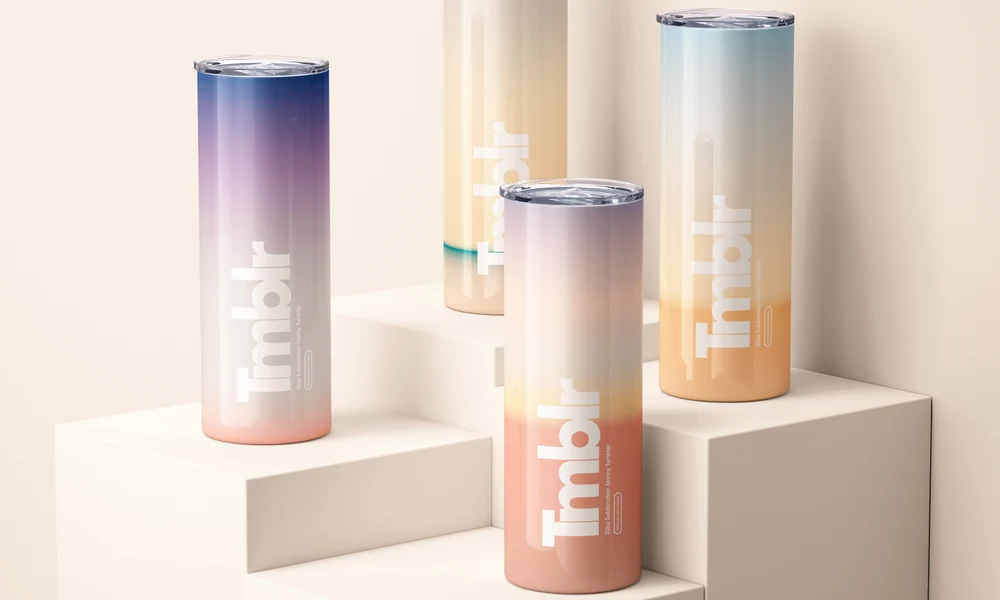
Adding a travel mug to the gift set? Browse tumbler & travel mug mockups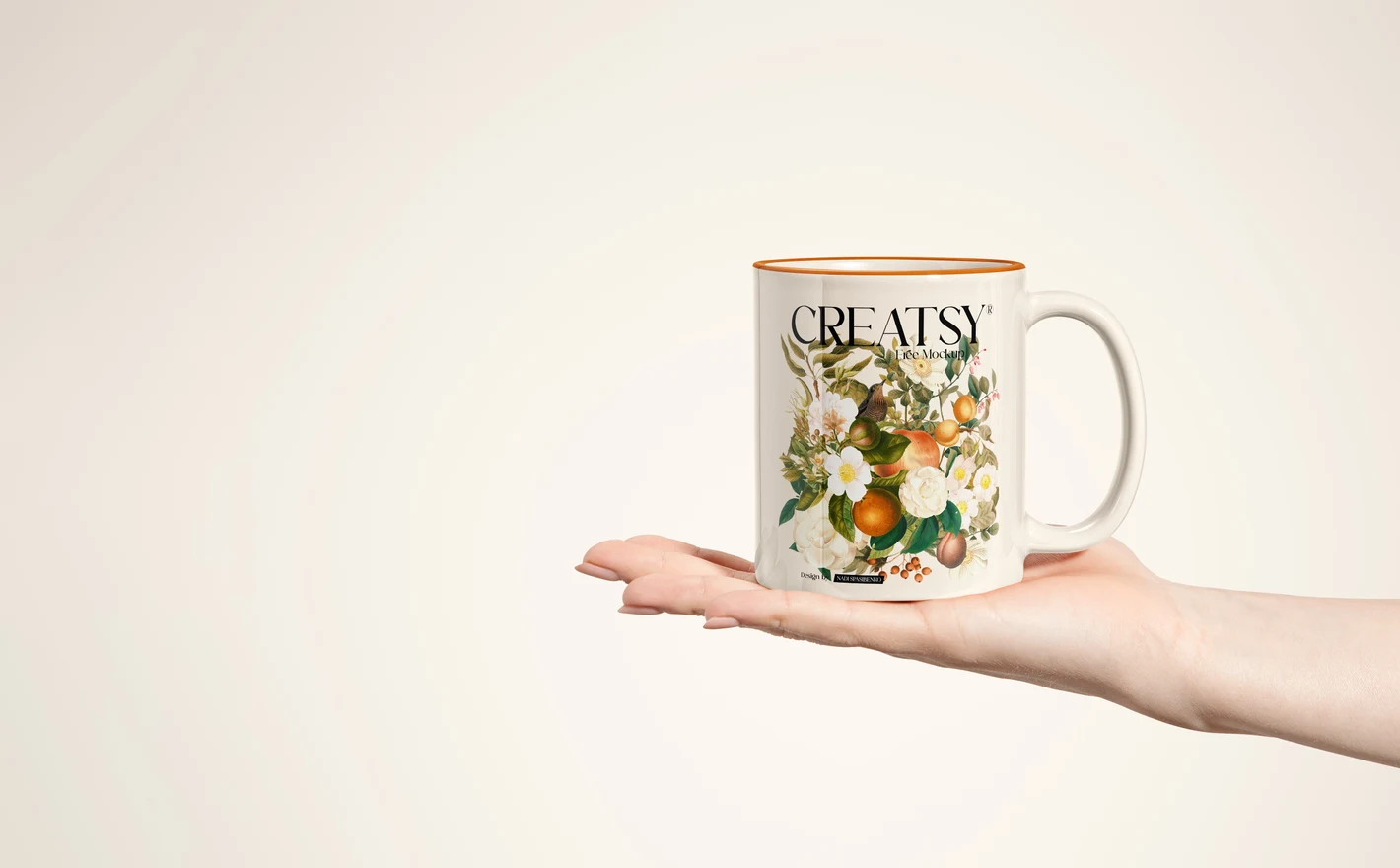
For Print-on-Demand Mug Sellers
Preview full-wrap artwork on the sublimation blank you actually print on, so the listing photo matches what ships. Catching a seam-crossing design in the mockup costs nothing; catching it in customer reviews costs the listing.
For Surface Pattern and Illustration Designers
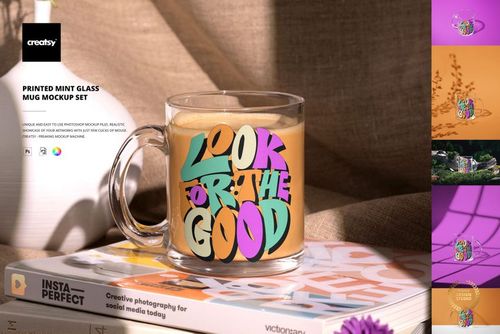
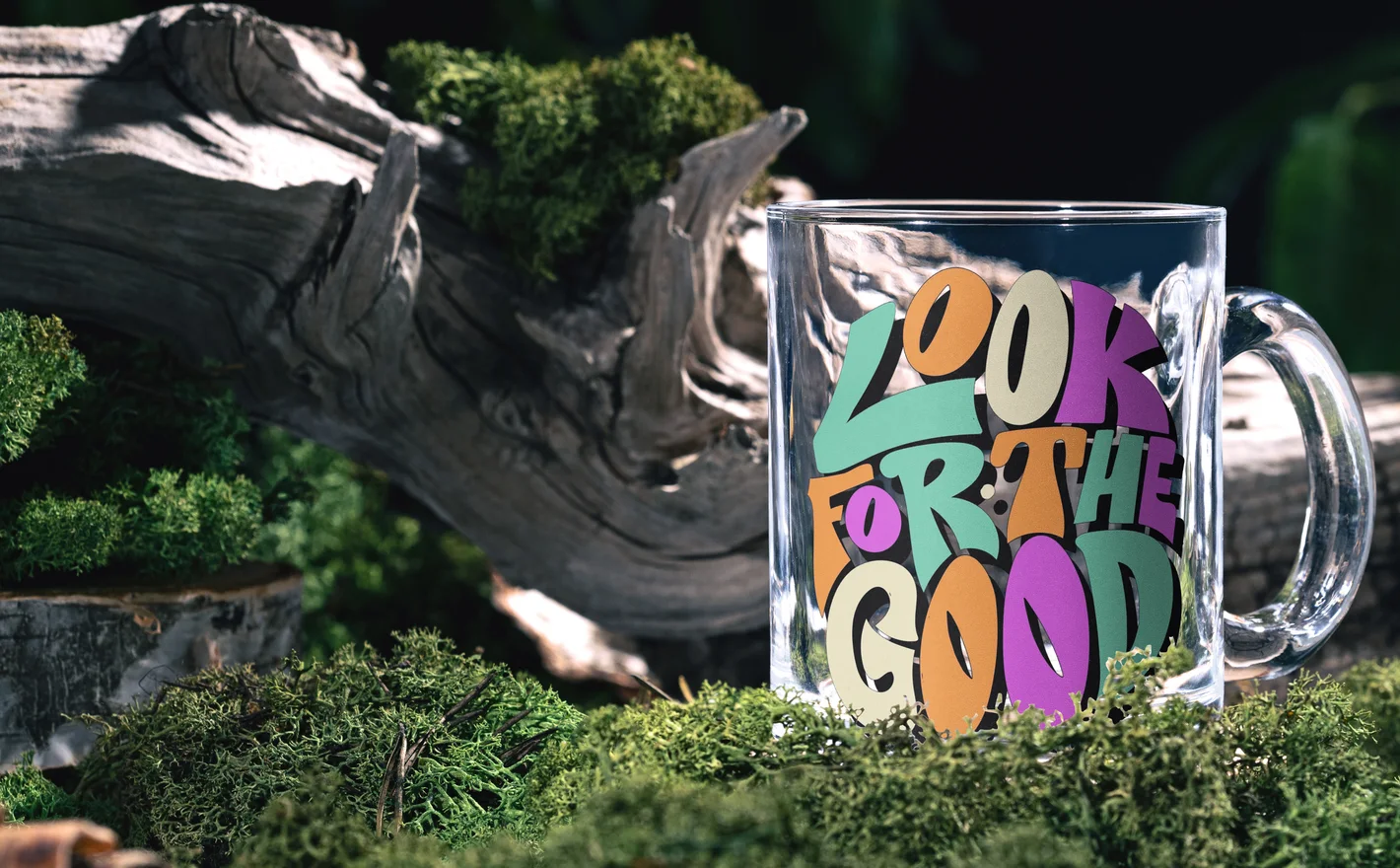
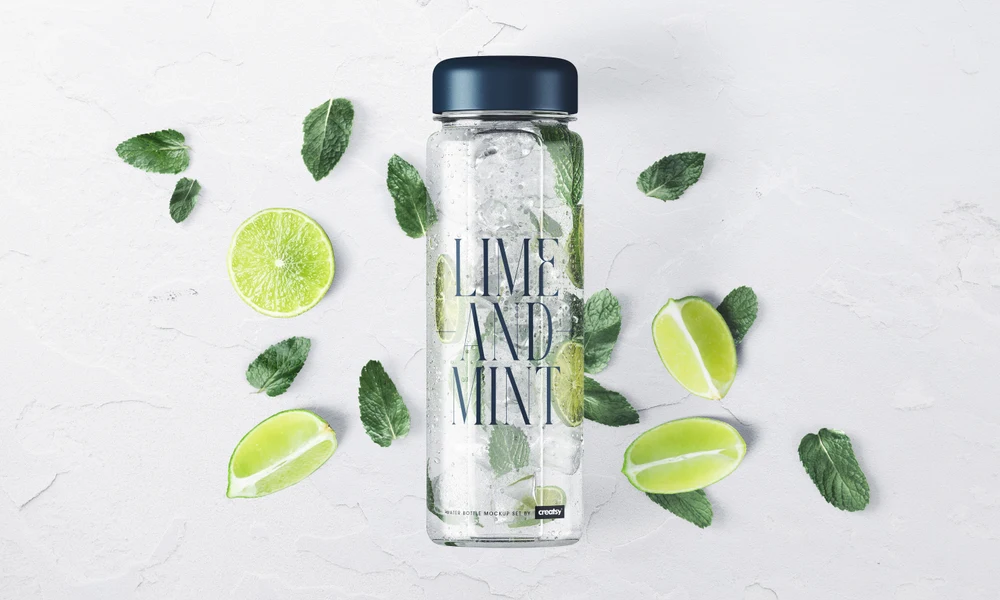
Test how a repeat reads on transparent glass - where the pattern shows from both sides and overlaps itself. The mint glass mug set is the stress test flat previews can't fake, and a striking portfolio piece when the artwork passes.
Turning the pattern into a set? Browse coaster mockups
FAQs
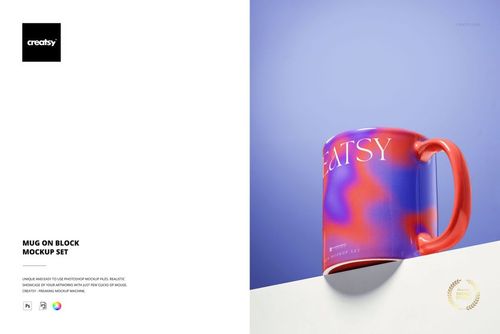
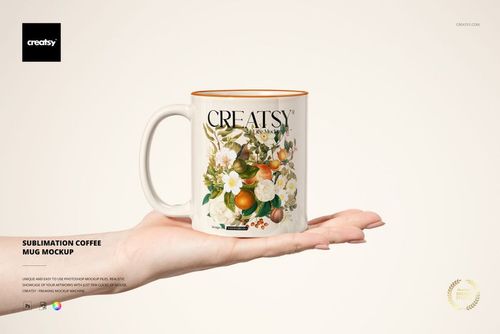
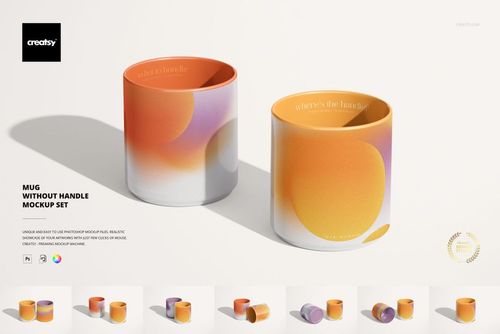
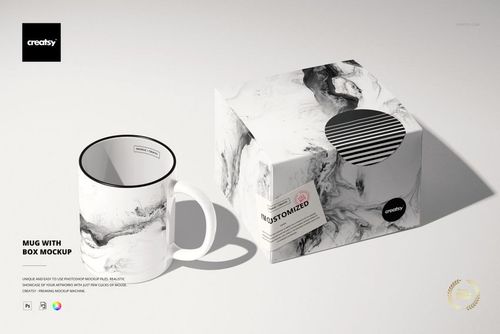
The category includes 11 oz and 15 oz mugs, latte mugs, glass mugs and several distinctive shapes, such as heart-handle and handle-free designs. There are also mugs shown with packaging or in styled settings. Choose the product shape first, then the views you need for the design.
Apply the artwork and inspect the views on both sides of the handle. The scene shows its prepared design area, which may not be the same as your supplier's printable area. Use the supplier's template to set the actual margins and seam, then check that the mockup represents the design honestly.
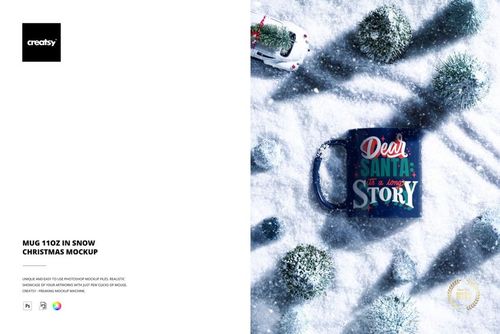
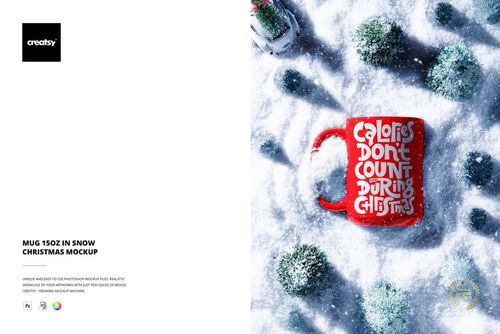
Yes. The category includes 11 oz and 15 oz mugs in snow, as well as a Rustic Christmas Wooden Table 15 oz Mug scene. These add a seasonal setting to the product presentation. Choose the correct mug capacity and shape before deciding which festive scene to use.
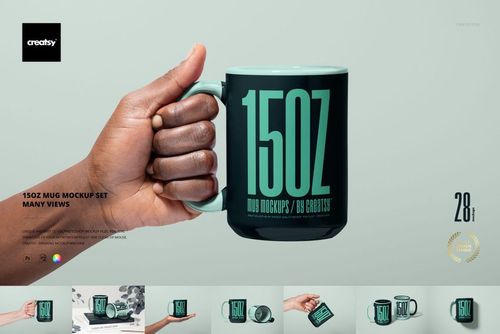
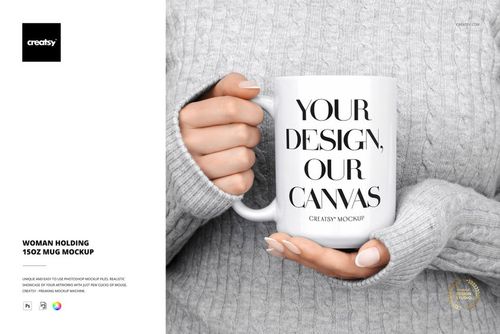
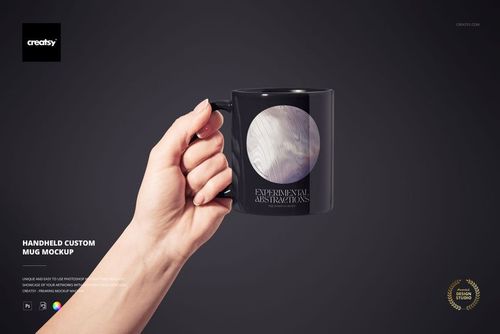
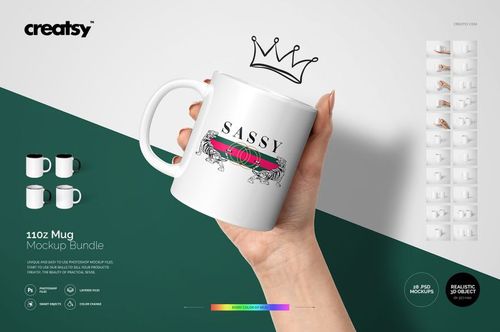
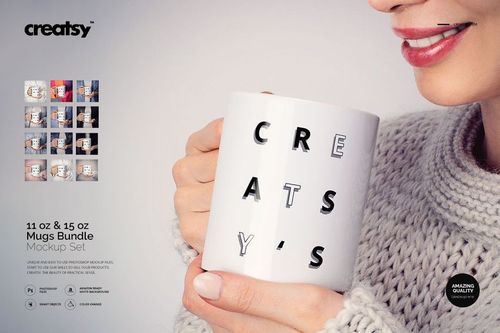
Yes. Woman Holding 15oz Mug Mockup and Handheld Custom Mug Mockup are in-hand options. Compare the gallery views with the side of the mug your artwork needs to show. They can complement a product-focused image when the hand would otherwise hide an important part of the design.
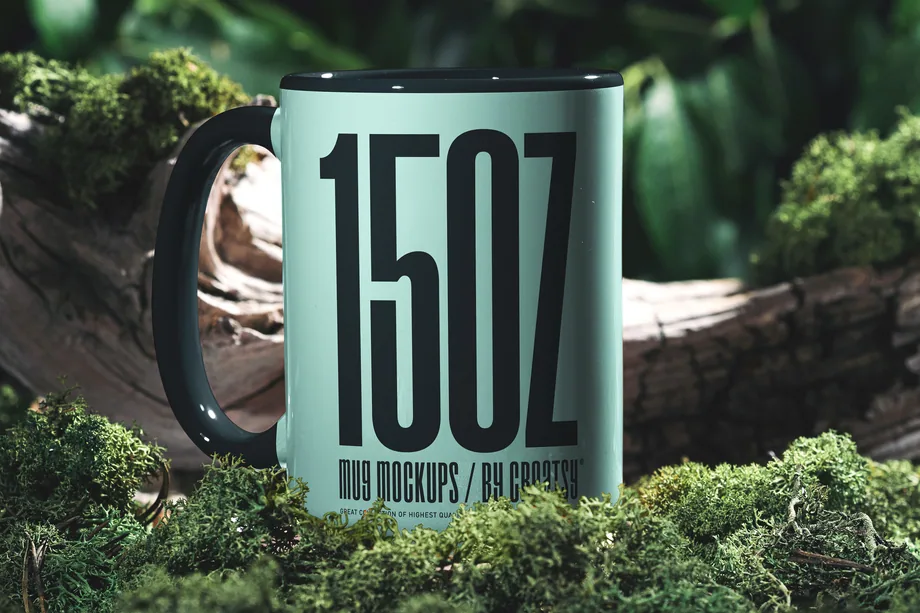
Yes. Free Mug 15oz Nature Scene Drinkware PSD Mockup is available in Freebies with a free account. Use it to try your artwork on that mug and in that setting. Check its proportions and visible print area before using the result to represent a particular blank.
Why use Mug & Coffee Cup mockups?
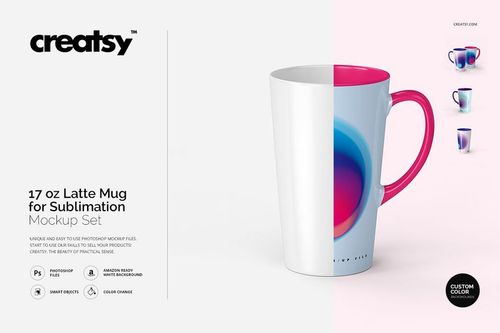
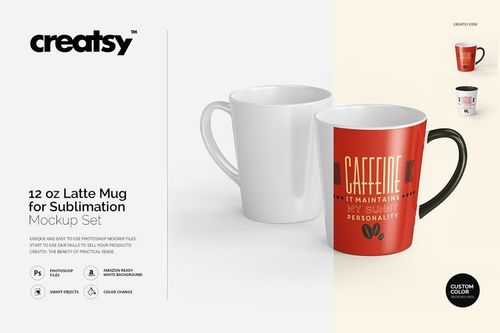
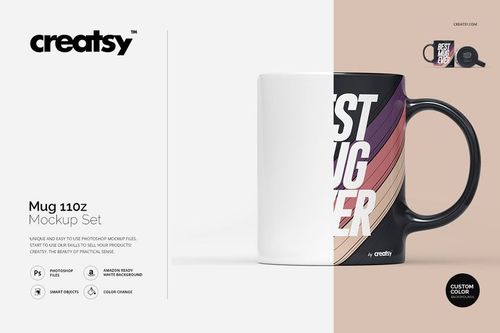
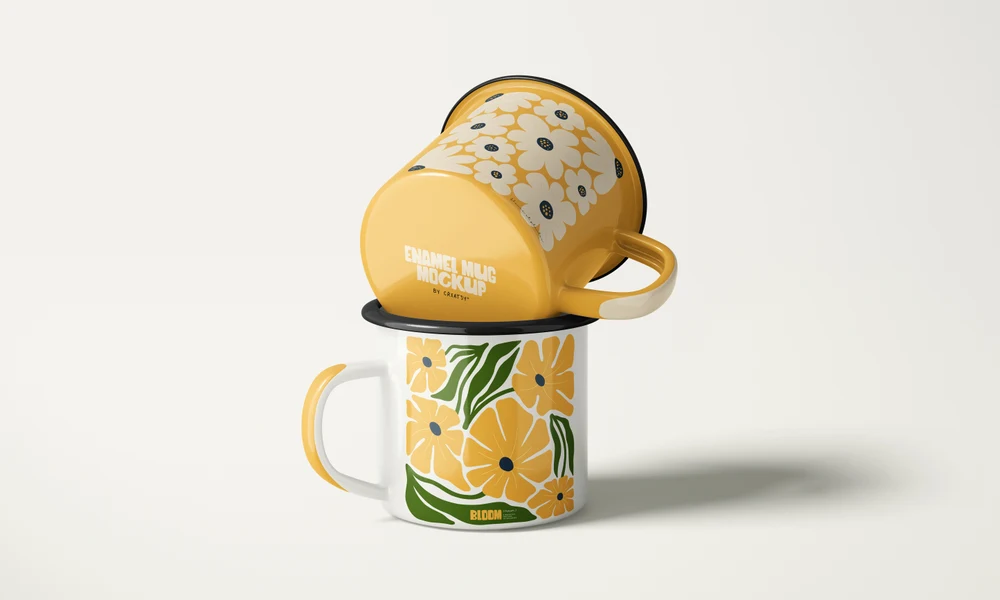
This category includes 11 oz and 15 oz ceramic mugs, multi-view sets, sublimation formats, glass mugs and seasonal scenes such as mugs in the snow. Choose a product shape and finish that suit the item you are presenting. File dimensions, software requirements, editable features and license options are listed on each product page. A handle, rim and curved body affect which parts of a design face the viewer. Smart Objects fit the artwork to the mug while keeping the lighting and shadows, so you can compare placement and scale from the available angles. A front graphic and a wider wrap may need different views to show the design clearly. Use the same artwork in a plain product scene and a seasonal setting, or compare related designs on ceramic and glass styles. Edit each file separately and export images for your shop, cafe presentation, ads or client review. Keeping the selected views for future designs helps the product images stay consistent across the collection.
FreeCreatsy® Mockups
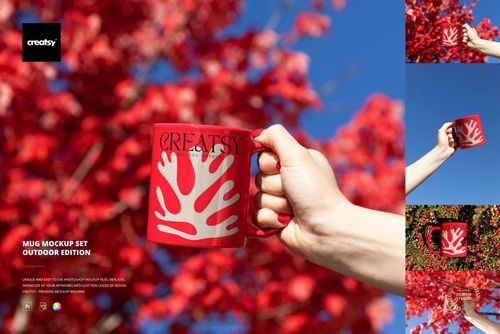
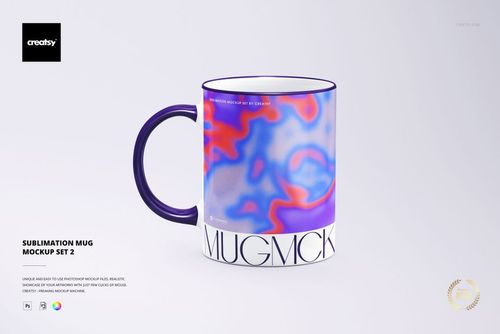
This is a fun and simple mock-up. I love that you can choose to give the rim and handle of the mug the same background colour of your illustration or pattern that you apply, or make them another colour, or leave those white.