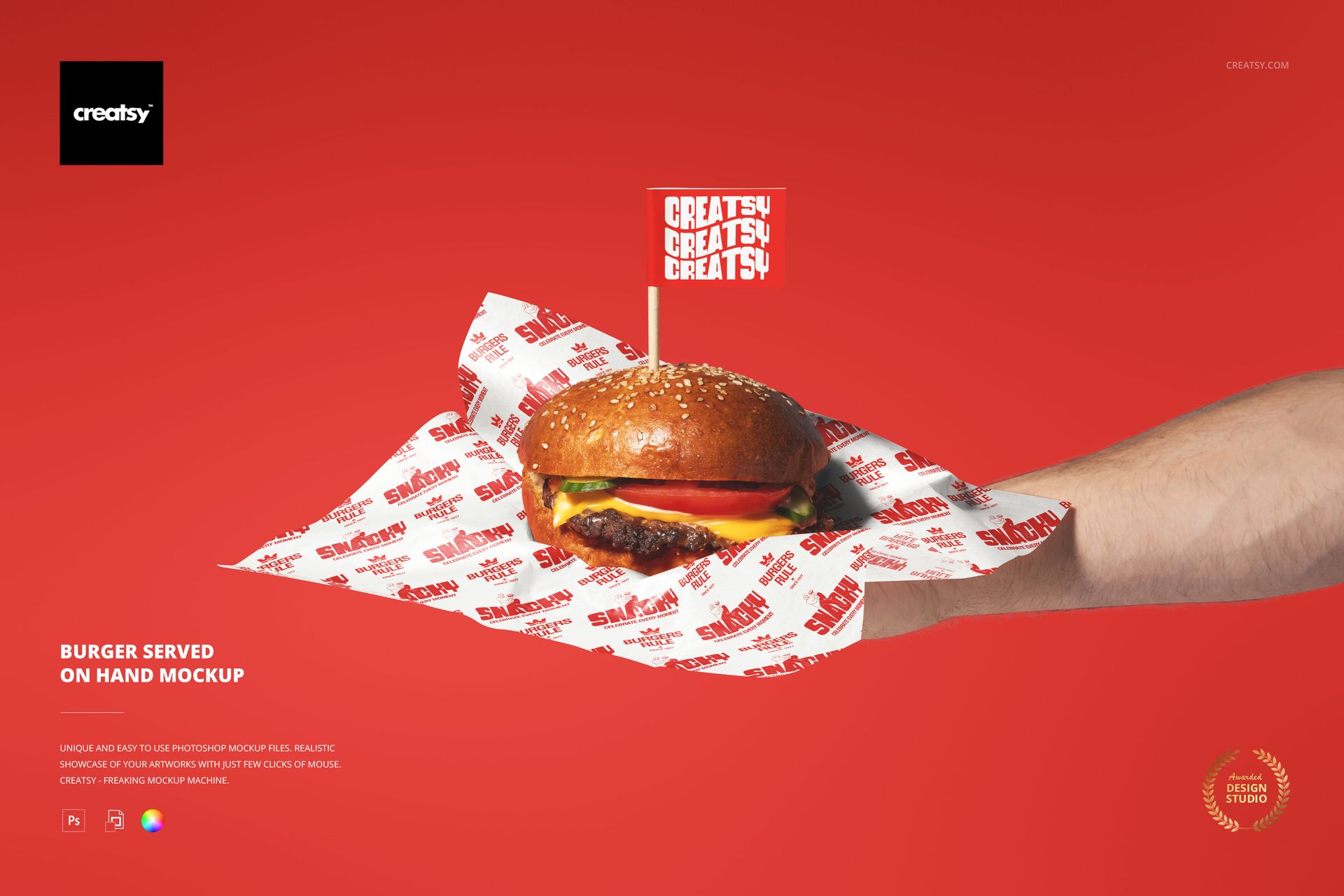
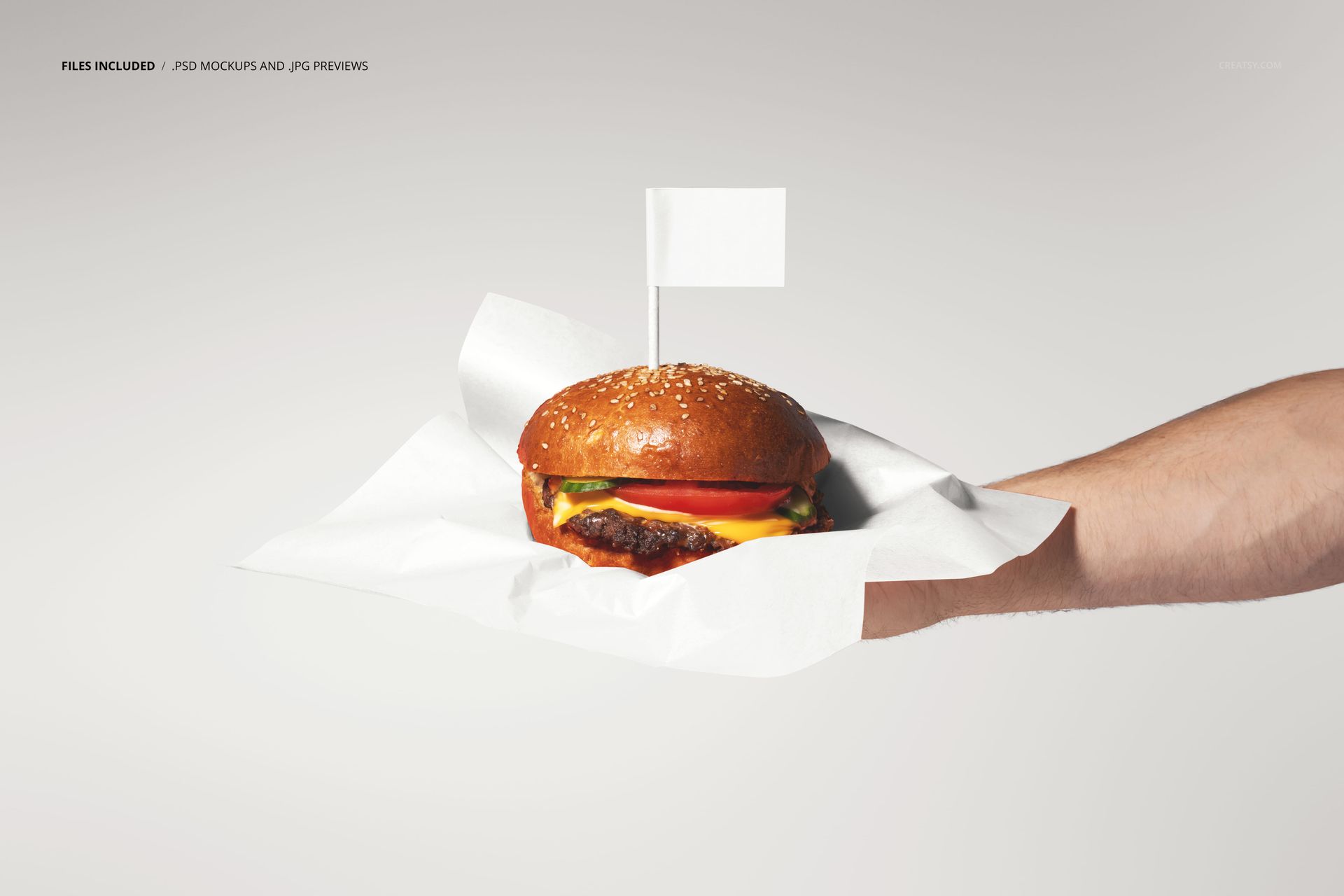
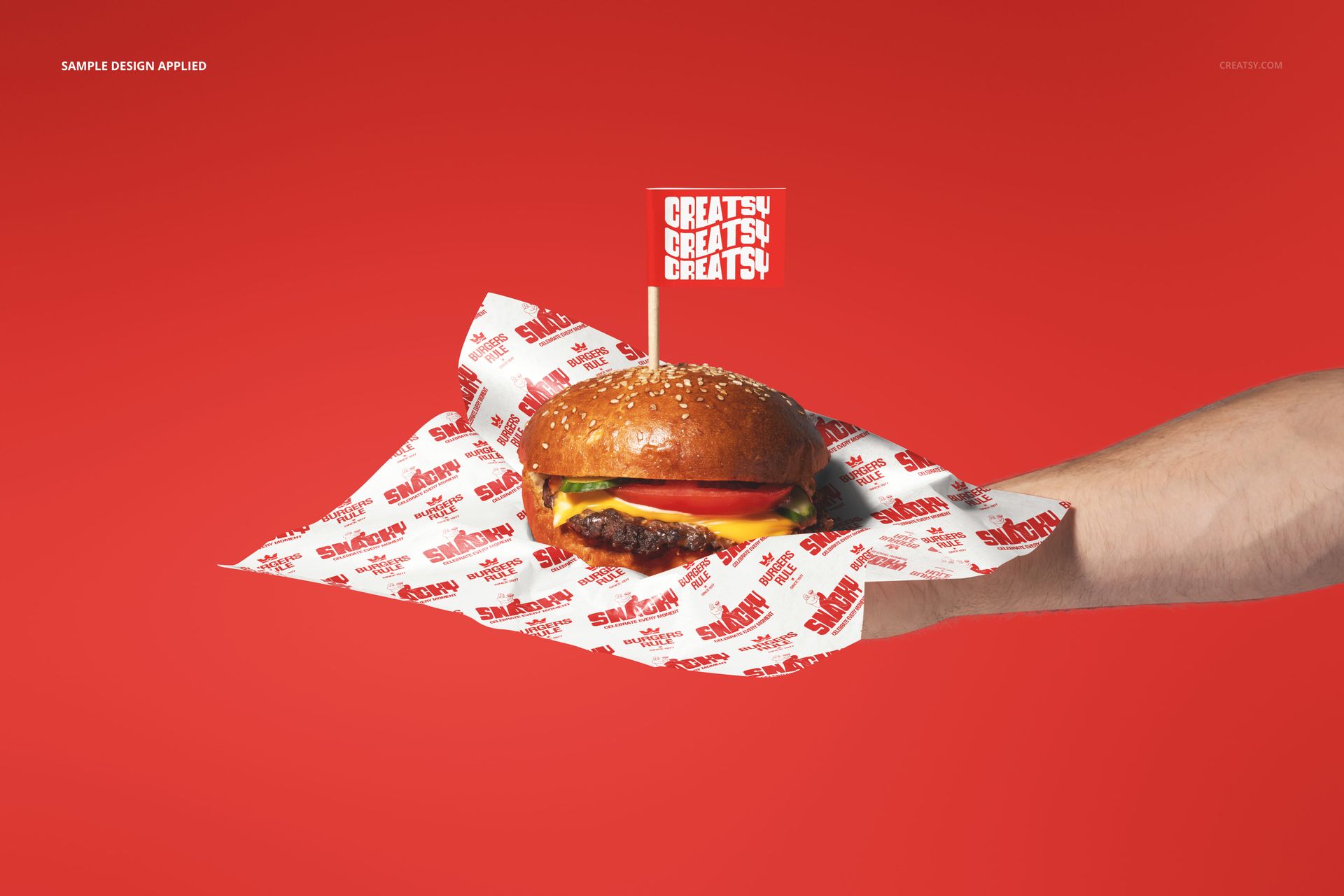
The Burger Served On Hand Mockup shows a burger resting on branded wrapper paper in an open hand, presented as if being offered directly to the viewer. The composition is tight and dramatic, with a dark background that isolates the hand and burger, placing all attention on the branded wrapper beneath the food. This is not a packaging-on-a-shelf shot but a service moment: the instant before the customer takes their meal, when the wrapper design is fully visible and the brand makes its closest impression. The file measures 6000x4000px at 300 DPI with smart object layers and works in Adobe Photoshop CC 2020 or newer and Photopea.
Why This Mockup Works
Most burger wrapper mockups show the paper flat, folded, or wrapped around the burger in a box. This mockup shows the wrapper in the moment it matters most: when the food is being served directly to someone. The open-hand presentation creates a gesture of offering that feels personal and immediate, and the dark background removes every distraction so the viewer focuses entirely on the burger and the branded paper beneath it. That combination of human gesture and design clarity makes this image unusually effective for marketing materials where the goal is to create appetite appeal and brand recognition simultaneously. The low-key lighting and tight framing give the composition an editorial, almost cinematic quality that elevates the brand perception regardless of whether the restaurant is a street food stall or a premium burger concept.
What Is Included
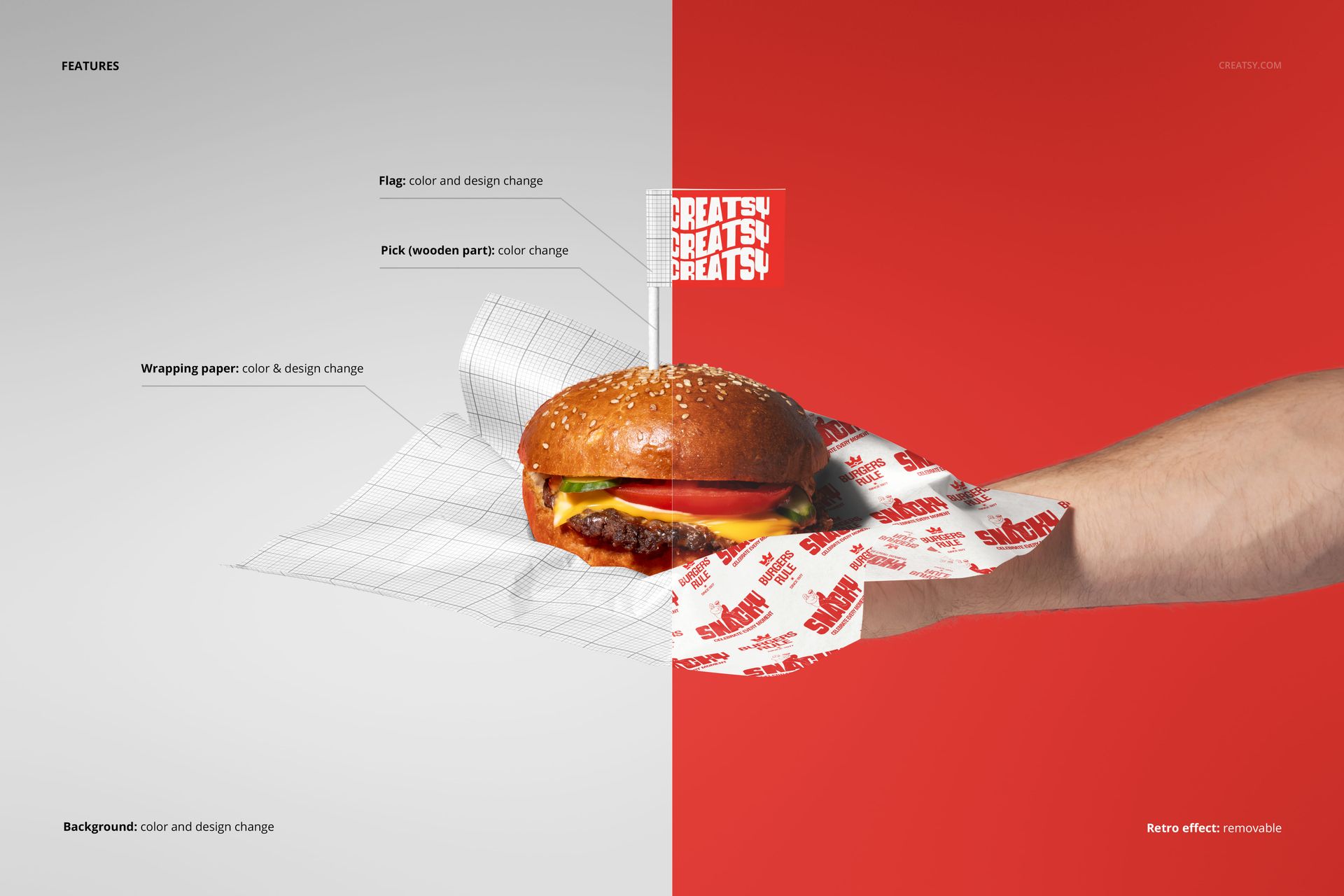
The download contains 1 layered PSD file. The scene shows a hand holding a burger on branded wrapper paper against a dark background. The wrapper has a dedicated smart object layer that accepts your artwork and maps it onto the paper surface with accurate crumpling, folds, and lighting interaction. The directional lighting creates defined highlights on the burger and wrapper while keeping the background deep and dark, which produces a high-contrast, editorial look. The layer structure is organized and labeled for quick access to the wrapper smart object and adjustment controls.
What You Can Customize
The smart object controls the burger wrapper paper surface. Double-click the smart object layer to open its embedded canvas, place your logo, brand pattern, or full wrapper artwork, then save and close. The design maps onto the paper with accurate wrinkle and fold response, picking up the natural creases that form when wrapper paper is used to hold food. The adjustment layers let you modify overall brightness, contrast, and color temperature to match your brand aesthetic or to shift between a warm, inviting mood and a cooler, more refined presentation. You can generate multiple versions with different wrapper designs by swapping the smart object content and exporting each variation.
Who This Mockup Is For
Burger restaurants and fast casual brands that want marketing visuals emphasizing the personal, hand-served quality of their food rather than showing packaging in isolation. Packaging designers presenting wrapper concepts to restaurant clients who need to see how the paper design looks when it is actually holding food and being presented to a customer. Food photographers and content creators looking for a ready-made editorial-quality burger image that they can brand with a wrapper design without arranging a full photo shoot. Brand strategists and franchise developers building pitch decks where the food presentation needs to feel premium, personal, and service-oriented. Social media managers creating high-impact visual content for Instagram, TikTok, and website hero sections where dark, dramatic food photography drives the highest engagement rates.
File Specifications
Files: 1 PSD. Dimensions: 6000x4000 px. Resolution: 300 DPI. Color mode: RGB. File size: 125.17 MB. Compatibility: Adobe Photoshop CC 2020 or newer, Photopea.