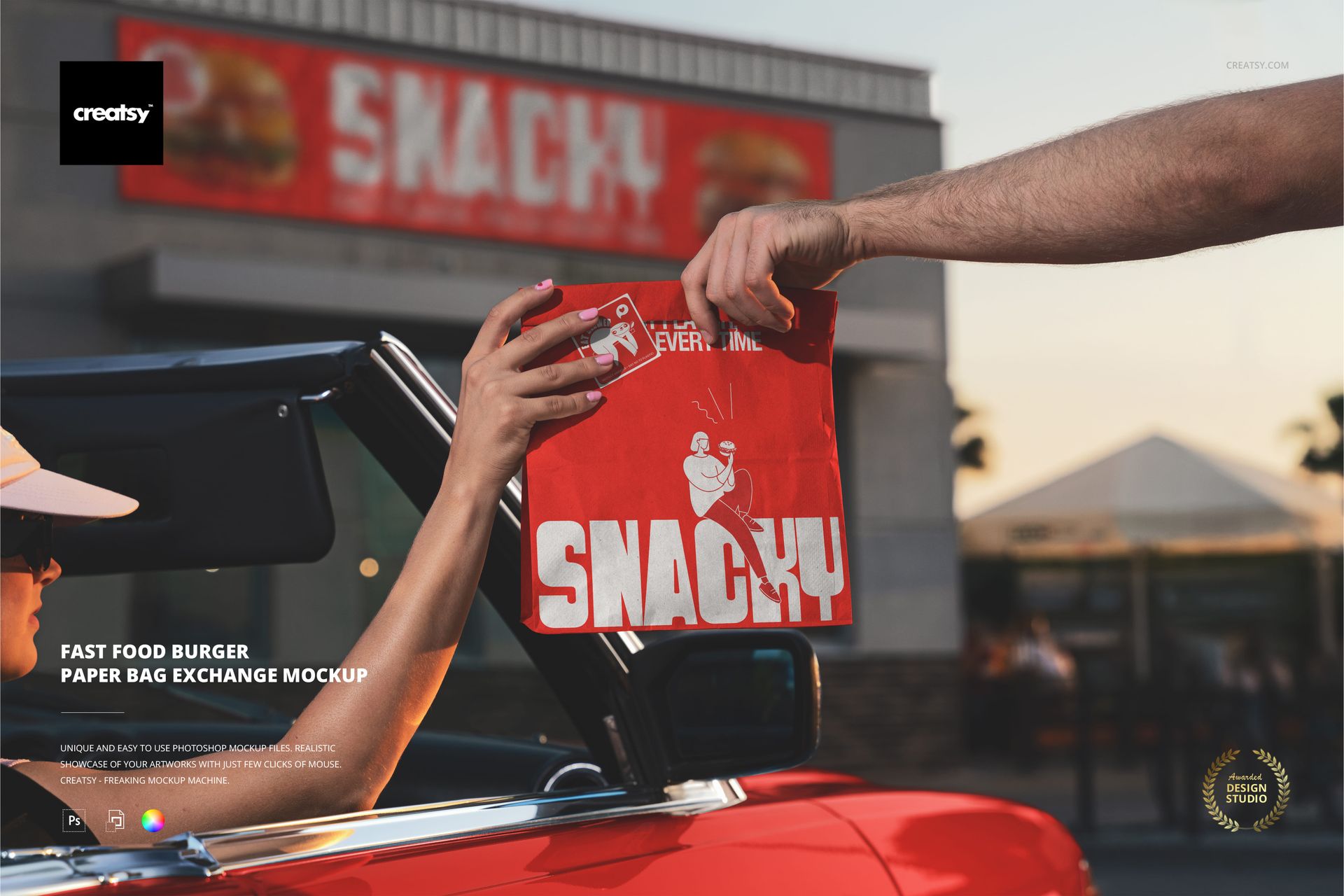
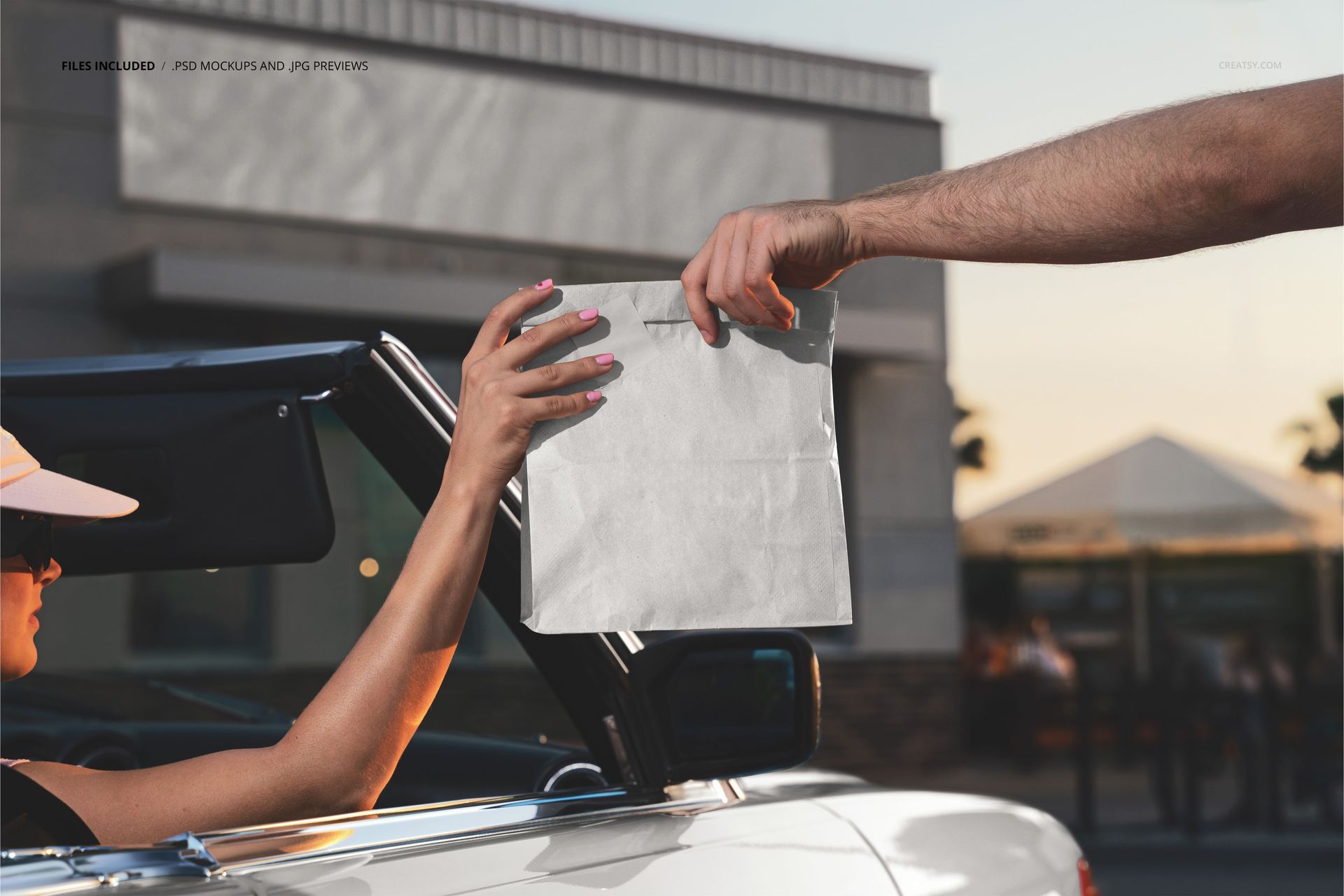
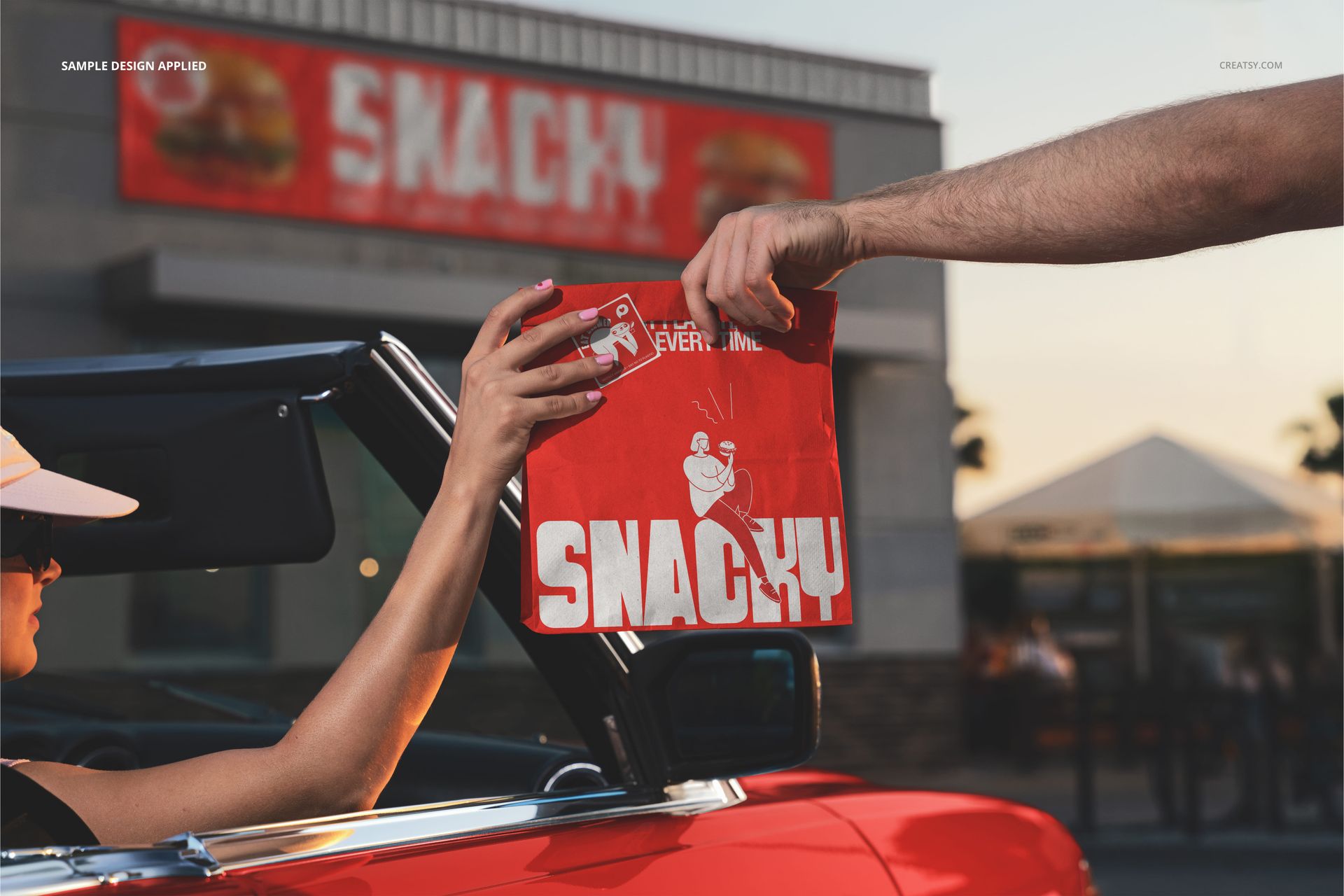
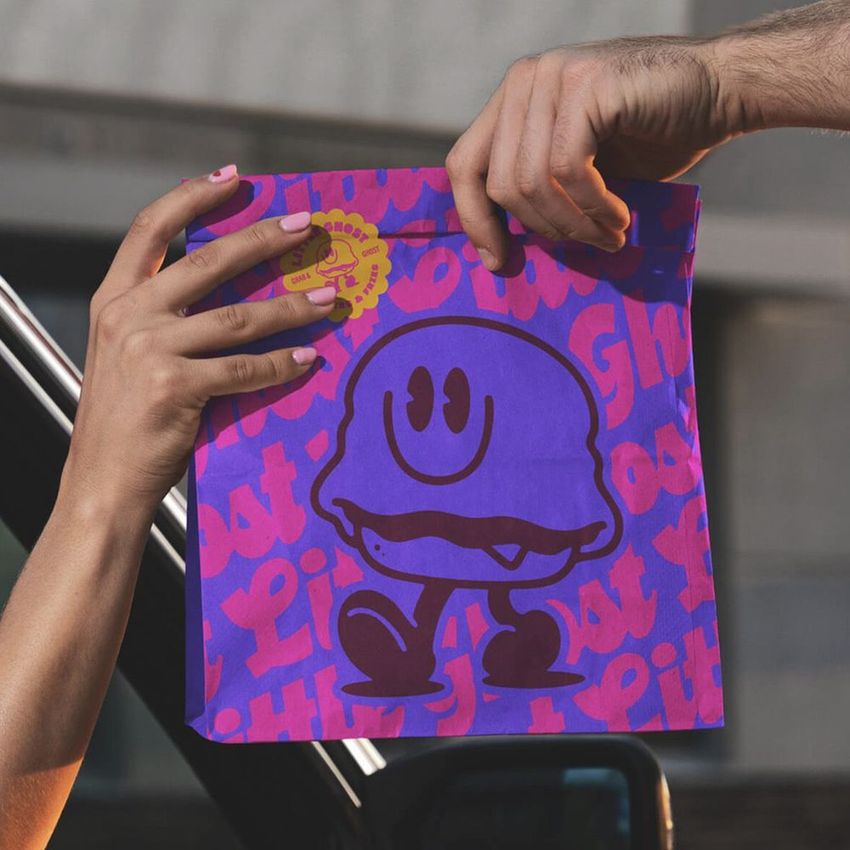
The Fast Food Burger Paper Bag Exchange Mockup shows a branded paper bag being handed from one person to another in an outdoor setting. The scene captures the exact moment of exchange, one hand extending the bag and another reaching to receive it, which is the most emotionally charged touchpoint in the entire takeout experience. This is the moment when a customer first physically interacts with your brand, and this mockup lets you see exactly how your paper bag design looks during that handoff. The file measures 6000x4000px at 300 DPI with smart object layers for the bag surface and works in Adobe Photoshop CC 2020 or newer and Photopea.
Why This Mockup Works
A paper bag sitting on a table or floating against a white background shows the design but misses the story. This mockup tells the story. The hand-to-hand exchange creates an instant narrative: someone ordered food, someone prepared it, and now the brand is literally passing from the business to the customer. That moment of transfer is where first impressions form, where the weight and quality of the bag register, and where the printed design gets its closest scrutiny. By showing your branding in this context, you demonstrate not just what the bag looks like but what it feels like to receive it. The outdoor setting and natural hand positioning make the scene feel candid and authentic rather than staged, which translates directly into more believable marketing materials.
What Is Included
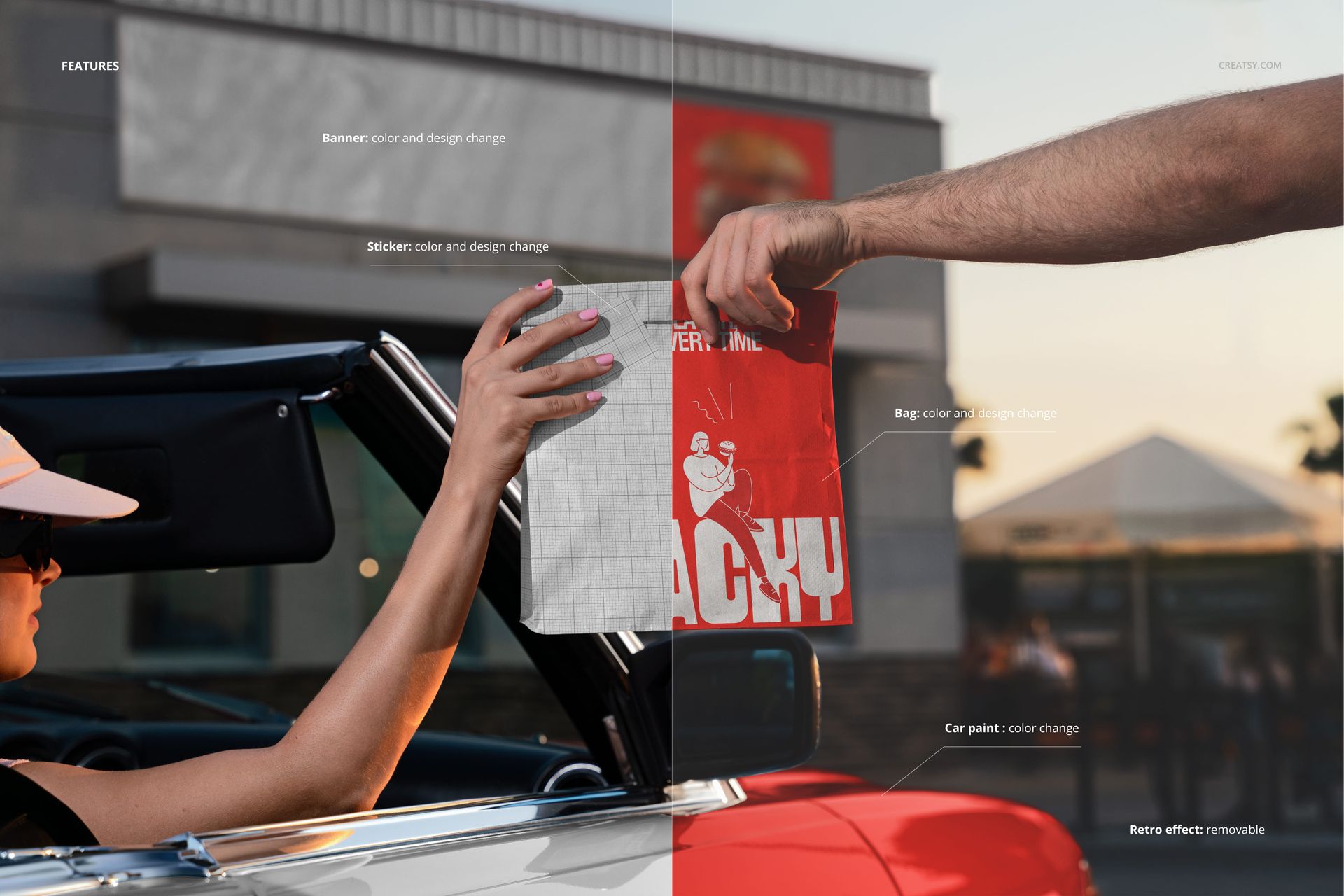
The download contains 1 layered PSD file. The scene captures two hands in the act of exchanging a paper bag in an outdoor environment. The bag has a dedicated smart object layer that accepts your artwork and maps it onto the paper surface with accurate perspective, texture, and lighting interaction. The natural outdoor light creates realistic shadows on the bag and hands, and the shallow depth of field draws attention to the bag while keeping the background soft and atmospheric. The layer structure is organized for quick access to the bag smart object and adjustment controls.
What You Can Customize
The smart object controls the paper bag surface. Double-click the smart object layer to open its embedded canvas, place your logo, pattern, typography, or full bag artwork, then save and close. The design wraps onto the bag with accurate perspective distortion, paper texture interaction, and natural lighting response that follows the folds and creases of the bag. The adjustment layers let you modify overall brightness, contrast, and color temperature to match your brand aesthetic or adapt the image for different marketing channels. You can generate multiple versions with different bag designs quickly by swapping the smart object content and exporting each variation.
Who This Mockup Is For
Fast food restaurants and burger chains designing takeout bags that need to look good in the customer's hands, not just on a flat proof. Packaging designers presenting paper bag concepts to restaurant clients who want to see how the design performs during the actual handoff moment. Delivery platforms and ghost kitchen operators creating branded bag designs for partner restaurants that need marketing visuals showing the customer-facing delivery experience. Food truck and street food vendors who hand bags directly to customers across a counter or window and need their bag branding to make an immediate impression in that brief exchange. Marketing agencies and brand consultants building campaign visuals that capture the energy and warmth of a real food exchange for social media, websites, and printed advertising.
File Specifications
Files: 1 PSD. Dimensions: 6000x4000 px. Resolution: 300 DPI. Color mode: RGB. File size: 154.16 MB. Compatibility: Adobe Photoshop CC 2020 or newer, Photopea.