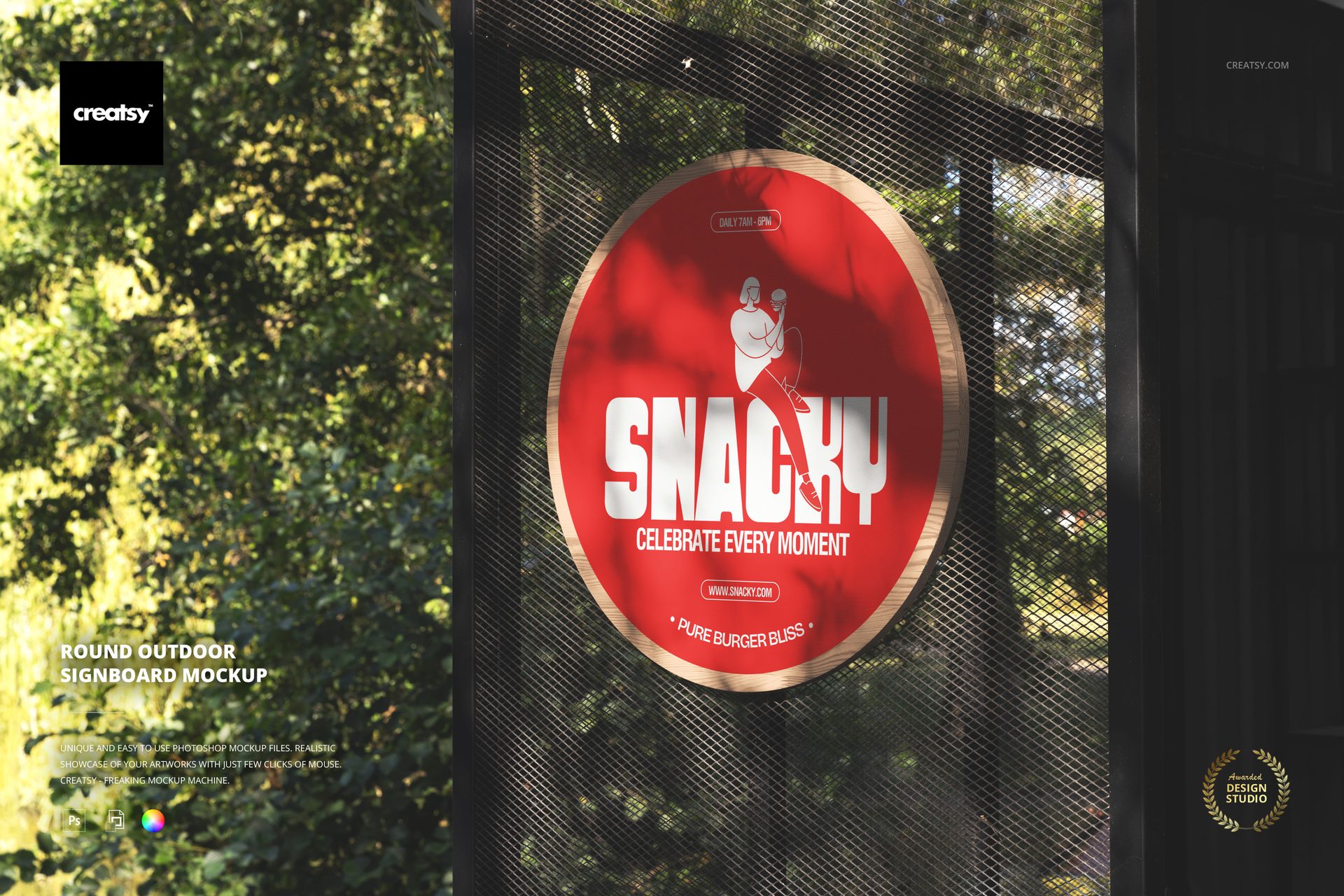
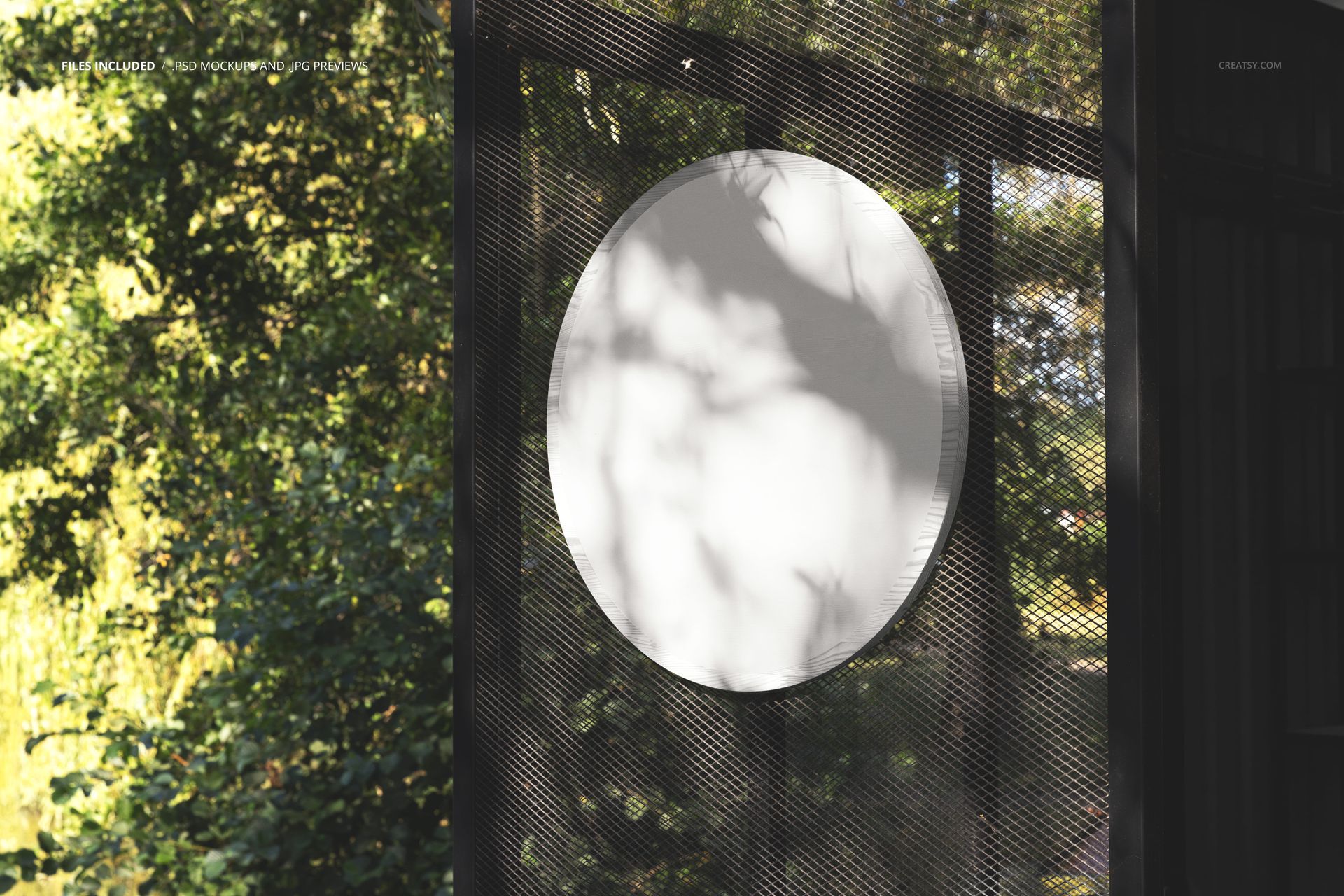
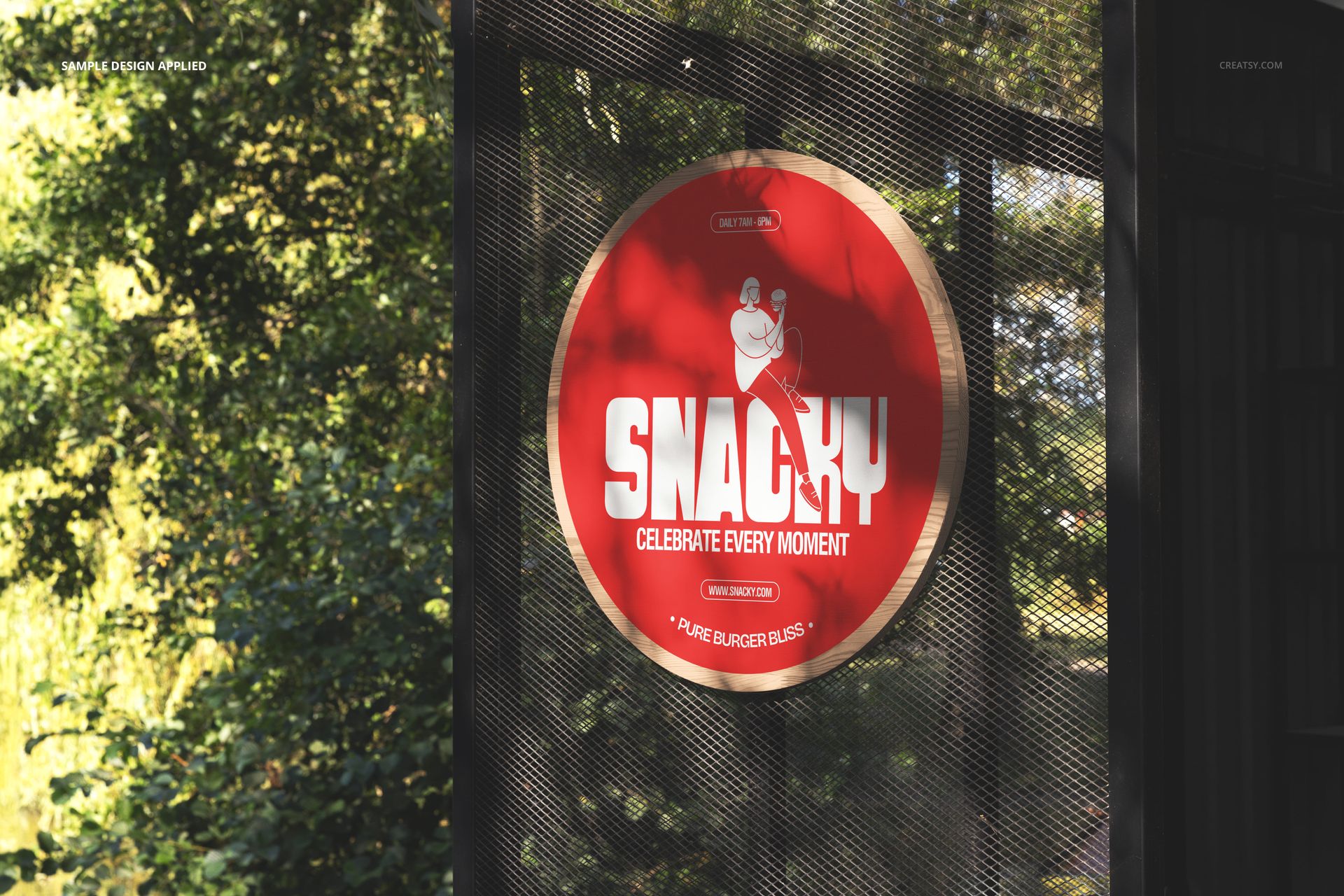
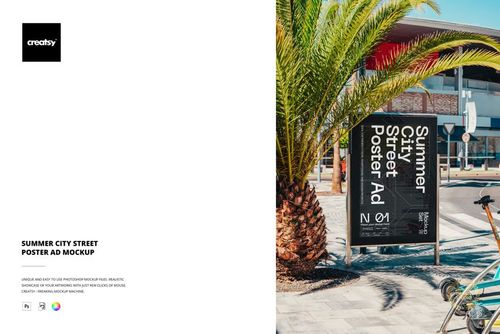
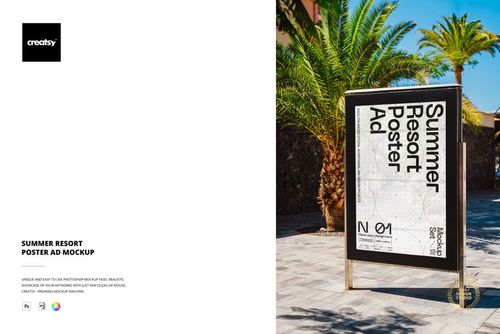
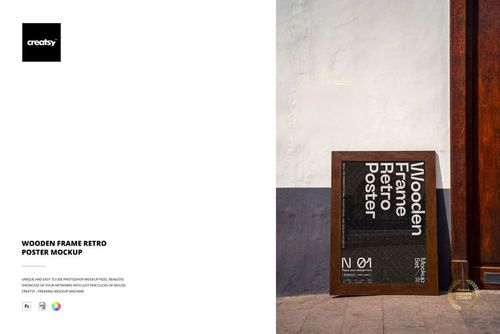
A round signboard mounted outdoors against a dark wall with trees and foliage visible in the background, photographed in natural lighting that captures the real-world presence of a circular advertising display. This Round Outdoor Signboard Mockup places your logo, brand artwork, or promotional design on a circular sign in a genuine outdoor environment, showing exactly how a round signboard looks when installed on a building exterior surrounded by natural greenery. The combination of the dark mounting surface and the organic backdrop creates a setting that works equally well for restaurant signage, retail storefronts, cafe branding, and boutique shop identities.
Why This Mockup Works
Round signboards carry a different visual weight than rectangular signs. The circular format naturally draws the eye and suggests a certain character and permanence that businesses with strong local identities tend to favor. This mockup captures that quality by photographing the sign in its intended environment rather than isolating it on a blank background. The outdoor setting with real trees, natural light, and an architectural mounting surface gives the sign context that helps clients and stakeholders evaluate how the design will actually look on the side of a building. The dark wall behind the sign creates strong contrast that makes lighter designs pop while the surrounding greenery adds warmth and approachability. This is the kind of presentation image that helps a sign design concept feel like a finished installation rather than a work in progress.
What Is Included
The download contains 1 PSD file at 6000x4000 pixels and 300 DPI resolution. The scene features a round signboard mounted on an outdoor wall with natural foliage in the surroundings. The sign surface is editable through organized smart object layers, allowing you to apply your logo, branding, or artwork to the circular display area. The total file size is 86.43 MB, and the file opens in Adobe Photoshop CC2020 or newer as well as in Photopea for browser-based editing.
What You Can Customize
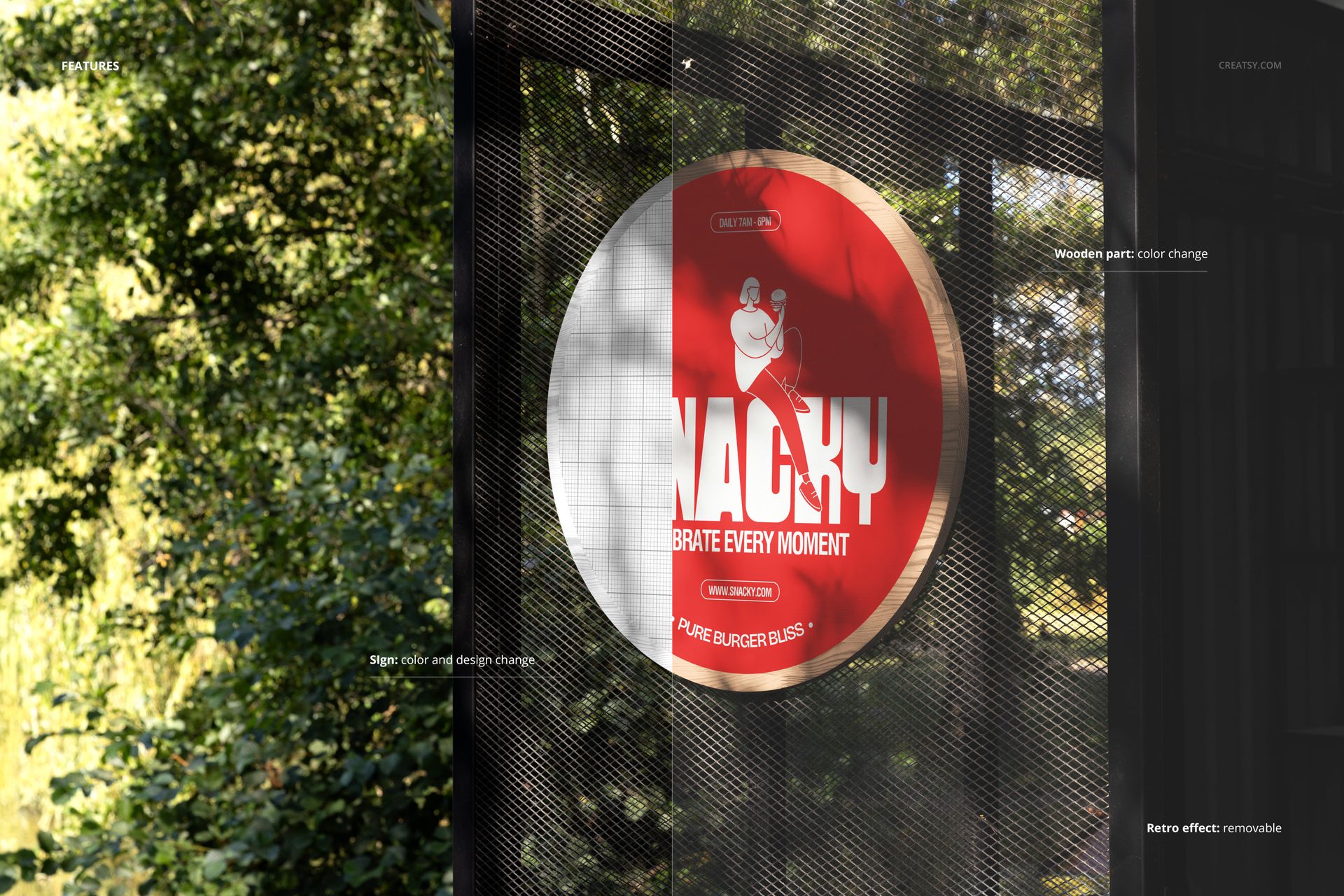
Replace the artwork on the round sign surface using smart object layers. Apply your brand logo, restaurant name, shop identity, or promotional graphic to the circular area. The smart object preserves the realistic lighting, shadow, and surface interactions from the original photograph, so your design appears as it would on an actual installed sign rather than as a flat graphic pasted onto a circle. Well-organized layers support quick iterations for designers who need to test multiple branding concepts, color palettes, or typography options without rebuilding the scene.
Who This Mockup Is For
Brand identity designers working on restaurant, cafe, bar, or retail signage projects will find this outdoor round sign mockup valuable for presenting logo designs in a realistic installation context. Sign makers and environmental graphics studios can use this mockup to show clients how their circular signboard will look once mounted and viewed from street level. Freelance designers building portfolio cases for local business branding, and marketing teams preparing location launch materials, benefit from the authentic outdoor setting that makes the signage feel permanent and professional.
File Specifications
Format: PSD (Adobe Photoshop CC2020 or newer, also compatible with Photopea). Files included: 1. Resolution: 6000x4000 pixels at 300 DPI. File size: 86.43 MB. Layers: well organized with smart objects for the sign surface.