
 $1900
$1900 $1900
$1900 $1900
$1900 $2700
$2700
 $1900
$1900
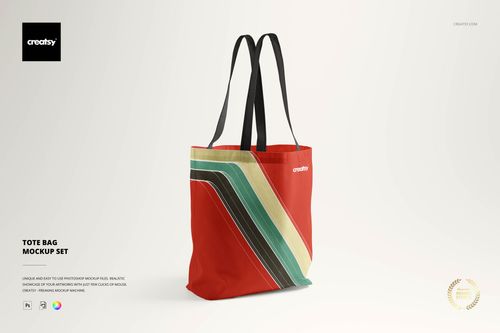 $1900
$1900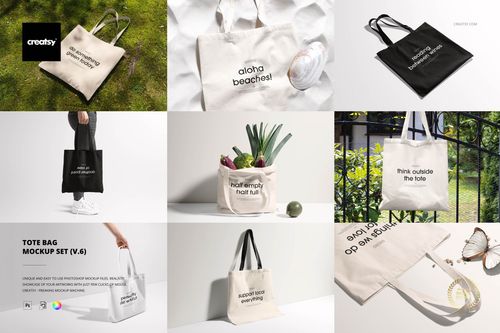 $1900
$1900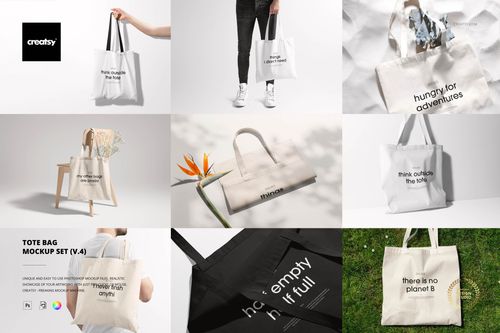 $1900
$1900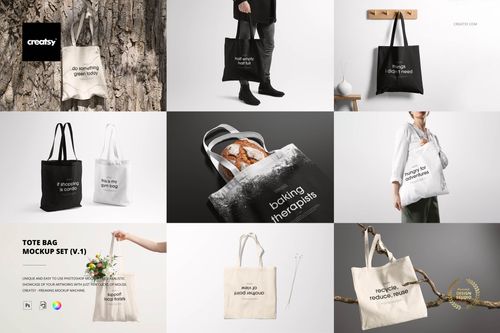 $1900
$1900 $2600
$2600 $1900
$1900
 $2600
$2600 $1900
$1900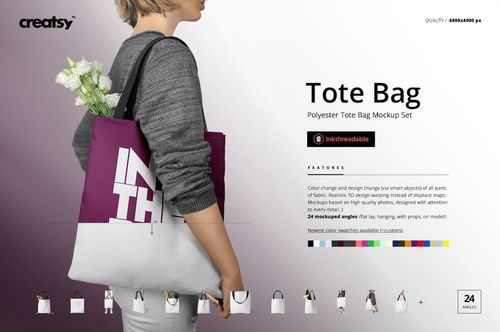
Tote Bag Mockups
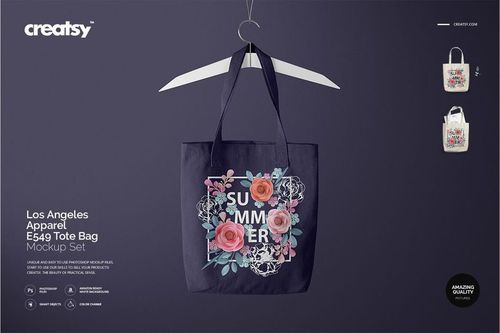
Present logos, illustrations and all-over patterns on canvas, woven, polyester and weekender totes. Reusable tote bag mockups keep marketplace listings, wholesale decks and campaigns consistent across designs and colorways.

Reviews
What designers and brand owners say after using these PSD mockups in real client work.
0
Sort by:



Creatsy make the best Mockups on the market, no matter what you need to showcase. These mockups are highly customizable, and the lighting in them makes everything look very realistic. You can keep or turn off many of the Items in the mockup, also a great feature giving control over the look you want. They have the most friendly and very helpful support. I highly recommend these mockups!
 Tote Bag Mockup v.6 View product


What you get
Professional PSD mockups built in-house - editable, realistic, high-resolution, and supported by real people.
Layered PSD Files
Creatsy mockups are delivered as fully layered Photoshop .psd files, with layers sorted into clearly named groups. Shadows, highlights, and the background each sit on their own editable layer, and nothing is flattened into a single image. Open it in Photoshop or the free browser editor Photopea and get to work.
- Clearly named, organized layer groups
- Shadows and highlights on separate layers
- Editable background, never flattened
- Works in Photoshop or free Photopea
Smart Objects
Open the smart object, paste your artwork, and save. The design lands on the product with the perspective, warp, and wrap already worked out. Scene lighting and shadows fall back on top, so it reads as a photograph, not a flat paste-in. Swapping a design takes seconds, so one file can carry a whole run of variants and colorways.
- Double-click, paste your design, save
- Perspective, warp, and wrap pre-built
- Scene lighting and shadows sit back on top
- One file covers many variants and colorways
High-Resolution Output
Many scenes are built from real product photography rather than 3D renders, so the fabric and surface read like a studio shot. Files export at high resolution and stay sharp at full zoom, with clean edges where the print sits. The same file works for a hero banner, a paid ad or a product listing.
- Real product photography in many scenes
- Exports ready for print
- Holds detail at full zoom
- Works for banners, ads and listings
Easy to Edit
Colors, backgrounds, and artwork sit on separate, clearly named layers, so you swap a color or background without disturbing the rest of the scene. There is no relighting or shadow work to redo, and the same file works for your next project.
- Edit color and background layers directly
- No relighting or shadow rework needed
- No masking or layer skills required
- One file reused across projects
Fast Support
There is a real in-house team behind every file, not a ticket bot. Before you buy, ask whether a specific mockup fits what you have in mind, and we will tell you. When a smart object or a layer group is tripping you up, send the question and you usually get a reply within 48 hours.
- Real in-house team behind every file
- Replies within 48 hours
- Pre-purchase help picking the right mockup
- Answers on smart objects and layer setup
Who are these mockups for?
For outdoor lifestyle brands
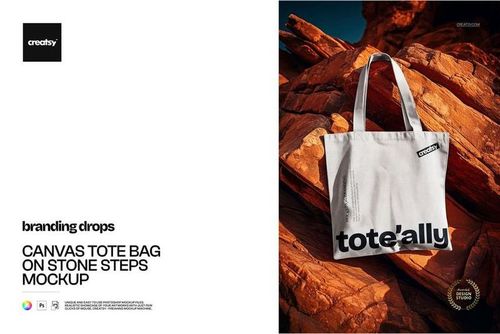
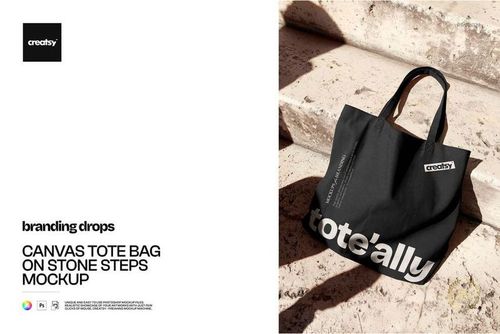
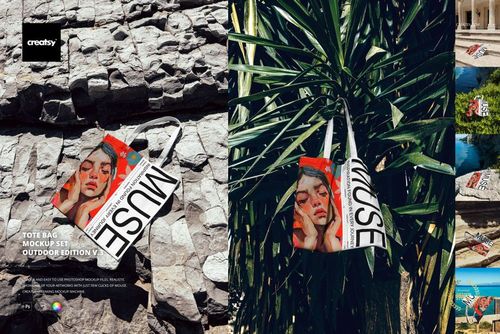
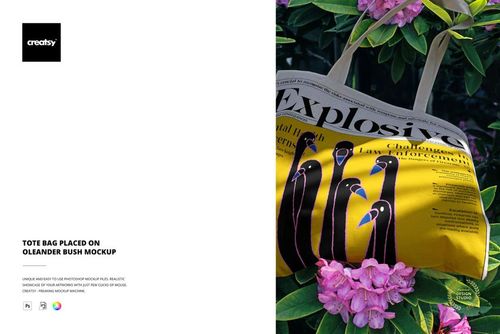
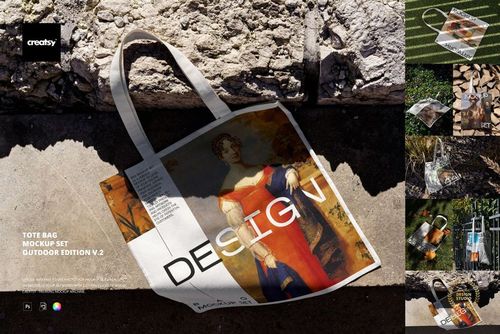
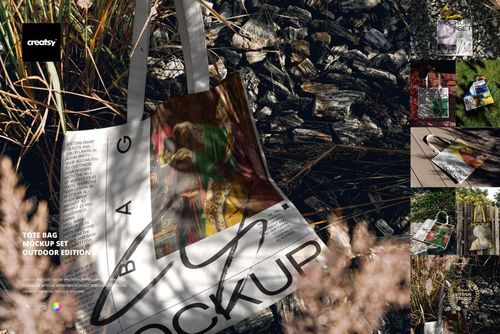
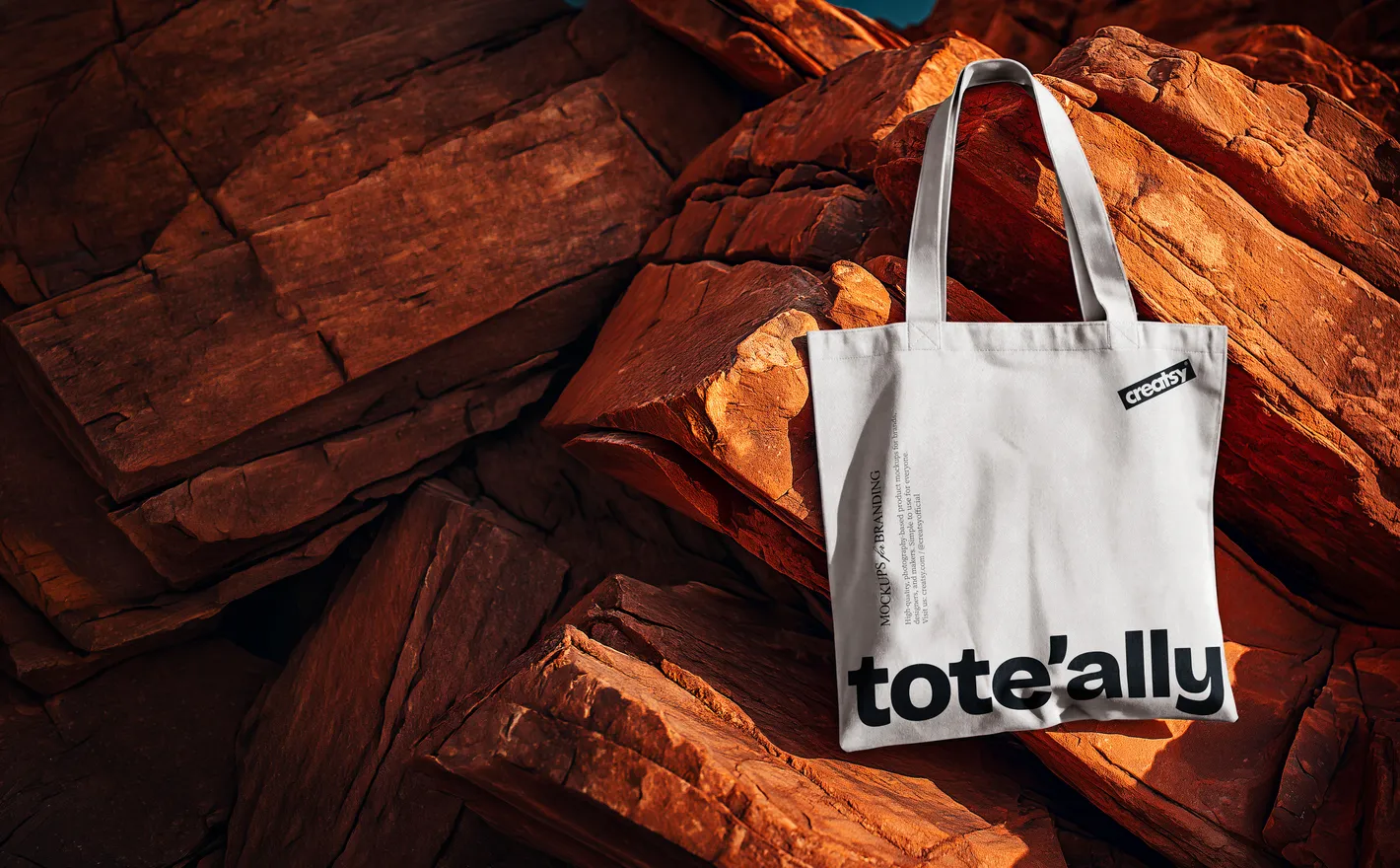
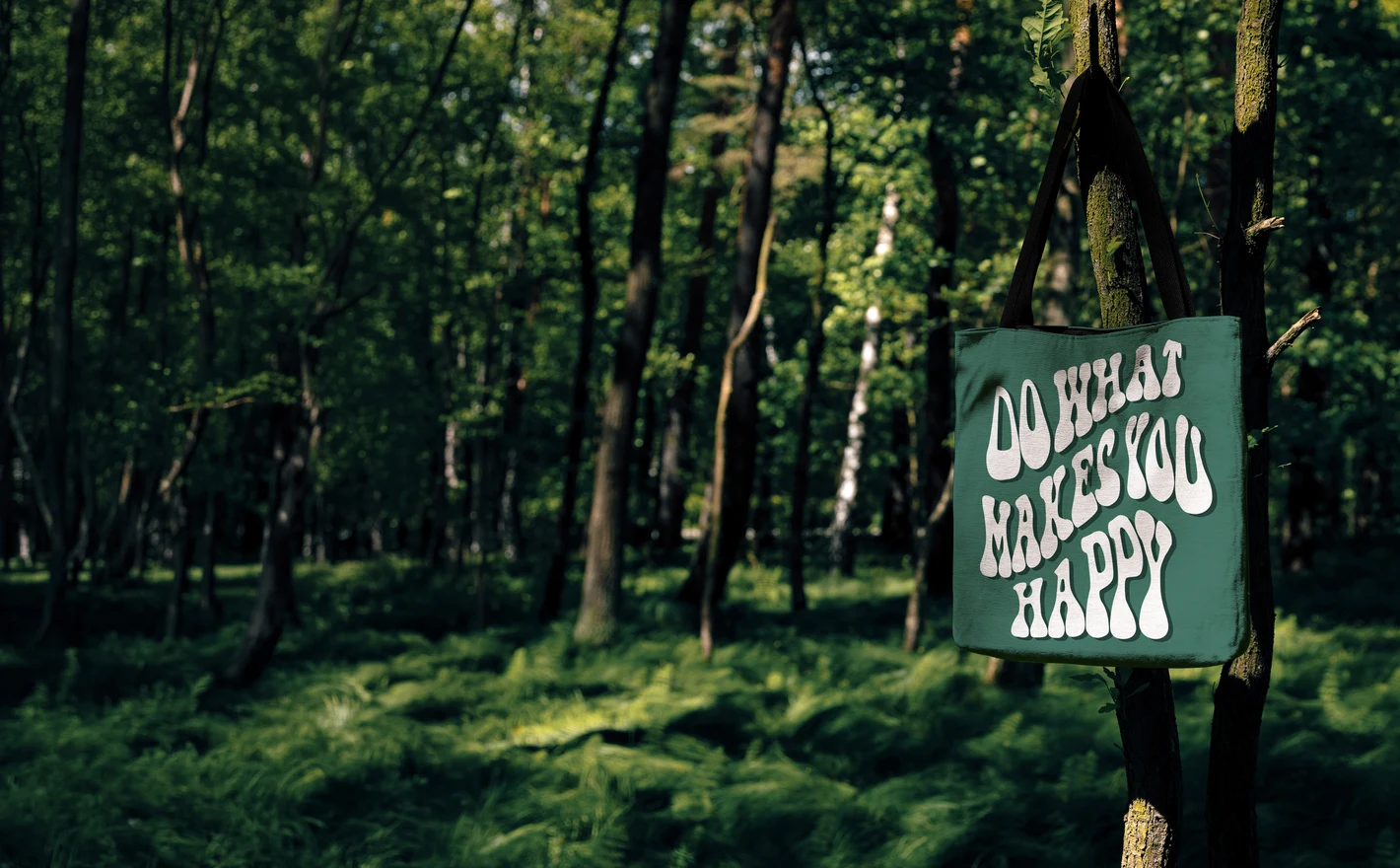
Place artwork on a canvas tote shot against rocks and natural texture - campaign imagery that says outdoors without a location shoot. Matching scenes on stone steps and among plant shadows extend the same story across a whole feed.
For print-on-demand and Etsy sellers
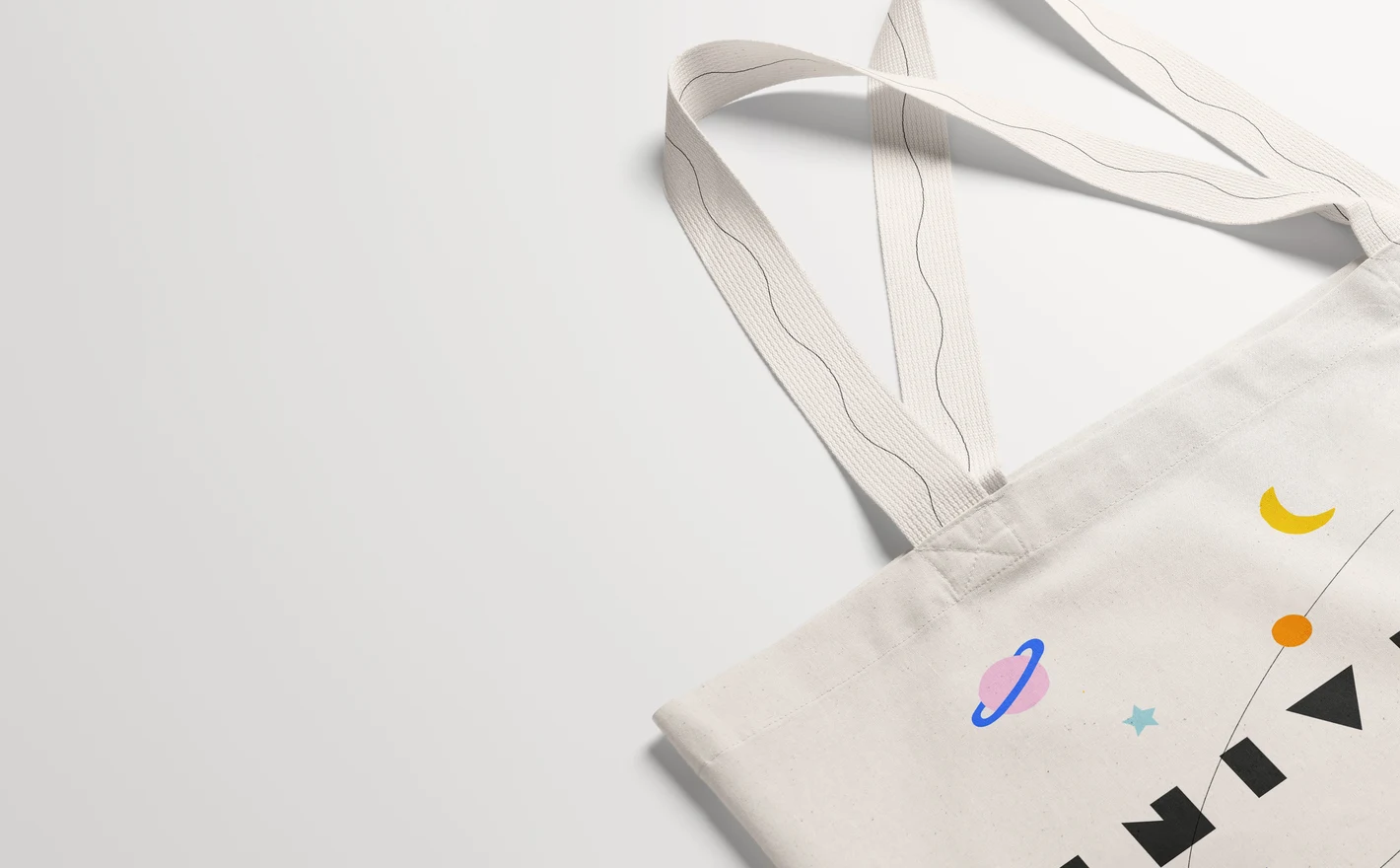
Keep an Etsy shop of fifty tote designs looking like one brand: identical bag, angle and light on every listing. Swap illustrations and personalized names through the smart object and batch a whole season of listings in a day.
For retail and merch launch teams
Cover every channel with one tote PSD set: clean product shots for the store, styled scenes for social, detail crops for wholesale decks. A merch drop reads as professional when every image agrees with the next.
Adding more merch formats? Browse promotional product & giveaway mockups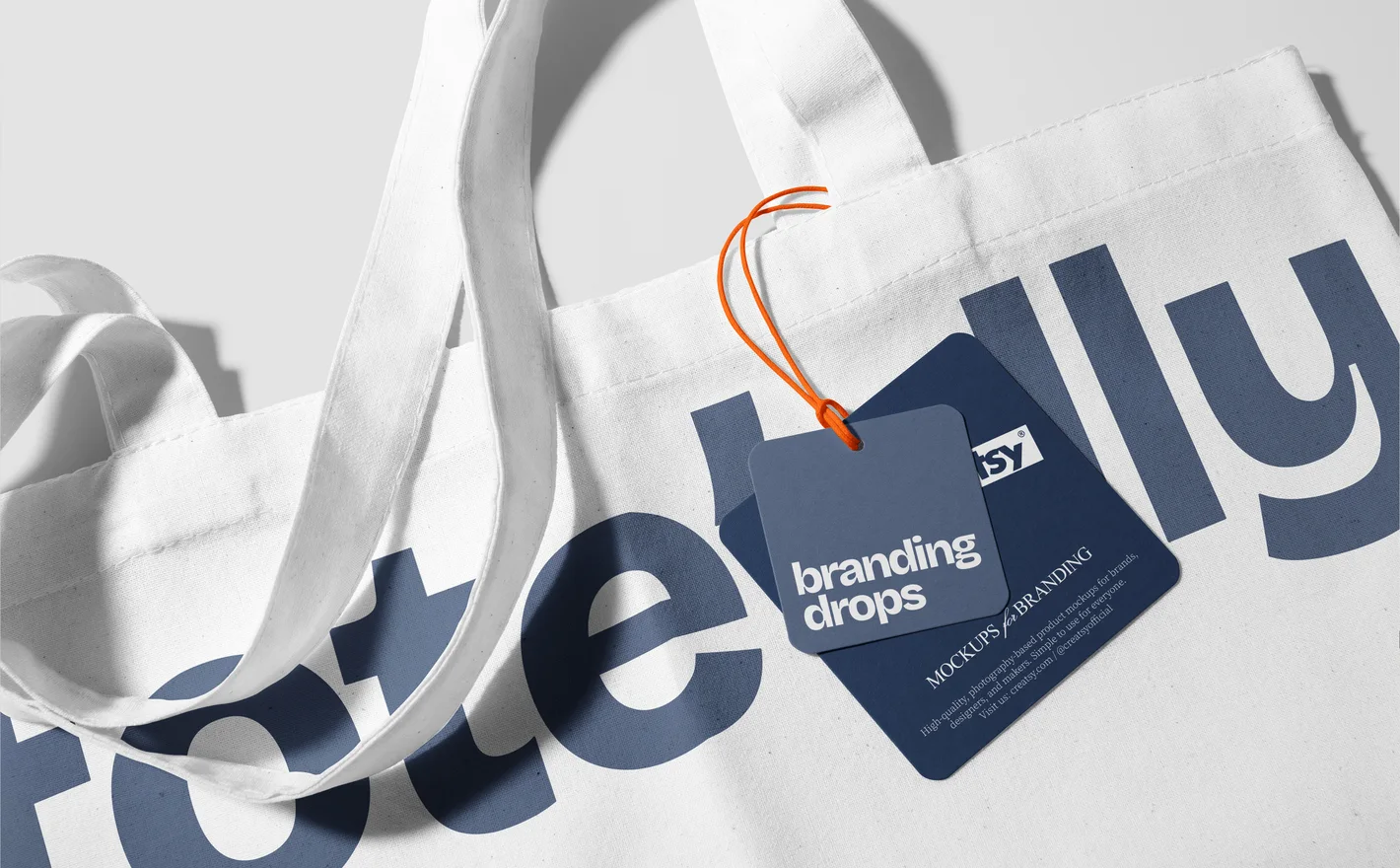
For tote bag product designers
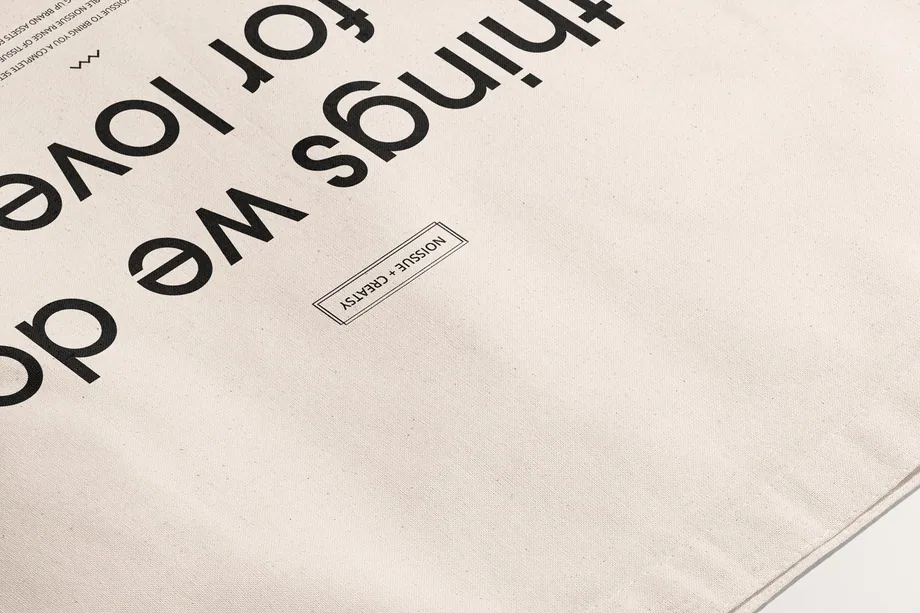
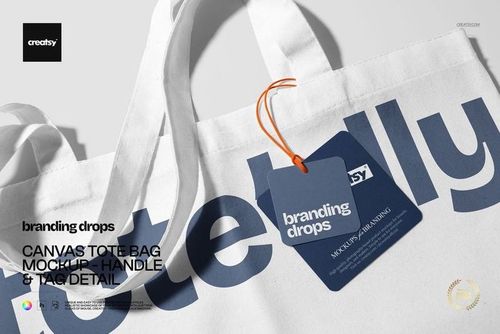
Zoom in on what makes a tote feel premium - handle stitching, woven tag, canvas texture - with a detail-first mockup built for close crops. Detail shots answer the quality question before a customer asks it.
Developing a matching pouch? Browse pouch & small bag mockups
FAQs
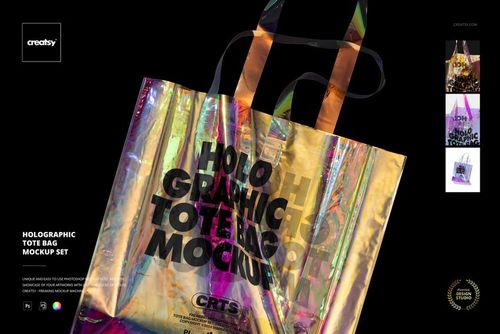
You can find cotton and canvas totes, woven and polyester styles, larger shopper or weekender shapes, and a holographic tote. There are studio and outdoor scenes. Compare the handles, seams and surface with the bag you sell; a similar overall shape does not make two materials interchangeable.
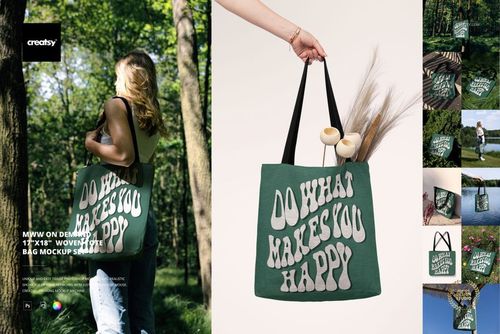
Yes. The MWW on Demand woven tote has its own set, along with related hanging and Christmas presentations. Check the listed dimensions and preview images against your supplier's current bag. Use the supplier's artwork template for production rather than treating the mockup canvas as the print specification.
Use a view that shows the print clearly when the image needs to explain the product. An outdoor scene can add context or suit a collection's mood. Neither is automatically the right first image for every shop; choose based on clarity, your product and the platform's image requirements.
Position it inside the design Smart Object, save, and check the placement on the bag. Leave enough visual space around the handle attachments and seams. There is no universal safe distance for every tote, so confirm the printable area with your supplier before finalizing the production artwork.
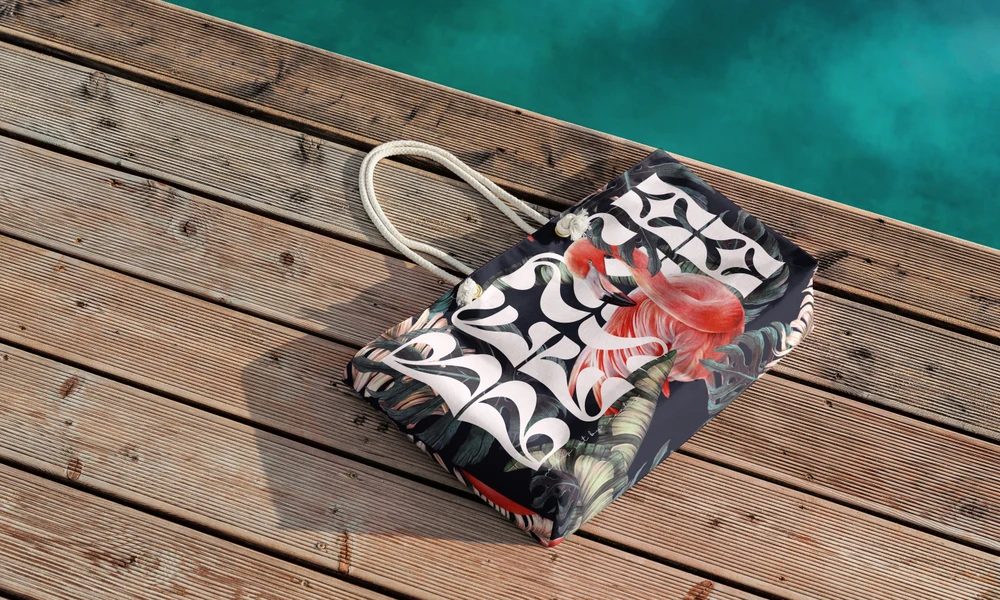
The Free Canvas Tote Bag on Sea Cliff Branding PSD Mockup is available in Free Mockups. A free Creatsy account is needed for the download. Use it to try your artwork in that outdoor scene and check the product's software requirements before opening the file.
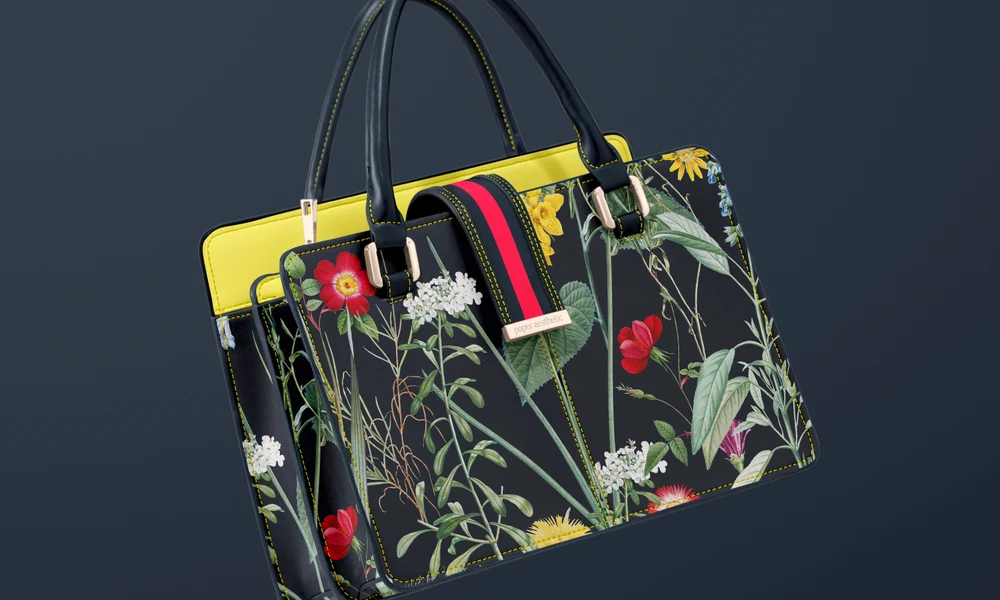
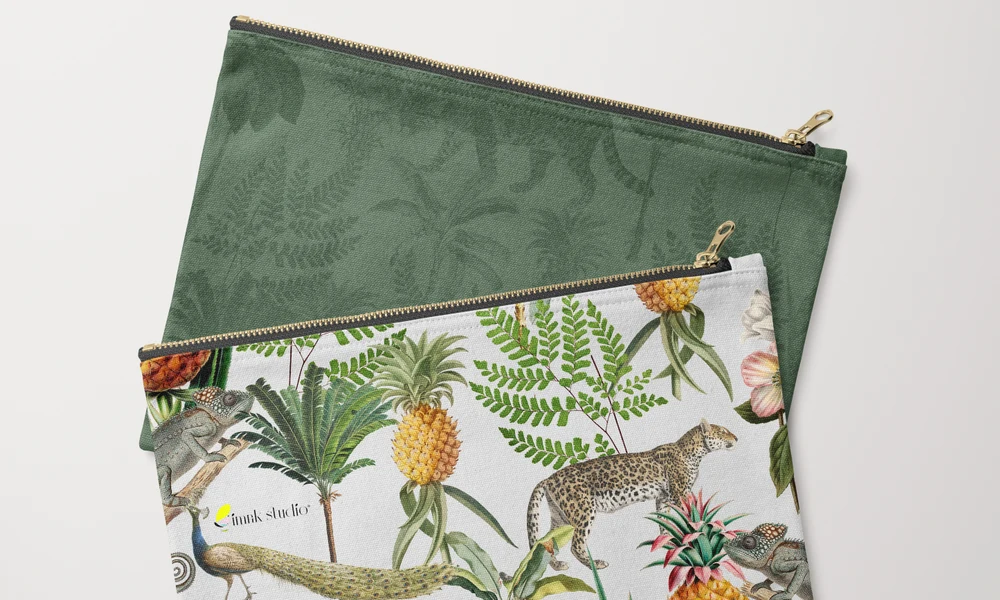
Why use Tote Bag mockups?
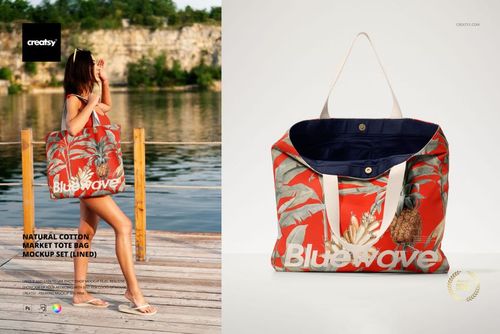
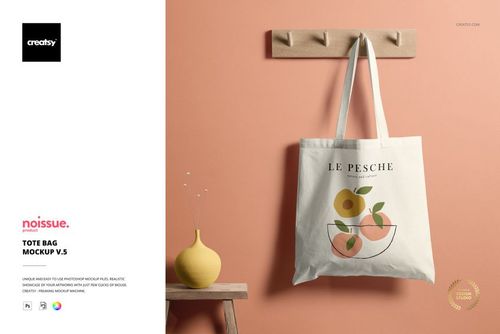
Handles, seams, gussets and folds all affect the visible space on a tote. A logo can sit too close to the handle attachments, and a large illustration may be cropped at the sides. The material matters too: cotton canvas, woven polyester and holographic surfaces give artwork different textures and reflections. The range includes canvas, market, woven, poly-canvas and larger tote styles in studio, detail and outdoor scenes. Compare logo placement, repeat scale, illustration cropping and colors. Handle and tag close-ups are useful when those details form part of the design. Smart Objects fit the artwork to the bag while keeping its folds, seams, texture and lighting. Apply the same print to different styles to review a collection, adjusting it within each file. The product gallery lists the areas and colors you can change. Use the images for online shops, wholesale catalogs, gift stores, event merchandise and client presentations. A product view can show the main print, a close-up can show its placement, and an outdoor scene can add context. Those same views can then be reused for future designs and color variations.
FreeCreatsy® Mockups
good