 Early Access
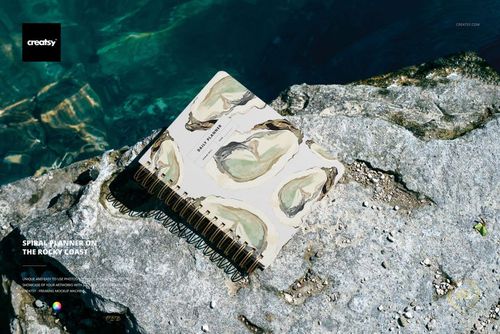
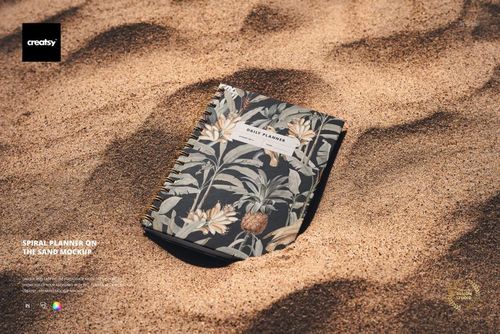
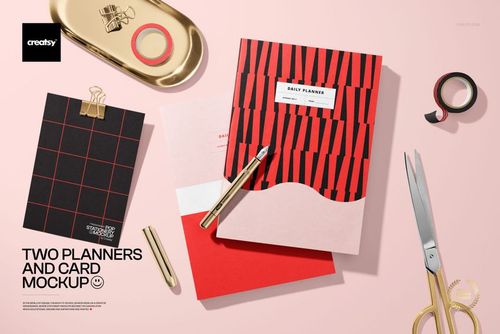
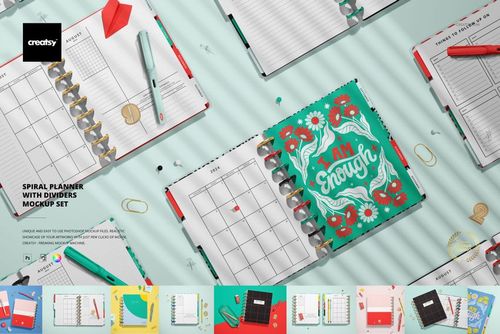
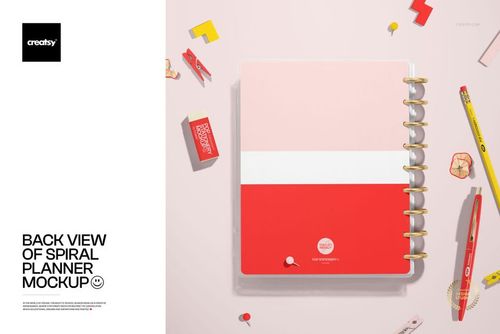
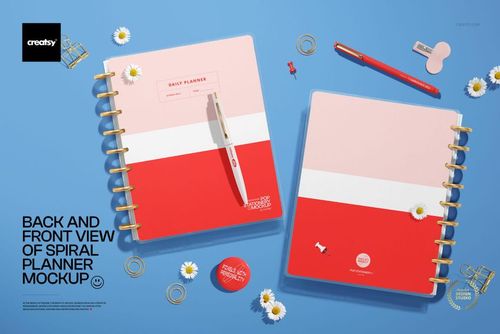
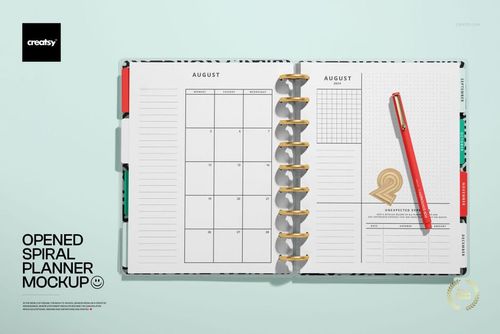
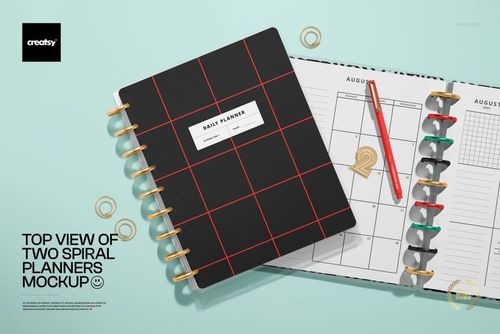
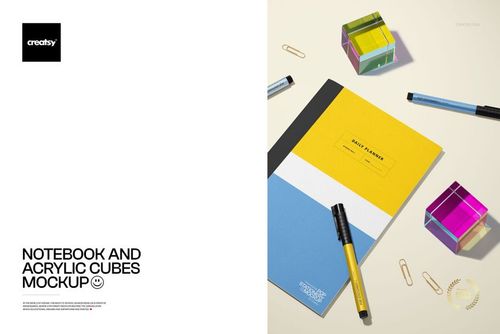
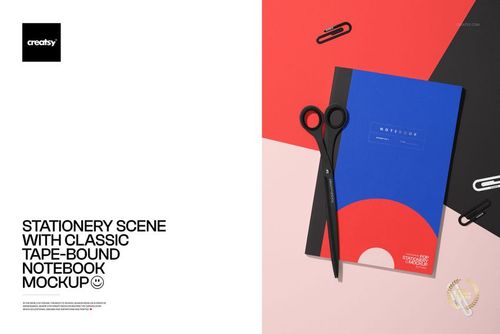
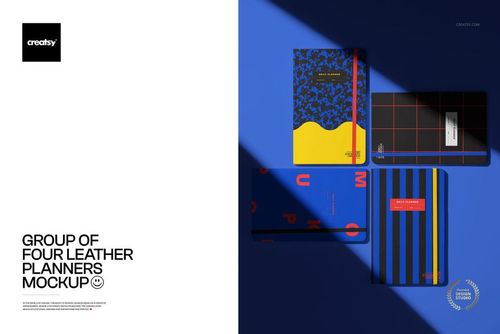
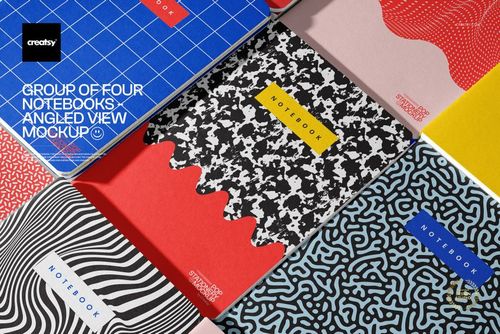
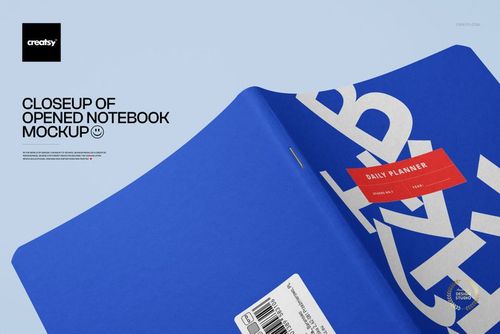
Notebook, Journal & Planner Mockups
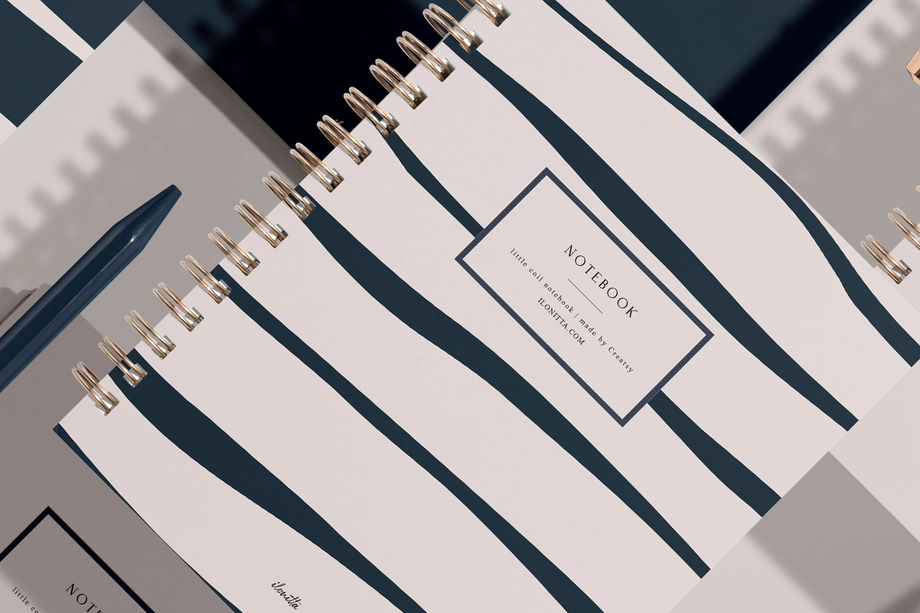
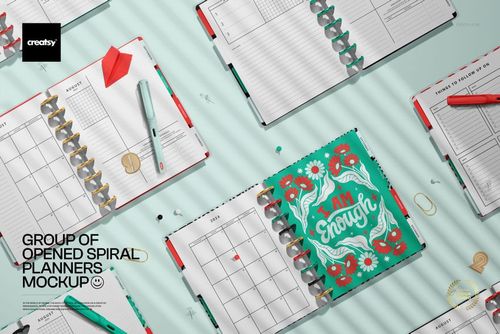
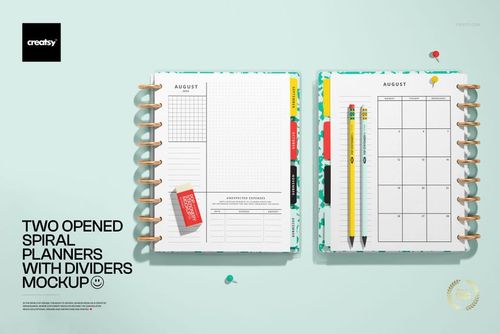
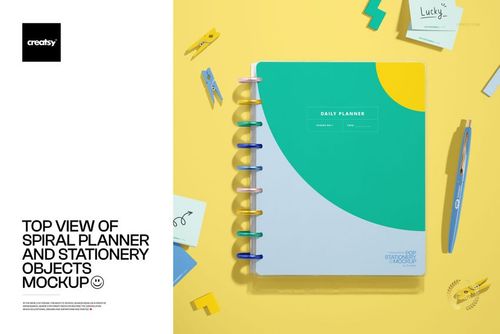
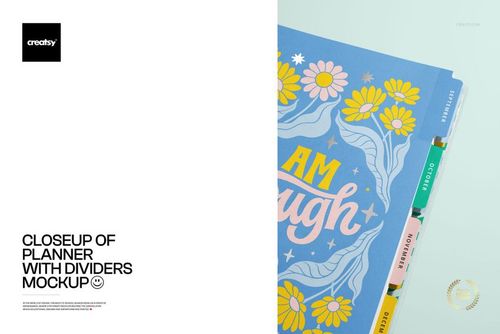
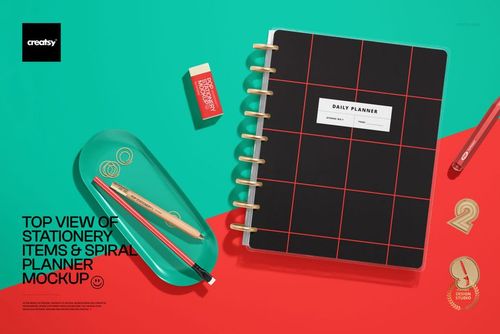
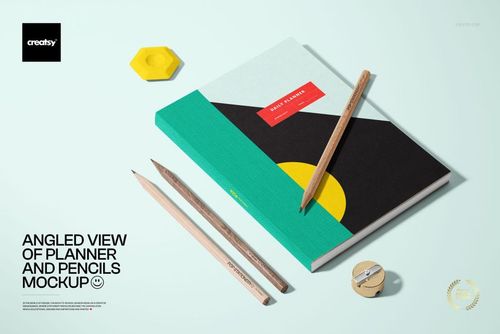
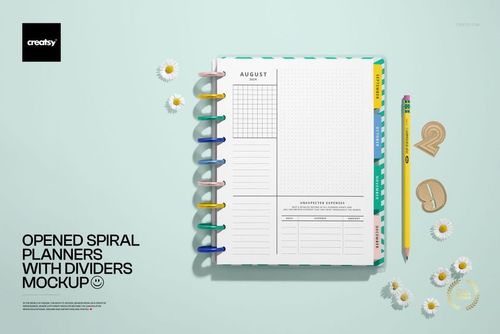
Explore editable notebook, journal, and planner mockups for spiral, coil-bound, wire-bound, hardcover, leather, flip-top, tape-bound, tabbed, A4, A5, A6, and open-page formats. Add cover artwork, page layouts, dividers, patterns, labels, and coordinated colorways through layered Photoshop files and Smart Objects, then create realistic visuals for product listings, client presentations, licensing portfolios, advertising, and social media.

Reviews
What designers and brand owners say after using these PSD mockups in real client work.
0
Sort by:


Excellent mockup, high quality ! Thank you !
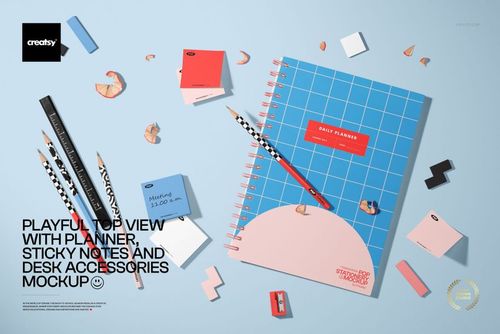
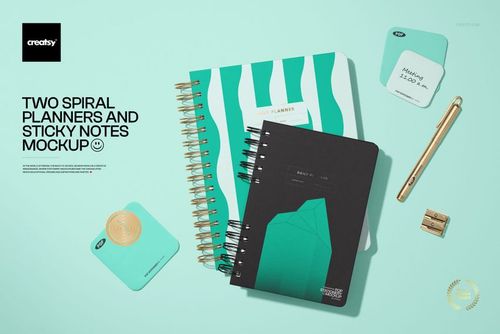
 Top View of Two Spiral Planners View product
Thank you so much! We're delighted that you found the mockup high quality, and we truly appreciate your kind feedback.
Amazing quality mockup, easy to use ! Thank you !
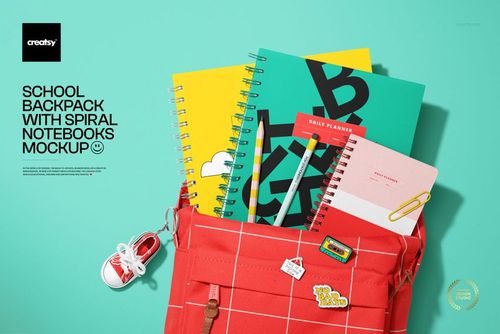
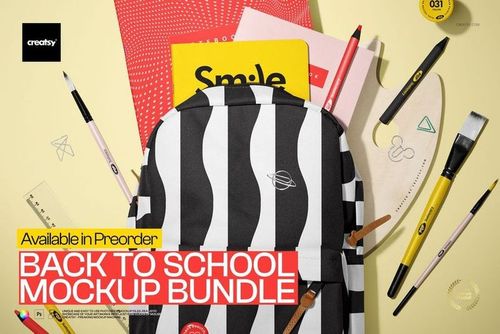
 School Backpack with Spiral Notebooks Mockup View product
 Thank you! We’re so glad you found the mockup high quality and easy to use. We hope it makes presenting your school and stationery designs even faster and more professional.

This is such a quality mockup, really love it!
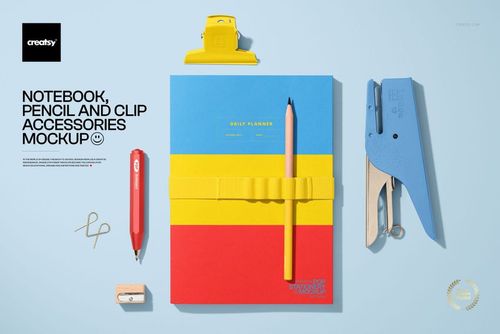
 Notebook, Pencil and Clip Accessories Mockup View product
 Thank you so much, Noémi! We’re delighted to hear that you love the quality of the mockup. We hope it helps you present your notebook and stationery designs beautifully. Thank you for your wonderful 5-star review!
What a fun mockup, it's easy to use, all layers are well organised and it elevates my presentation. Thank you!
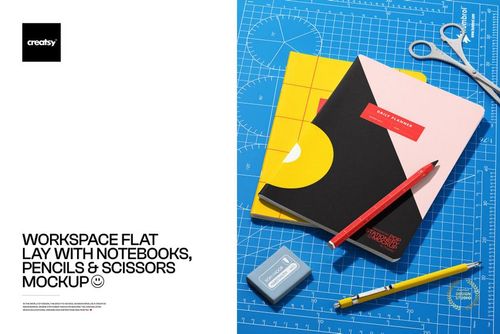
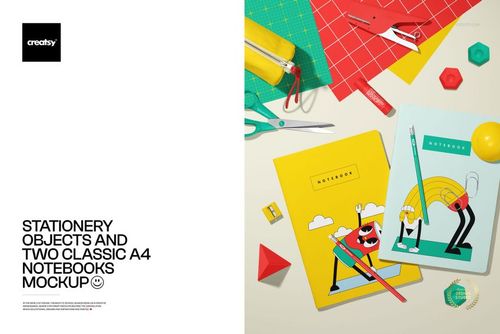
 Stationery Objects and Two Classic A4 Notebooks Mockup View product
 Thank you so much! We're delighted the mockup was easy to use and gave your presentation the extra polish you wanted. We really appreciate your kind words.
I love the Mockup, it shows my work in such a beautiful and professional way! Thank you!
School Backpack with Spiral Notebooks Mockup View product Thank you for such kind words! We’re so happy this mockup helps showcase your work in a beautiful and professional way. Wishing you lots of success with your designs!

Lots of elements to add your designs onto; easy to move them around to arrange to your liking (or use in the already beautifully laid out composition). With so many elements within the mock-up it can provide different looks, making it a very useful and adaptable mock-up. Well labelled and organised layers make this a joy to use.
Stationery Objects and Two Classic A4 Notebooks Mockup View product Thank you for such a thoughtful review! We're thrilled the range of movable elements and well-labeled layers gave you the flexibility to build different compositions. It's wonderful to hear the file was a joy to use.

Great mockup for seeing my designs come to life.
Top View of Two Spiral Planners View product Thank you, Paulene! We're so glad the mockup helped bring your designs to life.
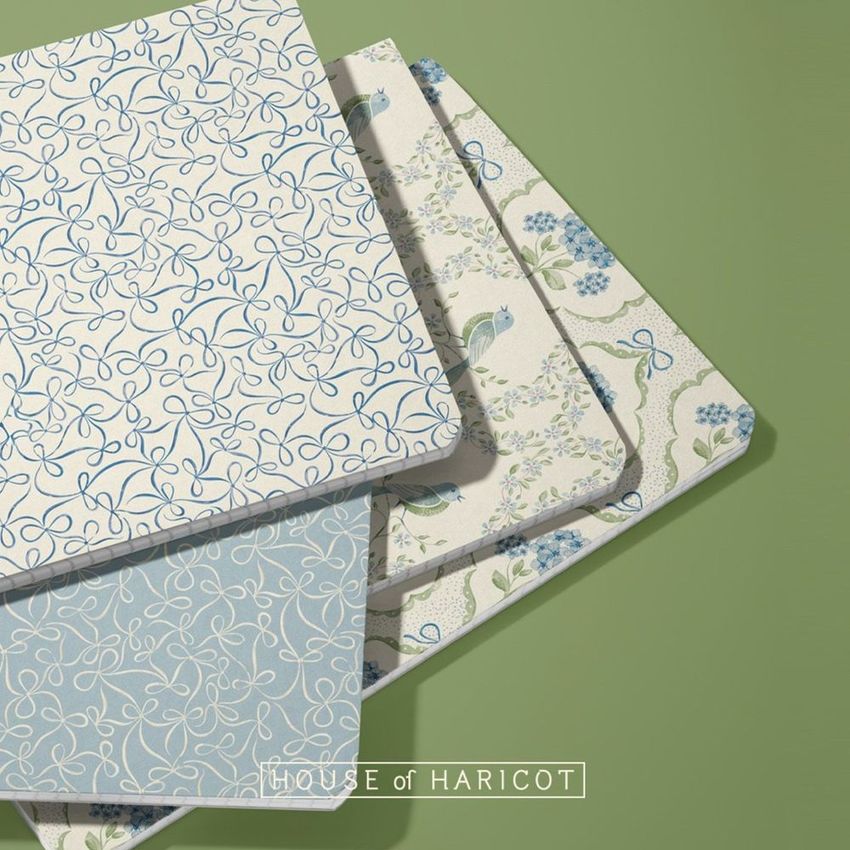


What you get
Professional PSD mockups built in-house - editable, realistic, high-resolution, and supported by real people.
Layered PSD Files
Creatsy mockups are delivered as fully layered Photoshop .psd files, with layers sorted into clearly named groups. Shadows, highlights, and the background each sit on their own editable layer, and nothing is flattened into a single image. Open it in Photoshop or the free browser editor Photopea and get to work.
- Clearly named, organized layer groups
- Shadows and highlights on separate layers
- Editable background, never flattened
- Works in Photoshop or free Photopea
Smart Objects
Open the smart object, paste your artwork, and save. The design lands on the product with the perspective, warp, and wrap already worked out. Scene lighting and shadows fall back on top, so it reads as a photograph, not a flat paste-in. Swapping a design takes seconds, so one file can carry a whole run of variants and colorways.
- Double-click, paste your design, save
- Perspective, warp, and wrap pre-built
- Scene lighting and shadows sit back on top
- One file covers many variants and colorways
High-Resolution Output
Many scenes are built from real product photography rather than 3D renders, so the fabric and surface read like a studio shot. Files export at high resolution and stay sharp at full zoom, with clean edges where the print sits. The same file works for a hero banner, a paid ad or a product listing.
- Real product photography in many scenes
- Exports ready for print
- Holds detail at full zoom
- Works for banners, ads and listings
Easy to Edit
Colors, backgrounds, and artwork sit on separate, clearly named layers, so you swap a color or background without disturbing the rest of the scene. There is no relighting or shadow work to redo, and the same file works for your next project.
- Edit color and background layers directly
- No relighting or shadow rework needed
- No masking or layer skills required
- One file reused across projects
Fast Support
There is a real in-house team behind every file, not a ticket bot. Before you buy, ask whether a specific mockup fits what you have in mind, and we will tell you. When a smart object or a layer group is tripping you up, send the question and you usually get a reply within 48 hours.
- Real in-house team behind every file
- Replies within 48 hours
- Pre-purchase help picking the right mockup
- Answers on smart objects and layer setup
Who are these mockups for?
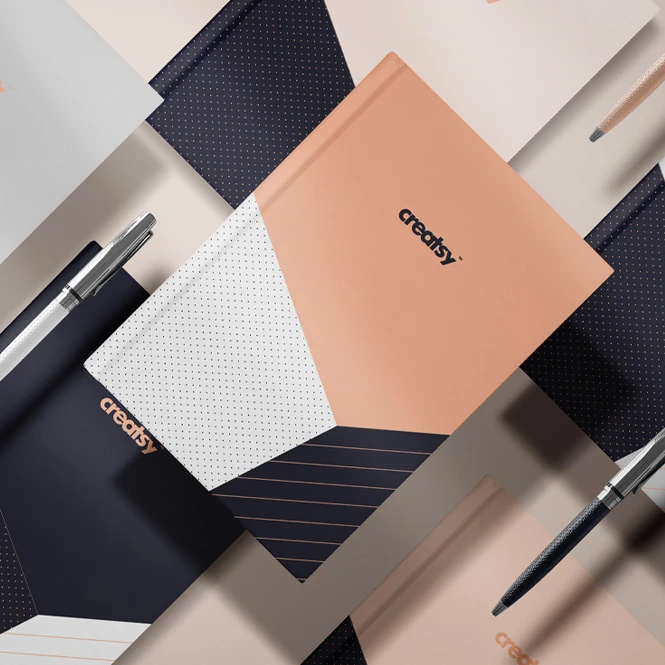
For planner, notebook & journal brands
Present cover artwork, interior spreads, tabs, dividers, bindings, elastic closures, and coordinated colorways across spiral, wire-bound, coil-bound, leather, hardcover, and flip-top formats. Use the finished visuals for product listings, wholesale catalogs, customer approvals, launch campaigns, and social media.
Completing a planner presentation? Browse Writing Instruments mockups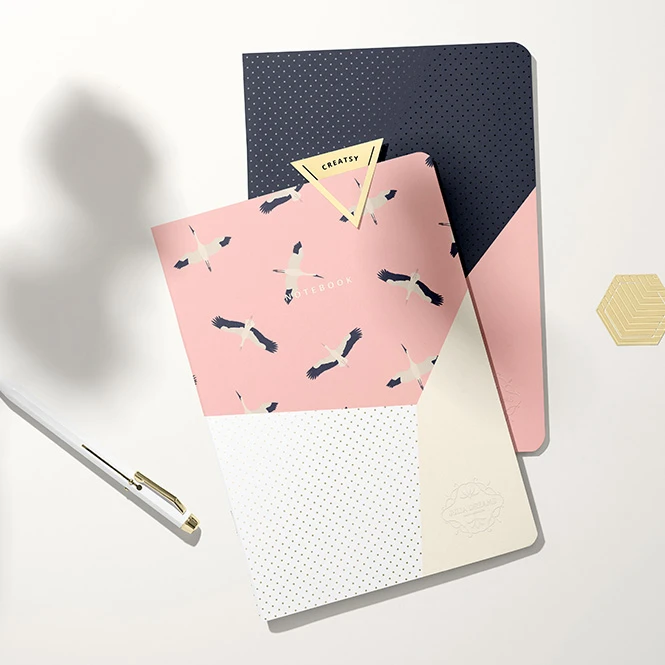
For school, academic & personalized stationery sellers
Create realistic visuals for student notebooks, academic planners, teacher planners, journals, school collections, and personalized cover designs. Use clean product views, open-page scenes, flat lays, backpacks, and back-to-school compositions for online shops, custom-order previews, advertising, and seasonal launches.
Need matching note paper? Browse Notepads & Sticky Notes mockups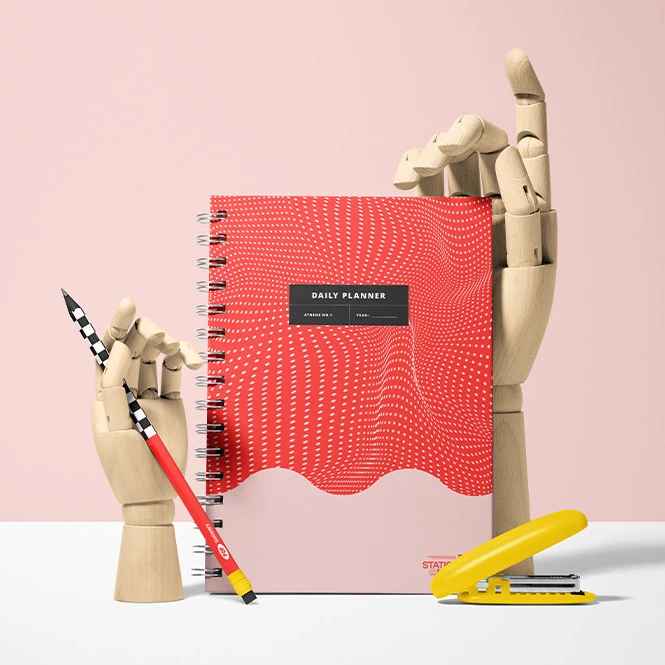
For stationery & brand identity designers
Combine notebooks and planners with pencils, pens, sticky notes, clips, cards, and other desk accessories where included in the selected scene. Use the finished images in identity guidelines, client pitches, case studies, catalogs, and campaign presentations.
Building a wider coordinated range? Browse Stationery Sets mockups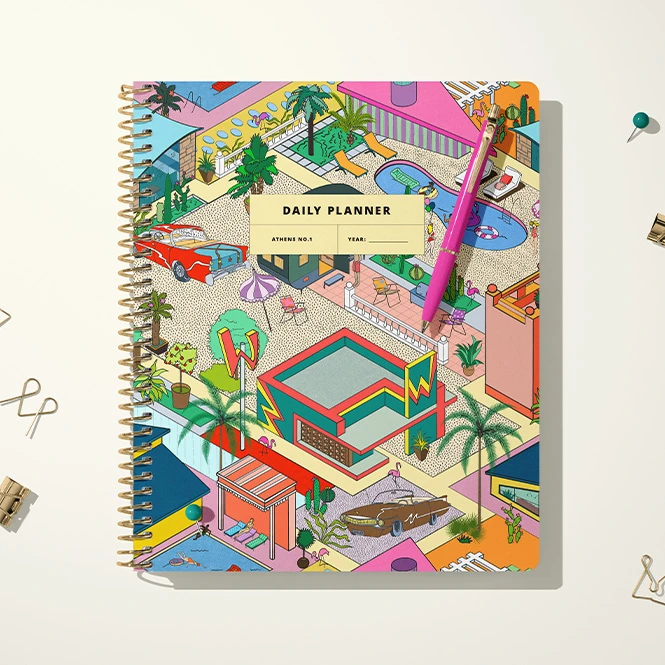
For surface pattern designers & licensing studios
Show illustrations and repeating patterns across notebook covers, planner dividers, tabs, pages, and coordinated stationery scenes. Create portfolio images and licensing presentations that demonstrate how one artwork collection can extend across several paper-product formats.
Presenting matching labels or seals? Browse Stickers & Labels mockups
FAQs
The collection includes spiral, coil-bound, wire-bound, flip-top, tape-bound, hardcover, leather, classic, tabbed, and divider-based formats. You can find A4, A5, and A6 products, as well as open, closed, standing, stacked, grouped, flat-lay, outdoor, and stationery-scene presentations. Exact construction, physical dimensions, visible surfaces, and included views vary between products, so check the individual preview gallery before purchasing.
Customization depends on the selected product. You can generally replace cover artwork and adjust selected product colors. Depending on the mockup, additional editable elements may include back covers, open pages, divider tabs, labels, elastic closures, spiral rings, pens, stationery accessories, backgrounds, shadows, foil effects, debossing, or other scene details. Check the screenshots and Product Details section for the exact Smart Objects and controls included in each file.
Yes. Selected products include front and back covers, open notebook spreads, weekly or monthly planner pages, divider tabs, lined pages, grids, and other interior views. Not every visible page or surface is necessarily editable, so check the product screenshots before purchasing. Mockups help visualize the page concept, but final margins, page dimensions, binding allowance, and print specifications must be confirmed using the manufacturer's production template.
No. Sets and bundles usually contain separate Photoshop files, and individual scenes may contain several independent Smart Objects. Add the required artwork to each selected file and editable surface separately, then export each scene. Changes do not automatically synchronize between independent PSD files unless the product explicitly states otherwise.
The editable mockups are designed for Adobe Photoshop. Many products also work in Photopea, but compatibility varies between files, so check the individual product page before purchasing. These mockups are presentation files and do not replace physical dimensions, cover templates, bleed, spine width, binding specifications, hole placement, page layouts, paper requirements, or production proofs supplied by the manufacturer.
Why use Notebook, Journal & Planner mockups?
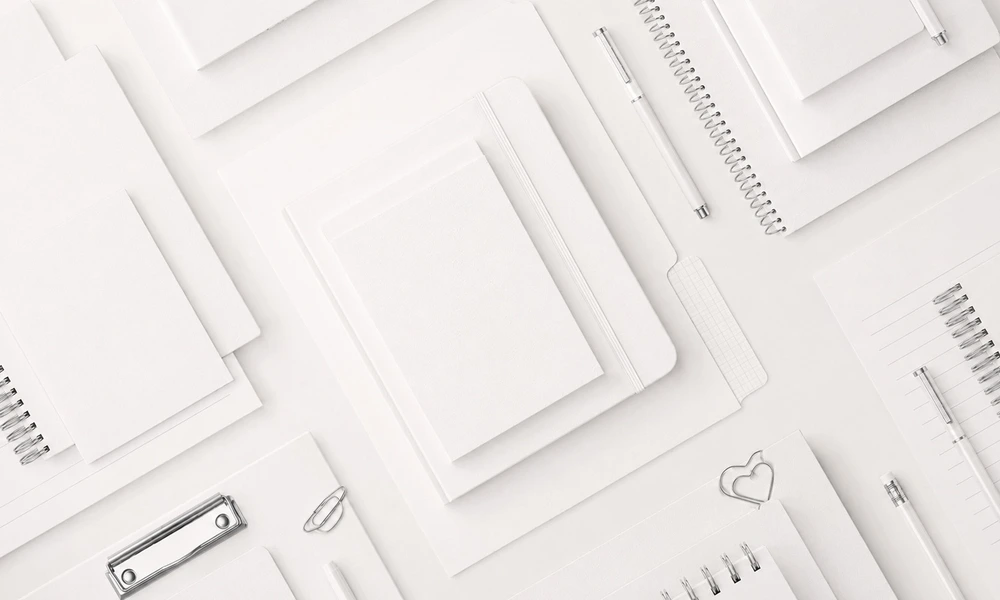
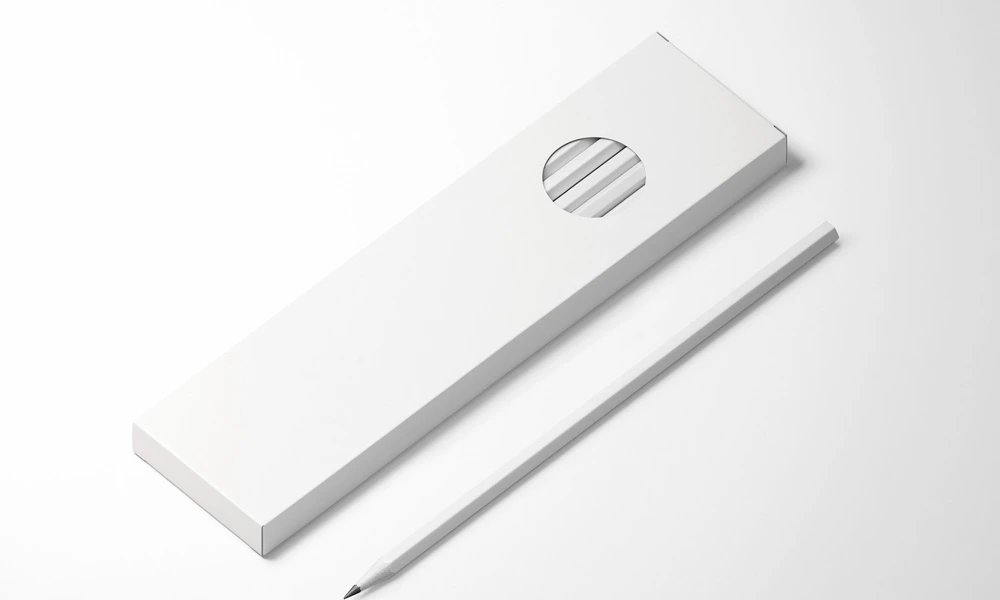
Notebook and planner artwork interacts with bindings, cover edges, spines, elastic closures, rings, tabs, dividers, page curves, and different product proportions. A flat rectangular design does not show how typography will read beside a spiral, how a pattern will continue across a visible spine, or how cover artwork will relate to the interior pages and stationery accessories. Mockups turn the original design into a clearer and more realistic product presentation. Use closed and standing notebook mockups to present cover artwork, branding, personalized names, and coordinated collections. Open-page and planner scenes can show interior layouts, weekly or monthly spreads, dividers, and tabs where those surfaces are editable. Multi-product arrangements help demonstrate how one design direction works across several notebooks, journals, or planners. Clean studio scenes are useful for product listings and catalogs, while desk, school, hand-held, outdoor, and lifestyle compositions add context for portfolios, launch campaigns, advertising, and social media. Layered Photoshop files and Smart Objects preserve the prepared perspective, lighting, shadows, surface texture, binding, and page shape while the sample artwork is replaced. Depending on the selected file, you may also be able to adjust cover colors, bindings, backgrounds, props, labels, page artwork, foil effects, or other scene elements. Separate PSD files and independent Smart Objects must be edited individually. Export the finished visuals for product listings, custom-order approvals, client presentations, wholesale catalogs, licensing decks, portfolios, advertising, and social media. Use the mockups to communicate the intended visual direction and compare design concepts. For final manufacturing, rely on the printer's exact dimensions, cover template, binding specifications, paper requirements, physical samples, and production proofs.
FreeCreatsy® Mockups
great mockup
Thank you so much for your lovely review! We’re happy to hear you enjoyed the mockup and hope it helps you create beautiful back-to-school product visuals.