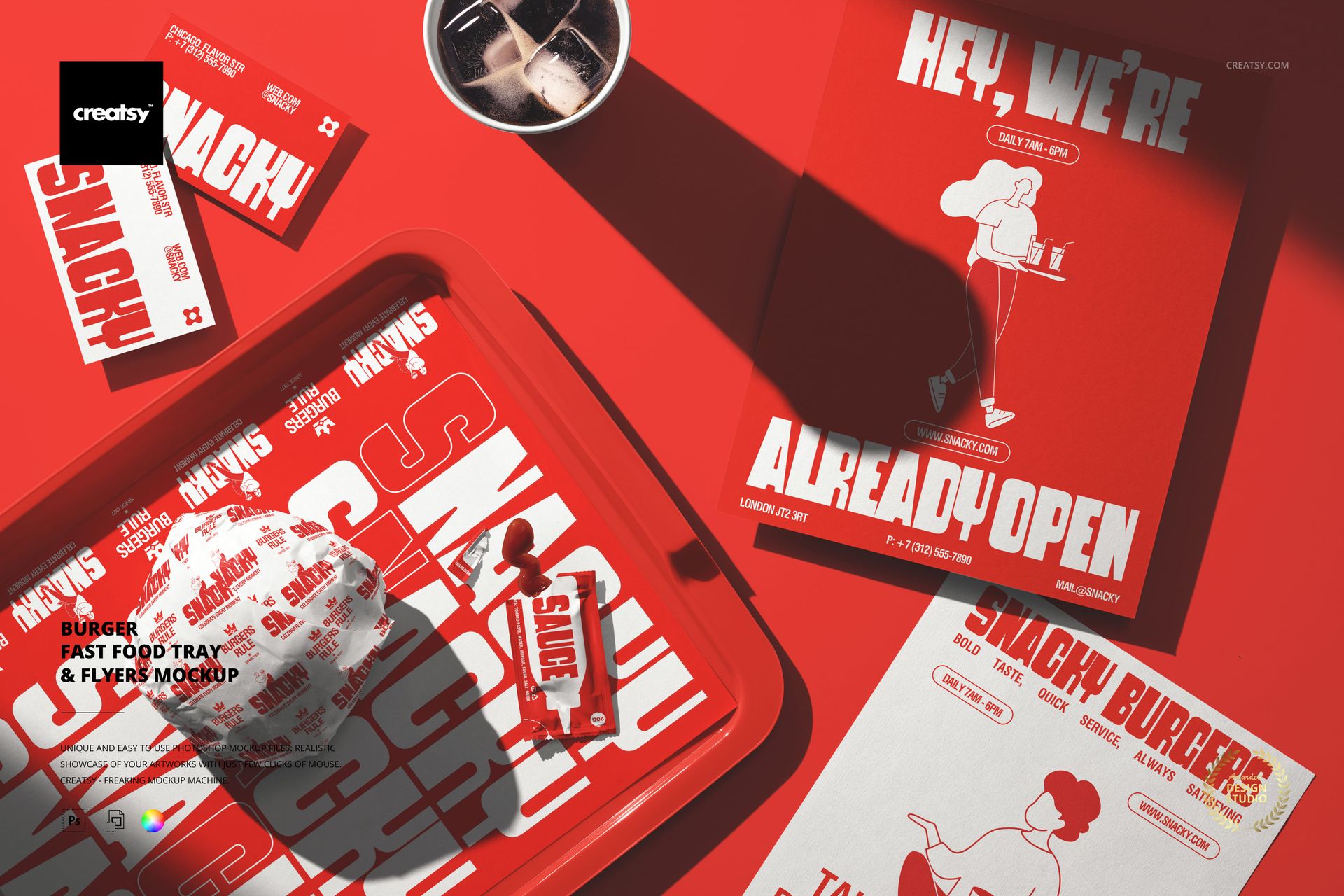
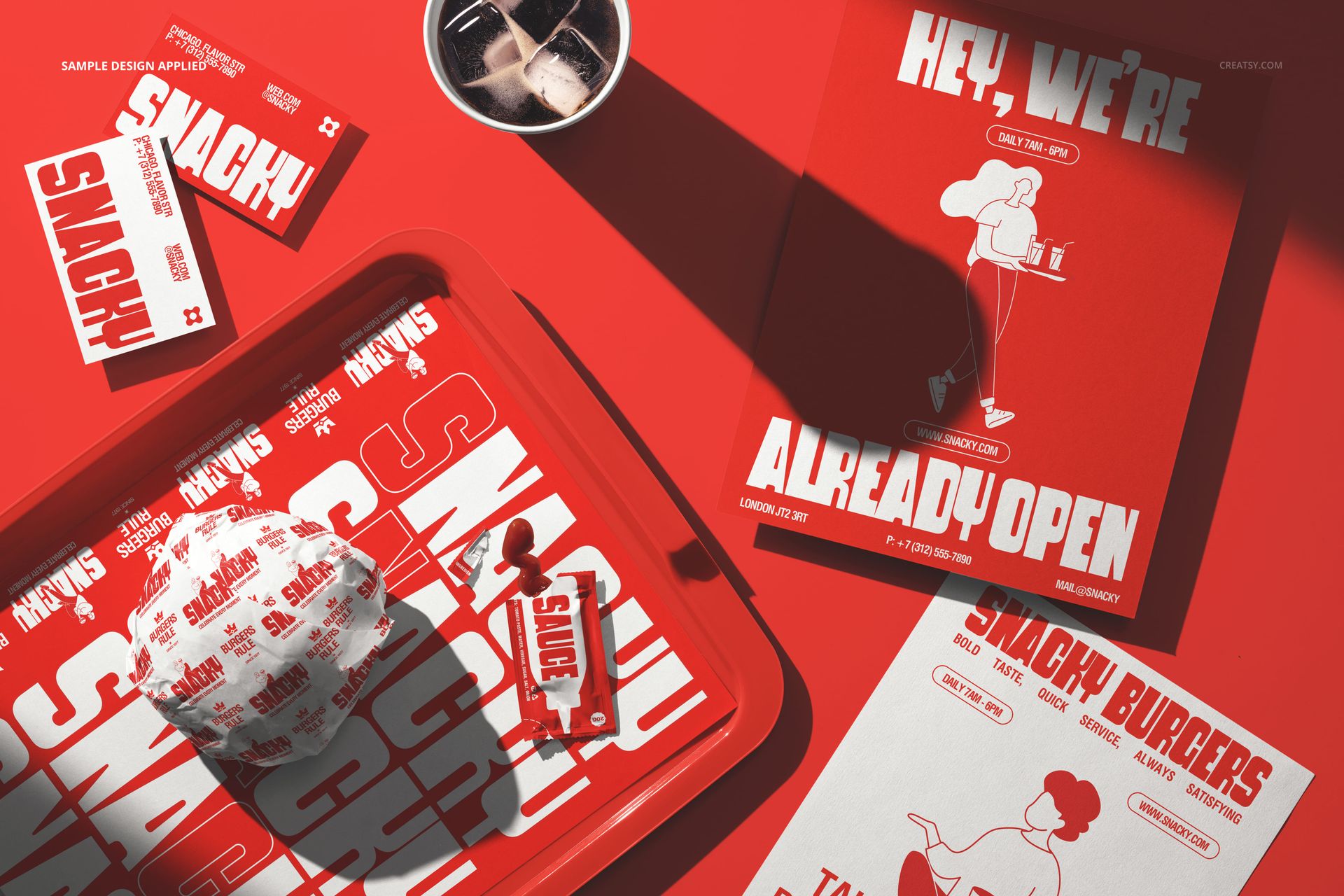
The Fast Food Tray & Flyers Mockup captures a busy restaurant table from above with a serving tray, promotional flyers, and branded items arranged on a bold red surface. The composition places printed marketing materials alongside actual food service items, showing how your restaurant branding works in the real environment where customers interact with it. Each branded element sits on its own smart object layer, so you can apply your logo, menu graphics, promotional copy, and brand colors to the tray liner and flyers while the surrounding items provide the authentic fast food context. The scene reads as a snapshot from a working restaurant rather than a staged studio shot, which makes the exported image credible for social media, delivery platforms, and print campaigns. The file measures 6000x4000px at 300 DPI with organized smart object layers and works in Adobe Photoshop CC 2020 or newer and Photopea.
Why This Mockup Works
Restaurant marketing materials are most convincing when shown in context. A flyer photographed on a white background looks like a design file. The same flyer on a tray next to food looks like something a customer actually picks up and reads. This mockup provides that context by combining promotional print pieces with food service elements on a restaurant surface, creating images that feel authentic rather than manufactured. The overhead angle captures everything clearly, making text on flyers readable while the surrounding items establish the fast food setting. For brands that rely on in-store printed materials to drive repeat visits, upsells, and promotions, this is the format that shows those materials doing their job.
What Is Included
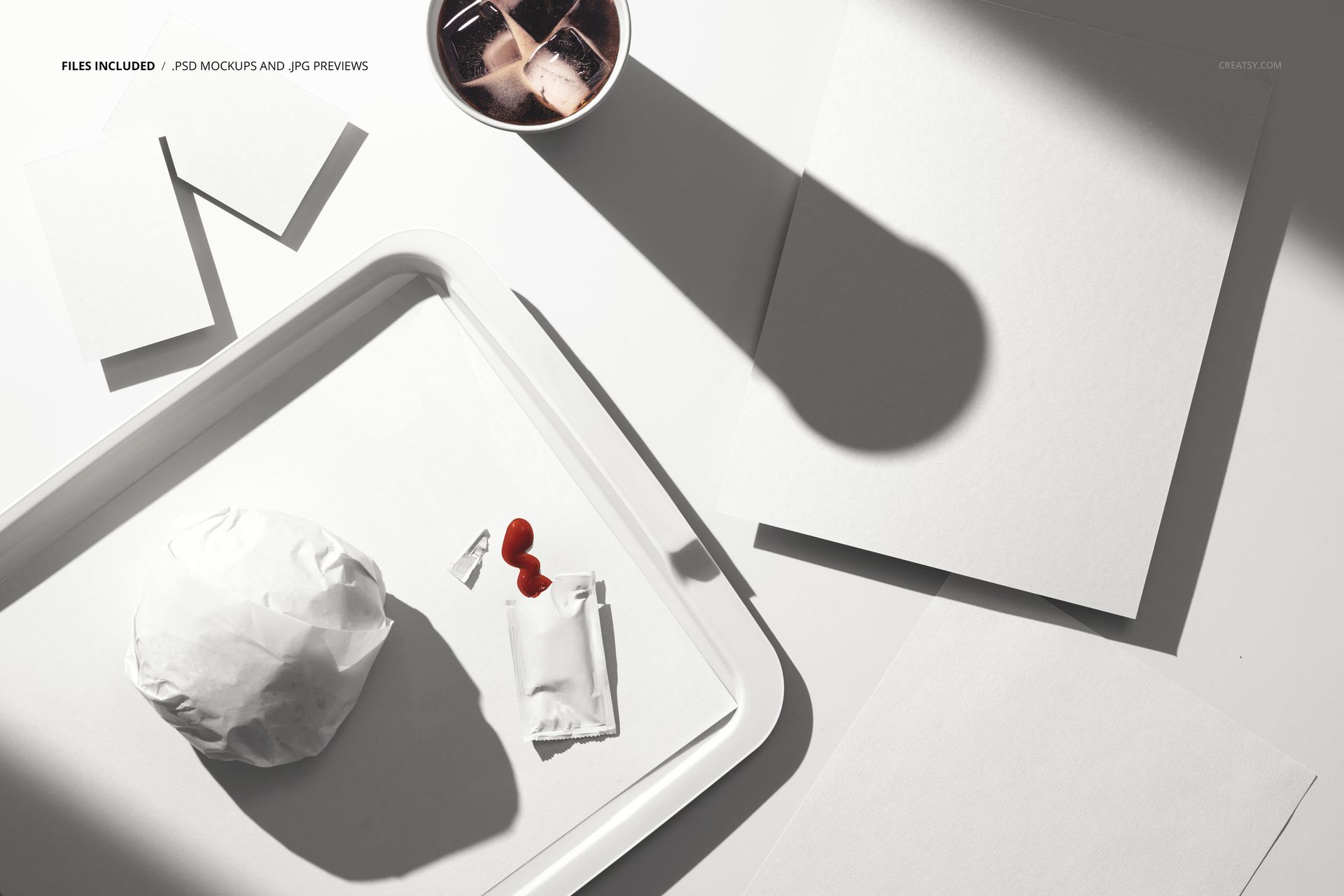
The download contains 1 layered PSD file. The scene shows a tray and flyers arranged on a red surface with additional fast food items visible in the composition. The smart object layers control the design on the printed surfaces, letting you place your restaurant artwork while the food and environmental elements remain fixed. The overhead perspective captures paper texture, print quality, and color accuracy across the branded items.
What You Can Customize
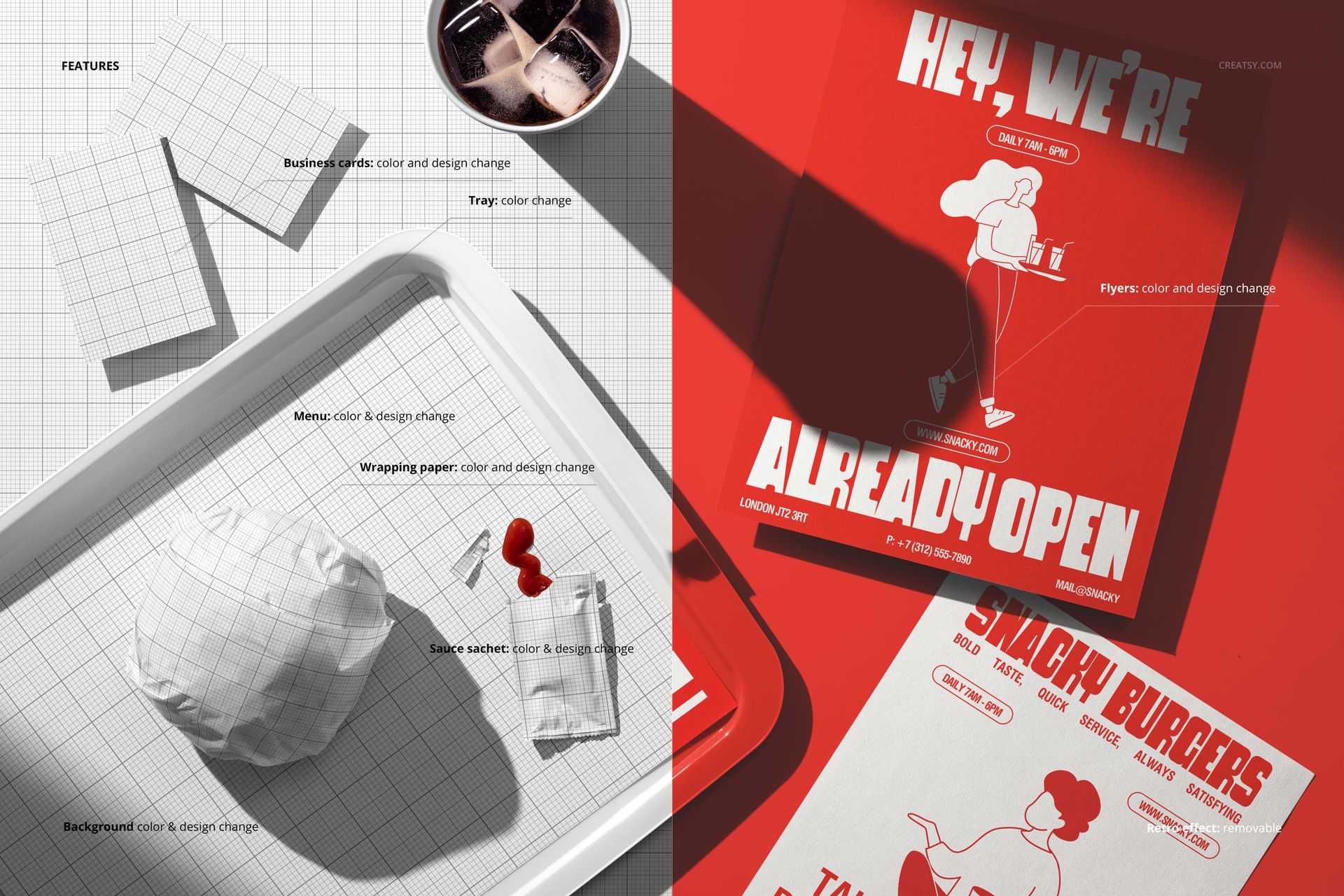
The smart objects control the design on the tray liner and flyer surfaces. Double-click the smart object layers to place your menu items, promotional offers, brand graphics, or seasonal campaigns on each printed piece. The designs update independently, so you can show different promotions on different flyers or test variations of the same campaign across multiple surfaces. Adjustment layers let you modify overall brightness, contrast, and color temperature. Use these to match your brand palette or simulate different lighting conditions for consistency across a campaign.
Who This Mockup Is For
Fast food restaurants and burger chains that use tray liners and table flyers as part of their in-store marketing strategy and need realistic visuals showing those materials in their natural environment. Marketing teams at restaurant brands creating presentations, campaign proposals, and social media content where printed promotional materials need to look like they belong in a real restaurant rather than a design portfolio. Brand identity designers presenting complete restaurant branding systems that include not just packaging but also the printed marketing touchpoints that customers encounter during their meal. Print shops and agencies preparing proofs and client presentations for restaurant clients who need to see their flyers and tray liners in context before approving a print run.
File Specifications
Files: 1 PSD. Dimensions: 6000x4000 px. Resolution: 300 DPI. Color mode: RGB. File size: 281.49 MB. Compatibility: Adobe Photoshop CC 2020 or newer, Photopea.