About this A-frame sign mockup
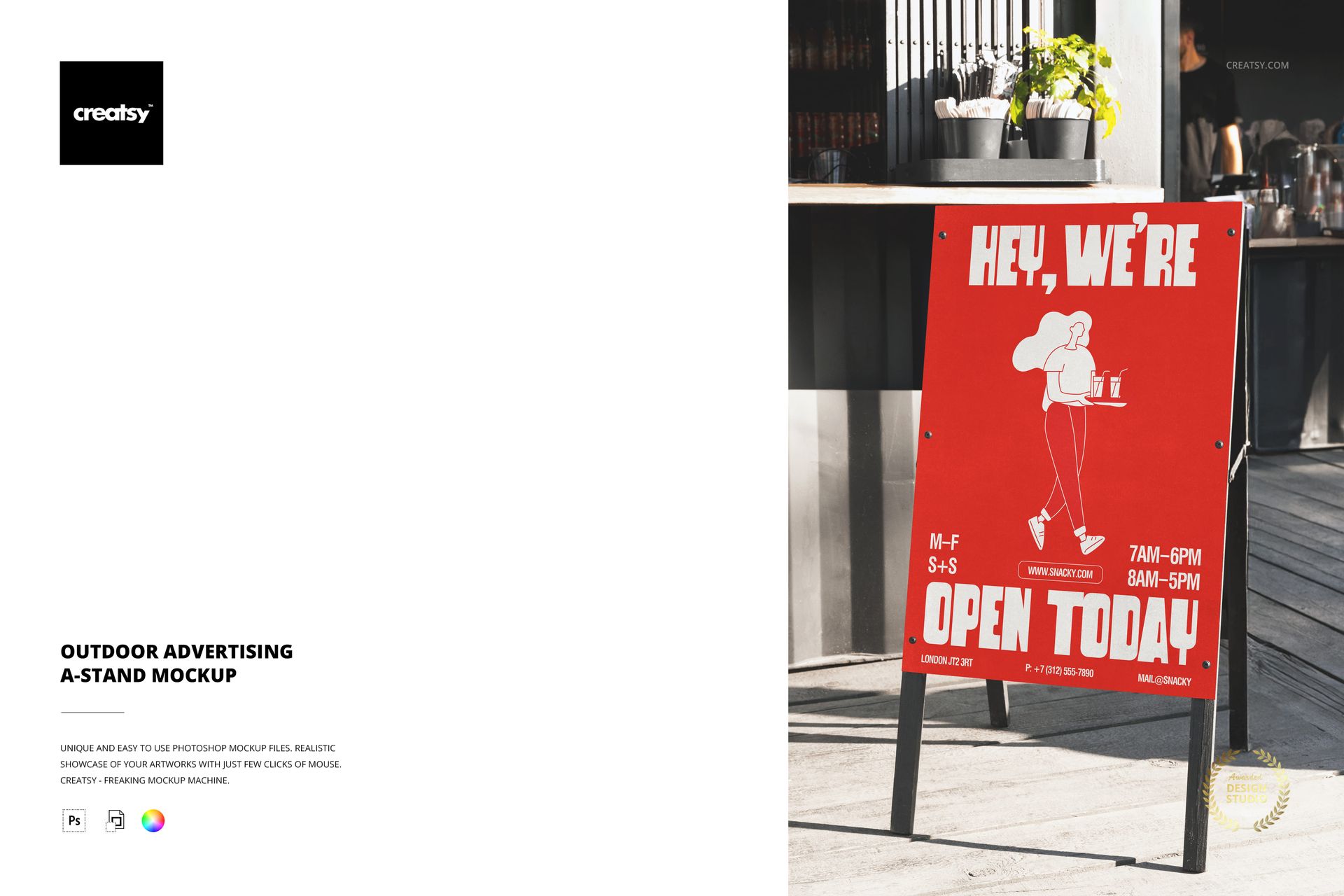
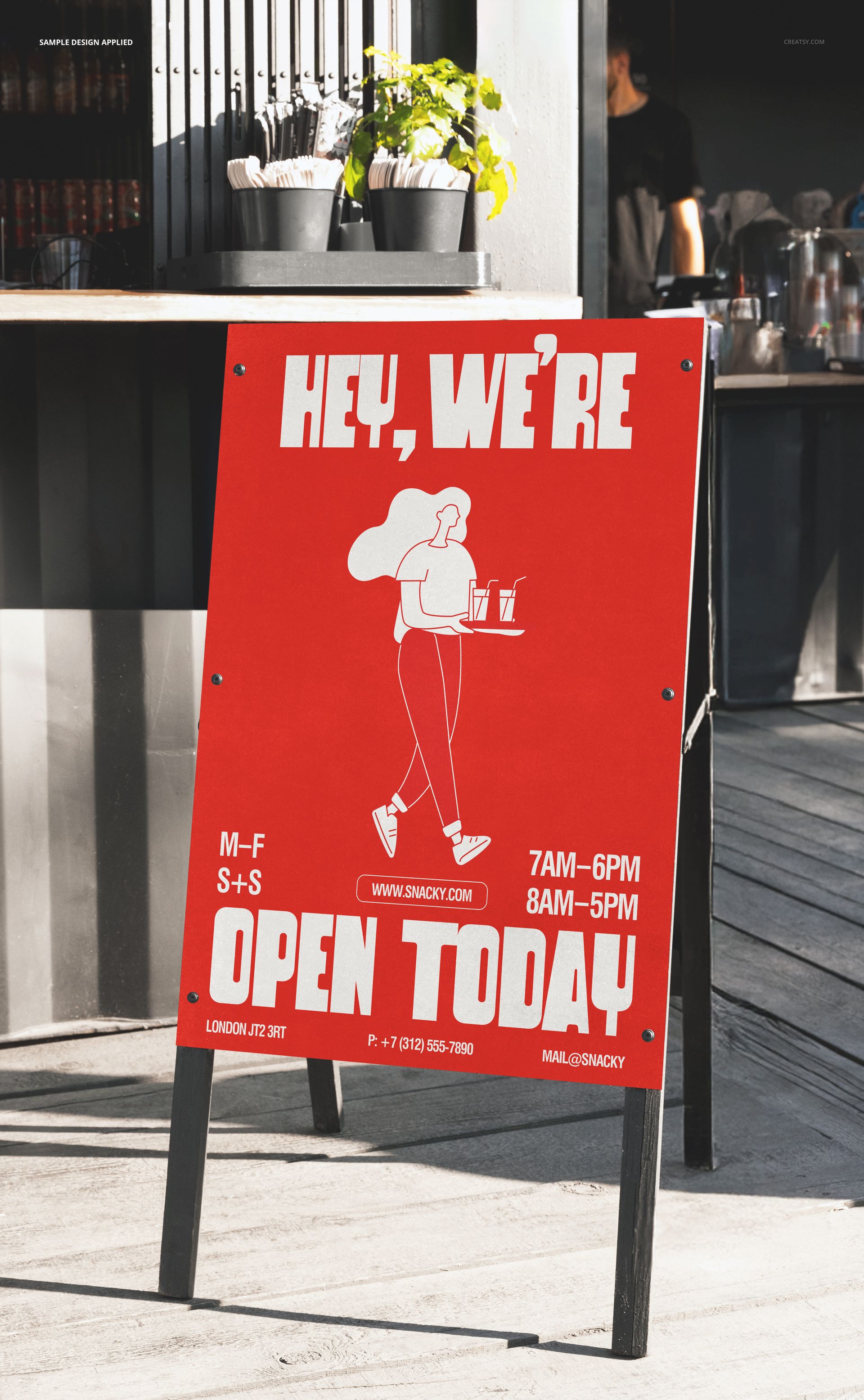
The Outdoor Advertising A-Stand Mockup by Creatsy is an A-frame sign mockup that puts your poster on a sidewalk A-stand set out on a real street, the kind of sandwich board a cafe or shop props by the door to pull people in. It comes as a single layered PSD at 6400 x 4000 px and 300 dpi, big enough to print at poster size or crop in tight on the artwork. The board sits at a natural viewing angle, low and forward, the way a real A-frame leans out toward foot traffic.
An A-stand is a shop's silent salesman: it works the pavement while the staff work inside, and it has about two seconds to stop someone walking past. This mockup lets you test whether your poster does that job before you print it, shown at street scale with real daylight, a paved setting, and the soft shadows of an outdoor scene already around it. Swap the poster and re-export, and you have a second promo staged in the same spot, which is handy when a shop rotates a sign through the week.
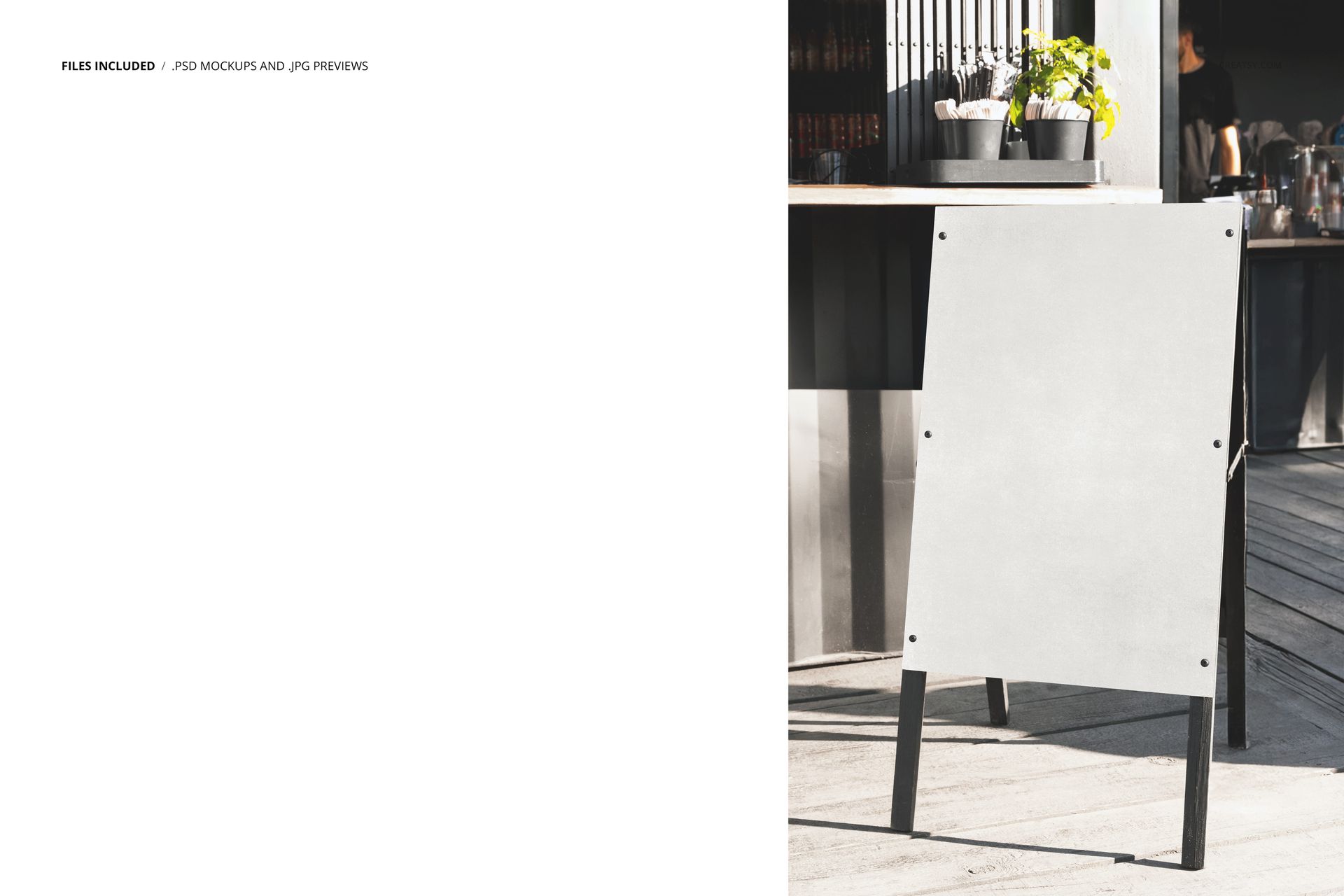
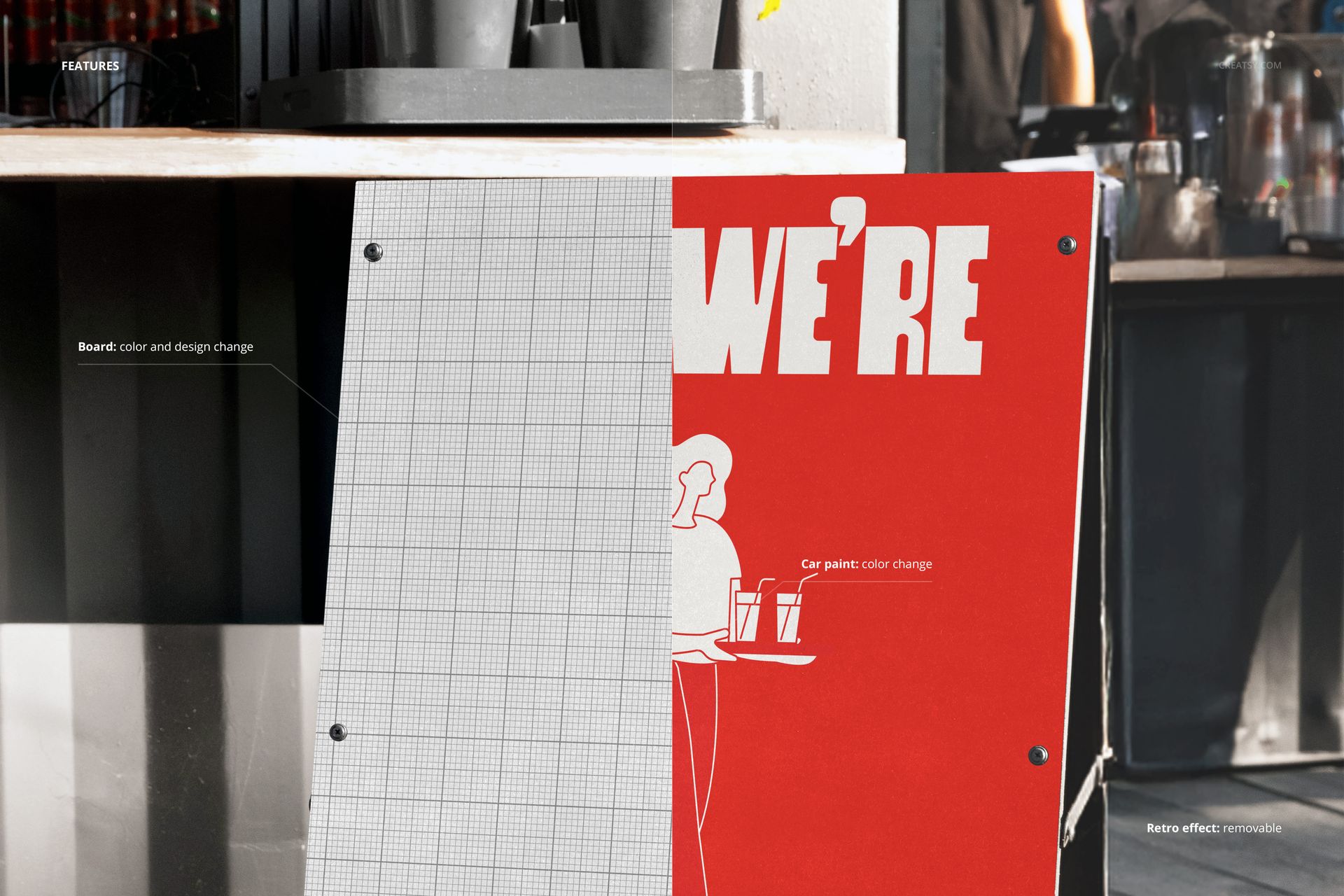
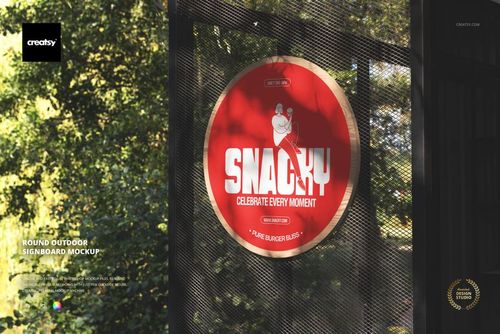
Your design goes on through a smart object. Double-click the sign face, drop in your poster or promo, and save - it lands on the board with the scene's light and perspective on top, so it reads like a printed sign standing on the sidewalk rather than a flat export. The board arrives blank; the red "open today" poster in the previews is placeholder artwork to show the effect, and it is not included. You bring the poster, and the street, the light, and the stand are already set.
Use it to present a promo or opening sign to a cafe or retail client, to mock up a menu board or event sign, or to build an Etsy or Creative Market listing for a poster or signage template. One PSD covers a shoot that would otherwise mean printing a real board and carrying it out to the curb for photos.
What you get
One layered .psd mockup of an outdoor A-frame advertising stand on a street, plus a .jpg of the scene
6400 x 4000 px at 300 dpi, poster-size and print-ready
A smart object for the sign face, so your poster maps on in one step
Well organized, clearly named layers
About 162 MB on Windows and 170 MB on Mac once unzipped
How it works
Open the .psd in Adobe Photoshop (CC2020 or newer), or free in Photopea.
Double-click the sign smart object to open its own canvas.
Paste your poster or promo design, fit it to the guide, and save that tab.
Return to the main file to see it on the A-stand, then export a JPG or PNG.
Specifications
Files: layered .psd plus a .jpg
Dimensions: 6400 x 4000 px
Resolution: 300 dpi
Scene: outdoor A-frame advertising stand on a street
Editable: sign face through a smart object
Software: Adobe Photoshop CC2020 or newer, and Photopea (free, browser-based)
File size: 162 MB Windows / 170 MB Mac
Layers: organized and named
Who it is for
It suits graphic and signage designers presenting a sidewalk sign, cafes, bars, restaurants, and shops proofing a promo or opening board, and event or marketing teams mocking up a wayfinding or announcement sign. It works for open signs, daily specials, sales, menus, event directions, and pop-up promos. It is a quick win for a market stall, a pop-up, a real estate open house, or a festival booth that needs a clear sign out front, and for a print shop showing a client a proof before a run. If you design posters or signage and want a real street preview without printing a board, this is built for it.