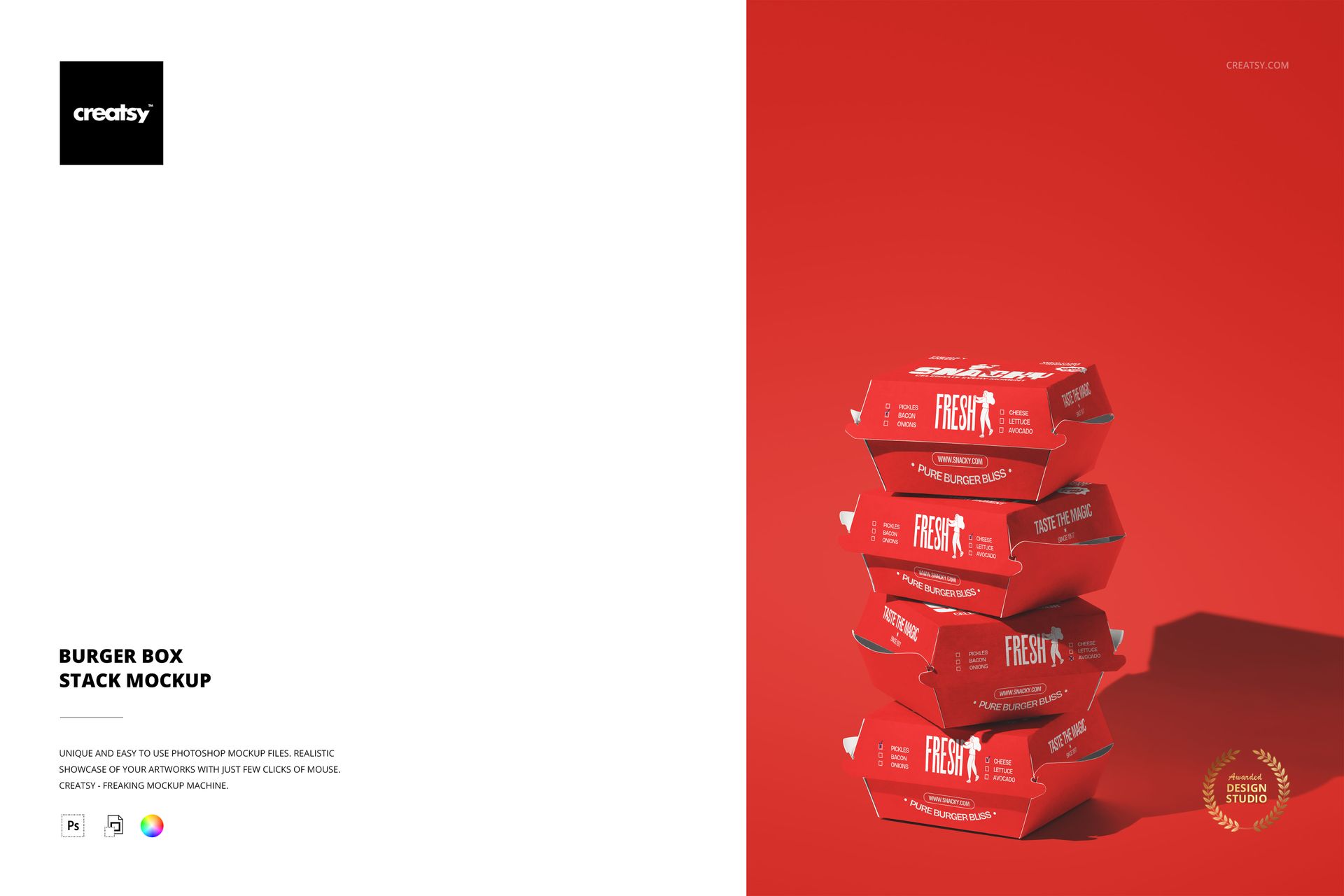
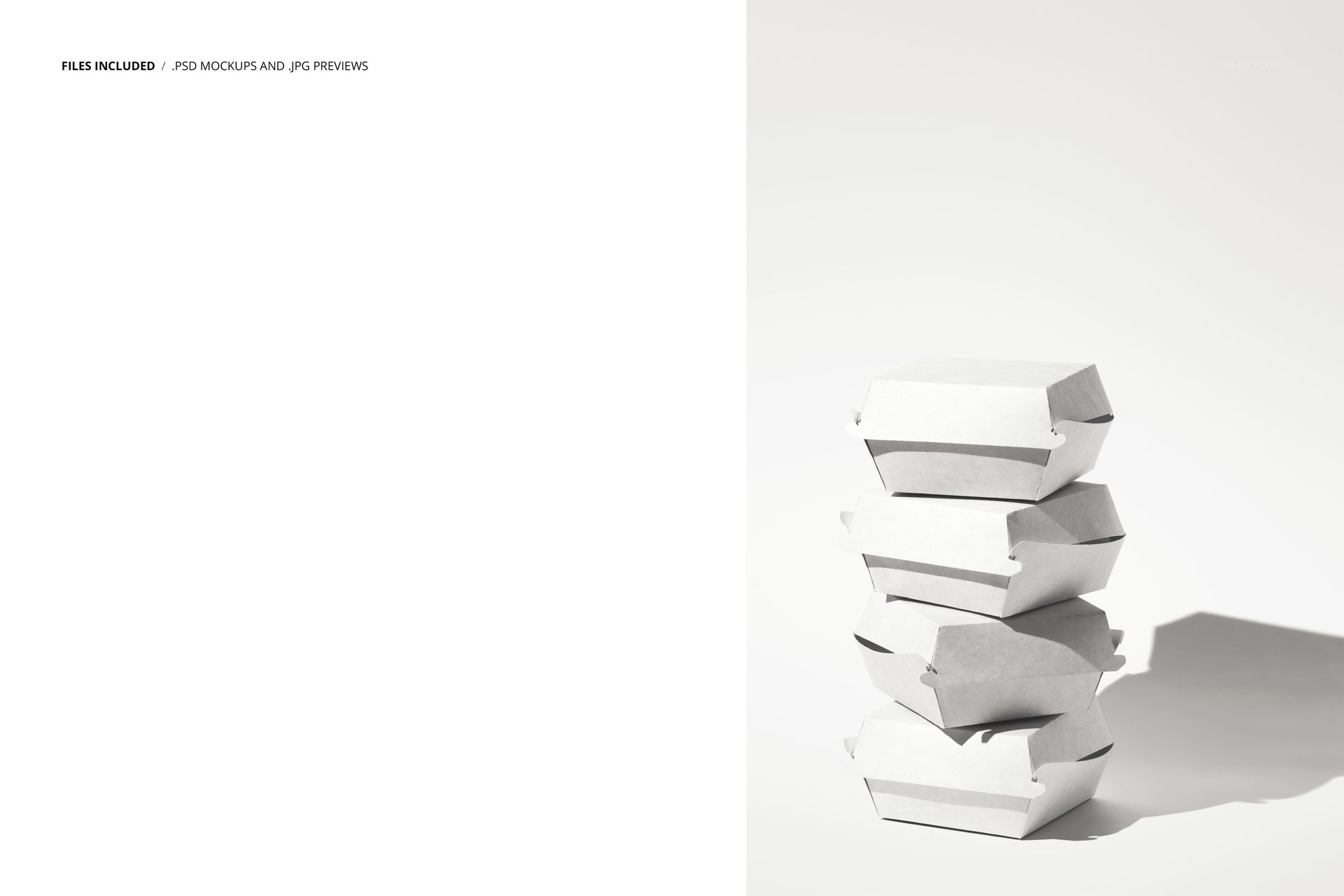
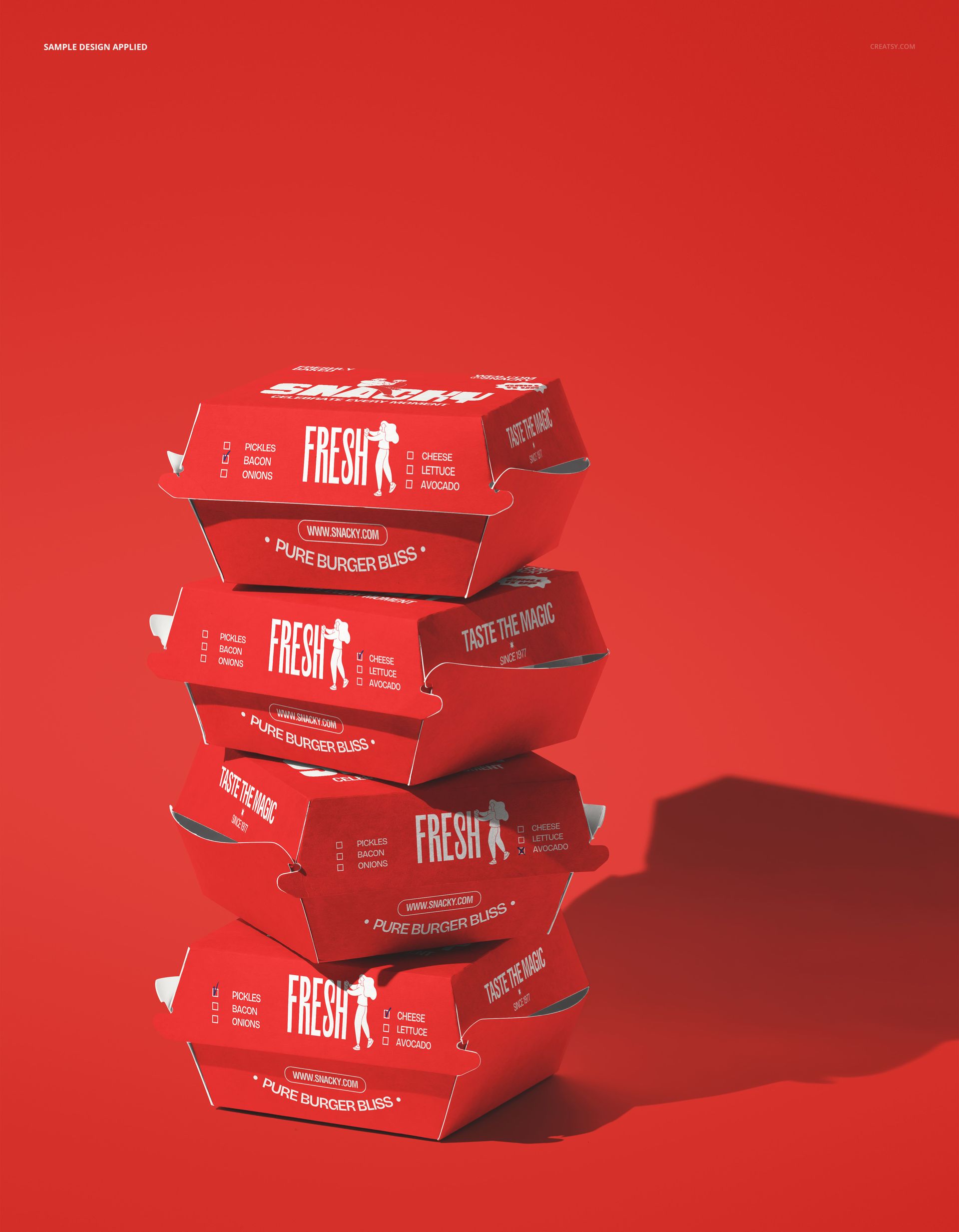
The Burger Box Stack Mockup shows multiple burger boxes stacked on top of each other in a tall arrangement that emphasizes volume, repetition, and brand presence. The composition takes a single packaging item and multiplies its impact by showing several boxes together, which is how customers actually encounter burger packaging in delivery orders, catering setups, and busy counter scenes. Each box in the stack has a smart object layer, letting you apply your brand design and see how it reads when repeated across multiple units in the same frame. This is a packaging mockup built for presentations where the visual needs to communicate scale and volume rather than showing a single isolated box. The file measures 6000x4000px at 300 DPI with organized smart object layers and works in Adobe Photoshop CC 2020 or newer and Photopea.
Why This Mockup Works
A single burger box on a white background communicates what the packaging looks like. A stack of burger boxes communicates what the brand looks like in action. When customers order for a group, when a delivery driver carries multiple orders, or when a catering spread is laid out, the packaging appears in multiples. That repetition is where brand design either builds momentum or falls apart. This mockup lets you evaluate how the logo, colors, and patterns perform when they repeat vertically across several boxes, which reveals design strengths and weaknesses that a single-box mockup cannot show. A pattern that reads well once might become overwhelming when stacked five times, or a subtle design element might gain the visual weight it needs only when multiplied. The stack format tests the packaging design at the scale it will actually be seen.
What Is Included
The download contains 1 layered PSD file. The scene shows multiple burger boxes arranged in a vertical stack. The smart object layers control the design on the box surfaces, allowing you to apply your artwork and see it repeated across every box in the stack. The lighting is even and controlled, designed to show packaging print quality and branding details clearly on each box while maintaining visual coherence across the full stack.
What You Can Customize
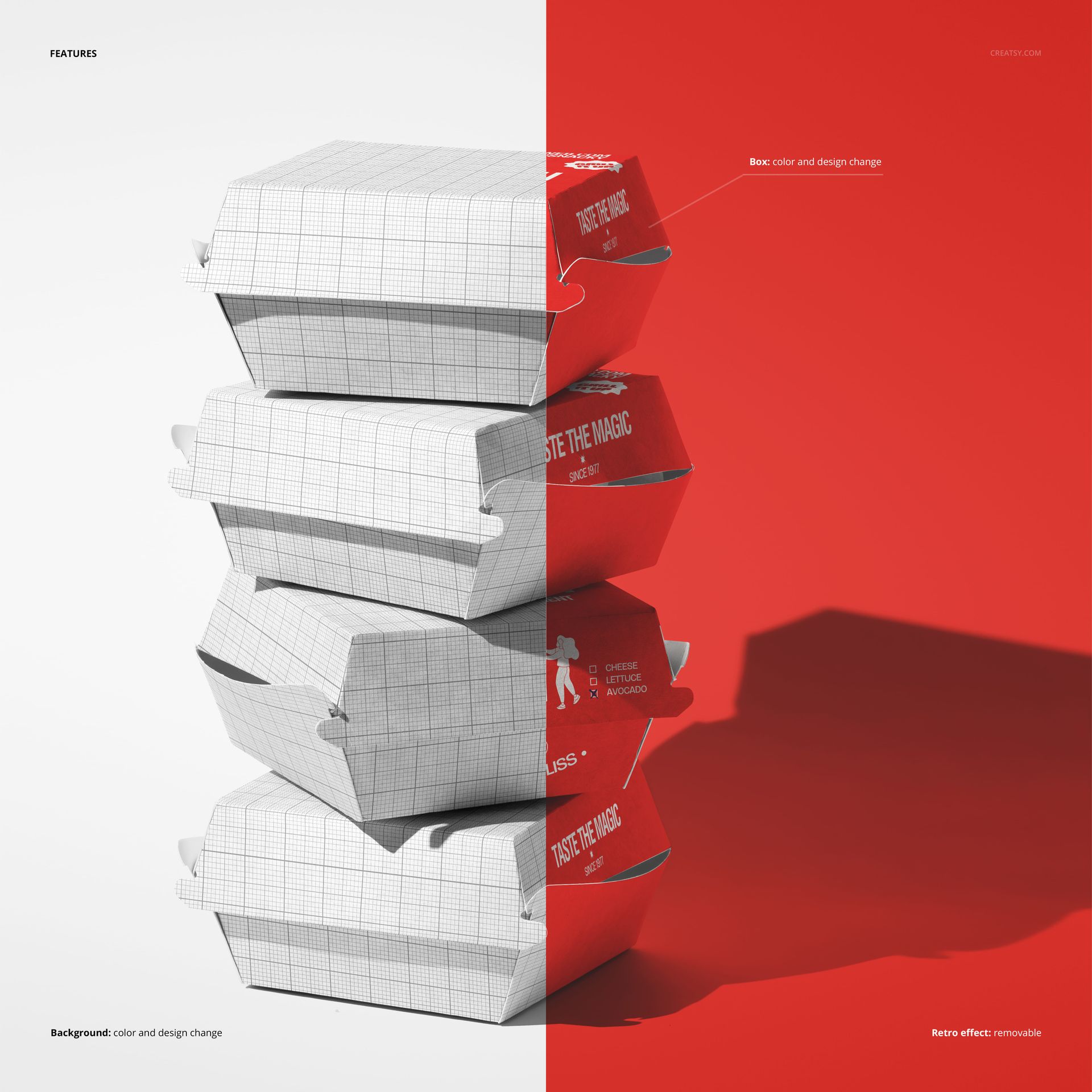
The smart objects control the design on the burger boxes. Double-click the smart object layer to place your logo, restaurant name, pattern, or graphic on the box surface. The artwork applies across the boxes in the stack with accurate paper texture and fold response. The adjustment layers let you modify overall brightness, contrast, and color temperature to match your brand aesthetic. You can swap designs quickly to compare packaging concepts, test how different color schemes look when repeated in a stack, or create variations for menu-specific packaging where each box in the stack carries a different design.
Who This Mockup Is For
Fast food restaurants and burger chains that need to preview how their packaging looks when multiple orders are stacked together for delivery, catering, or busy service periods. Packaging designers presenting burger box concepts to restaurant clients who want to see the design at scale rather than as an isolated single unit. Marketing teams at restaurant brands creating visuals for delivery app listings, catering menus, and promotional materials where showing volume communicates popularity and demand. Food delivery platforms and aggregators building marketing content that features restaurant packaging in realistic multi-order scenarios. Franchise consultants and brand guidelines teams documenting how the packaging design performs when repeated across multiple units in real-world service conditions.
File Specifications
Files: 1 PSD. Dimensions: 6000x4000 px. Resolution: 300 DPI. Color mode: RGB. File size: 172.68 MB. Compatibility: Adobe Photoshop CC 2020 or newer, Photopea.