Backpack & Travel Bag Mockups
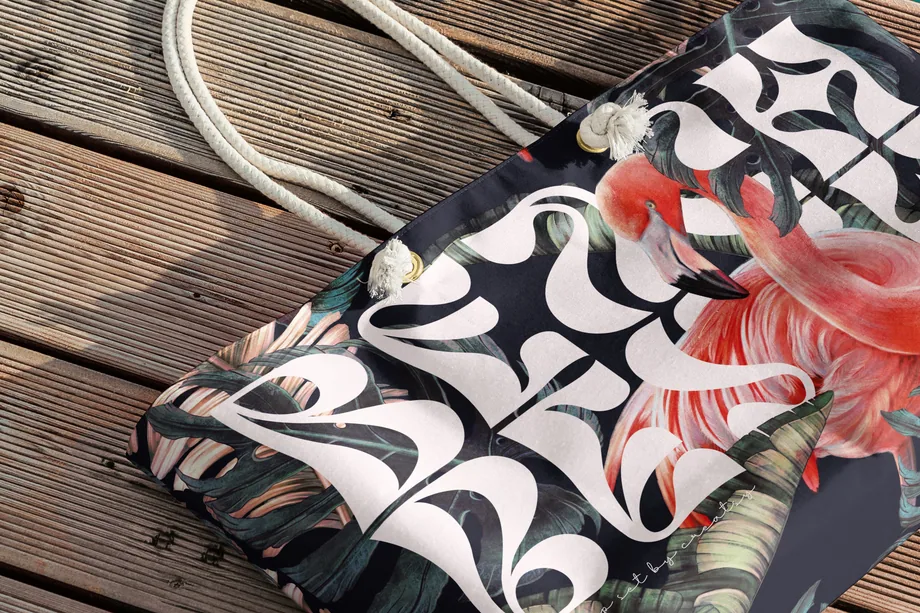
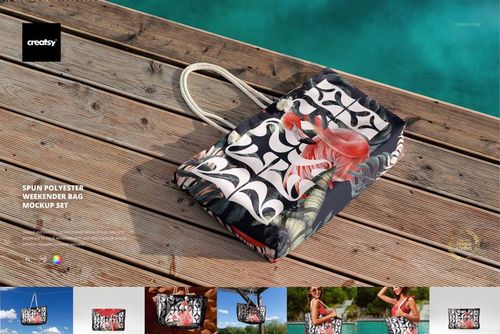
Present logos, repeat patterns and all-over artwork on backpacks, duffels, weekenders and drawstring bags. Reusable mockups keep listings, outdoor campaigns and team-merch visuals consistent without producing samples first.

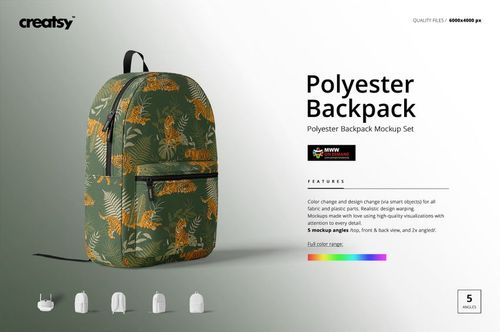
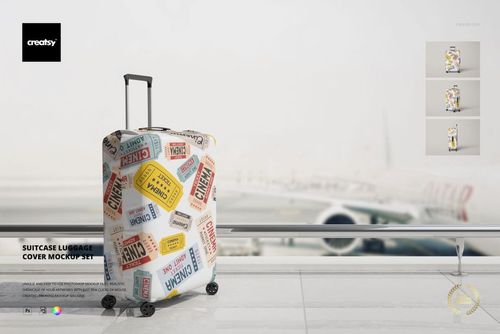
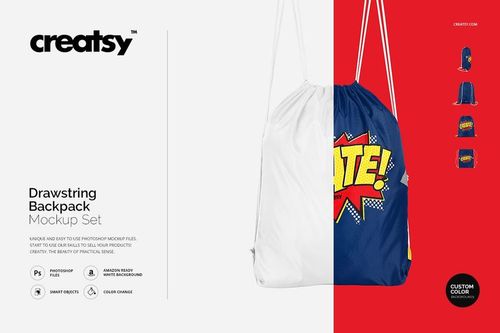
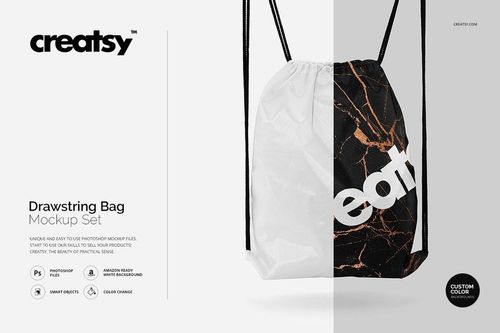




What you get
Professional PSD mockups built in-house - editable, realistic, high-resolution, and supported by real people.
Layered PSD Files
Creatsy mockups are delivered as fully layered Photoshop .psd files, with layers sorted into clearly named groups. Shadows, highlights, and the background each sit on their own editable layer, and nothing is flattened into a single image. Open it in Photoshop or the free browser editor Photopea and get to work.
- Clearly named, organized layer groups
- Shadows and highlights on separate layers
- Editable background, never flattened
- Works in Photoshop or free Photopea
Smart Objects
Open the smart object, paste your artwork, and save. The design lands on the product with the perspective, warp, and wrap already worked out. Scene lighting and shadows fall back on top, so it reads as a photograph, not a flat paste-in. Swapping a design takes seconds, so one file can carry a whole run of variants and colorways.
- Double-click, paste your design, save
- Perspective, warp, and wrap pre-built
- Scene lighting and shadows sit back on top
- One file covers many variants and colorways
High-Resolution Output
Many scenes are built from real product photography rather than 3D renders, so the fabric and surface read like a studio shot. Files export at high resolution and stay sharp at full zoom, with clean edges where the print sits. The same file works for a hero banner, a paid ad or a product listing.
- Real product photography in many scenes
- Exports ready for print
- Holds detail at full zoom
- Works for banners, ads and listings
Easy to Edit
Colors, backgrounds, and artwork sit on separate, clearly named layers, so you swap a color or background without disturbing the rest of the scene. There is no relighting or shadow work to redo, and the same file works for your next project.
- Edit color and background layers directly
- No relighting or shadow rework needed
- No masking or layer skills required
- One file reused across projects
Fast Support
There is a real in-house team behind every file, not a ticket bot. Before you buy, ask whether a specific mockup fits what you have in mind, and we will tell you. When a smart object or a layer group is tripping you up, send the question and you usually get a reply within 48 hours.
- Real in-house team behind every file
- Replies within 48 hours
- Pre-purchase help picking the right mockup
- Answers on smart objects and layer setup
Who are these mockups for?
For ecommerce and travel accessory teams
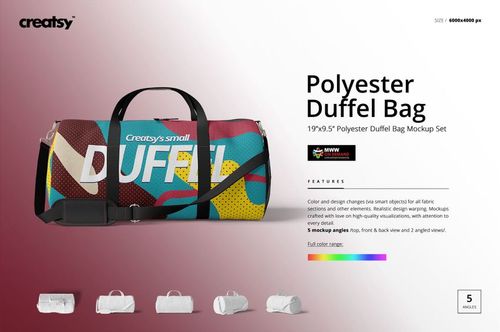
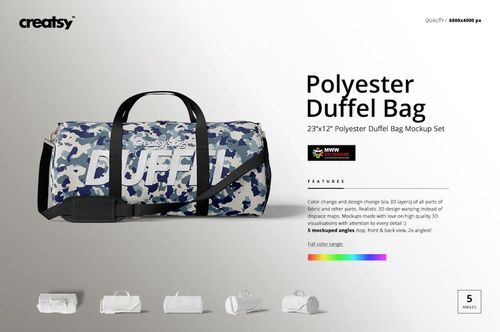
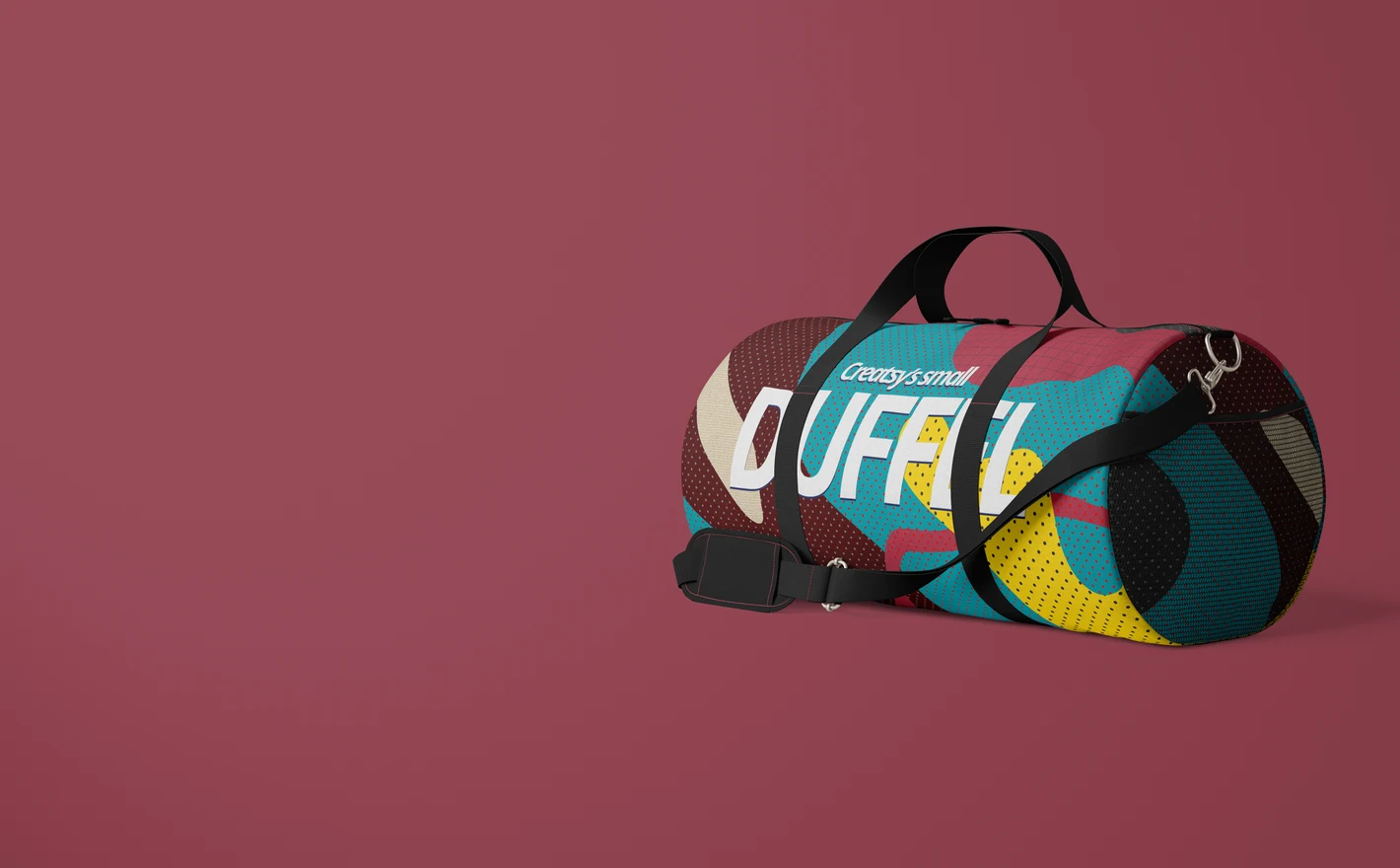
Shoot an entire luggage line without shipping a single sample: backpacks, duffels and drawstring bags rendered in the same light and angle, ready for store pages, marketplace listings and launch emails. Seasonal colorways update by swapping artwork in the smart object, not by rebooking a studio.
For licensing and portfolio presentations
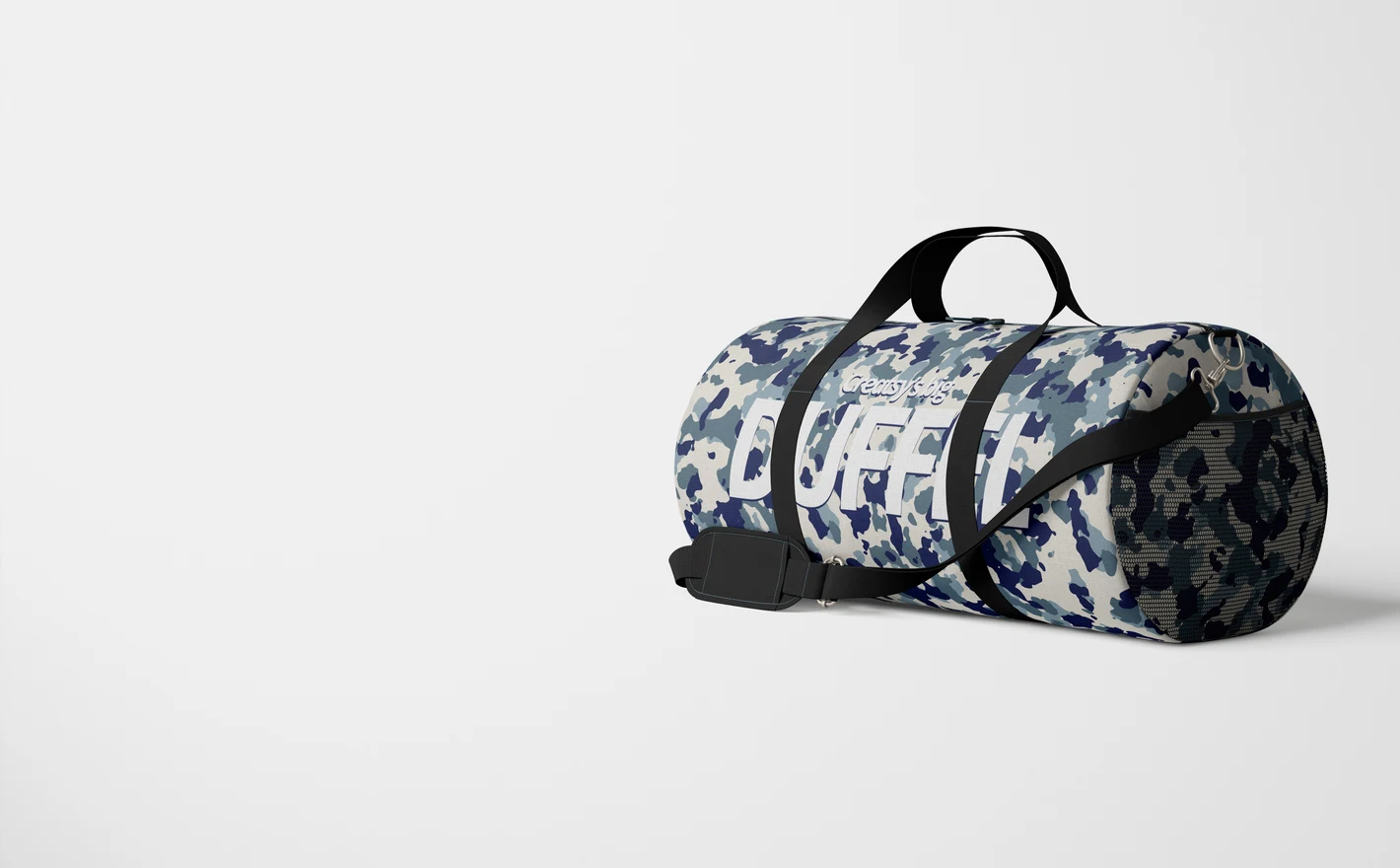
Present one artwork across a whole travel range - backpack, duffel, drawstring - so licensors see how a repeat, badge or all-over print scales from a small pocket to a full front panel. A coordinated set reads as a product line, not a single concept.
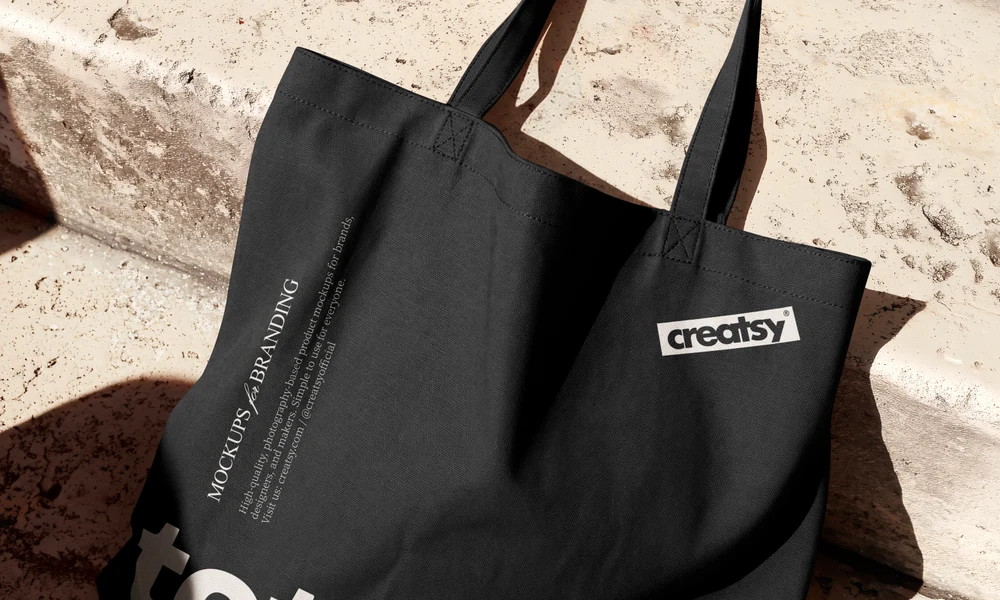
Showing your print on another bag? Browse tote bag mockups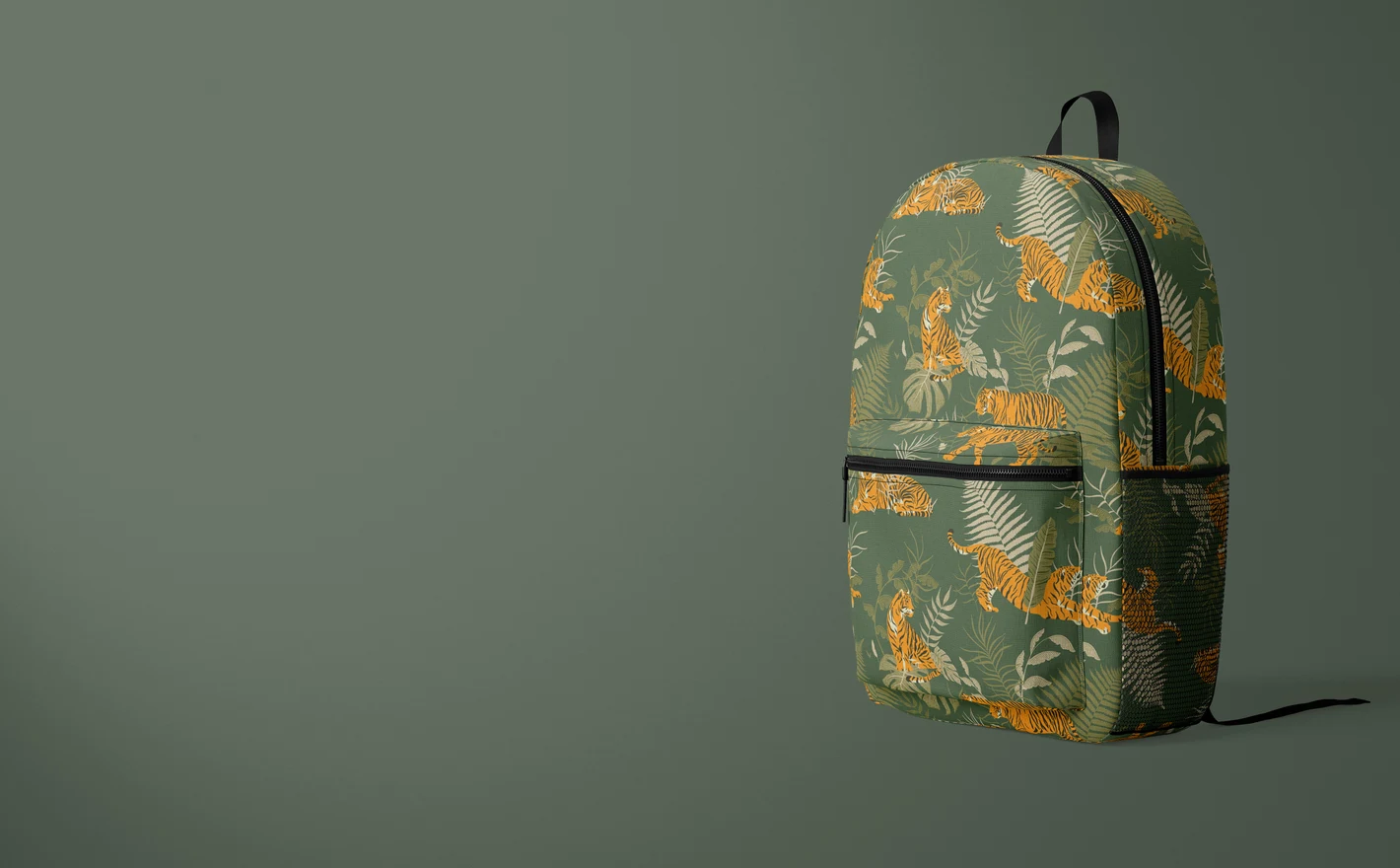
For sports and outdoor brands
Drop a club crest or sponsor logo onto gym-ready formats: drawstring bags for teamwear shops, duffels for kit sponsorship decks, backpacks for fan merch. Check placement against straps, zips and seams before anything goes to production.
Putting together team merch? Browse sportswear & equipment mockups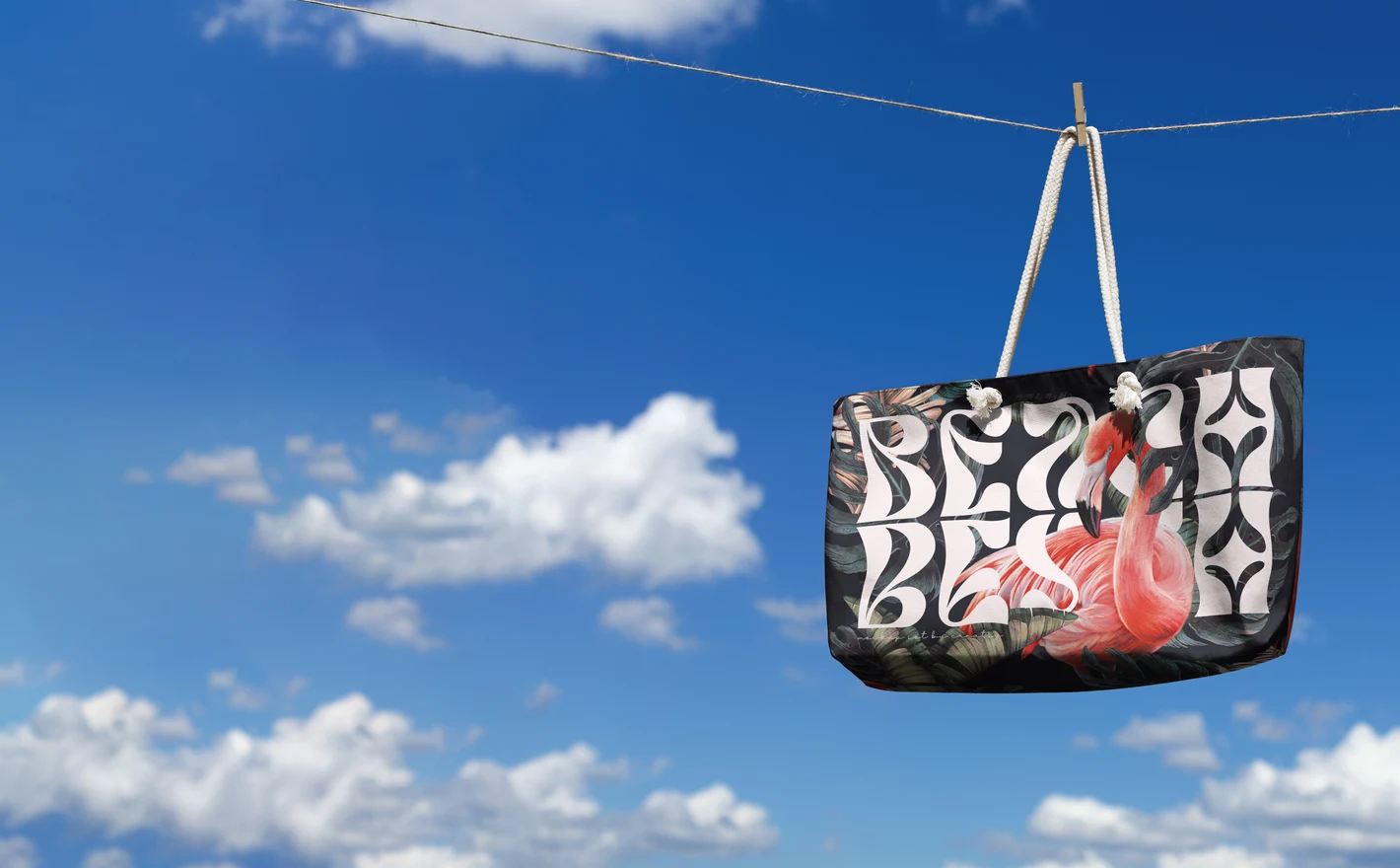
For surface pattern designers
See how a repeat behaves on a sewn product: panels break the pattern, straps cut across motifs, pockets shift the scale. Testing artwork on realistic bag construction shows exactly where a design needs adjusting - long before a manufacturer sample does.
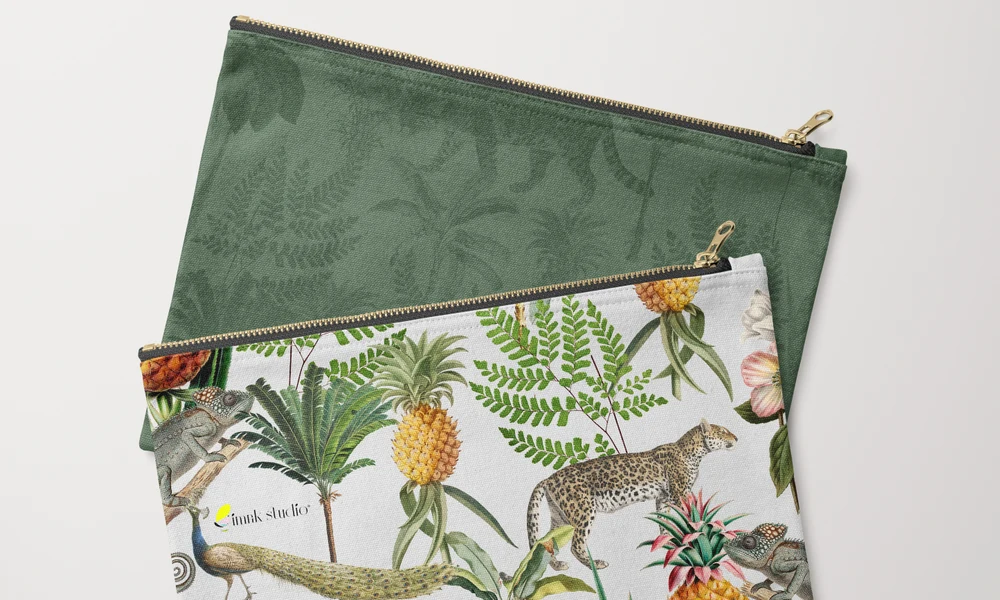
Starting with the fabric print? Browse fabric mockups
FAQs
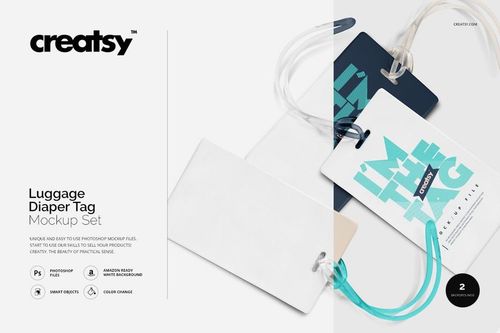
The category includes backpacks, drawstring bags, duffel bags, weekender bags, luggage covers and luggage tags. Some backpack sets also show details such as mesh pockets, badges or labels. For totes, handbags and small pouches, use their separate categories.
The mockup shows your pattern on the surfaces included in that scene, but it does not guarantee seam matching on a manufactured bag. Fill each editable panel and inspect the joins around pockets and zippers. Use your supplier's cutting and sewing templates to plan the actual pattern placement.
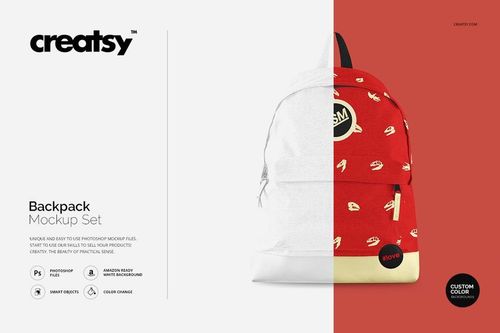
Place the logo on a transparent layer inside the relevant Smart Object, position it, then save. Keep the surrounding area clear rather than filling it with a pattern. For a small branded detail, the Backpack Mockup with Badge & Label Details may suit your presentation better than a full-panel print.
The Suitcase Luggage Cover Mockup Set presents artwork on a cover fitted over a suitcase. It is useful for showing a travel print on a larger surface. Compare the shape and openings with the cover you sell; it is not a template for manufacturing the cover.
Apply the same artwork to the backpack, duffel or weekender files you choose. Adjust the motif size for each product rather than copying the same scale percentage into every Smart Object. Compare the finished images to keep the collection consistent while allowing for each bag's proportions.
Why use Backpack & Travel Bag mockups?
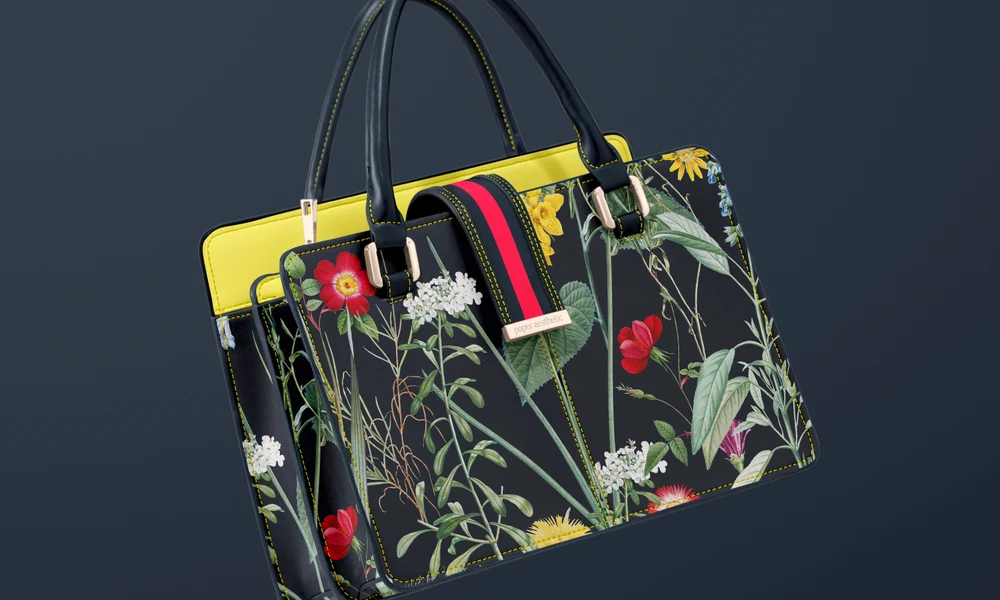
Backpacks and travel bags have large surfaces for artwork, divided by pockets, panels, straps and zippers. A motif may disappear behind a pocket or curve around the end of a duffel. A mockup gives you a way to review the visible design before ordering a sewn sample. The category includes polyester backpacks, mesh-pocket styles, drawstring bags, duffels, weekenders, suitcase covers and luggage accessories. For a school, sports or travel range, compare repeat sizes, logo placement and color combinations in the available views. Badge and label details can also help you present smaller branding elements. Apply a design to several bag styles to see how the collection looks together. Smart Objects fit the artwork to each surface, keeping the folds, seams and lighting in the scene. You can then adjust the scale for each bag instead of assuming one layout will suit them all. Use the exported images for shop listings, wholesale catalogs, team merchandise, sponsor proposals or client reviews. Reusing the same views for new designs makes the differences between patterns and colors easier to compare.
FreeCreatsy® Mockups