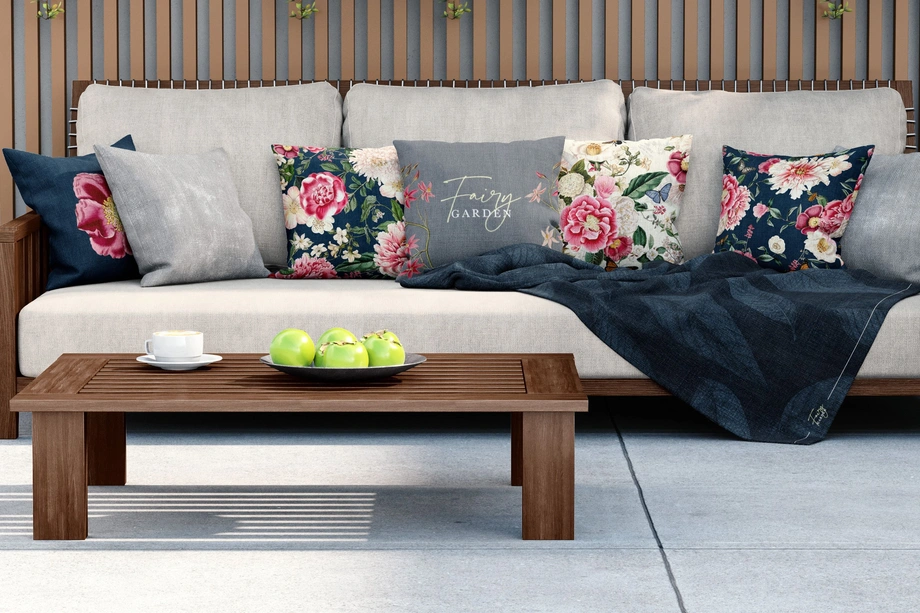
Outdoor Living & Garden Scene Mockups
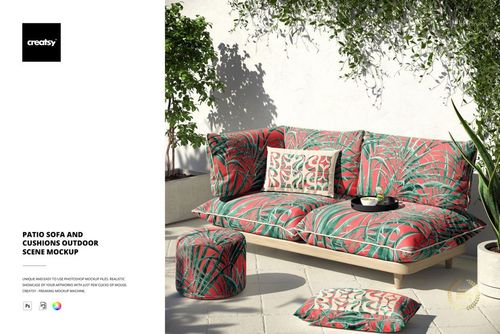
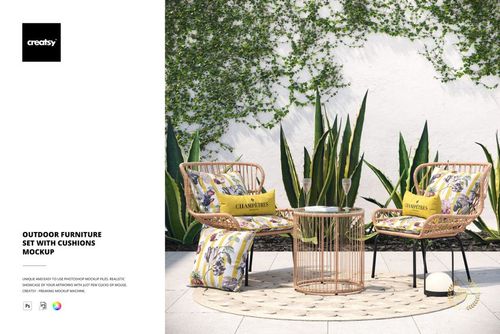
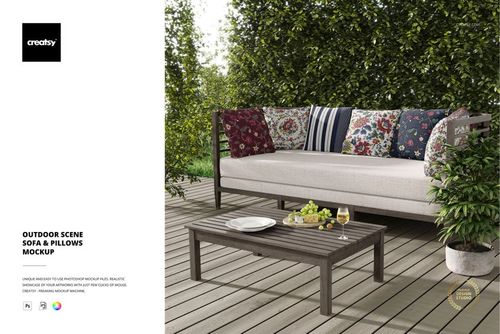
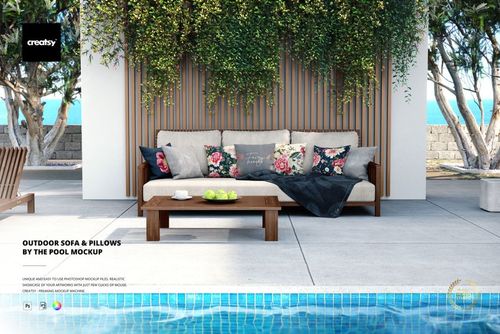
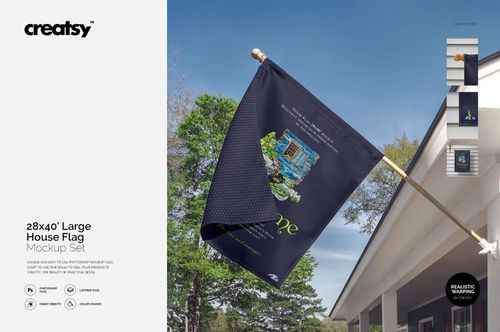
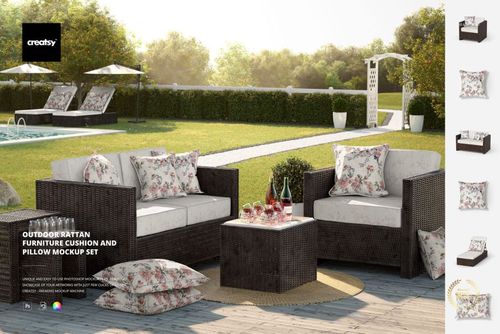
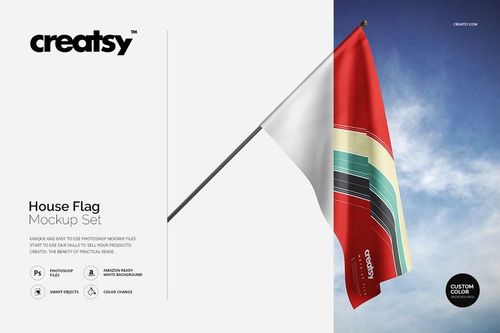
Explore editable outdoor living mockups for patio sofas, garden furniture, rattan seating, outdoor cushions and pillows, poolside arrangements, house flags, and garden yard flags. Add repeating patterns, illustrations, logos, typography, and coordinated colorways through layered Photoshop files and Smart Objects, then create realistic visuals for product listings, licensing presentations, client pitches, catalogs, advertising, and social media.



Reviews
What designers and brand owners say after using these PSD mockups in real client work.
0
Sort by:


What you get
Professional PSD mockups built in-house - editable, realistic, high-resolution, and supported by real people.
Layered PSD Files
Creatsy mockups are delivered as fully layered Photoshop .psd files, with layers sorted into clearly named groups. Shadows, highlights, and the background each sit on their own editable layer, and nothing is flattened into a single image. Open it in Photoshop or the free browser editor Photopea and get to work.
- Clearly named, organized layer groups
- Shadows and highlights on separate layers
- Editable background, never flattened
- Works in Photoshop or free Photopea
Smart Objects
Open the smart object, paste your artwork, and save. The design lands on the product with the perspective, warp, and wrap already worked out. Scene lighting and shadows fall back on top, so it reads as a photograph, not a flat paste-in. Swapping a design takes seconds, so one file can carry a whole run of variants and colorways.
- Double-click, paste your design, save
- Perspective, warp, and wrap pre-built
- Scene lighting and shadows sit back on top
- One file covers many variants and colorways
High-Resolution Output
Many scenes are built from real product photography rather than 3D renders, so the fabric and surface read like a studio shot. Files export at high resolution and stay sharp at full zoom, with clean edges where the print sits. The same file works for a hero banner, a paid ad or a product listing.
- Real product photography in many scenes
- Exports ready for print
- Holds detail at full zoom
- Works for banners, ads and listings
Easy to Edit
Colors, backgrounds, and artwork sit on separate, clearly named layers, so you swap a color or background without disturbing the rest of the scene. There is no relighting or shadow work to redo, and the same file works for your next project.
- Edit color and background layers directly
- No relighting or shadow rework needed
- No masking or layer skills required
- One file reused across projects
Fast Support
There is a real in-house team behind every file, not a ticket bot. Before you buy, ask whether a specific mockup fits what you have in mind, and we will tell you. When a smart object or a layer group is tripping you up, send the question and you usually get a reply within 48 hours.
- Real in-house team behind every file
- Replies within 48 hours
- Pre-purchase help picking the right mockup
- Answers on smart objects and layer setup
Who are these mockups for?
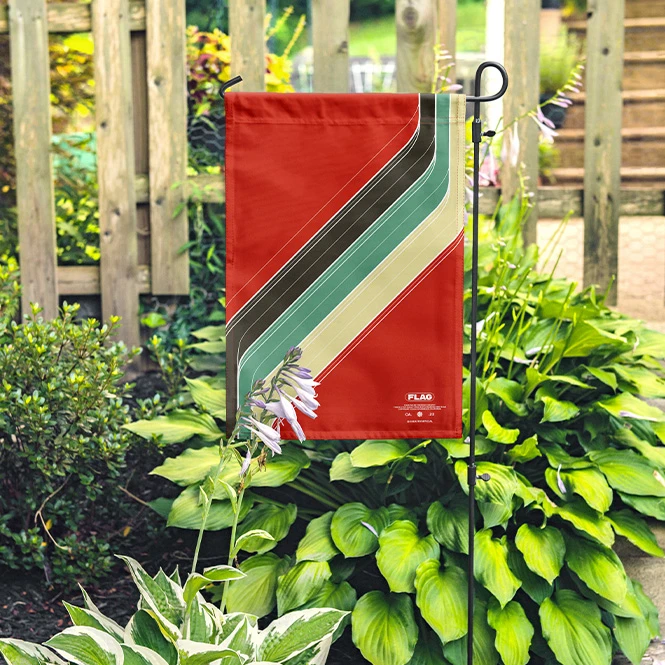
For garden flag & house flag sellers
Show artwork on small garden flags and larger house-flag formats in outdoor settings. Create product listings, seasonal collections, personalized previews, catalogs, advertising, and social media images.
Need banners or event flags too? Browse Advertising & Signage mockups.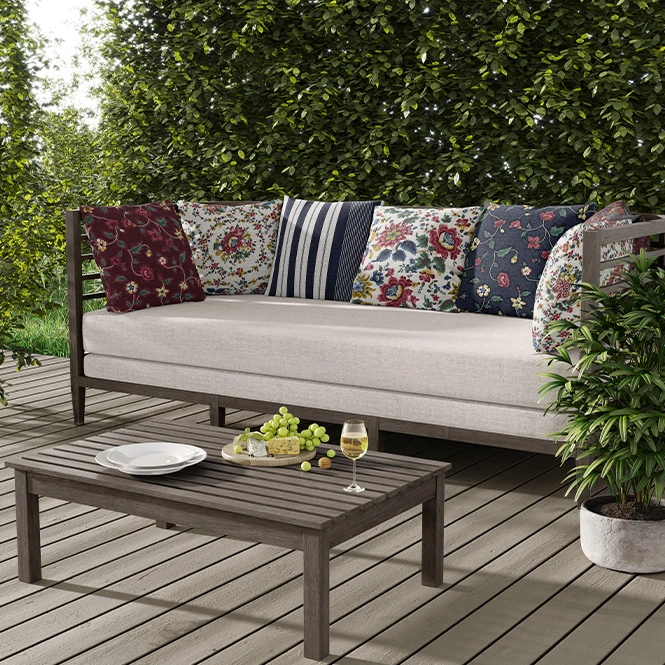
For outdoor textile & surface pattern brands
Present repeat patterns across patio cushions, sofa upholstery, pillows, and other outdoor textile surfaces. Use garden, poolside, and product-focused scenes in licensing portfolios, buyer presentations, retailer decks, catalogs, and social media.
Designing indoor cushions too? Browse Decorative Pillows & Cushions mockups.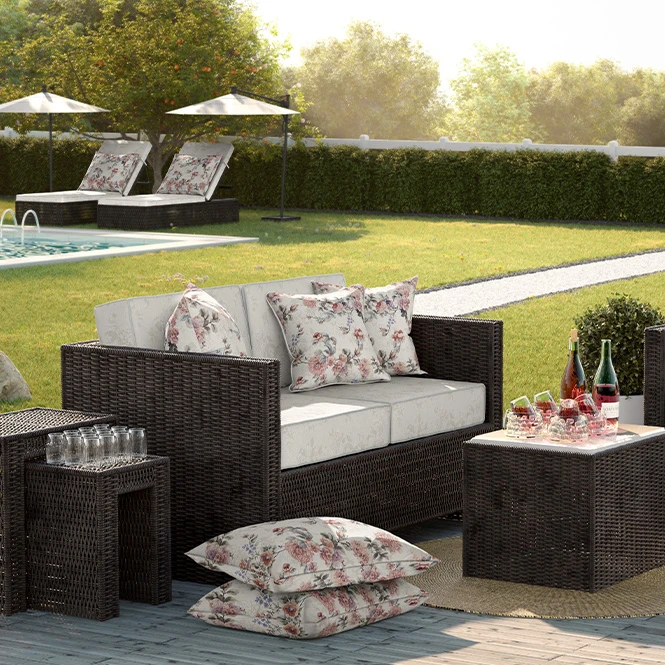
For patio furniture & garden brands
Create coordinated visuals for sofas, seating sets, rattan furniture, cushions, and outdoor collections. Compare artwork directions and colorways before producing and photographing every physical variation.
Need folding outdoor seating? Browse Outdoor Chair mockups.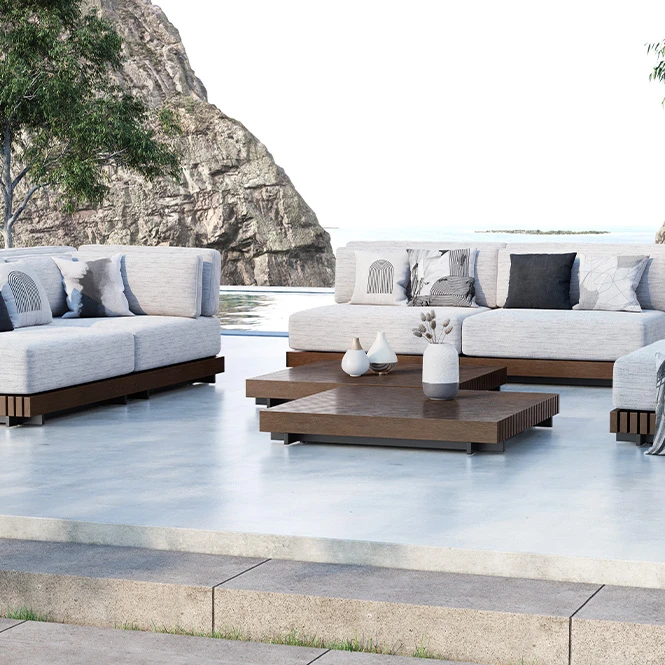
For resorts, hospitality & outdoor decor studios
Present coordinated patio textiles, poolside seating, garden decor, and branded outdoor concepts for hotels, resorts, restaurants, guest areas, terraces, and seasonal campaigns.
Building a wider hospitality presentation? Browse Commercial & Hospitality Spaces.
FAQs
The current collection includes patio sofas, outdoor furniture sets, garden furniture with cushions, rattan seating, poolside sofa scenes, house flags, large house-flag presentations, and garden yard flags. The category focuses on outdoor furniture, cushions, and decorative garden products.
Customization varies by product. You can generally replace the sample textile or flag artwork and adjust selected colors. Depending on the mockup, additional editable elements may include individual cushions, pillows, sofa surfaces, rattan cushions, flag artwork, poles, backgrounds, walls, shadows, or other scene details. Check the screenshots and Product Details section for the exact controls included in each file.
Garden flags are smaller decorative flags intended for compact garden stands or yard displays. House flags use a larger vertical format and are usually shown on a wall-mounted or freestanding flagpole. Exact dimensions and printable areas vary, so confirm the selected mockup against the physical flag supplied by your manufacturer.
No. They visualize artwork under prepared outdoor lighting, but they do not test or certify UV resistance, water resistance, fading, fabric weight, coating, print durability, wind performance, or the final color produced on a specific material. Use the manufacturer's material data, samples, testing, and physical proofs when evaluating an outdoor product.
The mockups are designed for Adobe Photoshop. Selected products may also work in Photopea, but compatibility varies. Sets contain separate PSD files, and individual furniture or flag surfaces may use independent Smart Objects. Changes do not automatically synchronize between different documents.
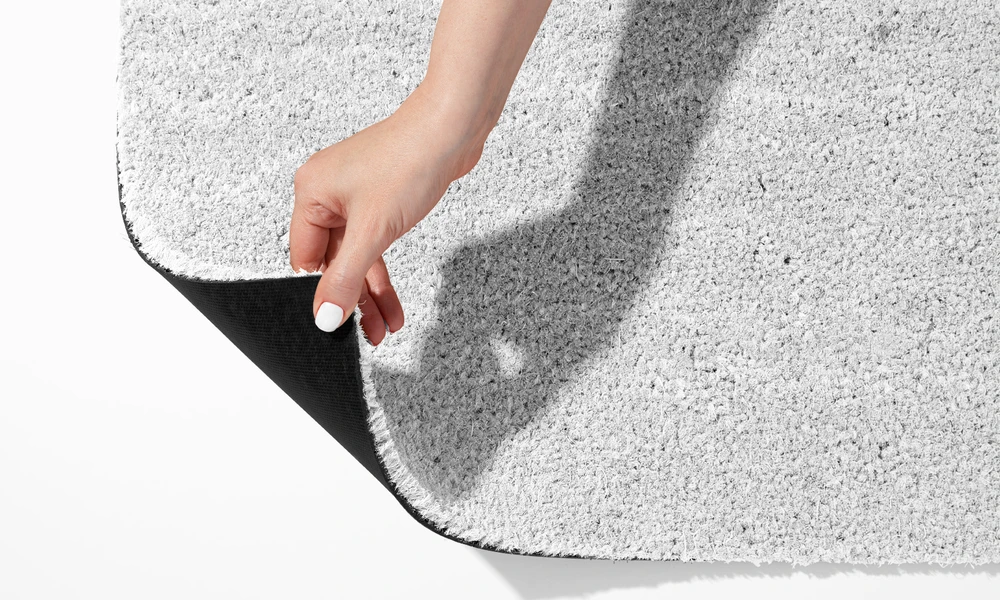
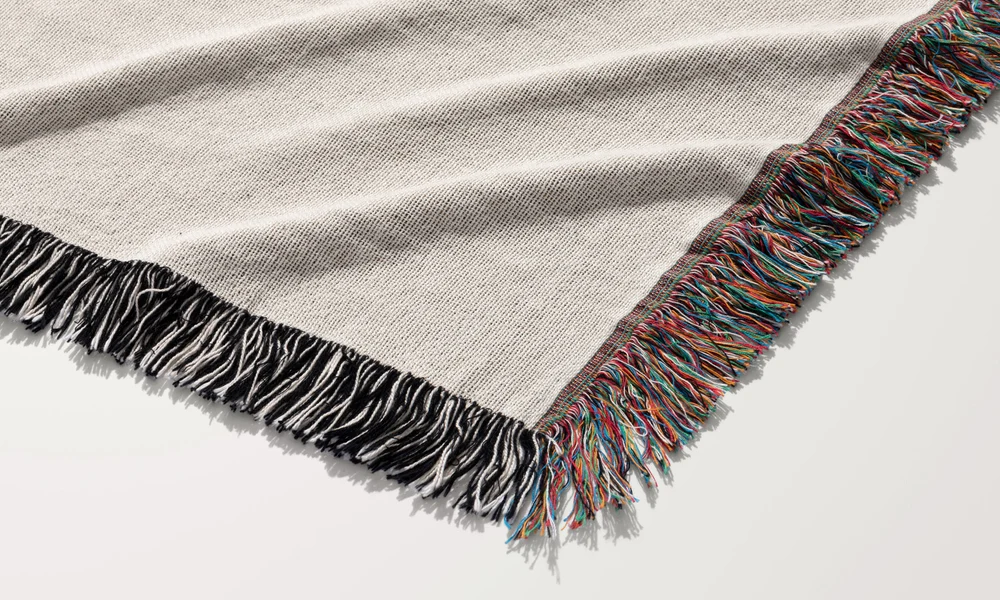
Why use Outdoor Living & Garden Scene mockups?
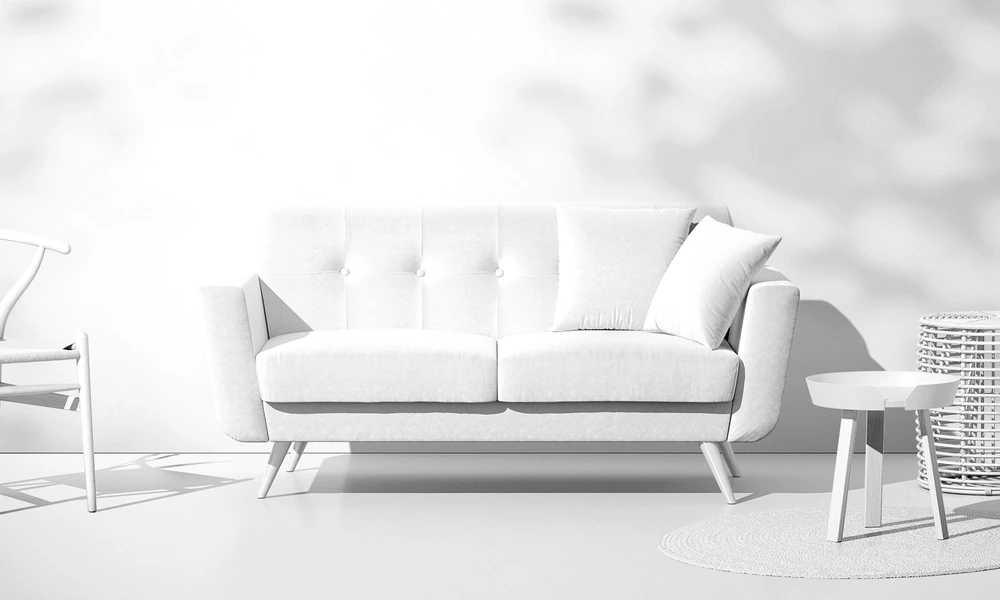
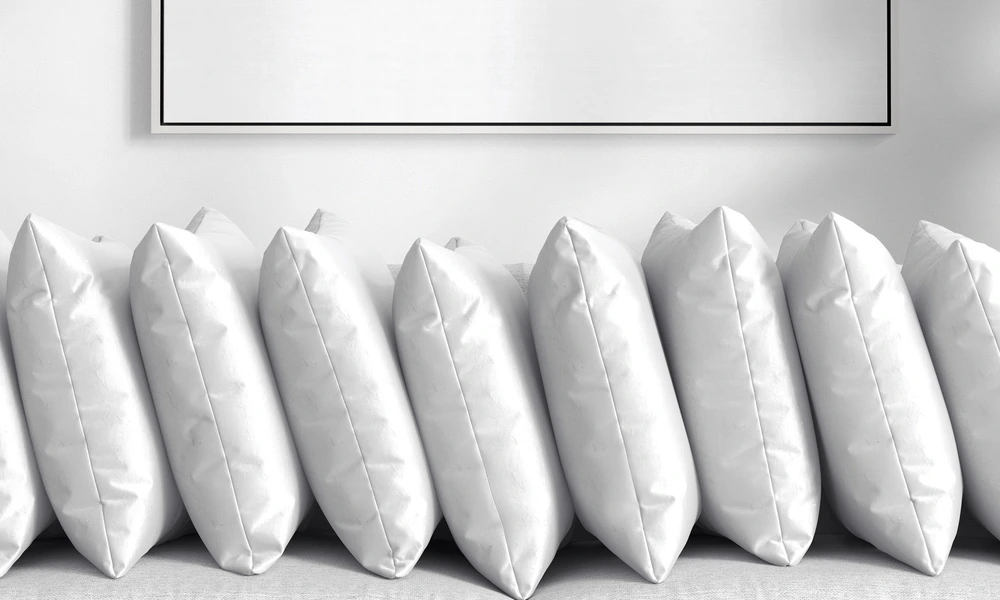
Outdoor products are viewed under natural light and placed against plants, stone, water, decking, architecture, and changing environmental colors. A flat repeat tile does not show how artwork will appear across a patio cushion, sofa panel, rattan seat, or flag moving within an outdoor scene. Use furniture mockups to compare pattern direction, perceived scale, upholstery placement, cushion combinations, and coordinated colorways. Poolside and garden scenes provide context for hospitality concepts, retailer presentations, and seasonal campaigns. Garden and house flag mockups help visualize vertical artwork, typography, personalized designs, and decorative collections in their intended outdoor context. They communicate the presentation but do not replace exact flag dimensions, hem construction, pole sleeves, or production specifications. Layered Photoshop files and Smart Objects preserve the prepared folds, furniture shape, flag drape, lighting, shadows, and surrounding environment while the sample artwork is replaced. Depending on the selected file, you may also be able to adjust cushions, furniture colors, backgrounds, walls, flags, or other scene details. Export the finished visuals for product listings, licensing decks, client approvals, hospitality presentations, catalogs, portfolios, advertising, and social media. For final manufacturing, rely on the supplier's exact dimensions, materials, sewing patterns, print areas, weather-performance data, samples, and proofs.
FreeCreatsy® Mockups
I have used this mock up a couple ot imes. Hard to find mock ups that are a bit different to the norm and would buy more like this on a nautical theme Maybe boat interiors
Thank you, Lynda! So glad you keep coming back to it 🧡 Boat interiors - now that’s a great idea, we’ll keep that in mind!