

 $2400
$2400
 $1900
$1900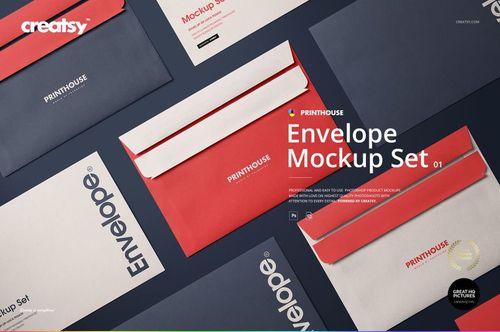
 $2300
$2300 $1900
$1900
Brand Stationery Mockups
Compare business-card and printed-collateral scenes, choose the touchpoints that fit your identity project, then add logos, typography and layouts through the prepared Smart Objects.

Reviews
What designers and brand owners say after using these PSD mockups in real client work.
0
Sort by:


nice
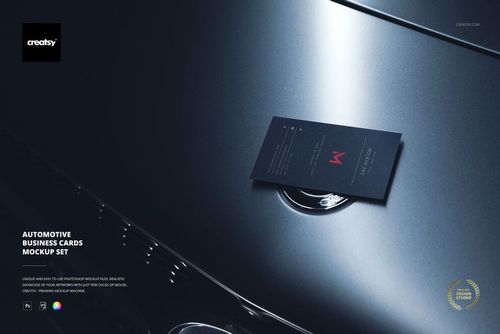
 Free Business Card on Luxury Car Hood Branding PSD Mockup View product
Thank you so much! We’re so happy you like the mockup. We truly appreciate your support.


Spectacular mockup and high quality. As always, they are the best! Thanks :)
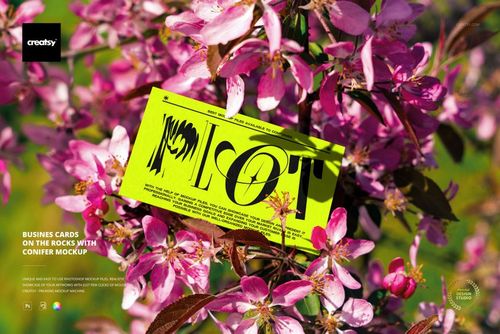
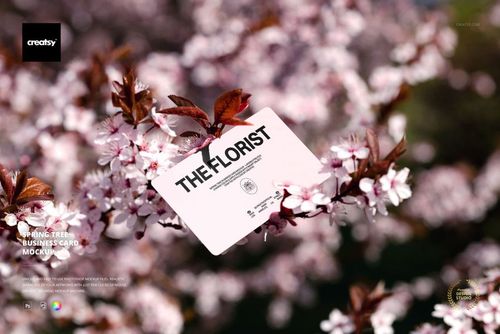
 Spring Tree Business Card Mockup View product


What you get
Professional PSD mockups built in-house - editable, realistic, high-resolution, and supported by real people.
Layered PSD Files
Creatsy mockups are delivered as fully layered Photoshop .psd files, with layers sorted into clearly named groups. Shadows, highlights, and the background each sit on their own editable layer, and nothing is flattened into a single image. Open it in Photoshop or the free browser editor Photopea and get to work.
- Clearly named, organized layer groups
- Shadows and highlights on separate layers
- Editable background, never flattened
- Works in Photoshop or free Photopea
Smart Objects
Open the smart object, paste your artwork, and save. The design lands on the product with the perspective, warp, and wrap already worked out. Scene lighting and shadows fall back on top, so it reads as a photograph, not a flat paste-in. Swapping a design takes seconds, so one file can carry a whole run of variants and colorways.
- Double-click, paste your design, save
- Perspective, warp, and wrap pre-built
- Scene lighting and shadows sit back on top
- One file covers many variants and colorways
High-Resolution Output
Many scenes are built from real product photography rather than 3D renders, so the fabric and surface read like a studio shot. Files export at high resolution and stay sharp at full zoom, with clean edges where the print sits. The same file works for a hero banner, a paid ad or a product listing.
- Real product photography in many scenes
- Exports ready for print
- Holds detail at full zoom
- Works for banners, ads and listings
Easy to Edit
Colors, backgrounds, and artwork sit on separate, clearly named layers, so you swap a color or background without disturbing the rest of the scene. There is no relighting or shadow work to redo, and the same file works for your next project.
- Edit color and background layers directly
- No relighting or shadow rework needed
- No masking or layer skills required
- One file reused across projects
Fast Support
There is a real in-house team behind every file, not a ticket bot. Before you buy, ask whether a specific mockup fits what you have in mind, and we will tell you. When a smart object or a layer group is tripping you up, send the question and you usually get a reply within 48 hours.
- Real in-house team behind every file
- Replies within 48 hours
- Pre-purchase help picking the right mockup
- Answers on smart objects and layer setup
Who are these mockups for?
For identity designers presenting a full system
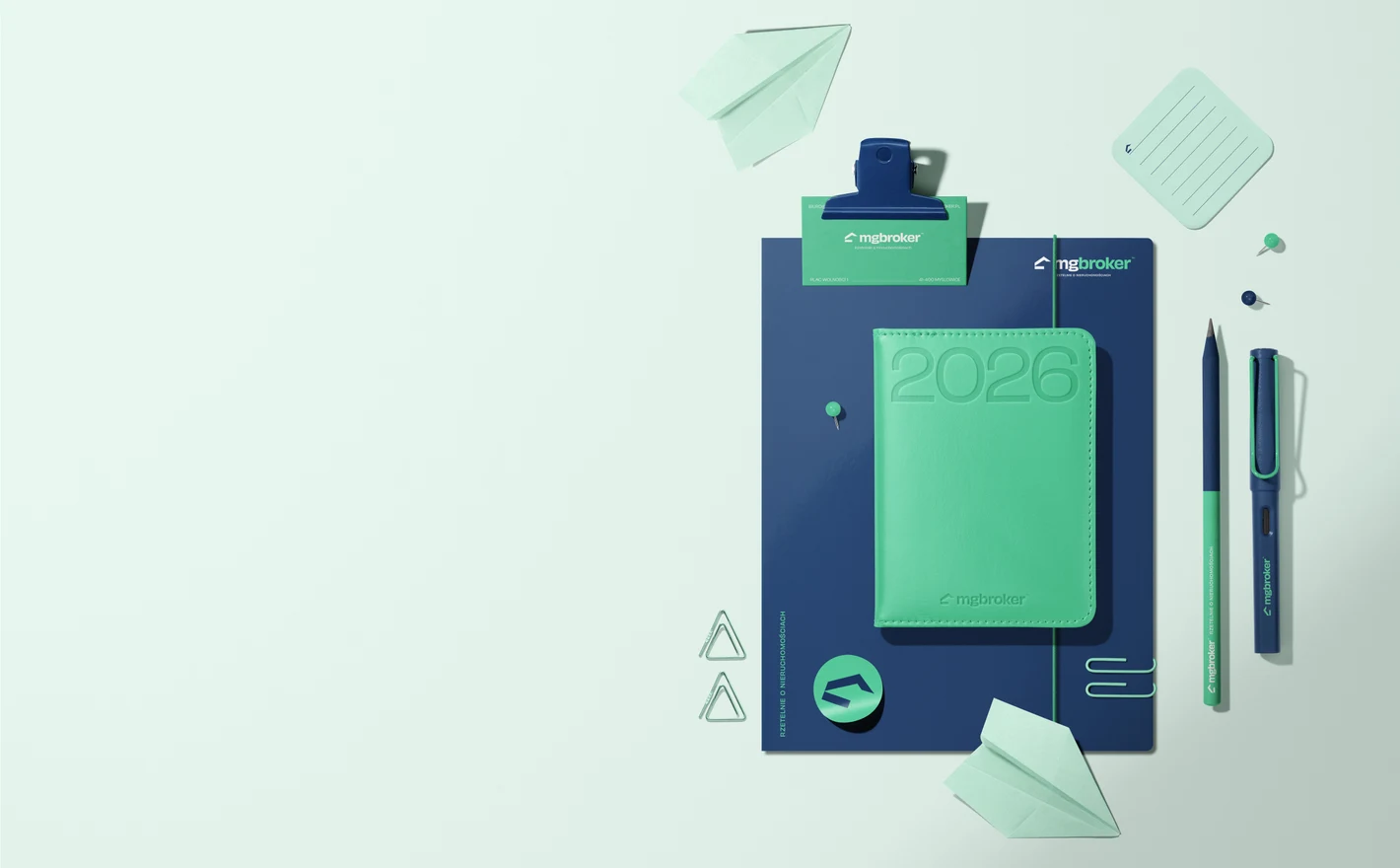
Drop each piece of artwork into the Leather Calendar with Folder and Business Card Mockup, the calendar cover, folder, card, sticky notes, sticker and pen, and recolor the clips and the background to your palette. The whole system gets reviewed in a single image.
Showing the whole desk? View the Leather Calendar with Folder and Business Card Mockup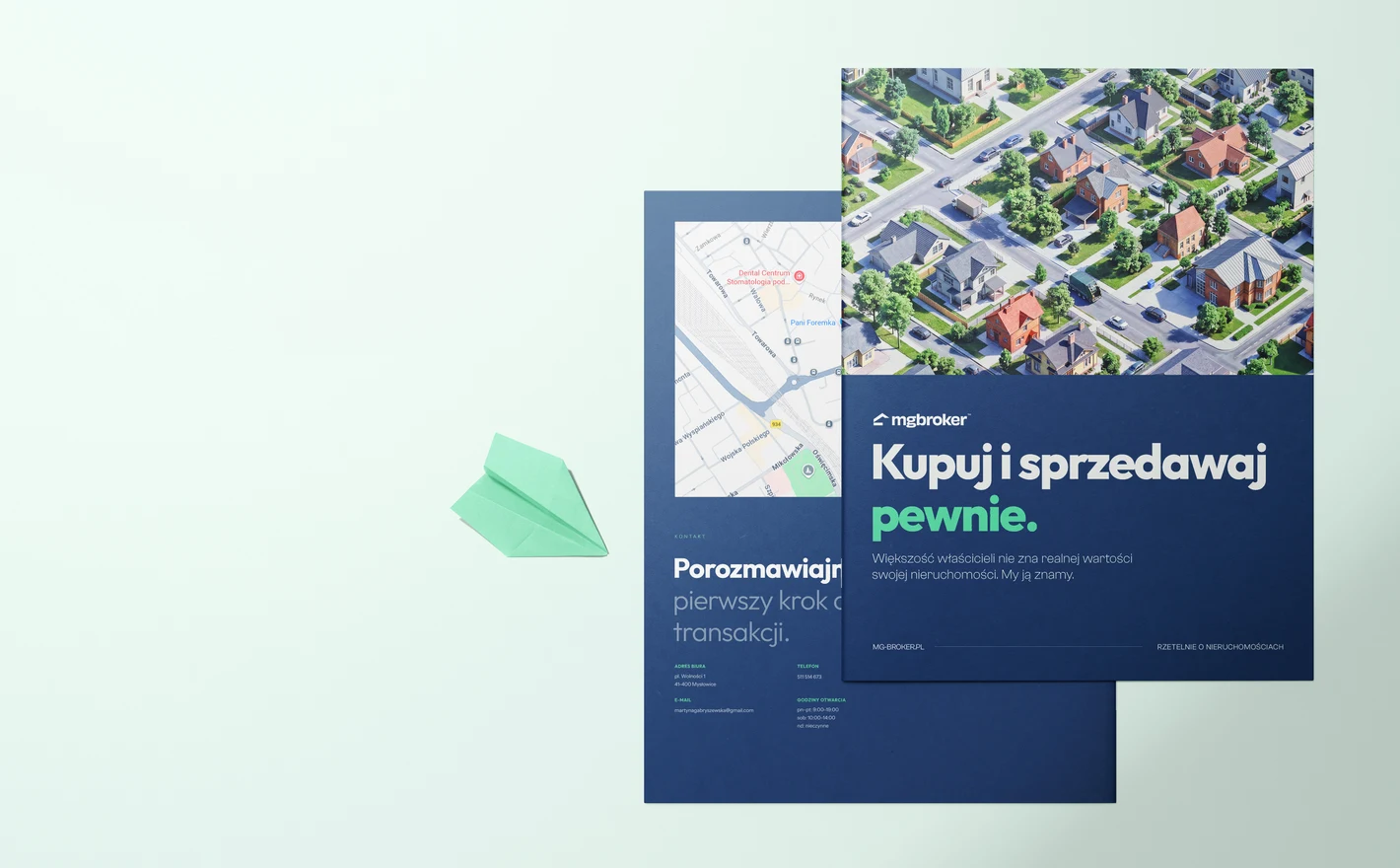
For agencies writing case studies
Put the brochure artwork into the 8.5x11 Company Brochure Mockup Set and the portfolio page gets the closed cover and the open spread from one file, two things a flat PDF can't give you. Use the Brochure Mockup Set when the format isn't letter size.
Building the case study? View the 8.5x11 Company Brochure Mockup Set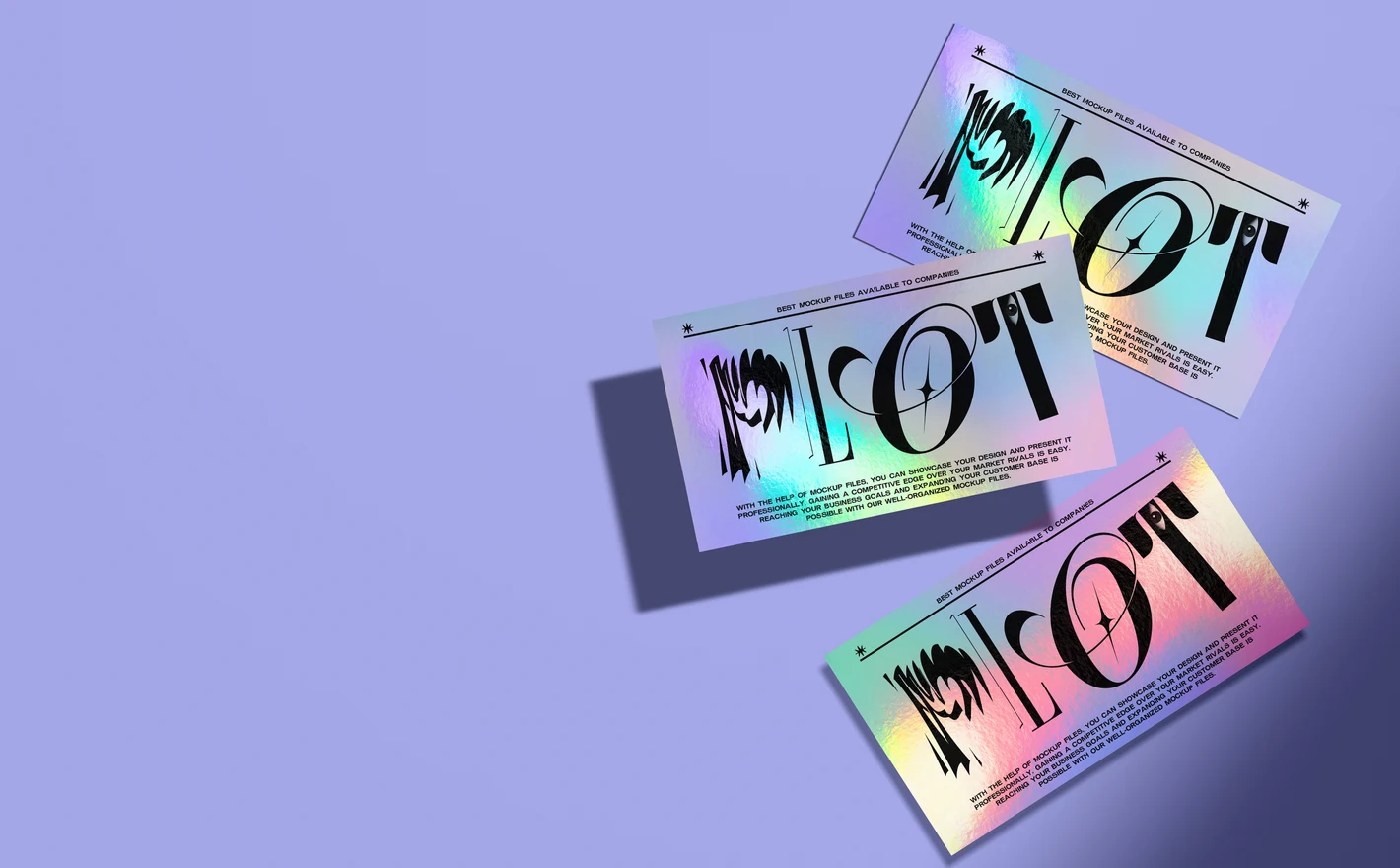
For print designers selling special finishes
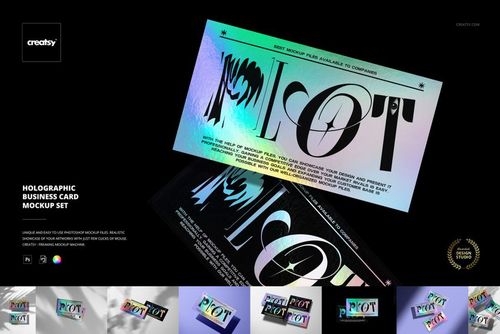
Drop the card design into the Holographic Business Card Mockup Set and the finish shows up the only way it can, with the light moving across it. A client who's only seen the plain version finally sees what the upgrade buys them, before they've paid for a sample.
Selling a finish? View the Holographic Business Card Mockup Set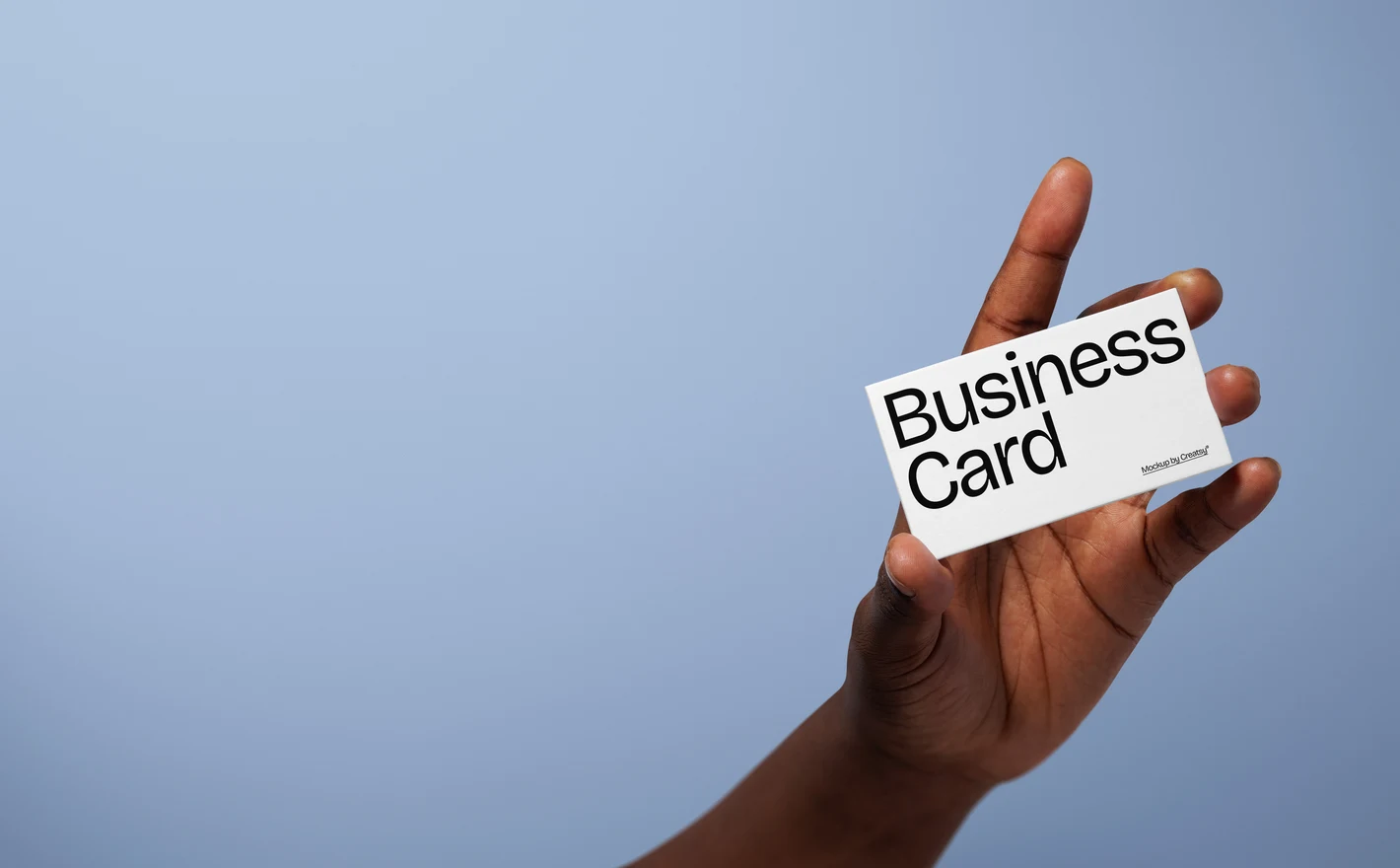
For small businesses ordering a first print run
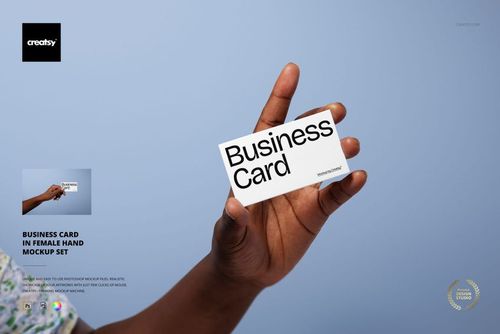
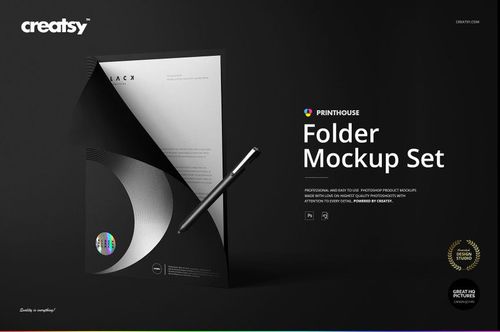
Put the card into the Business Card in Female Hand Mockup Set and read it at hand distance before the print run goes in; type that's too light shows up here instead of in the delivered box. The Folder Mockup Set and Envelope Mockup Set 01 cover the rest of a first order.
Ordering cards? View the Business Card in Female Hand Mockup Set
FAQs
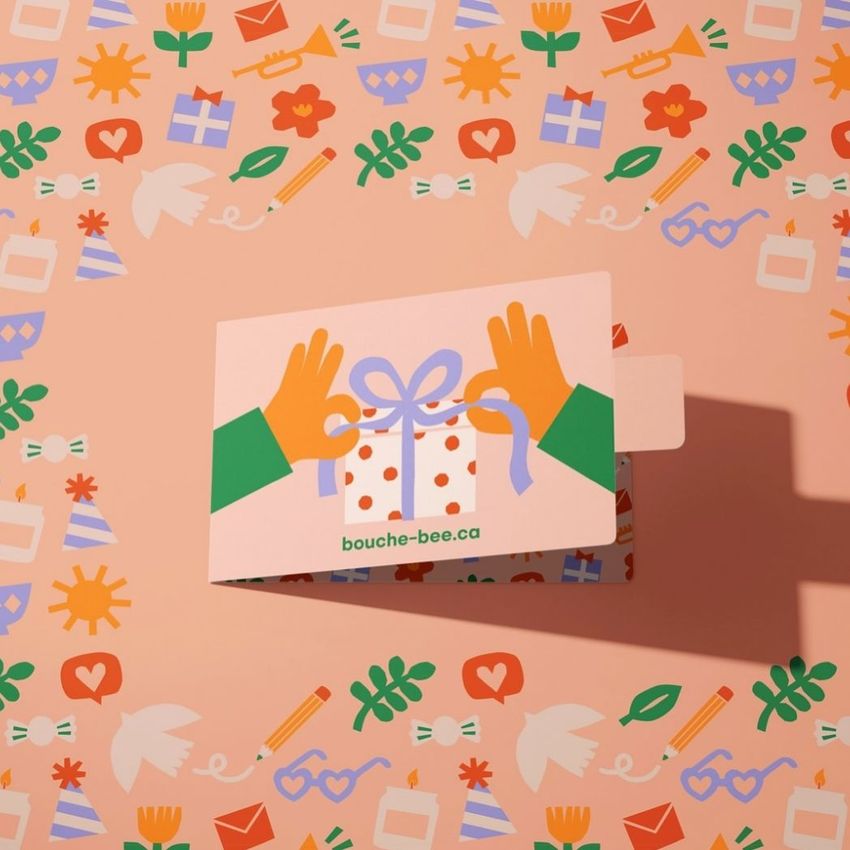
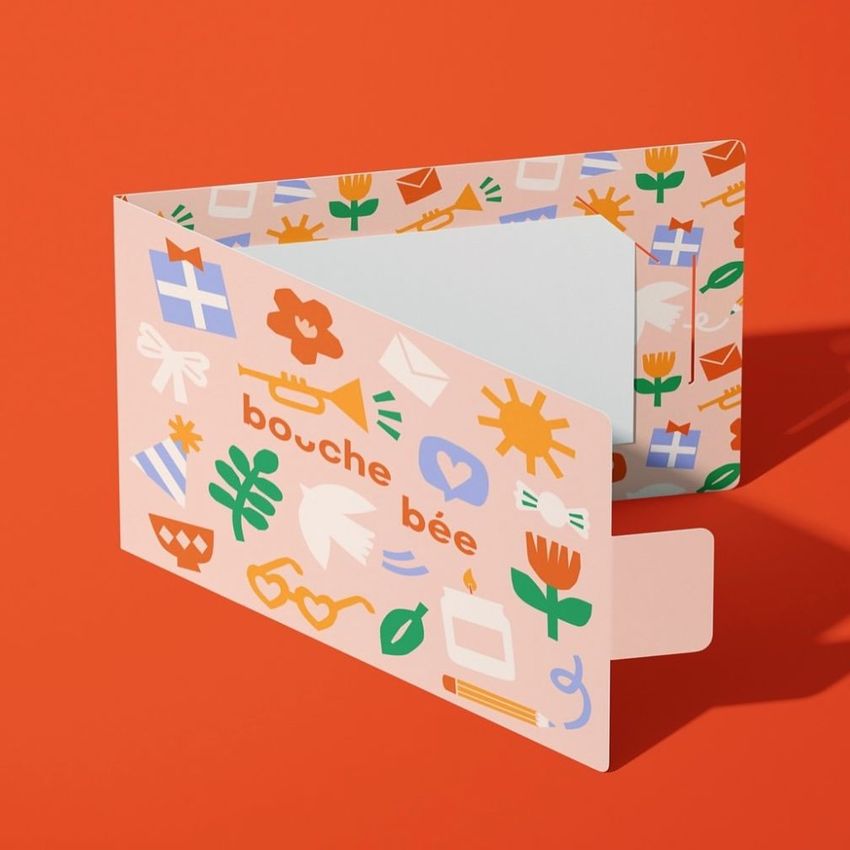
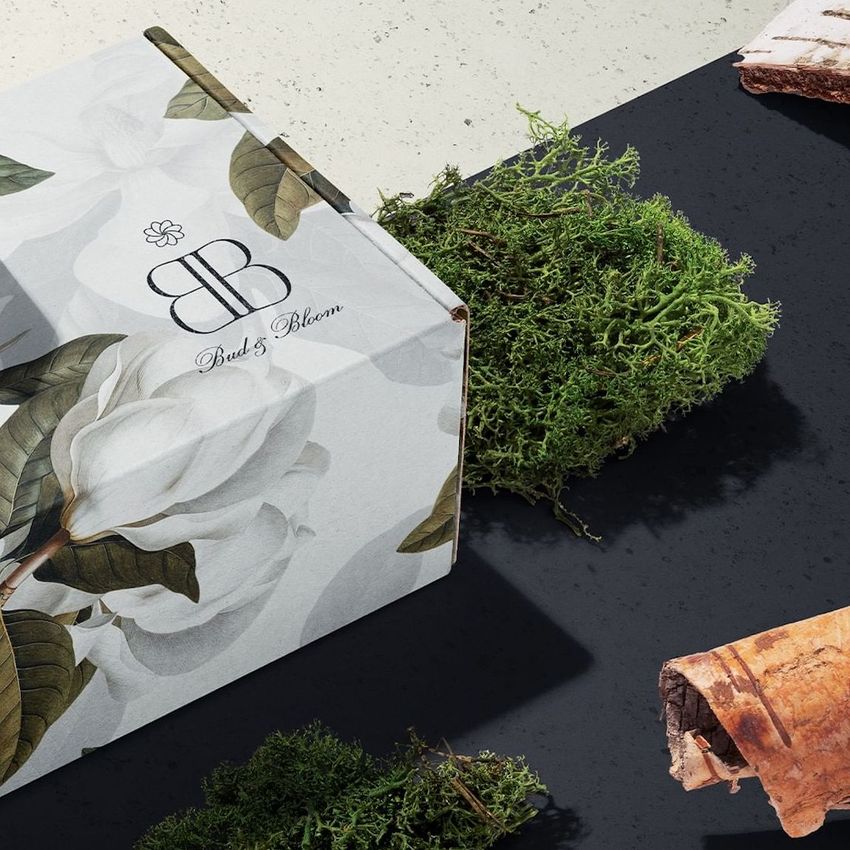
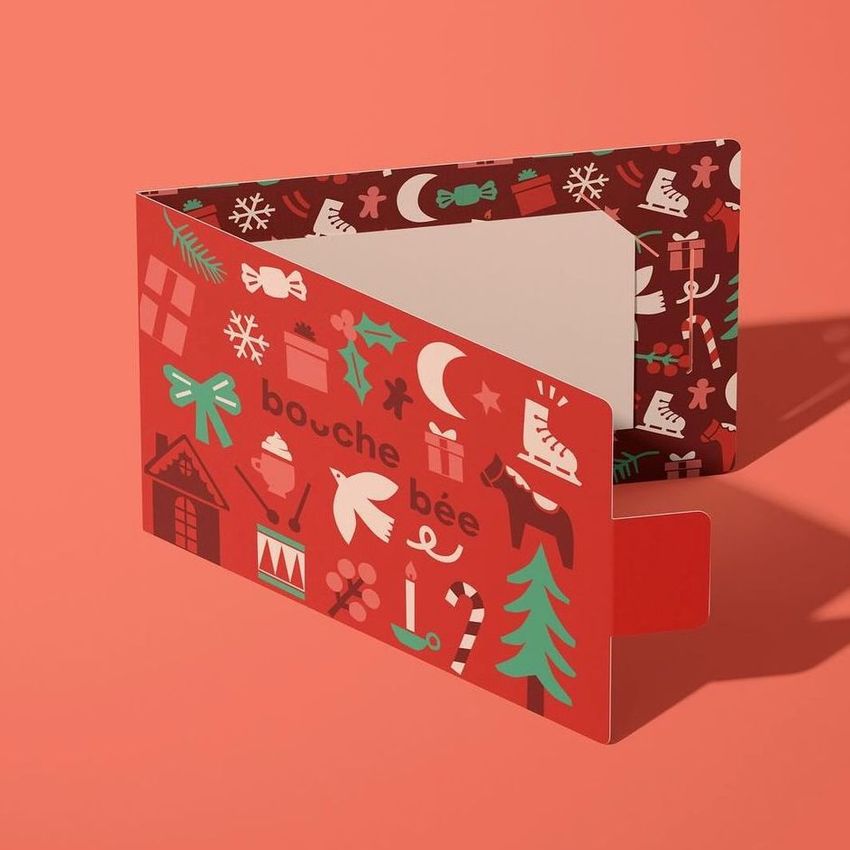
You can find business cards, brochures, flyers, folders, gift cards, planners, calendars and stamps, along with scenes that combine several items. For a single design, choose a view that shows the printed surface clearly. For a coordinated identity, a combined scene can show how the pieces work together.
Choose a scene with several visible cards and separate artwork controls for the cards you want to use. Apply the front to one and the back to another. A scene containing several cards does not necessarily give each one an independent design, so check the product's editing features first.
It is designed to present artwork with a holographic finish. Use your layout in the editable design area and review it with the file's supplied effects. Check fine details and contrast in the exported image, but use a physical sample to judge the actual foil, color shifts and printed readability.
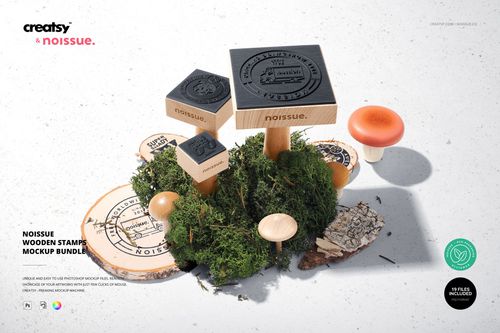
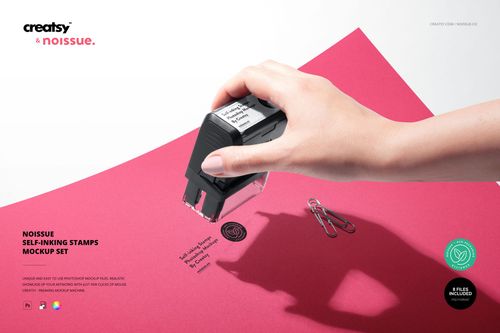
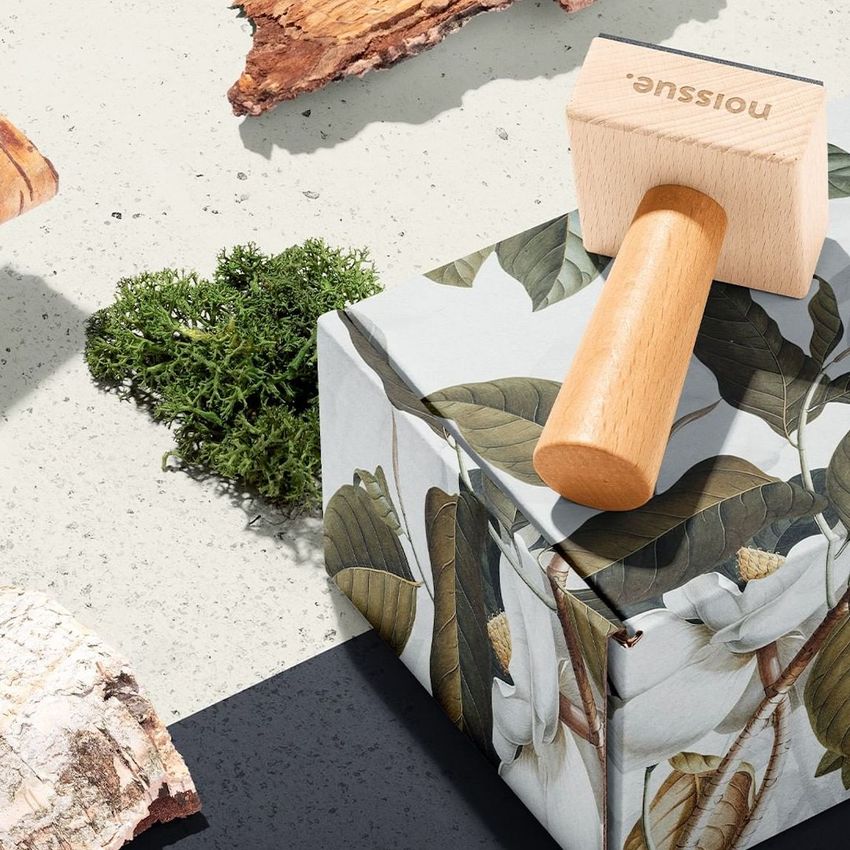
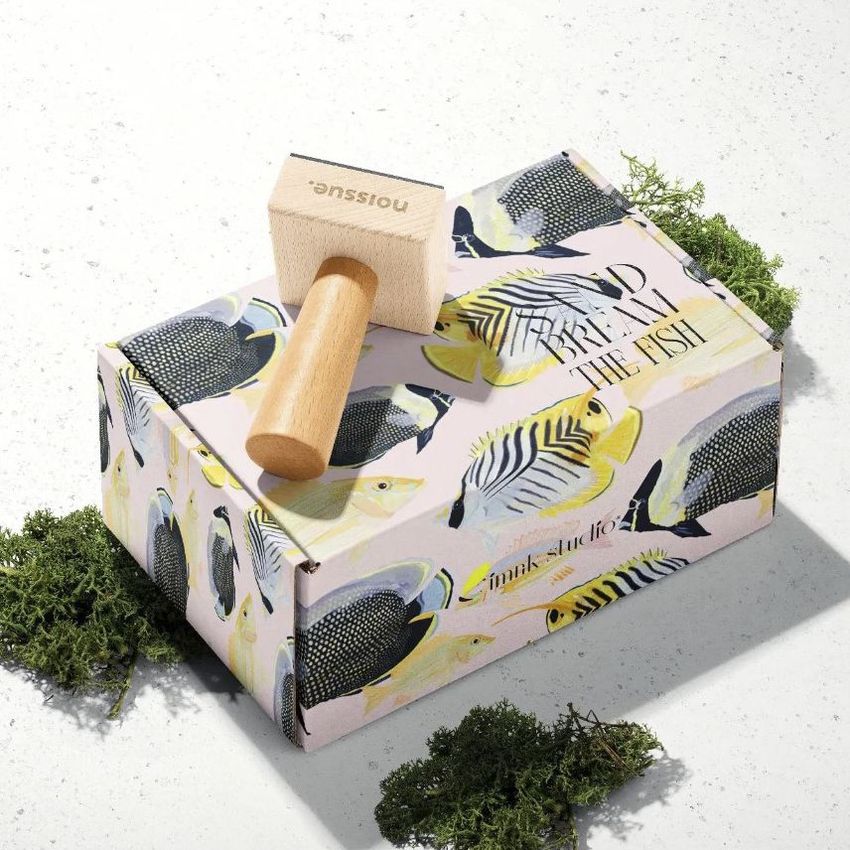
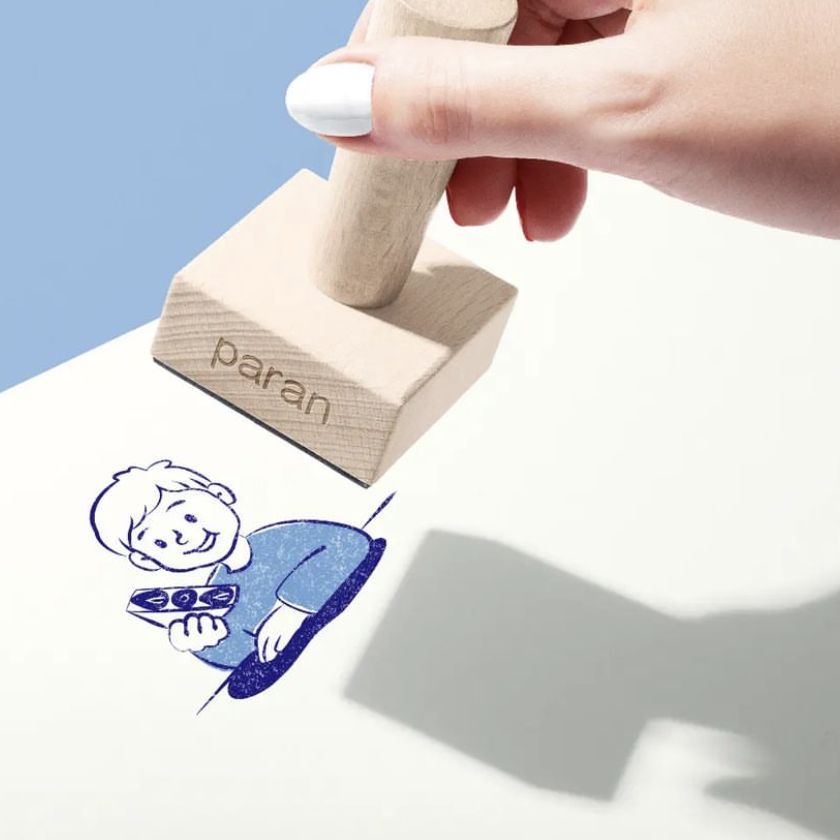
The category includes Noissue Wooden Stamps and Noissue Self-inking Stamps mockup sets. Choose the stamp type that matches your presentation and check the gallery for the available views. The preview helps show the design, but your stamp maker's artwork requirements determine which details can be manufactured and printed clearly.
It is designed for US Letter proportions, not A4. For an accurate product presentation, use a mockup that matches your brochure's trim size. Stretching A4 artwork changes the layout, while cropping can remove content. A Letter-format concept preview is possible, but it should not be presented as an exact A4 product image.
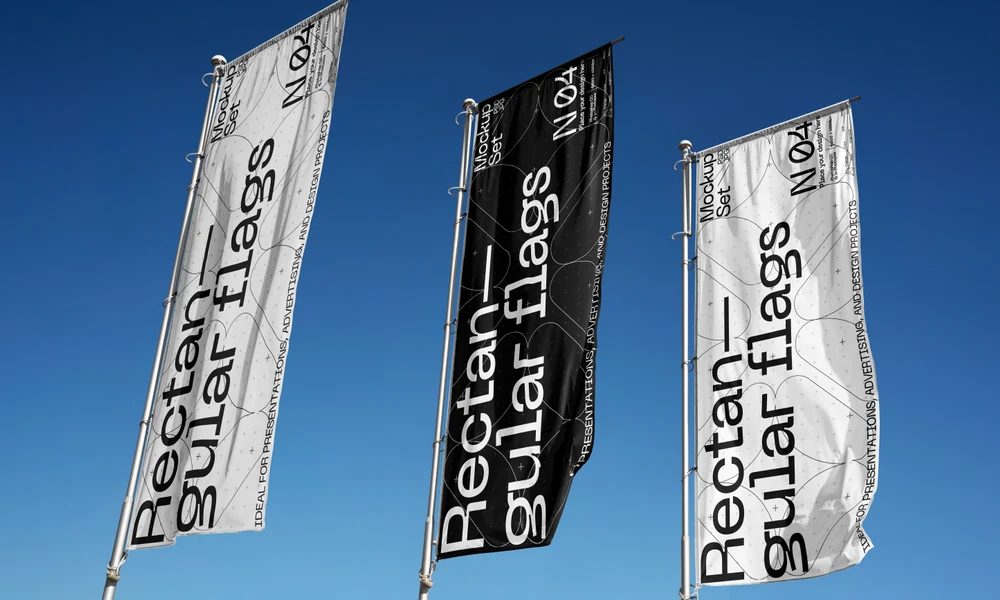
Why use Brand Stationery mockups?
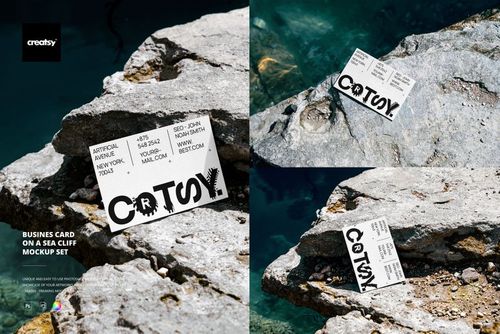
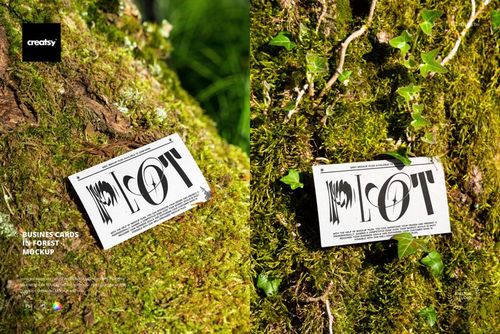
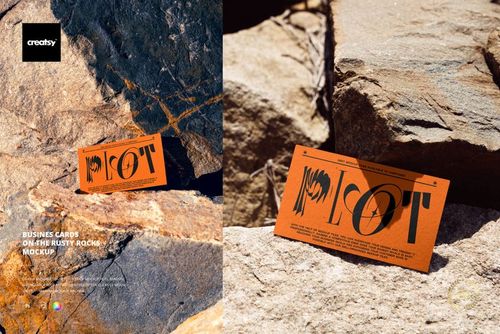
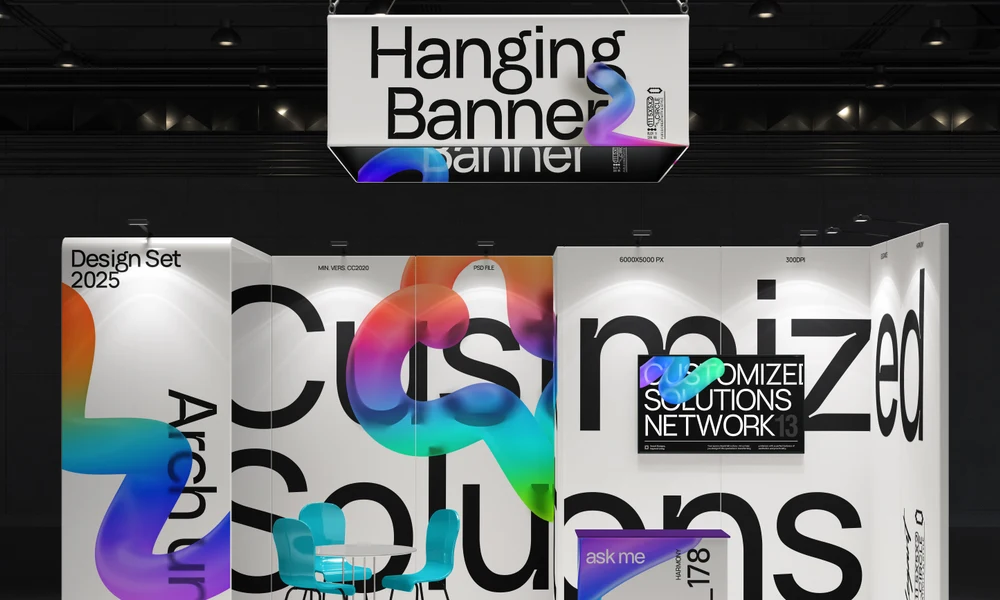
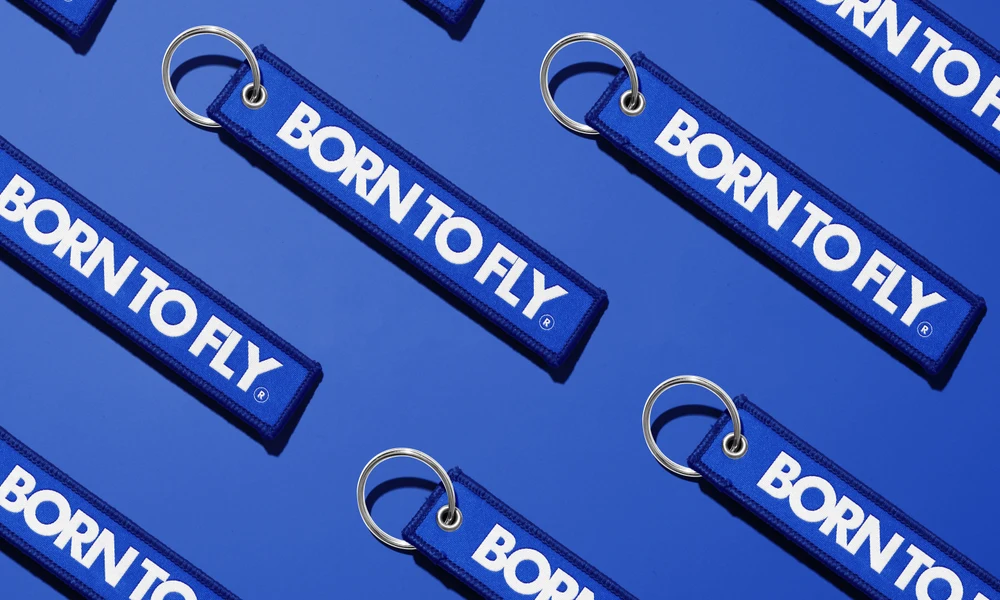
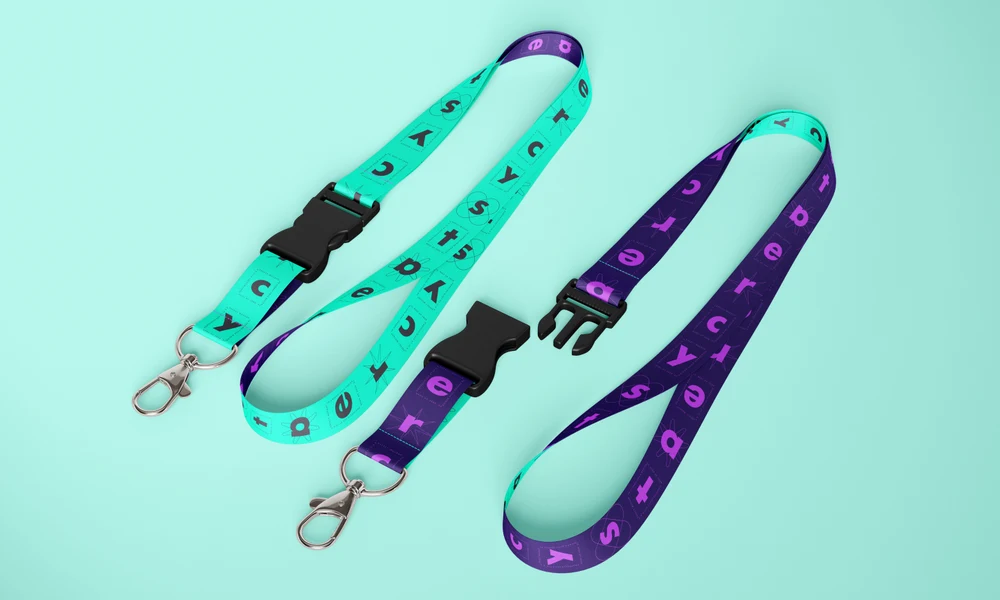
Business cards, brochures, folders, envelopes, gift cards and stamps give you several ways to show a stationery identity. The scenes range from studio arrangements and desk layouts to cards held in a hand or placed outdoors. The files use Smart Objects; each product page lists the available controls, supported software and license options. Paper texture, folds and finishes add context to the layout. A holographic card can show how reflections interact with the artwork, while a stamp scene helps you review the size and simplicity of a mark. Try the identity across a card, folder and brochure to see how the type and colors relate. For a case study or client proposal, combine a cover view with an open brochure, a card detail or a wider desk scene. The different views explain both individual pieces and the collection. Replace the relevant artwork in each file to prepare another design option or client version, keeping the composition and lighting consistent without photographing a new set of stationery.
FreeCreatsy® Mockups
sdsds
Thank you so much for the 5-star review! 😊