 $2600
$2600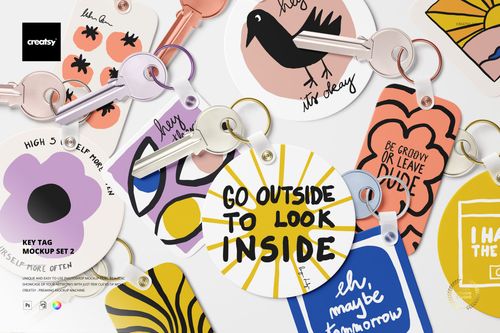 $2500
$2500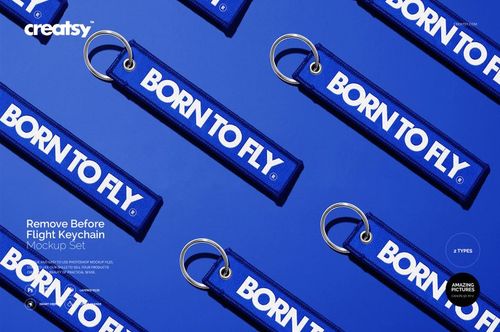
 $1900
$1900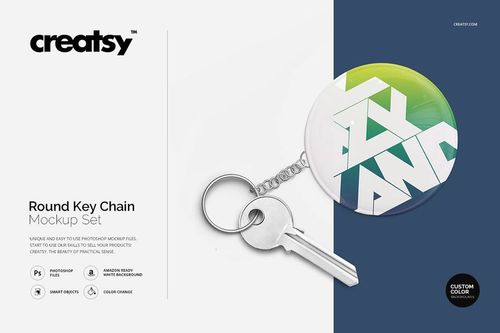
Keychain & Tag Mockups
Compare keychain, key-fob and tag formats, choose the object shape and presentation style that best match your concept, then add logos, lettering or patterns using the prepared Smart Objects.

Reviews
What designers and brand owners say after using these PSD mockups in real client work.
0
Sort by:
What you get
Professional PSD mockups built in-house - editable, realistic, high-resolution, and supported by real people.
Layered PSD Files
Creatsy mockups are delivered as fully layered Photoshop .psd files, with layers sorted into clearly named groups. Shadows, highlights, and the background each sit on their own editable layer, and nothing is flattened into a single image. Open it in Photoshop or the free browser editor Photopea and get to work.
- Clearly named, organized layer groups
- Shadows and highlights on separate layers
- Editable background, never flattened
- Works in Photoshop or free Photopea
Smart Objects
Open the smart object, paste your artwork, and save. The design lands on the product with the perspective, warp, and wrap already worked out. Scene lighting and shadows fall back on top, so it reads as a photograph, not a flat paste-in. Swapping a design takes seconds, so one file can carry a whole run of variants and colorways.
- Double-click, paste your design, save
- Perspective, warp, and wrap pre-built
- Scene lighting and shadows sit back on top
- One file covers many variants and colorways
High-Resolution Output
Many scenes are built from real product photography rather than 3D renders, so the fabric and surface read like a studio shot. Files export at high resolution and stay sharp at full zoom, with clean edges where the print sits. The same file works for a hero banner, a paid ad or a product listing.
- Real product photography in many scenes
- Exports ready for print
- Holds detail at full zoom
- Works for banners, ads and listings
Easy to Edit
Colors, backgrounds, and artwork sit on separate, clearly named layers, so you swap a color or background without disturbing the rest of the scene. There is no relighting or shadow work to redo, and the same file works for your next project.
- Edit color and background layers directly
- No relighting or shadow rework needed
- No masking or layer skills required
- One file reused across projects
Fast Support
There is a real in-house team behind every file, not a ticket bot. Before you buy, ask whether a specific mockup fits what you have in mind, and we will tell you. When a smart object or a layer group is tripping you up, send the question and you usually get a reply within 48 hours.
- Real in-house team behind every file
- Replies within 48 hours
- Pre-purchase help picking the right mockup
- Answers on smart objects and layer setup
Who are these mockups for?
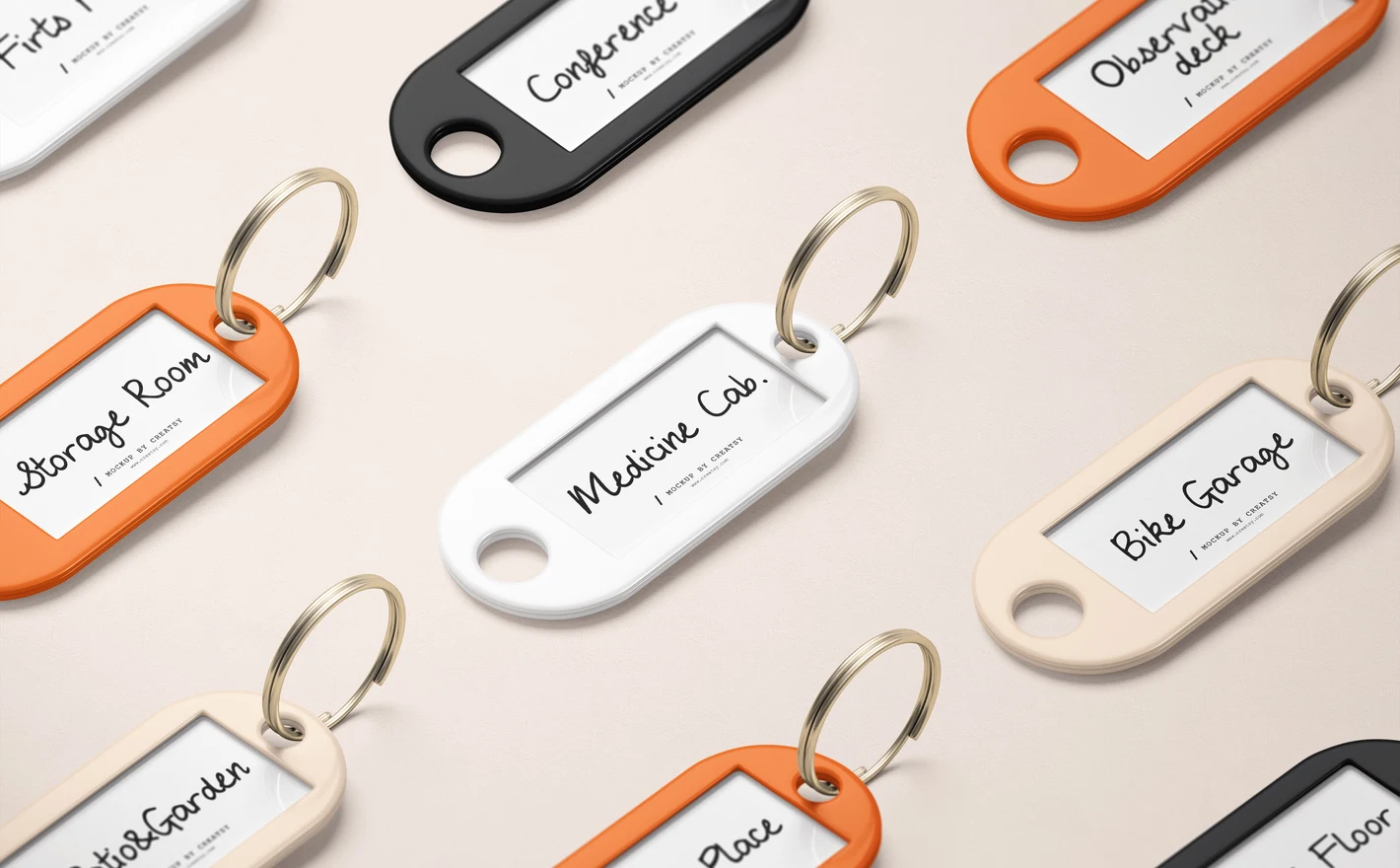
For hotels, rentals & property managers
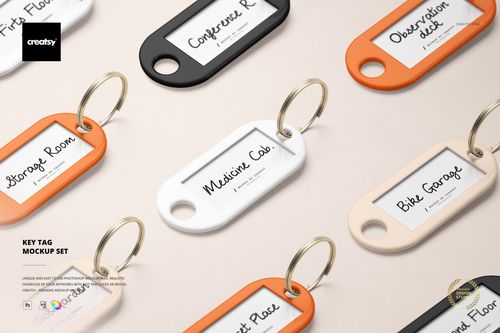
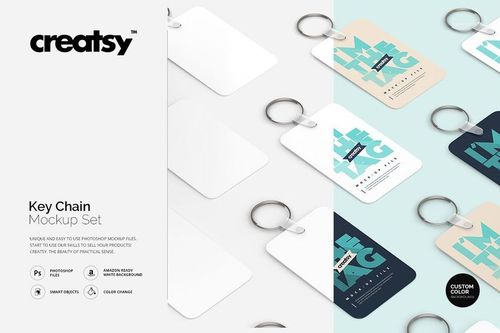
Drop the property mark and a room number into the Key Tag Mockup Set and see it at the size it'll be in a guest's hand. Every guest handles the tag and a fair few leave with it in a pocket, so it's worth checking before a box of them is ordered.
Branding the keys? View the Key Tag Mockup Set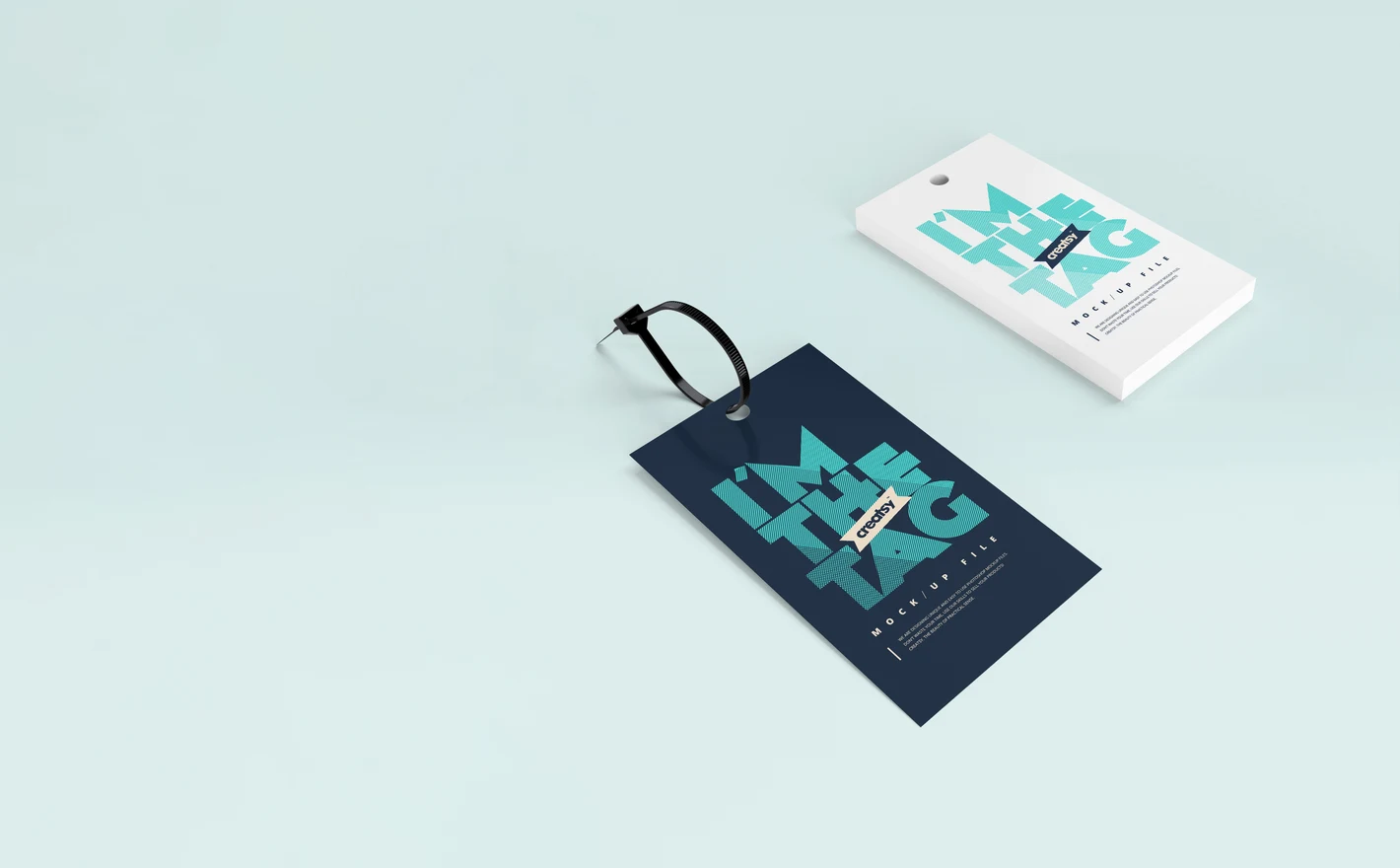
For product labeling & packaging teams
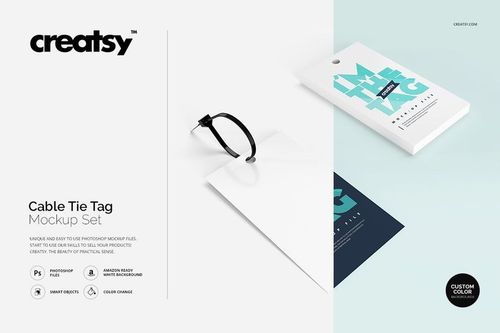
Put a barcode, a batch mark or a brand tag into the Cable Tie Tag Mockup Set and it's on the tie, hanging off the bundle the way the person unpacking it will see it. That covers a spec sheet or a listing image; a poster would need a bigger file.
Tagging a product? View the Cable Tie Tag Mockup Set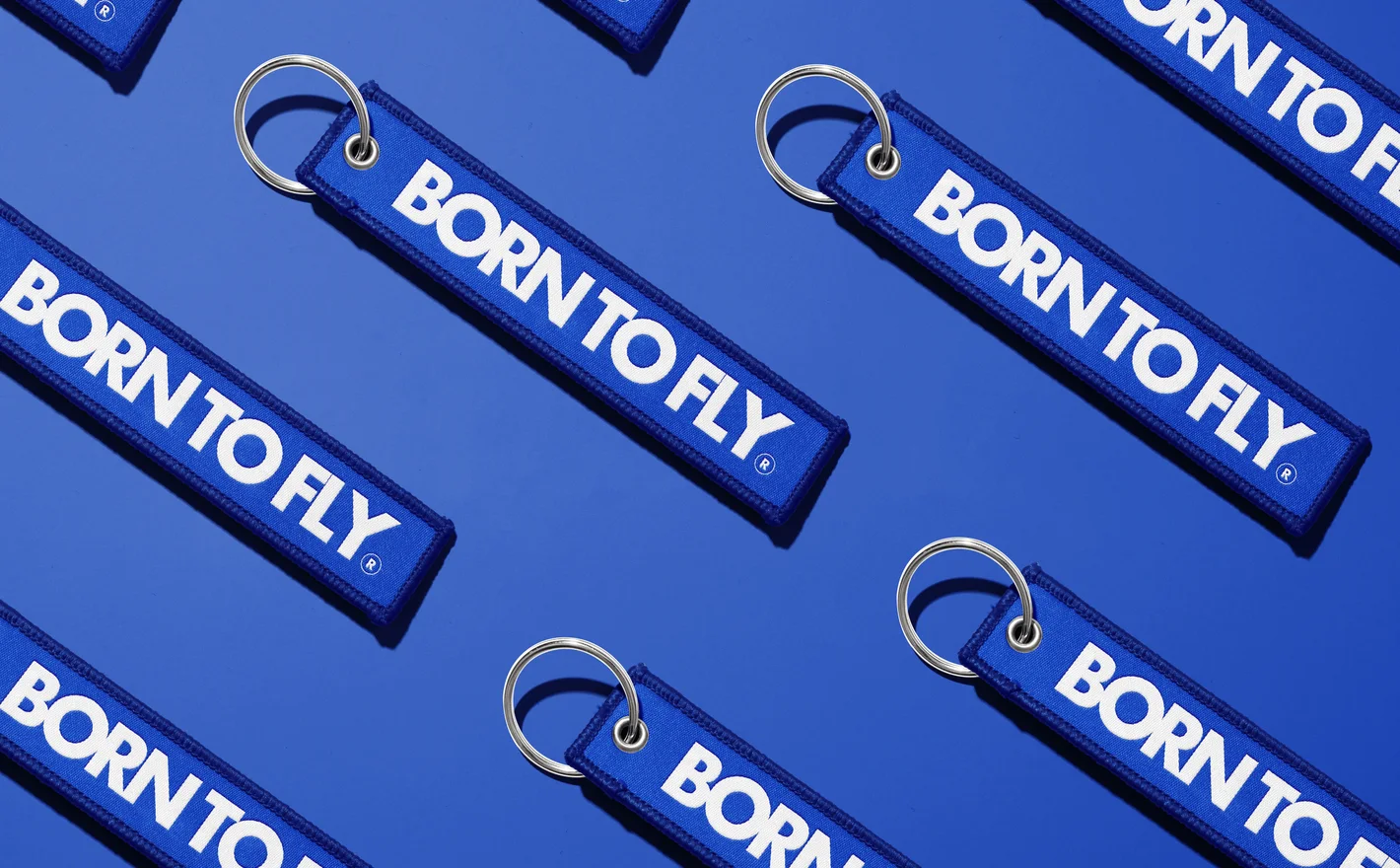
For aviation & novelty merchandise brands
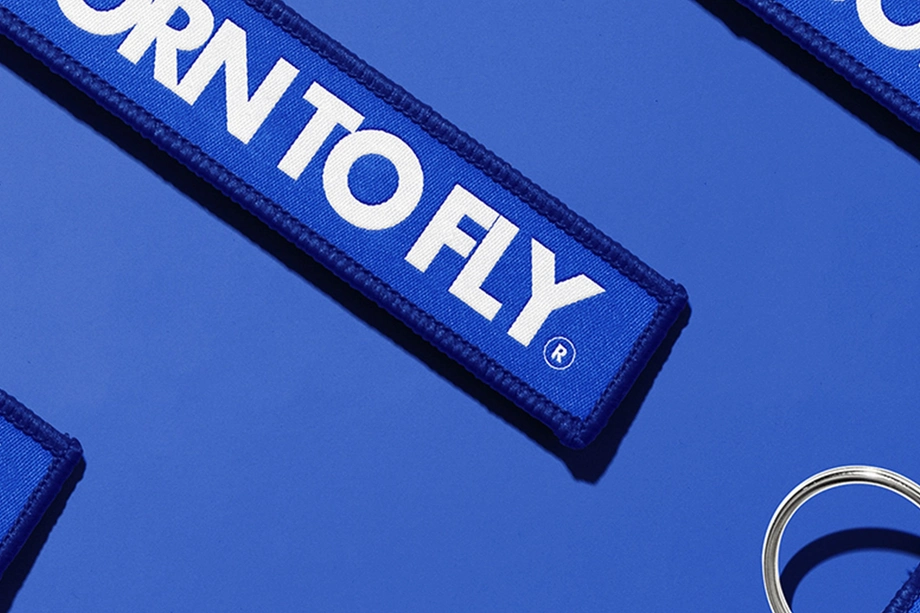
Drop the shop slogan or the squadron name into the Remove Before Flight Keychain Mockup Set, set the streamer color, and read it running down a strip that narrow. Airline shops and flight schools all sell this one because people recognize it before they've read it.
Making the classic streamer? View the Remove Before Flight Keychain Mockup Set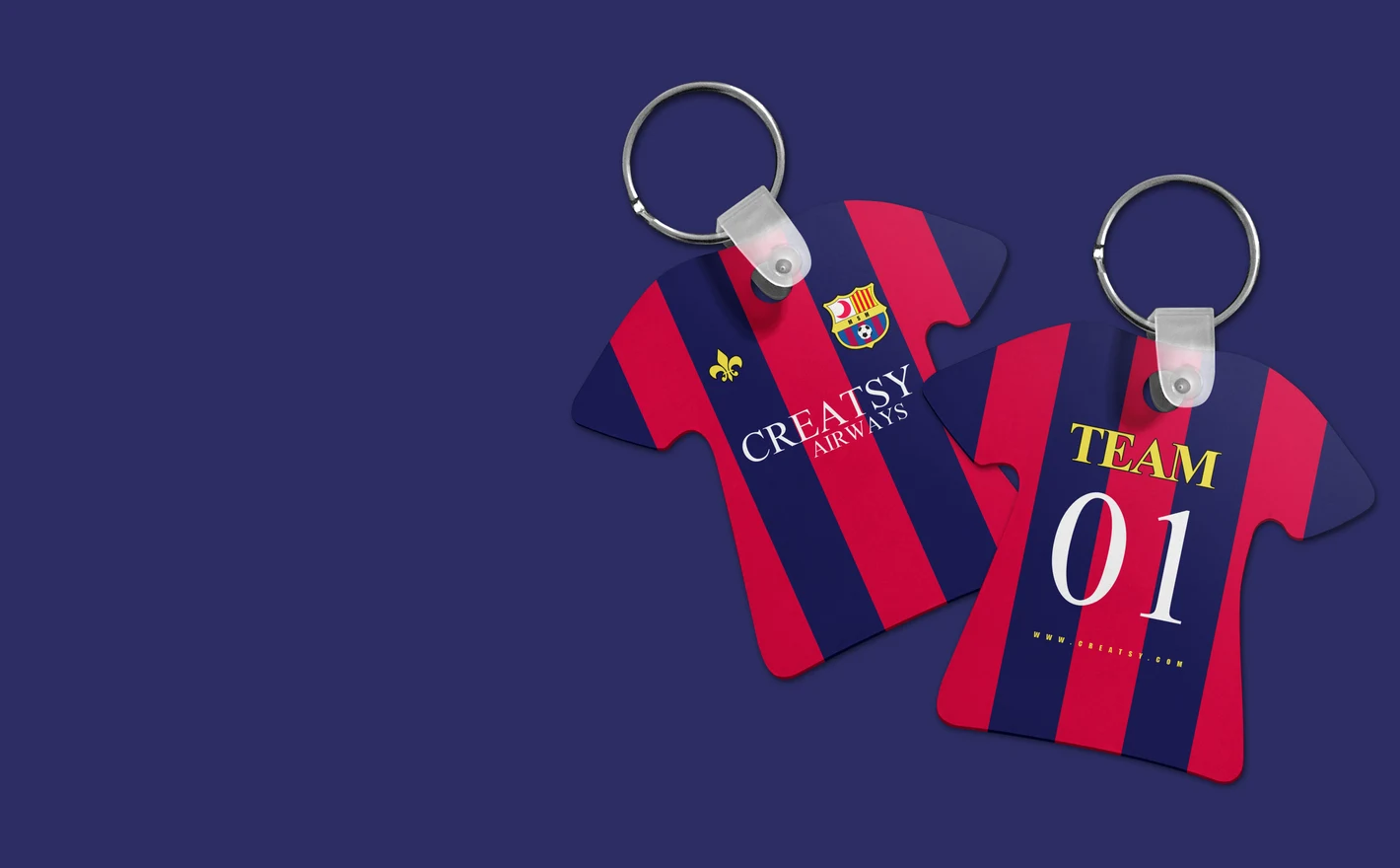
For sports clubs & fan merchandise sellers
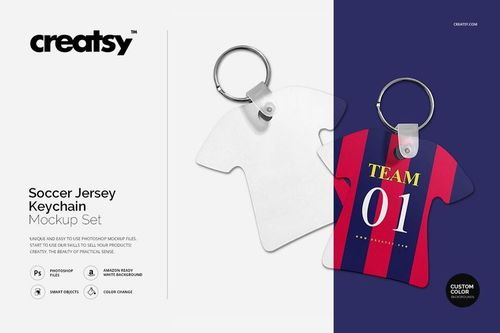
Put the crest, the number and the sponsor into the Soccer Jersey Keychain Mockup Set and see what survives on a jersey the size of a thumb. Something usually has to give, and it's better to decide that here than after the club shop has ordered.
Selling club merch? View the Soccer Jersey Keychain Mockup Set
FAQs
Key tag sets focus on tag-shaped items, while keychain sets include shapes such as round pendants, ribbon tags and small jersey-shaped accessories. Compare the gallery with the product you are making, including its shape, attachment and visible print area. The names are a starting point, not a guarantee of identical construction.
It presents a tag attached with a cable tie. Use it to show identification or branding for items such as equipment, luggage or product samples when that fastening matches your product. The tag shape and attachment are part of the scene, so choose a different mockup for a different closure.
Inspect the exported image at the size you plan to publish, including a small listing thumbnail. Keep lettering and important details clear at that scale. For the actual tag, use the manufacturer's minimum line widths and text sizes; a sharp digital preview is not proof that tiny details will print well.
Color controls differ between sets. Check the feature images for the parts that matter to your product, such as the printed body, holder, ring or key. An editable design area does not automatically mean the hardware has its own color control or can be removed.
Look for gallery views with keys or other relevant attachments rather than relying on the set name. Round Key Chain, Remove Before Flight and the Key Tag sets offer different product styles. Choose a scene that shows the attachment clearly when it is an important part of what the customer is buying.
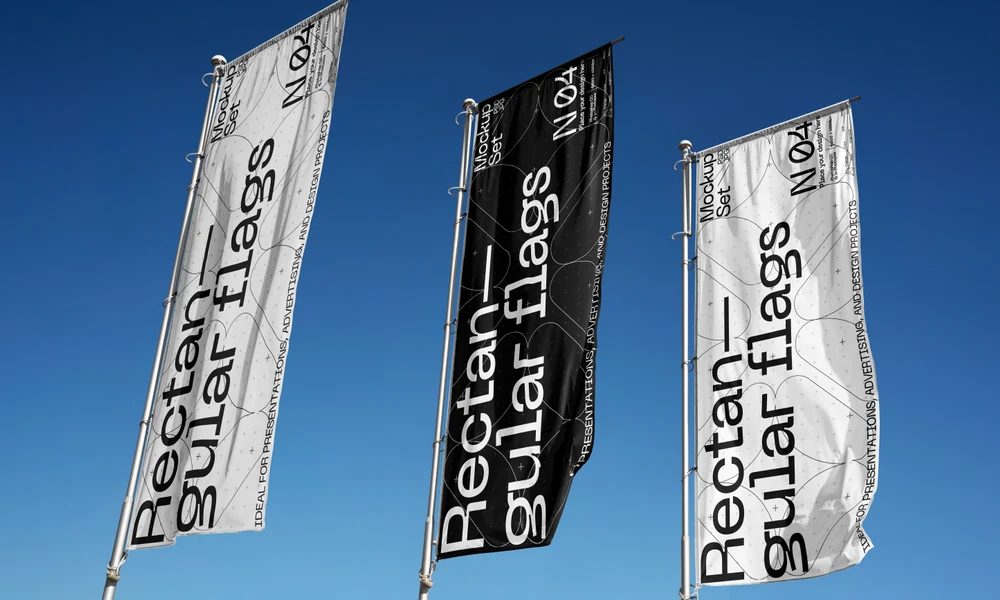
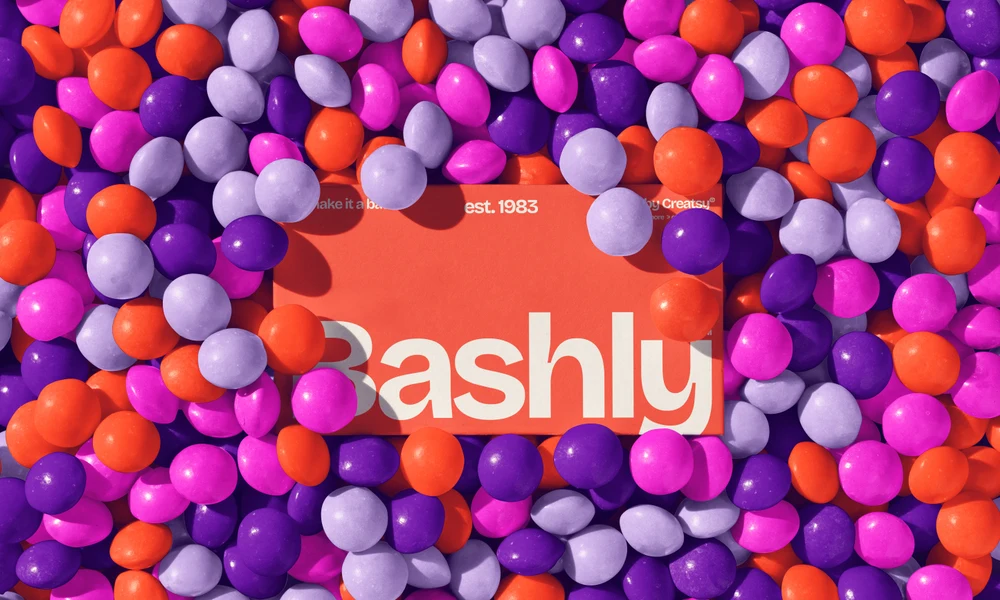
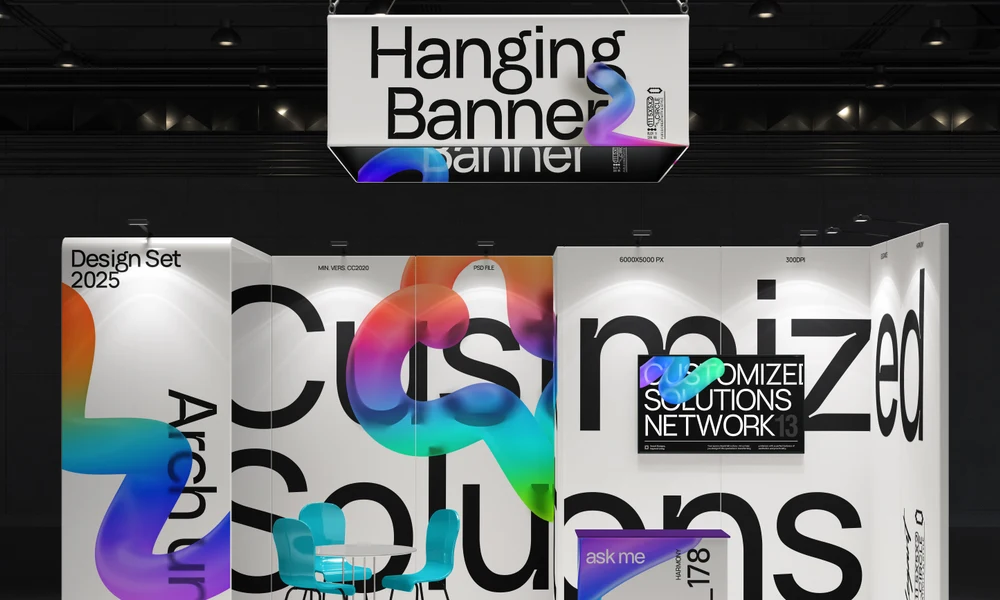
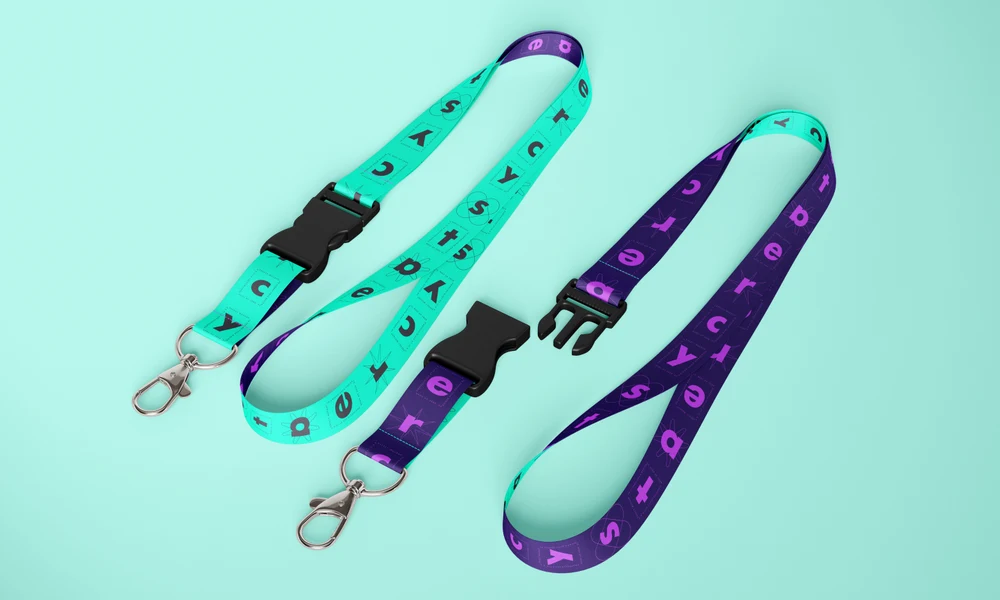
Why use Keychain & Tag mockups?
Key tags, rectangular and round keychains, mini jersey keychains, woven ribbon styles and cable tie tags leave different amounts of room for a design. The layered PSD files let you add artwork through Smart Objects. Software compatibility, editable parts and license options are listed with each product. Use the scenes to review a small logo, short line of text, crest or identification label at the size of the intended presentation. You can compare room numbers for a hotel, player names for a team or codes for equipment tags. Swapping the artwork within the same scene gives each option a consistent view, which helps a client compare the designs and helps shoppers understand the variations. For personalized products, reuse a selected view with different names or colors and export the finished images for your listing or proposal. Check the file's pixel dimensions when planning a larger printed presentation. The archive size tells you how much you will download; the image resolution tells you how much detail is available for the final layout.
FreeCreatsy® Mockups
great
Thank you so much! We’re really glad you like the mockup and truly appreciate your support.