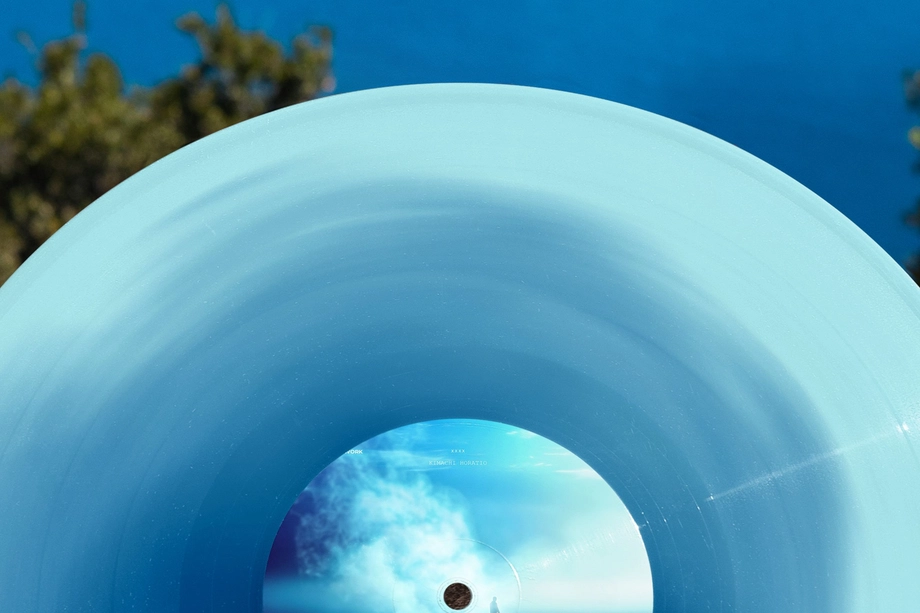
Vinyl Record Mockups
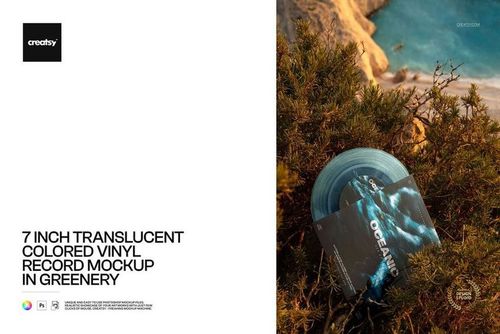
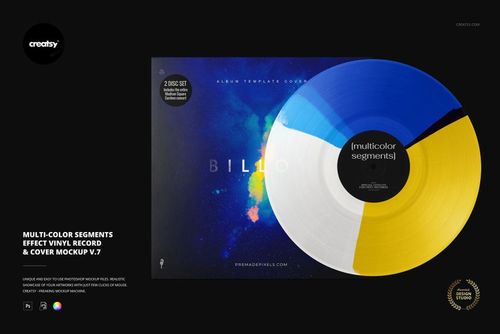
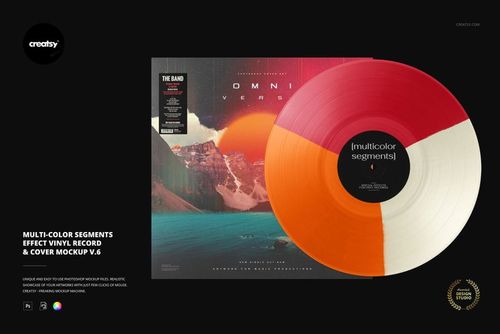
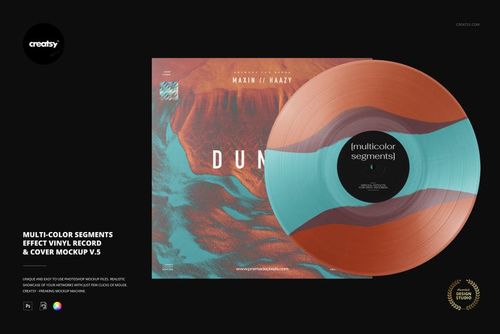
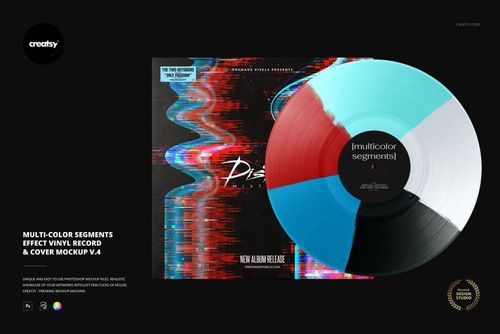
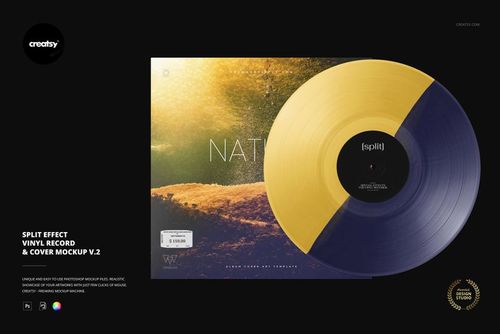
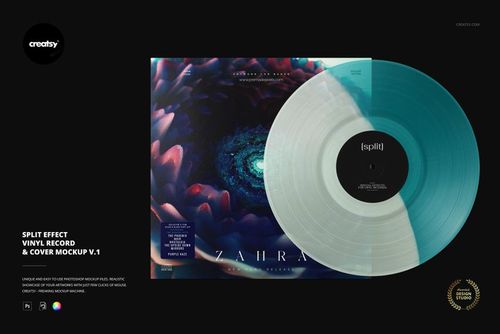
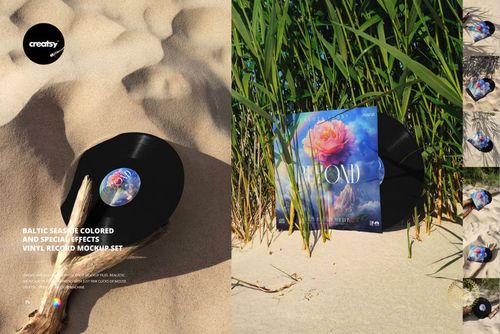
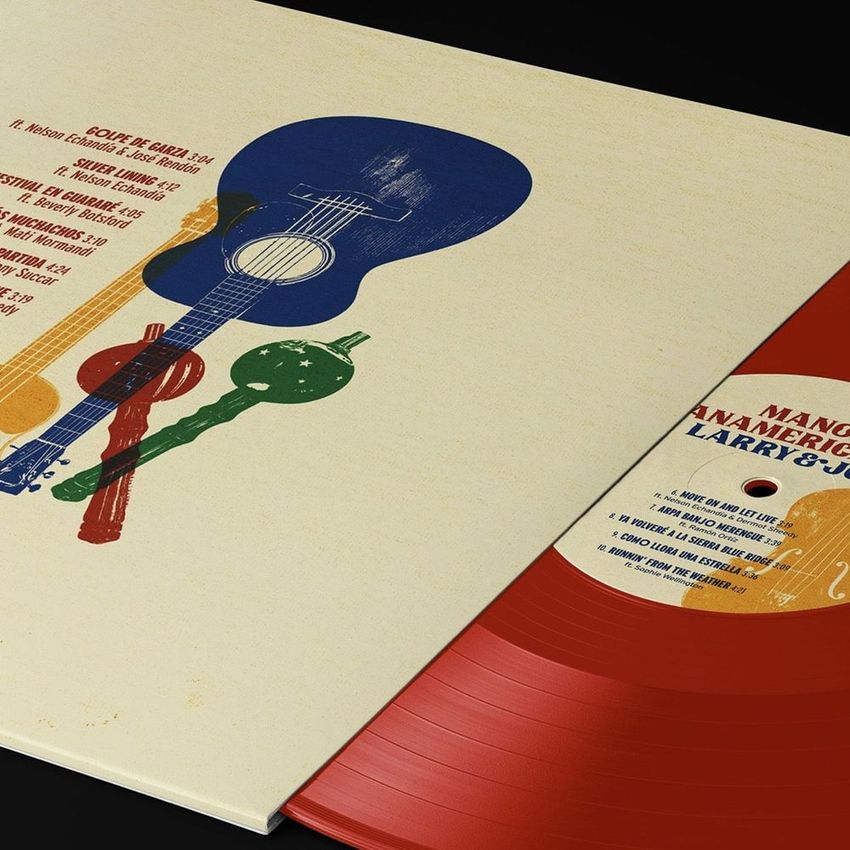
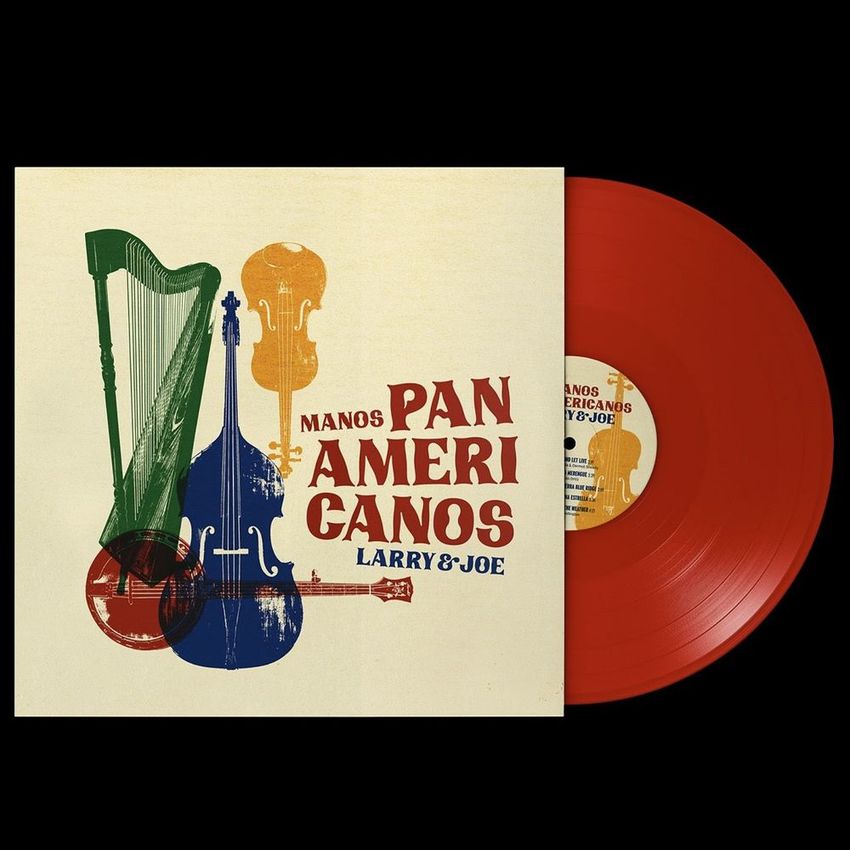
Explore editable vinyl record mockups for 7-inch singles and 12-inch LP releases, including album covers, center labels, paper and clear sleeves, inner sleeves, black, clear, translucent and colored records, turntable views, hand-held scenes, studio compositions, and special-effect vinyl concepts. Add cover, label, and sleeve artwork through layered Photoshop files and Smart Objects, then create realistic visuals for online stores, pre-order campaigns, press kits, client presentations, portfolios, advertising, and social media.



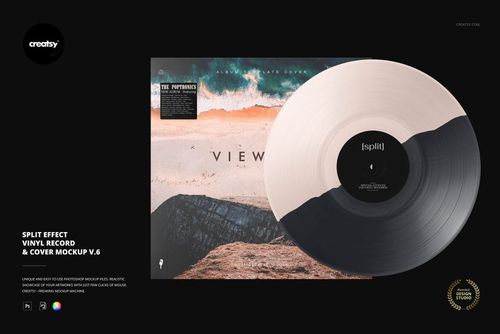
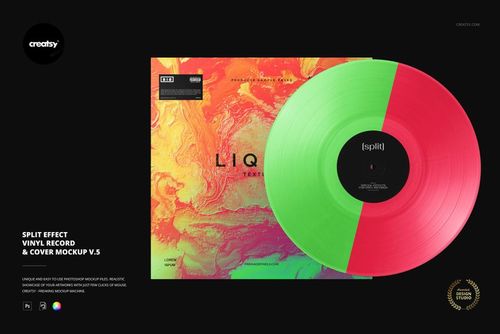
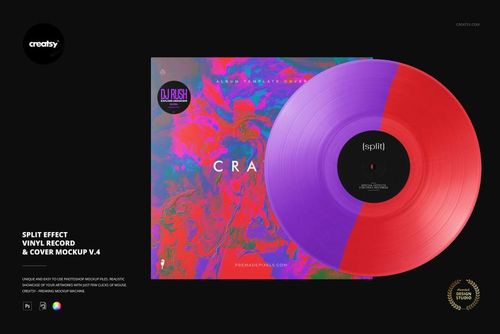
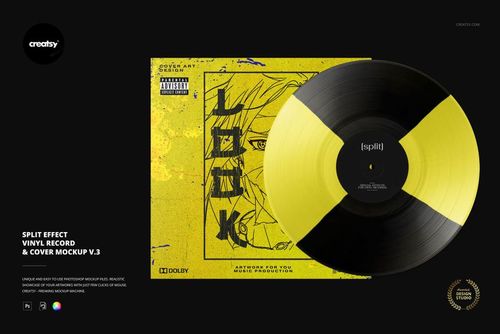
Reviews
What designers and brand owners say after using these PSD mockups in real client work.
0
Sort by:
What you get
Professional PSD mockups built in-house - editable, realistic, high-resolution, and supported by real people.
Layered PSD Files
Creatsy mockups are delivered as fully layered Photoshop .psd files, with layers sorted into clearly named groups. Shadows, highlights, and the background each sit on their own editable layer, and nothing is flattened into a single image. Open it in Photoshop or the free browser editor Photopea and get to work.
- Clearly named, organized layer groups
- Shadows and highlights on separate layers
- Editable background, never flattened
- Works in Photoshop or free Photopea
Smart Objects
Open the smart object, paste your artwork, and save. The design lands on the product with the perspective, warp, and wrap already worked out. Scene lighting and shadows fall back on top, so it reads as a photograph, not a flat paste-in. Swapping a design takes seconds, so one file can carry a whole run of variants and colorways.
- Double-click, paste your design, save
- Perspective, warp, and wrap pre-built
- Scene lighting and shadows sit back on top
- One file covers many variants and colorways
High-Resolution Output
Many scenes are built from real product photography rather than 3D renders, so the fabric and surface read like a studio shot. Files export at high resolution and stay sharp at full zoom, with clean edges where the print sits. The same file works for a hero banner, a paid ad or a product listing.
- Real product photography in many scenes
- Exports ready for print
- Holds detail at full zoom
- Works for banners, ads and listings
Easy to Edit
Colors, backgrounds, and artwork sit on separate, clearly named layers, so you swap a color or background without disturbing the rest of the scene. There is no relighting or shadow work to redo, and the same file works for your next project.
- Edit color and background layers directly
- No relighting or shadow rework needed
- No masking or layer skills required
- One file reused across projects
Fast Support
There is a real in-house team behind every file, not a ticket bot. Before you buy, ask whether a specific mockup fits what you have in mind, and we will tell you. When a smart object or a layer group is tripping you up, send the question and you usually get a reply within 48 hours.
- Real in-house team behind every file
- Replies within 48 hours
- Pre-purchase help picking the right mockup
- Answers on smart objects and layer setup
Who are these mockups for?
For album cover designers & art directors
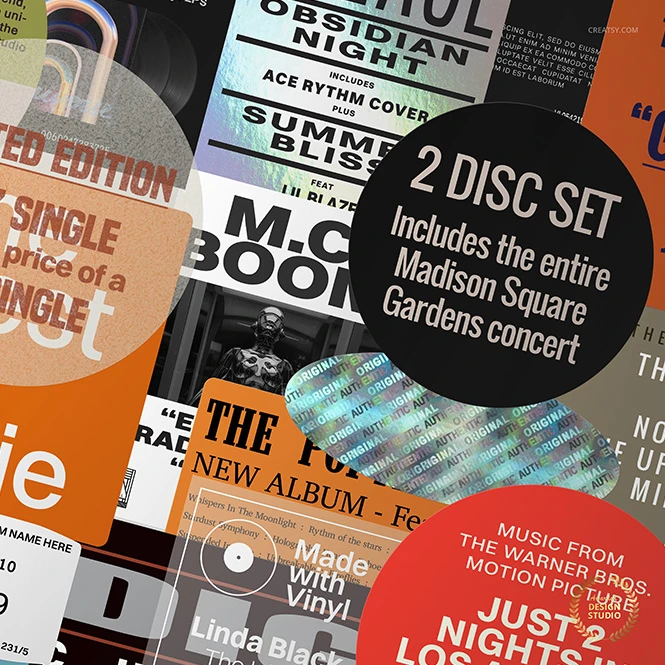
Show clients how one artwork direction works across the outer cover, center label, inner sleeve, clear sleeve, promotional sticker, and visible vinyl disc where supported. Use several viewing angles and release variants in client approvals, portfolio case studies, design presentations, and campaign proposals.
Building a wider release campaign? Browse Poster mockups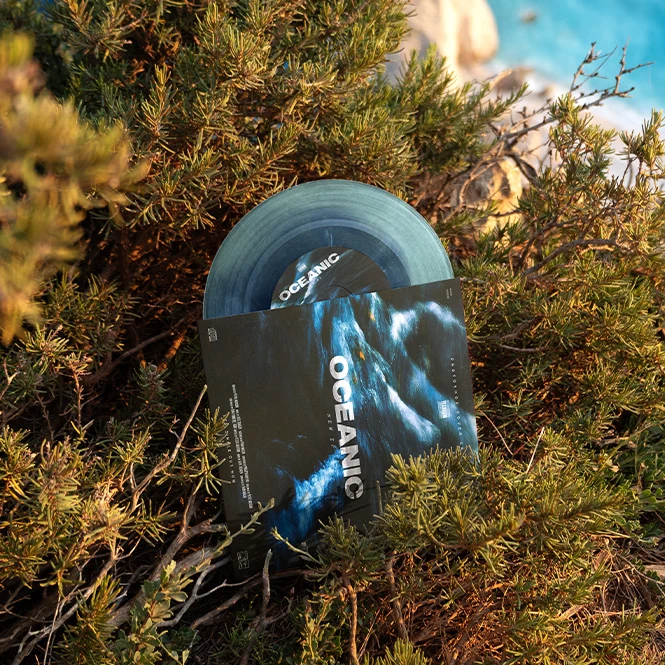
For independent artists, bands & record labels
Create coordinated release visuals for album covers, record labels, sleeves, black or colored vinyl concepts, collector editions, reissues, and pre-order announcements. Use clean product views and lifestyle scenes across online stores, press kits, release campaigns, advertising, and social media before the physical records are photographed.
Creating matching music merchandise? Browse Guitars & Guitar Picks mockups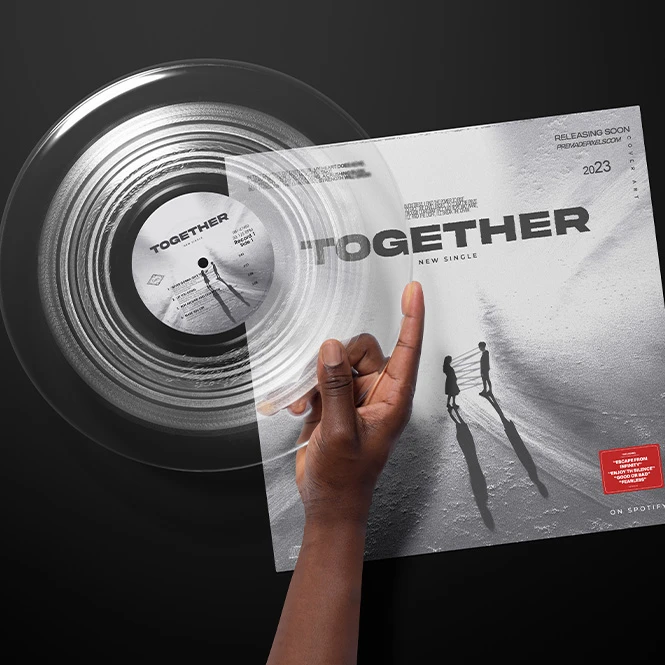
For pressing plants & vinyl product brands
Use mockups that correspond to the colors, effects, sleeves, and packaging formats you actually offer. Create customer-facing visuals for product pages, consultations, color-option guides, sales presentations, and educational materials while making clear that final pressings may vary from the visualization.
Need the largest selection of scenes? Browse the Vinyl Record Mockup Bundle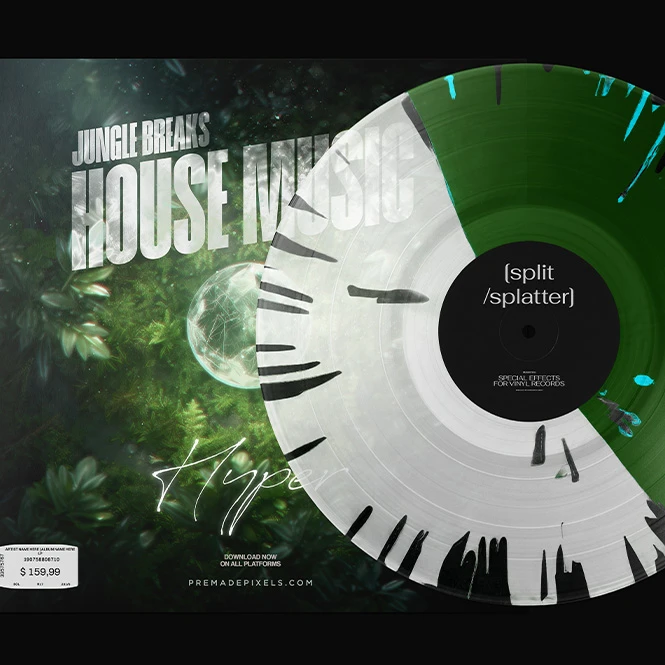
For record shops, distributors & pre-order teams
Prepare consistent product visuals for standard editions, colored variants, collector pressings, anniversary releases, online listings, release announcements, catalogs, email campaigns, and social media. Present the intended differences between editions without photographing every planned version.
Need promotional labels or hype stickers? Browse Stickers & Labels mockups
FAQs
The collection includes mockups for 7-inch singles and 12-inch LP records. Depending on the selected product, available surfaces may include the album cover, outer sleeve, center label, inner sleeve, paper sleeve, clear sleeve, promotional sticker, and visible vinyl disc. You can also find studio, turntable, DJ, hand-held, outdoor, seaside, urban, close-up, and grouped-record presentations. Check the individual product title and Product Details section to confirm the record size, visible components, and editable Smart Objects included in the selected file. Creatsy currently lists both 7-inch and 12-inch formats, while professional pressing plants provide separate production templates for labels, sleeves, covers, inserts, and different record sizes.
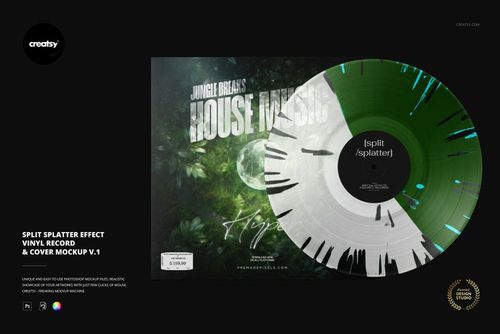
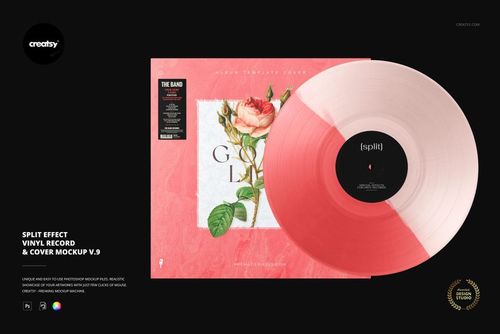
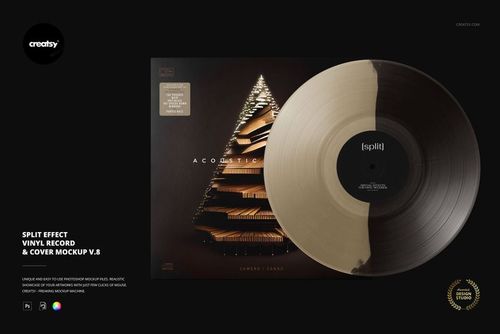
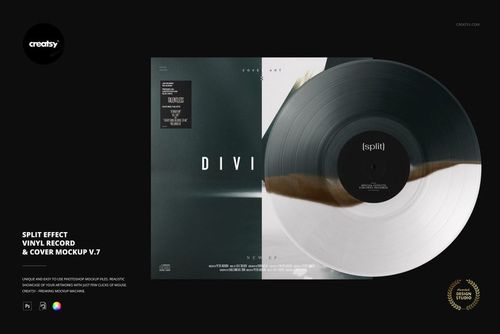
No. Some individual mockups include editable color controls or several options within one document, but many black, clear, translucent, marbled, smoke, splatter, swirl, split, fade, blob, and multicolor effects are supplied as separate PSD files. For example, the Special Effect Vinyl Record & Cover Mockup Set contains multiple independent PSD mockups covering nine effect families. Add your artwork to each selected file separately and export every required edition individually. Changes do not automatically synchronize between different PSD documents. The product page for the Special Effect set clearly identifies 49 separate PSDs.
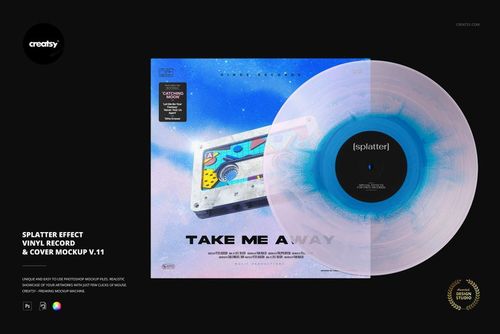
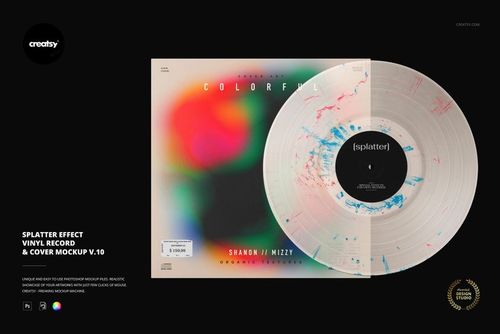
No. A mockup communicates the intended color direction and general visual effect, but it cannot guarantee the exact appearance of the manufactured record. Splatter, marbled, split-color, smoke, segmented, and other effects depend on the pressing plant, available compounds, press technique, heat, pressure, and operator process. Manual effects may vary naturally between individual records and production runs. Confirm the available colors, effect codes, tolerances, samples, and production expectations directly with the selected pressing plant. Precision Record Pressing explains that manual effects rely on operator technique and that each record can vary slightly.
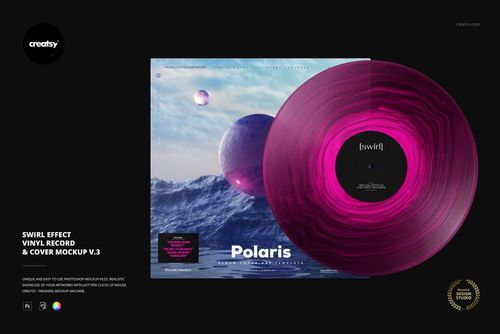
Customization varies by product. Editable surfaces may include the album cover, center label, inner sleeve, paper sleeve, clear packaging, hype sticker, vinyl color, selected special-effect colors, and chosen backgrounds or props. Some scenes focus on only one or two visible surfaces, while larger sets provide several separate views and product combinations. Check the preview gallery and Product Details section for the exact Smart Objects and color controls included in each file. Not every cover, sleeve, record effect, background, or turntable element is editable in every product. For example, the current free Swirl Effect mockup documents separate editing for the cover, center label, effect color, optional sticker, and background, but those options should not be treated as universal features of every vinyl product.
The editable mockups are designed for Adobe Photoshop. Selected products also work in Photopea, but compatibility varies between older and newer files, so check the individual product page before purchasing. Vinyl mockups are presentation files. They do not replace the pressing plant's templates for the center label, outer cover, inner sleeve, gatefold, spine, bleed, safe area, folds, glue zones, or packaging construction. Prepare final production artwork separately using the official templates and specifications supplied by the selected manufacturer. Exported mockup visuals can be used in permitted online listings, pre-order campaigns, client presentations, press kits, advertising, portfolios, and social media according to the selected license. Source Photoshop files may not be resold, sublicensed, shared, or redistributed. Pressing plants provide dedicated templates for 7-inch and 12-inch labels, sleeves, covers, inserts, and other packaging formats.
Why use Vinyl Record mockups?
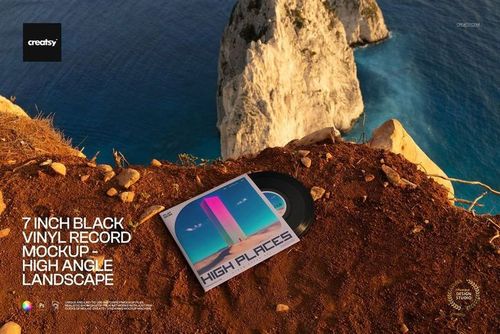
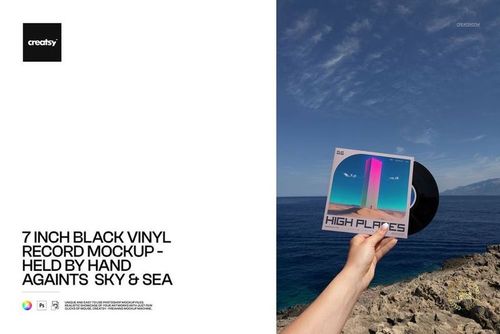
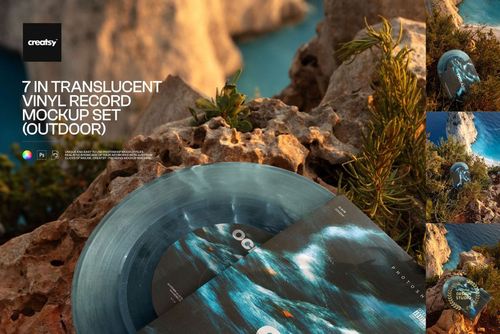
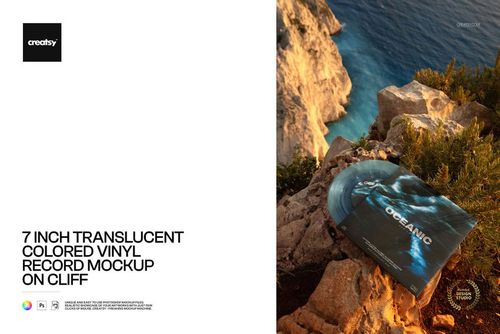
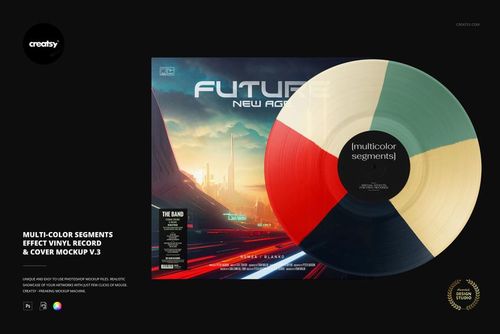
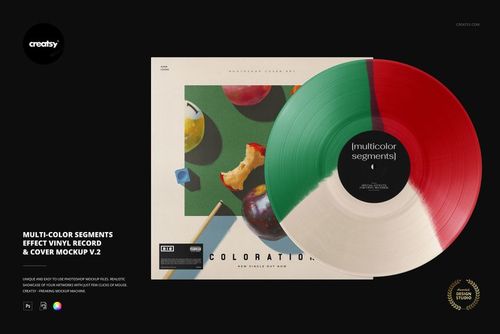
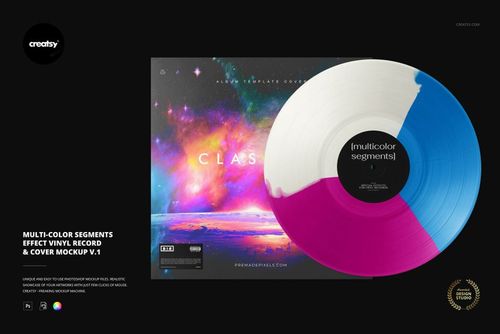
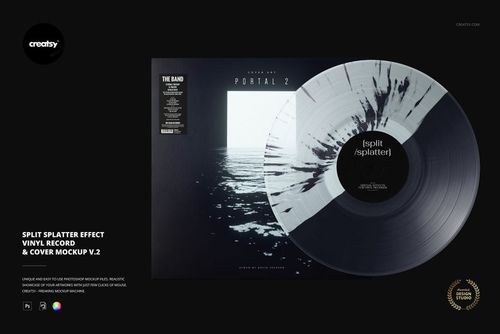
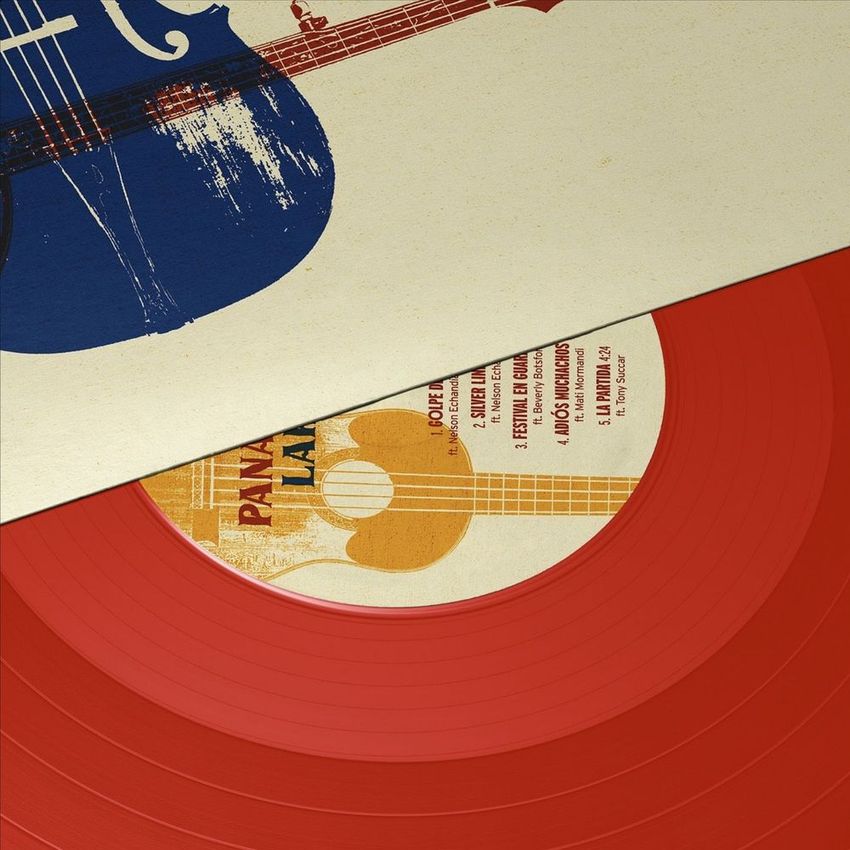
A flat album-cover file does not communicate the complete physical release. The artwork may also appear on a center label, inner sleeve, paper sleeve, clear sleeve, promotional sticker, and the visible record itself. Vinyl record mockups bring those components together and turn the original design into a clearer release presentation. Use black, clear, translucent, and colored-vinyl mockups to compare the intended visual relationship between the disc, center label, cover, and packaging. Special-effect files help communicate different collector-edition concepts, including marbled, smoke, splatter, swirl, split, fade, blob, and multicolor directions. Each independent file must be customized separately. Clean studio and product-focused views work well for stores, catalogs, press kits, and client approvals. Turntable, hand-held, seaside, outdoor, urban, underwater, pedestal, and close-up scenes provide additional contexts for launch campaigns, social media, advertising, and portfolio presentations. Layered Photoshop files and Smart Objects let you replace the sample artwork while preserving the prepared perspective, grooves, reflections, transparency, lighting, shadows, sleeve texture, and product depth. Depending on the selected mockup, you may also be able to adjust vinyl colors, effect colors, labels, sleeves, covers, backgrounds, stickers, or other scene elements. Export the finished visuals for online stores, custom-order previews, pre-order campaigns, press kits, client presentations, portfolios, catalogs, advertising, email campaigns, and social media. Use the mockups to communicate the intended visual direction. For final manufacturing, rely on the pressing plant's exact templates, effect options, color codes, samples, technical requirements, and physical proofs.
FreeCreatsy® Mockups
Love this huge bundle of Vinyl record mockups. Working on artwork for albums every day, it’s nice to include a mockup for my customers ahead of the release day so they can use it on their social networks. There’s a huge selection in this bundle along with so many coloured vinyl and special effects. I’ll get a lot of use from these. Brilliant.
Thank you so much for this amazing review! We’re thrilled to hear the Vinyl Record Mockup Bundle fits so well into your album artwork workflow and helps your customers promote releases on social media. It means a lot to know you’re enjoying the huge variety of scenes, colored vinyl options, and special effects. We truly appreciate your support.