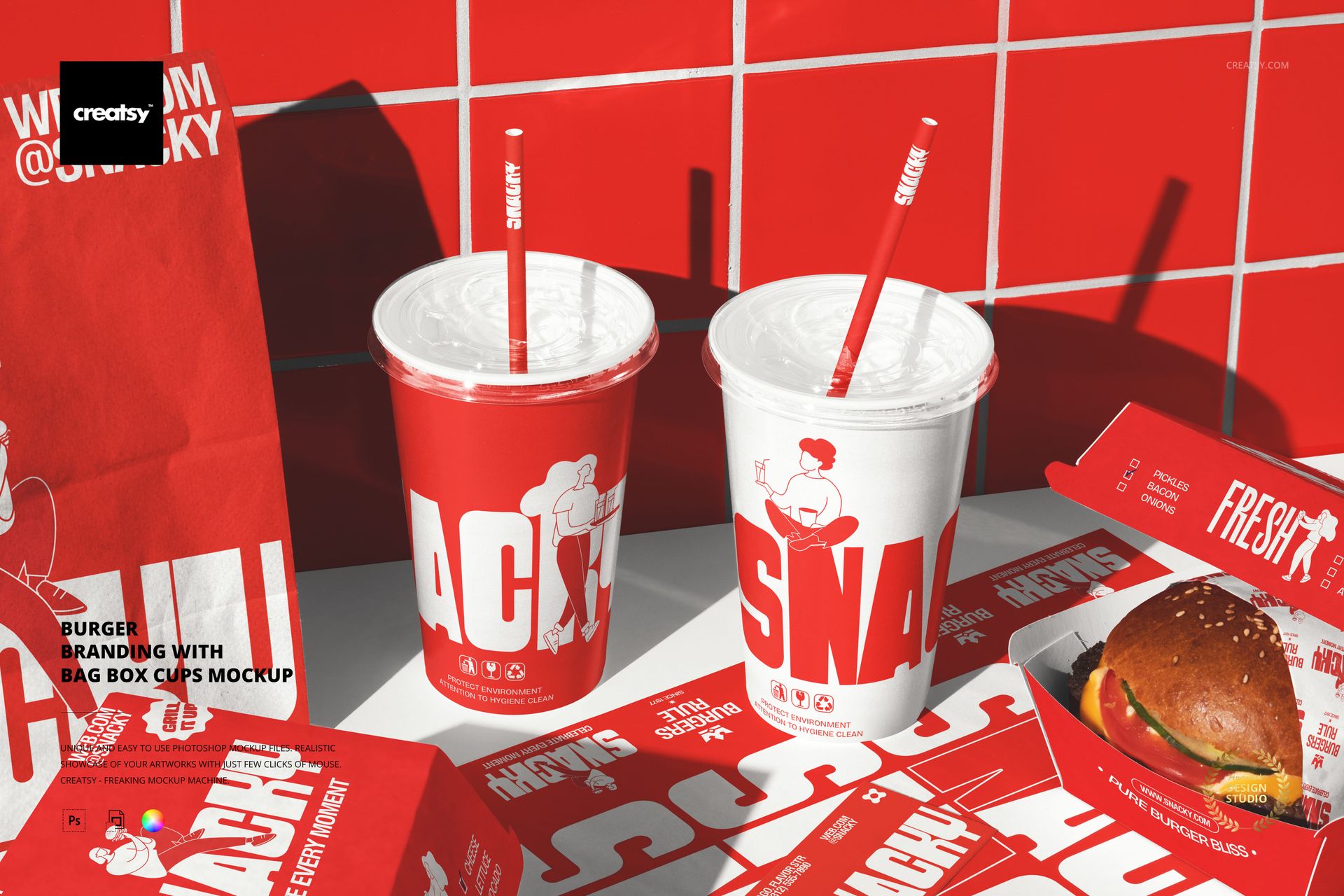
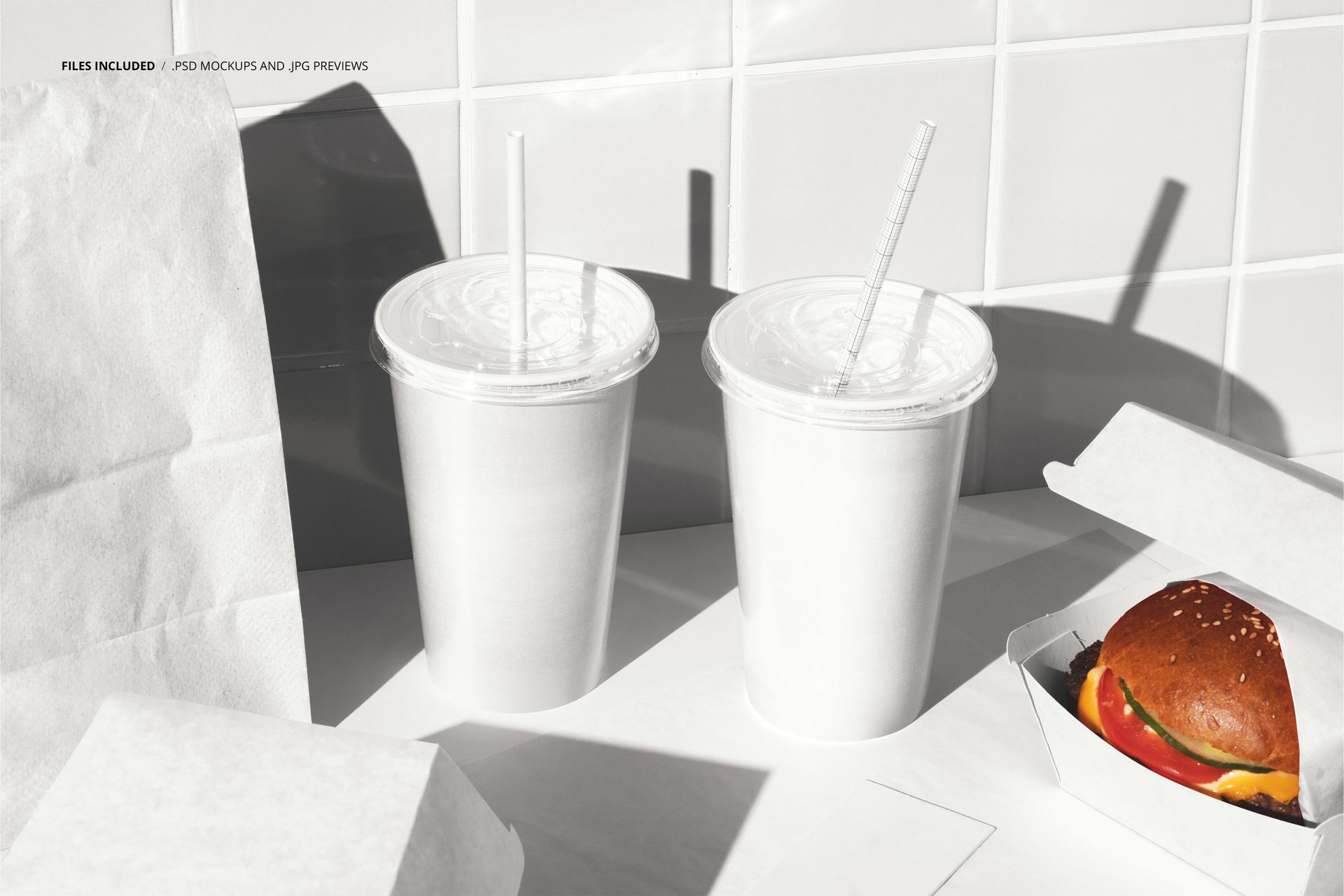
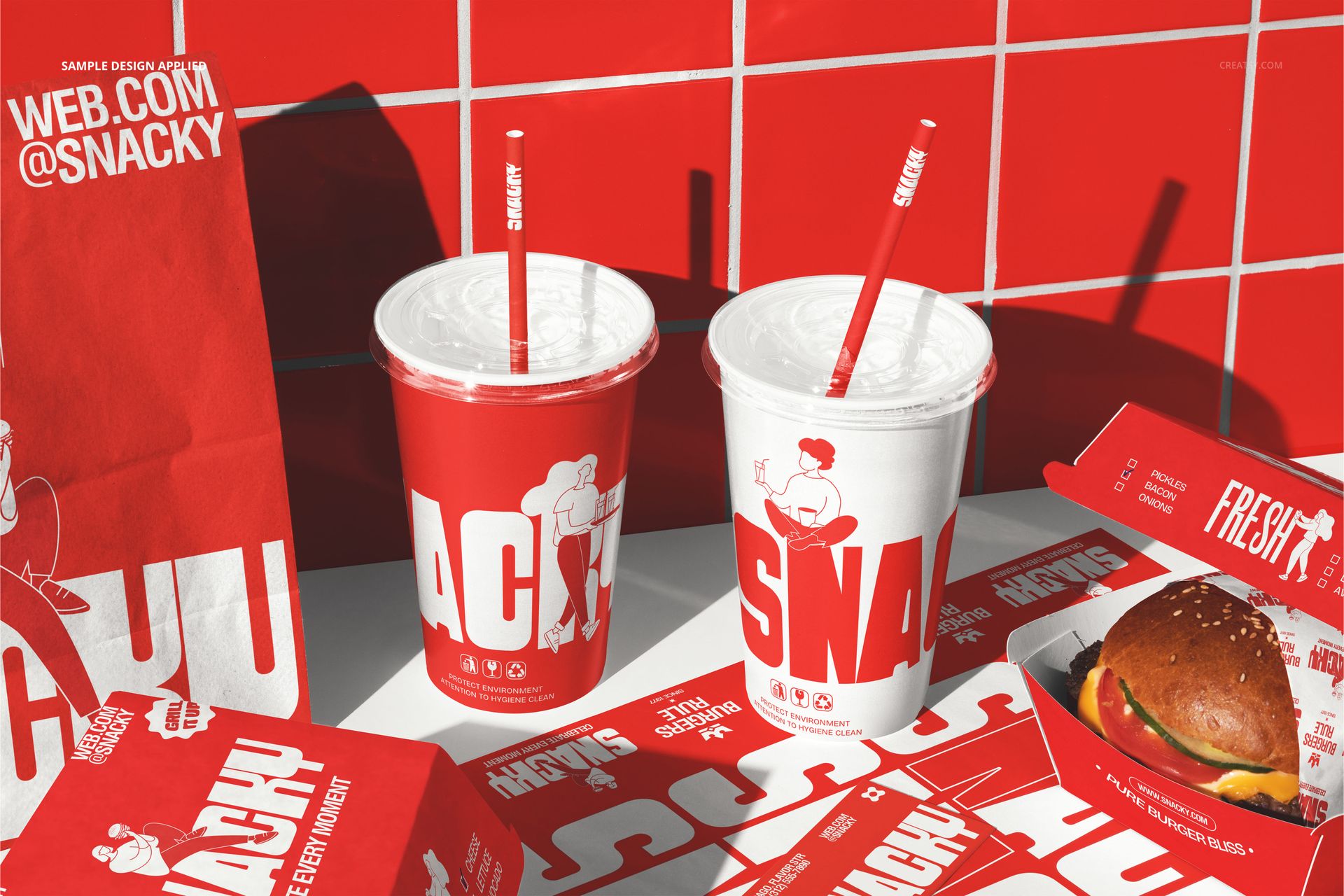
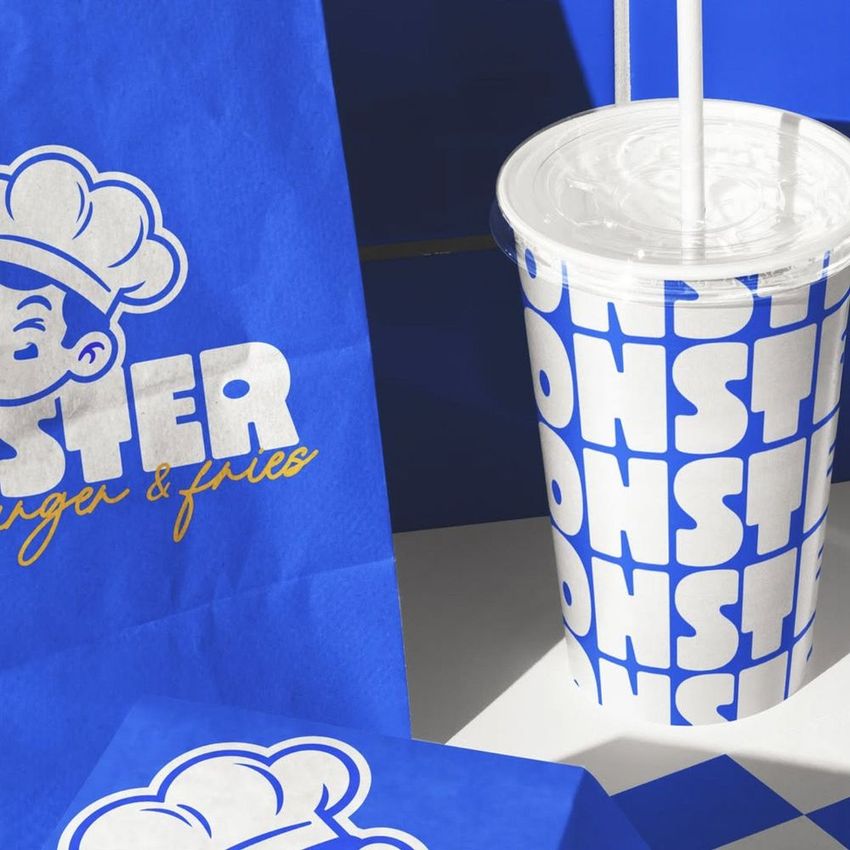
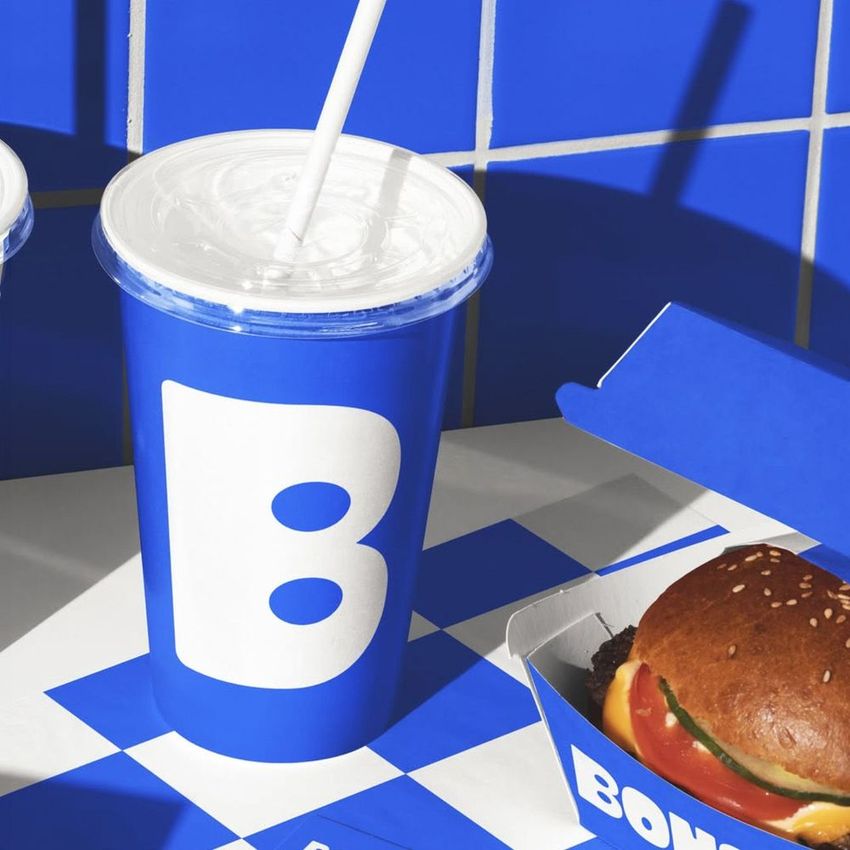
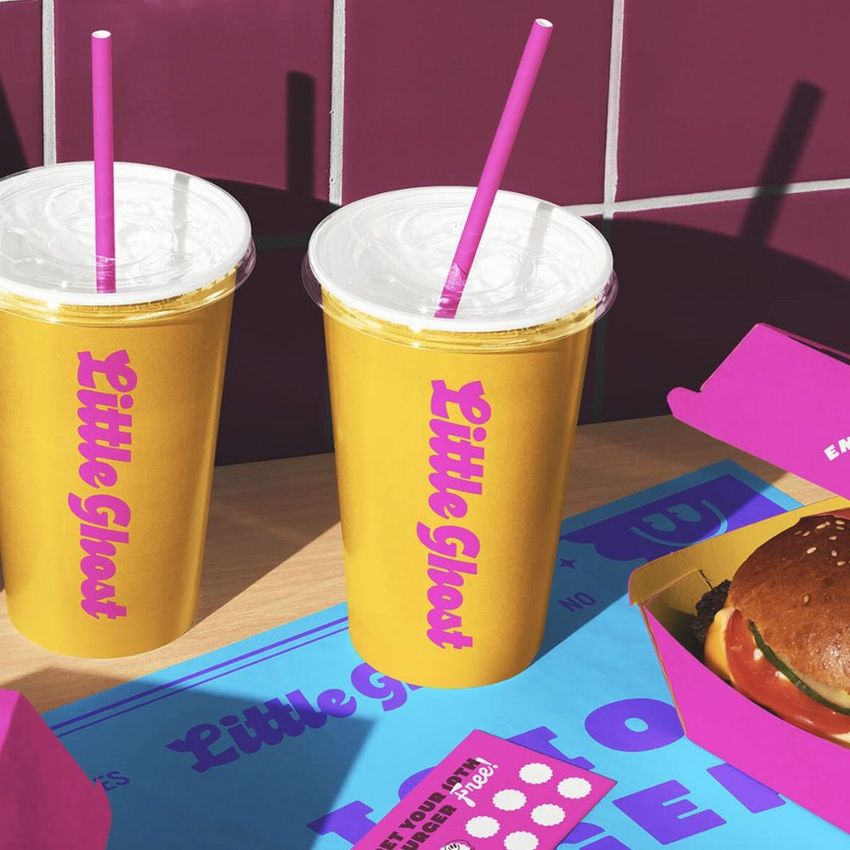
The Burger Branding with Bag Box Cups Mockup presents a complete fast food meal scene with a paper bag, burger box, and drink cups arranged together in a restaurant setting with red tile in the background. The composition captures the full order experience: everything a customer receives when they buy a burger meal, laid out in one frame with every packaging item branded and visible. Each item has its own smart object layer, letting you apply your restaurant design to the bag, box, and cups independently while seeing how the complete set looks as a coordinated branding system. This is a packaging mockup built for brands that need to show the entire meal experience in a single image, from the bag the food arrives in to the cups the drinks come in. The file measures 6000x4000px at 300 DPI with organized smart object layers and works in Adobe Photoshop CC 2020 or newer and Photopea.
Why This Mockup Works
A burger meal is not one packaging item. It is a bag, a box, and at least one cup, all carrying the same brand identity and all visible at the same time when the customer opens their order. This mockup captures that moment by showing every component together in a restaurant environment, which tests whether the brand design works as a system rather than as a collection of individual items. The red tile background adds the authentic atmosphere of a fast food restaurant, grounding the packaging in the space where customers actually encounter it. The composition lets you evaluate whether the logo scales correctly across different sizes, whether the color palette maintains consistency from the large bag to the small cup, and whether the overall brand impression grows stronger when every item in the order carries the same visual identity.
What Is Included
The download contains 1 layered PSD file. The scene shows a paper bag, burger box, and drink cups arranged together in a restaurant setting with red tile visible in the background. Each packaging item has its own smart object layer for independent design placement. The lighting simulates a restaurant environment, showing packaging print quality and branding details clearly across all items. The layer structure is organized and labeled for quick navigation between smart objects and adjustment controls.
What You Can Customize
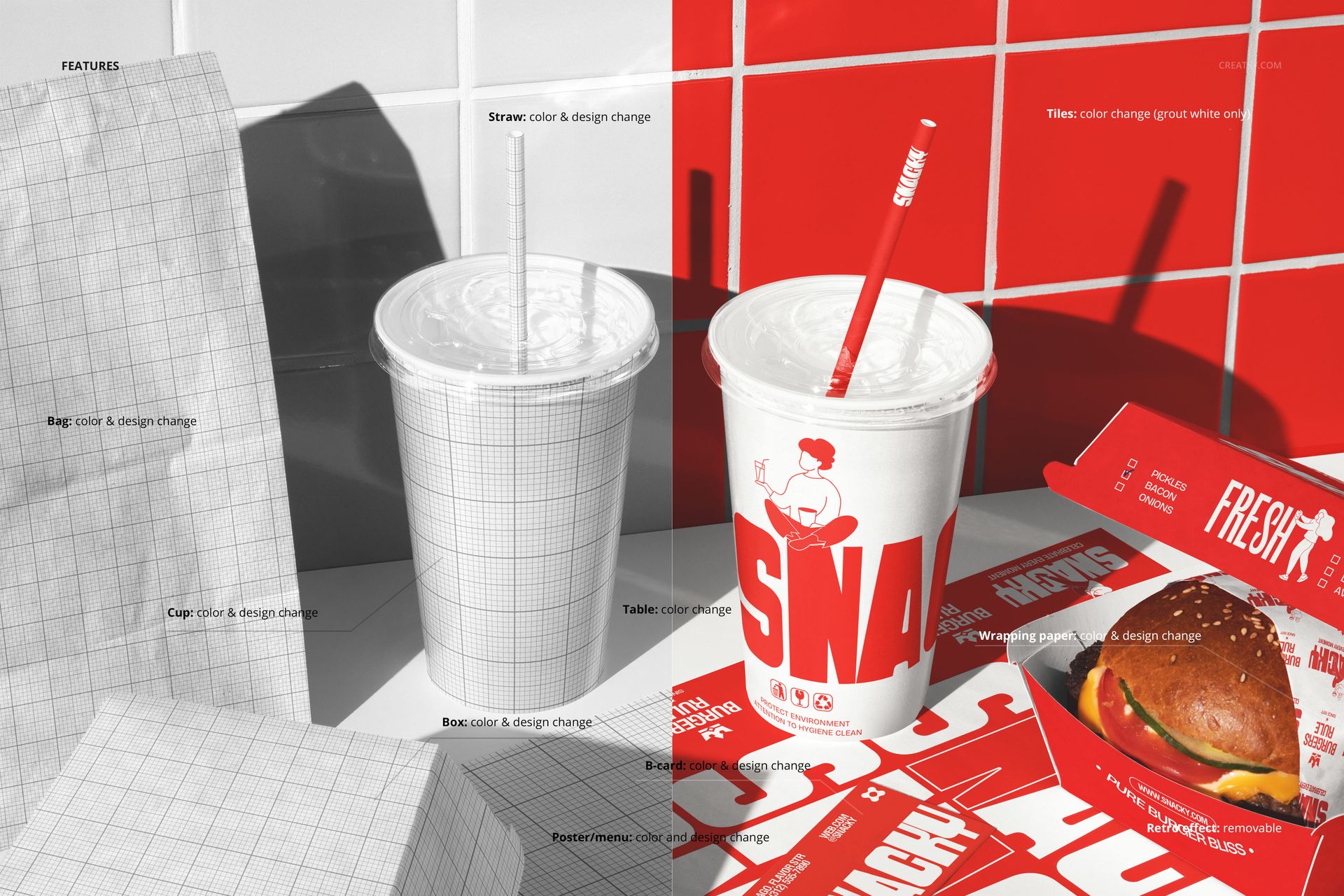
The smart objects control each packaging item independently. Double-click the bag, box, and cup smart objects to place your brand design on each surface. Every element updates with accurate paper texture, print quality simulation, and lighting response. The adjustment layers let you modify overall brightness, contrast, and color temperature to match your brand aesthetic or to simulate different restaurant lighting conditions. You can swap designs quickly to compare branding concepts across the full packaging set, test color variations on all items simultaneously, or show a client how seasonal promotions would look on the complete meal packaging.
Who This Mockup Is For
Fast food restaurants and burger chains that need to preview their complete meal packaging before committing to a production order. Brand identity designers presenting full packaging systems to restaurant clients who want to see every item working together in a realistic setting. Marketing teams at restaurant brands creating campaign visuals, delivery app imagery, and promotional materials that show the complete branded meal experience. Packaging design agencies building proposals and case studies that demonstrate the full scope of a restaurant branding project across bags, boxes, and cups. Franchise developers creating brand guidelines that document how the packaging system appears when a customer receives a complete order.
File Specifications
Files: 1 PSD. Dimensions: 6000x4000 px. Resolution: 300 DPI. Color mode: RGB. File size: 360.23 MB. Compatibility: Adobe Photoshop CC 2020 or newer, Photopea.