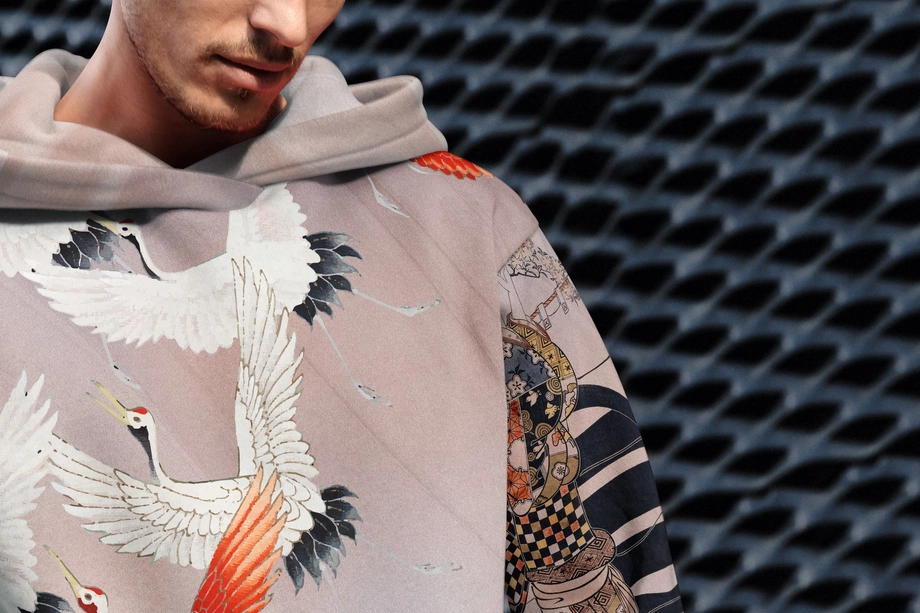
Hoodie & Sweatshirt Mockups
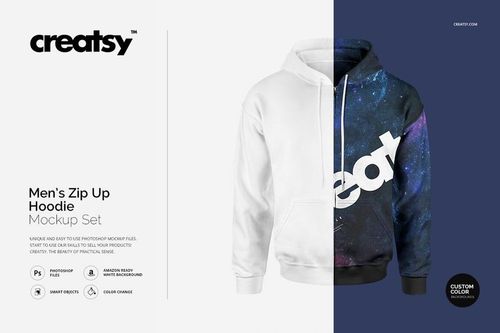
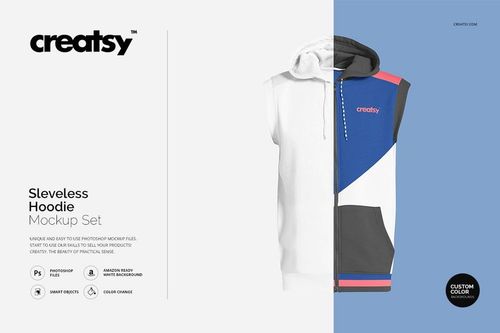
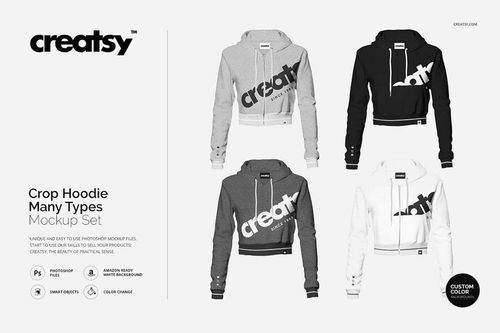
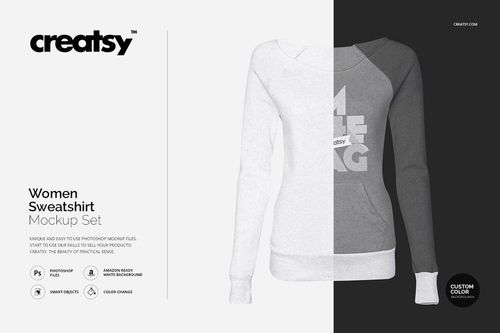
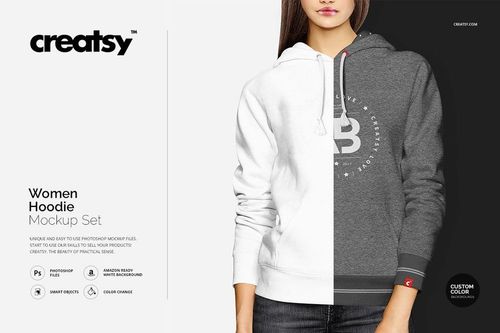
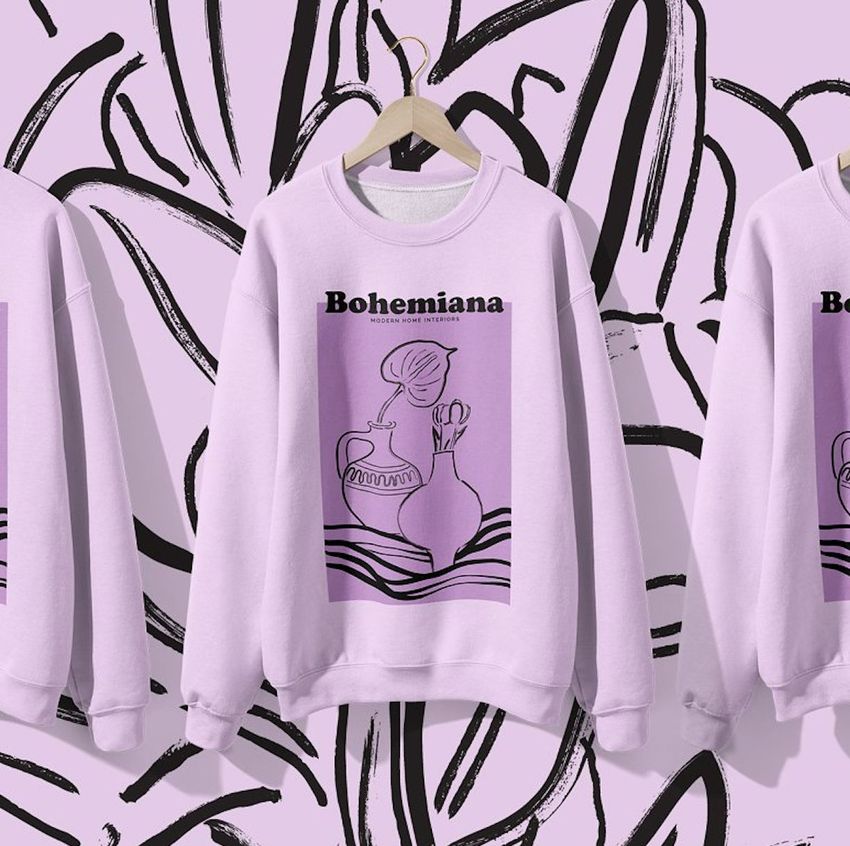
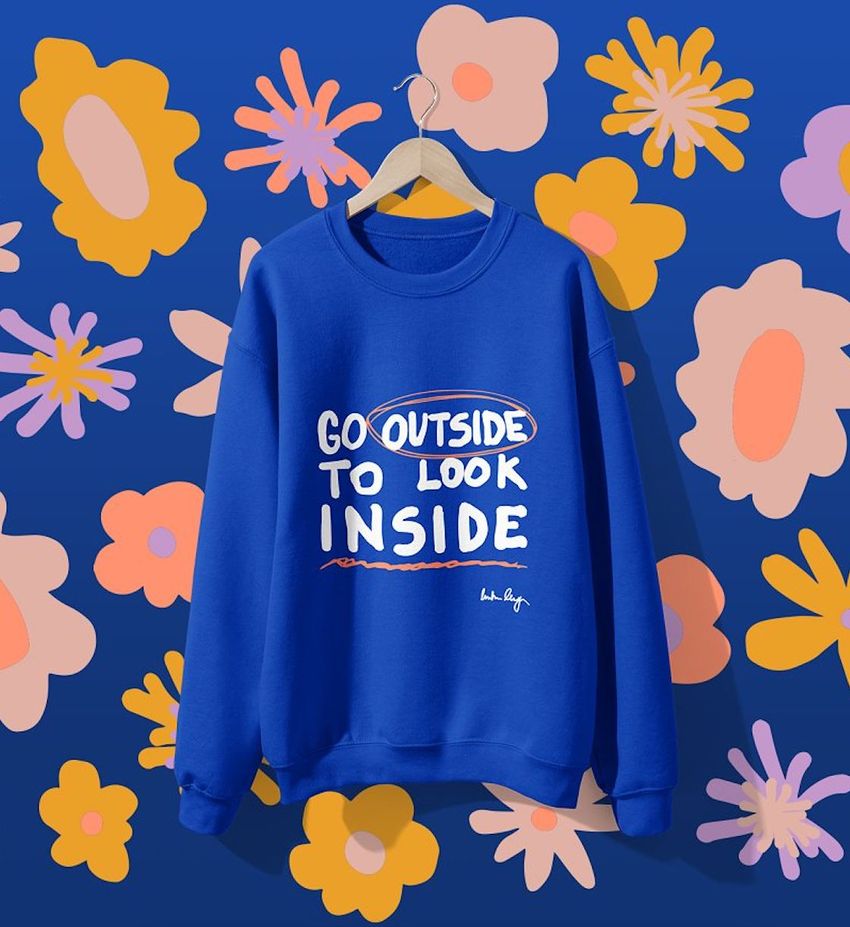
Show front prints, back graphics and branding on named blanks, pullovers, zip-ups and oversized fits. Reusable hoodie mockups launch listings, preorder visuals and streetwear campaigns without shooting every variation.





What you get
Professional PSD mockups built in-house - editable, realistic, high-resolution, and supported by real people.
Layered PSD Files
Creatsy mockups are delivered as fully layered Photoshop .psd files, with layers sorted into clearly named groups. Shadows, highlights, and the background each sit on their own editable layer, and nothing is flattened into a single image. Open it in Photoshop or the free browser editor Photopea and get to work.
- Clearly named, organized layer groups
- Shadows and highlights on separate layers
- Editable background, never flattened
- Works in Photoshop or free Photopea
Smart Objects
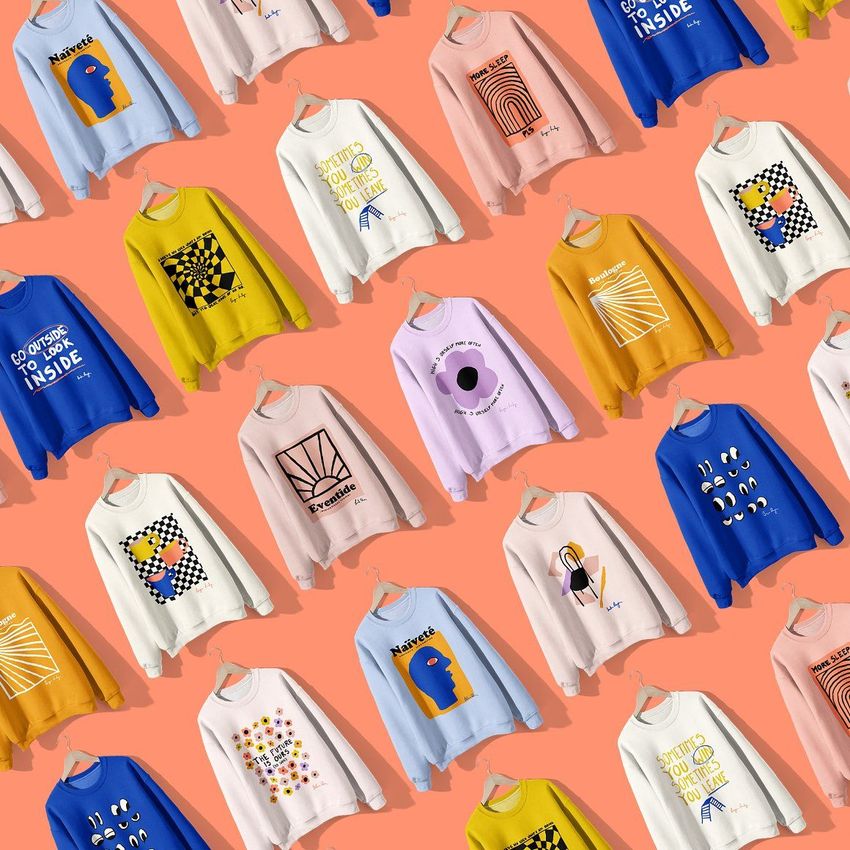
Open the smart object, paste your artwork, and save. The design lands on the product with the perspective, warp, and wrap already worked out. Scene lighting and shadows fall back on top, so it reads as a photograph, not a flat paste-in. Swapping a design takes seconds, so one file can carry a whole run of variants and colorways.
- Double-click, paste your design, save
- Perspective, warp, and wrap pre-built
- Scene lighting and shadows sit back on top
- One file covers many variants and colorways
High-Resolution Output
Many scenes are built from real product photography rather than 3D renders, so the fabric and surface read like a studio shot. Files export at high resolution and stay sharp at full zoom, with clean edges where the print sits. The same file works for a hero banner, a paid ad or a product listing.
- Real product photography in many scenes
- Exports ready for print
- Holds detail at full zoom
- Works for banners, ads and listings
Easy to Edit
Colors, backgrounds, and artwork sit on separate, clearly named layers, so you swap a color or background without disturbing the rest of the scene. There is no relighting or shadow work to redo, and the same file works for your next project.
- Edit color and background layers directly
- No relighting or shadow rework needed
- No masking or layer skills required
- One file reused across projects
Fast Support
There is a real in-house team behind every file, not a ticket bot. Before you buy, ask whether a specific mockup fits what you have in mind, and we will tell you. When a smart object or a layer group is tripping you up, send the question and you usually get a reply within 48 hours.
- Real in-house team behind every file
- Replies within 48 hours
- Pre-purchase help picking the right mockup
- Answers on smart objects and layer setup
Who are these mockups for?
For agencies and apparel studios
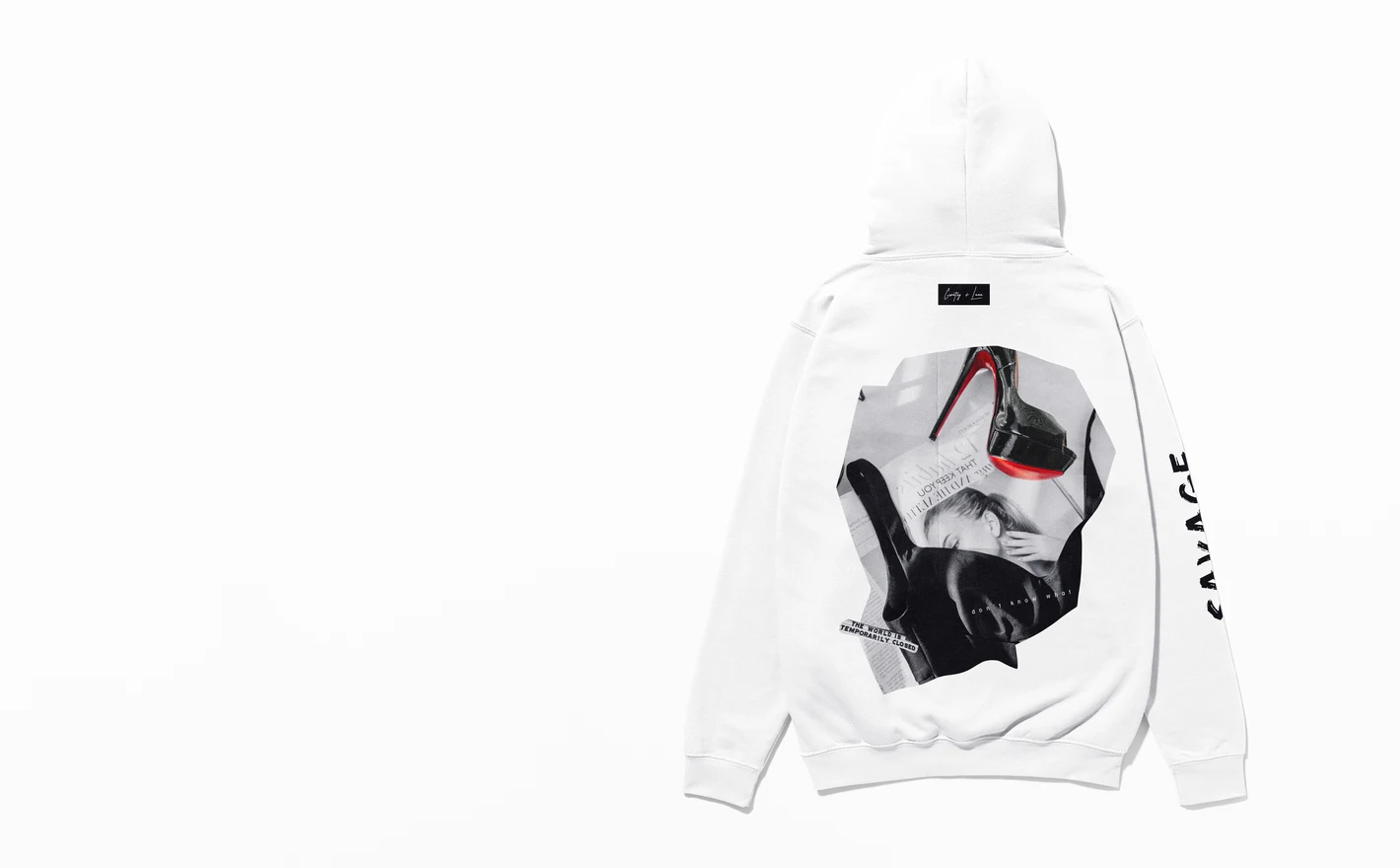
Show a client three creative routes on the same hoodie - front graphic, back print, tonal embroidery - without a sample run. Layered PSDs keep fits and colorways consistent across the deck, so the conversation stays about the design.
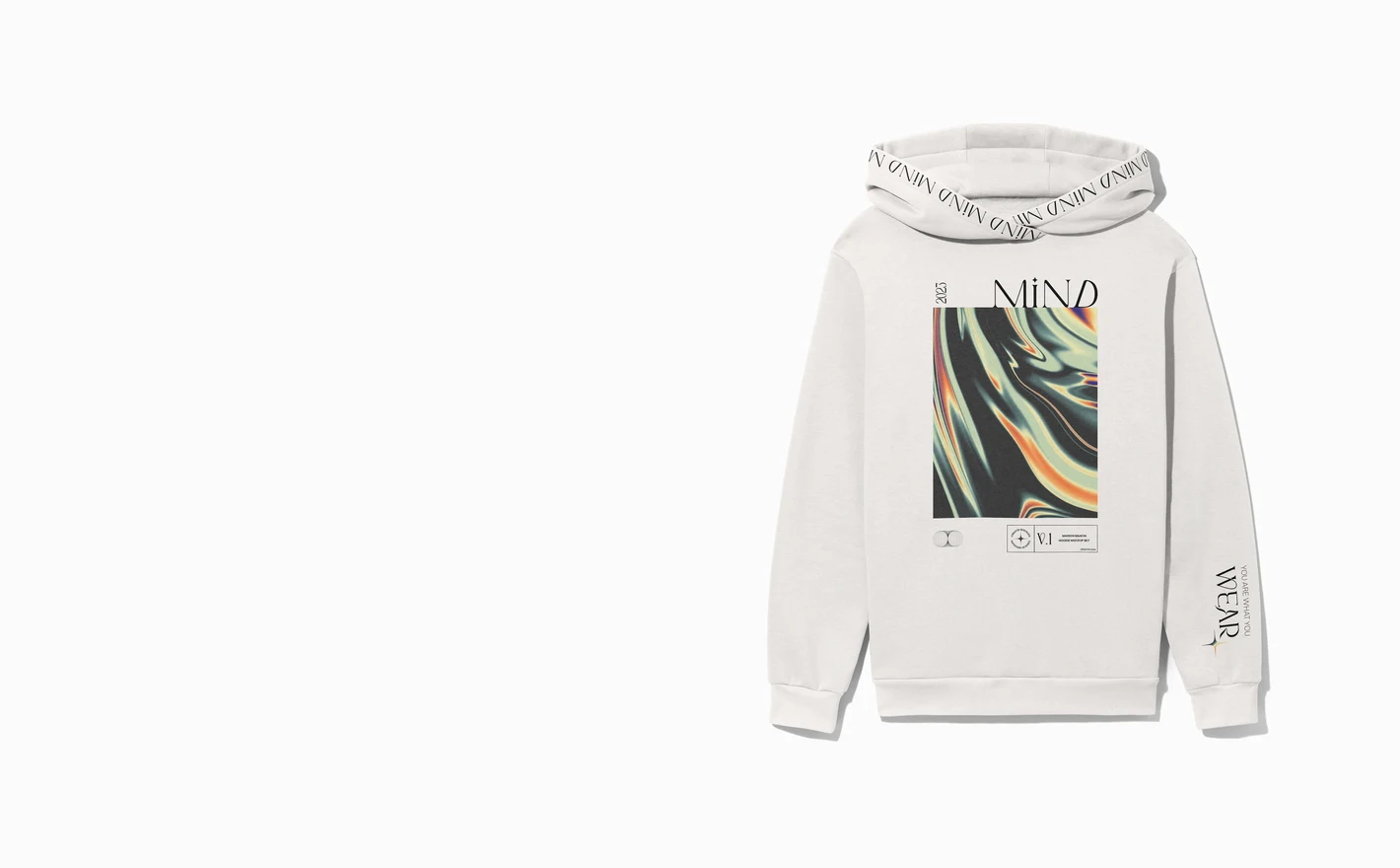
For merch launch teams
Announce a drop with matching visuals everywhere: collection page, preorder graphic, social countdown. One hoodie PSD covers all three crops, and the crewneck version keeps the whole range reading as one release.
Adding tees to the drop? Browse t-shirt & tank top mockups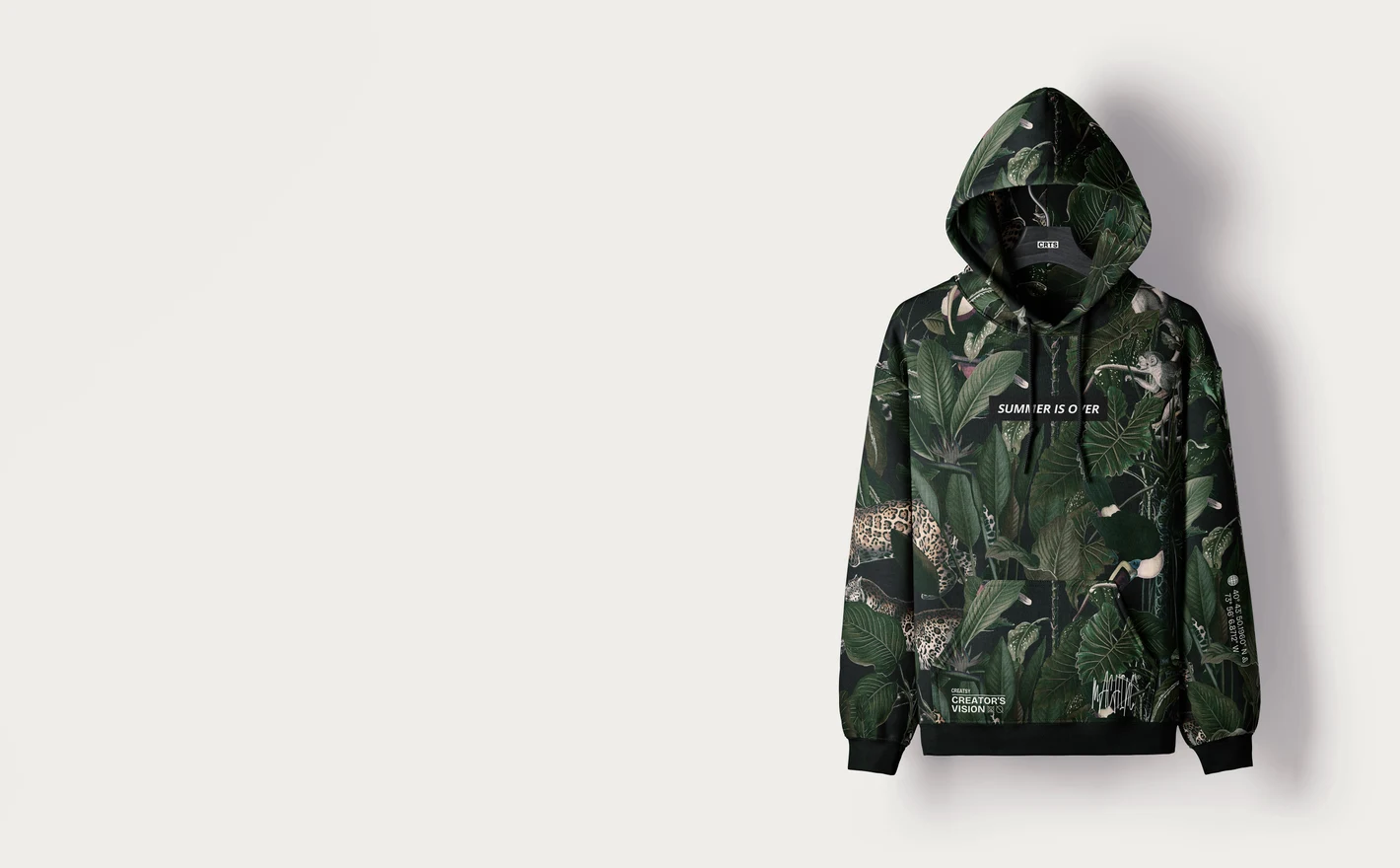
For print-on-demand hoodie sellers
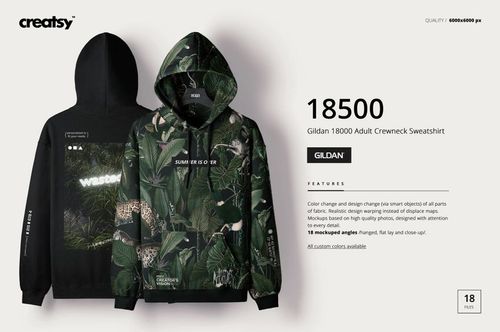
Preview chest and back artwork on the Gildan 18500 - the blank most POD platforms actually print on - so the listing photo matches what ships. Test every colorway before publishing, instead of after the first return.
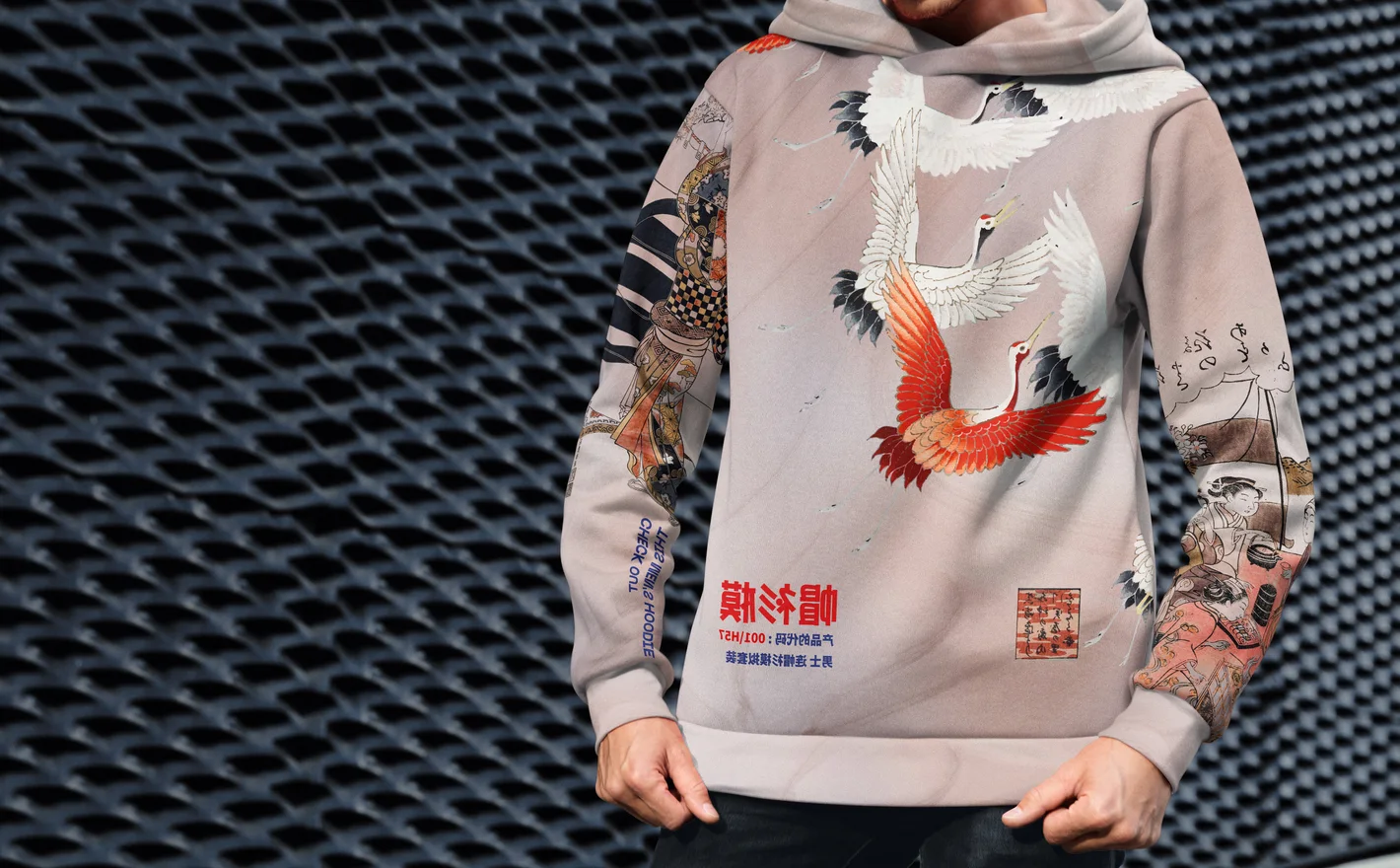
For streetwear brands
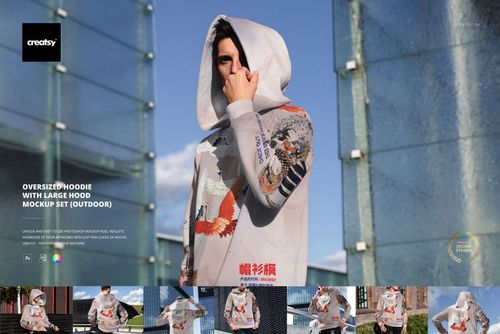
Build a campaign around an oversized silhouette in a styled outdoor scene - the fit and setting streetwear audiences read as credible. Swap seasonal graphics into the same scene to keep a recognizable identity across drops.
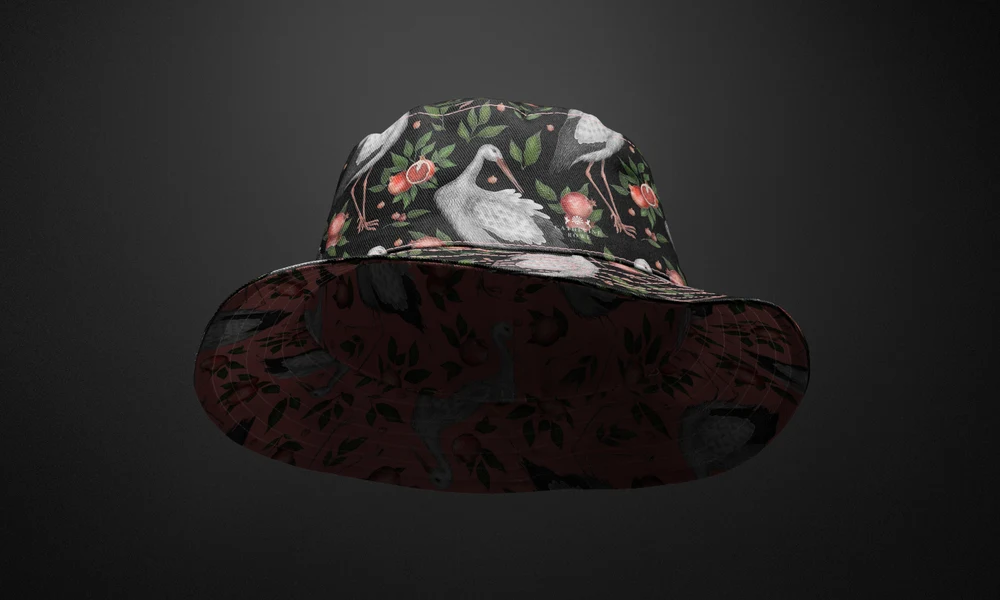
Adding headwear to the collection? Browse headwear mockups
FAQs
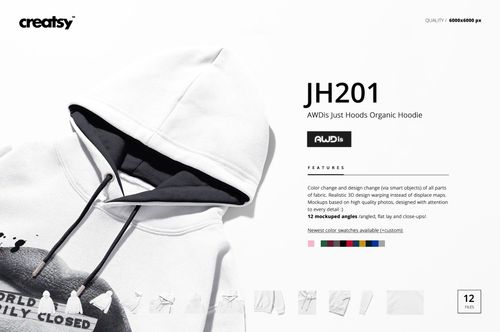
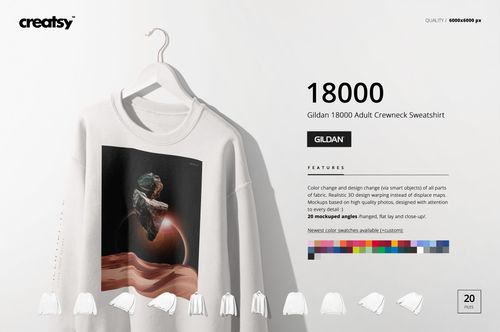
The category includes Gildan 18500, Gildan 18000 and AWDis JH201 sets, alongside other hoodie and sweatshirt shapes. Start with the model your supplier uses, then compare the garment details and views. For an oversized or cropped product, choose that cut rather than relying on a standard-fit mockup.
The Gildan 18500 Hoodie Mockup Set includes back views as well as front views and details. Check the gallery for a clear view of the area you want to print. A visible back is useful, but you should also consider how much of it is covered by the hood.
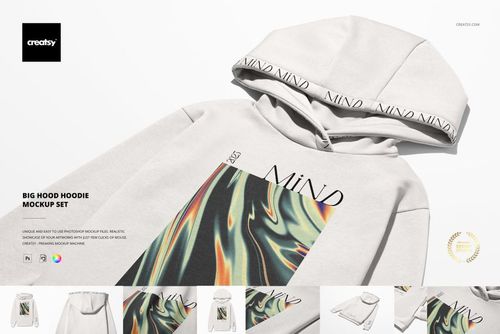
Judge the artwork against the wider body and the visible print area rather than reusing a regular-fit layout unchanged. An oversized mockup helps you compare chest and back placement. Confirm the final print dimensions with your supplier, since the mockup does not define the production print area.
Yes. In the Gildan 18500 set, the artwork and garment color controls are separate, so you can retain the print position while adjusting the fabric colors. Save and export each variant, then check any cuffs, ribbing or other separately controlled details for consistency.
The Gildan 18500 set explicitly supports Photopea as well as Photoshop CC 2020 or newer. Other sets have their own requirements. Read the software information for the specific hoodie you choose; a Photoshop listing without confirmed Photopea support should not be treated as browser-compatible by default.
Why use Hoodie & Sweatshirt mockups?
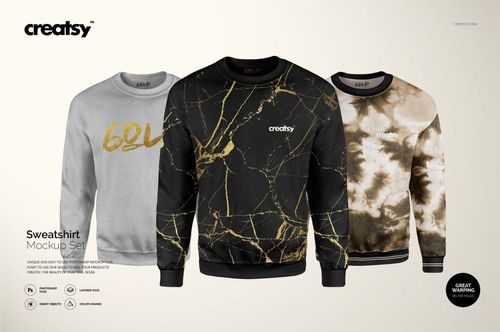
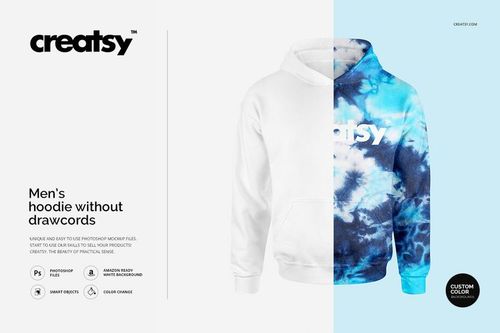
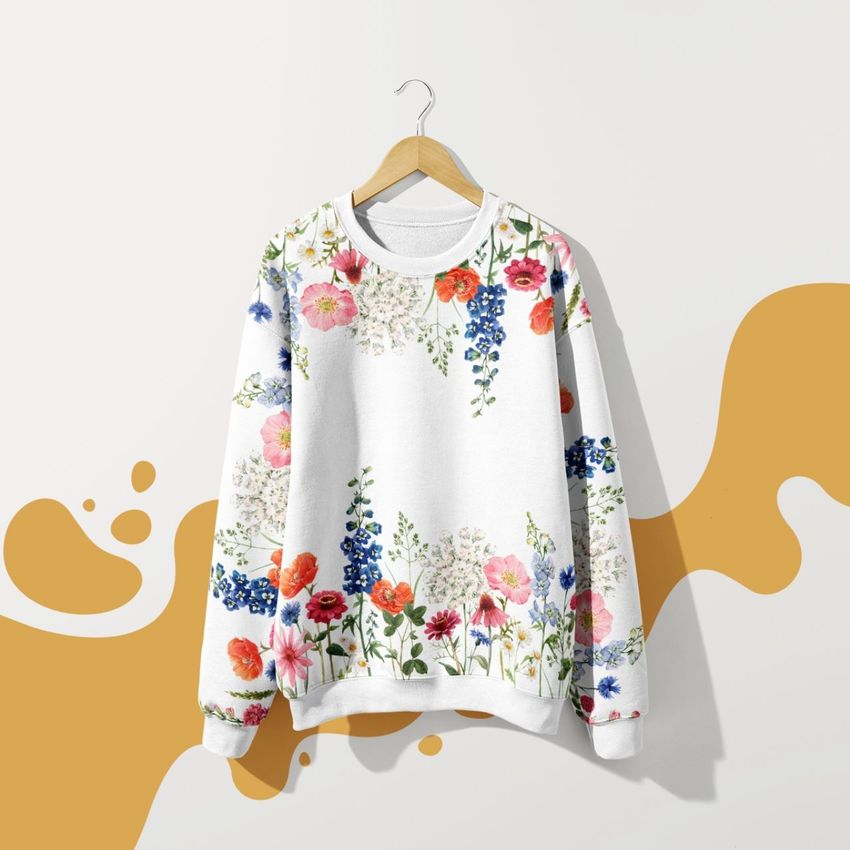
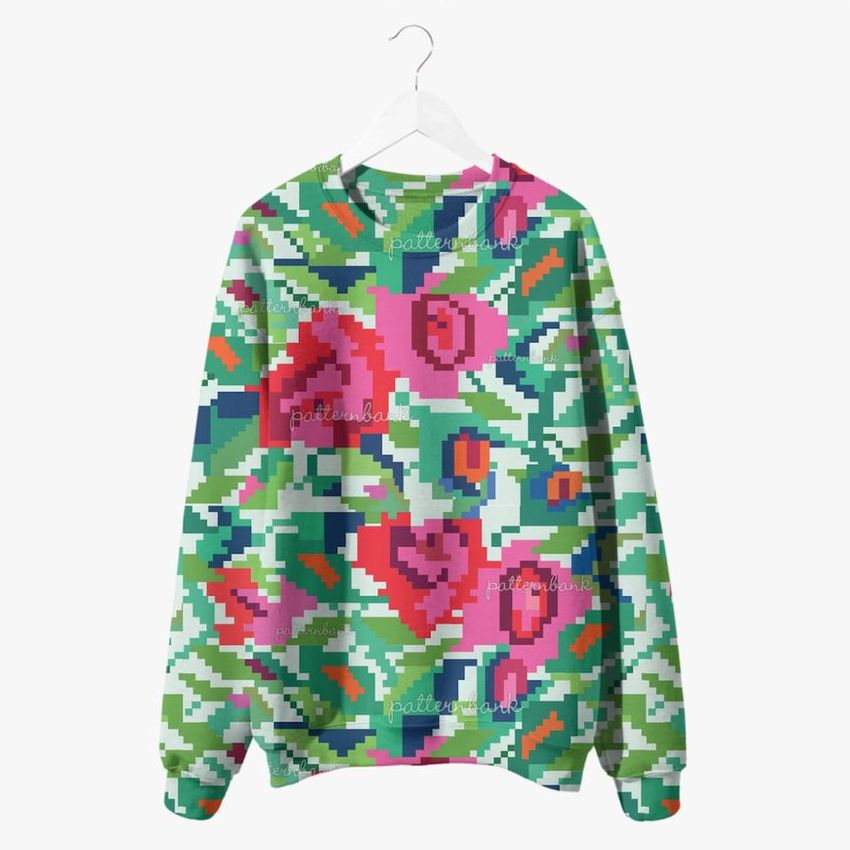
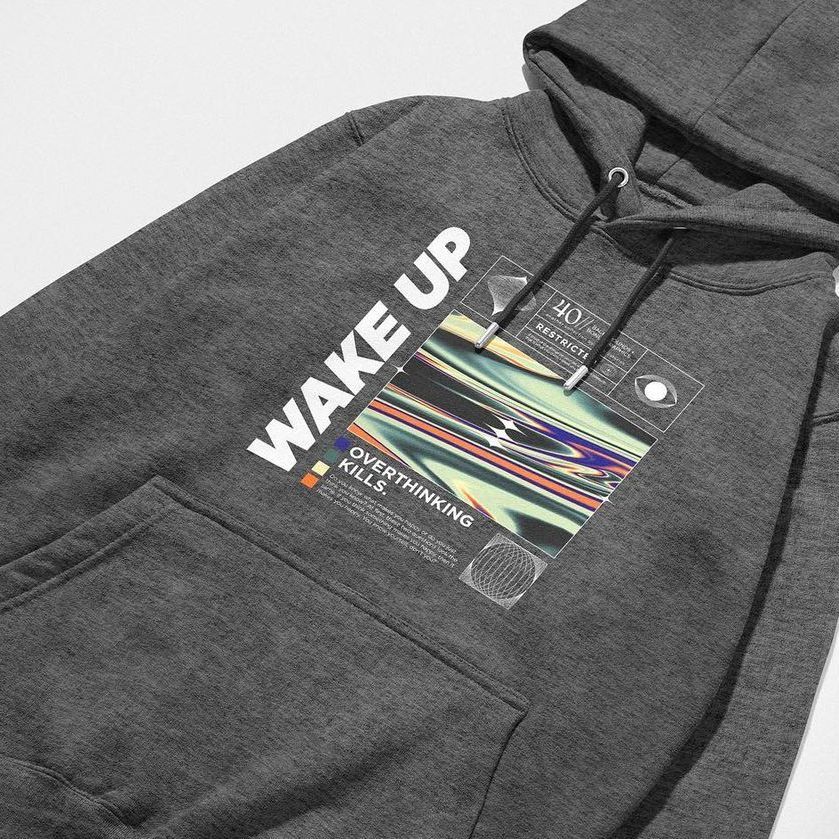
A chest graphic takes up a different proportion of an oversized hoodie than a regular-fit sweatshirt. Hoods, pockets, zippers and sleeve shapes also affect what remains visible. Mockups help you review those differences when choosing a garment for your design. The category includes Gildan 18500 and 18000, AWDis JH201, and oversized, cropped, sleeveless, zip-up and no-drawcord styles, along with tracksuit scenes. Compare front and back prints, sleeve details, pocket placement and colors using the views and editable areas available in each set. A named-blank mockup is useful when your supplier uses that garment; check the model and gallery against the product you sell. Studio and outdoor scenes offer different ways to present it. Smart Objects retain the fabric folds, seams and lighting while you change the artwork for a new slogan, team or collection. Use the images for preorder pages, shop listings, client reviews, lookbooks and campaigns. Showing a design on more than one fit can help you decide whether its size or position needs adjusting before you move on to samples.
FreeCreatsy® Mockups