 $2800
$2800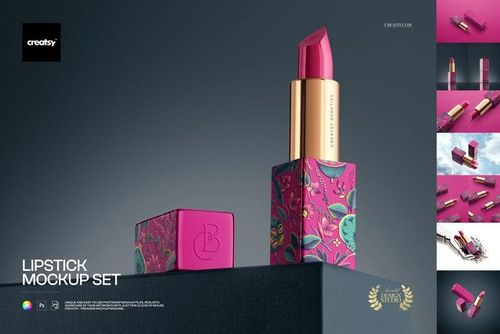 $2800
$2800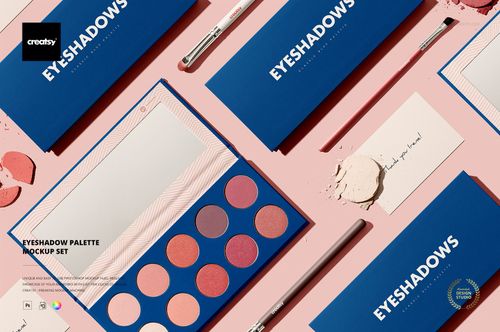 $1900
$1900
Make-up Mockups
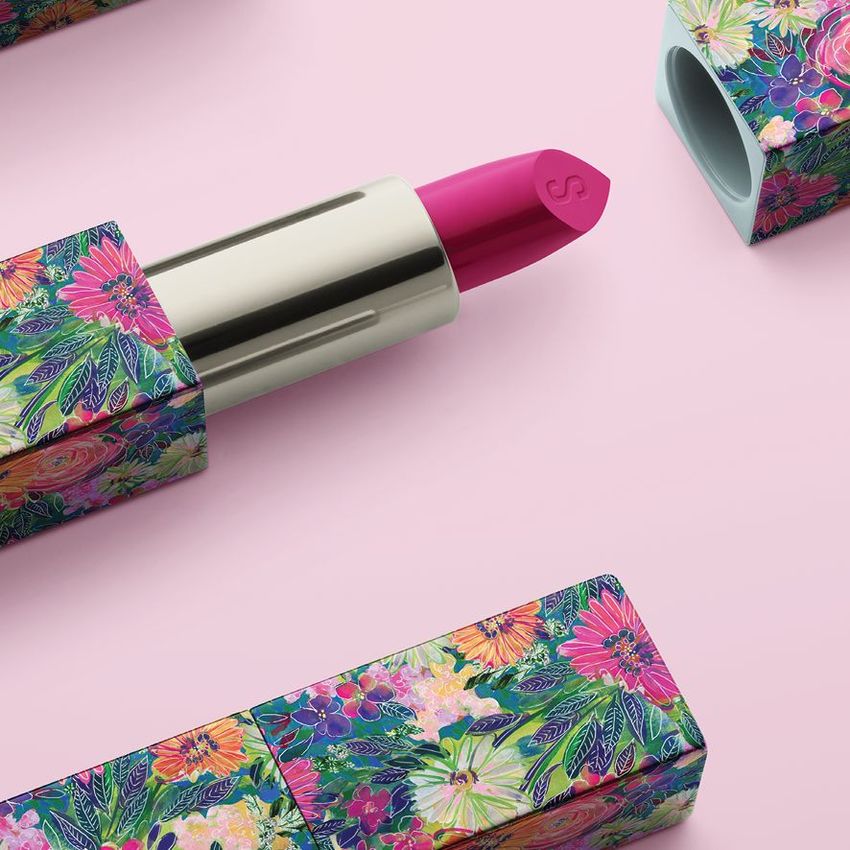
Preview lipstick packaging, shade swatches and eyeshadow branding in realistic product scenes. Compare formats and visual styles to find the right mockup for your launch, presentation or campaign.

Reviews
What designers and brand owners say after using these PSD mockups in real client work.
0
Sort by:
What you get
Professional PSD mockups built in-house - editable, realistic, high-resolution, and supported by real people.
Layered PSD Files
Creatsy mockups are delivered as fully layered Photoshop .psd files, with layers sorted into clearly named groups. Shadows, highlights, and the background each sit on their own editable layer, and nothing is flattened into a single image. Open it in Photoshop or the free browser editor Photopea and get to work.
- Clearly named, organized layer groups
- Shadows and highlights on separate layers
- Editable background, never flattened
- Works in Photoshop or free Photopea
Smart Objects
Open the smart object, paste your artwork, and save. The design lands on the product with the perspective, warp, and wrap already worked out. Scene lighting and shadows fall back on top, so it reads as a photograph, not a flat paste-in. Swapping a design takes seconds, so one file can carry a whole run of variants and colorways.
- Double-click, paste your design, save
- Perspective, warp, and wrap pre-built
- Scene lighting and shadows sit back on top
- One file covers many variants and colorways
High-Resolution Output
Many scenes are built from real product photography rather than 3D renders, so the fabric and surface read like a studio shot. Files export at high resolution and stay sharp at full zoom, with clean edges where the print sits. The same file works for a hero banner, a paid ad or a product listing.
- Real product photography in many scenes
- Exports ready for print
- Holds detail at full zoom
- Works for banners, ads and listings
Easy to Edit
Colors, backgrounds, and artwork sit on separate, clearly named layers, so you swap a color or background without disturbing the rest of the scene. There is no relighting or shadow work to redo, and the same file works for your next project.
- Edit color and background layers directly
- No relighting or shadow rework needed
- No masking or layer skills required
- One file reused across projects
Fast Support
There is a real in-house team behind every file, not a ticket bot. Before you buy, ask whether a specific mockup fits what you have in mind, and we will tell you. When a smart object or a layer group is tripping you up, send the question and you usually get a reply within 48 hours.
- Real in-house team behind every file
- Replies within 48 hours
- Pre-purchase help picking the right mockup
- Answers on smart objects and layer setup
Who are these mockups for?
For beauty campaign & social teams
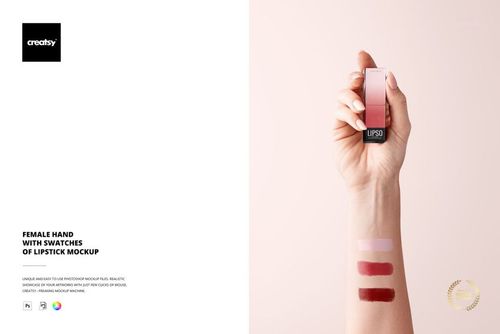
Put the branded case into the Female Hand with Swatches of Lipstick scene and the shade-on-skin shot is done without booking a model. Pair it with a case shot from the Lipstick Mockup Set for the carousel, and the campaign has its hero and its product image from two files.
Shooting the skincare side too? Browse skincare & body care mockups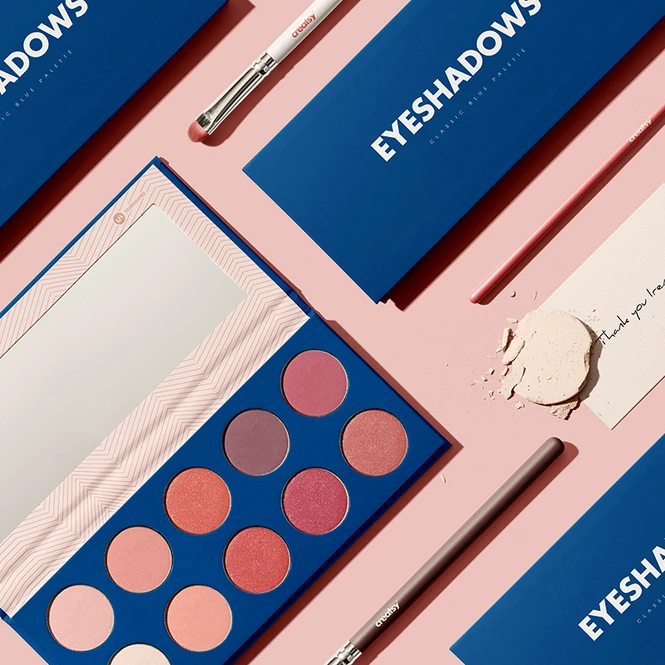
For eyeshadow & palette packaging designers
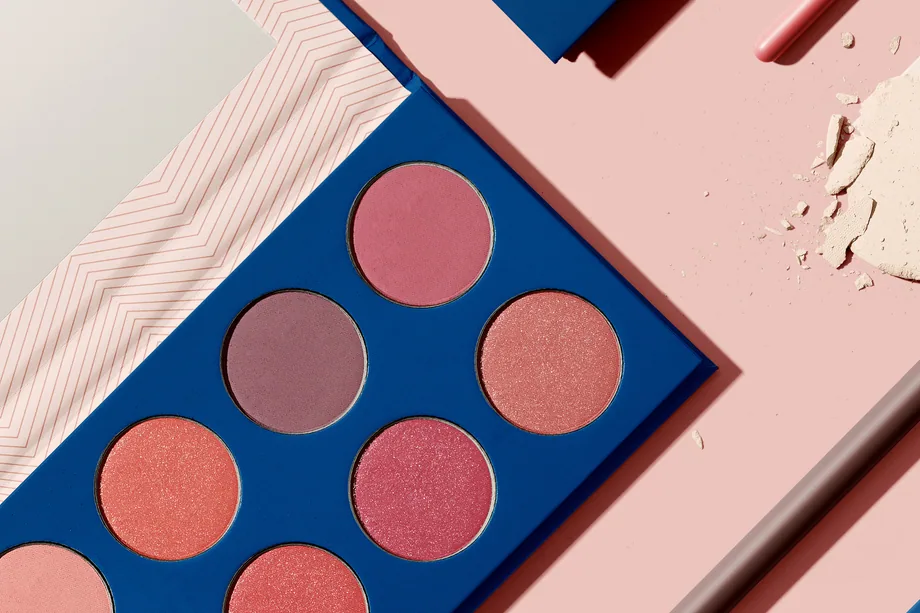
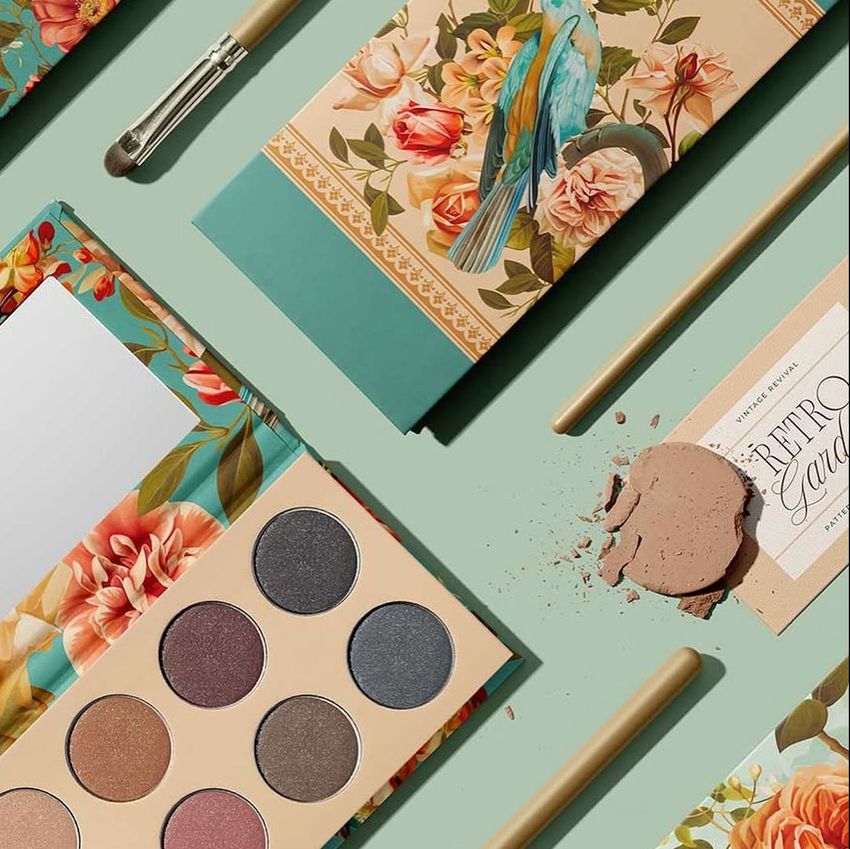
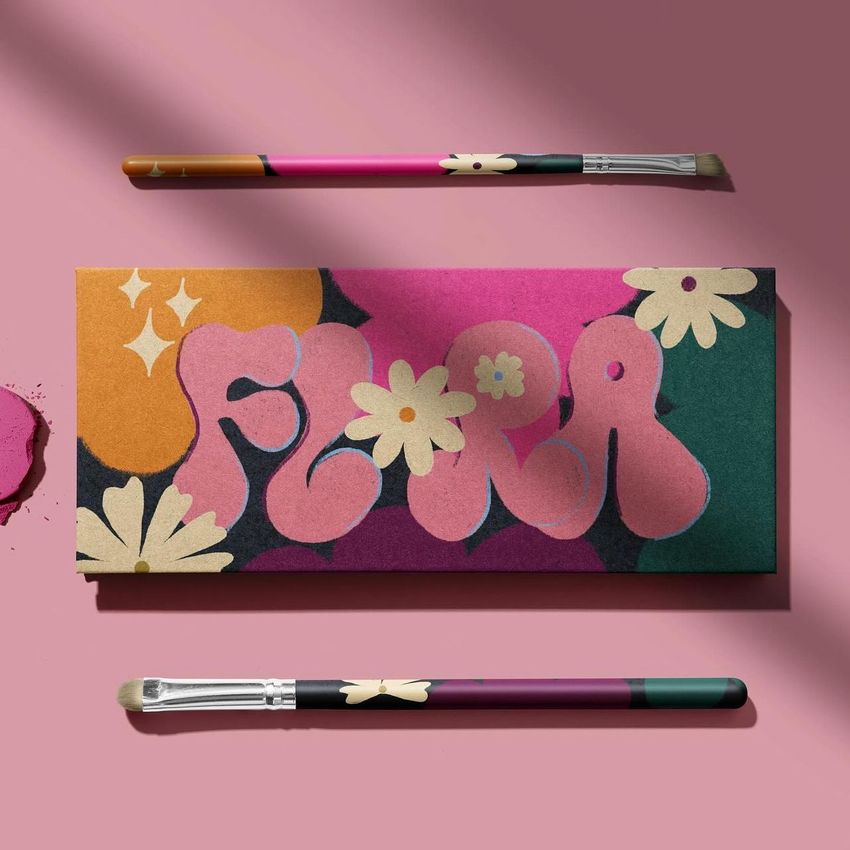
Apply the lid artwork in the Eyeshadow Palette Mockup Set, switch the case color to match, and compare two directions side by side before the compact supplier tools up. The set covers the palette open and closed, so the print file gets checked as an object rather than as a flat dieline.
Designing the box it ships in? Browse boxes & tubes mockups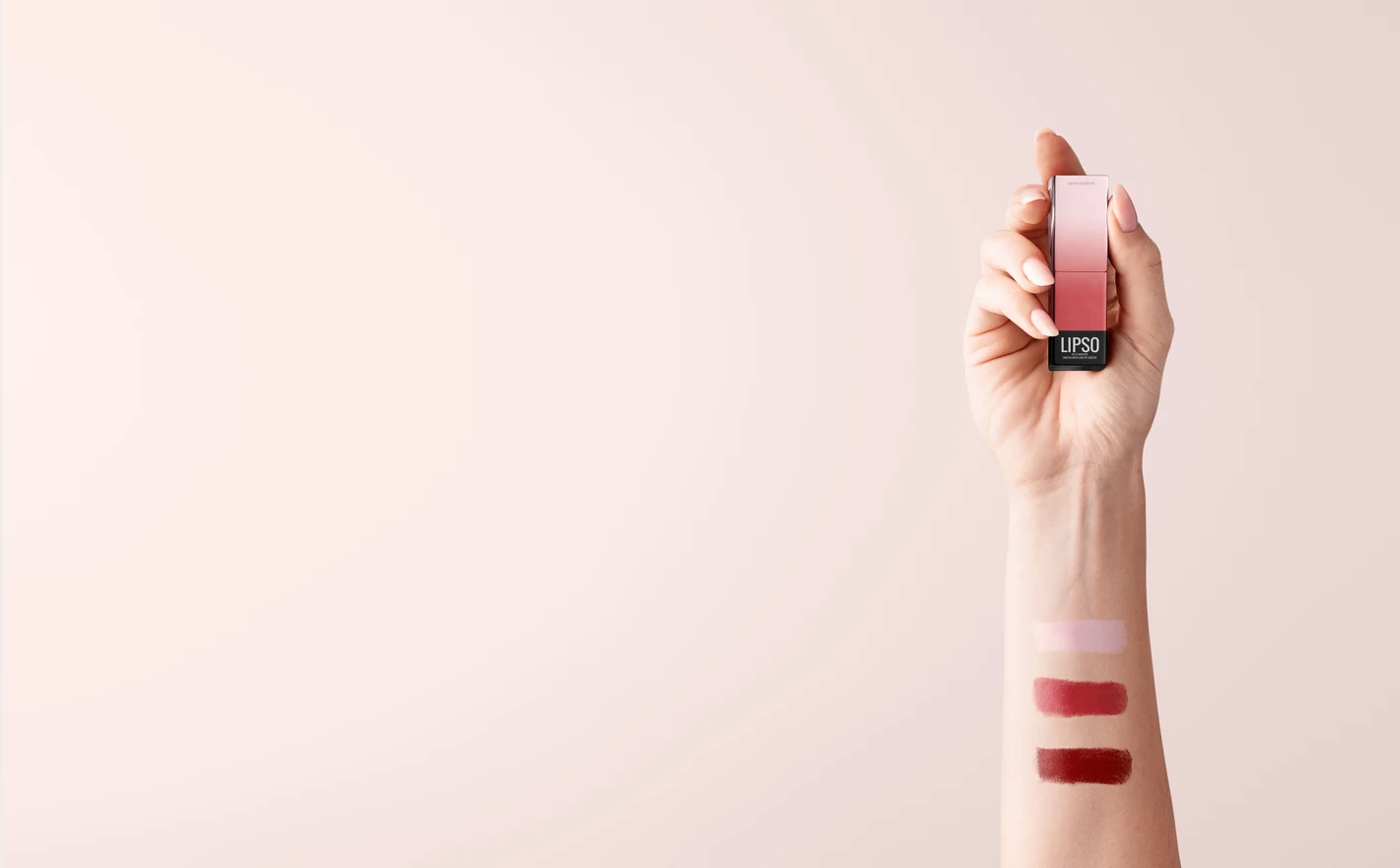
For makeup founders launching a lipstick
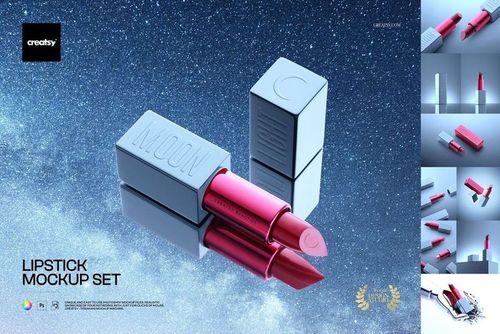
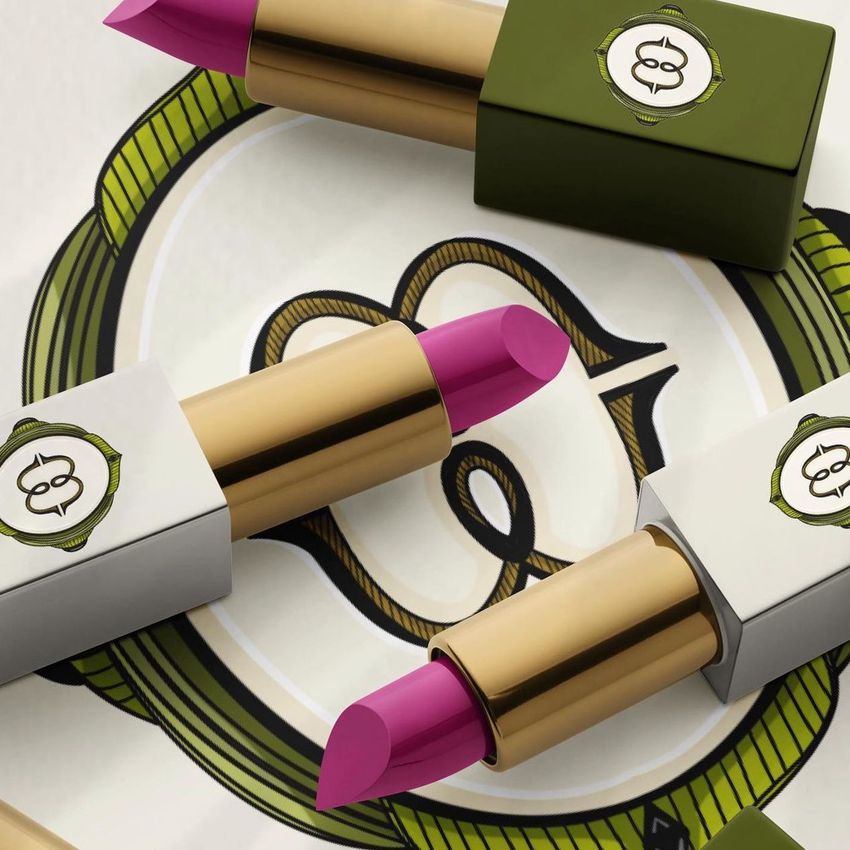
Drop the case artwork and carton design into the Lipstick Mockup Set smart objects and you've got the listing gallery and the launch deck from one file, before the filler has made a bullet. Use the Classic Lipstick set if your supplier stocks the classic bullet case instead.
Need the outer carton too? Browse packaging & wrapping mockups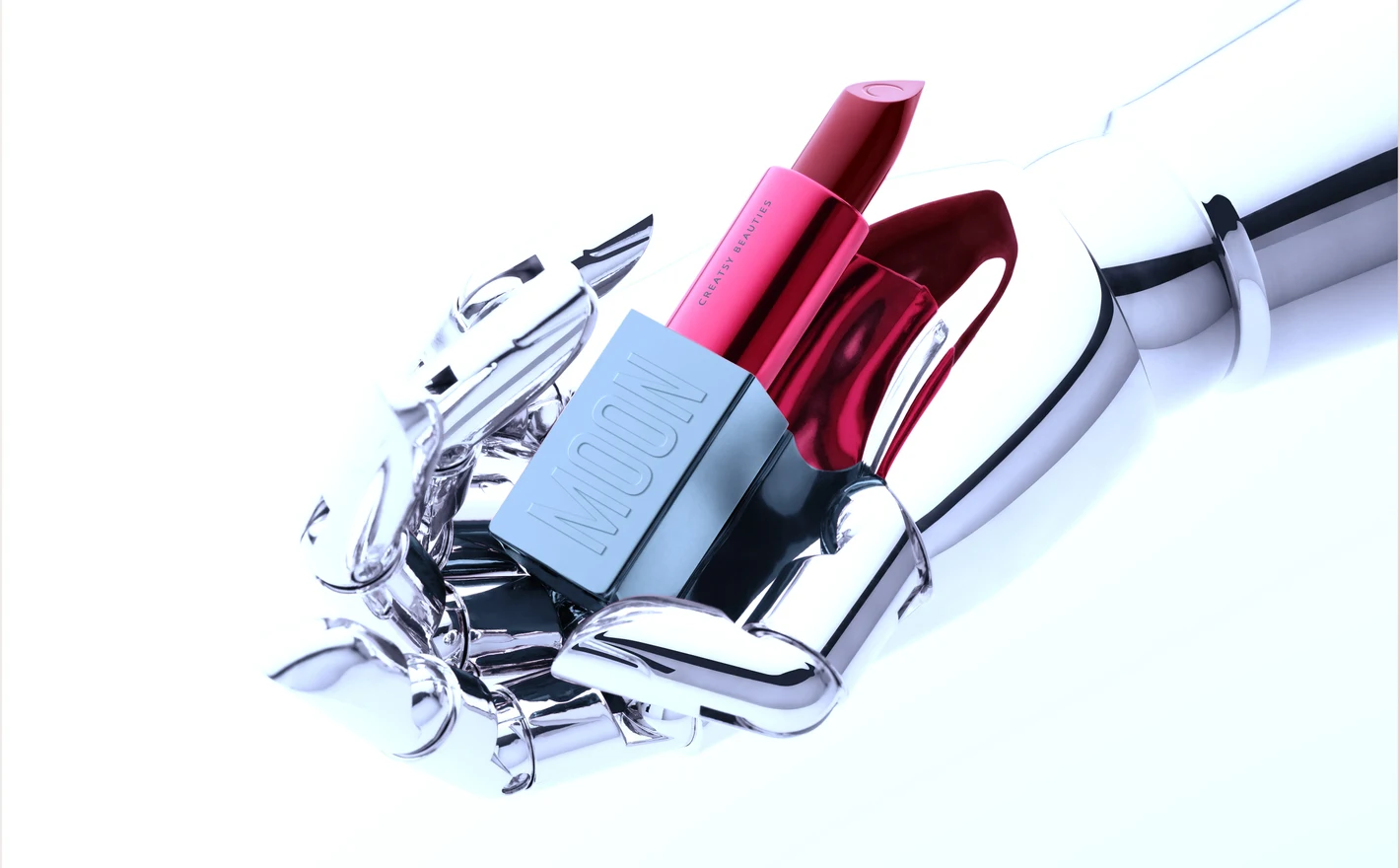
For private-label & white-label cosmetics sellers
Drop a new label into the Classic Lipstick Mockup Set, recolor the case, and the listing is live the day the supplier confirms the shade. Keep the Lipstick Mockup Set for the other case shape, and run both from the same artwork when a range spans the two.
Selling nail polish too? Browse nail art & nail polish mockups
FAQs
The category includes Lipstick and Classic Lipstick mockup sets, an Eyeshadow Palette set, and Female Hand with Swatches of Lipstick. Choose packaging scenes to present the product and a swatch scene to illustrate shade options. Bottles and jars are in Skincare & Body Care.
They use different lipstick packaging and scene arrangements. Compare the case shape, cap and included views with the product you want to show. Do not choose by color alone: the editable colors cannot turn one case design into another. Check each set's software requirements separately.
Use the separate artwork and color controls provided in the chosen file. Check the feature images for the lipstick, case and any box, since the available controls are not necessarily identical across sets. A printed label, a changed color and a debossed effect are different features; confirm which ones the product includes.
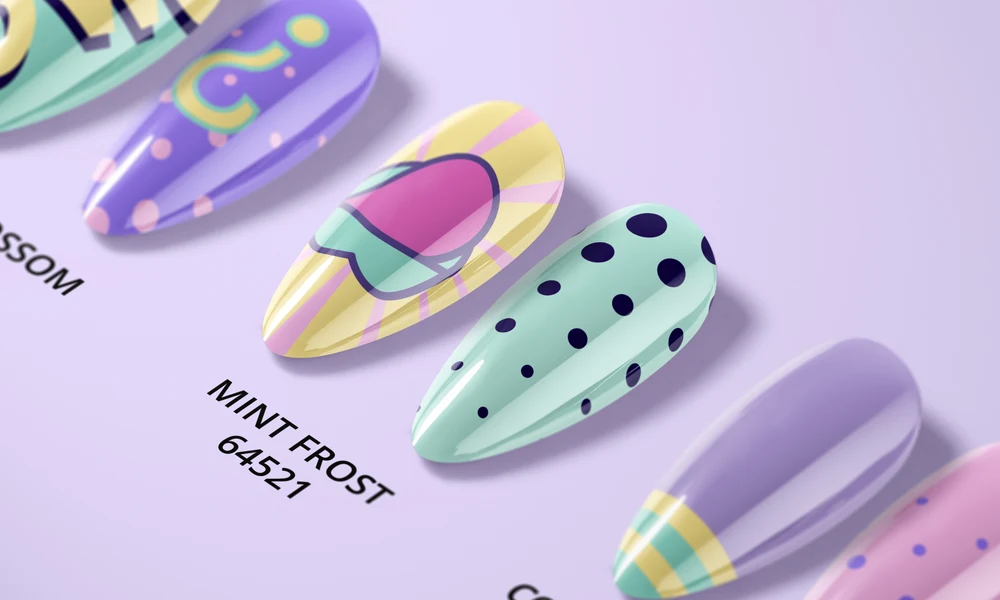
Use it to illustrate a shade range on a hand as part of a presentation. It is not a substitute for photographs of the real formula on skin. Opacity, texture and color can differ in the finished product, so use actual swatches when customers need to judge those properties.
The Eyeshadow Palette Mockup Set includes color and design editing. Use the supplied controls to present your palette concept, and check the feature images for individual pan and packaging options. Do not assume a color adjustment reproduces the real powder's shimmer, opacity or appearance on skin.
Why use Make-up mockups?
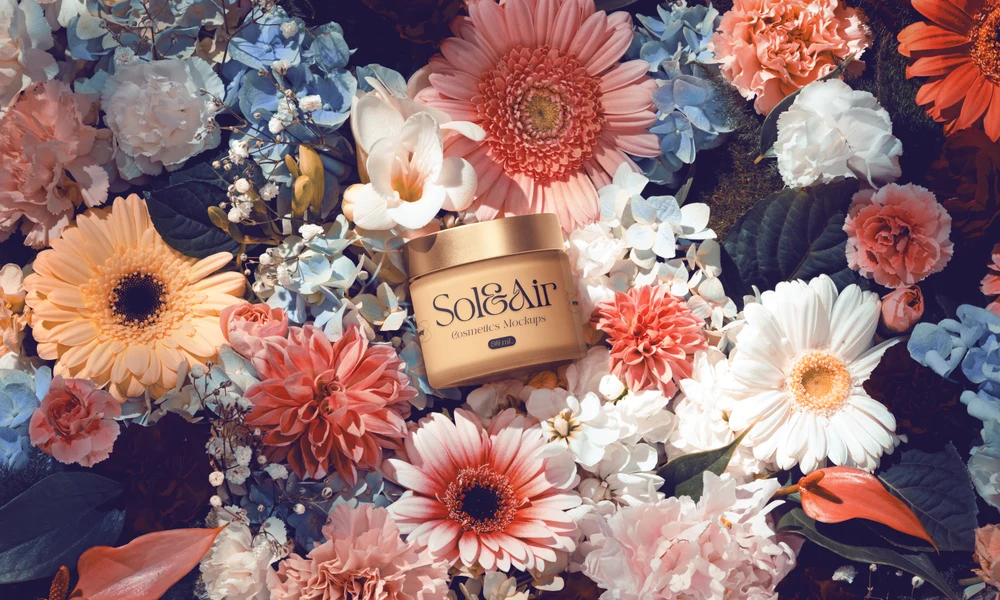
The makeup category includes two lipstick sets with different case styles, an eyeshadow palette and a hand with lipstick swatches. Open, closed and boxed views help you show the packaging alongside the product colors. Compare the galleries to choose the format that resembles the product you are presenting. A lipstick case has little room for a logo, and reflections can change how the lettering appears. A palette presents a larger lid when closed and a separate arrangement of colors when open. The layered files let you review these views with your own artwork; software requirements and editable parts are listed per product. Try the case and box designs together, then use the swatch scene to present shade options separately. Palette scenes provide another way to compare the relationship between packaging artwork and the colors inside. Keep the chosen views for the rest of the range, changing the relevant artwork and color layers in each file. Export them for product pages, ads and client presentations, checking the image dimensions for the intended layout. Consistent compositions make the differences between shades and packaging versions easier to review.
FreeCreatsy® Mockups
Creatsy make the best Mockups on the market, no matter what you need to showcase. These mockups are highly customizable, and the lighting in them makes everything look very realistic. You can keep or turn off many of the Items in the mockup, also a great feature giving control over the look you want. They have the most friendly and very helpful support. I highly recommend these mockups!