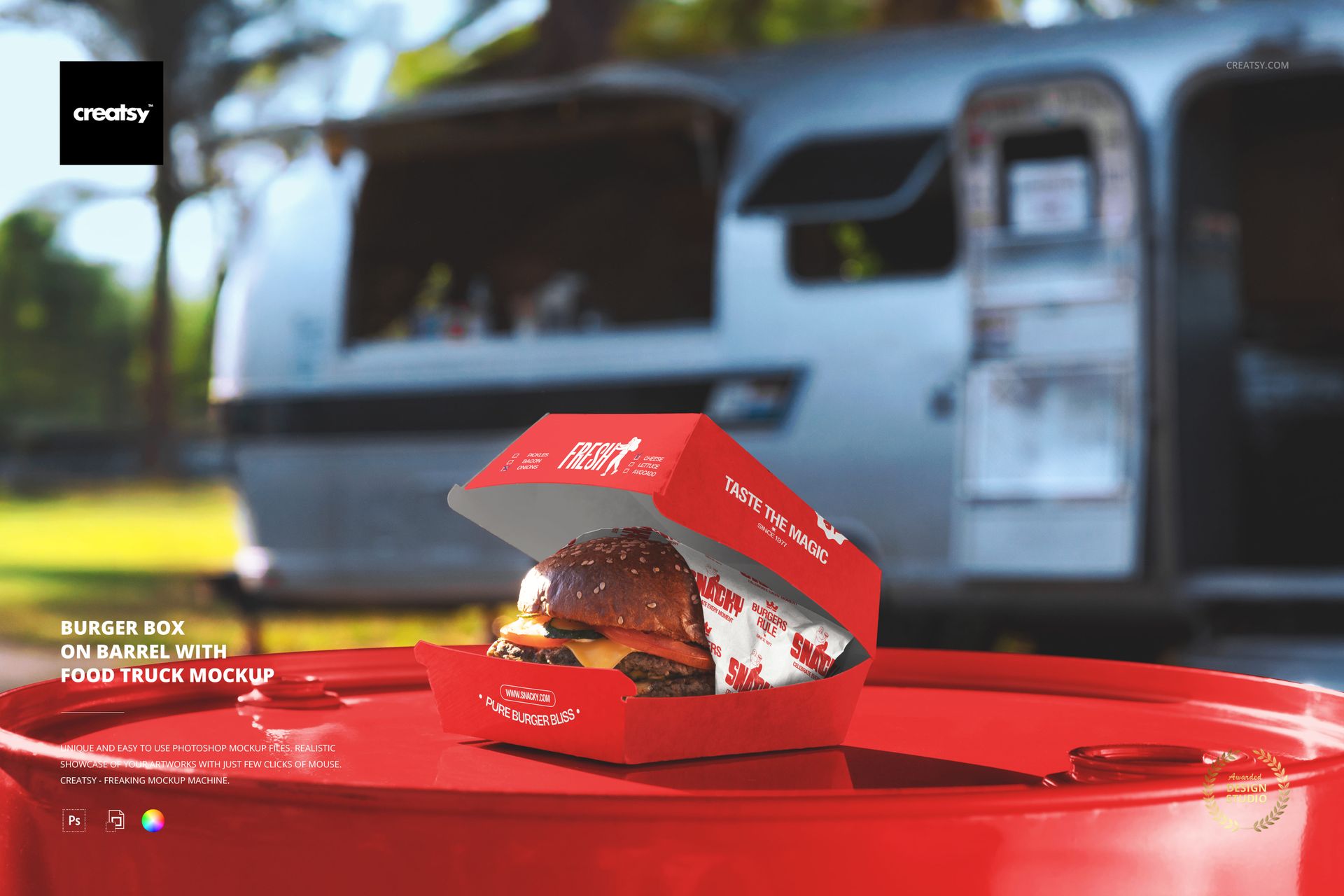
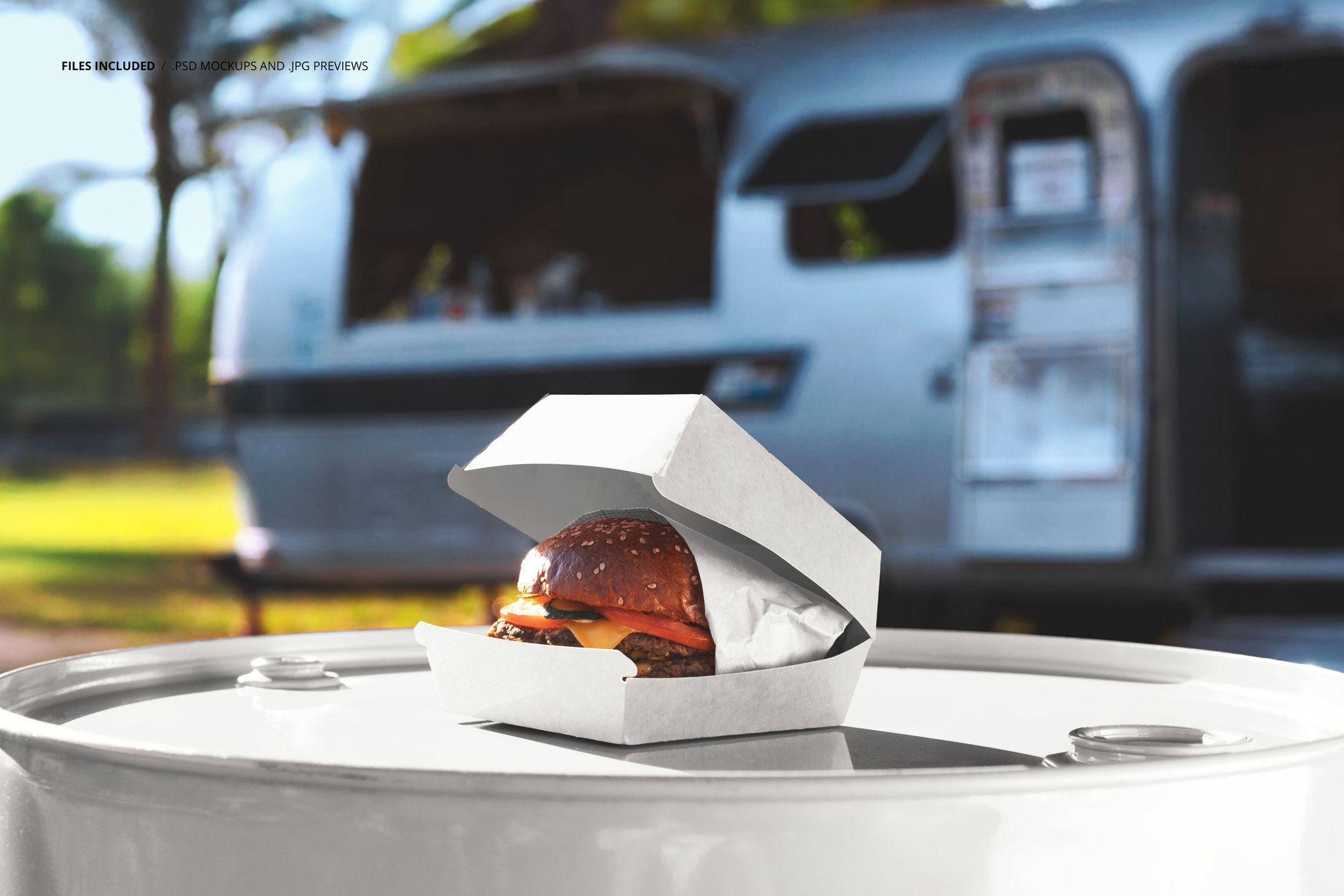
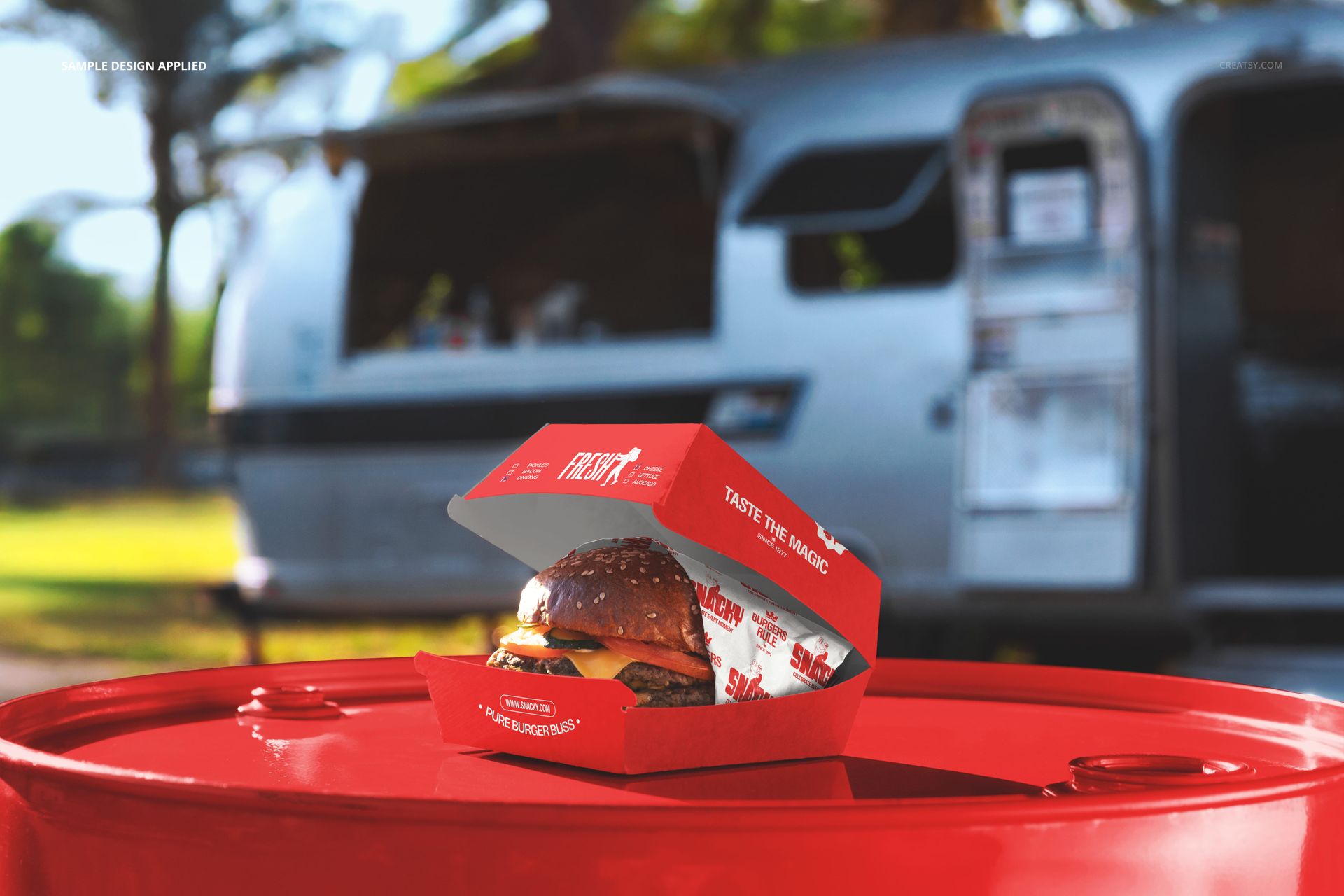
One PSD file at 6000 x 4000 pixels and 300 DPI showing a branded burger box sitting on a wooden barrel in front of a food truck. The scene captures the exact moment between ordering and eating - the box has been placed on the barrel that serves as a makeshift counter, the food truck looms behind it, and the surrounding greenery establishes the outdoor street food atmosphere that defines the food truck experience. This is not a studio photograph of packaging. It is a photograph of packaging in the wild, doing its job in the environment where food truck customers actually interact with it. The file opens in Adobe Photoshop CC 2020 or newer and in Photopea, the free browser-based PSD editor.
The Food Truck Ecosystem
Food trucks operate in a visual economy that is fundamentally different from brick-and-mortar restaurants. There is no interior design, no table setting, no ambient lighting to communicate brand quality. The packaging is the brand. When a customer walks away from a food truck window carrying a burger box, that box is the only branded object they hold. It represents the entire dining experience in a single piece of printed cardboard. This mockup shows that box in its native habitat - outdoors, on an improvised surface, with the truck itself providing the backdrop that connects the packaging to the brand it came from.
The Barrel as Surface
The wooden barrel in this scene is not decorative. Food trucks, pop-up kitchens, and outdoor food markets use barrels, crates, and repurposed furniture as standing tables and serving counters. Placing the burger box on a barrel rather than on a white studio surface tells the viewer that this brand exists in the real world of street food, farmers markets, and outdoor festivals. The barrel's texture adds warmth and rustic character to the composition, complementing food brands that position themselves around craft quality, artisanal ingredients, or farm-to-truck sourcing narratives.
Smart Object Workflow
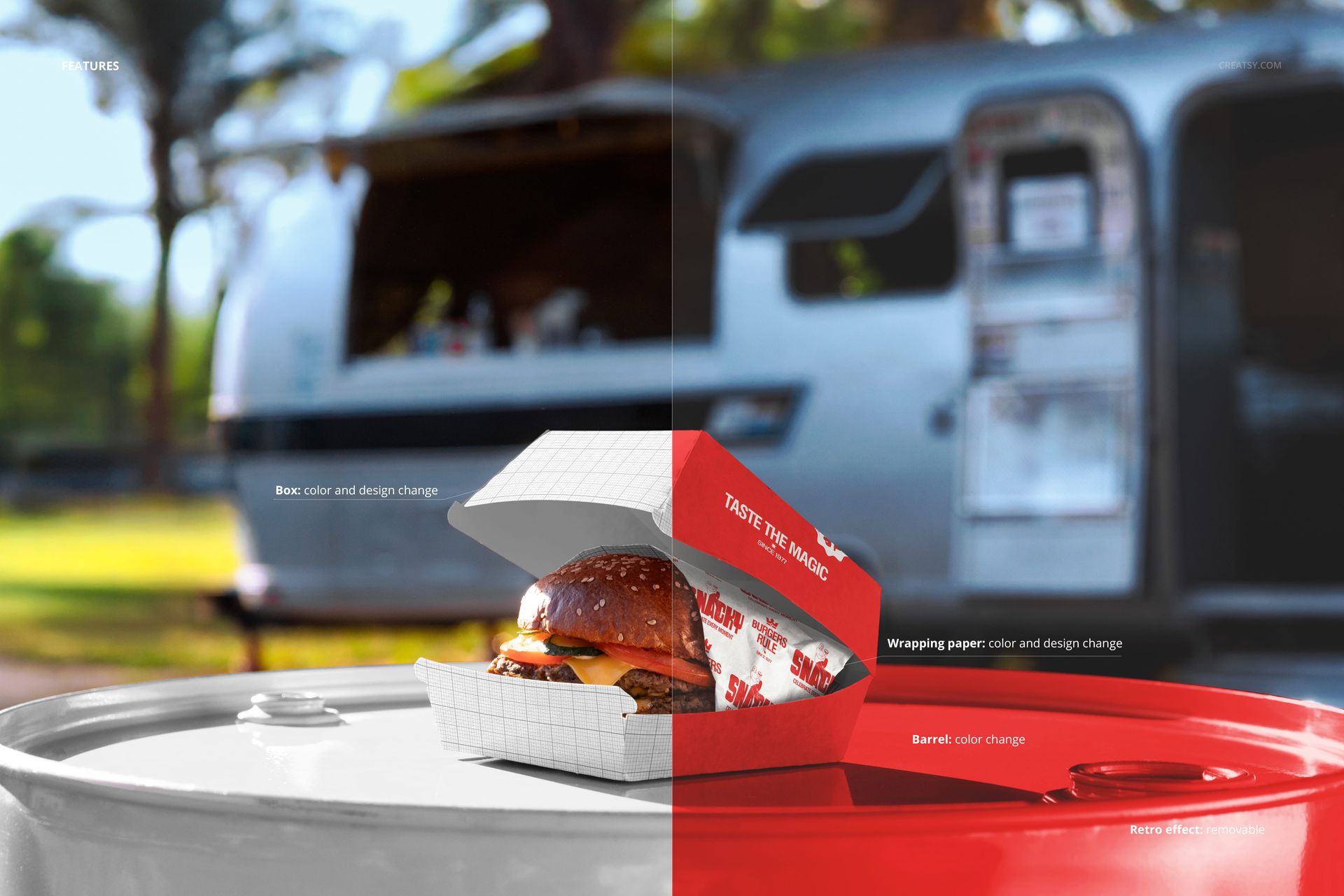
The PSD file contains smart object layers for the burger box surfaces. Open the file in Photoshop CC 2020 or Photopea, locate the smart object layer in the layers panel, and double-click the thumbnail to access the design canvas. Place your box artwork, packaging design, or branded pattern, and save. The main document updates with your design mapped onto the box surfaces, including the natural shadows cast by the box edges, the ambient lighting from the outdoor environment, and the subtle color interactions between the packaging and the warm tones of the barrel surface beneath it.
Brand Positioning Through Context
The food truck visible in the background of this scene establishes a specific brand context that influences how viewers interpret the packaging design. A burger box photographed in isolation could belong to any restaurant. A burger box photographed in front of a food truck belongs to a mobile food operation - a brand built on flexibility, street presence, and direct customer interaction. For food truck owners developing their visual identity, this context alignment between the mockup scene and their actual business model creates marketing materials that feel authentic rather than aspirational.
Technical Specifications
The single PSD file measures 6000 x 4000 pixels at 300 DPI in landscape orientation. The download size is 164.02 MB. Layers are organized and labeled for efficient navigation between the burger box smart objects, barrel surface, food truck backdrop, vegetation elements, and lighting layers. The landscape format exports directly to website hero images, social media posts, delivery app headers, and printed promotional materials.