The Scene
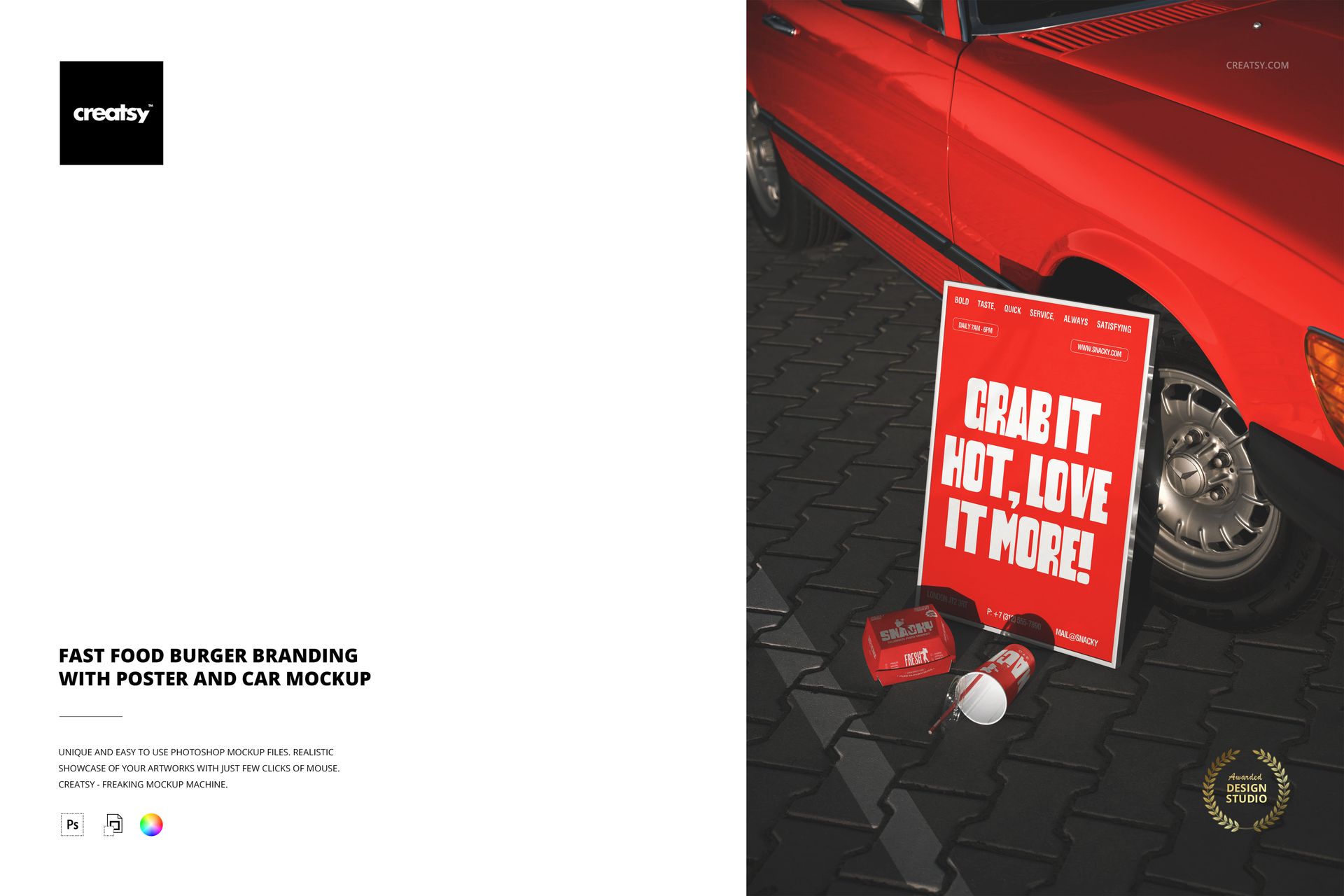
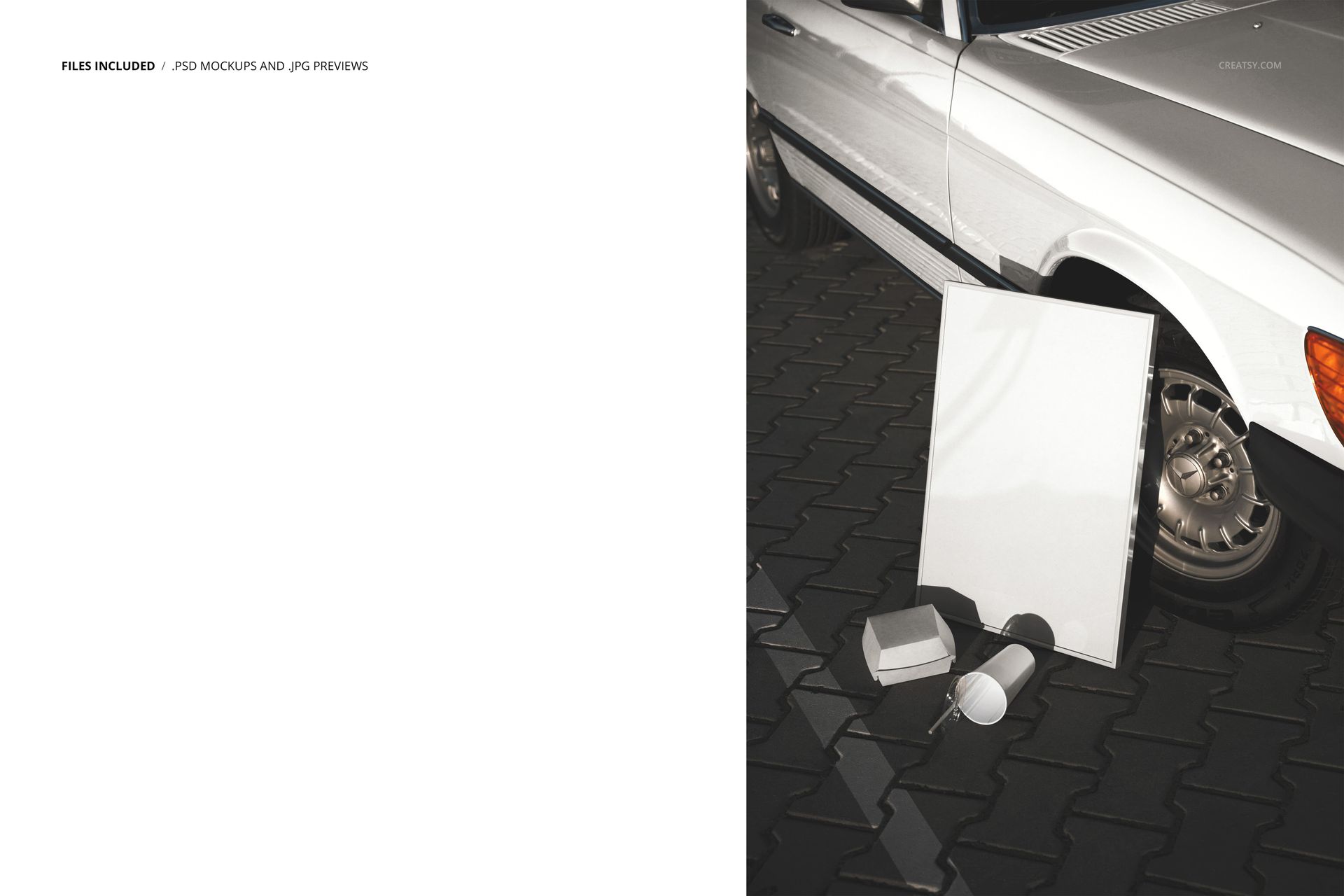
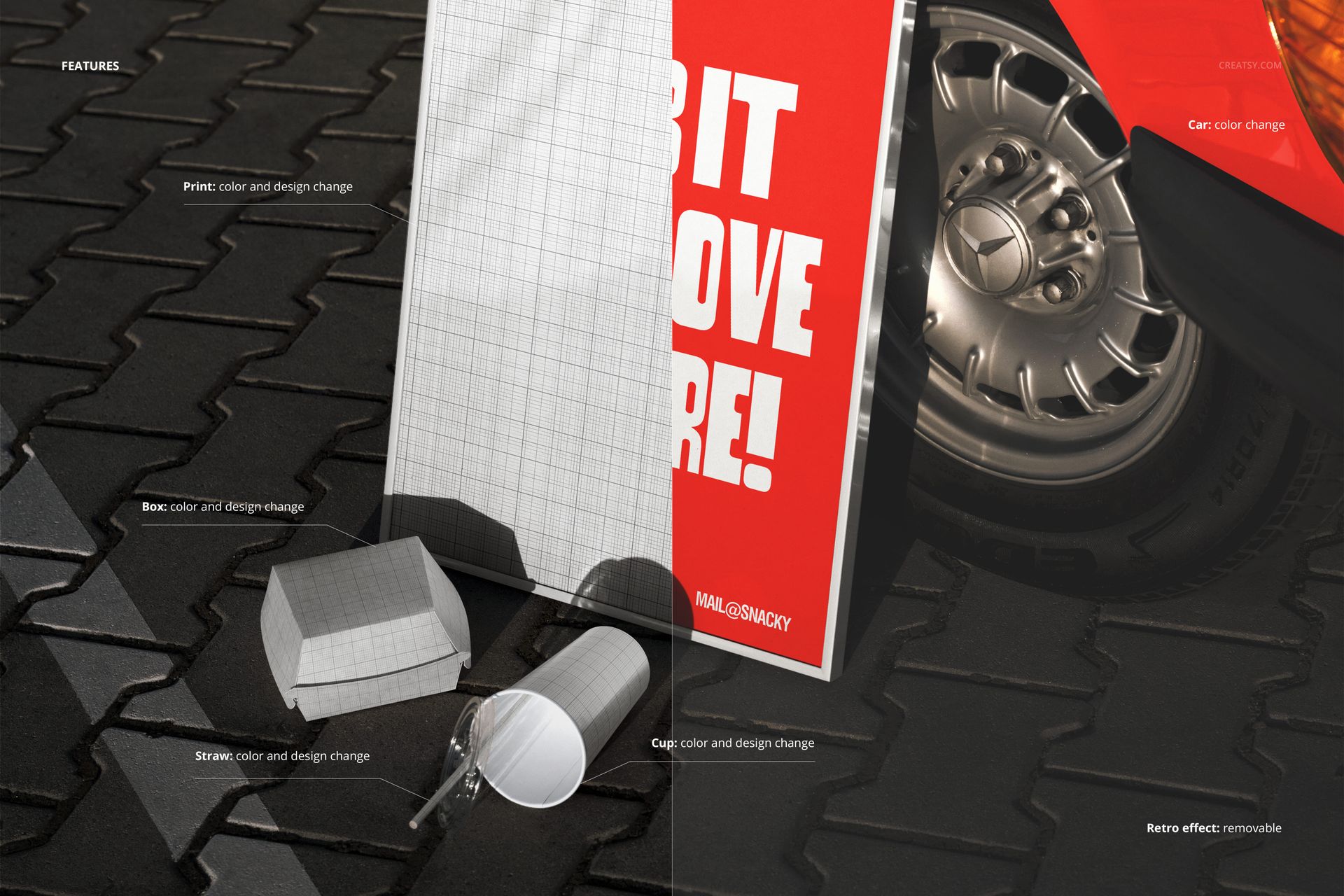
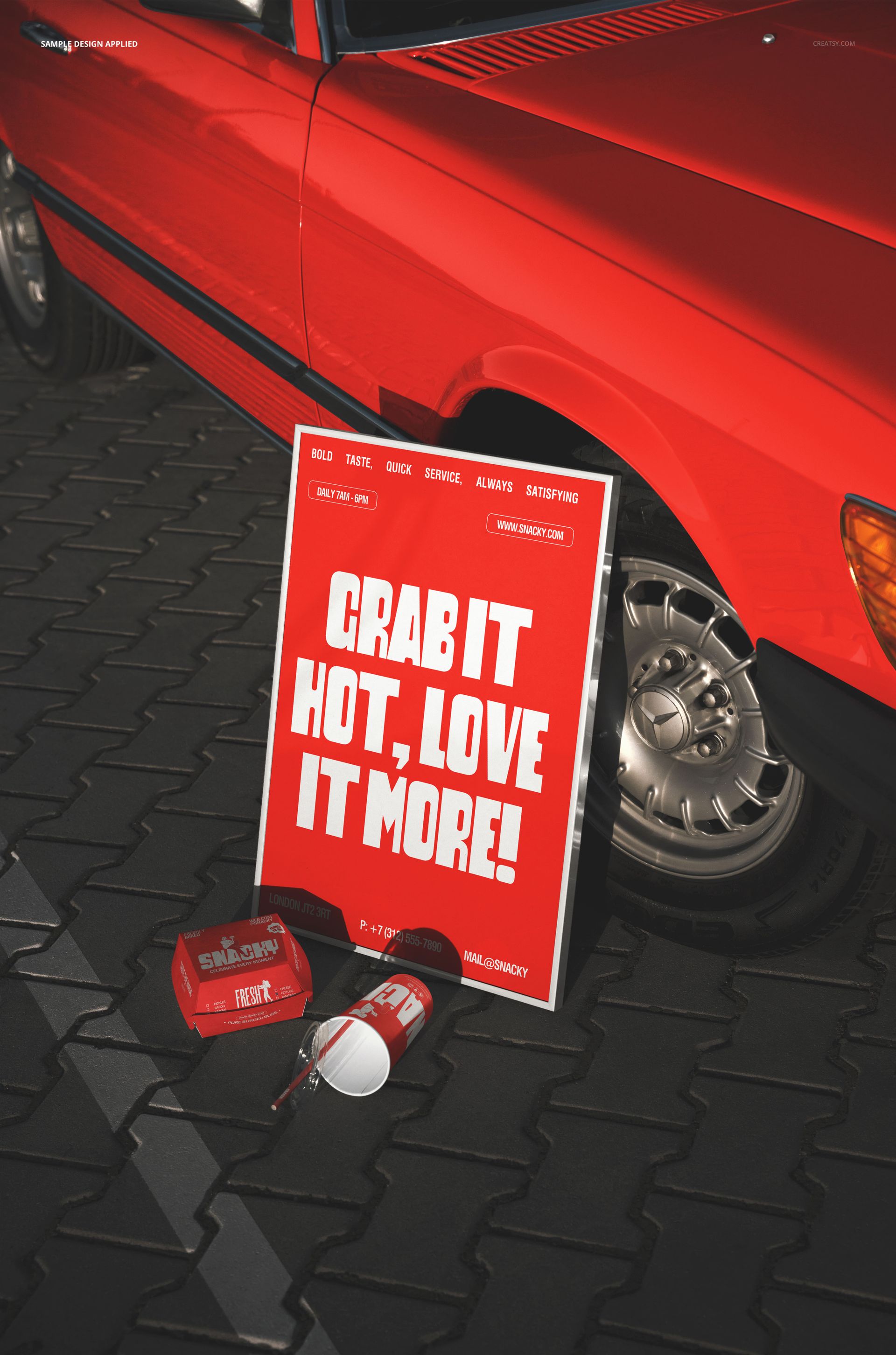
A fast food branding composition that combines a burger box, a poster, and a car in a single outdoor photograph. The setup simulates what a customer sees when they encounter a burger brand in the real world: the packaging, the advertising, and the vehicle branding all visible together in one street-level frame. Each branded element has its own smart object layer, so you apply your logo, menu artwork, and brand graphics independently to each surface. The result is a single image that demonstrates how your fast food identity system works across multiple touchpoints simultaneously. The file opens in Adobe Photoshop CC 2020 or newer and in Photopea, the free browser-based editor.
Every Surface Tells Your Brand Story
The poster carries your headline creative - a menu promotion, a new burger launch, a seasonal offer. The burger box shows your packaging design at the scale customers hold in their hands. The car displays your brand on a moving surface, which is how delivery vehicles and food trucks operate in the real world. By combining all three in one image, you show a client or investor that your brand identity holds together across formats. A logo that works on a small box, a large poster, and a curved vehicle panel is a logo that works everywhere. This mockup proves it visually rather than requiring the viewer to imagine it.
Beyond the Logo
Restaurant branding is more than a logo on a background. It is a system of colors, typography, imagery, and tone that needs to function on surfaces that range from a paper takeout box to a wall-mounted poster to a car wrap. This mockup captures that range in a single photograph. Apply your full brand system - not just the logo but the menu photography, the tagline, the color scheme - and see immediately whether everything coheres when viewed together at different scales and on different materials. The outdoor setting adds environmental context that indoor studio mockups cannot replicate.
Who Needs This
Brand designers presenting a fast food or burger restaurant identity to a client who wants to see how the brand translates beyond a logo file and a style guide. Marketing teams at quick-service restaurant chains preparing campaign materials that show the brand in context. Freelance designers building case studies for their portfolio who need realistic application images to demonstrate how their branding work functions in the real world. Food truck operators and ghost kitchen brands who need professional branding visuals for their investor pitch or franchise documentation.
Outdoor Realism
The photograph was taken outdoors with natural lighting, which means the final composited image carries the color temperature, shadow angles, and ambient light behavior of a real street scene. Indoor studio mockups look clinical and controlled. This outdoor setting adds the environmental context that makes the branding feel alive - as if someone photographed your brand in operation rather than in a design presentation. The natural light and real surfaces make the composited result convincing enough for social media, pitch decks, and portfolio case studies where viewers expect photographic quality.
File Details
One PSD at 6000 by 4000 pixels, 300 DPI, RGB color mode. Download is 285.56 MB. Smart objects for each brandable surface are labeled and organized in layer groups. Adjustment layers for color and lighting control are included.