Notepad & Sticky Note Mockups
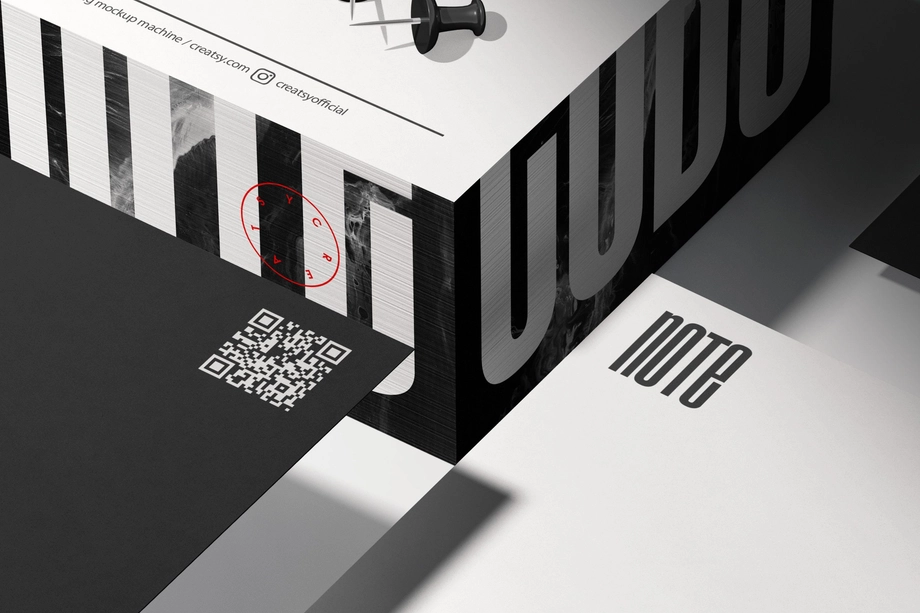
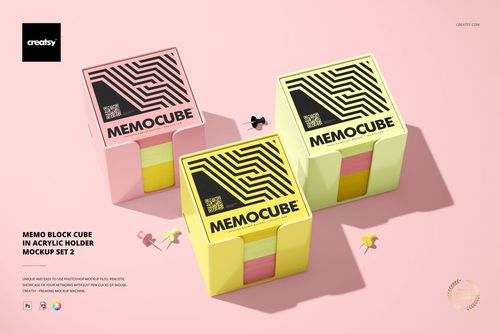
Explore editable notepad and note cube mockups for back-to-school paper goods, stacked memo blocks, and note cubes presented alone or in clear acrylic holders. Add logos, patterns, illustrations, typography, and coordinated colors through layered PSD files and Smart Objects, then create realistic visuals for product listings, corporate gift concepts, school stationery, client presentations, portfolios, advertising, and social media.

What you get
Professional PSD mockups built in-house - editable, realistic, high-resolution, and supported by real people.
Layered PSD Files
Creatsy mockups are delivered as fully layered Photoshop .psd files, with layers sorted into clearly named groups. Shadows, highlights, and the background each sit on their own editable layer, and nothing is flattened into a single image. Open it in Photoshop or the free browser editor Photopea and get to work.
- Clearly named, organized layer groups
- Shadows and highlights on separate layers
- Editable background, never flattened
- Works in Photoshop or free Photopea
Smart Objects
Open the smart object, paste your artwork, and save. The design lands on the product with the perspective, warp, and wrap already worked out. Scene lighting and shadows fall back on top, so it reads as a photograph, not a flat paste-in. Swapping a design takes seconds, so one file can carry a whole run of variants and colorways.
- Double-click, paste your design, save
- Perspective, warp, and wrap pre-built
- Scene lighting and shadows sit back on top
- One file covers many variants and colorways
High-Resolution Output
Many scenes are built from real product photography rather than 3D renders, so the fabric and surface read like a studio shot. Files export at high resolution and stay sharp at full zoom, with clean edges where the print sits. The same file works for a hero banner, a paid ad or a product listing.
- Real product photography in many scenes
- Exports ready for print
- Holds detail at full zoom
- Works for banners, ads and listings
Easy to Edit
Colors, backgrounds, and artwork sit on separate, clearly named layers, so you swap a color or background without disturbing the rest of the scene. There is no relighting or shadow work to redo, and the same file works for your next project.
- Edit color and background layers directly
- No relighting or shadow rework needed
- No masking or layer skills required
- One file reused across projects
Fast Support
There is a real in-house team behind every file, not a ticket bot. Before you buy, ask whether a specific mockup fits what you have in mind, and we will tell you. When a smart object or a layer group is tripping you up, send the question and you usually get a reply within 48 hours.
- Real in-house team behind every file
- Replies within 48 hours
- Pre-purchase help picking the right mockup
- Answers on smart objects and layer setup
Who are these mockups for?
For corporate gift & promotional-product designers
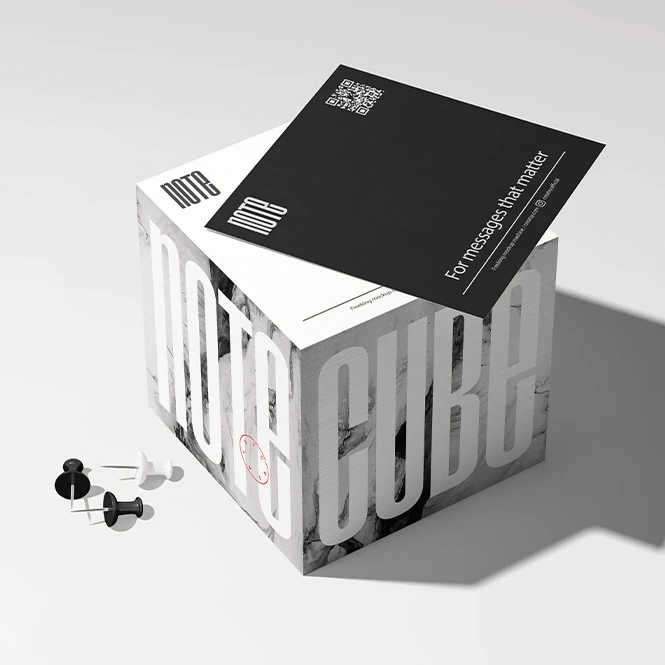
Preview company logos, campaign graphics, and branded color palettes on note cubes and memo blocks in clear acrylic holders. Create visual concepts for office gifts, employee welcome kits, conference materials, and branded desk accessories before final production files are prepared.
Creating a wider branded gift collection? Browse Promotional Products & Giveaways mockups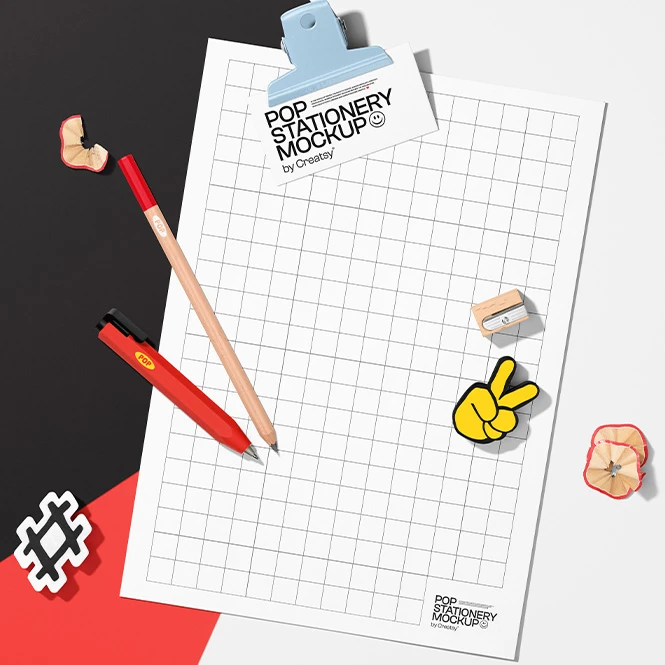
For notepad & stationery brands
Present notepad artwork, note cube designs, memo-paper colors, typography, and coordinated stationery concepts in realistic desk scenes. Use the finished visuals for product listings, wholesale catalogs, client approvals, launch campaigns, and social media.
Developing notebooks or planners? Browse Notebooks, Journals & Planners mockups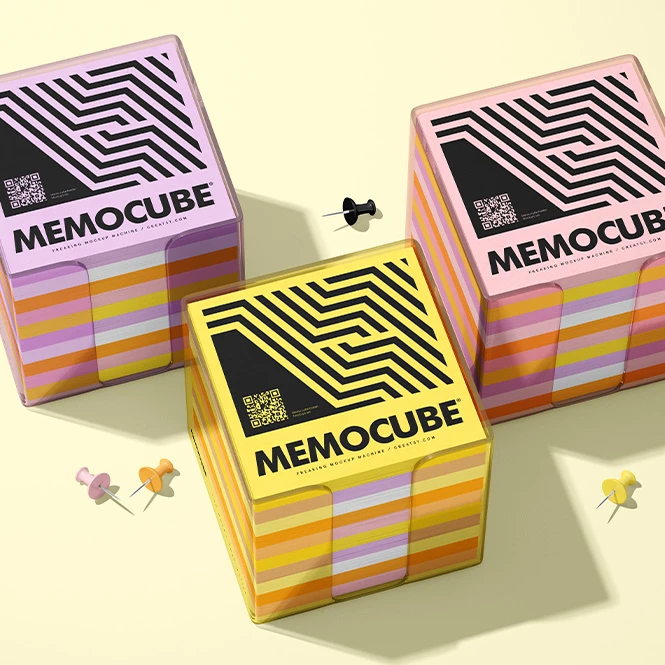
For school, office & personalized stationery sellers
Create realistic visuals for back-to-school notepads, personalized desk paper, teacher gifts, office stationery, and custom memo products. Use clean product views and styled desk scenes for online shops, custom-order previews, catalogs, advertising, and seasonal campaigns.
Need matching pens or pencils? Browse Writing Instruments mockups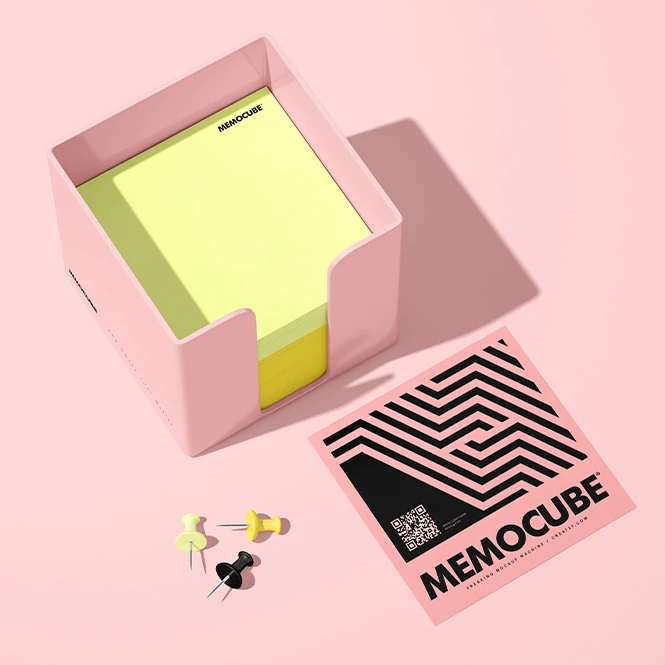
For surface pattern designers & illustrators
Show repeating patterns, illustrations, lettering, and color collections across the top and visible sides of stacked paper products. Use multiple views to demonstrate how one artwork direction works across note cubes, memo blocks, and coordinated stationery.
Building a complete paper-goods presentation? Browse Stationery Sets mockups
FAQs
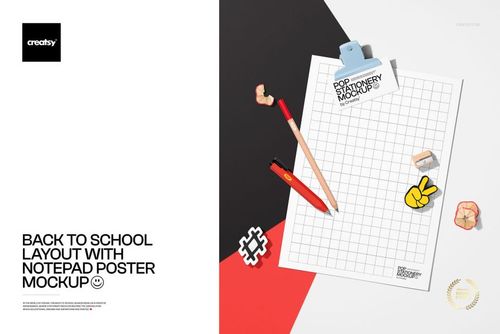
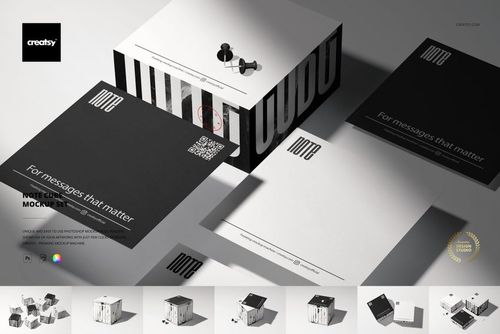
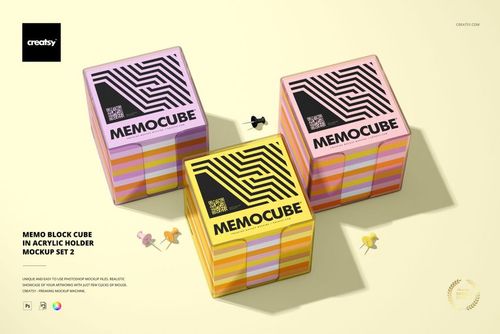
The current collection includes a styled back-to-school notepad scene, a multi-view Note Cube Mockup Set, and two memo block cube sets presented in clear acrylic holders. The note cube products include clean, grouped, top, side, and angled views for presenting artwork and paper colors. For planner and notebook scenes that also contain sticky notes, browse the Notebooks, Journals & Planners category.
A notepad is a flat stack or pad of paper intended for writing, lists, notes, or desk use. A note cube is a deeper, cube-shaped stack of paper that can display artwork on the top and visible side surfaces. A memo block in an acrylic holder places the stack inside a clear reusable container, adding another visible product element to the presentation. Check the product previews to confirm the exact proportions, paper arrangement, holder shape, and editable surfaces.
Customization varies by product. You can generally replace the sample artwork and adjust selected paper or product colors. Depending on the mockup, additional editable elements may include the top sheet, visible cube sides, acrylic holder, background, props, shadows, or other scene details. Check the screenshots and Product Details section for the exact Smart Objects and color controls included in each file.
No. The sets contain separate PSD files, and individual scenes may also contain more than one editable surface. Add the required artwork to each selected PSD and Smart Object separately, then export each scene. Changes made in one document do not automatically update the other files. For example, the Note Cube Mockup Set contains multiple PSD files, while each Acrylic Holder Mockup Set contains multiple separate PSD files.
The editable products are designed for Adobe Photoshop. Several files also work in Photopea, but compatibility varies between products, so check the individual Compatibility section before purchasing. These mockups are presentation files. They do not replace the printer's physical dimensions, paper specifications, print area, bleed, cutting requirements, adhesive or binding method, acrylic-holder specifications, or production proof. Prepare final manufacturing artwork using the supplier's official technical files.
Why use Notepad & Sticky Note mockups?
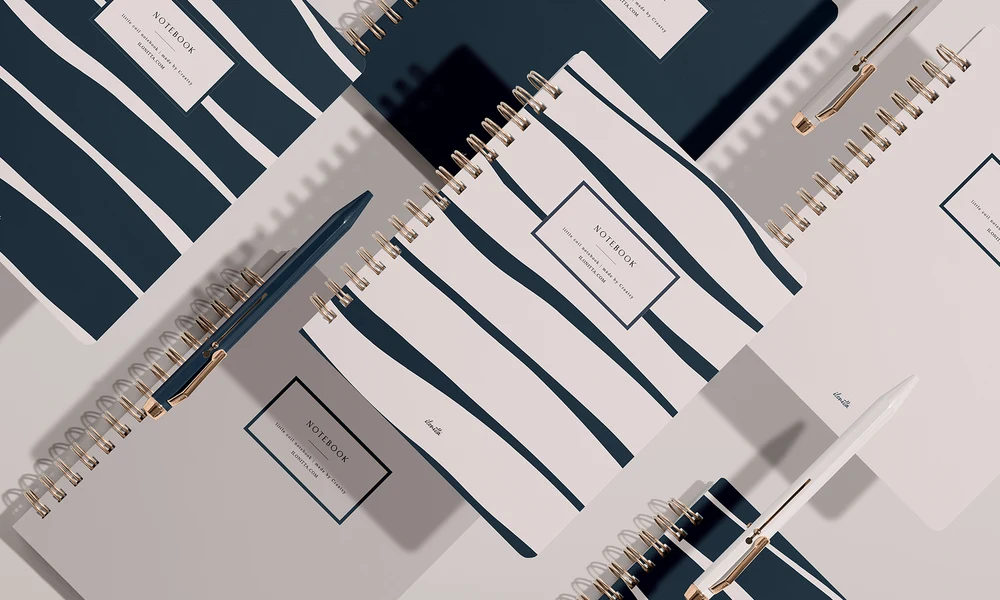
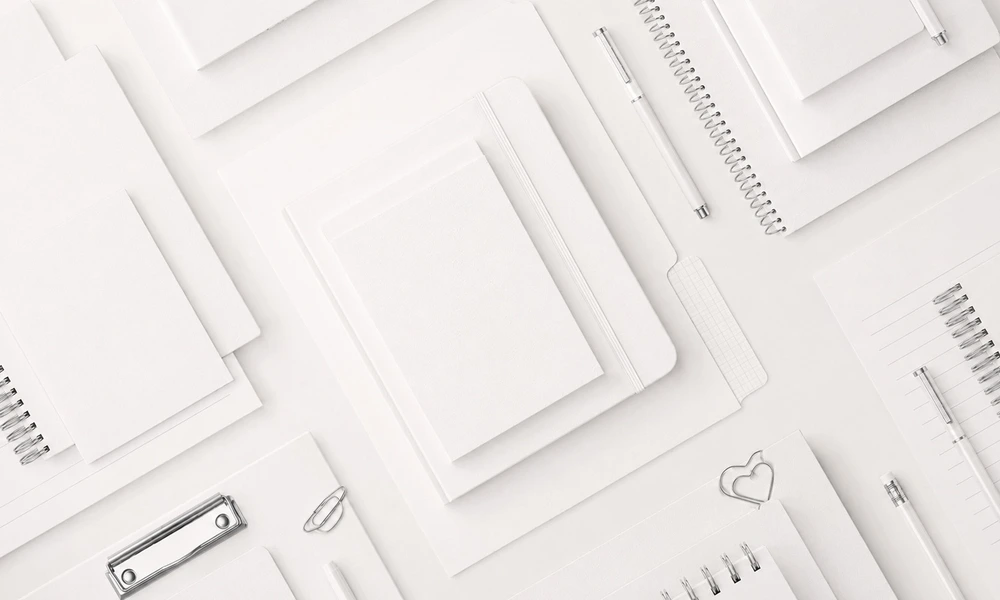
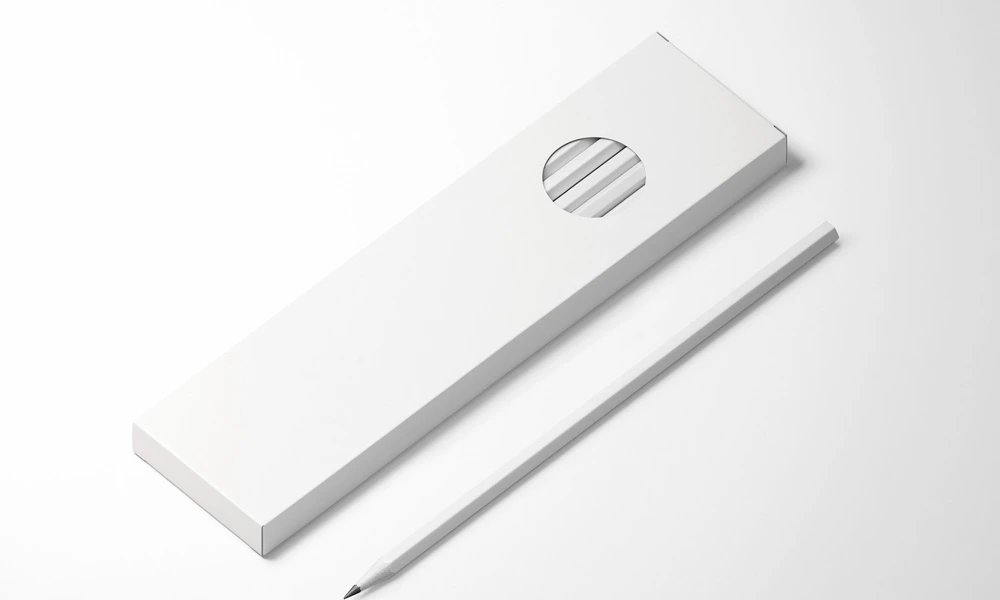
A flat square or rectangular design does not show how artwork will look on a physical stack of paper. A note cube introduces height, visible side surfaces, layered paper edges, and several viewing angles, while an acrylic holder adds transparency, reflections, thickness, and an additional product component. Mockups turn the original artwork into a clearer and more realistic product presentation. Use notepad scenes to present school, office, personalized, or illustrated paper products in context. Note cube mockups help compare top-sheet artwork, side patterns, typography, paper colors, and coordinated design directions. Acrylic-holder scenes make it possible to show how the same memo block appears inside a clear desk container. Layered PSD files and Smart Objects let you replace the sample artwork while preserving the prepared perspective, paper thickness, shadows, lighting, reflections, and product shape. Depending on the selected product, you may also be able to adjust paper colors, holder colors, backgrounds, props, or other scene elements. Separate PSD files and independent Smart Objects must be edited individually. Export the finished visuals for product listings, corporate gift concepts, customer approvals, wholesale catalogs, portfolios, advertising, back-to-school campaigns, and social media. Use the mockups to communicate the intended visual direction. For final production, rely on the manufacturer's exact dimensions, material specifications, print requirements, samples, and proofs.
FreeCreatsy® Mockups