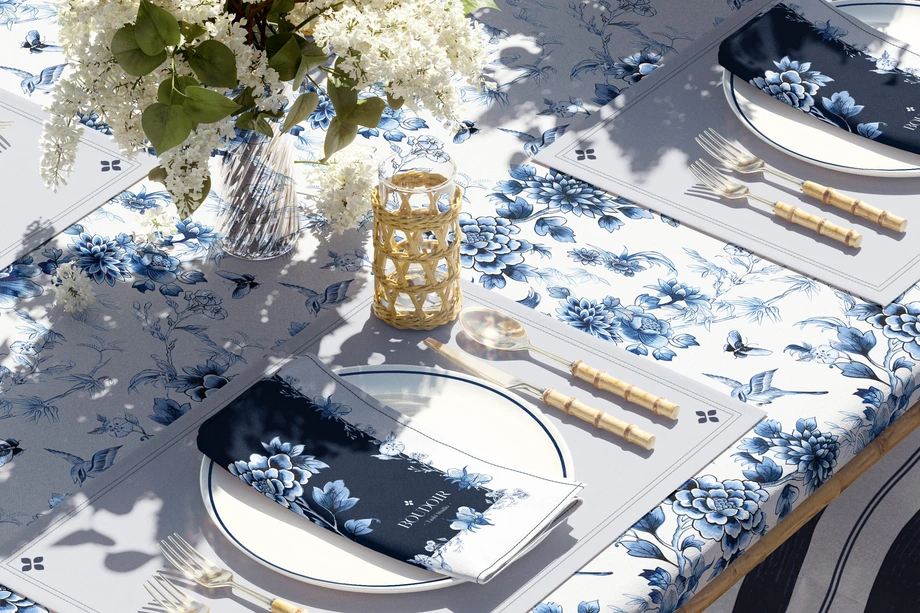
Dining Room, Tableware & Linen Mockups
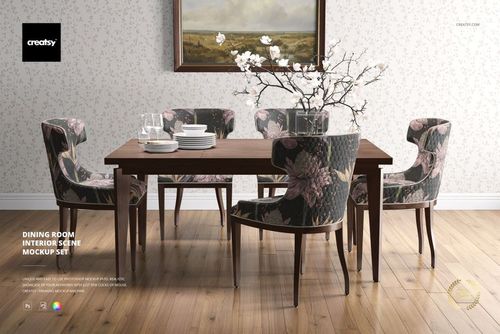
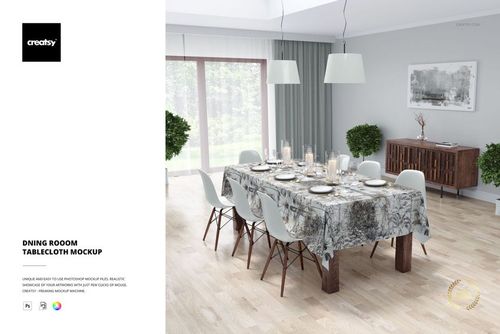
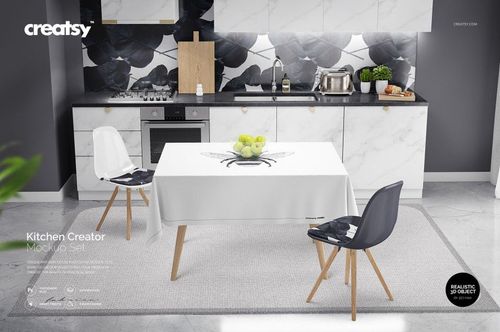
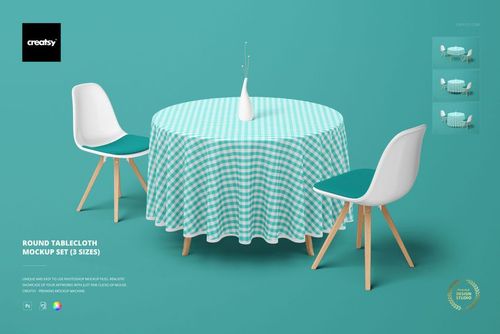
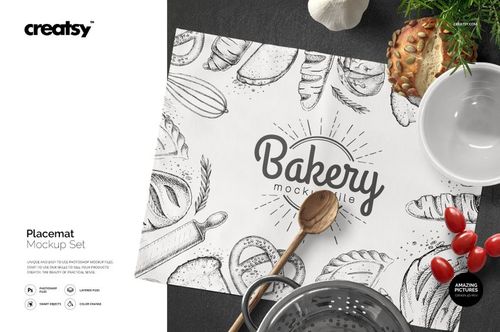
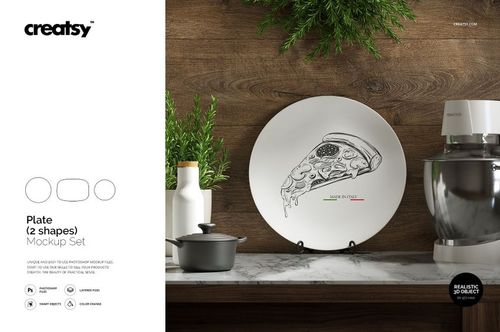
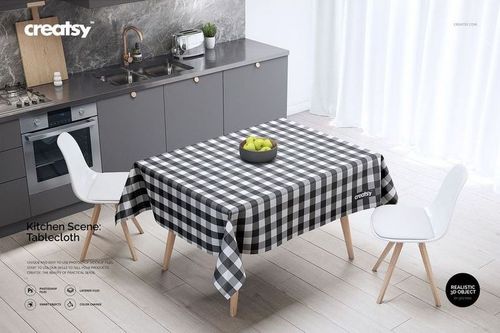
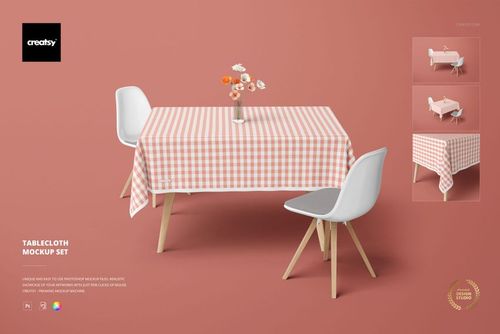
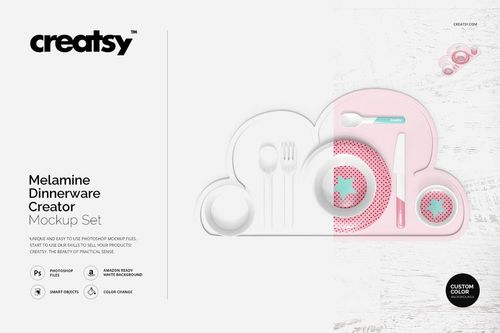
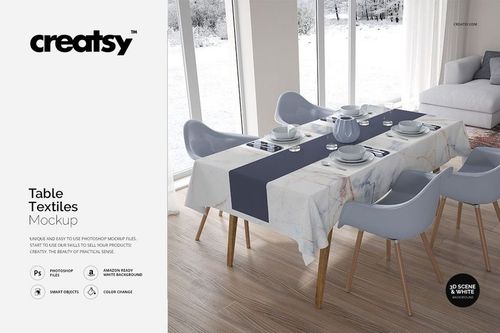
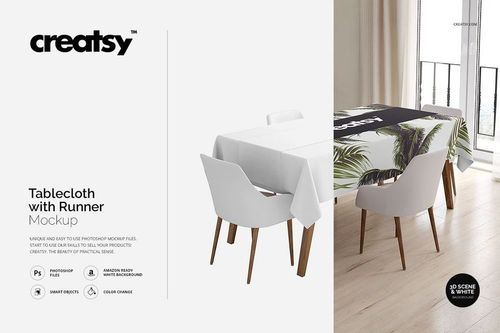
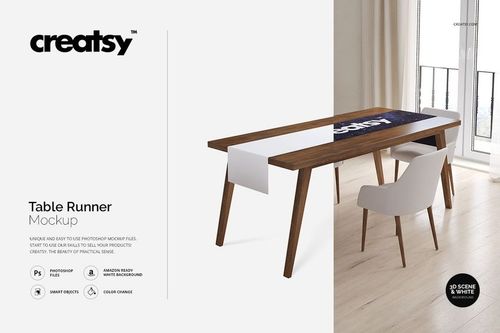
Explore editable dining room, tableware, and linen mockups for rectangular and round tablecloths, table runners, cotton-linen napkins, placemats, fringed table textiles, ceramic and melamine plates, and coordinated table settings. Present artwork in clean product views, dining-room interiors, kitchen scenes, garden tables, seasonal compositions, and full place settings. Use layered Photoshop files and Smart Objects to create realistic visuals for product listings, licensing presentations, hospitality concepts, catalogs, advertising, and social media.



Reviews
What designers and brand owners say after using these PSD mockups in real client work.
0
Sort by:


Very good quality! I really liked the results. Since there are really few of these table textiles setting scene mockups, I'd appreciate to have other angles and close ups, but this one is great.
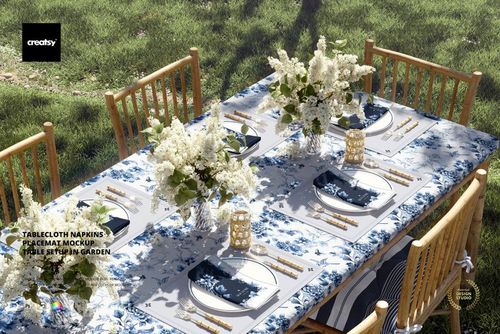
 Tablecloth Napkins Placemat Mockup - Table Setup in Garden View product
Thank you so much for your thoughtful review! We’re so happy to hear you liked the quality and the final result. We also really appreciate your note about additional angles and closeups - thank you for sharing that with us.

2
Tablecloth Napkins Placemat Mockup - Table Setup in Garden View product Thank you so much for your review! We truly appreciate your support and are so happy you enjoyed the mockup.
another amazing mockup, Creatsy is just the best ever!
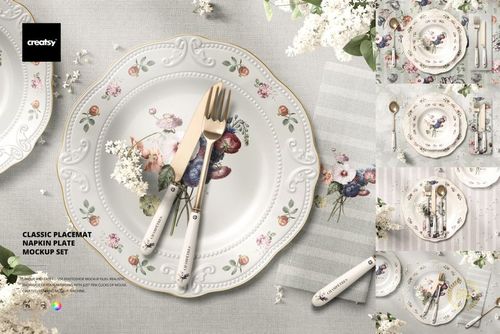
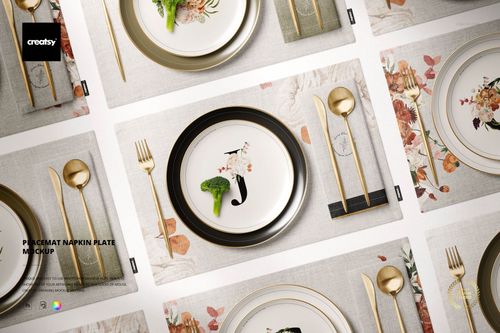
 Classic Placemat Napkin Plate Mockup View product
 Thank you so much! We’re so happy you love the mockup. Your kind words truly made our day.


What you get
Professional PSD mockups built in-house - editable, realistic, high-resolution, and supported by real people.
Layered PSD Files
Creatsy mockups are delivered as fully layered Photoshop .psd files, with layers sorted into clearly named groups. Shadows, highlights, and the background each sit on their own editable layer, and nothing is flattened into a single image. Open it in Photoshop or the free browser editor Photopea and get to work.
- Clearly named, organized layer groups
- Shadows and highlights on separate layers
- Editable background, never flattened
- Works in Photoshop or free Photopea
Smart Objects
Open the smart object, paste your artwork, and save. The design lands on the product with the perspective, warp, and wrap already worked out. Scene lighting and shadows fall back on top, so it reads as a photograph, not a flat paste-in. Swapping a design takes seconds, so one file can carry a whole run of variants and colorways.
- Double-click, paste your design, save
- Perspective, warp, and wrap pre-built
- Scene lighting and shadows sit back on top
- One file covers many variants and colorways
High-Resolution Output
Many scenes are built from real product photography rather than 3D renders, so the fabric and surface read like a studio shot. Files export at high resolution and stay sharp at full zoom, with clean edges where the print sits. The same file works for a hero banner, a paid ad or a product listing.
- Real product photography in many scenes
- Exports ready for print
- Holds detail at full zoom
- Works for banners, ads and listings
Easy to Edit
Colors, backgrounds, and artwork sit on separate, clearly named layers, so you swap a color or background without disturbing the rest of the scene. There is no relighting or shadow work to redo, and the same file works for your next project.
- Edit color and background layers directly
- No relighting or shadow rework needed
- No masking or layer skills required
- One file reused across projects
Fast Support
There is a real in-house team behind every file, not a ticket bot. Before you buy, ask whether a specific mockup fits what you have in mind, and we will tell you. When a smart object or a layer group is tripping you up, send the question and you usually get a reply within 48 hours.
- Real in-house team behind every file
- Replies within 48 hours
- Pre-purchase help picking the right mockup
- Answers on smart objects and layer setup
Who are these mockups for?
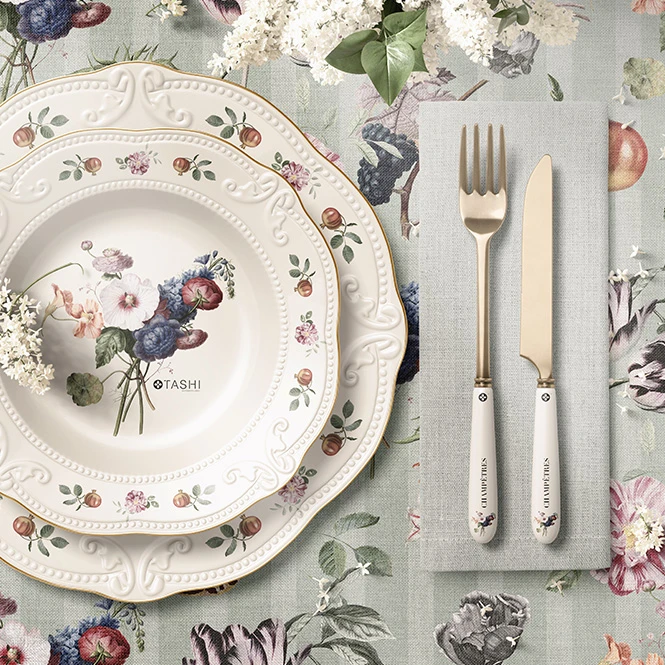
For restaurants, cafes & hospitality brands
Create coordinated table concepts using tablecloths, runners, napkins, placemats, and tableware. Use full table settings in hospitality proposals, seasonal menus, venue presentations, advertising, and social media.
Building a wider venue identity? Browse Restaurant & Cafe Branding mockups.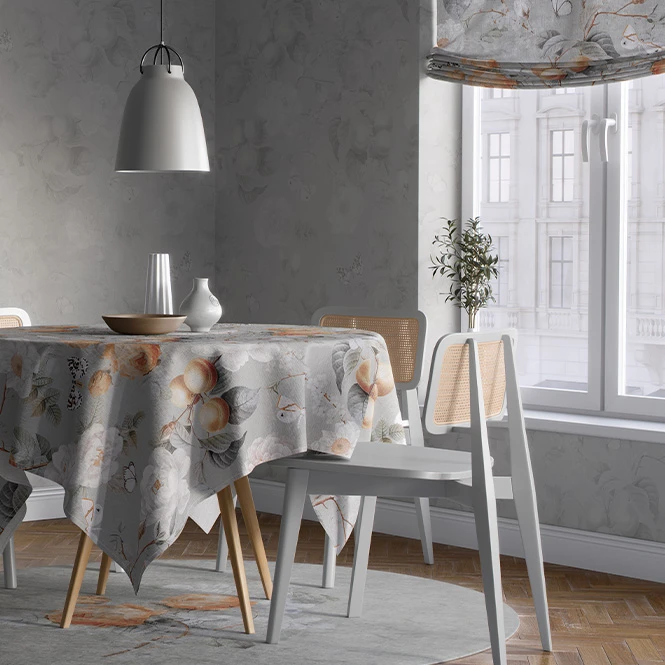
For surface pattern designers & licensing studios
Show one artwork collection across table textiles, plates, wallpaper, and selected dining-room surfaces. Use the finished images in licensing decks, buyer presentations, agent submissions, portfolios, and trade-show materials.
Presenting patterns on other home products? Browse Home & Living mockups.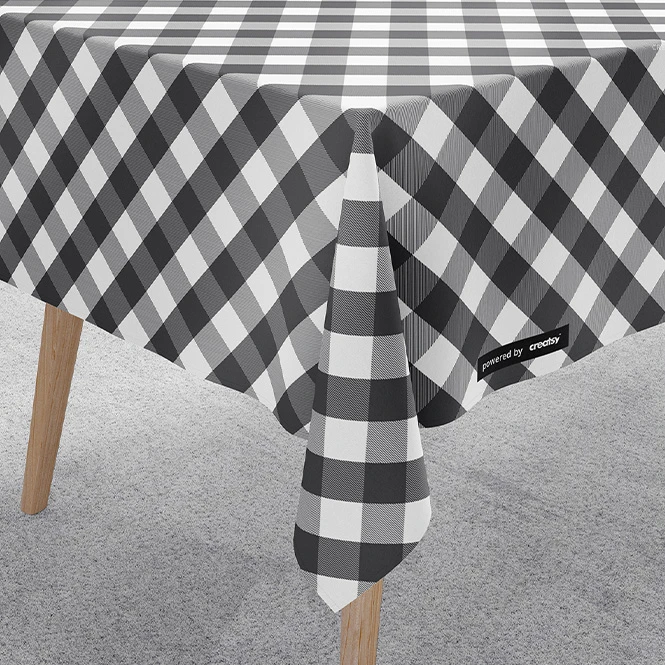
For table linen & home textile brands
Present repeating patterns across tablecloths, runners, napkins, placemats, and coordinated textile sets. Use individual product views and styled tables for online listings, retailer presentations, catalogs, and product launches.
Creating matching kitchen products? Browse Kitchen Textiles & Accessories mockups.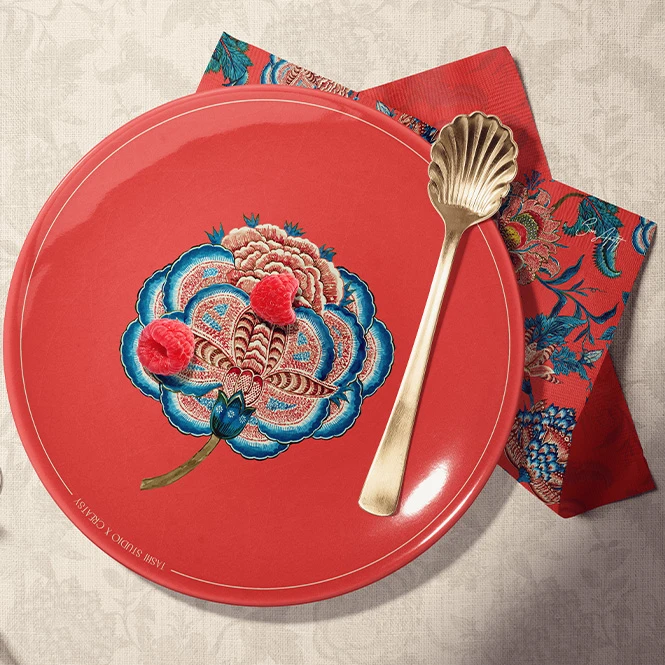
For tableware & ceramics brands
Present ceramic and melamine plate artwork together with matching placemats, napkins, runners, and tablecloths. Use product-focused and styled scenes for collections, catalogs, client approvals, retailer decks, and campaigns.
Need more drinkware products? Browse Drinkware mockups.
FAQs
The current collection includes rectangular and round tablecloths, table runners in several dimensions, cotton-linen napkins, placemats, fringed placemats, ceramic plates, melamine dinnerware, table-textile sets, and coordinated dining-room, kitchen, garden, retro, and Christmas table scenes.
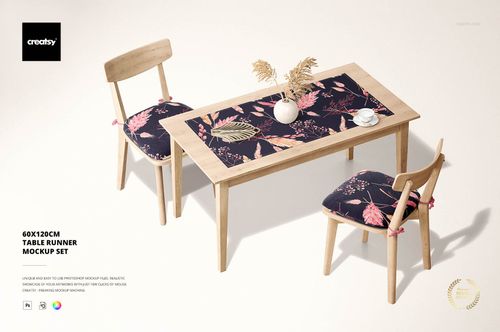
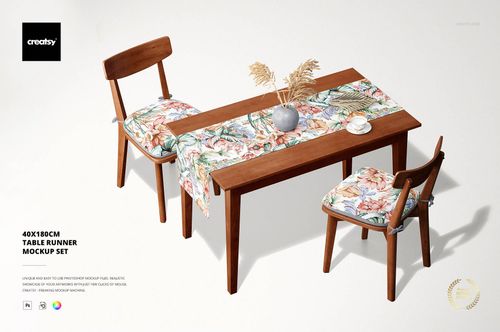
Yes. The category includes rectangular tablecloths, round tablecloths in several sizes, general tablecloth sets, and dedicated table runners such as 40 x 180 cm and 60 x 120 cm products. Exact physical dimensions and visible surfaces should be confirmed on the individual product page. The stated product sizes should not be treated as universal restaurant or event-industry standards.
Yes. Selected mockups show combinations of tablecloths, napkins, placemats, plates, runners, and decorative table elements in one composition. Each visible product or surface may have its own Smart Object. A scene containing several products is not one automatically linked identity system. Add the required artwork to every editable surface separately.
Customization varies by product. Editable elements may include tablecloths, runners, napkins, placemats, plate surfaces, wallpaper, frames, tableware, backgrounds, table colors, props, shadows, or other room details. Not every visible object is editable, so check the screenshots and Product Details section.
The mockups are designed for Adobe Photoshop. Selected products may also work in Photopea, but compatibility varies by file. They do not replace textile patterns, table dimensions, hems, sewing allowances, ceramic decoration templates, plate-print areas, food-contact requirements, material specifications, physical samples, or production proofs.
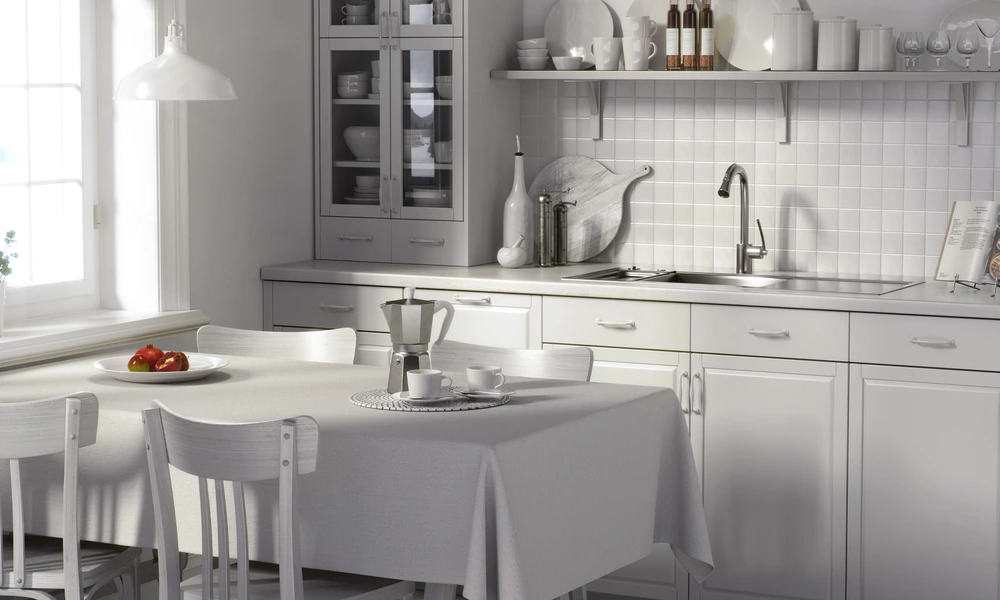
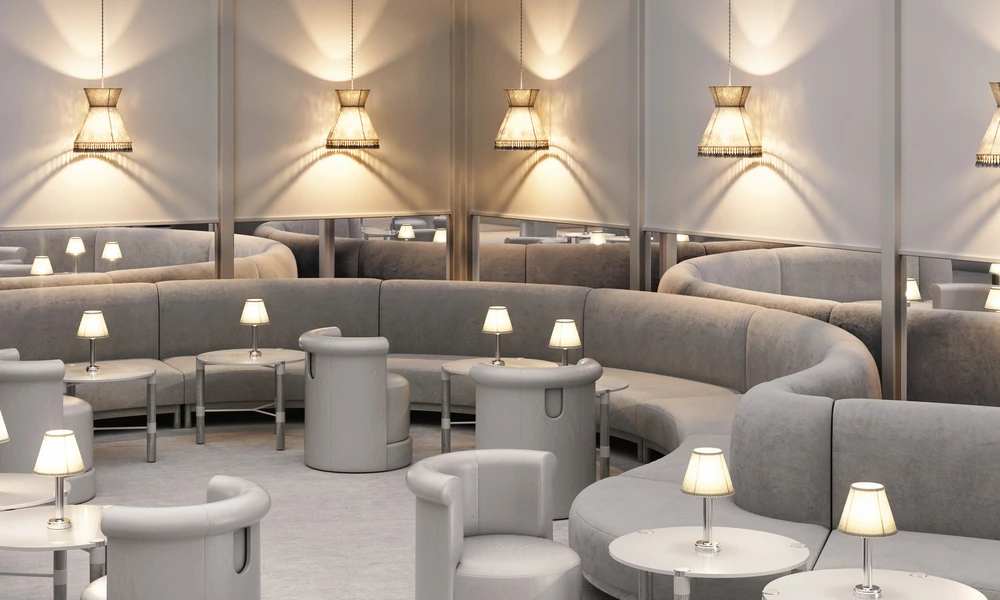
Why use Dining Room, Tableware & Linen mockups?
Dining collections place artwork on textiles that fold, hang, overlap, crease, and drape over table edges, as well as on curved ceramic or melamine surfaces. A flat pattern tile does not communicate how the complete place setting will look once the products are arranged together. Use tablecloth and runner mockups to compare pattern direction, perceived scale, border placement, colorways, and the way artwork continues across folds and table edges. Napkin and placemat scenes help present smaller textile formats, while plate mockups extend the same design direction to tableware. Full table settings provide context for restaurant branding, hospitality proposals, seasonal dining collections, licensing presentations, and homeware campaigns. Kitchen, garden, Christmas, retro, and dining-room scenes offer different styling directions for the same artwork collection. Layered Photoshop files and Smart Objects preserve the prepared folds, table drape, ceramic curves, lighting, shadows, and interior perspective while the artwork is replaced. Depending on the selected product, you may also be able to adjust wallpaper, frames, backgrounds, plates, props, or other scene details. Export the finished visuals for product listings, licensing decks, hospitality presentations, retailer pitches, catalogs, portfolios, advertising, and social media. For final manufacturing, rely on the supplier's exact dimensions, templates, materials, food-contact requirements, sewing specifications, samples, and proofs.
FreeCreatsy® Mockups
As always, Creatsy delivers on quality mockups.
Thank you so much for your lovely review! We’re so happy to hear our mockups continue to meet your expectations. Your support truly means a lot to us.