 $7900
$7900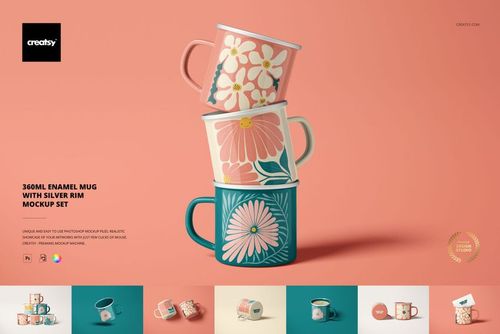
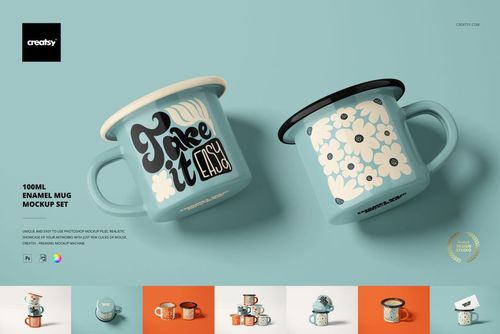
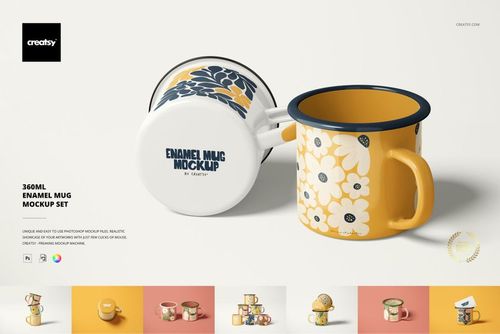
Enamel Mug Mockups
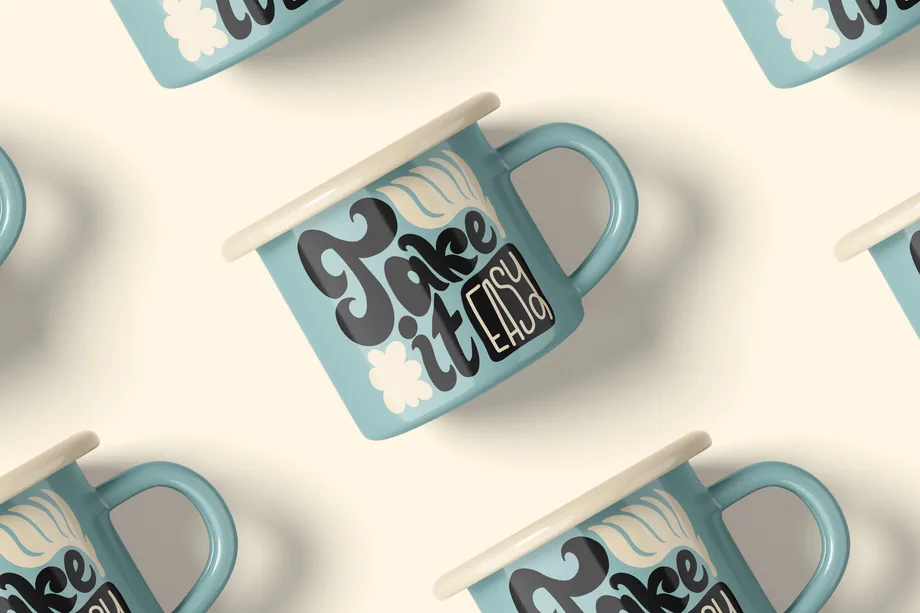
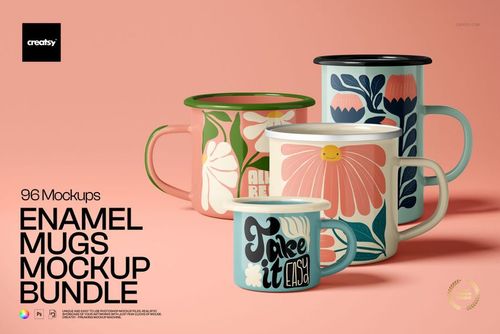
Preview logos, illustrations and repeat patterns on 100, 360 and 450 ml enamel mug mockups. Choose silver or colored rim styles and compare how your artwork wraps around the mug for camping merchandise, personalized gifts and online shop listings.


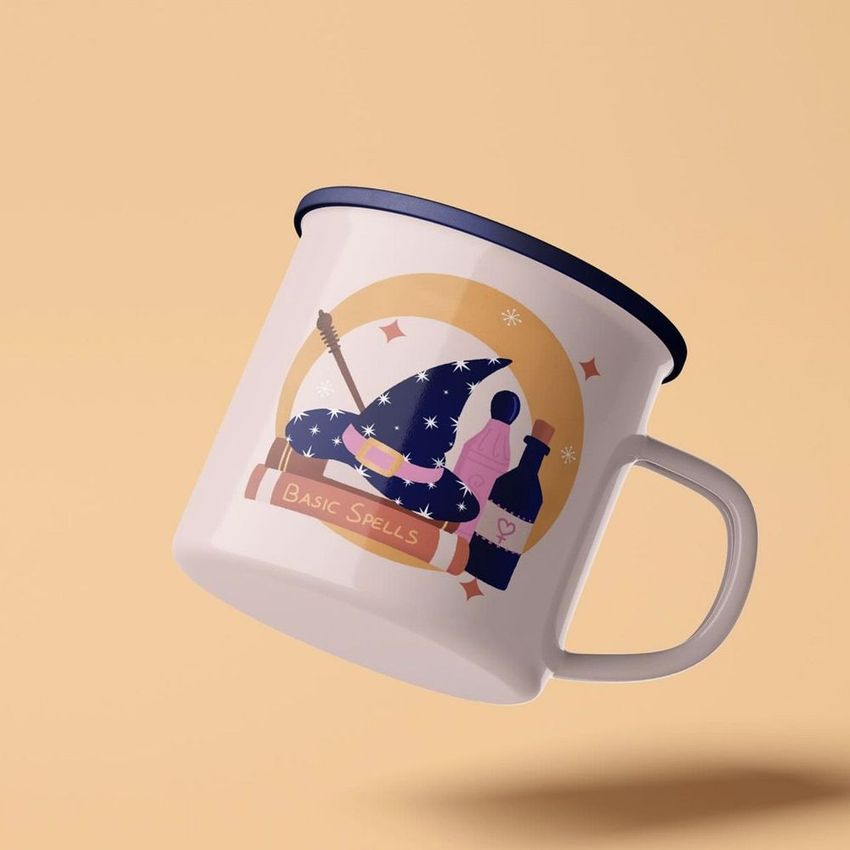
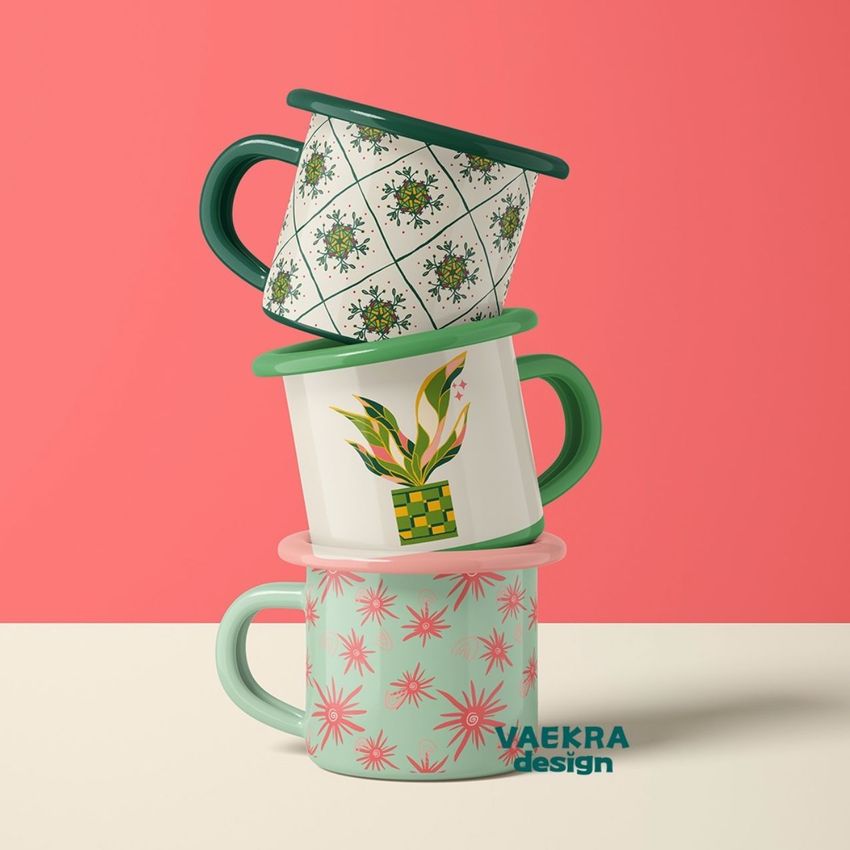
What you get
Professional PSD mockups built in-house - editable, realistic, high-resolution, and supported by real people.
Layered PSD Files
Creatsy mockups are delivered as fully layered Photoshop .psd files, with layers sorted into clearly named groups. Shadows, highlights, and the background each sit on their own editable layer, and nothing is flattened into a single image. Open it in Photoshop or the free browser editor Photopea and get to work.
- Clearly named, organized layer groups
- Shadows and highlights on separate layers
- Editable background, never flattened
- Works in Photoshop or free Photopea
Smart Objects
Open the smart object, paste your artwork, and save. The design lands on the product with the perspective, warp, and wrap already worked out. Scene lighting and shadows fall back on top, so it reads as a photograph, not a flat paste-in. Swapping a design takes seconds, so one file can carry a whole run of variants and colorways.
- Double-click, paste your design, save
- Perspective, warp, and wrap pre-built
- Scene lighting and shadows sit back on top
- One file covers many variants and colorways
High-Resolution Output
Many scenes are built from real product photography rather than 3D renders, so the fabric and surface read like a studio shot. Files export at high resolution and stay sharp at full zoom, with clean edges where the print sits. The same file works for a hero banner, a paid ad or a product listing.
- Real product photography in many scenes
- Exports ready for print
- Holds detail at full zoom
- Works for banners, ads and listings
Easy to Edit
Colors, backgrounds, and artwork sit on separate, clearly named layers, so you swap a color or background without disturbing the rest of the scene. There is no relighting or shadow work to redo, and the same file works for your next project.
- Edit color and background layers directly
- No relighting or shadow rework needed
- No masking or layer skills required
- One file reused across projects
Fast Support
There is a real in-house team behind every file, not a ticket bot. Before you buy, ask whether a specific mockup fits what you have in mind, and we will tell you. When a smart object or a layer group is tripping you up, send the question and you usually get a reply within 48 hours.
- Real in-house team behind every file
- Replies within 48 hours
- Pre-purchase help picking the right mockup
- Answers on smart objects and layer setup
Who are these mockups for?
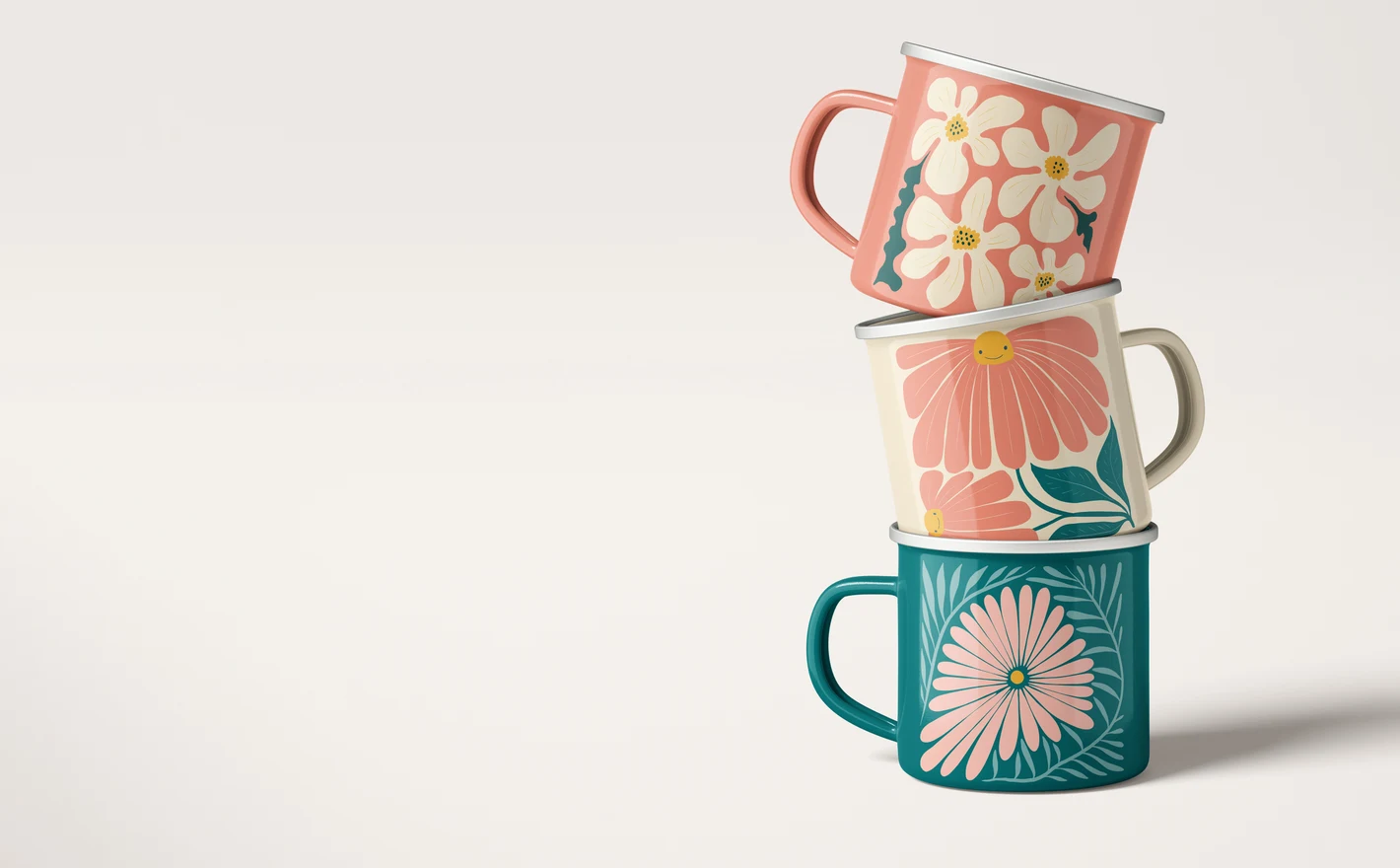
For Camping and Outdoor Brands
Drop adventure badges and vintage-style artwork on enamel camp mugs from the 100ml espresso size to the 450ml classic. The enamel surface and rim detail do the storytelling - your graphic just has to sit right, and the mockup shows if it does.
Adding bottles to your camp range? Browse reusable bottle & flask mockups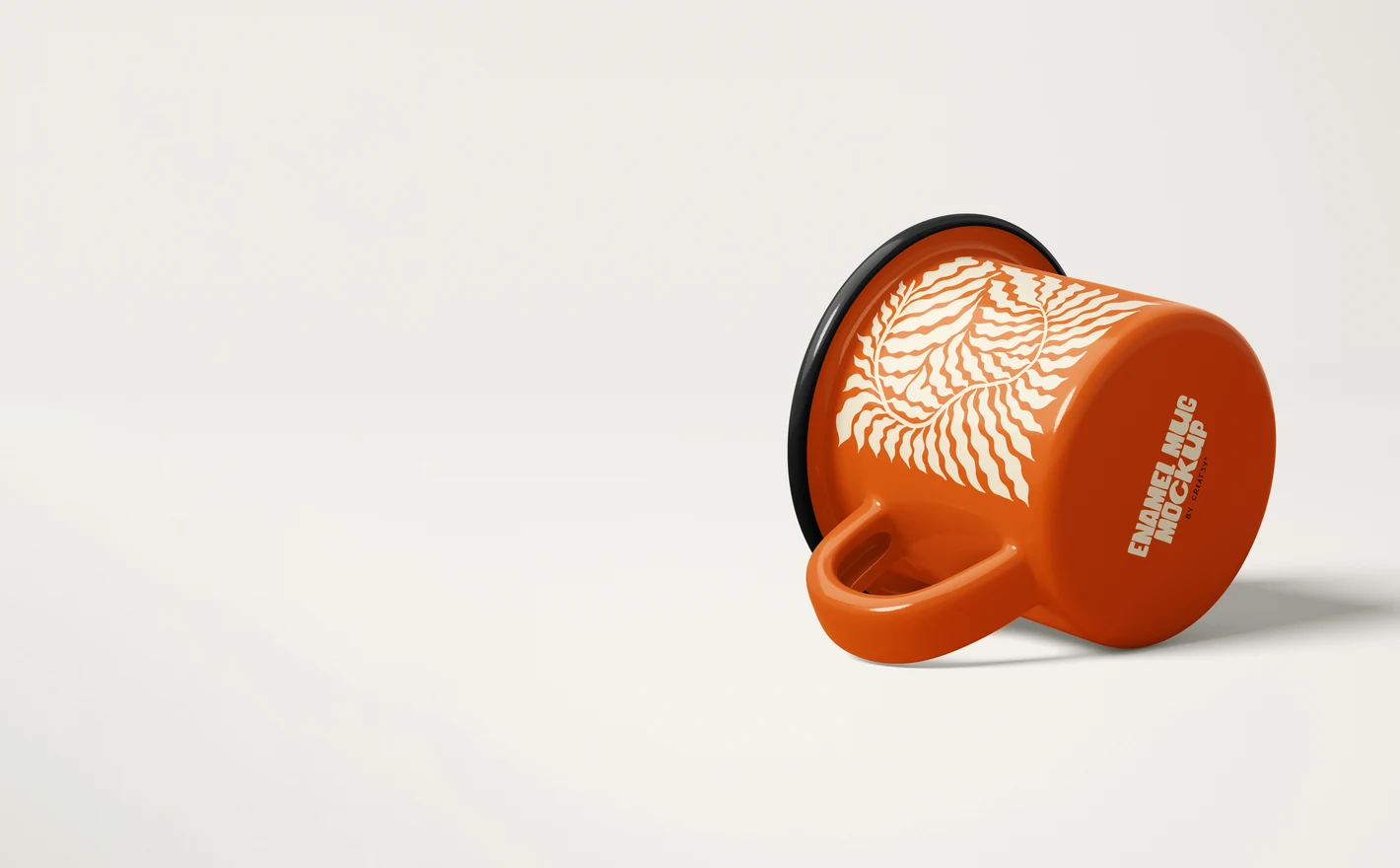
For Ecommerce and Merchandise Teams
Build clean product visuals around the compact 100ml enamel mug - a natural fit for gift ranges, sample sets and till-point merch. Multiple views from one PSD cover the listing, the bundle graphic and the seasonal campaign.
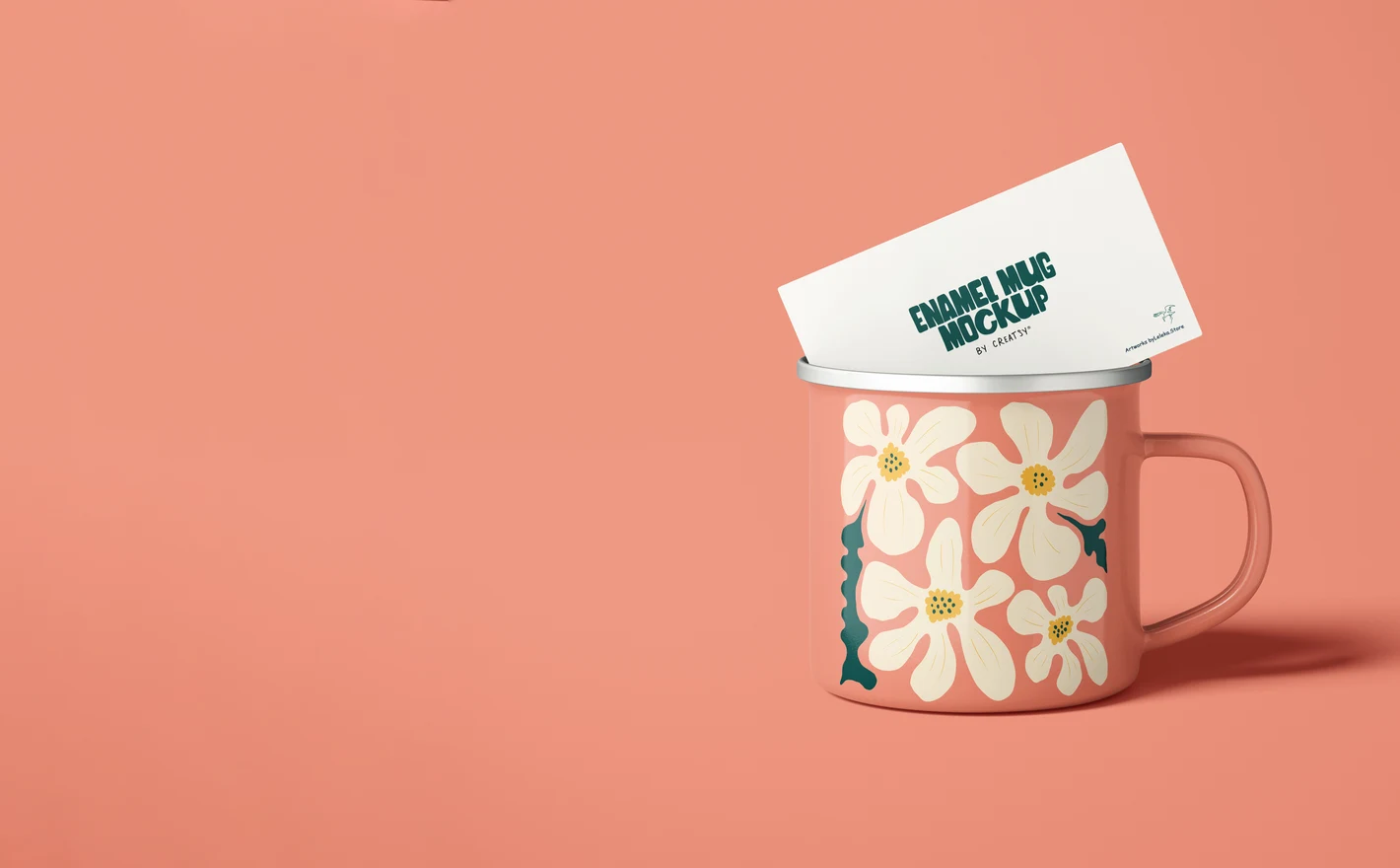
For Hospitality and Corporate Gifting Teams
Show cafe branding and corporate artwork on enamel mugs with silver-rim detail, in product and lifestyle scenes. A matched set of visuals turns one mug design into a believable gifting program - before a single mug is fired.
Packaging a mug gift set? Browse gift packaging & wrapping paper mockups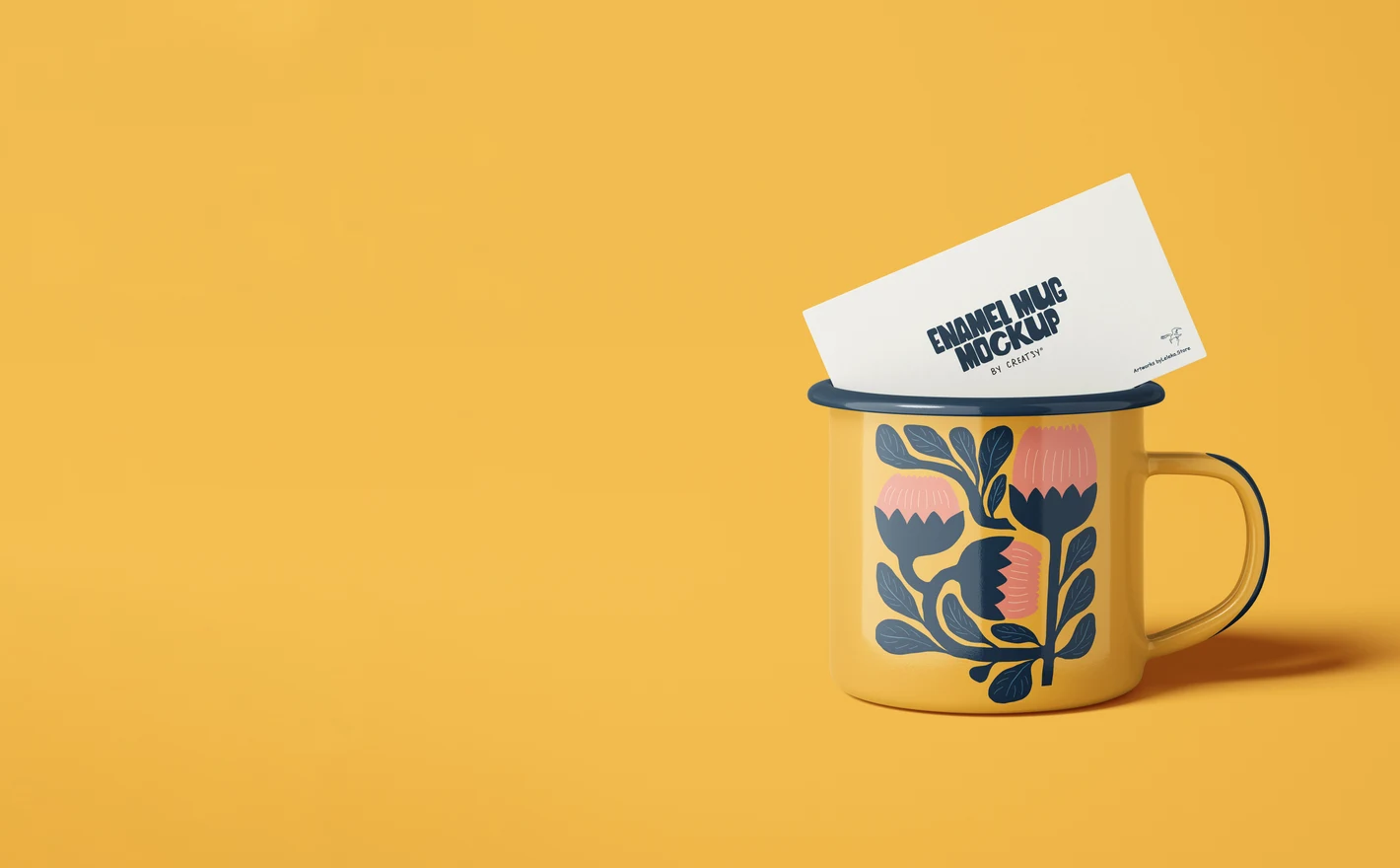
For Surface Pattern Designers
Wrap illustrations and repeats around the classic 360ml enamel curve to see how motifs bend, meet the handle and land at the rim. An honest preview at product scale - the difference between a pattern that decorates a mug and one that fights it.
FAQs
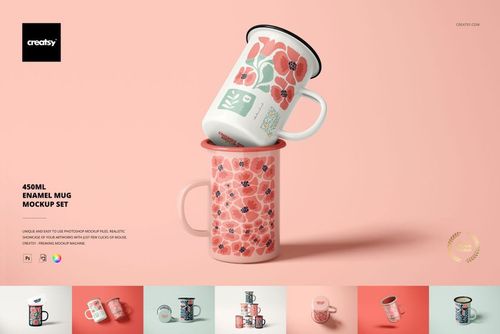
The category includes sets for 100 ml, 360 ml and 450 ml mugs, plus a 360 ml version with a silver rim. An Enamel Mugs bundle groups several sets. Match the capacity, shape and rim to your actual product rather than choosing by volume alone.
Use your clean artwork in the editable design area and let the mockup's supplied surface effects do their work. Keep the original effect layers unless the instructions say otherwise. Adding another enamel texture inside the design can change its appearance or duplicate an effect already present in the scene.
It presents a 360 ml enamel mug with a metallic-looking rim. Choose it when that rim matches the product you sell, rather than using a plain-rim scene and expecting a color change to create the same finish. Compare the gallery with your mug, including the handle and body proportions.
Use the individual controls included in the chosen set. Check the feature images for the body, rim, handle and interior rather than assuming they all have separate settings. Once the required parts are editable, you can export the color combinations you need without altering the artwork for every version.
Read the bundle's description, compatibility section and included-file list before buying. For an older purchase containing 3D layers, download the updated Smart Object version from your purchase platform. When the listed requirements disagree or your editor is not named, ask Creatsy to confirm support for that package.
Why use Enamel Mug mockups?
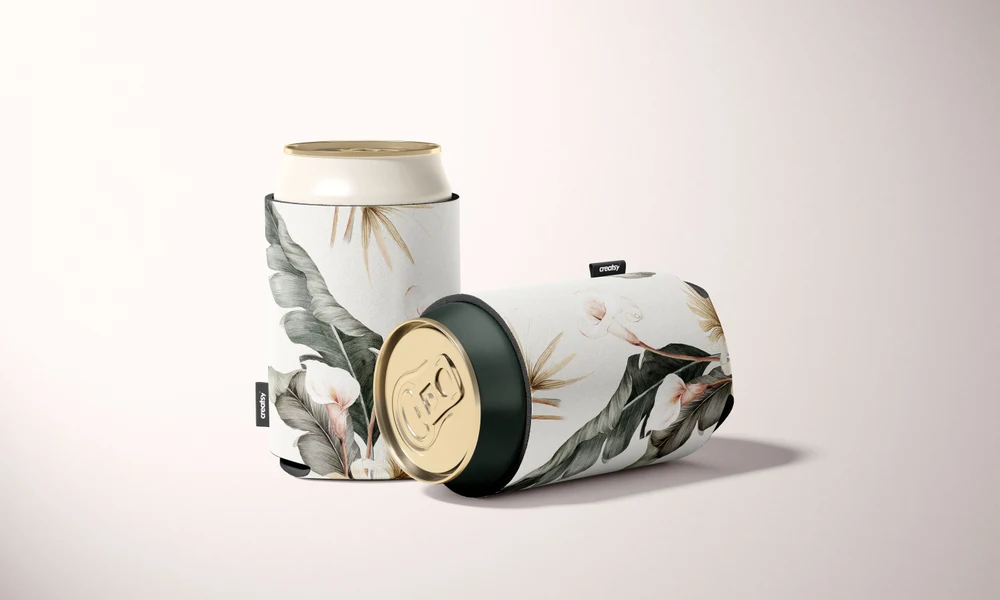
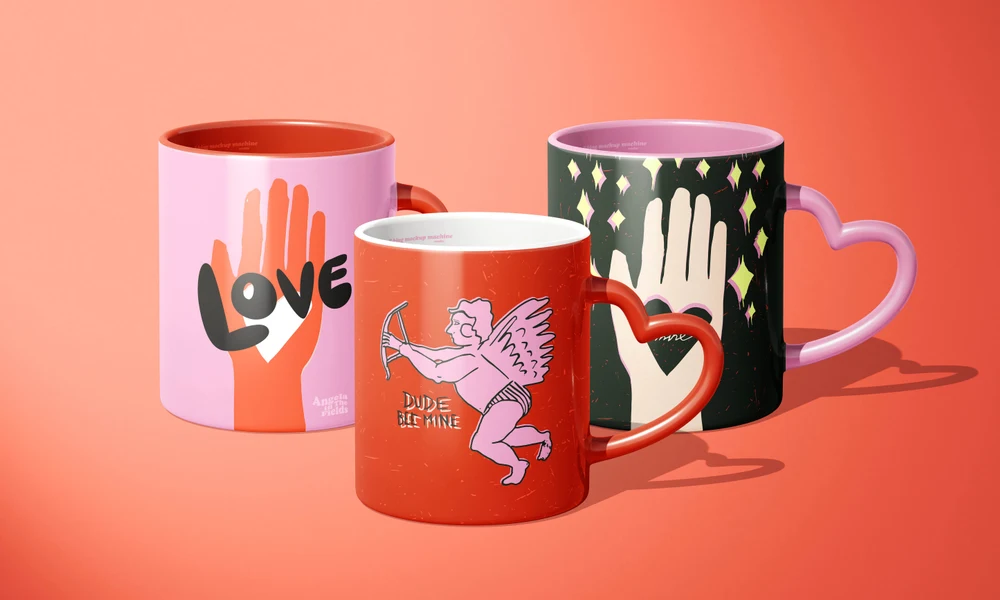
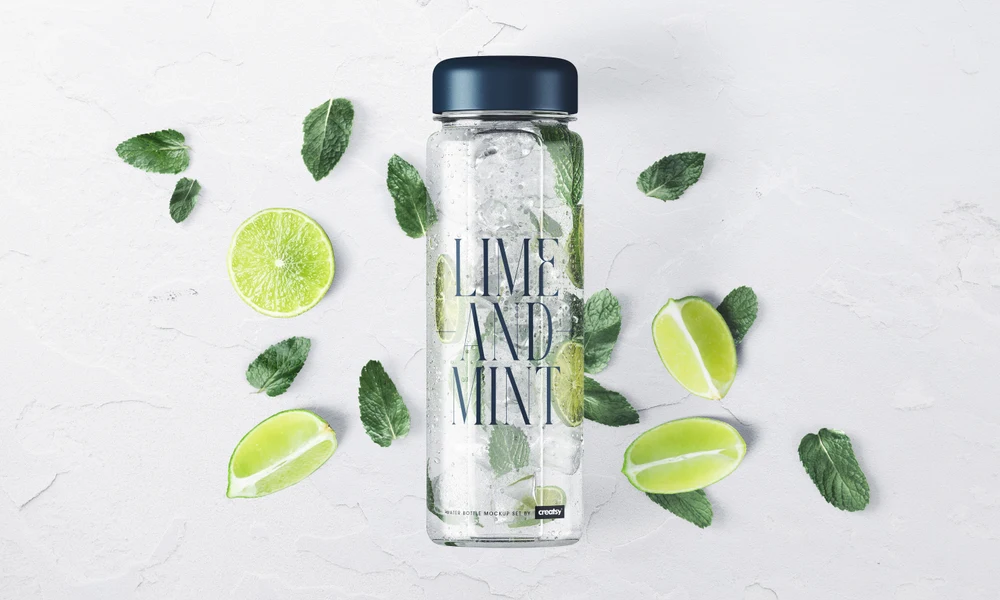
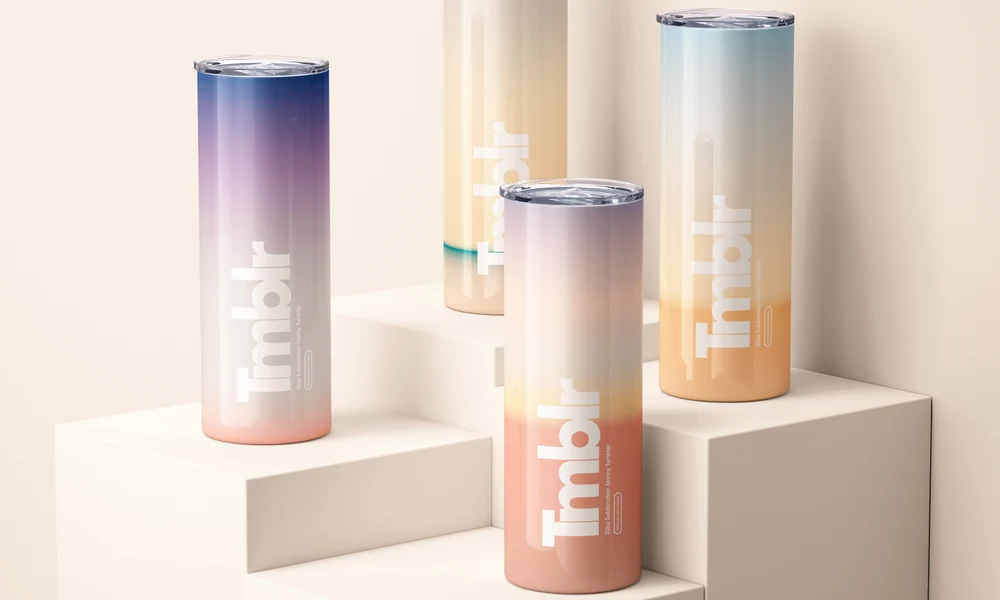
The enamel mug range includes 100 ml, 360 ml and 450 ml sizes, a 360 ml version with a silver rim, and a bundle of the sets. Choose the size and rim style that match the mug you want to present. The listings detail the editable parts, image dimensions, software support and license options. The curved body, surface highlights and rolled rim give artwork a different appearance from a flat layout. Smart Objects place a camp badge, cafe logo or illustration around that shape while retaining the scene's light and shadows. Compare the design across sizes, or prepare several colors for a gift or merchandise collection. Product and lifestyle views provide different settings for the images, which can be exported for your shop, campaign or client presentation. Reuse the selected files for new designs, editing each view individually.
FreeCreatsy® Mockups