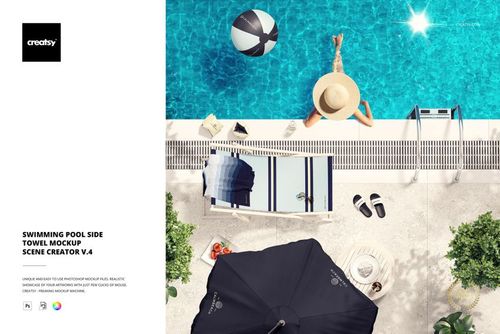
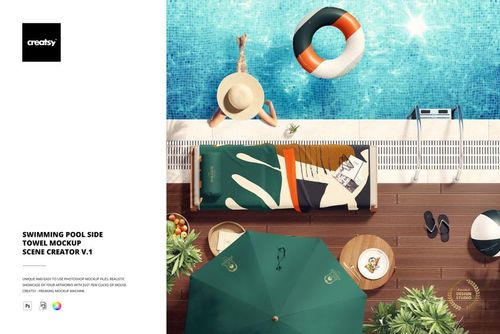
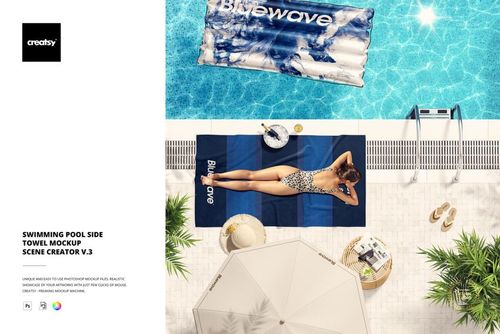
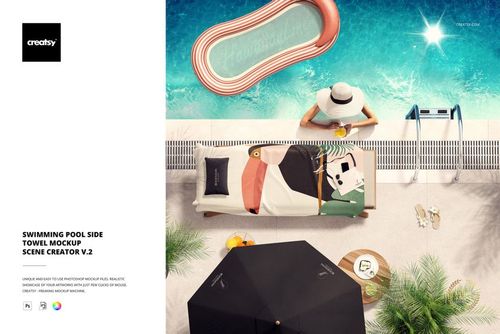
 $3600
$3600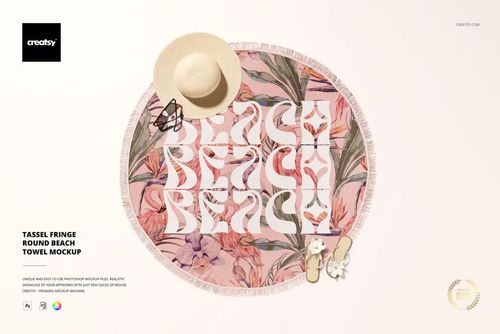
 $1900
$1900
Beach Towel Mockups
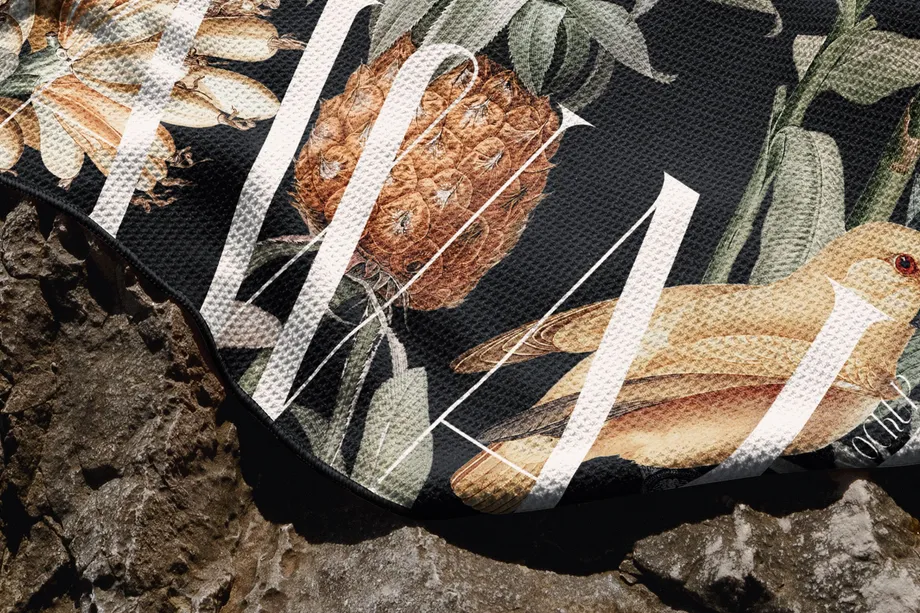
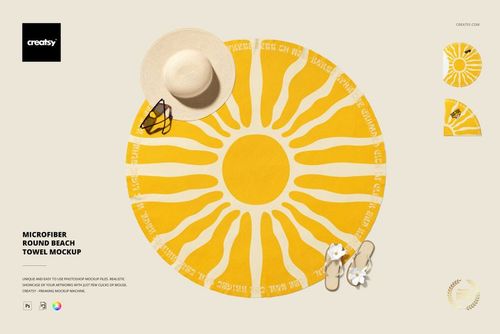
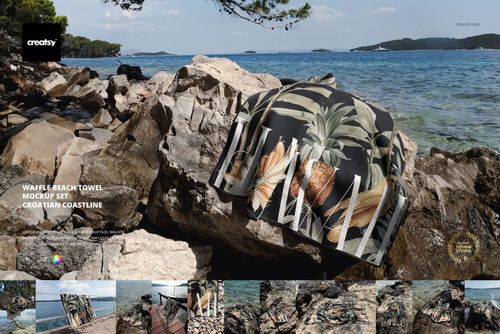
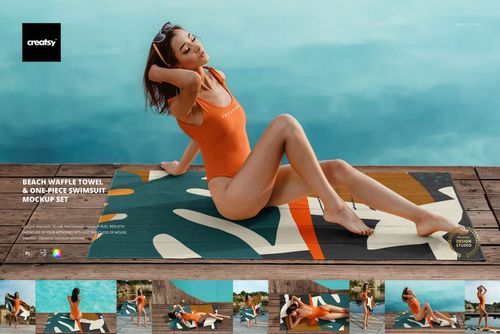
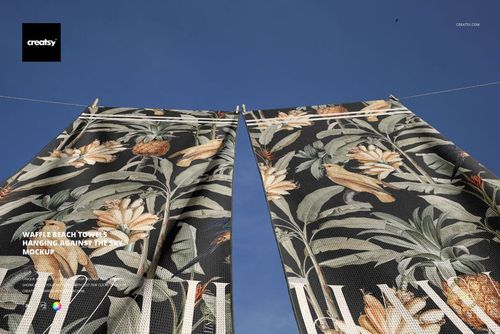
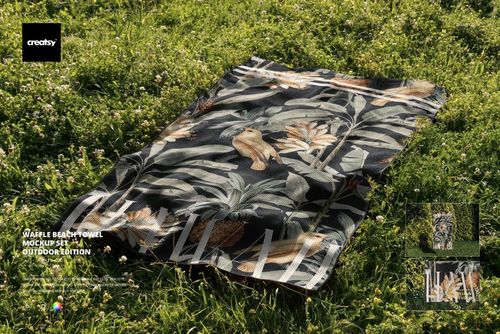
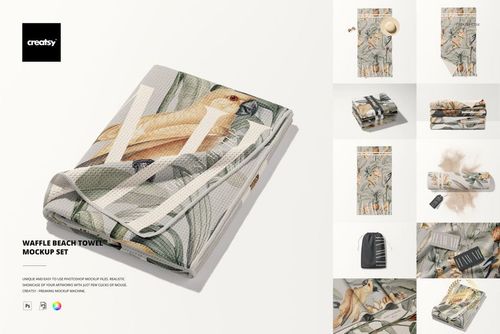
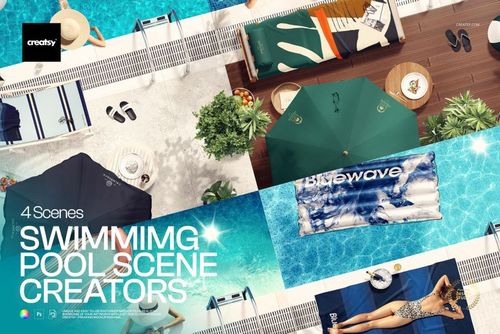
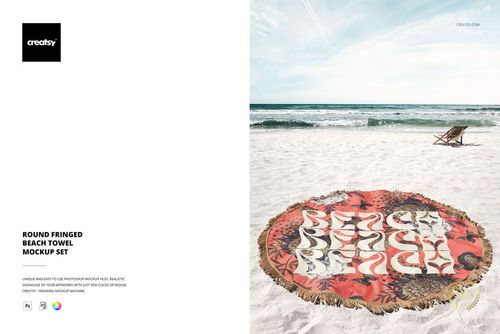
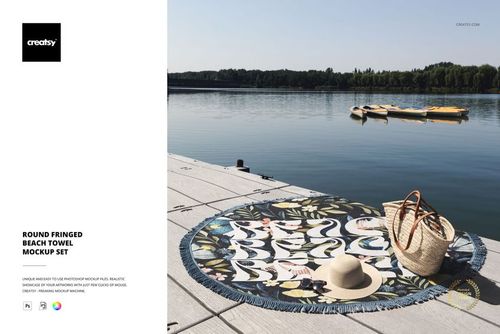
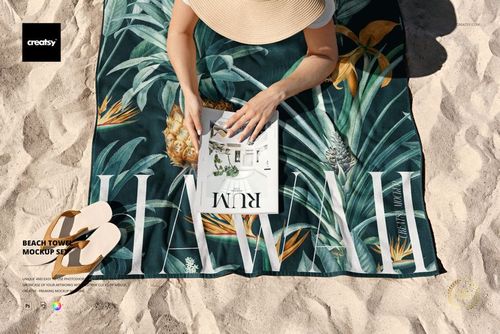
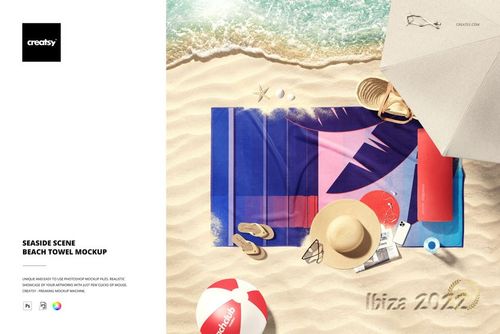
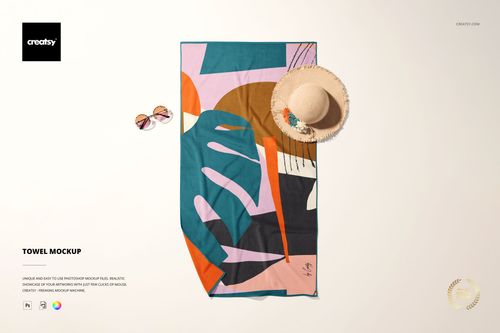
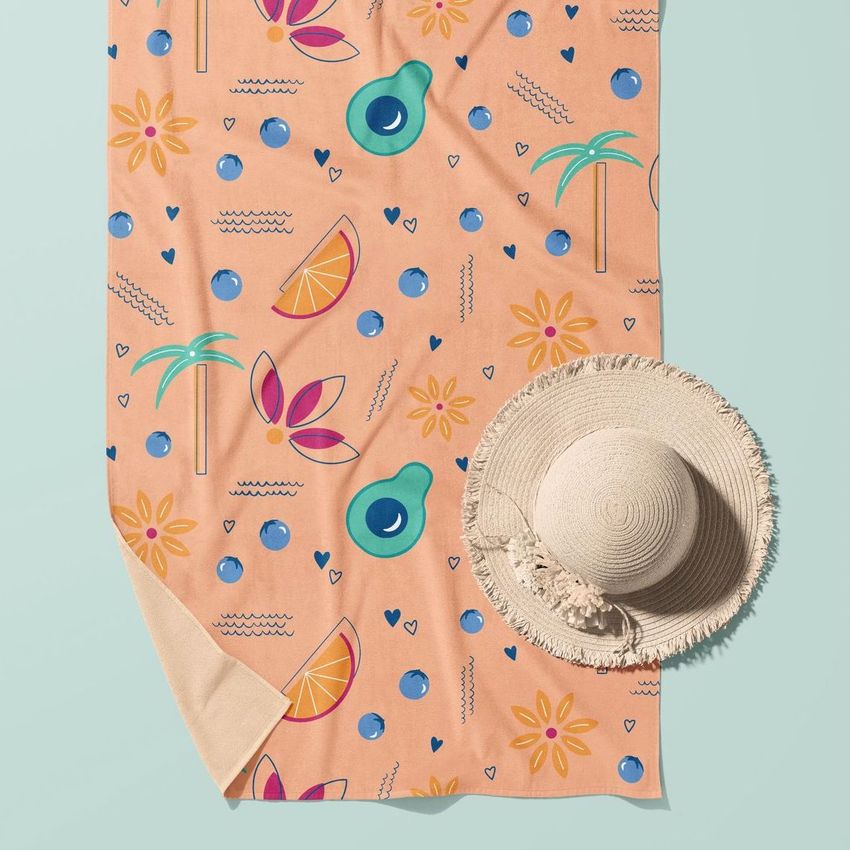
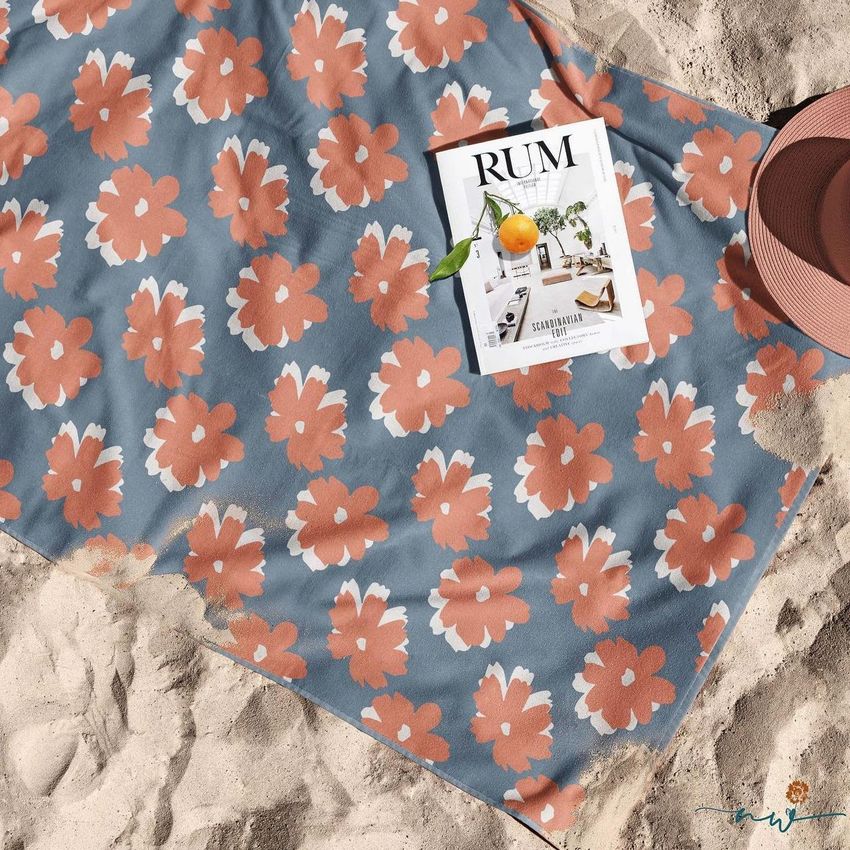
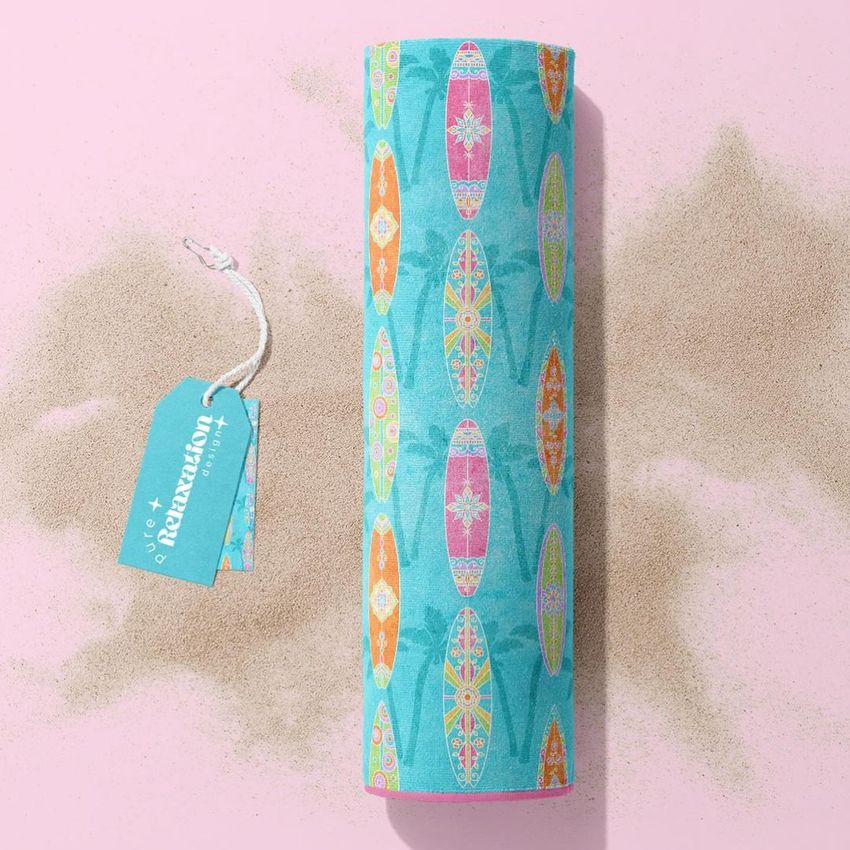
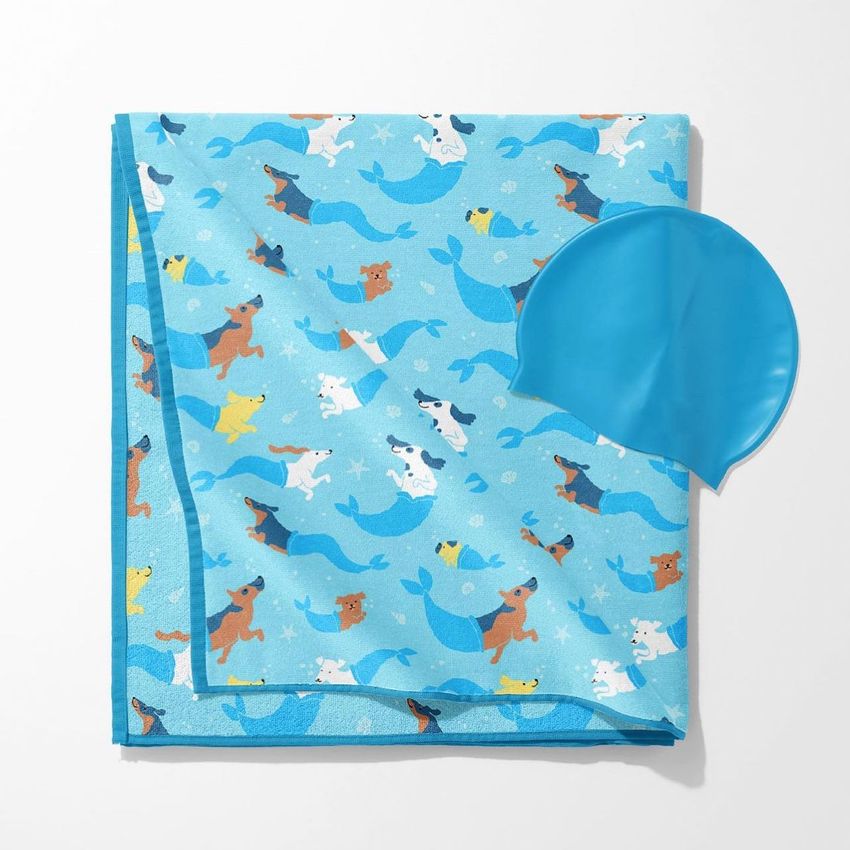
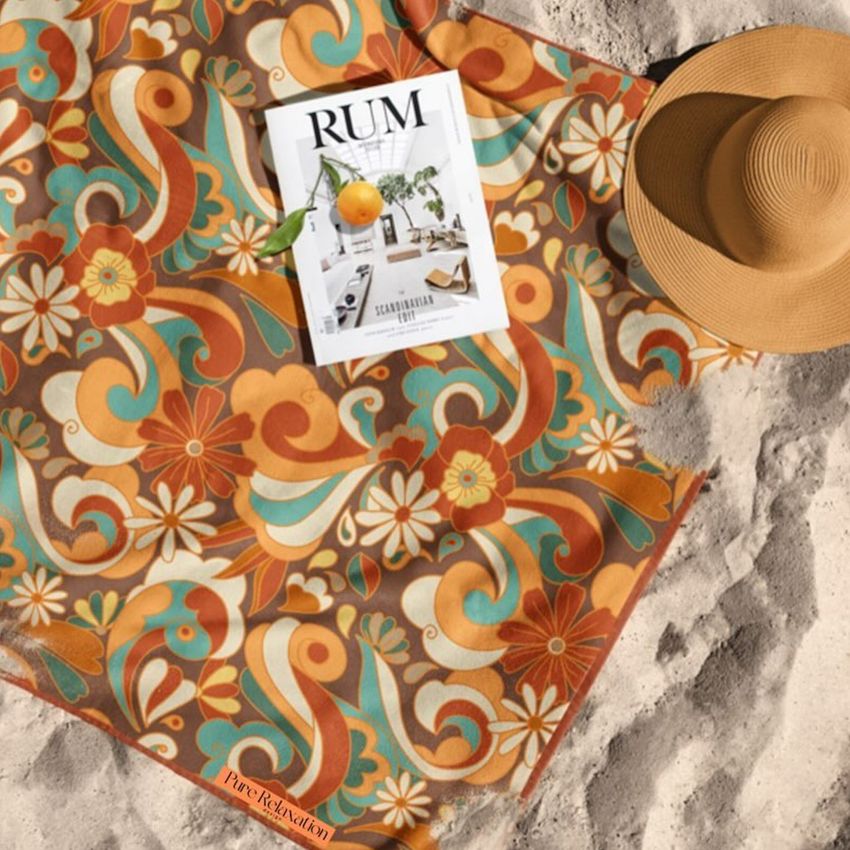
Explore editable beach towel mockups for rectangular, waffle-textured, microfiber, round, fringed, and tassel-edge towel styles. Present artwork in clean product views, seaside and outdoor settings, poolside scenes, hanging arrangements, detailed close-ups, and a coordinated towel-and-swimsuit set. Add patterns, illustrations, logos, and colorways through layered Photoshop files and Smart Objects, then create realistic visuals for product listings, client presentations, licensing portfolios, resort campaigns, catalogs, advertising, and social media.

Reviews
What designers and brand owners say after using these PSD mockups in real client work.
0
Sort by:


All worked good here! Nice mockup! Thanks!
 Waffle Beach Towel Mockup Set - Croatian Coastline View product
Thank you so much! We're delighted everything worked smoothly and that you enjoyed the mockup. We truly appreciate your kind feedback!

I've used lots of Creatsy mockups and they are all excellent.
 Waffle Beach Towel Mockup Set View product
 Thank you so much for your kind words and for using so many of our mockups! We’re delighted they’ve worked well for your projects, and we truly appreciate your continued support.




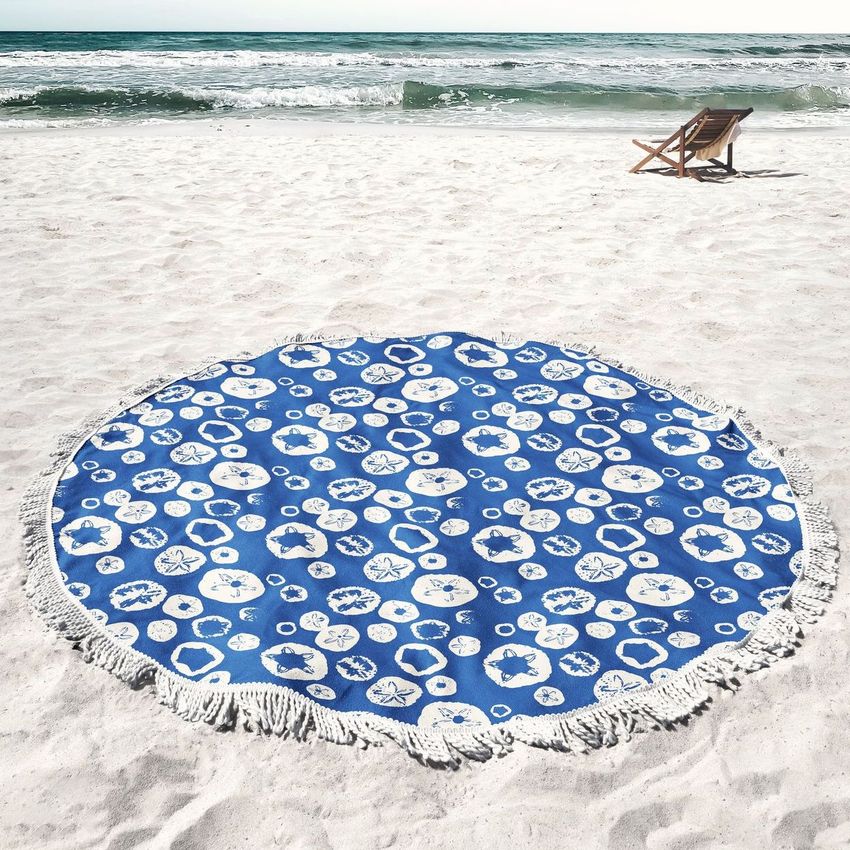
What you get
Professional PSD mockups built in-house - editable, realistic, high-resolution, and supported by real people.
Layered PSD Files
Creatsy mockups are delivered as fully layered Photoshop .psd files, with layers sorted into clearly named groups. Shadows, highlights, and the background each sit on their own editable layer, and nothing is flattened into a single image. Open it in Photoshop or the free browser editor Photopea and get to work.
- Clearly named, organized layer groups
- Shadows and highlights on separate layers
- Editable background, never flattened
- Works in Photoshop or free Photopea
Smart Objects
Open the smart object, paste your artwork, and save. The design lands on the product with the perspective, warp, and wrap already worked out. Scene lighting and shadows fall back on top, so it reads as a photograph, not a flat paste-in. Swapping a design takes seconds, so one file can carry a whole run of variants and colorways.
- Double-click, paste your design, save
- Perspective, warp, and wrap pre-built
- Scene lighting and shadows sit back on top
- One file covers many variants and colorways
High-Resolution Output
Many scenes are built from real product photography rather than 3D renders, so the fabric and surface read like a studio shot. Files export at high resolution and stay sharp at full zoom, with clean edges where the print sits. The same file works for a hero banner, a paid ad or a product listing.
- Real product photography in many scenes
- Exports ready for print
- Holds detail at full zoom
- Works for banners, ads and listings
Easy to Edit
Colors, backgrounds, and artwork sit on separate, clearly named layers, so you swap a color or background without disturbing the rest of the scene. There is no relighting or shadow work to redo, and the same file works for your next project.
- Edit color and background layers directly
- No relighting or shadow rework needed
- No masking or layer skills required
- One file reused across projects
Fast Support
There is a real in-house team behind every file, not a ticket bot. Before you buy, ask whether a specific mockup fits what you have in mind, and we will tell you. When a smart object or a layer group is tripping you up, send the question and you usually get a reply within 48 hours.
- Real in-house team behind every file
- Replies within 48 hours
- Pre-purchase help picking the right mockup
- Answers on smart objects and layer setup
Who are these mockups for?
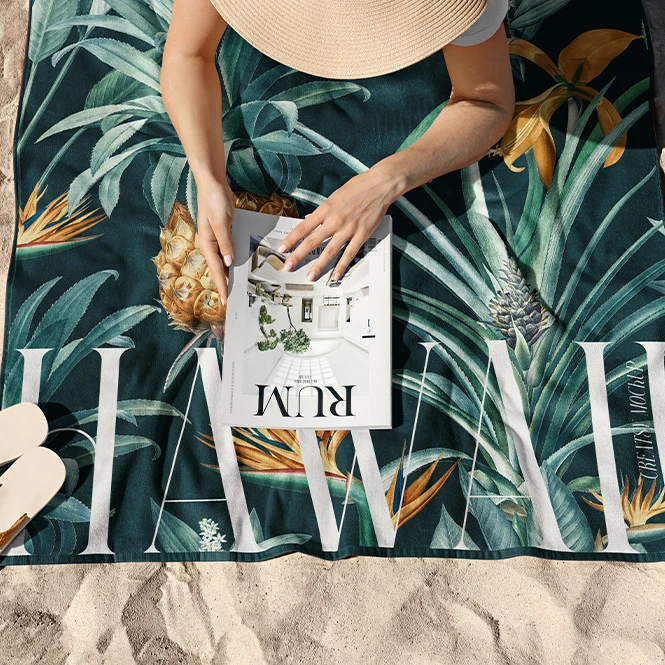
For beach towel brands & online sellers
Create realistic listing images for classic rectangular towels, waffle towels, circular towels, microfiber products, and decorative fringe styles. Compare artwork directions and colorways across clean, folded, rolled, hanging, outdoor, and seaside presentations without photographing every early design variation.
Building a wider pool and beach collection? Browse Pool & Beach Recreation mockups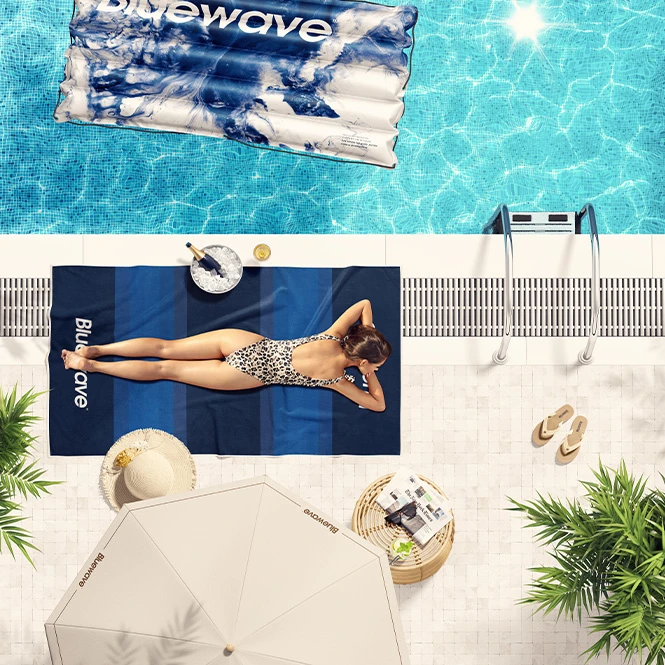
For resorts, hotels & hospitality brands
Present branded towels and seasonal artwork in poolside, seaside, coastline, garden, and lifestyle settings. Use the finished visuals for resort proposals, guest-area concepts, hospitality campaigns, catalogs, client presentations, and social media.
Creating a complete hospitality identity? Browse Hotel Amenities & Branding mockups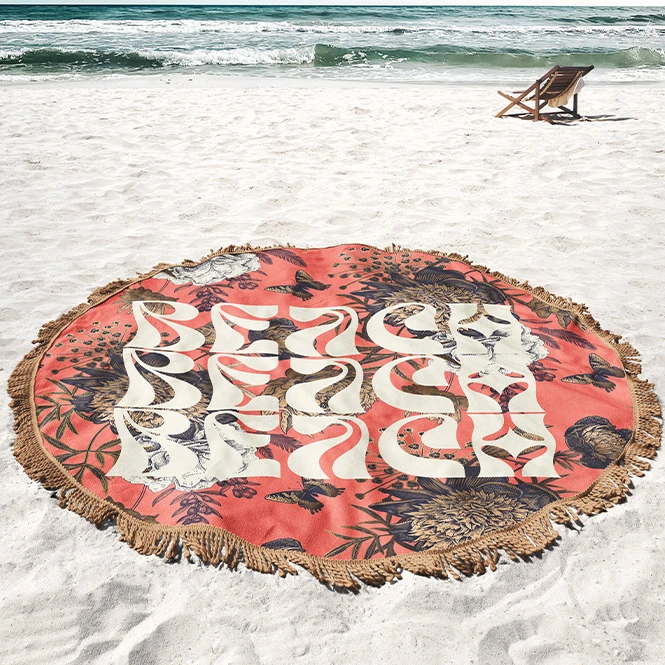
For surface pattern designers & licensing studios
Show repeating patterns, illustrations, typography, and coordinated color palettes across rectangular, waffle, microfiber, round, fringed, and tassel-edge towel formats. Use product-focused and lifestyle scenes in licensing portfolios, buyer presentations, client pitches, trade-show materials, and social media.
Presenting textile patterns separately? Browse Fabric mockups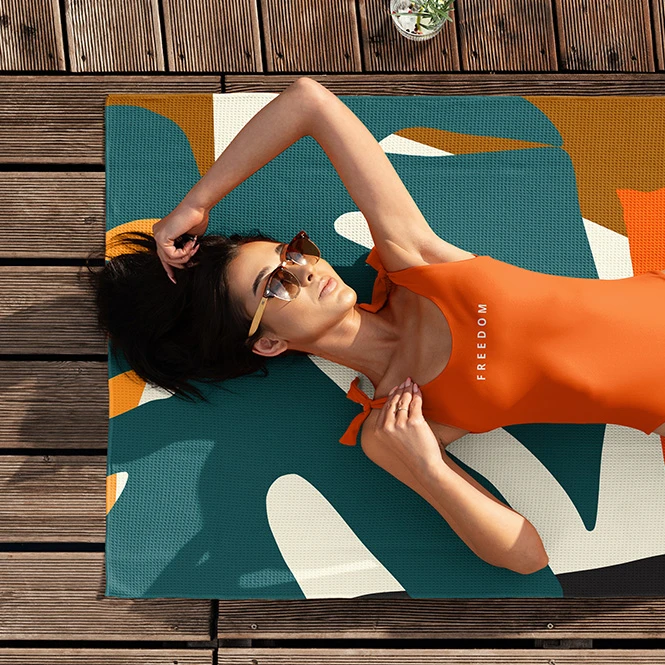
For swimwear, beachwear & lifestyle brands
Create coordinated towel-and-swimsuit visuals using the mixed product set, or reuse one artwork direction across separately edited towel, swimwear, float, chair, and accessory mockups. Build launch campaigns, lookbooks, collection previews, advertising, and social content.
Developing matching apparel? Browse Swimwear & Beachwear mockups
FAQs
The collection includes classic rectangular beach towels, waffle-textured towels, a smooth round microfiber towel, round towels with continuous fringe, a round towel with tassel fringe, seaside and outdoor scenes, hanging towel presentations, poolside scenes, detailed close-ups, and a mixed towel-and-one-piece-swimsuit set. Exact physical sizes, file counts, viewing angles, backgrounds, and editable features vary between products, so check the individual preview gallery and Product Details section before purchasing.
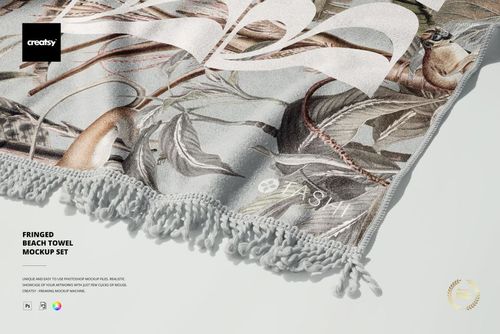
Waffle towel mockups use a visible grid-like textile texture. The Microfiber Round Beach Towel presents a smooth circular product without fringe. Round Fringed Beach Towel mockups use a continuous decorative fringe around the edge, while the Tassel Fringe product uses larger individual tassels. Classic rectangular towel sets use a flatter or more traditional towel presentation. These mockups visualize the prepared fabric character and product construction. They do not guarantee the exact material, weave, print result, absorbency, or finishing supplied by a particular manufacturer.
The complete set contains several separate 6000 x 6000 px PSD scenes. Versions v.1-v.4 can also be purchased individually. Choose the required scene, add your artwork to its Smart Objects, save the document, and export that file separately. The scenes do not automatically synchronize artwork or batch-export the complete collection. The same design can be reused across all four scenes, but it must be placed into every selected PSD individually.
Customization varies by product. You can generally replace the sample towel artwork and adjust selected product colors. Depending on the mockup, additional editable elements may include a swimsuit, multiple towels, towel edges, studio backgrounds, textures, props, shadows, or other scene details. Photographed outdoor, coastline, beach, and pool environments may remain fixed. Sets contain separate Photoshop files, and scenes may contain several independent Smart Objects. Changes do not automatically synchronize between different PSD documents or products.
The mockups are designed for Adobe Photoshop. Selected products also work in Photopea, but compatibility varies and several current descriptions conflict with the displayed compatibility icons. Check the individual product page before purchasing. Beach towel mockups are presentation files. They do not replace the manufacturer's physical dimensions, print area, bleed, repeat scale, sewing pattern, hem allowance, fabric specification, color proof, or production sample. Exported visuals can be used in permitted listings, presentations, portfolios, catalogs, advertising, and social media according to the selected license.
Why use Beach Towel mockups?
Beach towel artwork is applied to products with different proportions, fabric textures, folds, edges, and decorative finishes. A flat repeat tile does not show how the design will appear across waffle texture, a circular layout, continuous fringe, individual tassels, folded fabric, a rolled towel, or a towel shown in an outdoor setting. Beach towel mockups turn the original artwork into a clearer and more realistic product presentation. Use rectangular and waffle towel mockups to compare pattern direction, perceived scale, placement, and coordinated colorways. Round microfiber and fringed formats help present circular artwork, medallion compositions, mandala-style designs, and repeating patterns adapted to a different product shape. Clean product views are useful for listings and catalogs, while coastline, garden, seaside, poolside, hanging, and lifestyle scenes add context for resort campaigns, portfolios, licensing presentations, and social media. The mixed towel-and-swimsuit set makes it possible to present two coordinated products in the same photograph using separate Smart Objects. Layered Photoshop files and Smart Objects let you replace sample artwork while preserving the prepared perspective, folds, fabric texture, lighting, shadows, and product shape. Depending on the selected mockup, you may also be able to adjust towel colors, backgrounds, a swimsuit, props, or other scene elements. Separate Photoshop files and independent Smart Objects must be edited individually. Export the finished visuals for product listings, client approvals, resort concepts, licensing portfolios, catalogs, advertising, launch campaigns, and social media. Use the mockups to communicate the intended visual direction. For final manufacturing, rely on the supplier's exact dimensions, print templates, fabric specifications, sewing requirements, samples, and production proofs.
FreeCreatsy® Mockups
high quality mockup
Thank you! :)