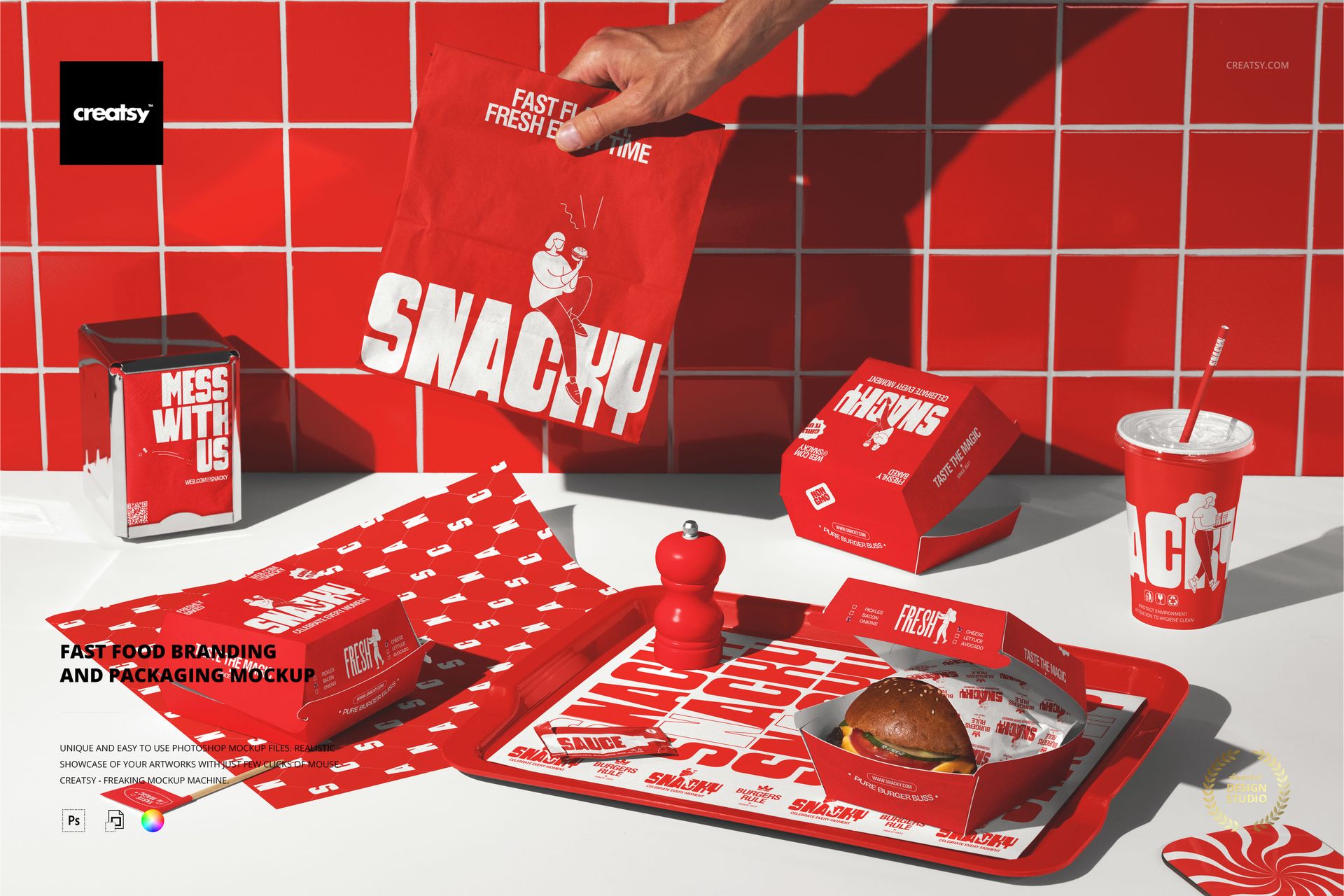
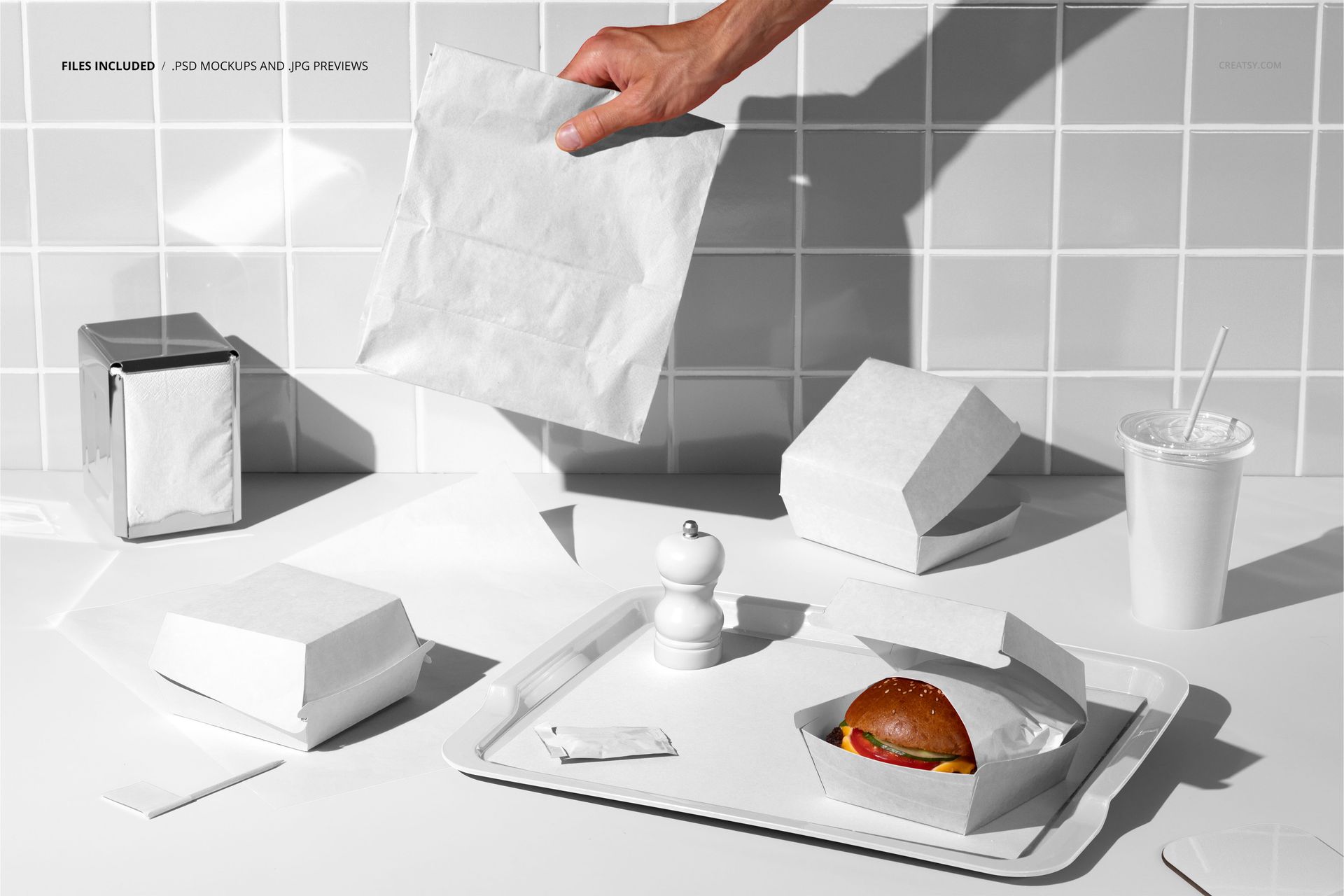
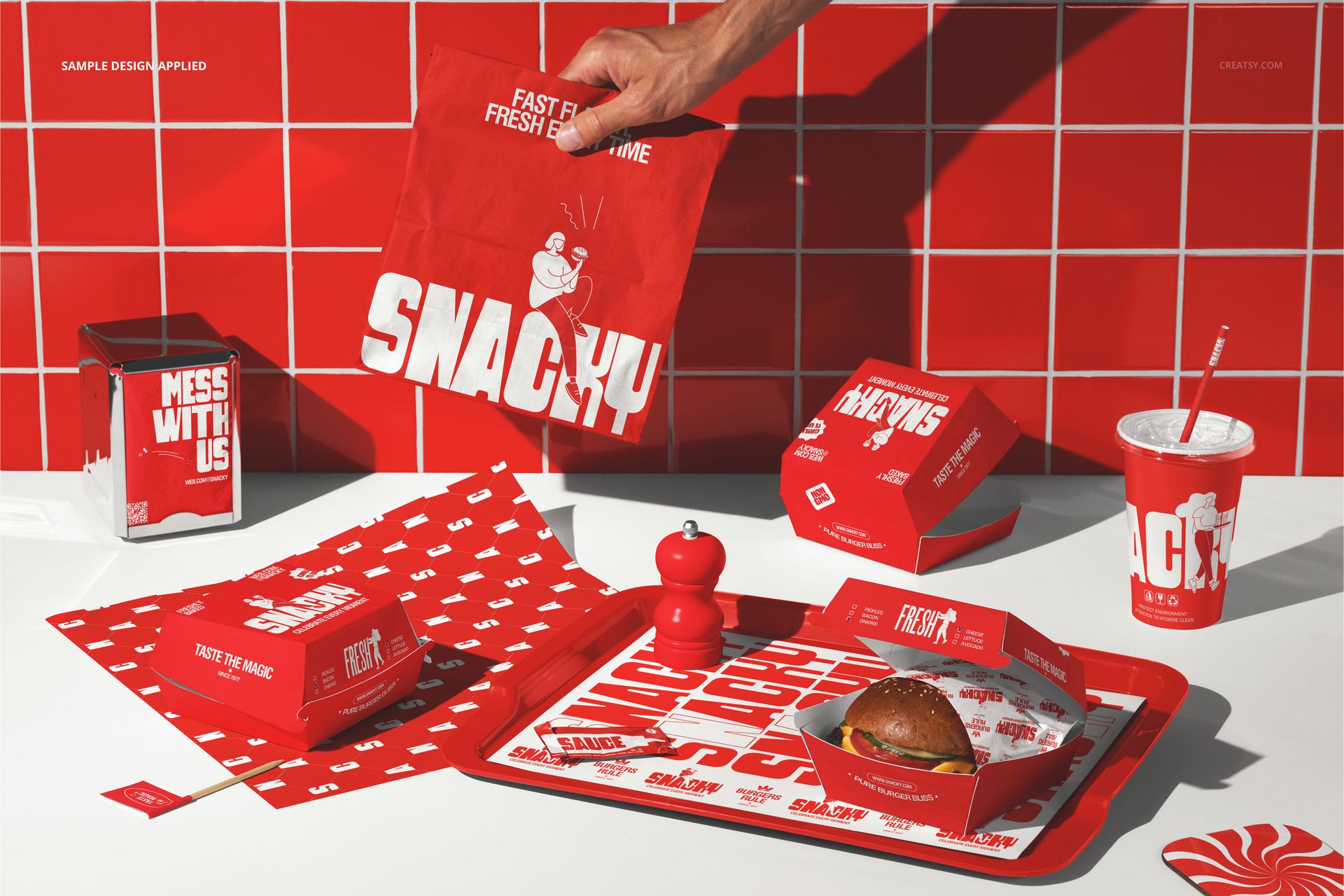
Burger Packaging and Branding Set Mockup presents a complete fast food packaging scene with burger wrappers, boxes, cups, napkins, and tray liners arranged on a table in a realistic restaurant setting. The PSD file captures the full spread of packaging items together in one composition, showing how the brand identity carries across every touchpoint a customer encounters during a burger restaurant visit. Built for fast food restaurant owners, QSR franchise designers, food packaging agencies, and brand identity studios who need to present a complete burger restaurant branding system in a single photorealistic image that demonstrates visual consistency across the full packaging lineup.
Why This Mockup Works
Designing individual packaging items in isolation does not show whether the brand identity holds together when every piece sits on the same table in front of the customer. This mockup solves that problem by placing all the key burger restaurant packaging items into one scene, so you can evaluate how the logo, color palette, typography, and graphic elements work together across wrappers, boxes, cups, and supporting items simultaneously. The result is a presentation image that shows the complete brand experience rather than a collection of individual components, which is exactly what a restaurant owner or franchise committee needs to see before approving a branding package for production.
What Is Included
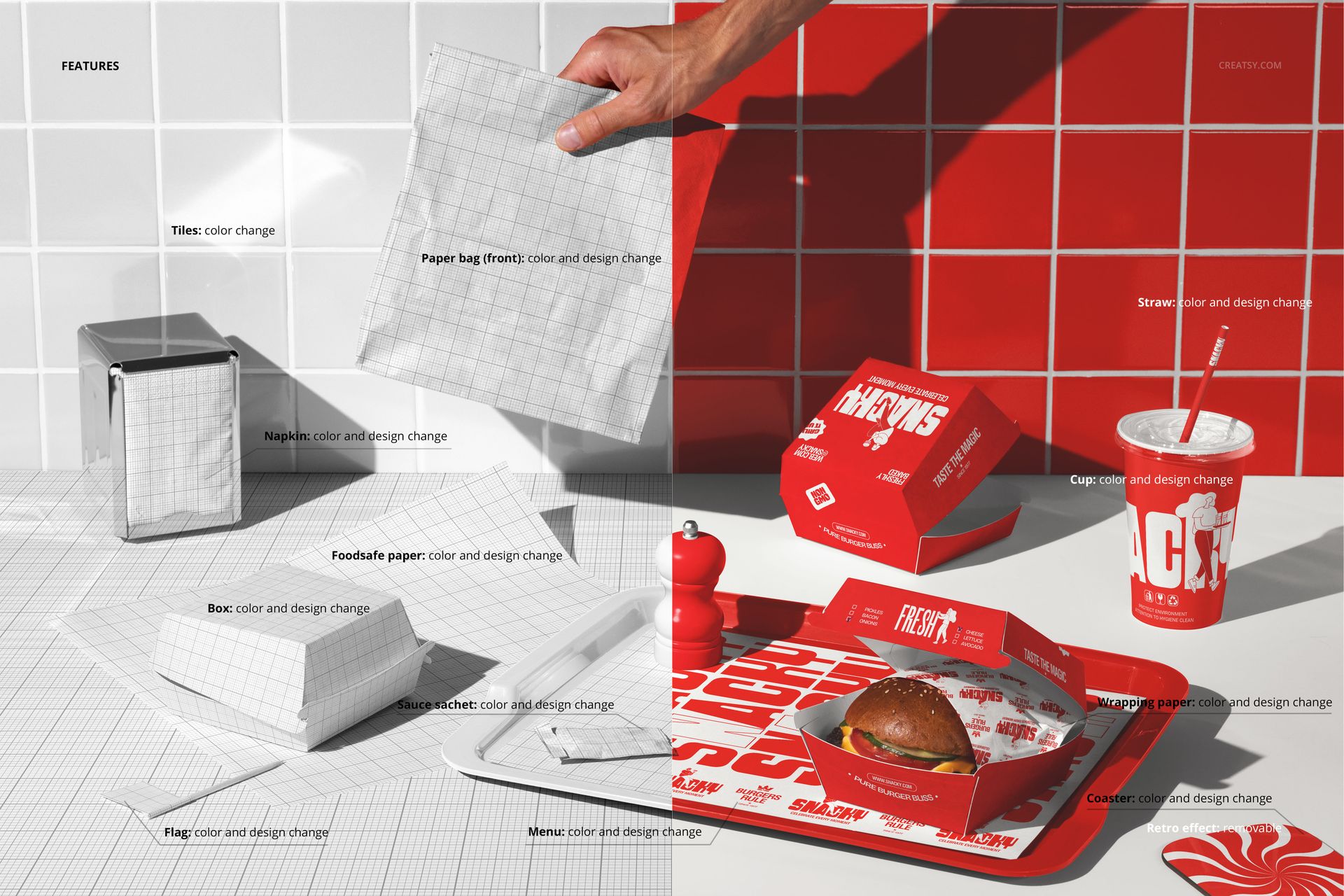
The download contains 1 PSD file at 6000x4000 pixels and 300 DPI. The file shows a complete burger packaging set arranged in a realistic table-top composition with multiple packaging items visible and editable through individual smart object layers. The total download size is 325.15 MB. The scene is fully assembled with food items, packaging, and table setting details that create an authentic fast food restaurant atmosphere.
What You Can Customize
Open the PSD in Adobe Photoshop CC 2020 or later, or use the free browser-based editor at photopea.com. The file contains separate smart object layers for each packaging item in the scene. Double-click any smart object to open its embedded canvas and place your brand artwork, logo, color scheme, or packaging graphics for that specific item. Save and close each smart object to see your design applied to the corresponding packaging piece in the scene. Well organized layers with clear naming let you work through each item systematically and toggle individual elements on or off.
Who This Mockup Is For
Burger restaurant owners evaluating a new brand identity or packaging refresh before committing to a full production run across all packaging items. QSR franchise designers presenting standardized branding packages to franchise committees or corporate approval boards. Food packaging design agencies pitching complete restaurant branding systems where the client needs to see how the identity translates across wrappers, boxes, cups, and tray liners. Brand identity studios building portfolio pieces that demonstrate their ability to create cohesive packaging systems for food service clients. Marketing teams at fast food chains preparing campaign materials or seasonal branding rollouts that affect every customer-facing packaging touchpoint.
File Specifications
Format: PSD (Adobe Photoshop). Files: 1. Resolution: 6000x4000 px. DPI: 300. Download size: 325.15 MB. Compatibility: Adobe Photoshop CC 2020 and newer, Photopea (free browser-based editor). Multiple smart object layers for individual packaging items. Well organized layer structure with clear naming. Complete burger restaurant packaging scene with table-top composition.