Coaster Mockups
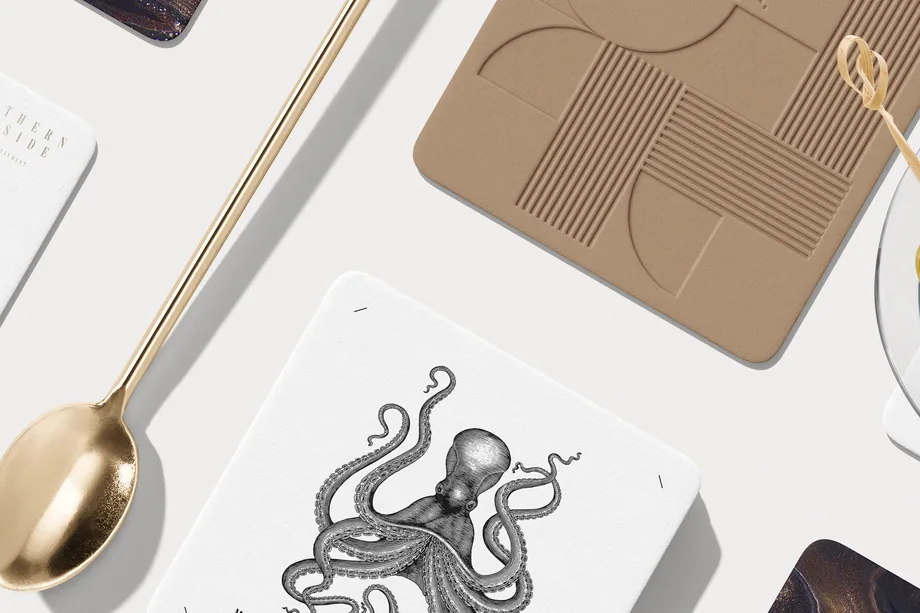
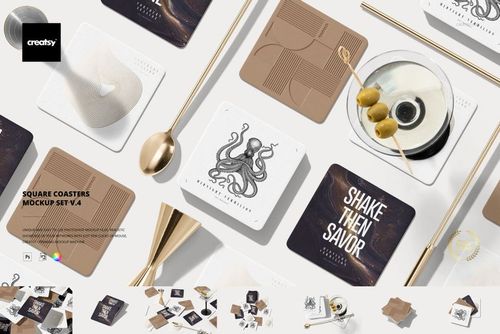
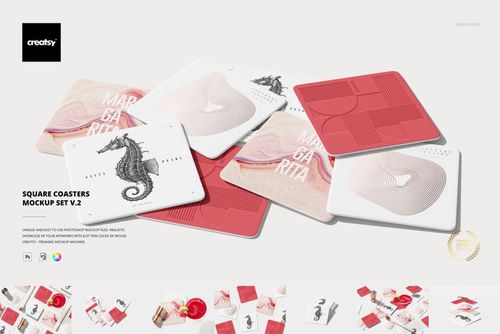
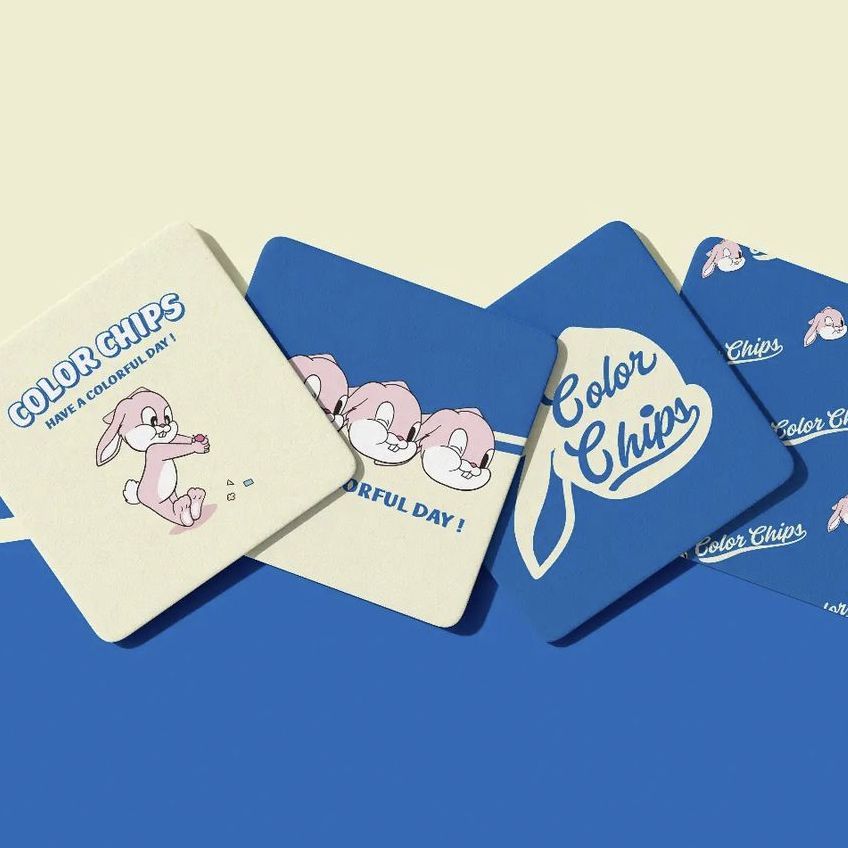
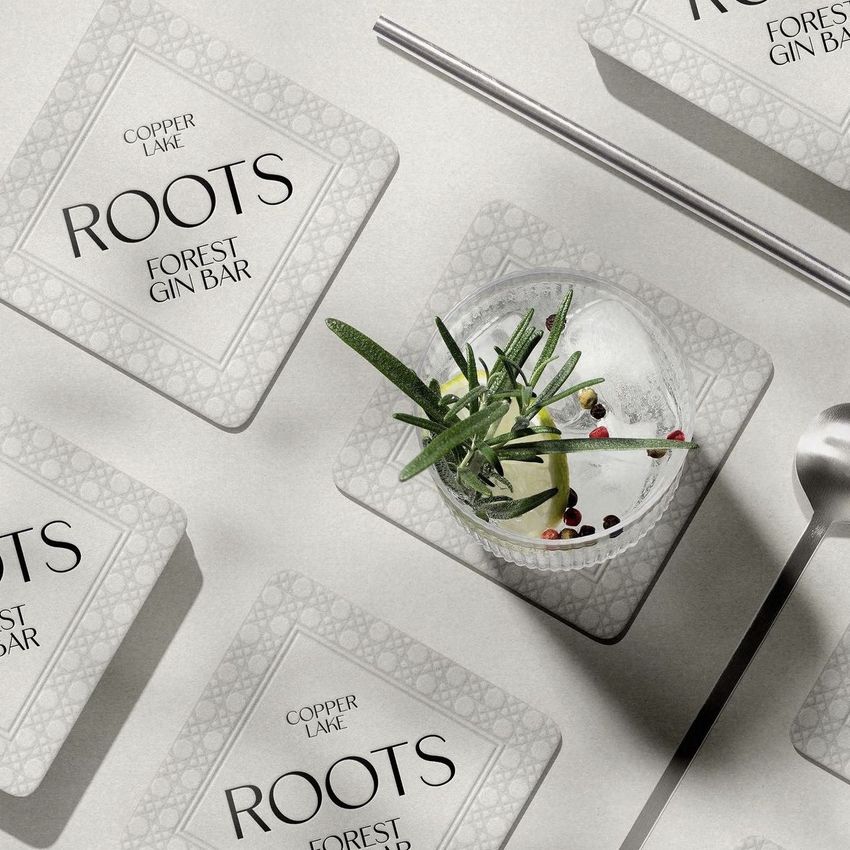
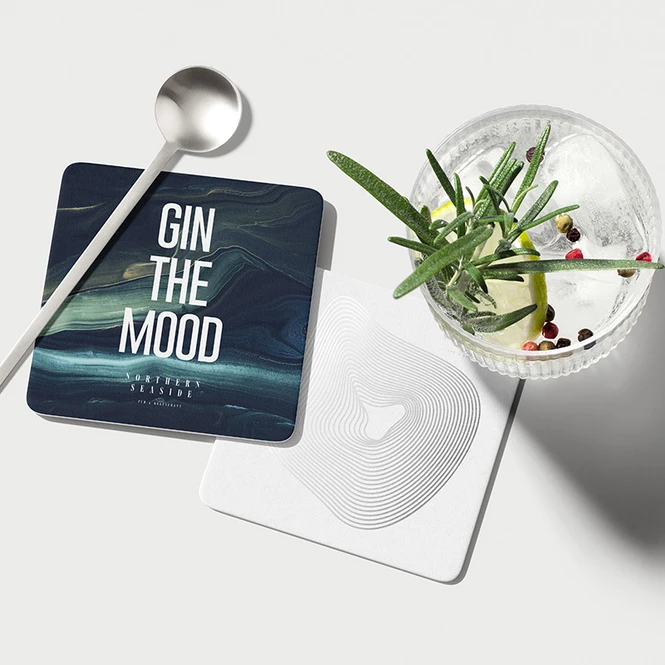
Create realistic coaster mockups for logos, lettering, illustrations and repeat patterns across square, rectangular, wooden-base and bar formats in product and tabletop scenes.




What you get
Professional PSD mockups built in-house - editable, realistic, high-resolution, and supported by real people.
Layered PSD Files
Creatsy mockups are delivered as fully layered Photoshop .psd files, with layers sorted into clearly named groups. Shadows, highlights, and the background each sit on their own editable layer, and nothing is flattened into a single image. Open it in Photoshop or the free browser editor Photopea and get to work.
- Clearly named, organized layer groups
- Shadows and highlights on separate layers
- Editable background, never flattened
- Works in Photoshop or free Photopea
Smart Objects
Open the smart object, paste your artwork, and save. The design lands on the product with the perspective, warp, and wrap already worked out. Scene lighting and shadows fall back on top, so it reads as a photograph, not a flat paste-in. Swapping a design takes seconds, so one file can carry a whole run of variants and colorways.
- Double-click, paste your design, save
- Perspective, warp, and wrap pre-built
- Scene lighting and shadows sit back on top
- One file covers many variants and colorways
High-Resolution Output
Many scenes are built from real product photography rather than 3D renders, so the fabric and surface read like a studio shot. Files export at high resolution and stay sharp at full zoom, with clean edges where the print sits. The same file works for a hero banner, a paid ad or a product listing.
- Real product photography in many scenes
- Exports ready for print
- Holds detail at full zoom
- Works for banners, ads and listings
Easy to Edit
Colors, backgrounds, and artwork sit on separate, clearly named layers, so you swap a color or background without disturbing the rest of the scene. There is no relighting or shadow work to redo, and the same file works for your next project.
- Edit color and background layers directly
- No relighting or shadow rework needed
- No masking or layer skills required
- One file reused across projects
Fast Support
There is a real in-house team behind every file, not a ticket bot. Before you buy, ask whether a specific mockup fits what you have in mind, and we will tell you. When a smart object or a layer group is tripping you up, send the question and you usually get a reply within 48 hours.
- Real in-house team behind every file
- Replies within 48 hours
- Pre-purchase help picking the right mockup
- Answers on smart objects and layer setup
Who are these mockups for?
For Artists and Print-on-Demand Sellers
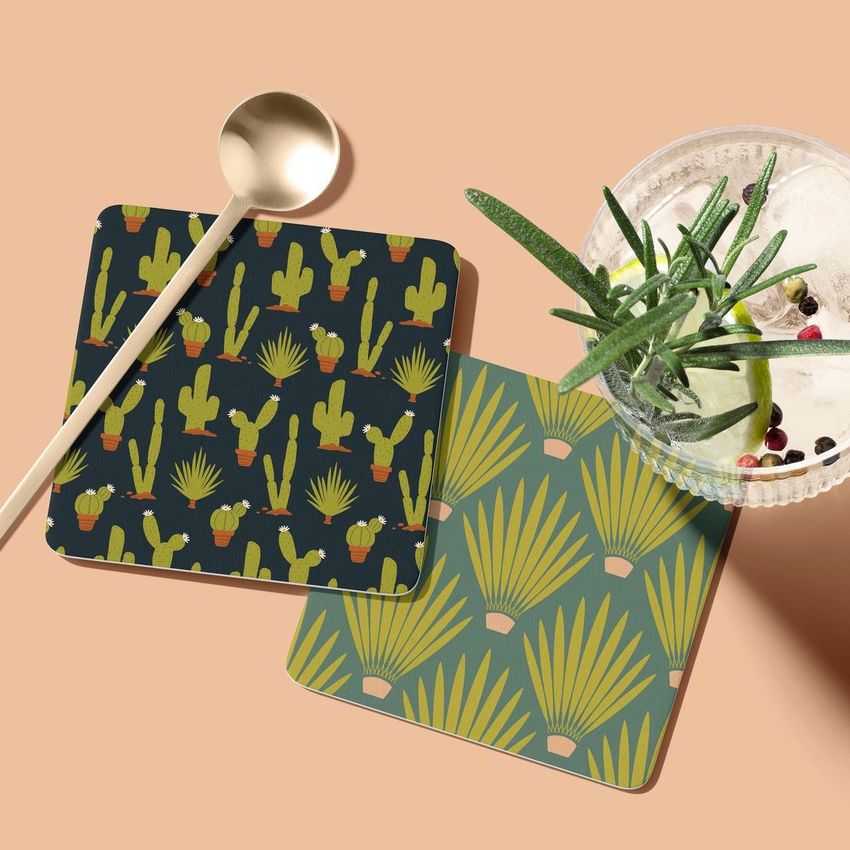
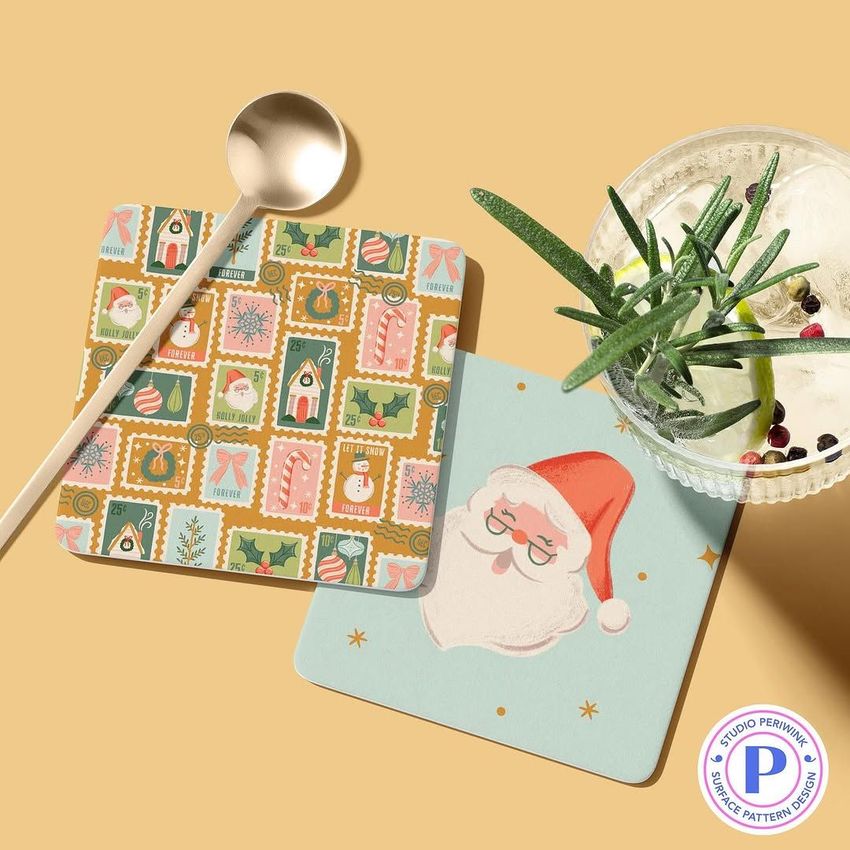
Batch consistent listing images for coaster sets: same square format, same angle, every illustration. Smart objects make a fifty-design catalog an afternoon of artwork swaps, and matching visuals keep the marketplace grid looking like one shop.
Building a mug-and-coaster set? Browse mug & coffee cup mockups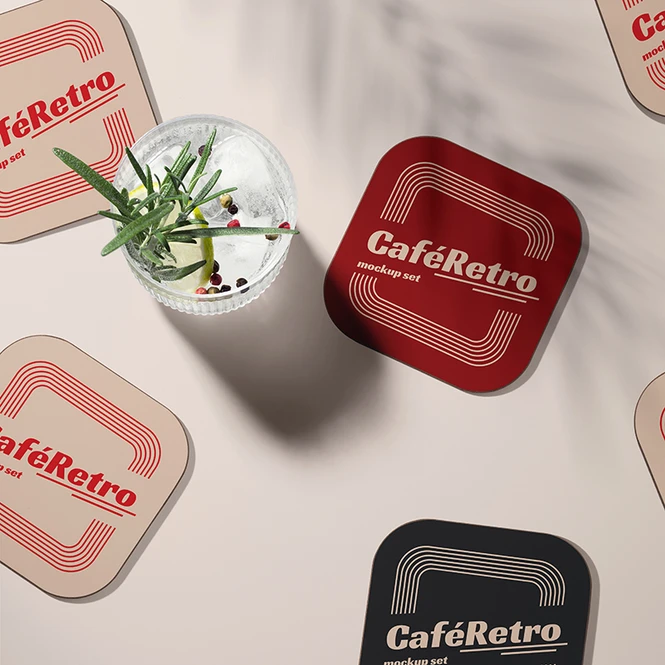
For Bars, Cafes and Restaurant Brands
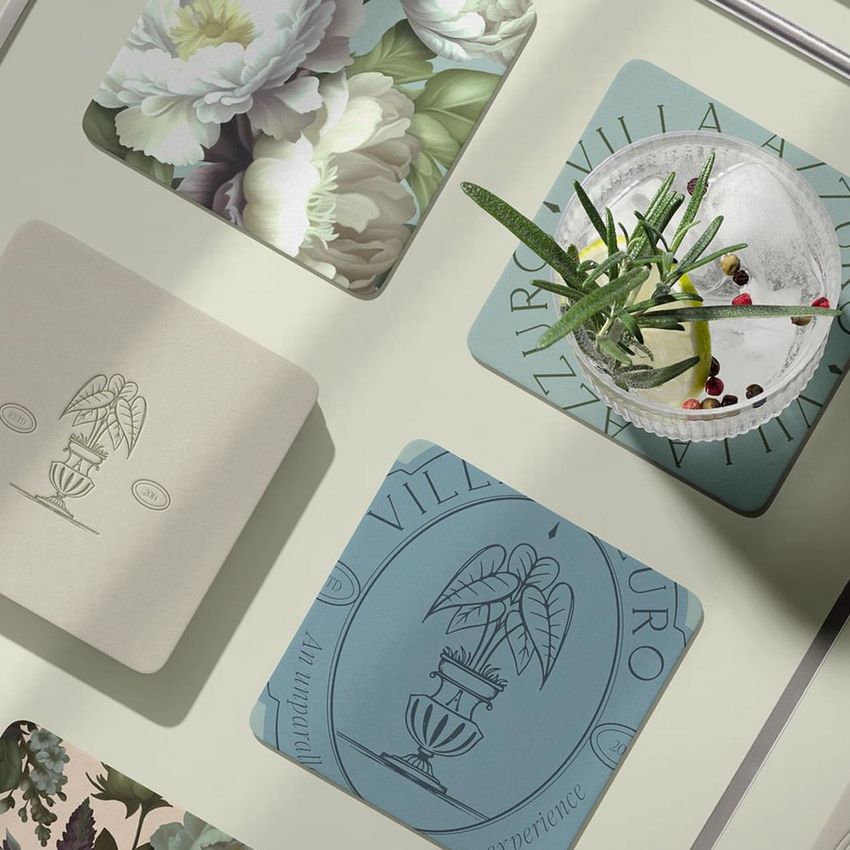
Test a logo or menu graphic across square, rectangular, wooden-base and bar formats before printing a batch. Tabletop scenes show how the design reads at real size, on a real surface - where a coaster is actually judged.
Branding the rest of the venue? Browse restaurant & cafe branding mockups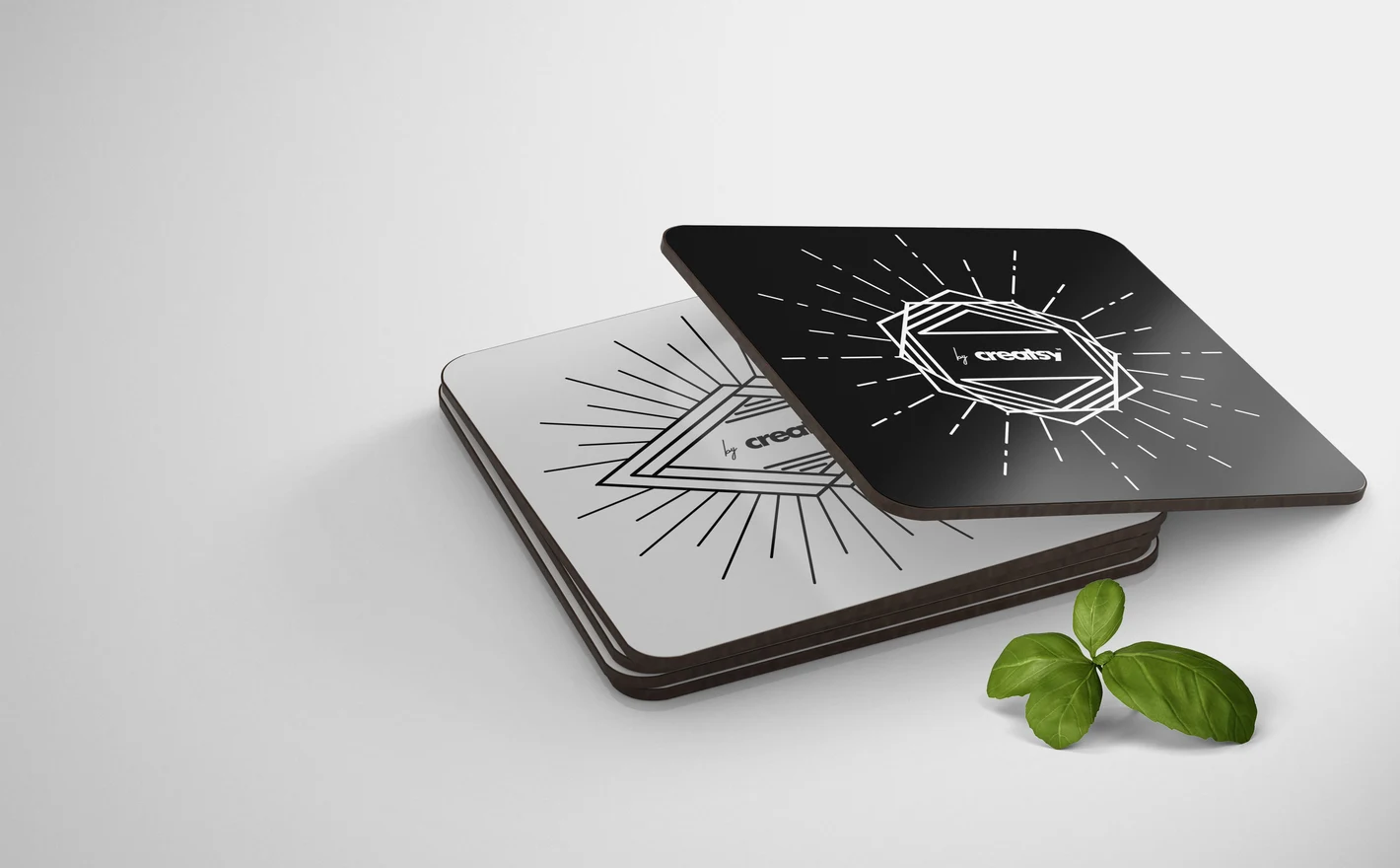
For Event and Gifting Designers
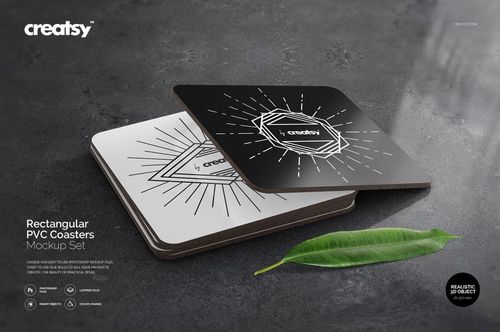
Show personalized artwork - monograms, dates, illustrations - on a flexible PVC coaster format for weddings, events and gift sets. Multiple views cover the listing photo and the thank-you-card scene in one file.
Adding a matching thank-you card? Browse greeting card & envelope mockups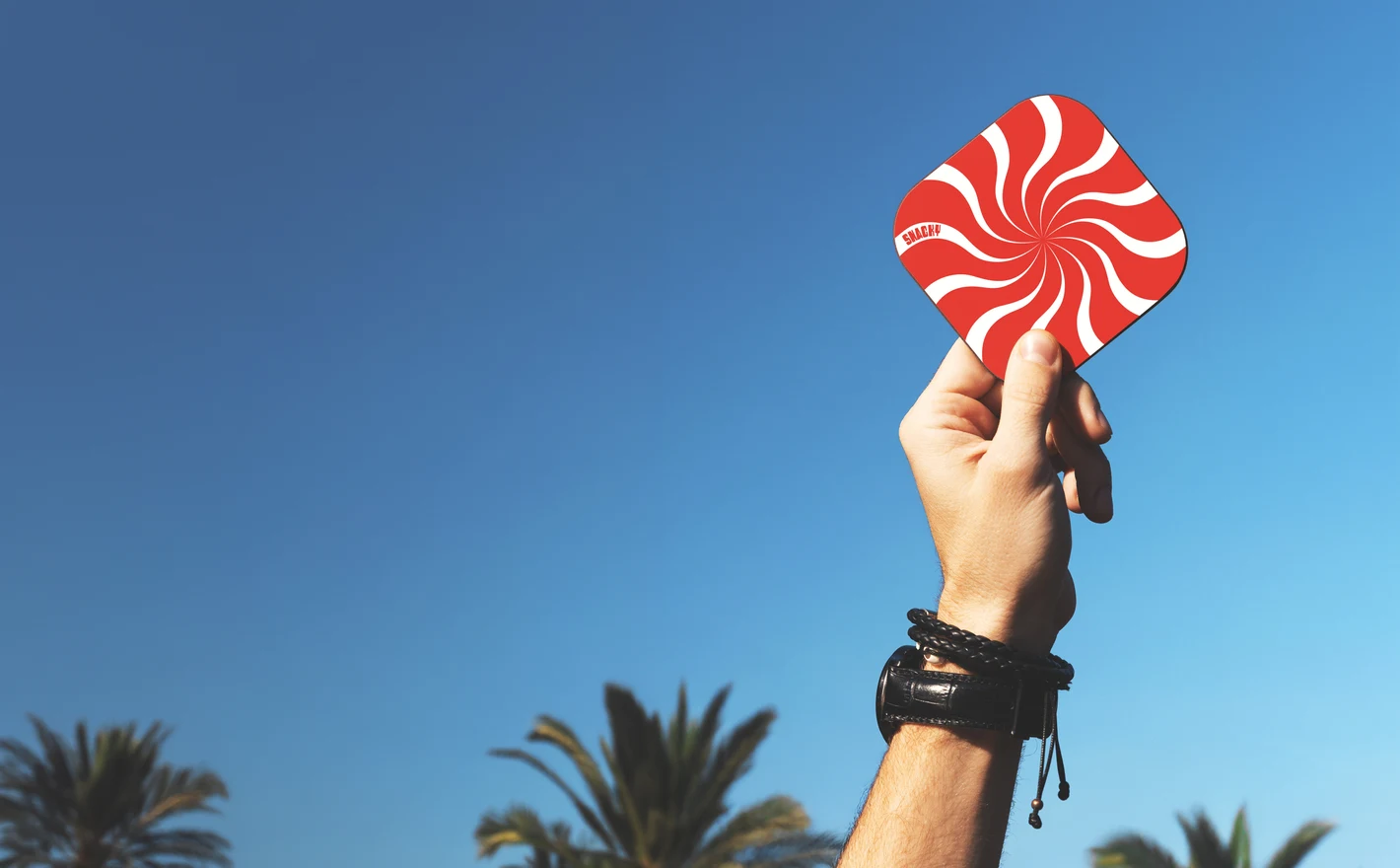
For Hospitality Brand Designers
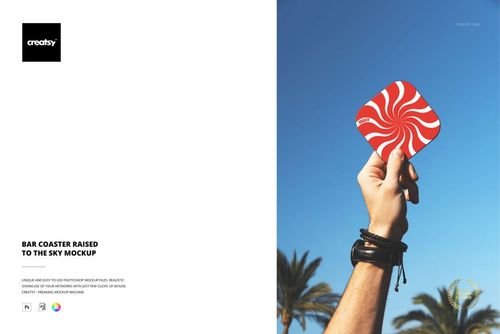
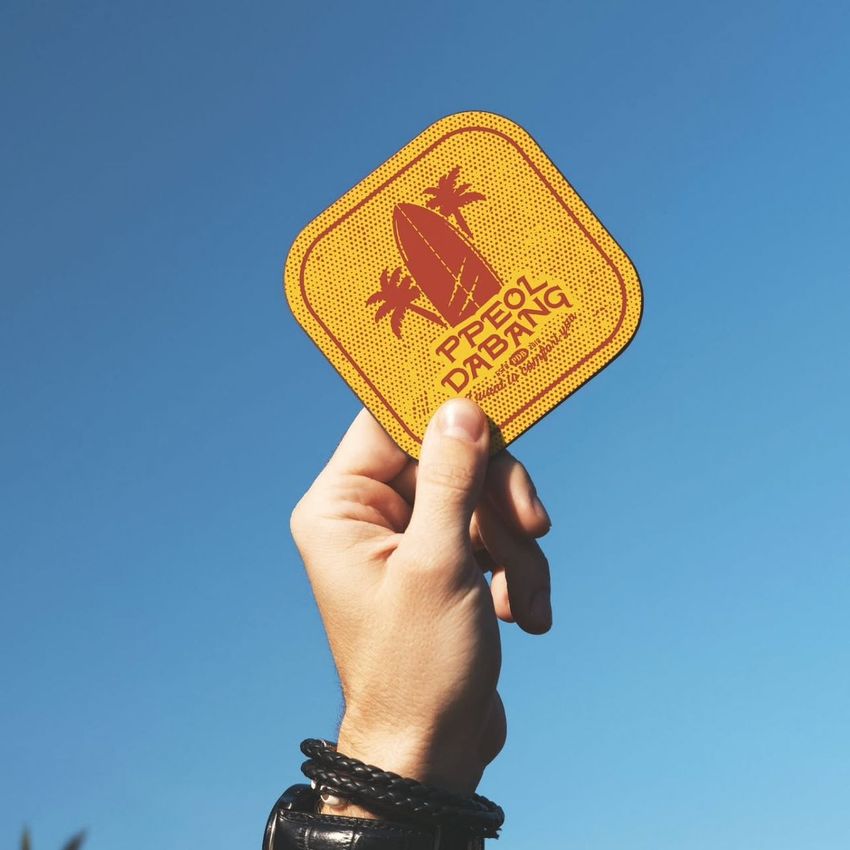
Present venue branding in a bar-context scene with real atmosphere - a coaster raised mid-toast reads like a campaign shot, not a product photo. Built for beverage brands and venues that sell a mood, not a disc of cardboard.
FAQs
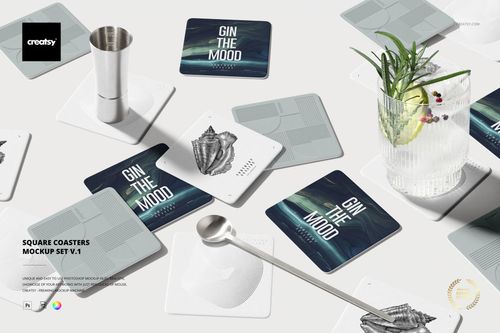
The category includes square coasters, rectangular PVC coasters, wooden-base coasters and a placemat-and-coaster set. There are both product-focused and styled scenes, including Square Coasters on Marble Table. Choose a matching shape and edge profile as well as a setting that suits your design.
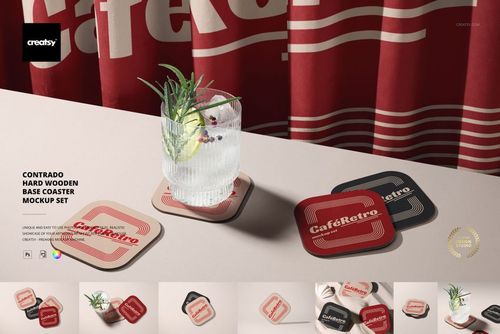
Yes. Contrado Hard Wooden Base Coaster Mockup Set is the product-specific option. Compare its visible shape, thickness and finish with the coaster you currently sell. The product name identifies the intended format, but you should still check your supplier's current specification before using it as an exact product representation.
Choose a scene with enough visible coasters and independent design controls for the designs you need. Then apply each piece of artwork to the appropriate editable area. Check the scene's controls before buying; multiple visible objects do not always mean every object can display a different design.
Match the design to the coaster's proportions and cover the full editable area when you need an edge-to-edge print. Keep important details clear of rounded corners or cropped edges in the preview. Use your supplier's bleed and safe-area measurements for the actual production file, not an estimated margin from the image.
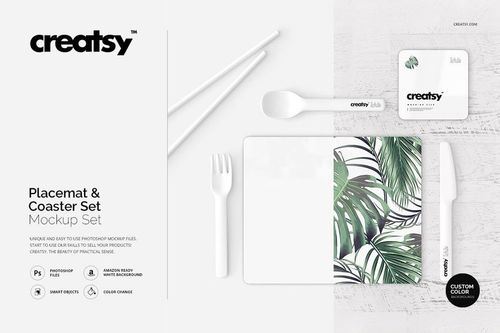
Yes. The Placemat and Coaster Set Mockup Set lets you present those two product types together. Check the editable areas for the menu, artwork or logo you want to show. Add separate drinkware or table-setting scenes only when they are relevant to the restaurant's actual products.
Why use Coaster mockups?
The coaster range includes square sets, rectangular PVC styles, a wooden-base Contrado coaster, a placemat-and-coaster set and a bar scene with a coaster held up in the air. The layered PSDs use Smart Objects. Check each product page for software requirements, image dimensions, editable features and license options. Tabletop and bar settings show a logo, illustration or menu graphic alongside the coaster's edges, shadows and surroundings. You can review the artwork within that composition and compare it across different shapes. For a venue or gift set, apply related designs to the selected scenes. Each file needs its own artwork edit; changing one scene does not update the other formats. Export the images for online listings, hospitality branding presentations and client reviews. Reusing the same views for different illustrations, names or colors gives the options a consistent setting. A placemat-and-coaster scene can also show how two pieces of a table setting work together.
FreeCreatsy® Mockups