Restaurant & Cafe Branding Mockups
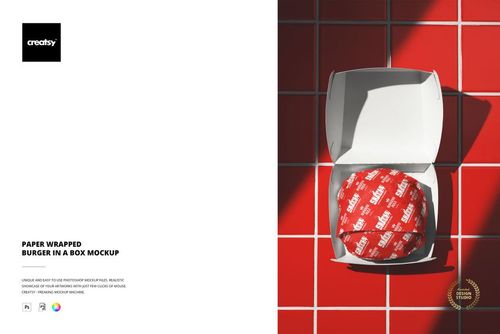
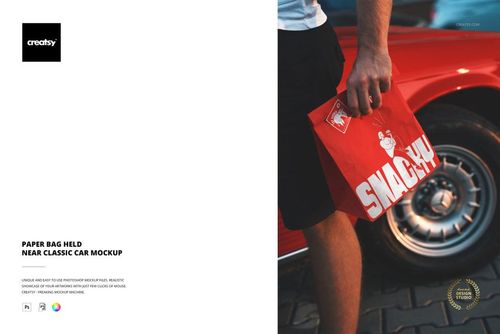
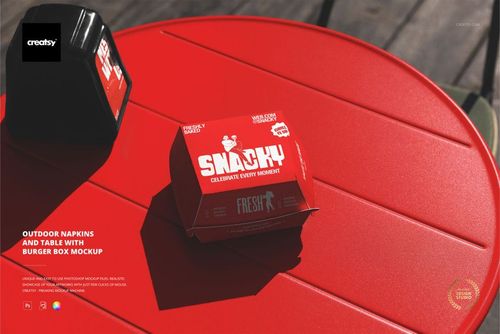
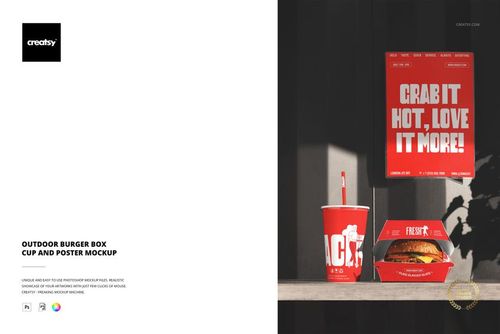
Give clients a look at their restaurant or cafe identity on menus, cups and takeaway packaging. These branding mockups place your designs in scenes with food, drinks and table settings for client presentations, launch campaigns and social media posts.








Reviews
What designers and brand owners say after using these PSD mockups in real client work.
0
Sort by:



-
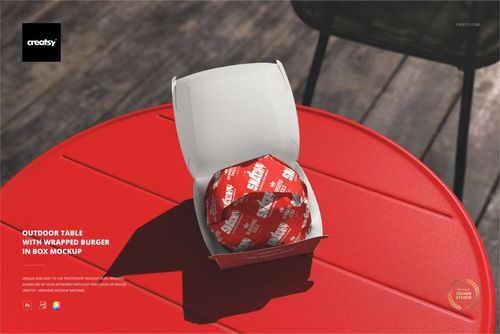
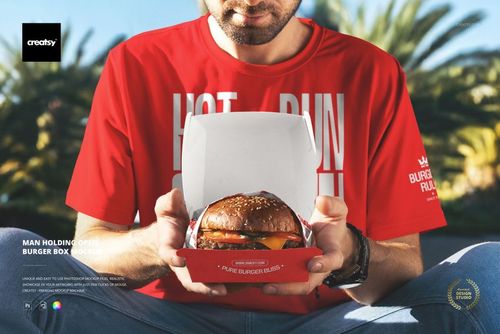
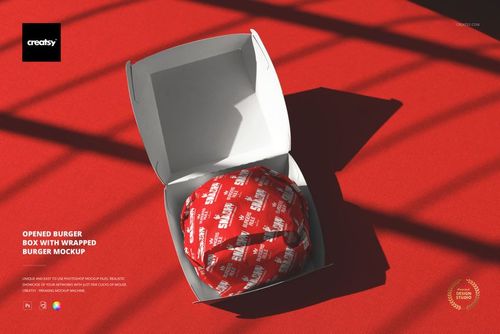
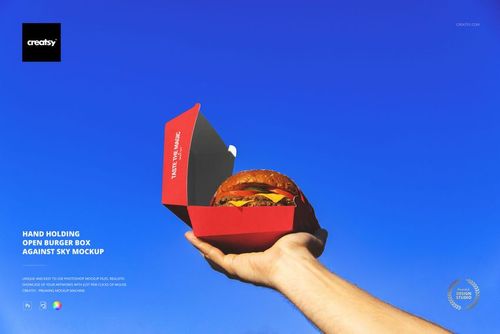
 Free Open Burger Box Branding Packaging PSD Mockup View product
Thank you so much for your 5-star review! We truly appreciate your support and are so happy you chose our mockup.


Love this mockup. Make visual experience amazing
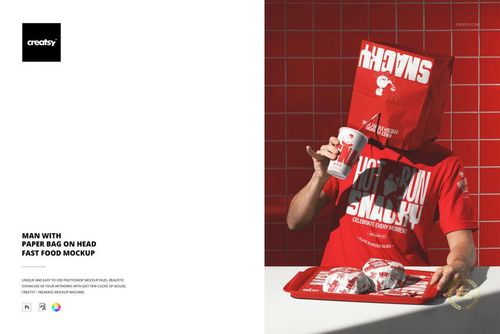
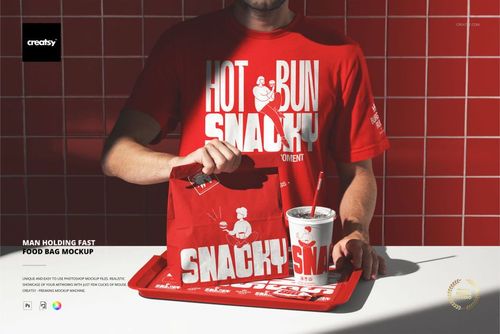
 Free Custom Fast Food Takeaway Paper Bag Branding PSD Mockup View product
 That’s the goal - thank you so much! 🧡


Excelent quality rock-up. It really works perfectly! Perfect Price for such a Great work Well organized and described every mock up Thanks a lot!
 Vegan Burger Bar Brand Identity Mockup Bundle View product
 Thank you so much, rodrigoalonso! We’re thrilled to hear that the Vegan Burger Bar Brand Identity Mockup Bundle works perfectly for you. It means a lot to know that you appreciate the quality, value, organization and clear file descriptions. Thank you for your kind words and support!
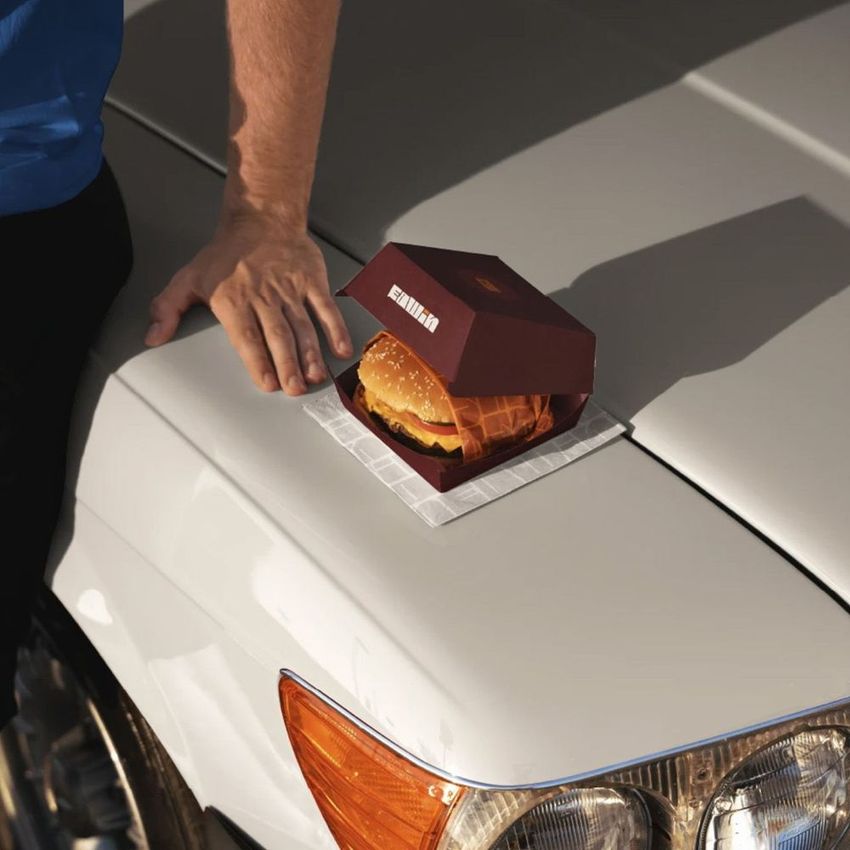
What you get
Professional PSD mockups built in-house - editable, realistic, high-resolution, and supported by real people.
Layered PSD Files
Creatsy mockups are delivered as fully layered Photoshop .psd files, with layers sorted into clearly named groups. Shadows, highlights, and the background each sit on their own editable layer, and nothing is flattened into a single image. Open it in Photoshop or the free browser editor Photopea and get to work.
- Clearly named, organized layer groups
- Shadows and highlights on separate layers
- Editable background, never flattened
- Works in Photoshop or free Photopea
Smart Objects
Open the smart object, paste your artwork, and save. The design lands on the product with the perspective, warp, and wrap already worked out. Scene lighting and shadows fall back on top, so it reads as a photograph, not a flat paste-in. Swapping a design takes seconds, so one file can carry a whole run of variants and colorways.
- Double-click, paste your design, save
- Perspective, warp, and wrap pre-built
- Scene lighting and shadows sit back on top
- One file covers many variants and colorways
High-Resolution Output
Many scenes are built from real product photography rather than 3D renders, so the fabric and surface read like a studio shot. Files export at high resolution and stay sharp at full zoom, with clean edges where the print sits. The same file works for a hero banner, a paid ad or a product listing.
- Real product photography in many scenes
- Exports ready for print
- Holds detail at full zoom
- Works for banners, ads and listings
Easy to Edit
Colors, backgrounds, and artwork sit on separate, clearly named layers, so you swap a color or background without disturbing the rest of the scene. There is no relighting or shadow work to redo, and the same file works for your next project.
- Edit color and background layers directly
- No relighting or shadow rework needed
- No masking or layer skills required
- One file reused across projects
Fast Support
There is a real in-house team behind every file, not a ticket bot. Before you buy, ask whether a specific mockup fits what you have in mind, and we will tell you. When a smart object or a layer group is tripping you up, send the question and you usually get a reply within 48 hours.
- Real in-house team behind every file
- Replies within 48 hours
- Pre-purchase help picking the right mockup
- Answers on smart objects and layer setup
Who are these mockups for?
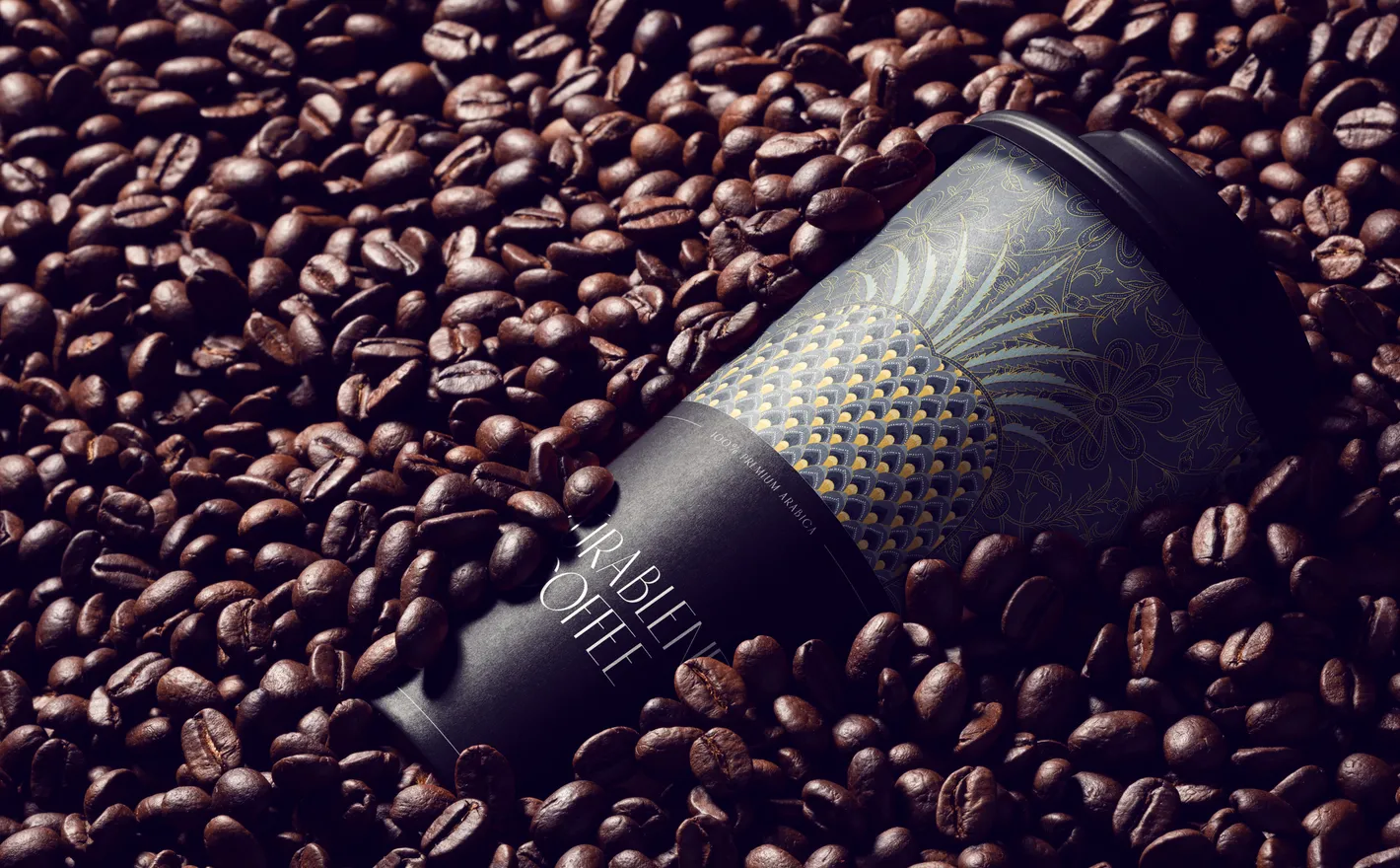
For coffee roasters & cafe owners
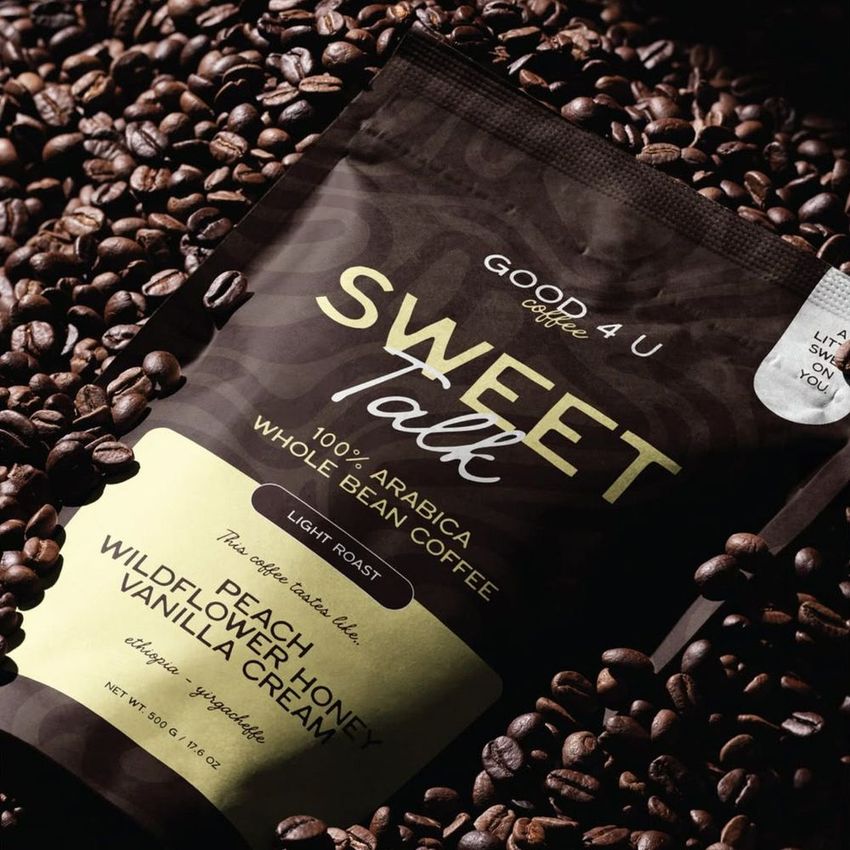
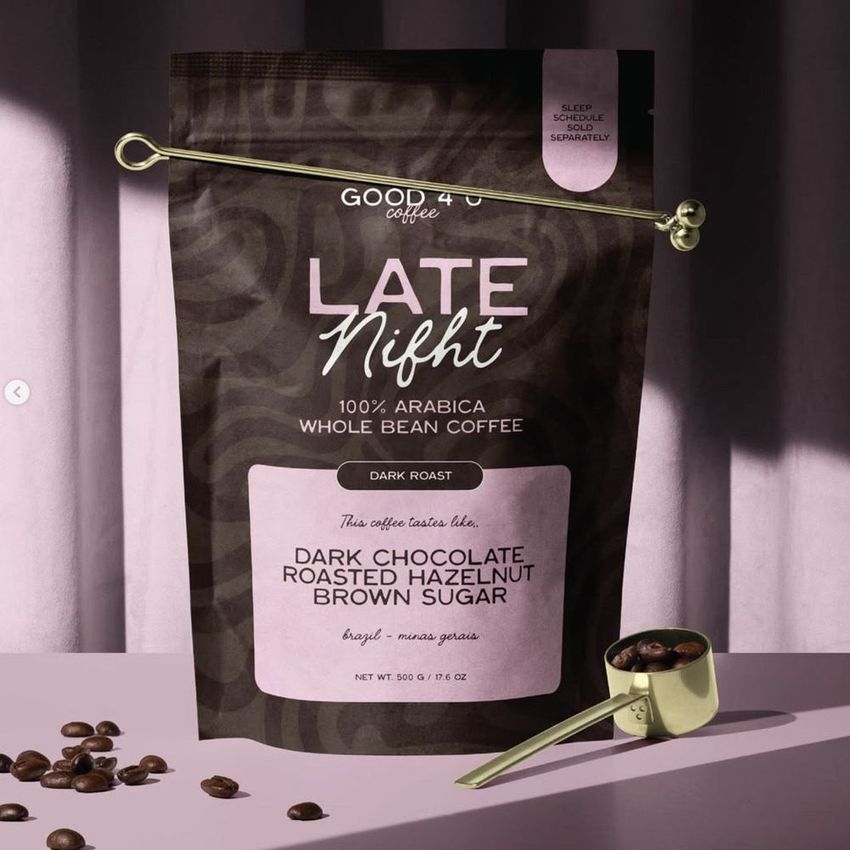
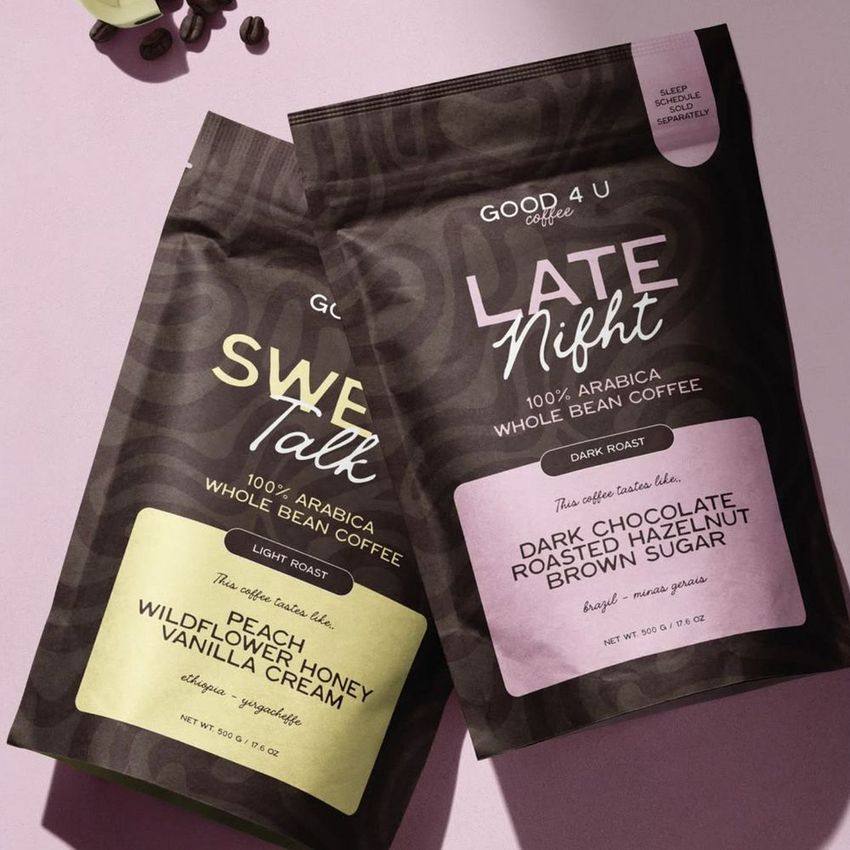
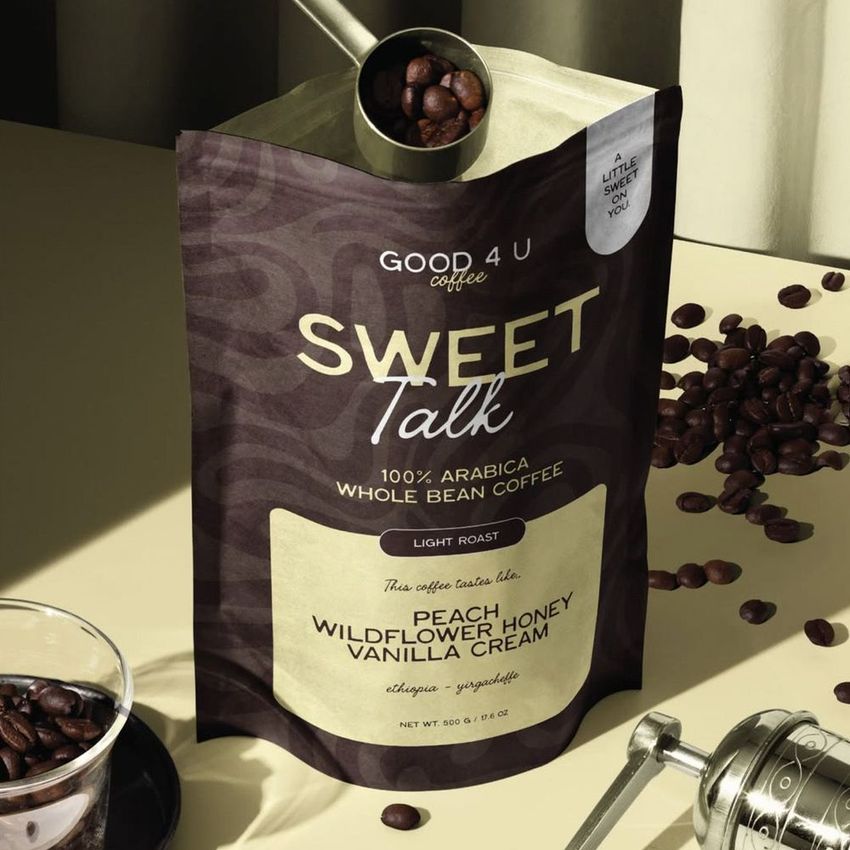
Drop one bag design into the Azura Coffee Branding Mockup Set and it runs through the pouches, cups, cards and boxes and the cafe details around them. The retail listing, the wholesale sheet and the counter all show the same brand before the first roast ships.
Launching a roast? View the Azura Coffee Branding Mockup Set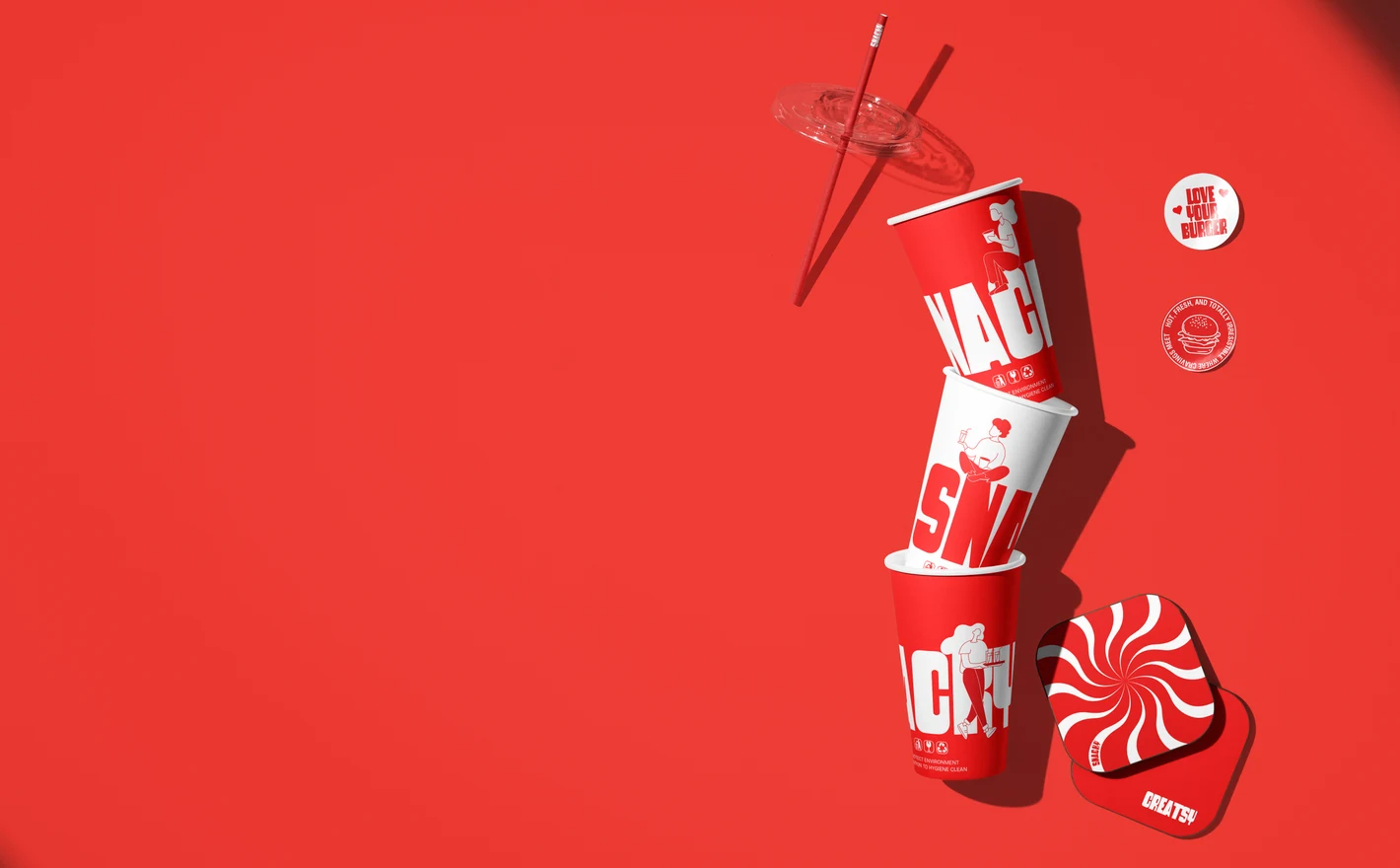
For fast-food chains & their agencies
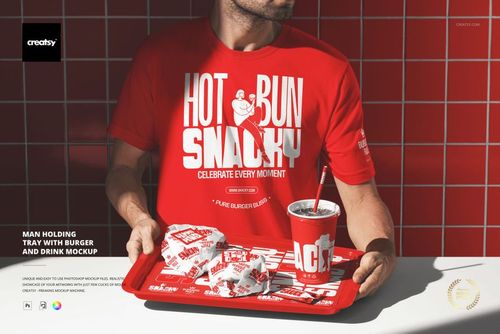
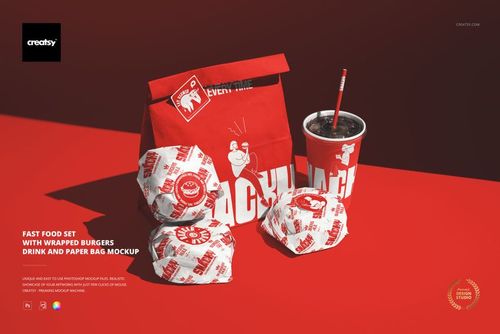
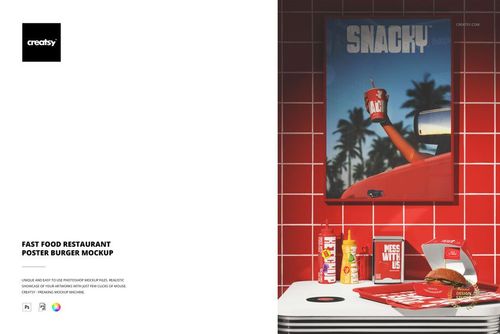
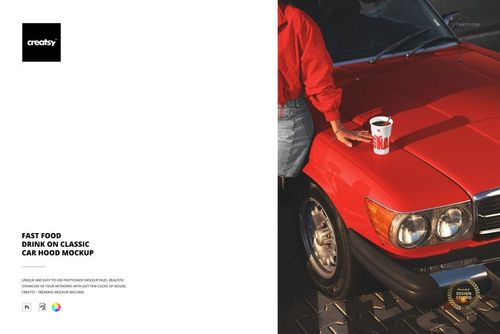
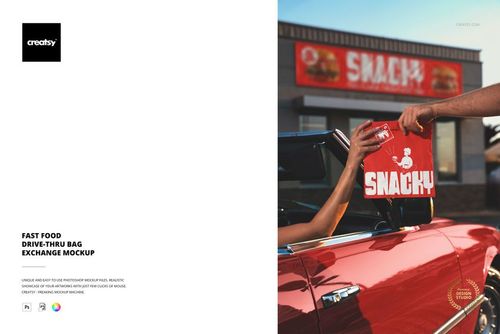
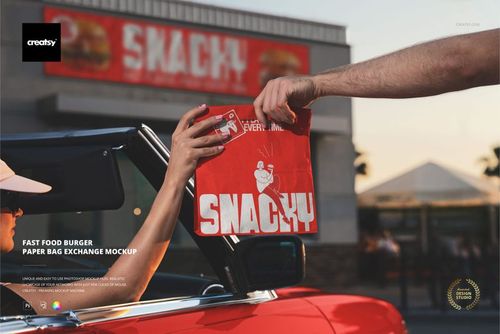
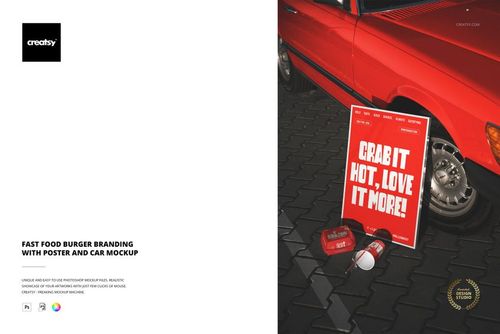
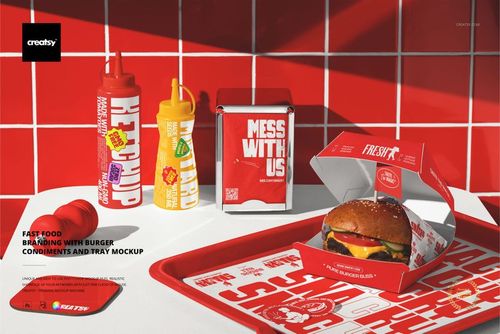
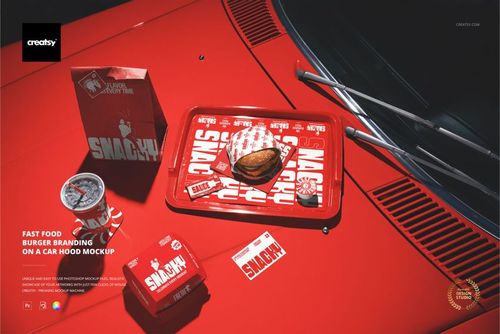
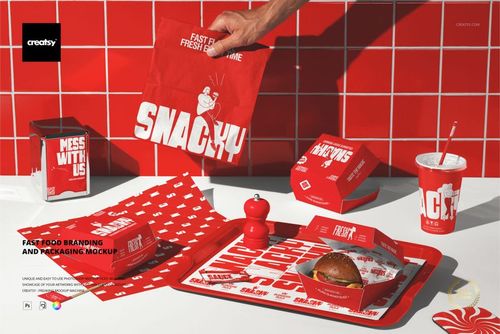
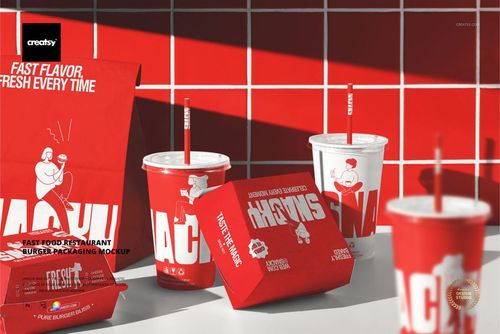
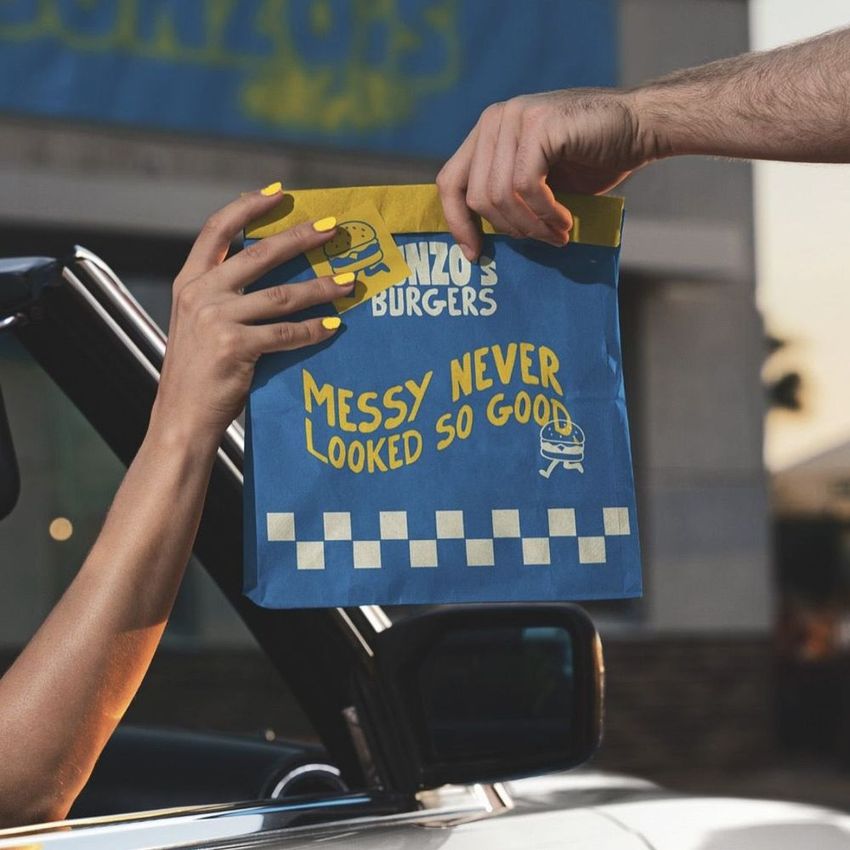
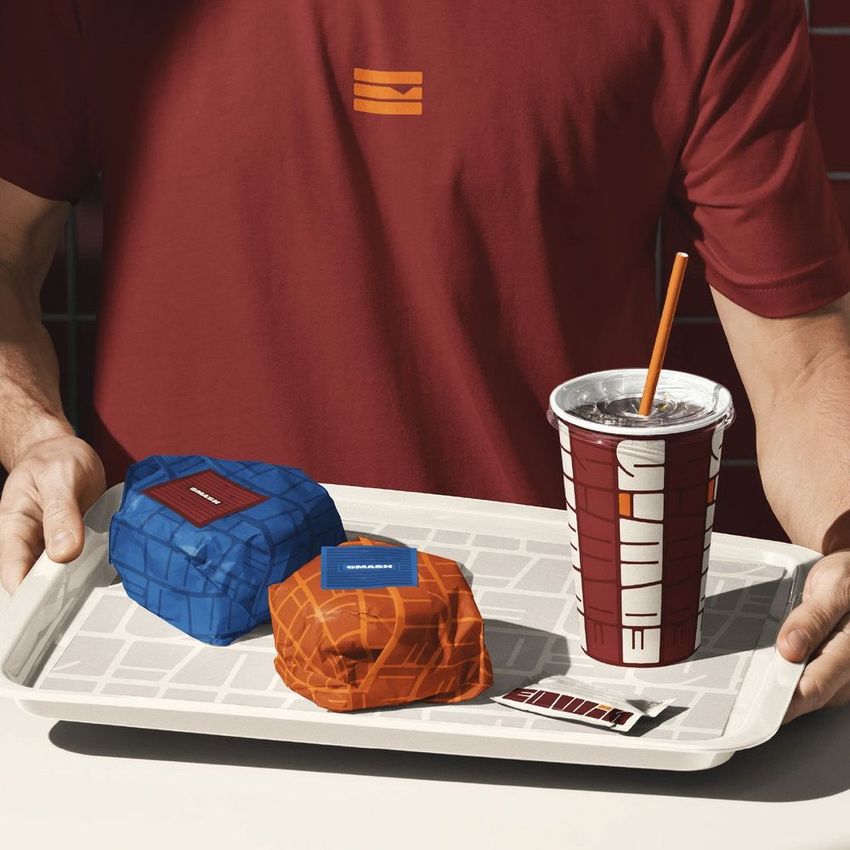
Put the identity into the Ultimate Fast Food Restaurant & Burger Branding Mockup Bundle and it comes back on boxes, cups, wrapping, trays and the drive-thru, all shot to match. That's the slow part of a quick-service pitch done, the hunt for scenes that look like they belong together.
Pitching a chain? View the Ultimate Fast Food Restaurant & Burger Branding Mockup Bundle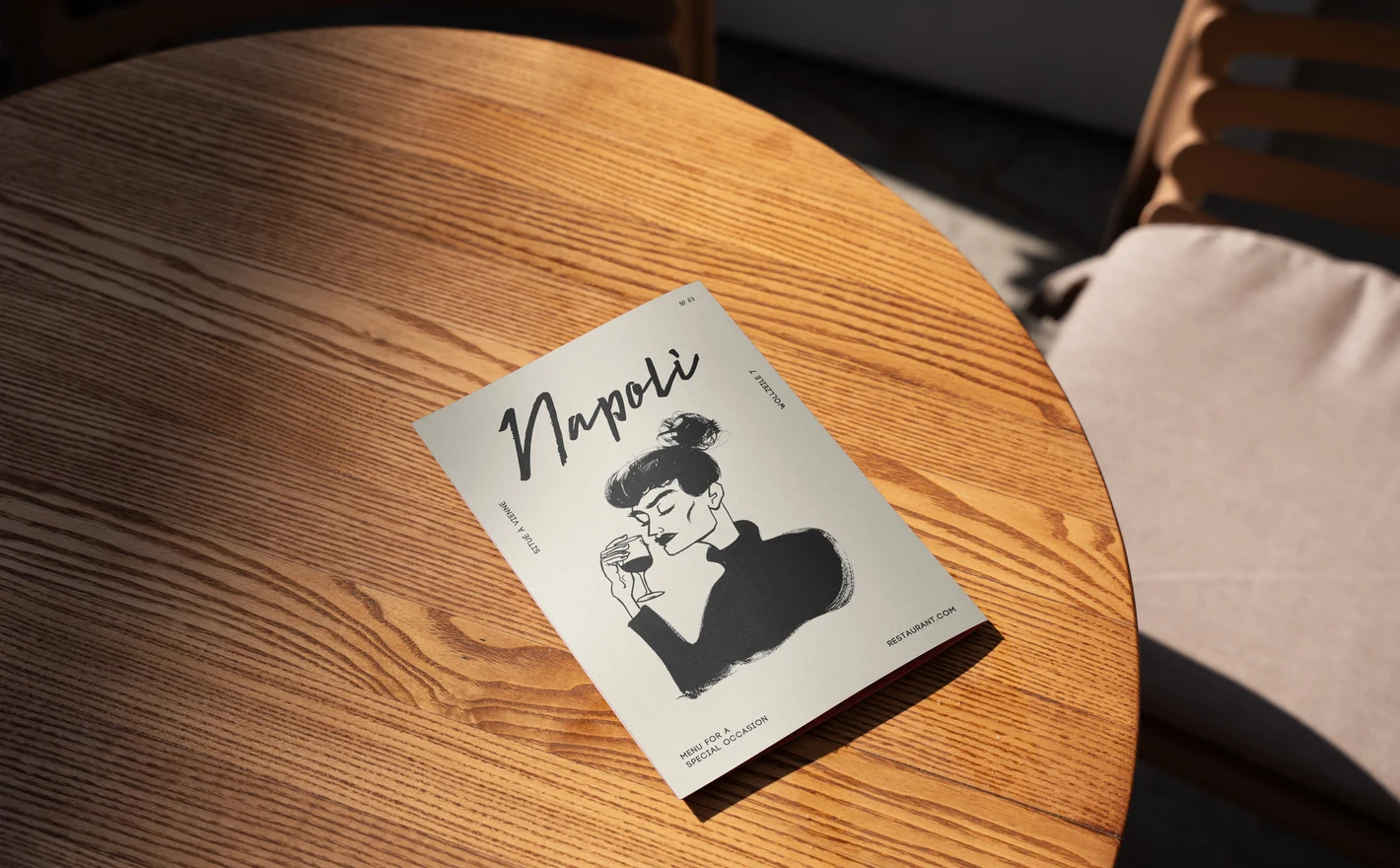
For restaurant menu & table designers
Put the menu layout into the Outdoor Restaurant Menu Mockup Set and read it on a real table in daylight, which is where the type size and the contrast get decided. Add the Dinnerware Set with Napkin and Menu Mockup to see it beside the plate it'll sit next to.
Printing menus? View the Outdoor Restaurant Menu Mockup Set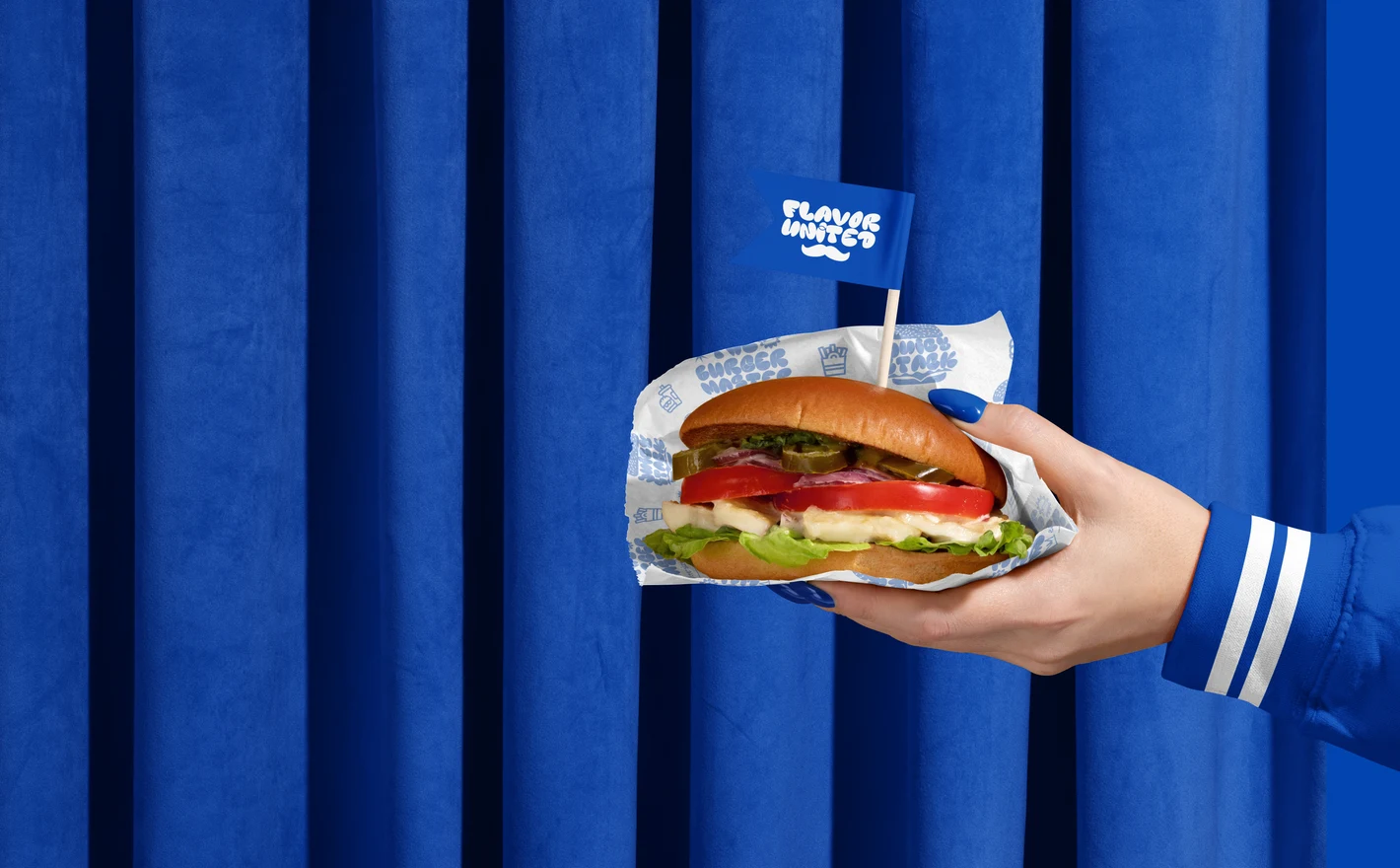
For vegan & plant-based restaurant brands
Run the identity through the Vegan Burger Bar Brand Identity Mockup Bundle and it lands on the packaging, the menu boards, the window graphics, the aprons and the business cards, with real food in the lifestyle scenes. It's built for the pitch where an investor wants every touchpoint before signing.
Opening a plant-based bar? View the Vegan Burger Bar Brand Identity Mockup Bundle
FAQs
Yes. The category includes Greek, Italian and seafood restaurant scenes, along with dinnerware, napkins, menus and other table presentations. Choose the scene for the service and printed items you need. The food and styling should also be appropriate for the business you are presenting.
Azura Coffee Branding and the scenes with paper cups, cards, coasters and napkins are relevant starting points. Choose a combined scene for a coordinated identity or a single item for a clearer product view. Ceramic mugs and standalone packaging are also available in their dedicated categories.
Outdoor Restaurant Menu is suited to an exterior menu presentation, Burger Bar Menu Display to a display setting, and Dinnerware Set with Napkin and Menu to a printed menu at the table. Check the gallery for orientation, proportions and editable surfaces before adapting your layout.
Browse Food & Beverage Packaging within Packaging & Wrapping for the Noissue Food Safe Paper scenes. Choose a setting that matches the food or packaging you want to present. These images show branding; using a mockup does not establish that your own paper, ink or packaging is approved for food contact.
Yes. The category includes Ultimate Fast Food Restaurant & Burger Branding and Vegan Burger Bar Brand Identity bundles. Compare their included scenes with the items you need. A bundle groups files in one purchase, but you should still plan to apply the appropriate artwork to the scenes you intend to use.
Why use Restaurant & Cafe Branding mockups?
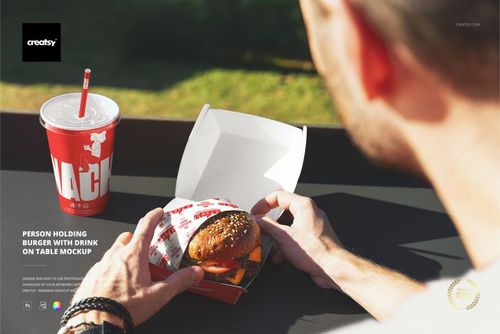
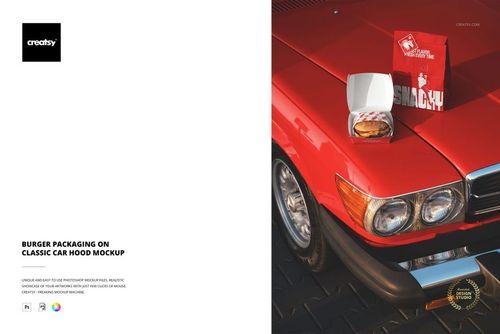
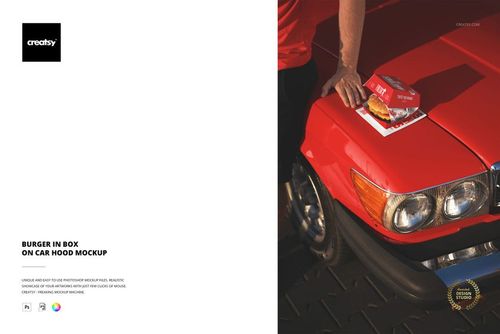
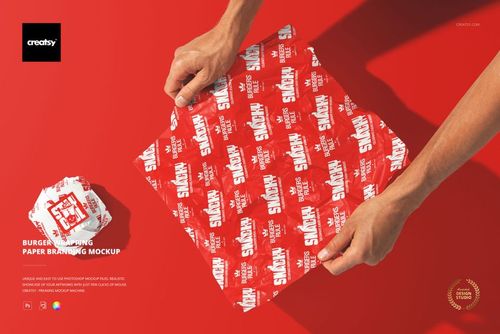
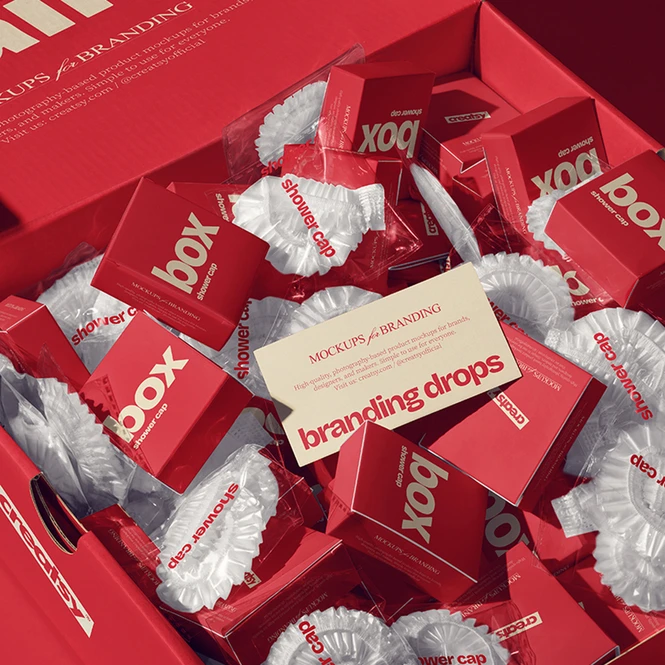
Restaurant and cafe scenes include burger boxes, takeaway bags, cups, wrapping paper, trays, coffee packaging, menus, plates, napkins and chopsticks. Fast-food and vegan burger branding bundles collect related scenes for larger presentations. The layered PSDs use Smart Objects; the listings explain the file contents, software requirements and licensing options. Food, hands and restaurant settings show how the packaging looks in use. You can compare the artwork on a box held by a customer, a bag at a takeaway counter or a menu on a table. Those views help a client review the logo, lettering and colors across different parts of the business, including dine-in and takeaway service. Reuse the selected scenes when the menu, location or packaging design changes. For a multi-location brand, prepare the relevant artwork in each file and export the versions needed for the presentation. Bundles contain separate scenes, so allow for individual artwork edits across the collection. Check the package contents and download sizes, especially for the larger restaurant bundles, before choosing the views for your project.
FreeCreatsy® Mockups
thats nice
Thank you! Glad you like the mockup 😊